Single Image super resolution using GAN's
I developed an AI-powered Single Image Super Resolution system using Generative Adversarial Networks (GANs) to improve image quality.
Preview Gallery
6 media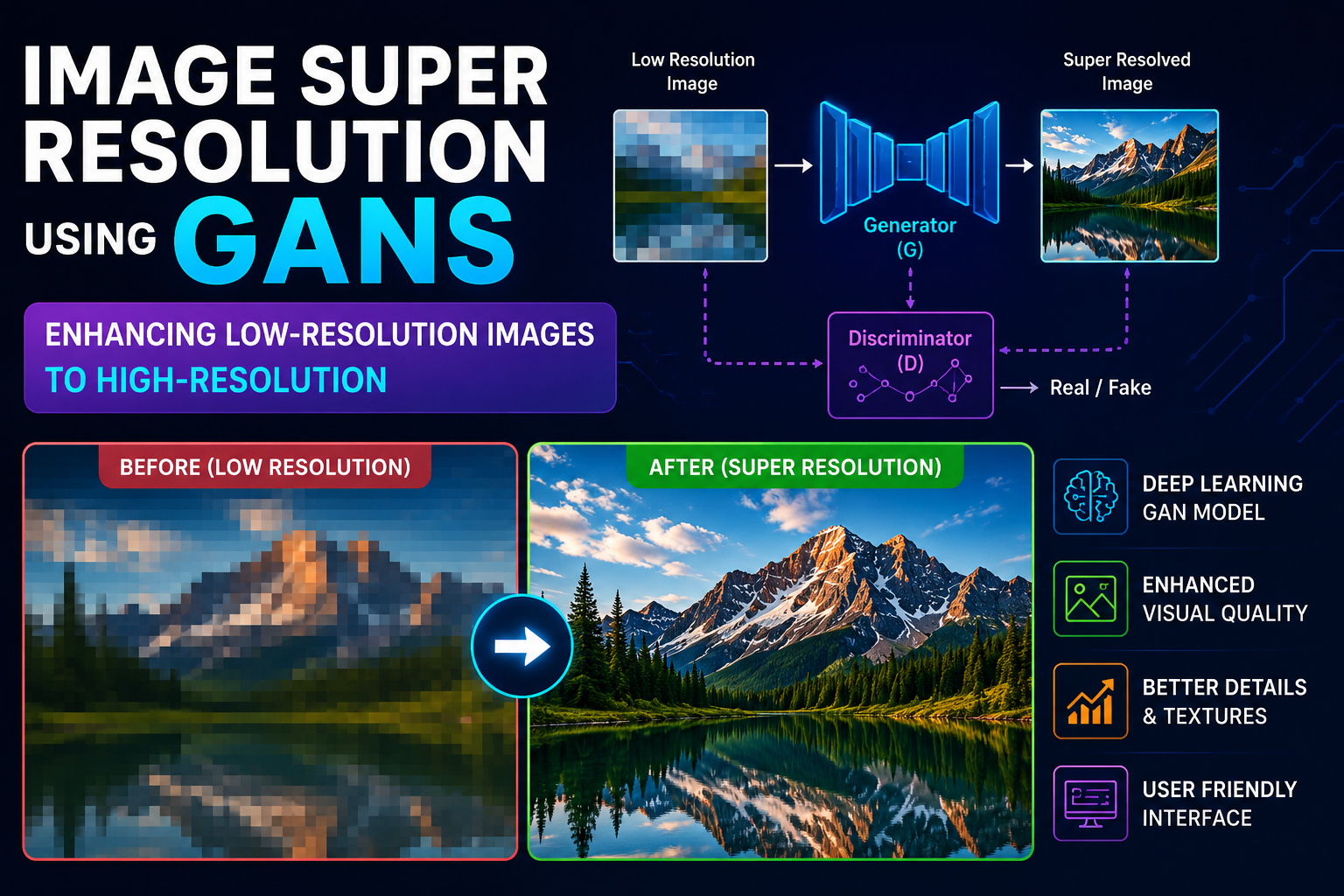
Technologies & Skills
One-time purchase
What's Included
Support & Customization
Resource Links
Purchase this project to unlock source and premium resources. Document/report remain secure preview-based on this page.
Image Super Resolution using Generative Adversarial Networks (GANs) is a deep learning-based application designed to enhance the quality and resolution of low-resolution images by reconstructing them into high-resolution versions with improved clarity and detail. Traditional image enhancement techniques often produce blurry or pixelated outputs when enlarging images, whereas GANs learn complex image patterns to generate realistic and visually appealing high-resolution images.
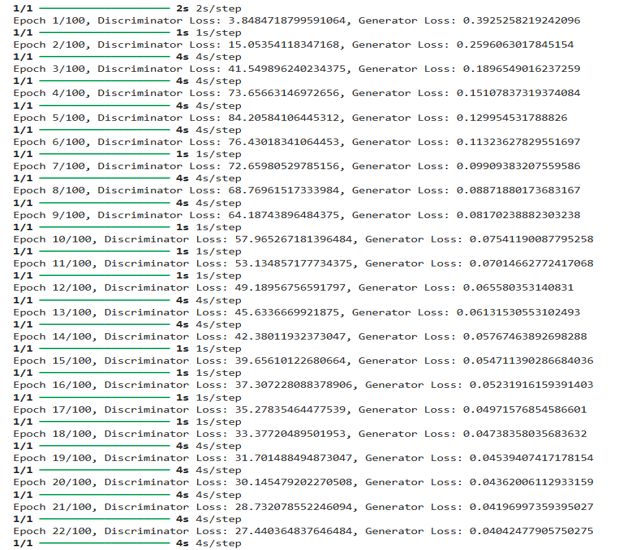
The project is based on the Single Image Super Resolution (SISR) technique, where a single low-resolution image is used as input to generate a high-resolution image. The system consists of two neural networks: a Generator and a Discriminator. The Generator learns to reconstruct high-resolution images from low-resolution inputs, while the Discriminator distinguishes between real high-resolution images and generated images. During training, both networks compete with each other, enabling the Generator to produce highly realistic and detailed outputs.
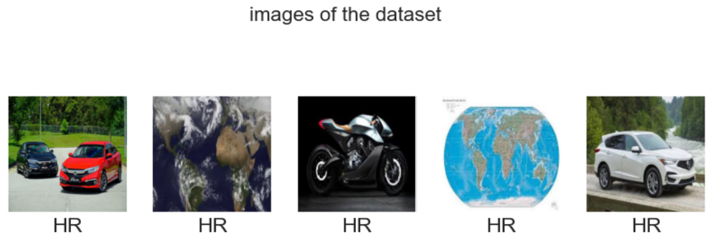
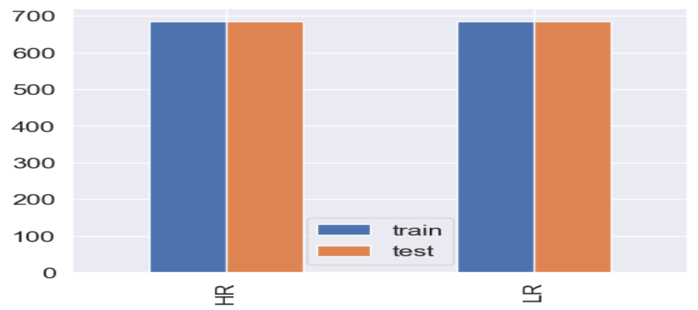
The model is trained using paired datasets containing corresponding low-resolution (LR) and high-resolution (HR) images. Various image preprocessing techniques such as resizing, normalization, and data preparation are applied before training. The Generator continuously improves its ability to restore image details, textures, and edges, while the Discriminator helps maintain the realism of the generated images.
A simple graphical user interface (GUI) is integrated into the project, allowing users to upload low-resolution images and instantly generate enhanced high-resolution versions. The application is user-friendly and demonstrates the practical implementation of artificial intelligence in image processing.
This project has applications in various real-world domains, including medical imaging, satellite image enhancement, security and surveillance, digital photography, video restoration, remote sensing, and historical image preservation. It showcases the practical use of Generative Adversarial Networks, computer vision, and deep learning techniques to solve real-world image enhancement problems.
Future Enhancements
Known Issues
Installation
Prerequisites
1. Clone or Download the ProjectClone the repository using Git or download the ZIP file and extract it to your computer.
2. Navigate to the Project DirectoryOpen Command Prompt or Terminal and move to the project folder.
Example:cd Image-Super-Resolution-GAN
3. Install Required DependenciesInstall all required Python libraries using the requirements file.
Example:pip install -r requirements.txt
If the requirements file is not available, install the packages manually:pip install tensorflow keras opencv-python numpy matplotlib pillow scikit-image
4. Prepare the DatasetPlace the High-Resolution (HR) and Low-Resolution (LR) image datasets inside the dataset folder before training or testing the model.
5. Train the GAN Model (Optional)Run the training script to train the Generator and Discriminator.
Example:python train.py
6. Run the ApplicationStart the application by executing the GUI script.
Example:python gui.py
7. Generate High-Resolution ImagesSelect a low-resolution image through the GUI, click the Generate or Enhance button, and save the resulting high-resolution image.
Expected Output
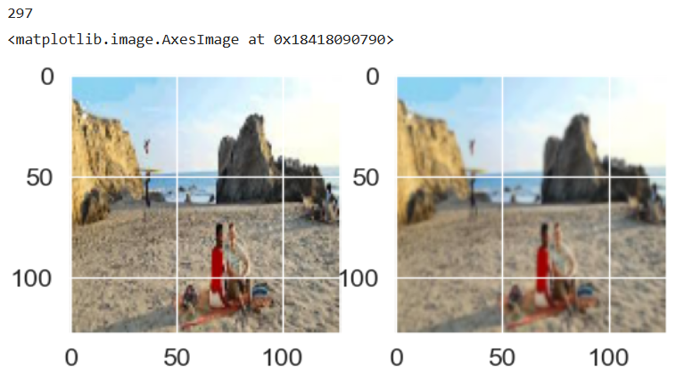
The application generates a high-resolution image with improved sharpness, textures, and visual quality using a Generative Adversarial Network (GAN).
Usage
Usage Instructions (40 words):
Launch the application and upload a low-resolution image using the Browse button. Click Generate to enhance the image with the trained GAN model. View the high-resolution output, compare it with the original, and save the enhanced image to your preferred location.
System Requirements
Here's a short and professional version:
System Requirements
Hardware
Software
.
Slides Open in New Tab
For better readability, slides are opened directly. Documents remain preview-only with secure backend rendering.
Showing preview pages only. Purchase for full access to all pages and complete source package.
Login for Full AccessNo Q&A available yet
Be the first to ask a question!
Ask a Question
Customer Reviews
Write Your Review
No reviews yet
Be the first to review this project!
Similar Projects
You might also be interested in these projects
 AI/ML
AI/ML
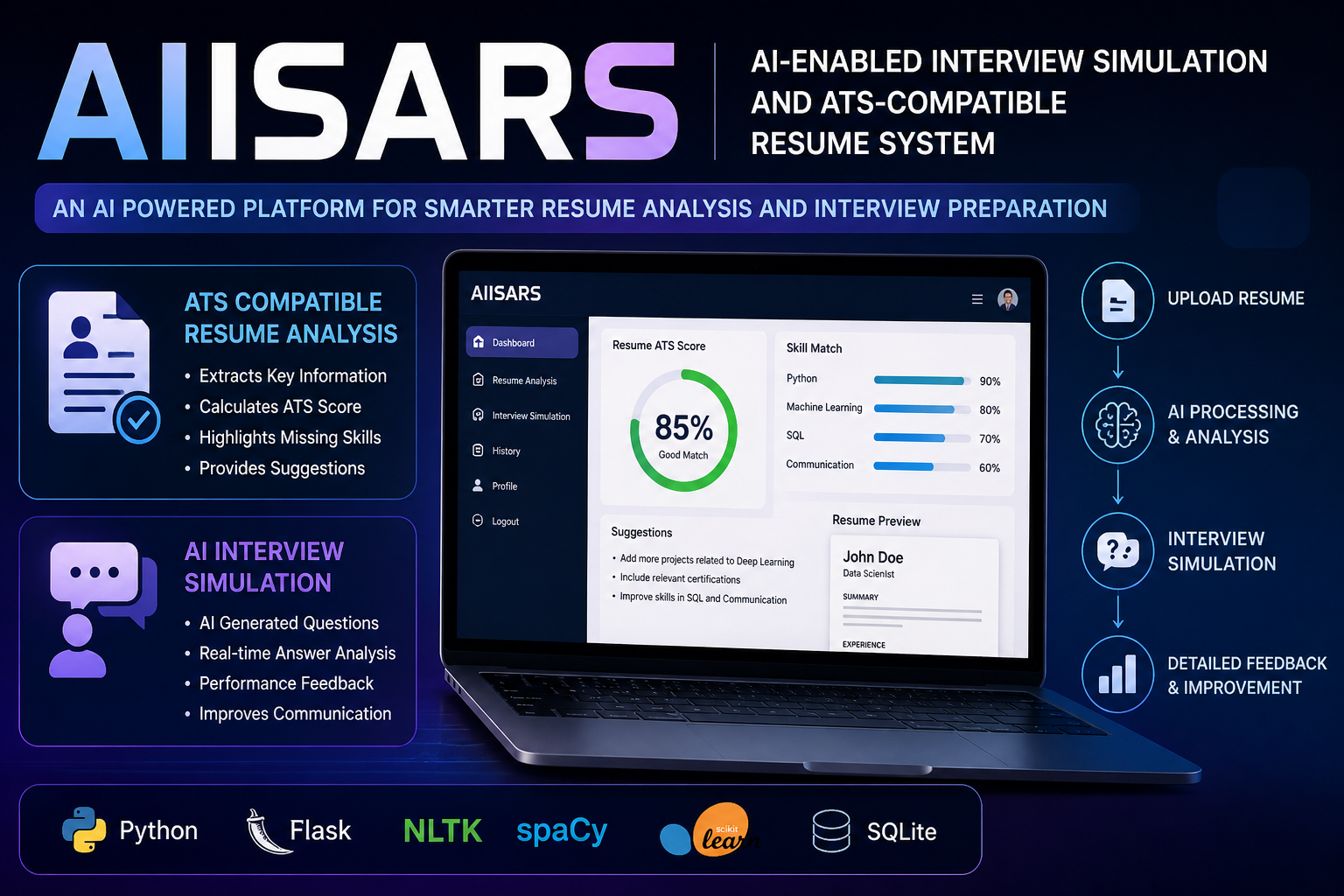
AN AI-ENABLED INTERVIEW SIMULATION AND ATS COMPATIBLE RESUME SYSTEM
AIISARS is an AI system that analyzes resumes for ATS compatibility and simulates interviews using NLP, providing feedback to improve job readiness.
 AI/ML
AI/ML
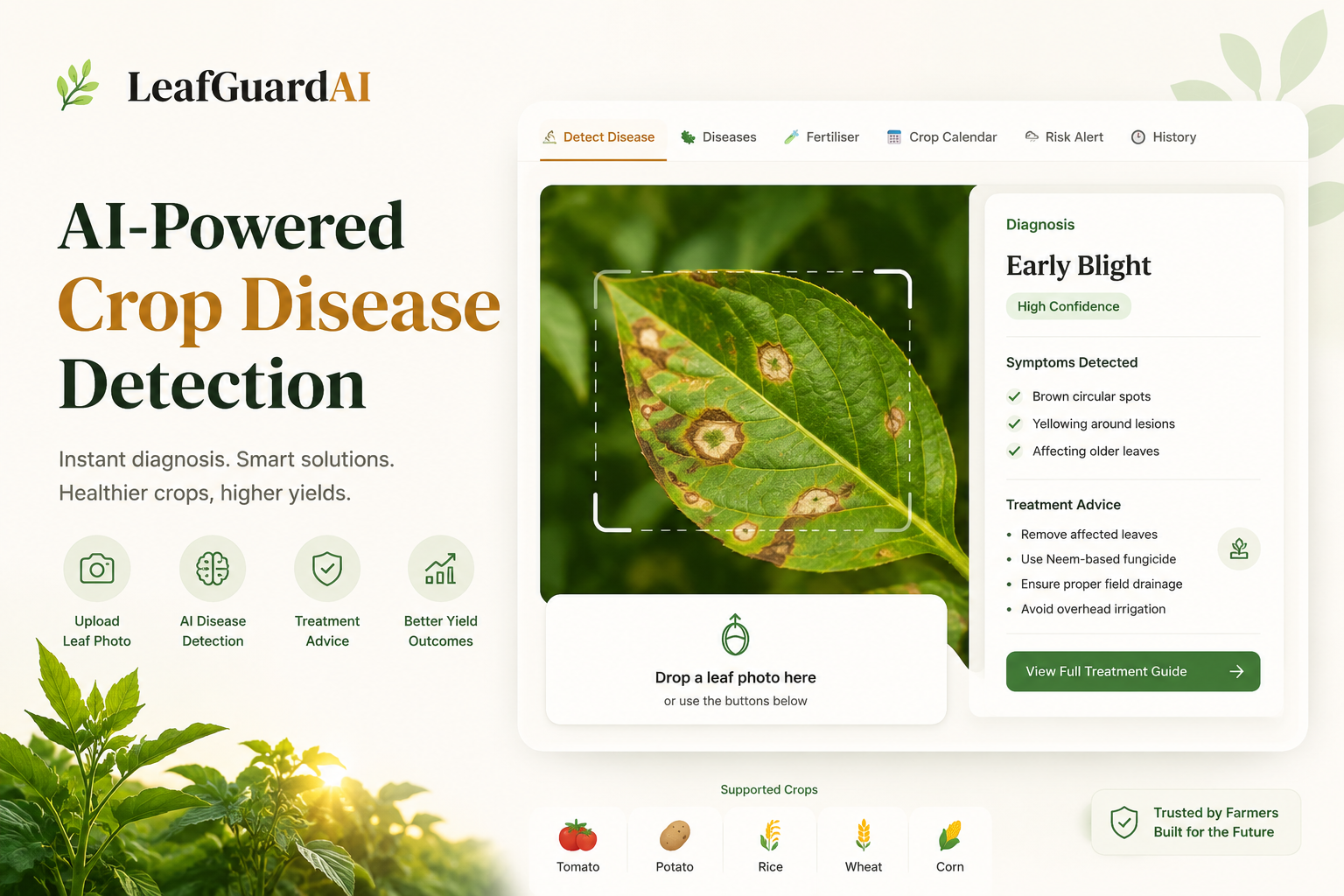
Leaf Disease Detection Web App
An AI-powered web application using a custom CNN built with TensorFlow and React to instantly classify and detect crop leaf diseases.
 AI/ML
AI/ML
MeetIQ
Most meeting notes are either forgotten or buried in someone's inbox. MeetIQ fixes that — upload any meeting recording or transcript and get a structu
 AI/ML
AI/ML
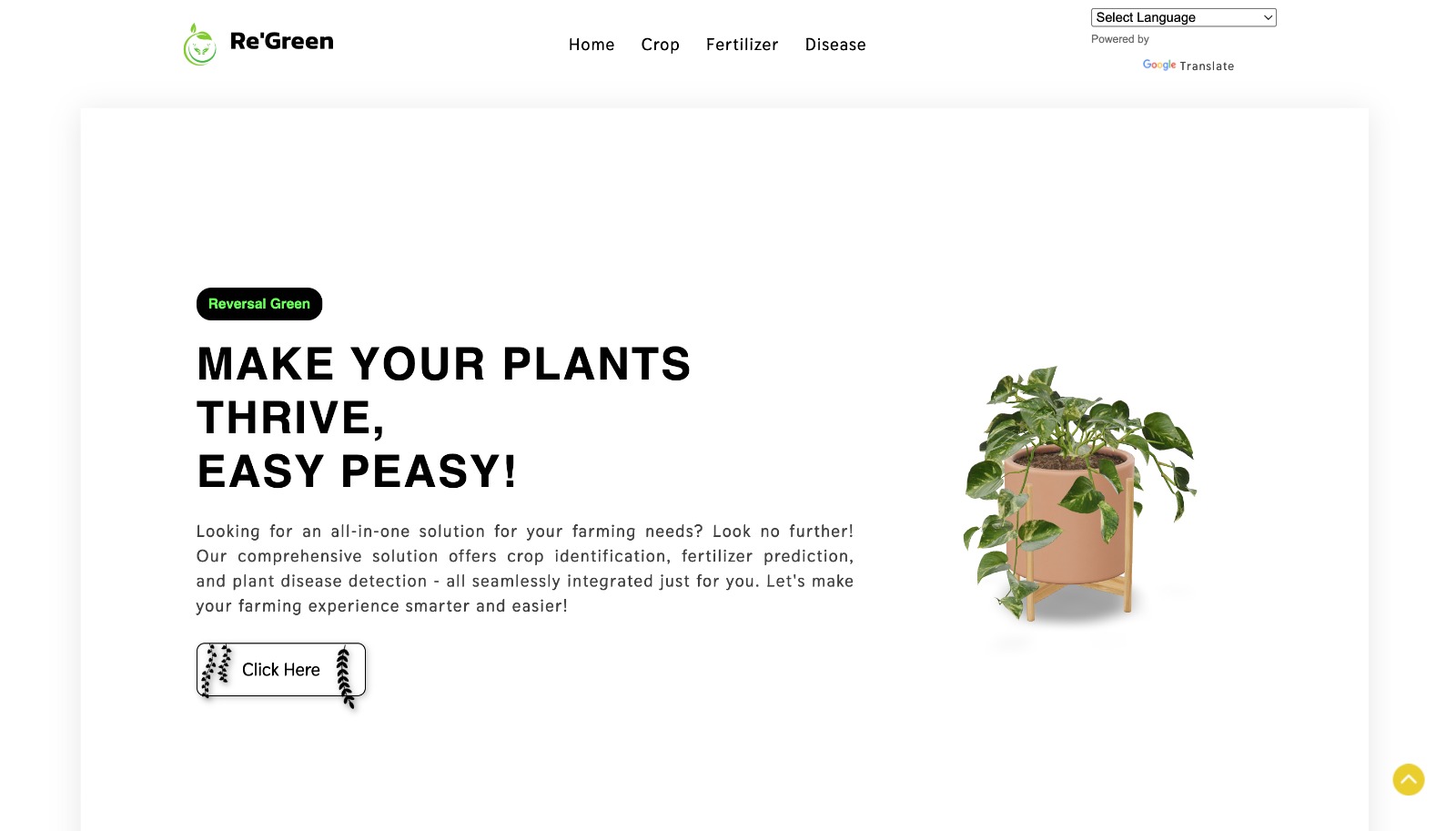
Re-Green – AI-Powered Smart Agriculture System
AI-powered smart agriculture system for crop recommendation, fertilizer optimization, and plant disease detection using Machine Learning and Deep Lear