Leaf Disease Detection Web App
An AI-powered web application using a custom CNN built with TensorFlow and React to instantly classify and detect crop leaf diseases.
Preview Gallery
6 media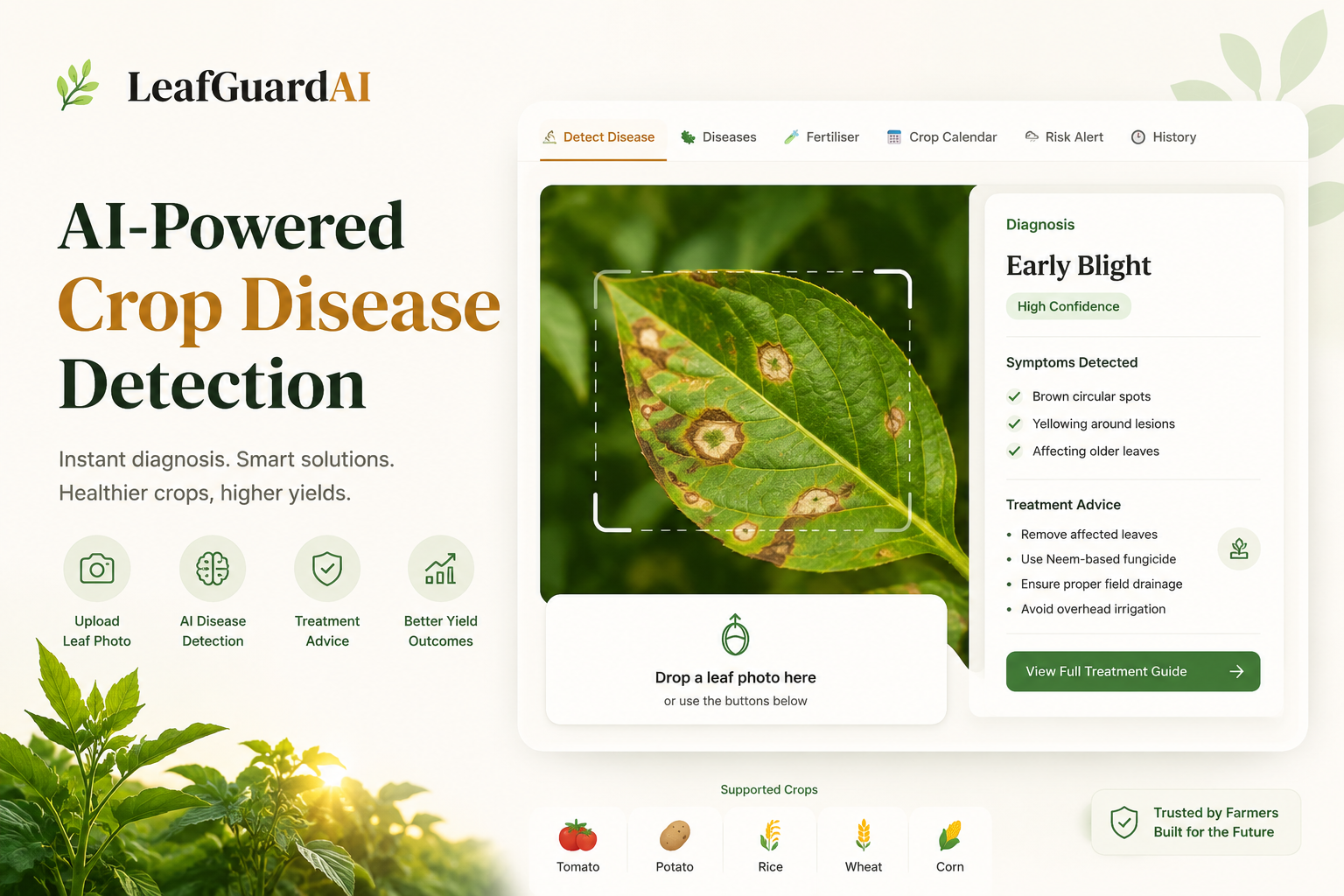

Technologies & Skills
Tags
Limited time offer
The Leaf Disease Detection Web App offers exceptional value by providing a production-ready, full-stack source code ecosystem featuring an optimized dual-model architecture (Custom CNN and MobileNetV2). It includes a fully functional, localized multi-language UI, persistent scan history, and advanced smart-farming tools like a fertiliser calculator, an interactive crop calendar, and environmental risk alerts. Engineered to be highly efficient and lightweight for seamless low-bandwidth deployment, this complete package saves hundreds of development hours for real-world agricultural applications or academic portfolios.
What's Included
Support & Customization
Resource Links
Purchase this project to unlock source and premium resources. Document/report remain secure preview-based on this page.
The Leaf Disease Detection Web App is an intermediate-level, AI-powered agricultural tool designed to help farmers, researchers, and developers instantly identify plant diseases from leaf images. Built with a responsive React.js frontend and a robust Python API, the application leverages TensorFlow to run both a custom Convolutional Neural Network (CNN) and a transfer-learning-optimized MobileNetV2 architecture. The system functions as a high-performance binary classifier to first verify crop health before executing a multi-class pipeline capable of diagnosing 25 distinct diseases across 5 major crop types. By bridging complex deep learning models with an accessible web interface, this project provides users with fast, reliable, and actionable crop health insights directly in the field.
Future Enhancements
On the model side: expand to 15+ crops (Cotton, Soybean, Sugarcane, Chilli, Onion), add disease severity estimation (mild/moderate/severe) as a regression output, implement Grad-CAM heatmap overlays so the app highlights which part of the leaf triggered the prediction, and explore on-device inference using ONNX export with INT8 quantisation for offline mobile use without internet. On the product side: add a community reporting feature where farmers can submit unrecognised disease photos to build a real field-collected dataset, integrate live weather API data (OpenWeatherMap) to make the risk alert dynamic instead of manual slider input, add SMS/WhatsApp output for farmers without smartphones, and build a Bangla and Hindi voice output using browser TTS API so illiterate farmers can hear the treatment advice. On the infrastructure side: implement a Redis cache for common predictions, add rate limiting to prevent API abuse, and set up a CI/CD pipeline so pushing to the GitHub repo automatically rebuilds and redeploys both Hugging Face Spaces.
Known Issues
The direct subdomain URL returns a 404 due to a Hugging Face static routing limitation — the app must be accessed via https://huggingface.co/spaces/JwLH/leafguardai instead. The binary classifier occasionally misclassifies images of green objects (fabric, packaging, grass) as valid leaves since the ImageNet training subset used for the reject class is small — a larger and more diverse non-leaf dataset would fix this. On Hugging Face free tier the backend Space goes to sleep after 48 hours of inactivity, causing a cold start delay of 30–60 seconds on the first prediction after waking. The scan history is stored in browser localStorage which means it does not sync across devices and is lost if the user clears browser data.
Installation
Requirements: Python 3.10+, Node.js 18+, Git
Step 1 — Set up backend bashcd leafguardai-api python -m venv venv venv\Scripts\activate # Windows pip install -r requirements.txt
Step 2 — Run backend bashpython main.py # Running at http://localhost:7860
Step 3 — Set up frontend (open new terminal) bashcd ../frontend_v4 npm install Create .env file inside frontend_v4/: VITE_API_URL=http://localhost:7860
Step 4 — Run frontend bashnpm run dev # Running at http://localhost:5173
Both must run simultaneously — backend on 7860, frontend on 5173.
Usage
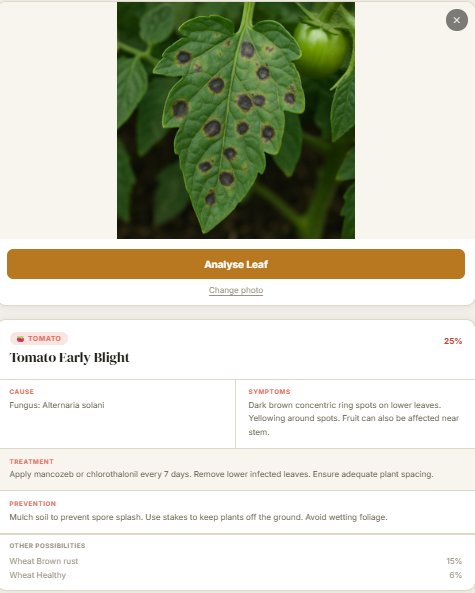
Disease Detection: Upload a photo via Gallery or Camera, and click Analyse Leaf to view the disease name, cause, symptoms, treatment, and prevention.
Instant Translation: Use the EN / বাং / हिं buttons to instantly translate the remedy text.
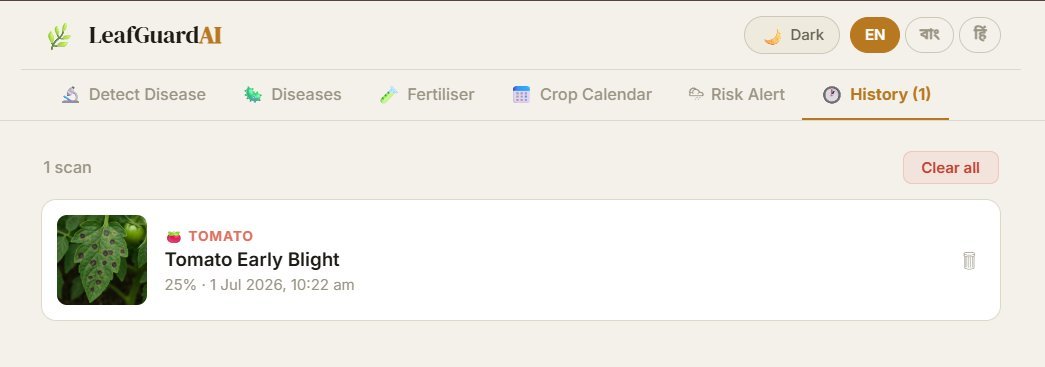
History Tab: Automatically saves every successful scan with a thumbnail; lets you delete single entries or clear the entire persistent history.
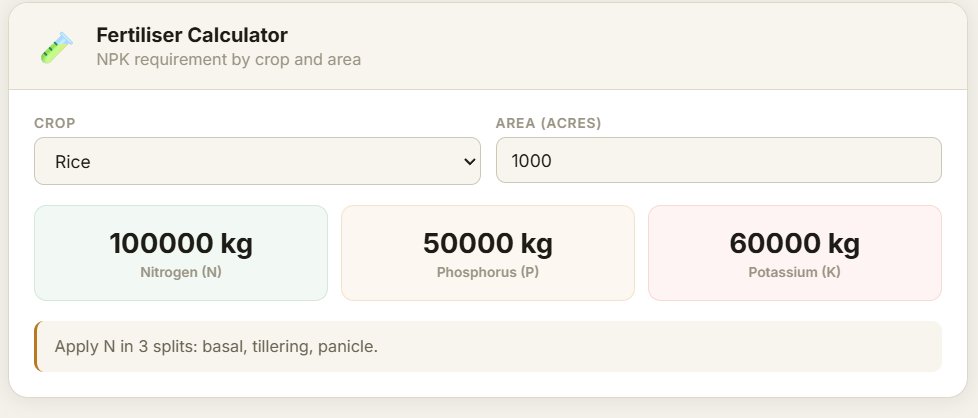
Fertiliser Calculator: Enter your crop type and land area (in acres) to calculate exact nitrogen, phosphorus, and potassium requirements in kg.
Crop Calendar: Provides sowing, transplanting, and harvesting timelines for crops within India.
Disease Risk Alert: Adjust temperature, humidity, and rainfall sliders to get a High/Moderate/Low risk assessment with tailored advice.
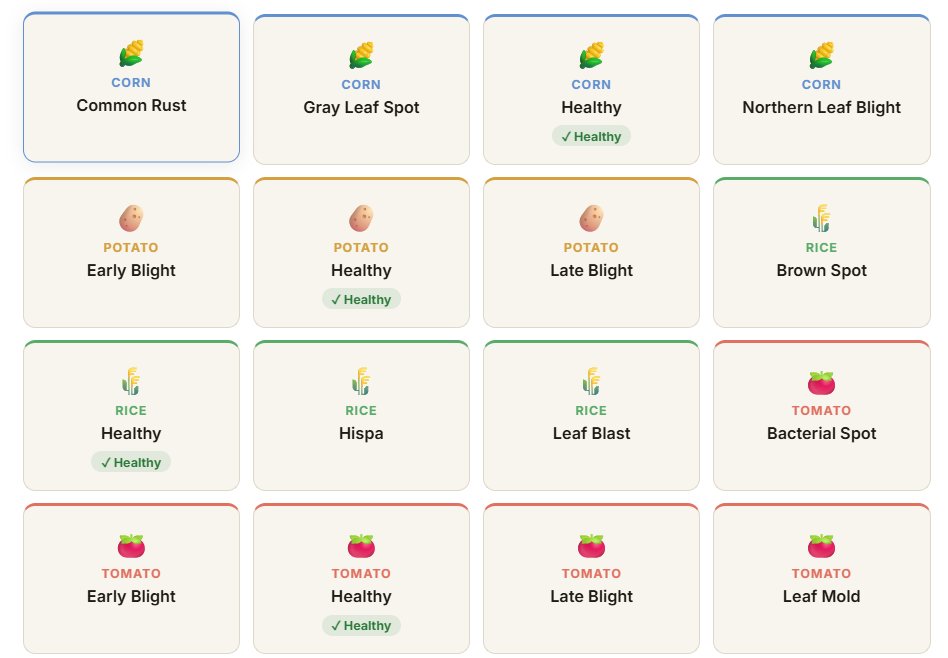
Diseases Tab: Allows browsing of all 25 detectable diseases with filters for 5 major crops (Tomato, Potato, Rice, Wheat, Corn).
Theme Toggle: Features a Light / Dark mode switch in the top right corner that automatically saves your preference.
System Requirements
To run LeafGuardAI locally you need a machine with at least 4GB RAM (8GB recommended since PyTorch loads two models totalling ~27MB into memory alongside FastAPI), a modern CPU (no GPU required — inference runs on CPU in ~300ms), and at least 2GB free disk space for model files, Python packages, and Node modules. On the software side you need Python 3.10 or higher, Node.js 18 or higher, Git with Git LFS installed, and pip. The backend has been tested on Windows 11 and Ubuntu 24. Any modern browser (Chrome, Firefox, Safari, Edge) works for the frontend — mobile browsers on Android and iOS are fully supported including camera access.
Slides Open in New Tab
For better readability, slides are opened directly. Documents remain preview-only with secure backend rendering.
Showing preview pages only. Purchase for full access to all pages and complete source package.
Login for Full AccessNo Q&A available yet
Be the first to ask a question!
Ask a Question
Customer Reviews
Write Your Review
No reviews yet
Be the first to review this project!
Similar Projects
You might also be interested in these projects
 AI/ML
AI/ML
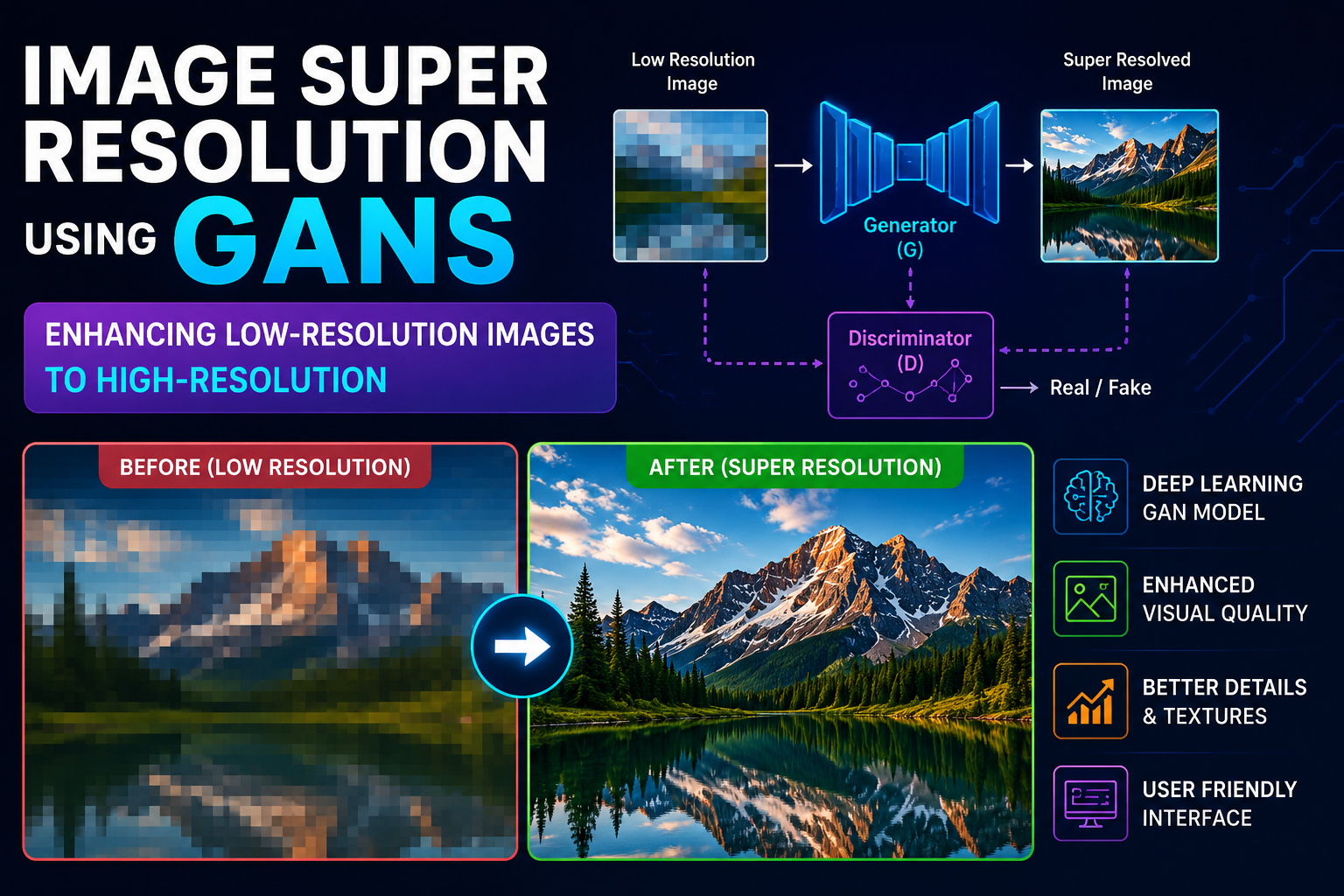
Single Image super resolution using GAN's
I developed an AI-powered Single Image Super Resolution system using Generative Adversarial Networks (GANs) to improve image quality.
 AI/ML
AI/ML
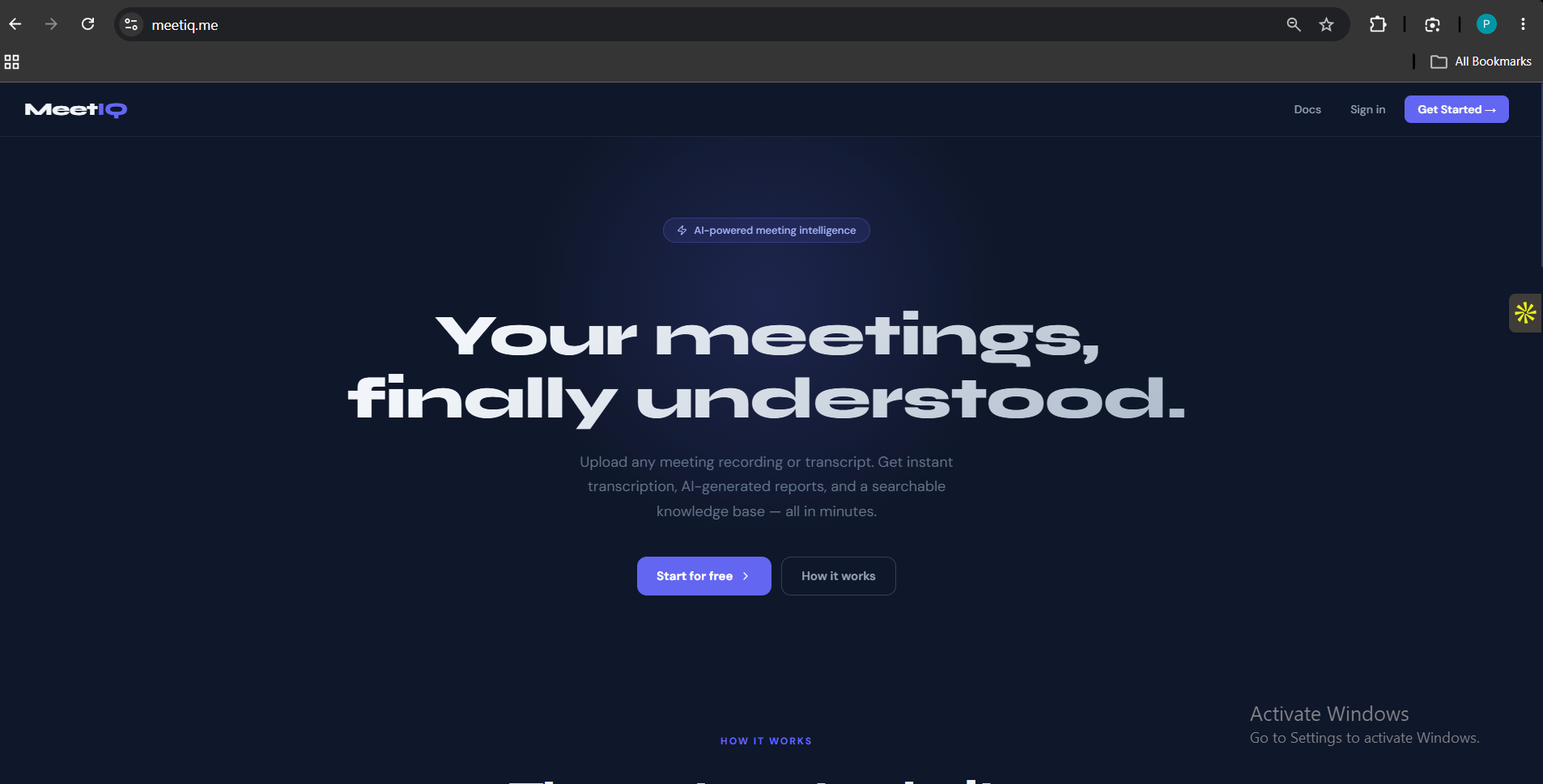
MeetIQ
Most meeting notes are either forgotten or buried in someone's inbox. MeetIQ fixes that — upload any meeting recording or transcript and get a structu
 AI/ML
AI/ML
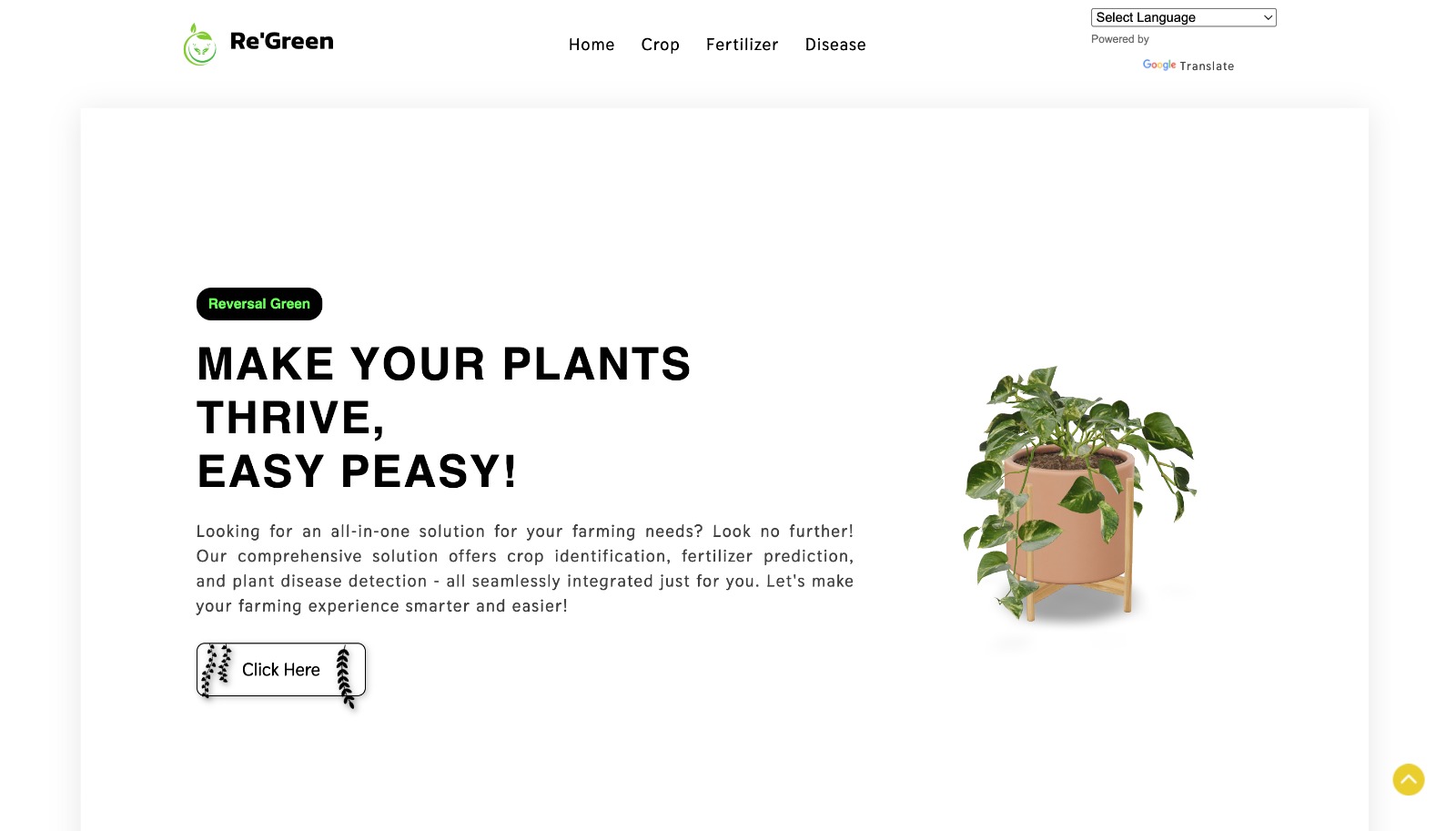
Re-Green – AI-Powered Smart Agriculture System
AI-powered smart agriculture system for crop recommendation, fertilizer optimization, and plant disease detection using Machine Learning and Deep Lear
 AI/ML
AI/ML
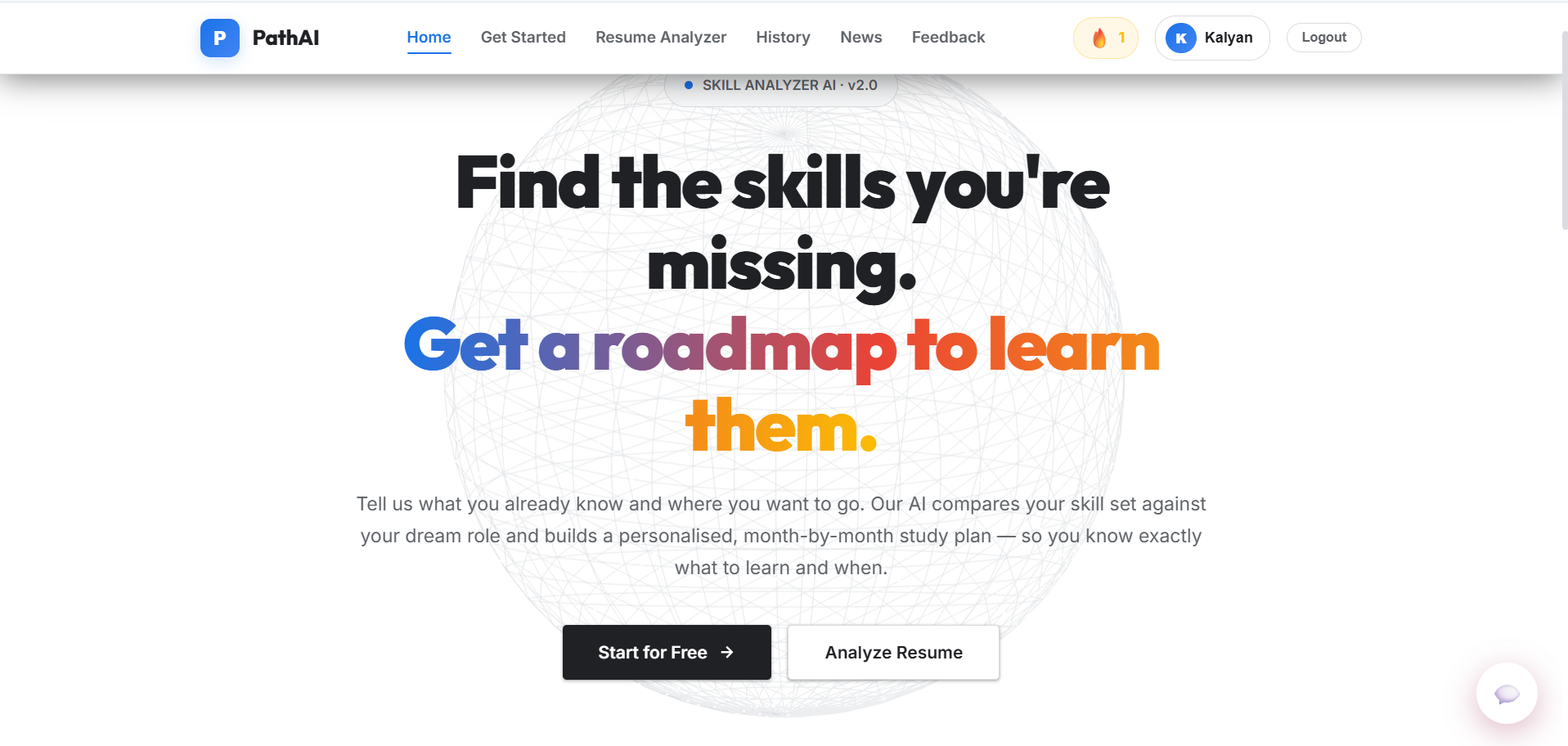
AI-Powered Learning Path Generator
A Flask-based AI learning path generator that uses Google sign-in and Google Gemini to build personalized career roadmaps, with a SQL-lite storage.