AI-Powered Learning Path Generator
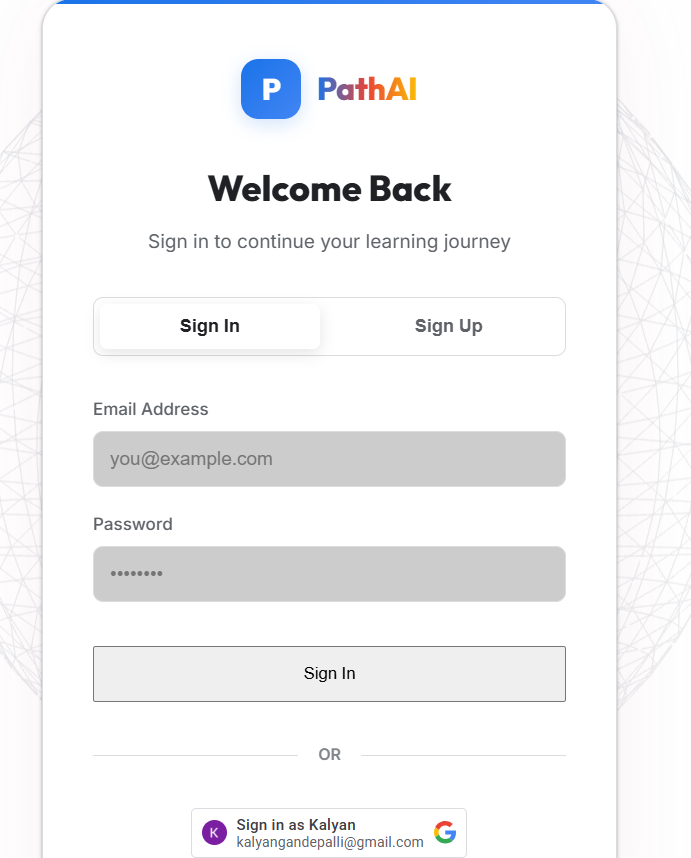
A Flask-based AI learning path generator that uses Google sign-in and Google Gemini to build personalized career roadmaps, with a SQL-lite storage.
Preview Gallery
6 media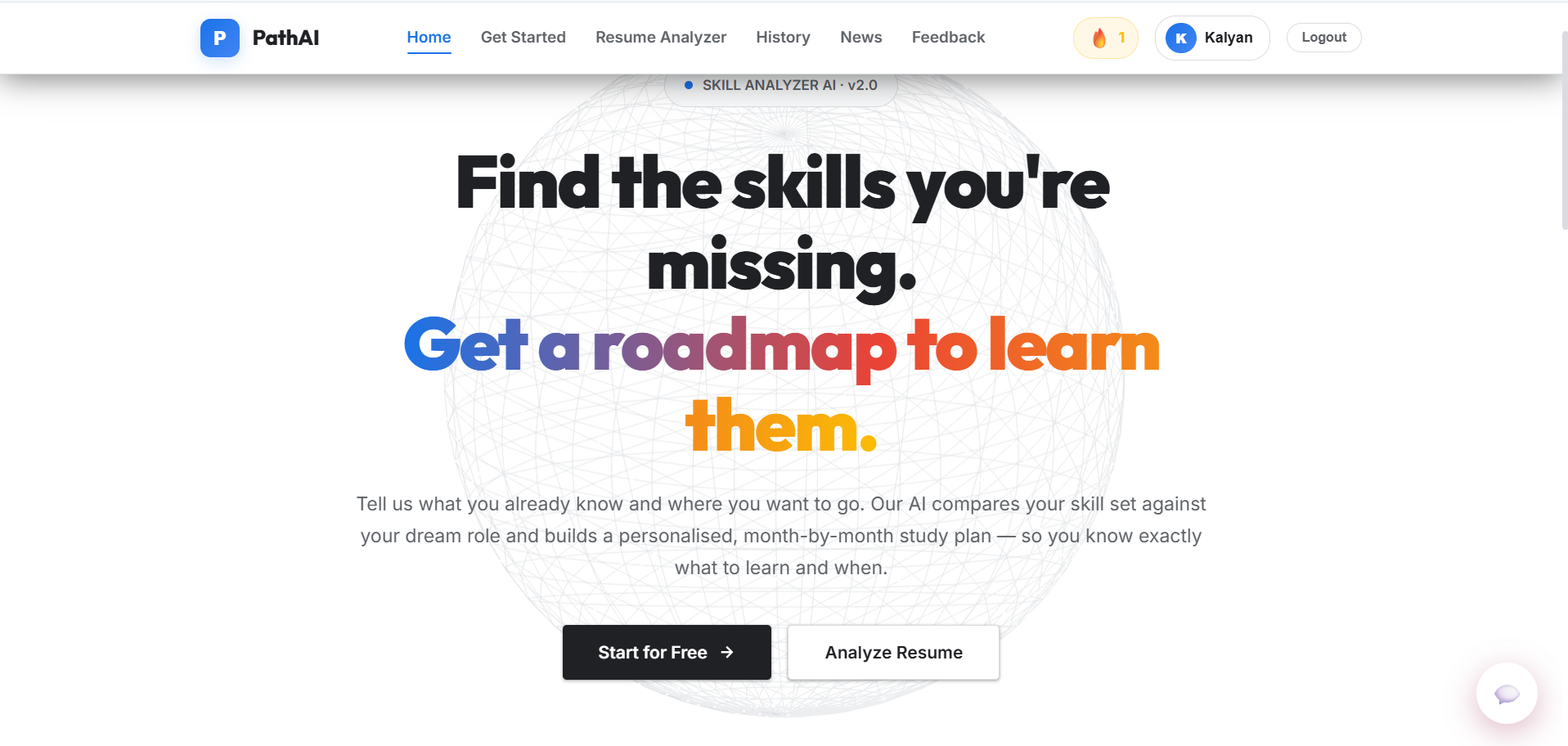
Technologies & Skills
Limited time offer
What's Included
Support & Customization
Resource Links
Purchase this project to unlock source and premium resources. Document/report remain secure preview-based on this page.
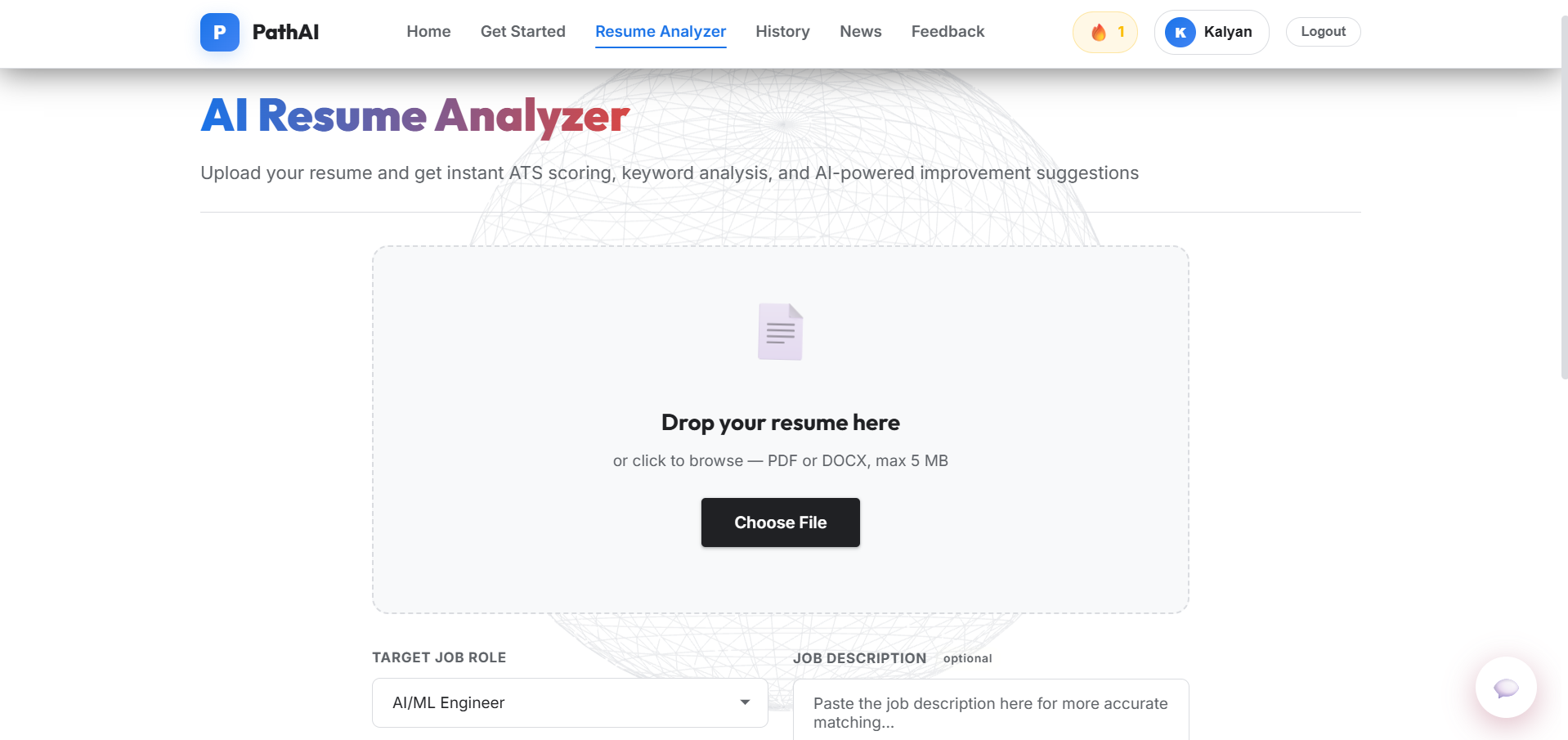
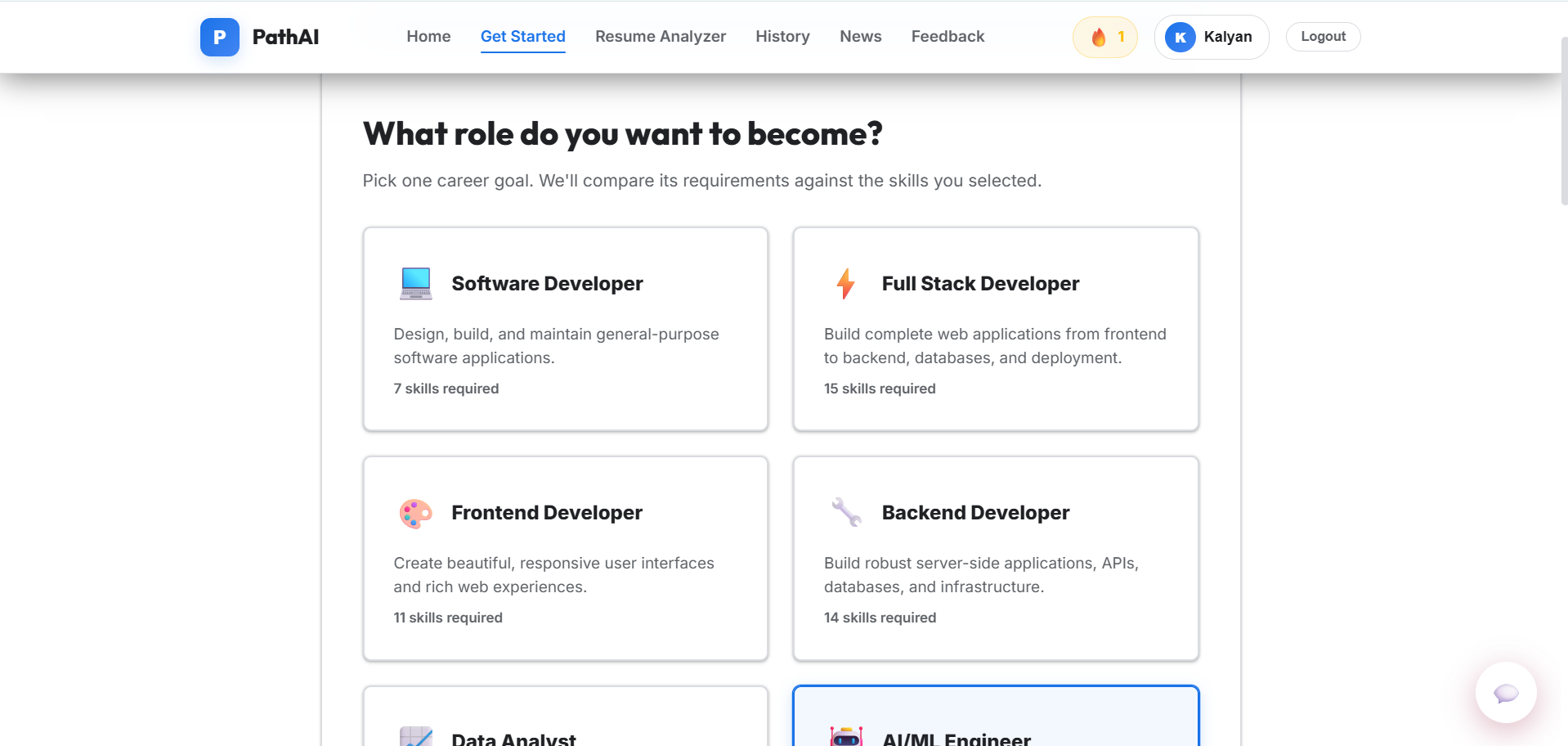
PathAI is a full-stack learning roadmap generator built with Flask and Python. It uses Google OAuth for secure login, SQLite to store user profiles and progress, and a Google Gemini-powered AI engine to create tailored month-by-month study plans based on each user’s skills and career goals.
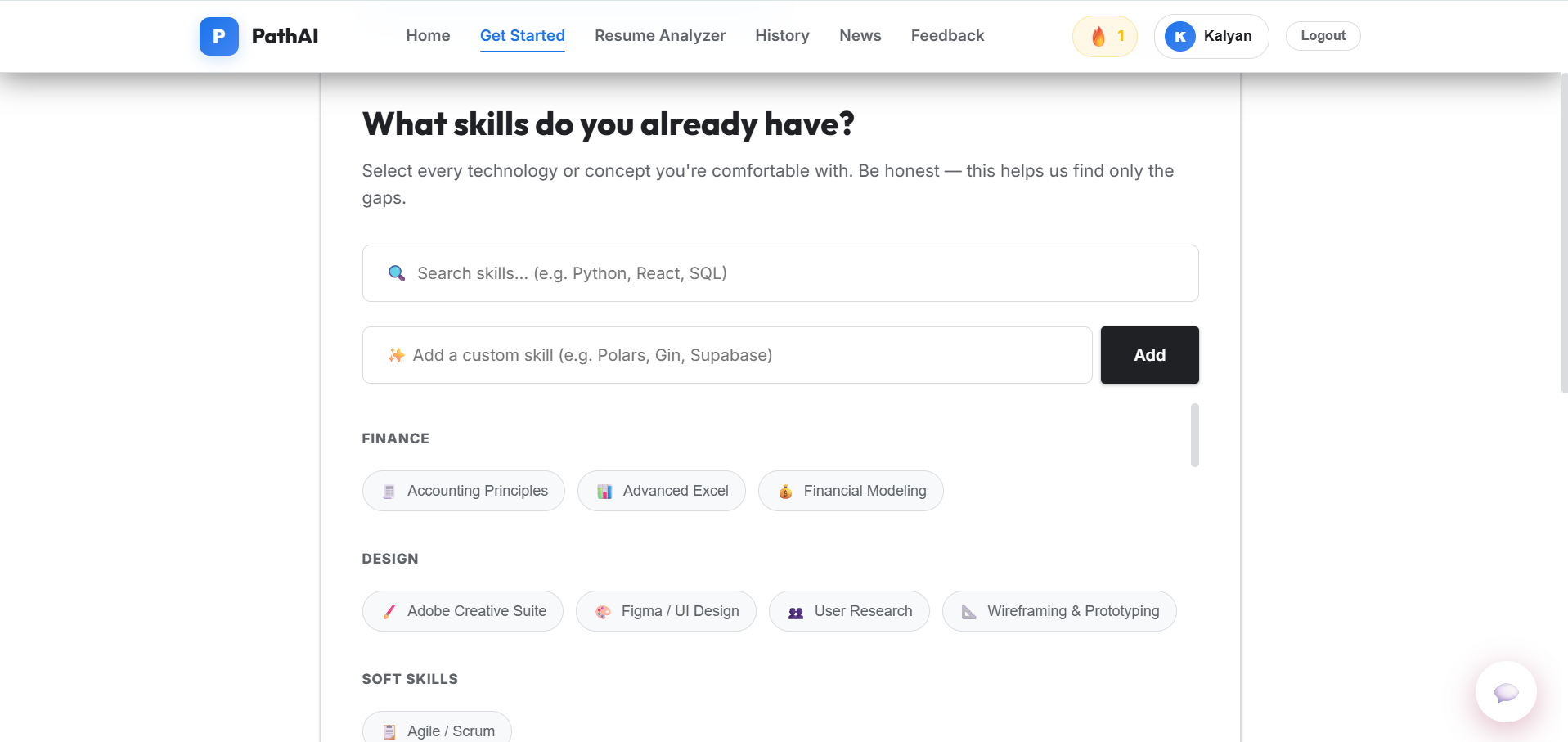
When a user signs in, the app asks what they already know and what they want to become, then generates a personalized curriculum of topics, videos, and milestones. The web interface includes a dashboard for tracking completed skills, viewing streaks, and unlocking achievement badges, while the backend handles data storage, session management, and AI-driven recommendation logic.
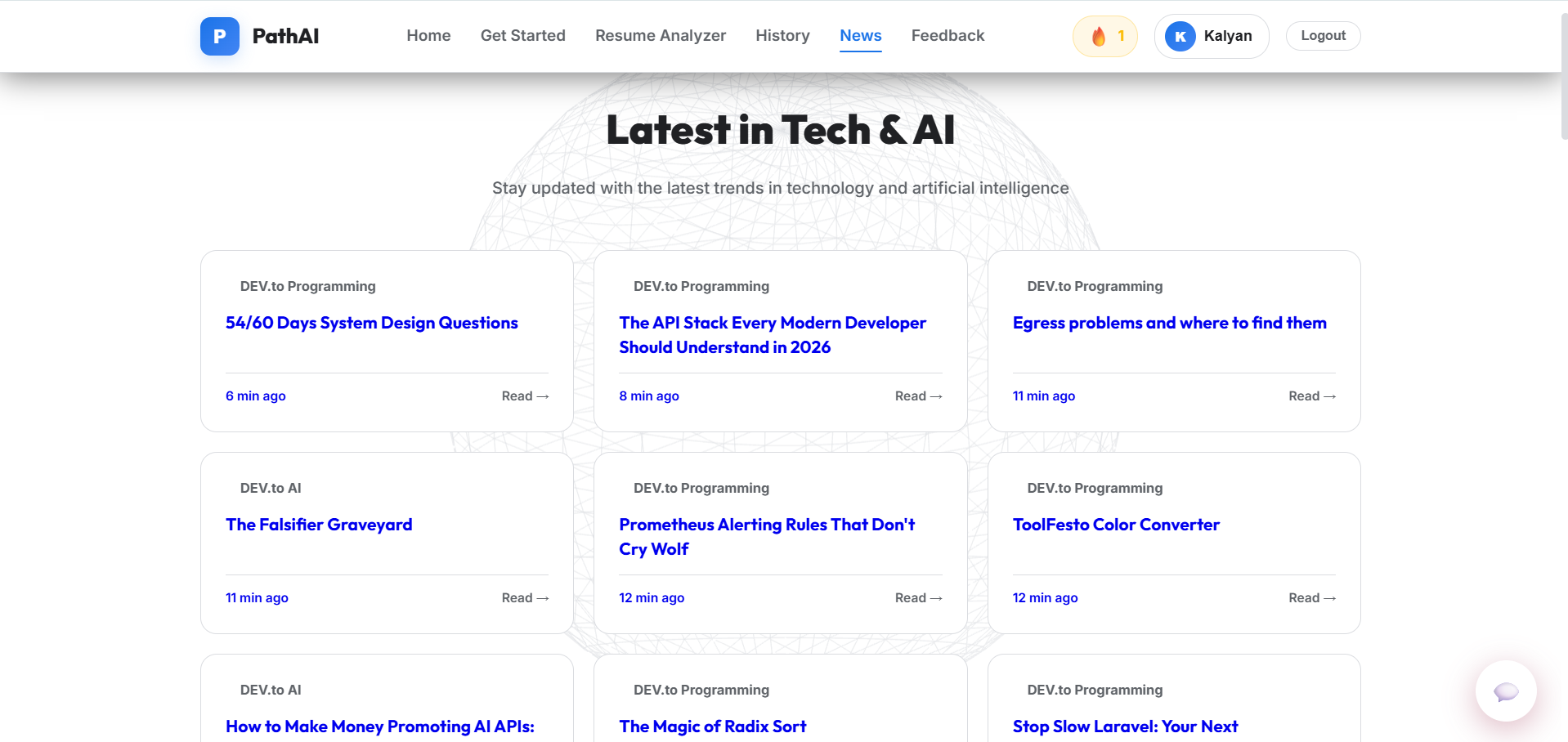
The project combines a clean HTML/CSS/JavaScript frontend with backend APIs, Google authentication, and intelligent roadmap generation, making it a modern tool for self-directed career learning.
Future Enhancements
Known Issues
Installation
# PathAI - Installation Instructions
**Step-by-step guide to set up and run the project**
---
## Prerequisites
Before you begin, ensure you have the following installed:
- **Python 3.8 or higher** - Download from [python.org](https://www.python.org/downloads/)
- **pip** (comes with Python)
- A **Google Cloud account** (for OAuth setup)
---
## Installation Steps
### 1. Clone the Repository
**Using Git:**
```bash
git clone https://github.com/AP24110011751/Path-AI-AI-PoweredLearning-path-generator-.git
cd "Path-AI-AI-PoweredLearning-path-generator-"
```
**Or download as ZIP:**
1. Visit: https://github.com/AP24110011751/Path-AI-AI-PoweredLearning-path-generator-
2. Click green **"Code"** button
3. Click **"Download ZIP"**
4. Extract and open the folder
---
### 2. Install Dependencies
Run the following command to install all required Python packages:
```bash
pip install -r requirements.txt
```
**Packages installed:**
- Flask (web framework)
- google-genai (AI API)
- google-auth (authentication)
- python-dotenv (environment variables)
- PyPDF2, python-docx (document processing)
- requests (HTTP client)
- openai (additional AI support)
---
### 3. Configure Environment Variables
Create a `.env` file in the project root directory with these values:
```env
GEMINI_API_KEY=your_google_gemini_api_key
GOOGLE_CLIENT_ID=your_google_oauth_client_id
FLASK_SECRET_KEY=your_random_secret_key
```
#### Getting Your API Keys:
**Google Client ID (OAuth):**
1. Go to [Google Cloud Console](https://console.cloud.google.com)
2. Create a new project or select existing one
3. Go to APIs & Services → Credentials
4. Click "Create Credentials" → OAuth 2.0 Client ID
5. Choose "Web application" as type
6. Add authorized JavaScript origins:
- `http://localhost:5000`
- `http://127.0.0.1:5000`
7. Copy the Client ID value
**Gemini API Key:**
1. Visit [Google AI Studio](https://aistudio.google.com)
2. Click "Get API Key"
3. Create a new API key
4. Copy the key value
**Flask Secret Key:**
- Any random string, e.g., `dev-secret-key-@#$%^&*`
---
### 4. Run the Application
```bash
python app.py
```
You should see:
```
==================================================
AI Learning Path Generator
Open: http://localhost:5000
==================================================
* Running on http://localhost:5000
* Debug mode: on
```
---
### 5. Access the Application
Open your browser and navigate to:
```
http://localhost:5000
```
---
## Verify Installation
Test that everything works:
- ✓ Landing page loads
- ✓ "Sign in with Google" button appears
- ✓ Click to sign in (should authenticate)
- ✓ Skill selection displays
- ✓ Career goal selection works
- ✓ Roadmap generates successfully
---
## Troubleshooting
| Problem | Solution |
|---------|----------|
| **Google sign-in fails** | Ensure `http://localhost:5000` is in Google Cloud Credentials → Authorized JavaScript origins |
| **ModuleNotFoundError** | Run `pip install -r requirements.txt` again |
| **Port 5000 in use** | Change port in app.py last line: `app.run(debug=True, port=8000)` |
| **API keys not working** | Verify .env file exists in project root and variables are correct |
| **Database errors** | Delete `pathai.db` and restart - it will be recreated |
---
## Project Structure
```
AI path generator/
├── app.py # Main Flask application
├── ai_engine.py # AI generation logic
├── db.py # Database functions
├── requirements.txt # Dependencies
├── .env # Environment variables (create this)
├── static/
│ ├── css/style.css
│ └── js/app.js
├── templates/
│ ├── index.html
│ └── admin.html
└── pathai.db # SQLite database
```
---
## Next Steps
1. **Create your first roadmap** - Sign in and select skills/goals
2. **Track progress** - Mark completed skills and build streaks
3. **Use AI chatbot** - Get help on learning topics
4. **Admin panel** - Visit `/admin` for management tools
---
## Production Deployment
For deploying to production:
- Use Gunicorn: `pip install gunicorn && gunicorn app:app`
- Migrate SQLite to PostgreSQL
- Enable HTTPS
- Set environment variables on your hosting platform
---
## Support
- Full documentation: See `PROJECT_DOCUMENTATION.docx`
- Technical report: See `PROJECT_REPORT.docx`
- Issues? Check the troubleshooting section above
---
**Questions?** Refer to the DOCUMENTATION.md file in the project root.
Enjoy learning with PathAI! 🚀
Usage
- First time setup steps
- Dashboard navigation
- Progress tracking
- How to use chatbot
- Resume analysis instructions
- Admin panel access
- Key features table
- Important notes & warnings
System Requirements
- Operating system requirements
- Software prerequisites
- Browser compatibility
- Hardware minimums
- Internet connectivity note
Slides Open in New Tab
For better readability, slides are opened directly. Documents remain preview-only with secure backend rendering.
Showing preview pages only. Purchase for full access to all pages and complete source package.
Login for Full AccessNo Q&A available yet
Be the first to ask a question!
Ask a Question
Customer Reviews
Write Your Review
No reviews yet
Be the first to review this project!
Similar Projects
You might also be interested in these projects
 AI/ML
AI/ML
Leaf Disease Detection Web App
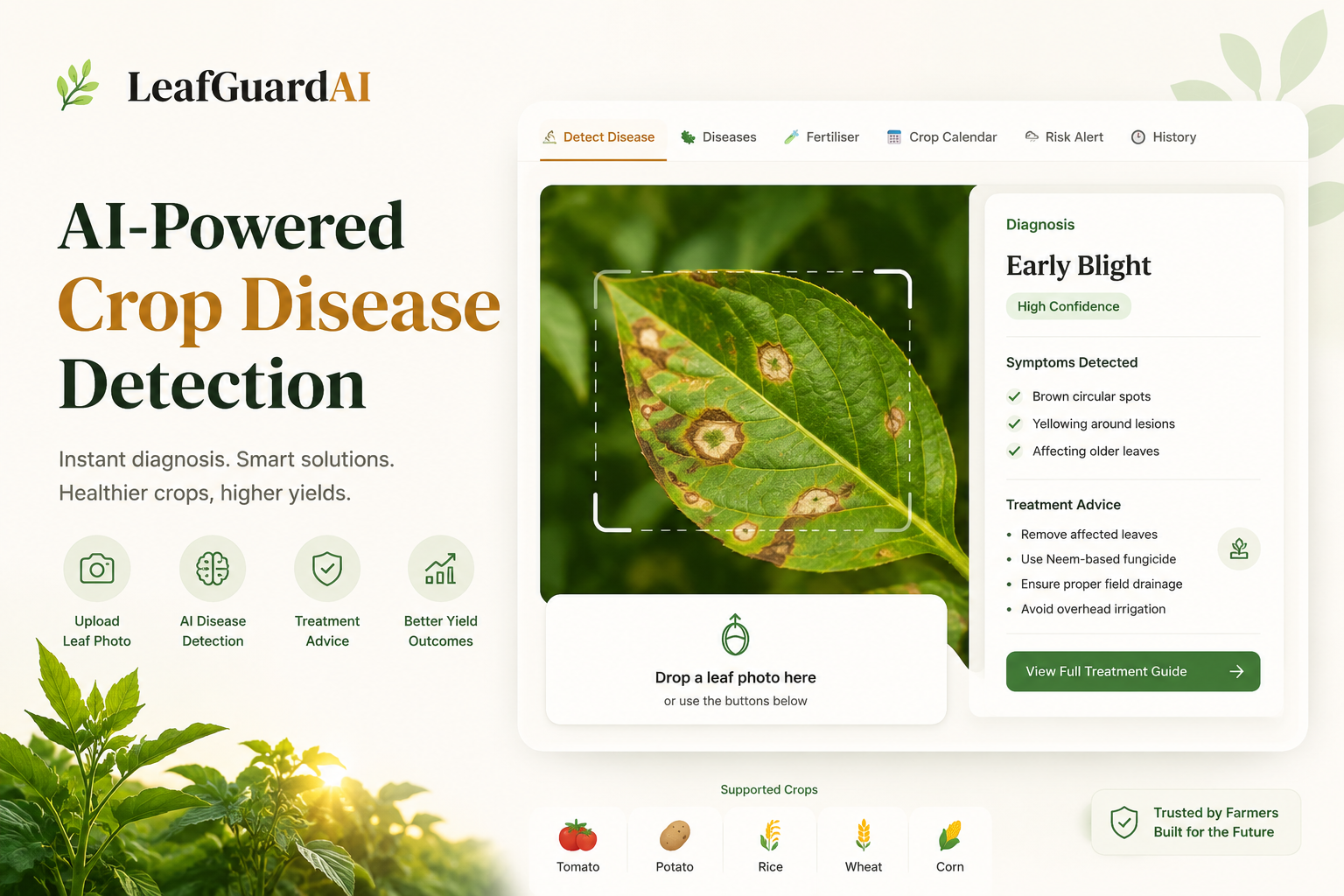
An AI-powered web application using a custom CNN built with TensorFlow and React to instantly classify and detect crop leaf diseases.
 AI/ML
AI/ML
MeetIQ
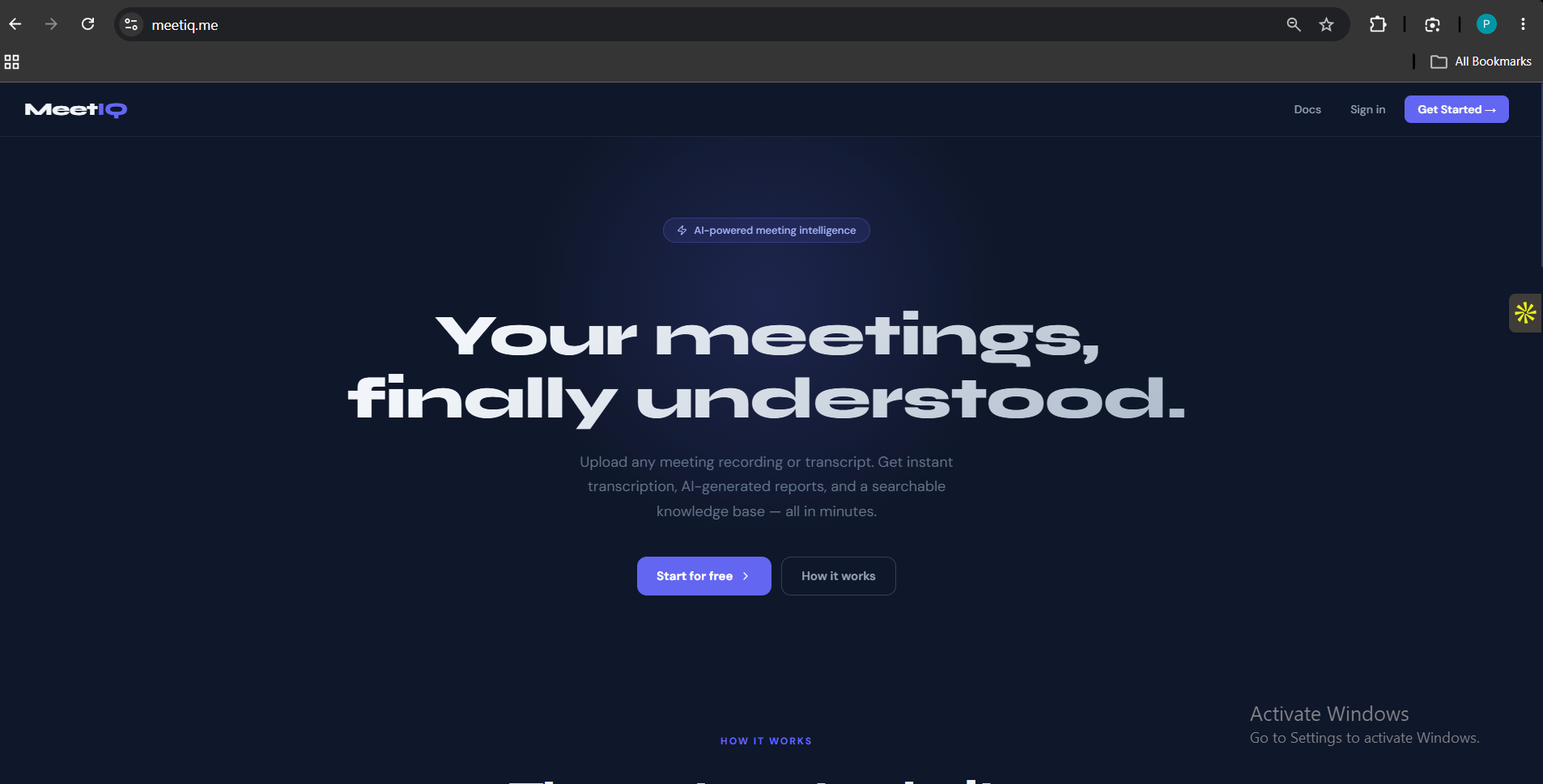
Most meeting notes are either forgotten or buried in someone's inbox. MeetIQ fixes that — upload any meeting recording or transcript and get a structu
 AI/ML
AI/ML
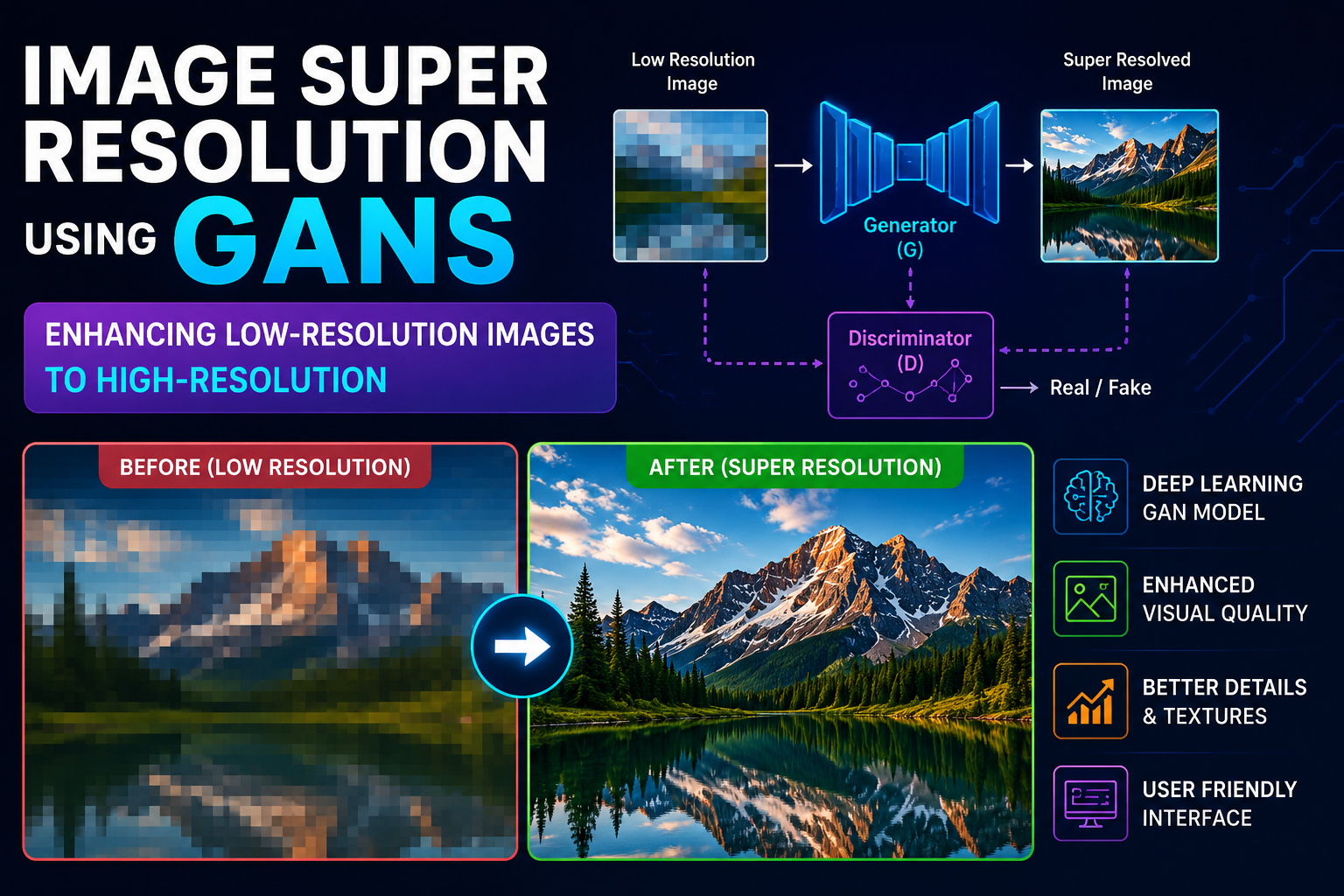
Single Image super resolution using GAN's
I developed an AI-powered Single Image Super Resolution system using Generative Adversarial Networks (GANs) to improve image quality.
 AI/ML
AI/ML
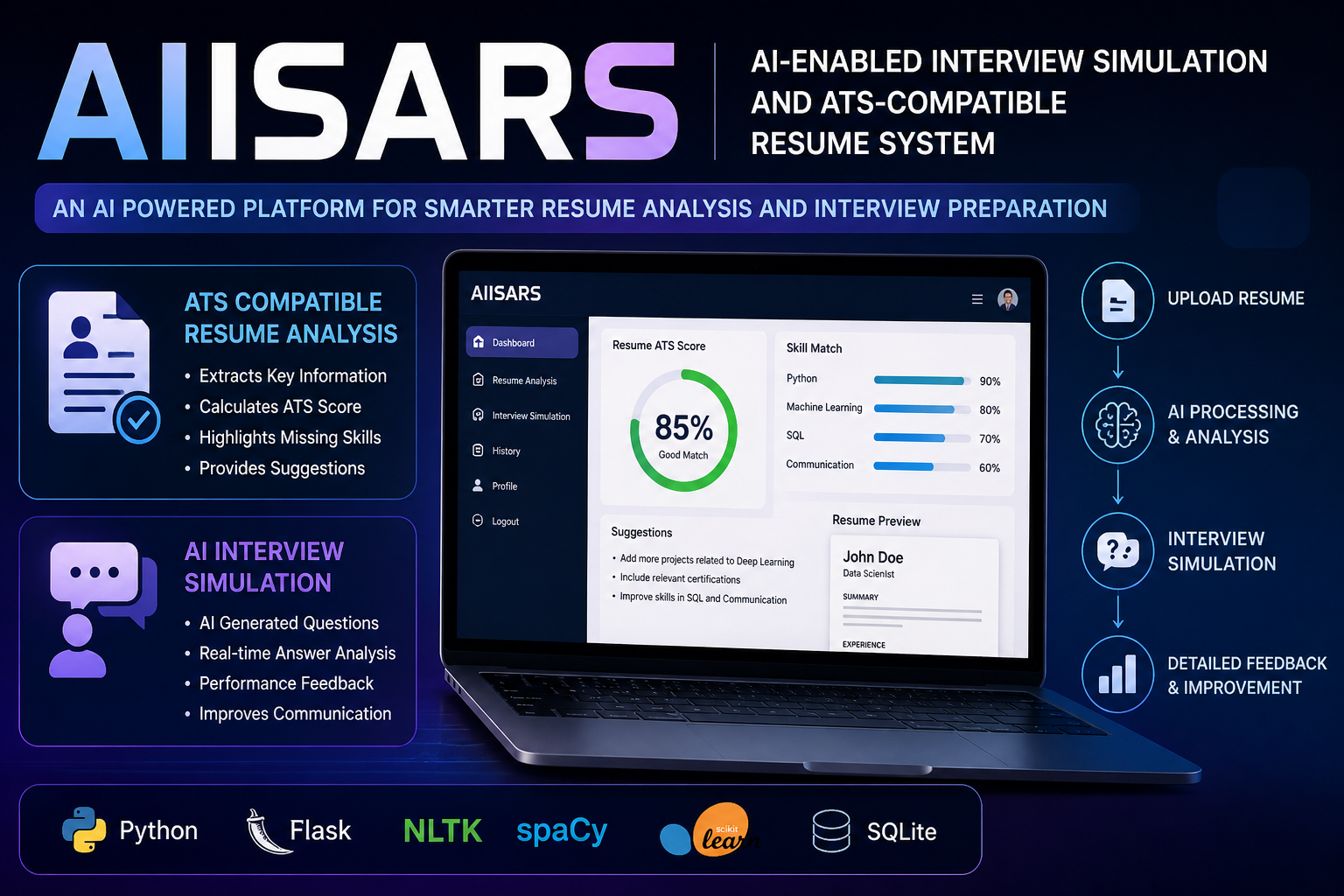
AN AI-ENABLED INTERVIEW SIMULATION AND ATS COMPATIBLE RESUME SYSTEM
AIISARS is an AI system that analyzes resumes for ATS compatibility and simulates interviews using NLP, providing feedback to improve job readiness.