Re-Green – AI-Powered Smart Agriculture System
AI-powered smart agriculture system for crop recommendation, fertilizer optimization, and plant disease detection using Machine Learning and Deep Lear
Preview Gallery
6 media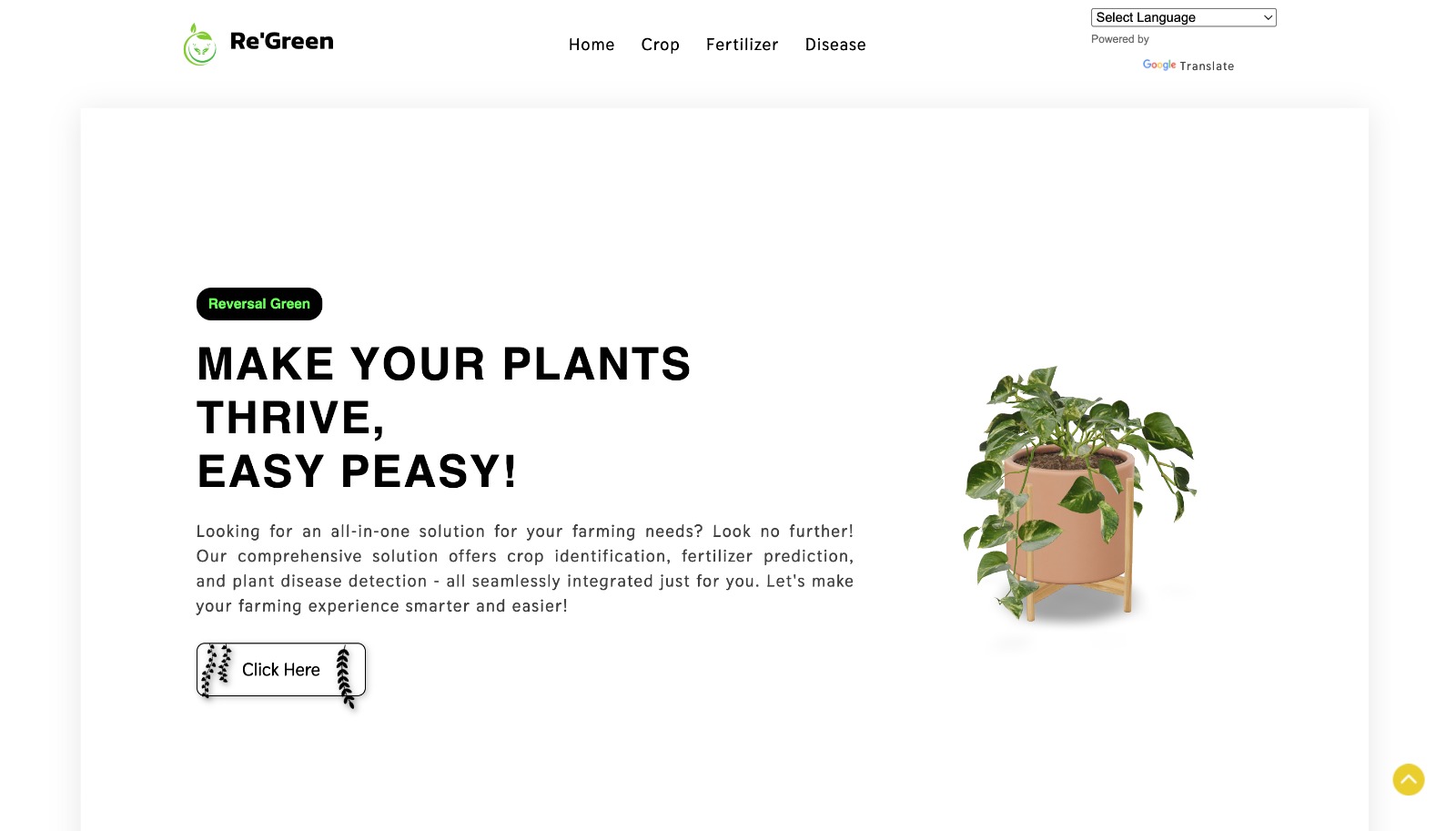
Technologies & Skills
Download at no cost
What's Included
Support & Customization
Resource Links
Re-Green is an end-to-end AI-powered smart agriculture system designed to help farmers and agricultural professionals make data-driven decisions. The system provides three core services:
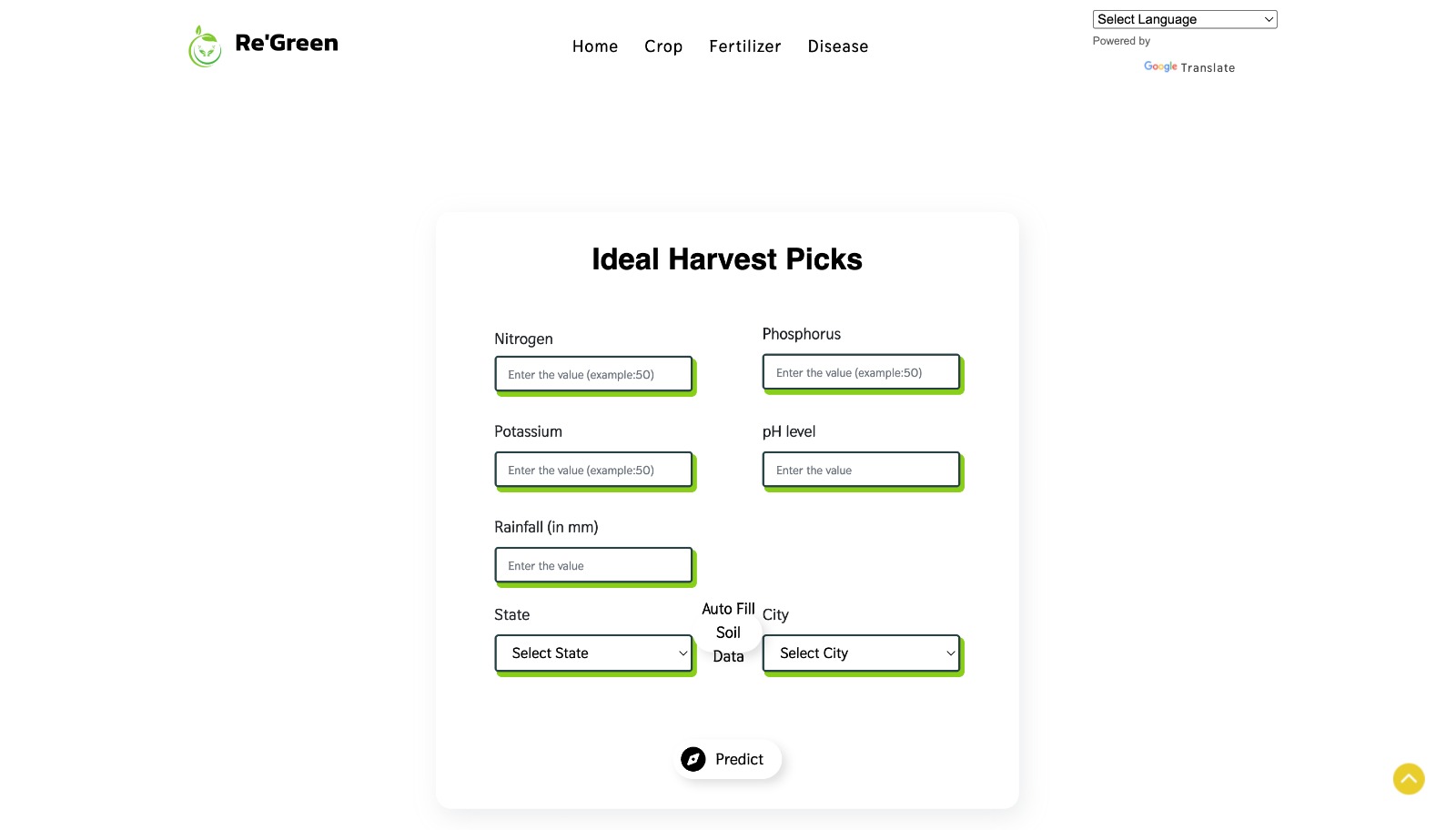
1. Crop Recommendation – Uses Random Forest, SVM, and Logistic Regression to predict the best crop based on soil nutrients (Nitrogen, Phosphorus, Potassium), pH level, rainfall, and real-time weather data fetched via OpenWeatherMap API.
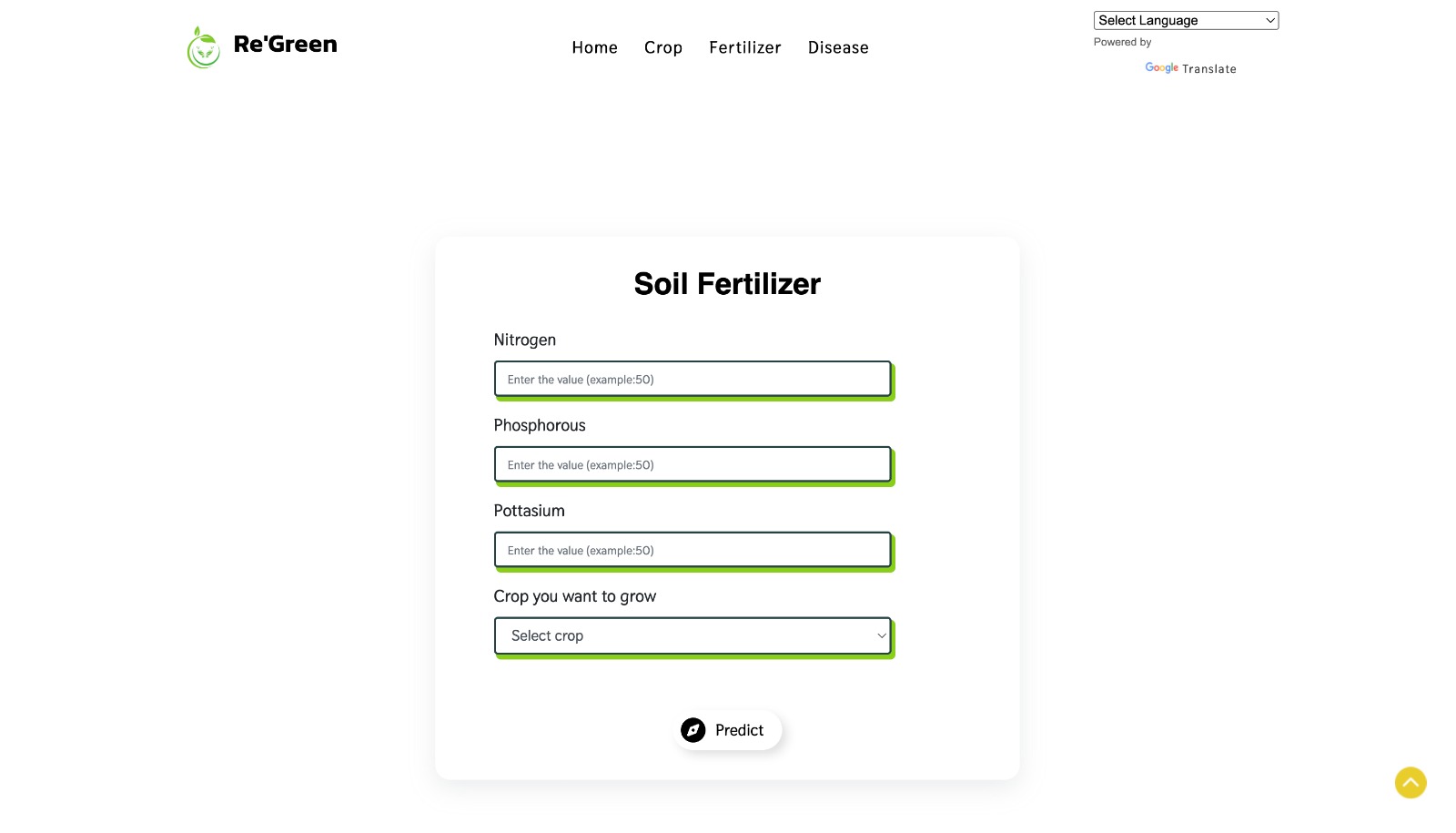
2. Fertilizer Recommendation – Analyzes soil nutrient deficiencies by comparing current NPK levels with crop-specific ideal requirements and suggests the most suitable fertilizer to optimize crop yield.
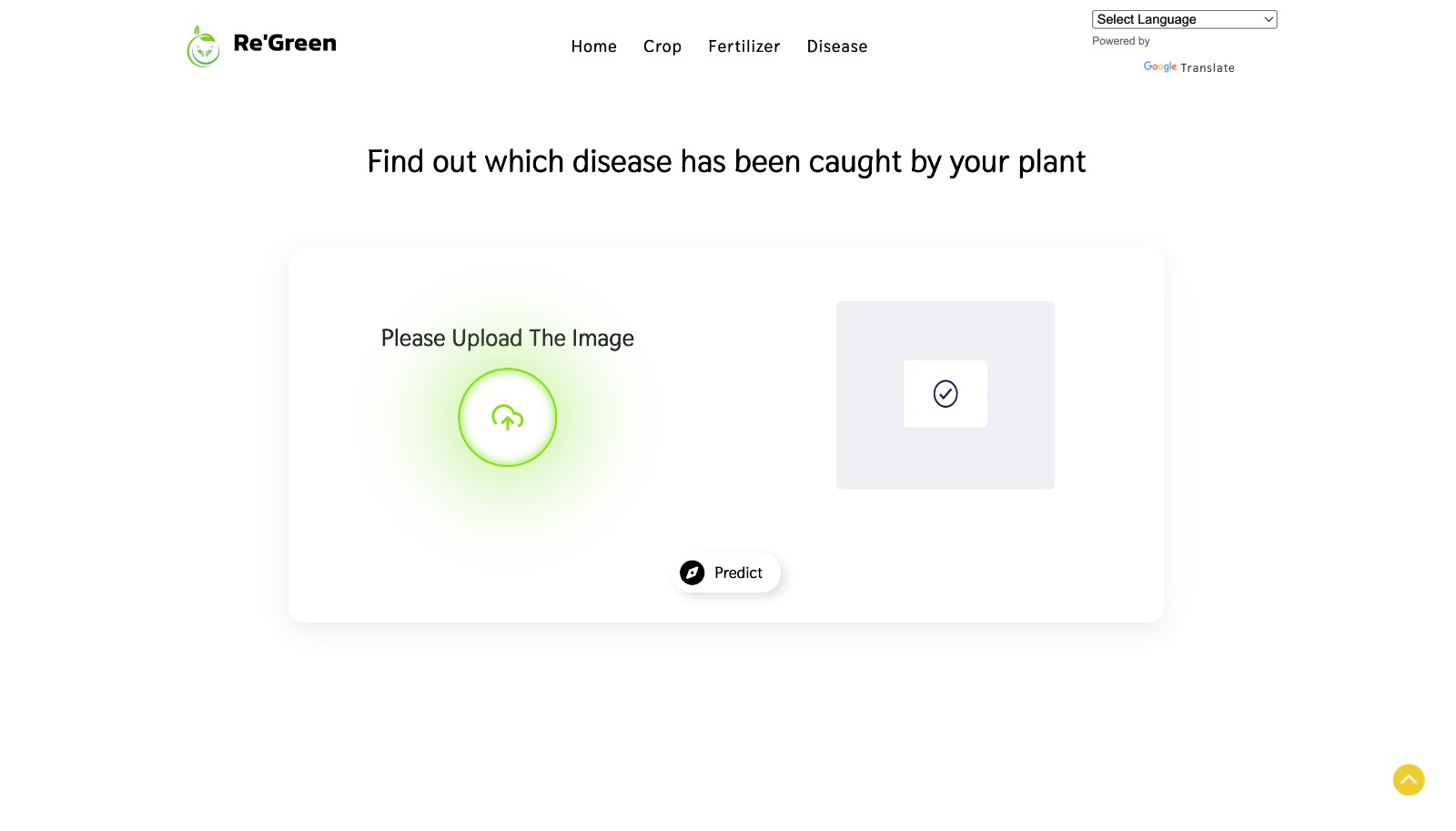
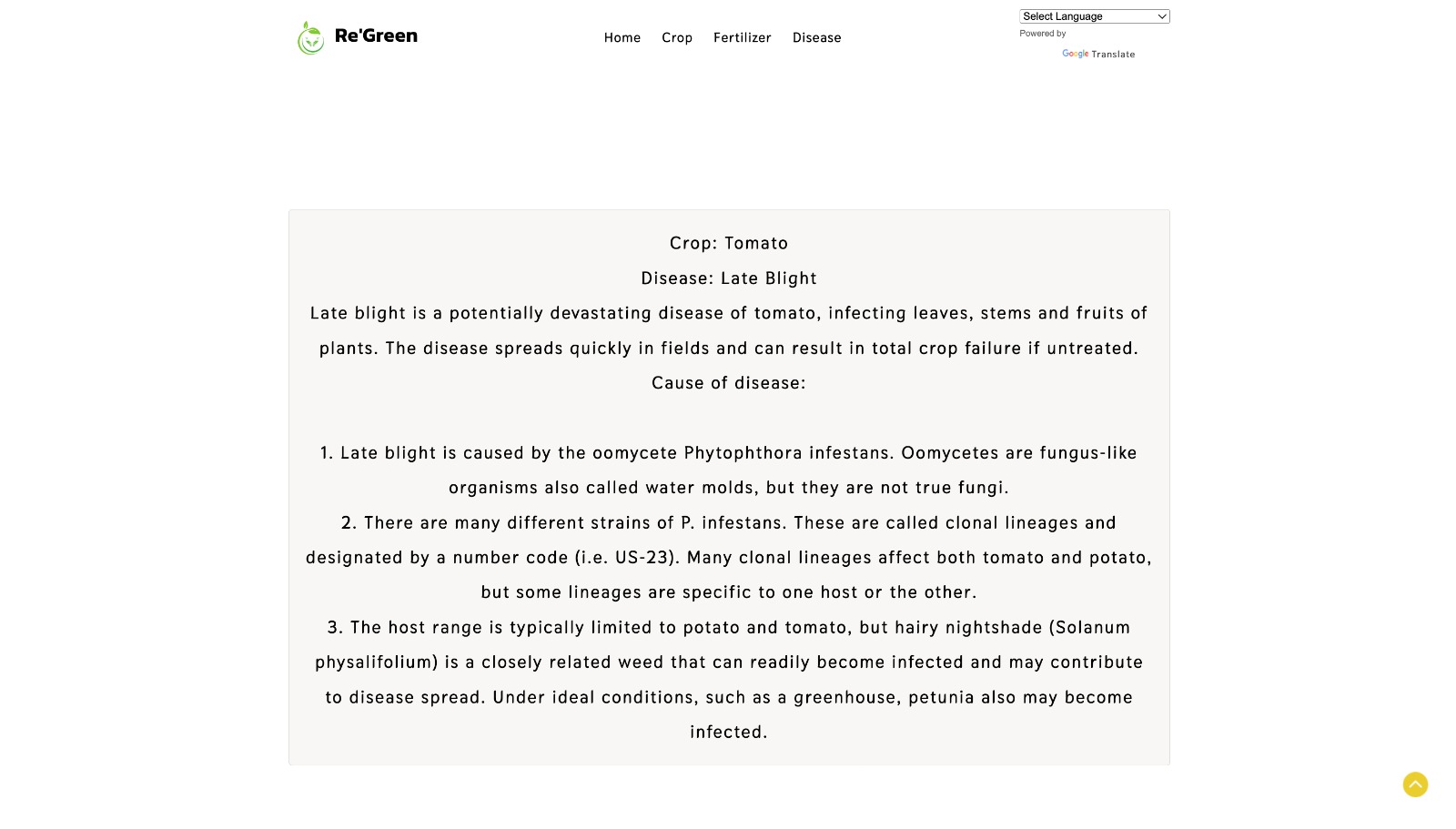
3. Plant Disease Detection – Uses a ResNet-9 deep convolutional neural network trained on the PlantVillage dataset to detect and classify plant diseases from leaf images across 38 disease classes with high accuracy.
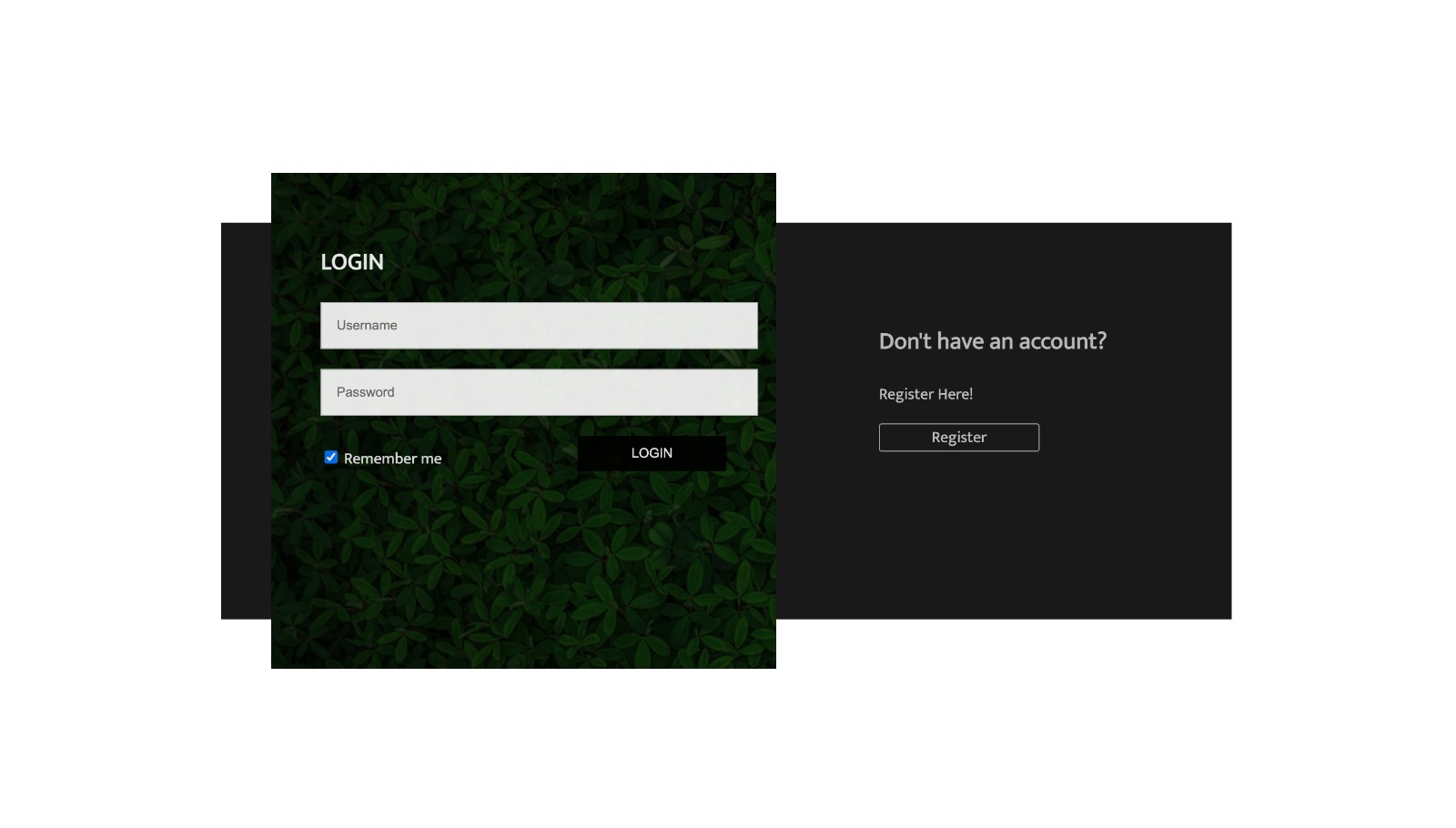
The system is built using Flask web framework with MySQL database for secure user authentication and session management. The frontend is designed using HTML, CSS, and Bootstrap for a responsive and user-friendly interface.
This project was developed as my B.Tech Major Project in Bioinformatics at Amity University and demonstrates the practical application of AI in agriculture to promote sustainable farming practices.
Future Enhancements
Known Issues
Installation
1. Clone the repository:
git clone https://github.com/Antra08/Re-Green.git
2. Navigate to the project directory:
cd Re-Green
3. Create a virtual environment:
python -m venv venv
4. Activate virtual environment:
- Windows: venv\Scripts\activate
- Mac/Linux: source venv/bin/activate
5. Install dependencies:
pip install -r requirements.txt
6. Set up MySQL database:
- Create database 'portfolio'
- Update config.py with your MySQL credentials
7. Run the application:
python app.py
8. Open browser and go to:
http://127.0.0.1:8000
Usage
1. Register/Login to the system
2. Crop Recommendation: Enter NPK values, pH, rainfall, state, and city
3. Fertilizer Recommendation: Enter crop name and current soil NPK values
4. Disease Detection: Upload a leaf image and get disease prediction
5. View results and recommendations on the result page
System Requirements
- OS: Windows / macOS / Linux
- Python 3.8+
- MySQL 5.7+
- RAM: 4GB minimum
- Disk Space: 500MB
- Browser: Chrome/Firefox/Edge latest version
Slides Open in New Tab
For better readability, slides are opened directly. Documents remain preview-only with secure backend rendering.
Showing preview pages only. Purchase for full access to all pages and complete source package.
Login for Full AccessNo Q&A available yet
Be the first to ask a question!
Ask a Question
Customer Reviews
Write Your Review
No reviews yet
Be the first to review this project!
Similar Projects
You might also be interested in these projects
 AI/ML
AI/ML
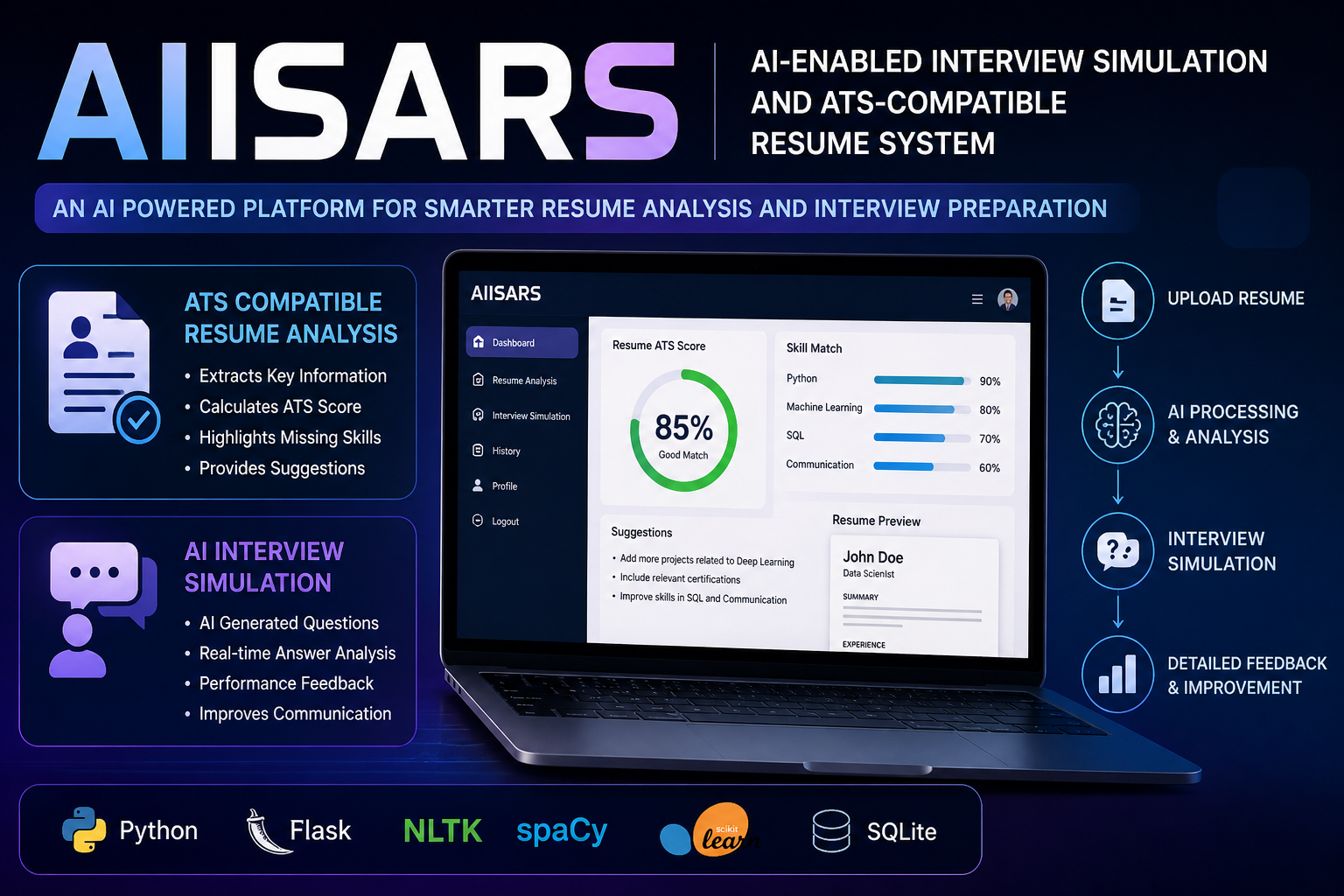
AN AI-ENABLED INTERVIEW SIMULATION AND ATS COMPATIBLE RESUME SYSTEM
AIISARS is an AI system that analyzes resumes for ATS compatibility and simulates interviews using NLP, providing feedback to improve job readiness.
 AI/ML
AI/ML
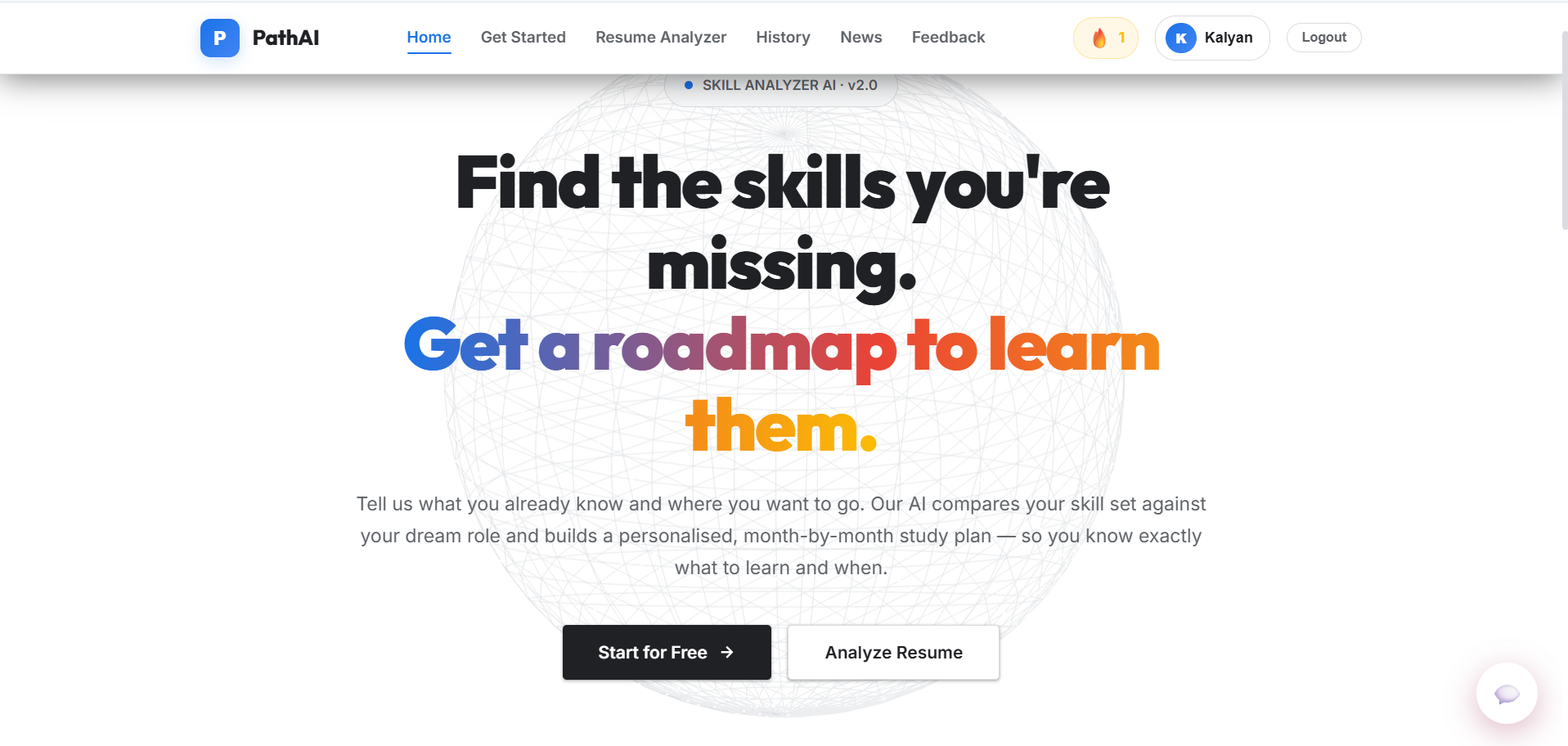
AI-Powered Learning Path Generator
A Flask-based AI learning path generator that uses Google sign-in and Google Gemini to build personalized career roadmaps, with a SQL-lite storage.
 AI/ML
AI/ML
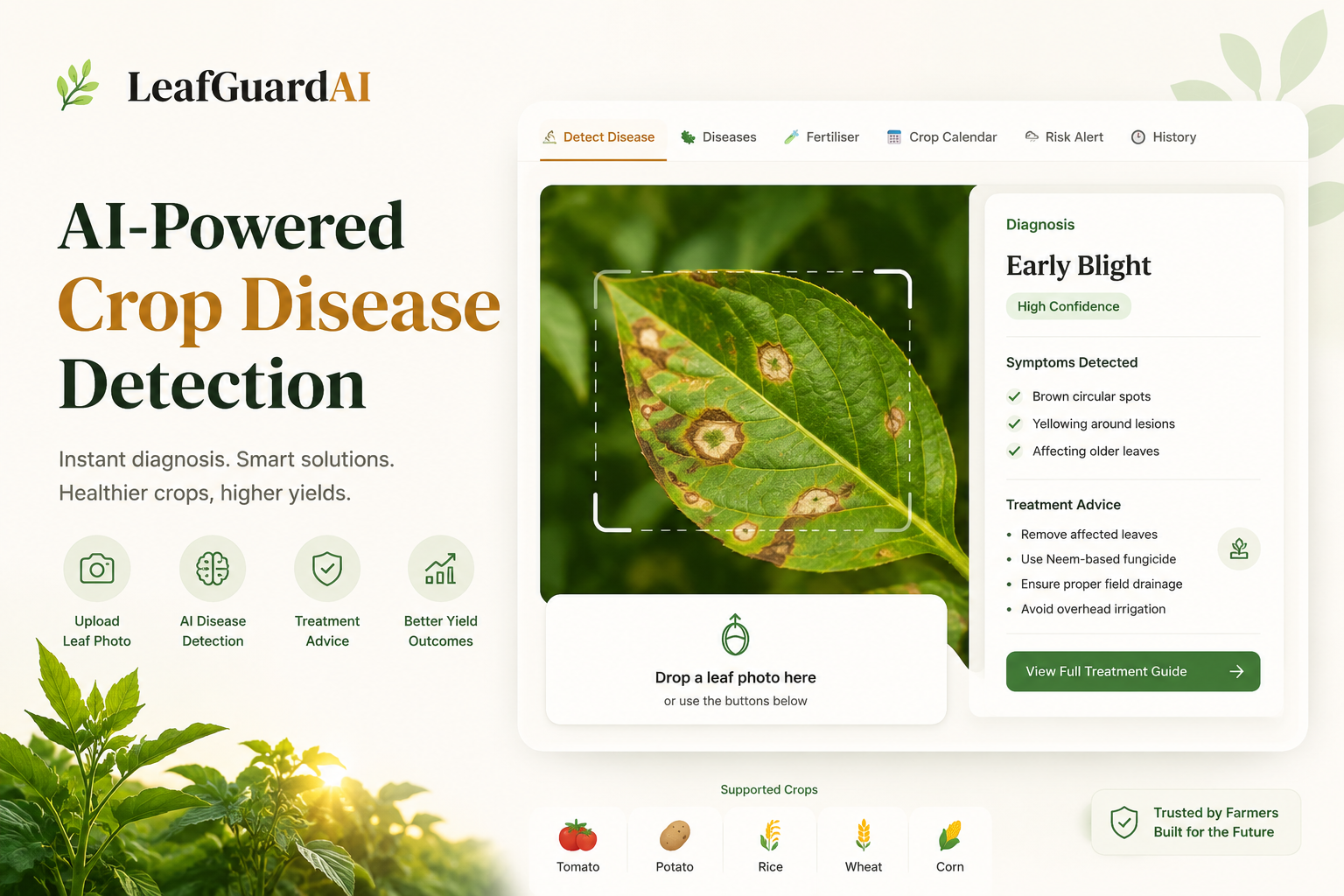
Leaf Disease Detection Web App
An AI-powered web application using a custom CNN built with TensorFlow and React to instantly classify and detect crop leaf diseases.
 AI/ML
AI/ML
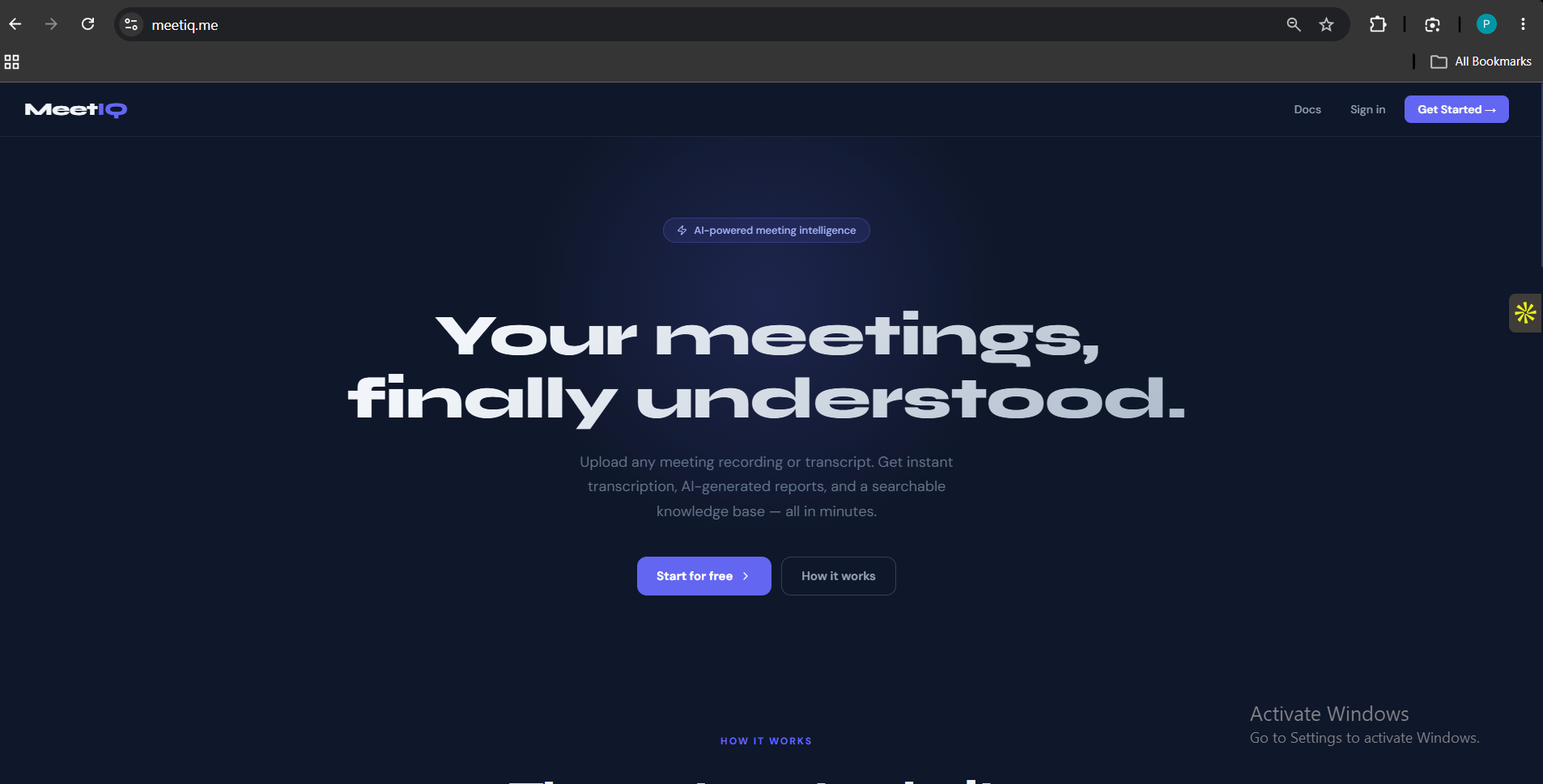
MeetIQ
Most meeting notes are either forgotten or buried in someone's inbox. MeetIQ fixes that — upload any meeting recording or transcript and get a structu