AI Powered Research Paper Summarizer and Insight Extraction
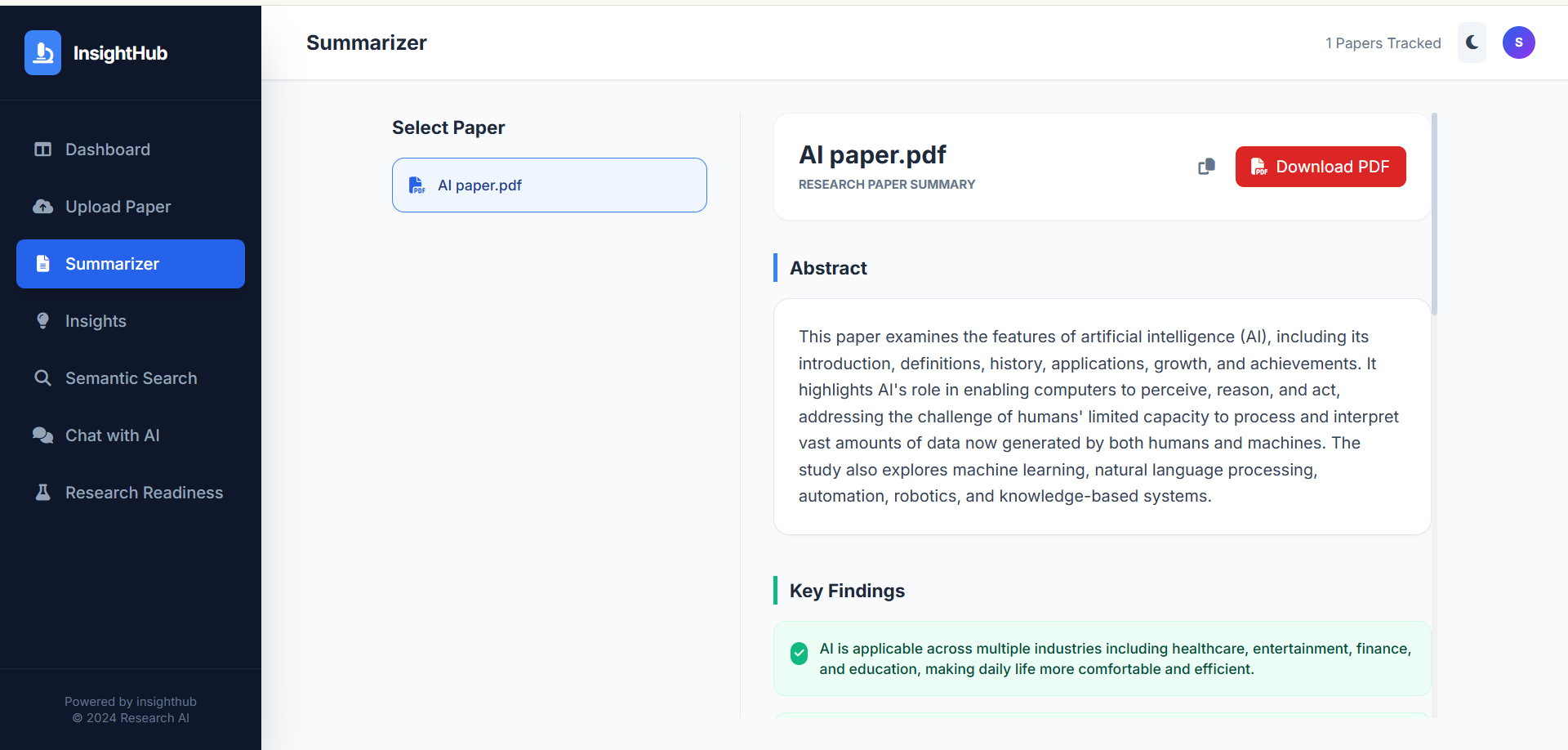
It processes PDF research papers to generate concise summaries, extract key metadata, and identify important insights reducing manual reading time.
Preview Gallery
6 media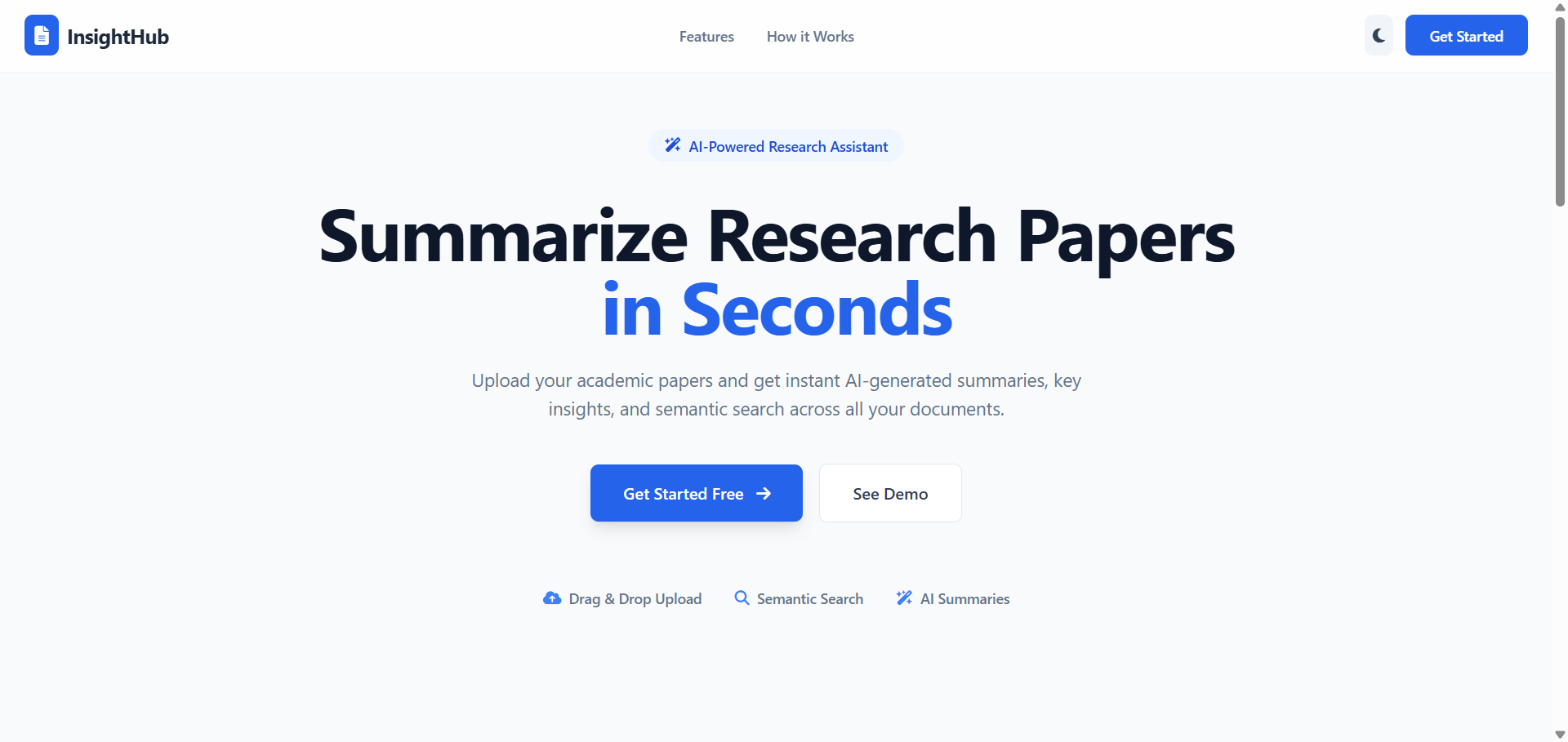
Technologies & Skills
One-time purchase
What's Included
Support & Customization
Resource Links
Purchase this project to unlock source and premium resources. Document/report remain secure preview-based on this page.
AI-Powered Research Paper Summarizer & Insight Extractor
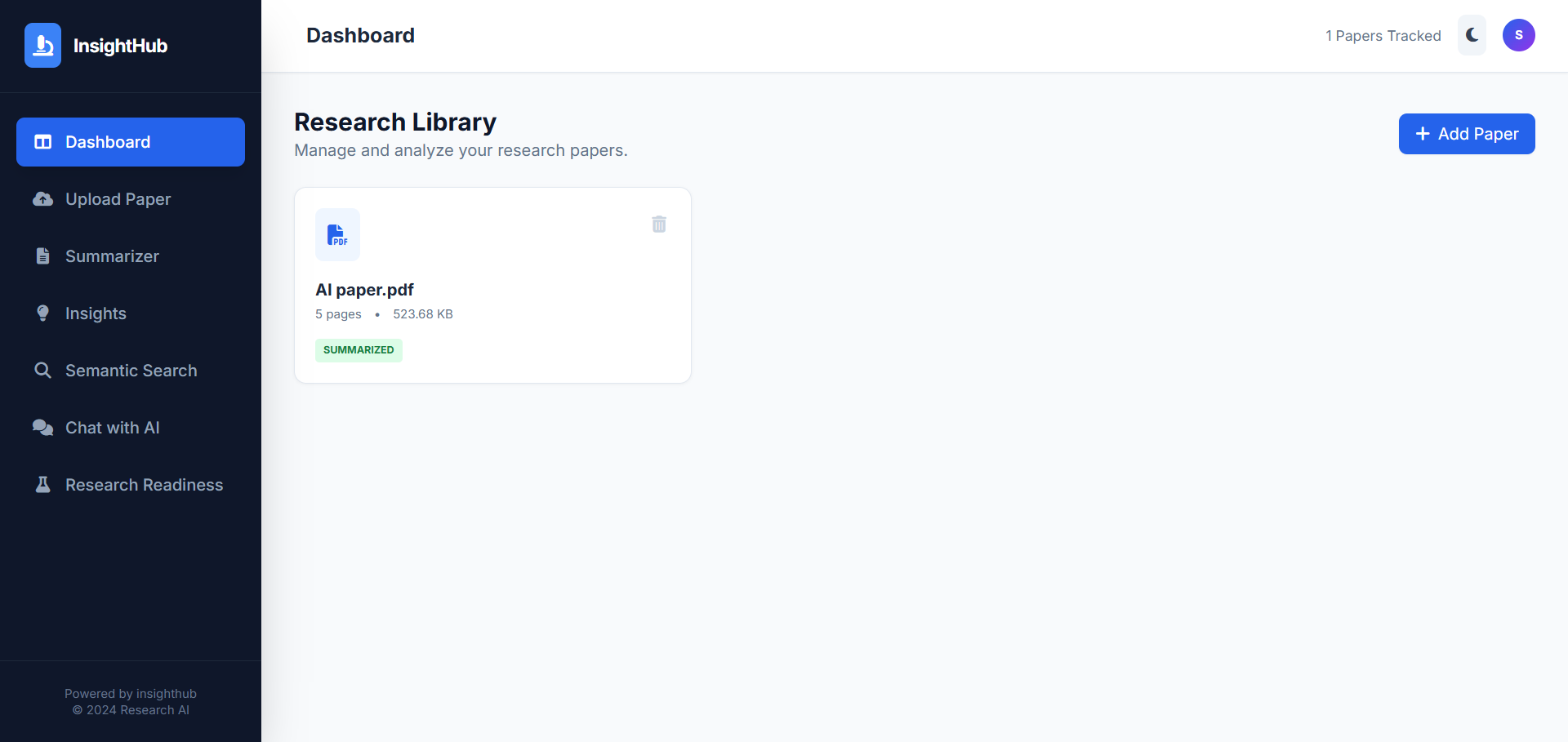
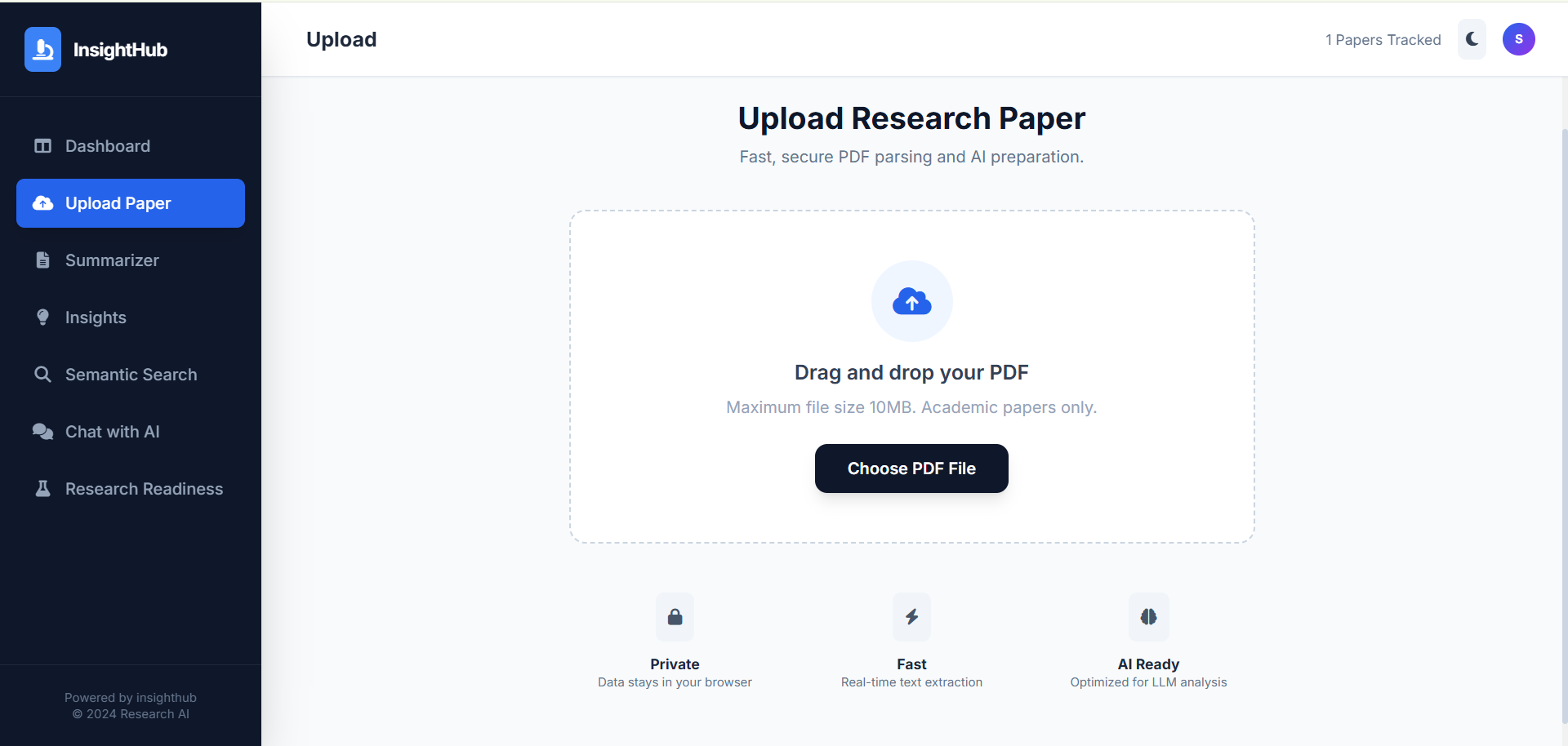
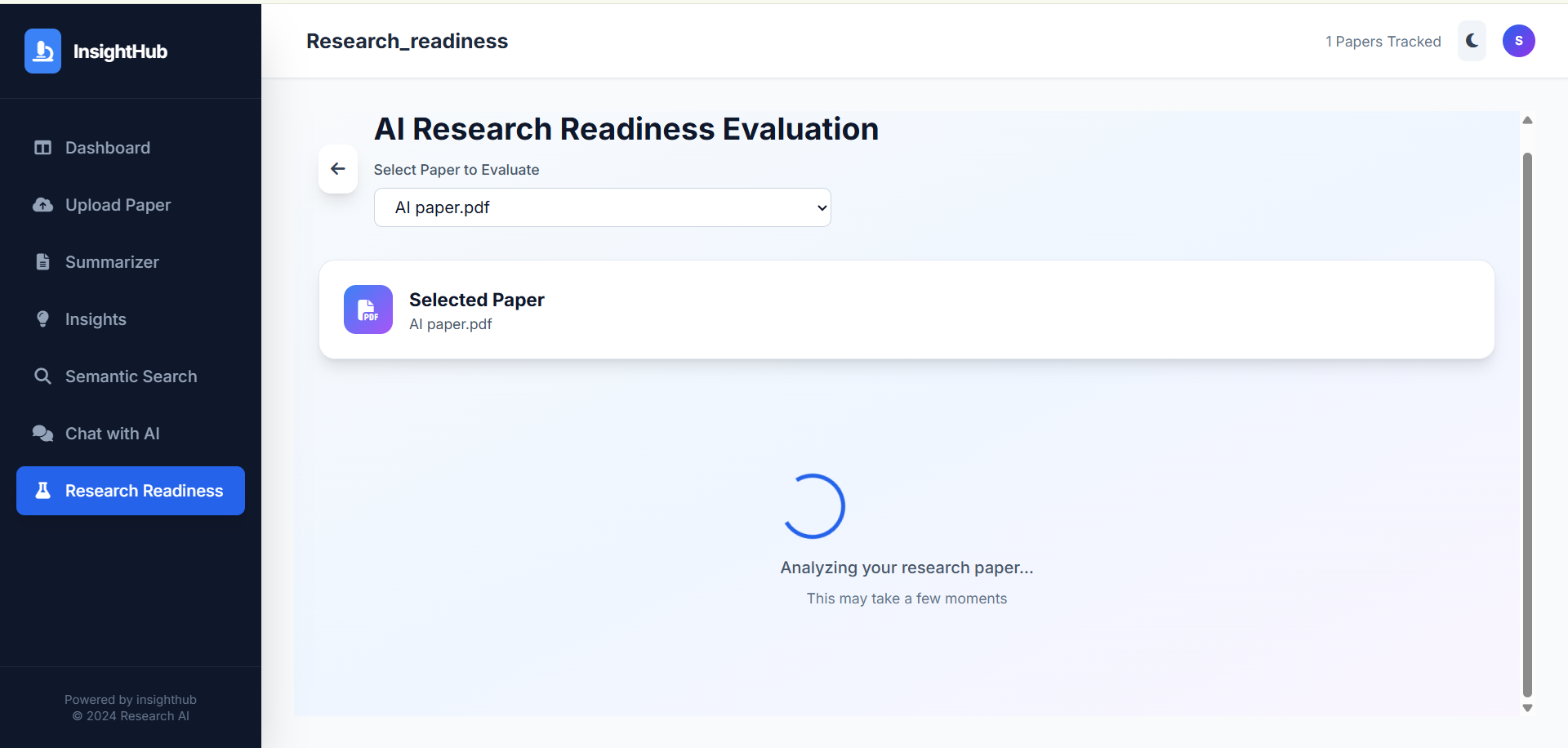
Developed an AI-powered web application that simplifies academic research by automatically analyzing and summarizing research papers in PDF format. The system enables users to upload research papers, extract text and metadata, generate concise summaries, and identify key insights, significantly reducing the time required to review lengthy documents.
The application is built using Python and integrates Large Language Models (LLMs) with a Retrieval-Augmented Generation (RAG) pipeline to produce context-aware and accurate summaries. LangChain is used to orchestrate the AI workflow, while PyPDF2 extracts text from uploaded PDF files. The extracted content is converted into vector embeddings and indexed using FAISS, enabling efficient semantic search and retrieval of relevant information before generating responses. This approach improves the quality and relevance of AI-generated summaries by providing the language model with context from the original document.
The project also extracts important metadata such as the paper title, authors, and other relevant details, and highlights key findings, methodologies, and conclusions to help users quickly understand the core contributions of a research paper. A user-friendly interface built with React.js communicates with a Django backend through REST APIs, ensuring smooth document upload, processing, and result visualization.
Key Features:
- Upload and analyze research papers in PDF format.
- Automatic text extraction using PyPDF2.
- AI-generated concise summaries using LLMs and RAG.
- Semantic search powered by embeddings and FAISS.
- Extraction of key insights, findings, and metadata.
- Fast and intuitive web interface with React.js and Django.
- Reduces manual reading effort and improves research productivity.
Future Enhancements
Known Issues
Installation
Install Python 3.10 or later on your system.
Install Node.js (v18 or later) along with npm.
Install Git to clone the project repository.
Install a code editor such as Visual Studio Code.
Clone the project repository using:
git clone <repository-url>
Navigate to the project directory:
cd research-paper-summarizer
Create a Python virtual environment:
python -m venv venv
Activate the virtual environment:
- Windows
venv\Scripts\activate
- Linux/macOS
source venv/bin/activate
Upgrade pip:
pip install --upgrade pip
Install all Python dependencies:
pip install -r requirements.txt
If no requirements.txt file is available, install the required libraries manually:
pip install django langchain langchain-community faiss-cpu pypdf2 sentence-transformers openai python-dotenv requests numpy
Create a .env file in the project root directory.
Add your API credentials (e.g., OpenAI/OpenRouter API key) to the .env file.
Navigate to the backend folder:
cd backend
Apply Django database migrations:
python manage.py migrate
Start the Django backend server:
python manage.py runserver
Open a new terminal and navigate to the frontend folder:
cd frontend
Install all frontend dependencies:
npm install
Start the React application:
- For Create React App:
npm start
- For Vite:
npm run dev
Open the application in your web browser (typically http://localhost:3000 or http://localhost:5173).
Usage
Upload a research paper in PDF format through the web interface.
The system extracts text from the PDF using PyPDF2.
The extracted text is divided into chunks and converted into vector embeddings.
The embeddings are stored in the FAISS vector database.
The RAG (Retrieval-Augmented Generation) pipeline retrieves the most relevant document context.
The Large Language Model (LLM) generates:
- A concise summary
- Key insights
- Important metadata (e.g., title, authors)
Review the generated results through the React-based user interface.
System Requirements
Hardware Requirements
- Processor: Intel Core i3 or higher
- RAM: 8 GB (16 GB recommended)
- Storage: 10 GB free space
- Internet: Required
Software Requirements
- Operating System: Windows 10/11, Ubuntu 20.04+, or macOS 11+
- Python: 3.10+
- Node.js: 18+
- Git
- Visual Studio Code
- Google Chrome/Edge/Firefox
Required Libraries
- Django
- React.js
- LangChain
- FAISS
- PyPDF2
- Sentence Transformers
- NumPy
- Python-dotenv
- OpenAI/OpenRouter API Key
Slides Open in New Tab
For better readability, slides are opened directly. Documents remain preview-only with secure backend rendering.
Showing preview pages only. Purchase for full access to all pages and complete source package.
Login for Full AccessNo Q&A available yet
Be the first to ask a question!
Ask a Question
Customer Reviews
Write Your Review
No reviews yet
Be the first to review this project!
Similar Projects
You might also be interested in these projects
 AI/ML
AI/ML
MeetIQ
Most meeting notes are either forgotten or buried in someone's inbox. MeetIQ fixes that — upload any meeting recording or transcript and get a structu
 AI/ML
AI/ML
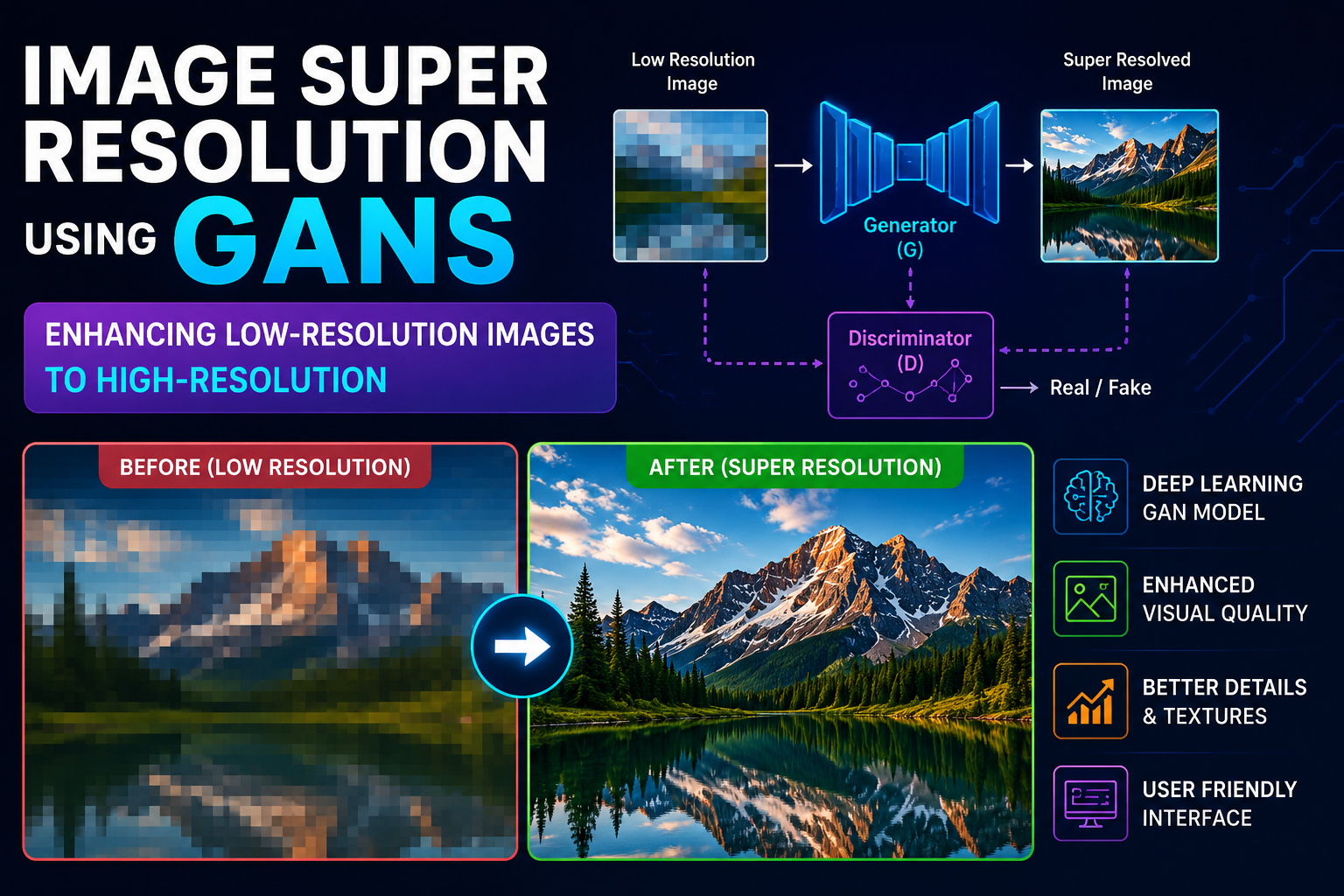
Single Image super resolution using GAN's
I developed an AI-powered Single Image Super Resolution system using Generative Adversarial Networks (GANs) to improve image quality.
 AI/ML
AI/ML
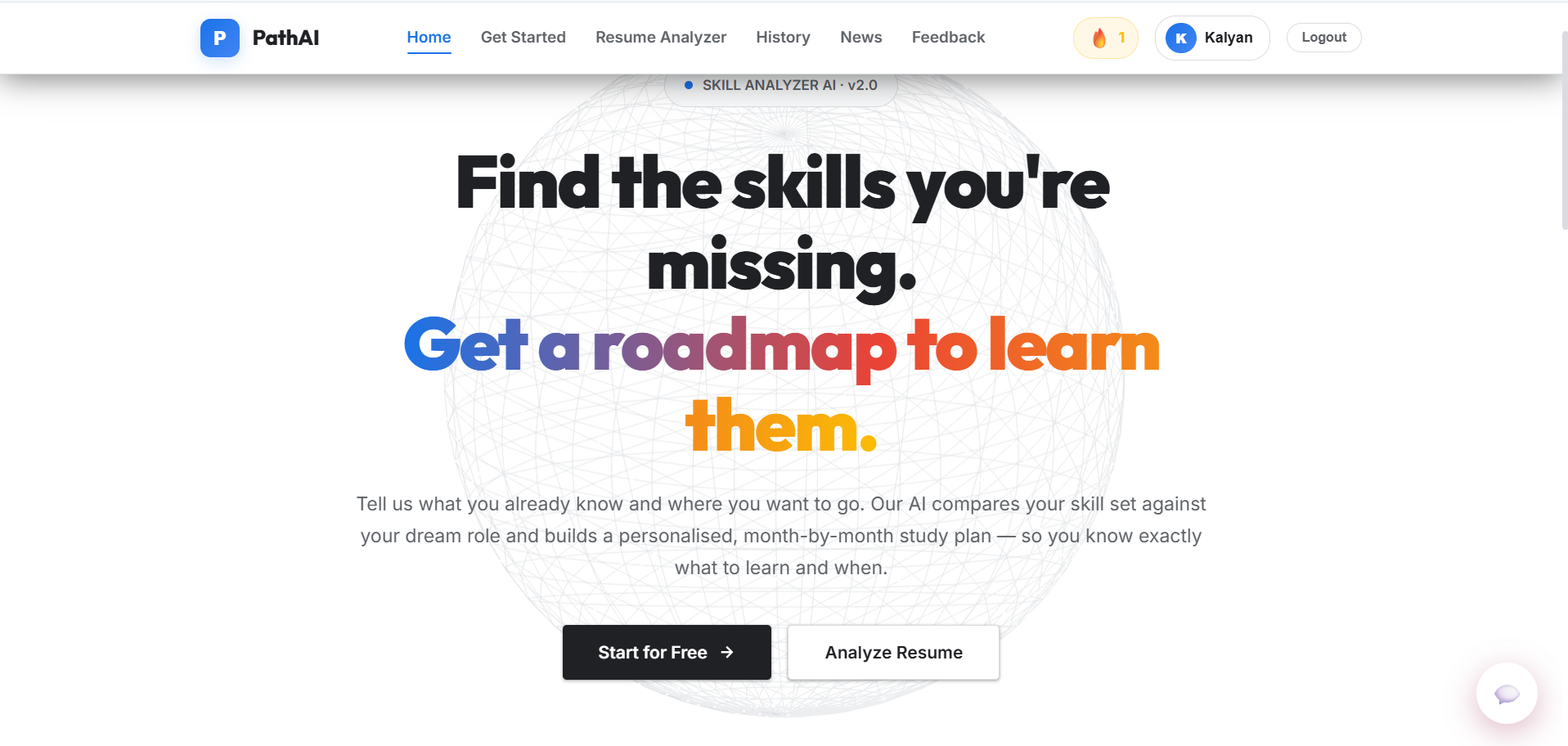
AI-Powered Learning Path Generator
A Flask-based AI learning path generator that uses Google sign-in and Google Gemini to build personalized career roadmaps, with a SQL-lite storage.
 AI/ML
AI/ML
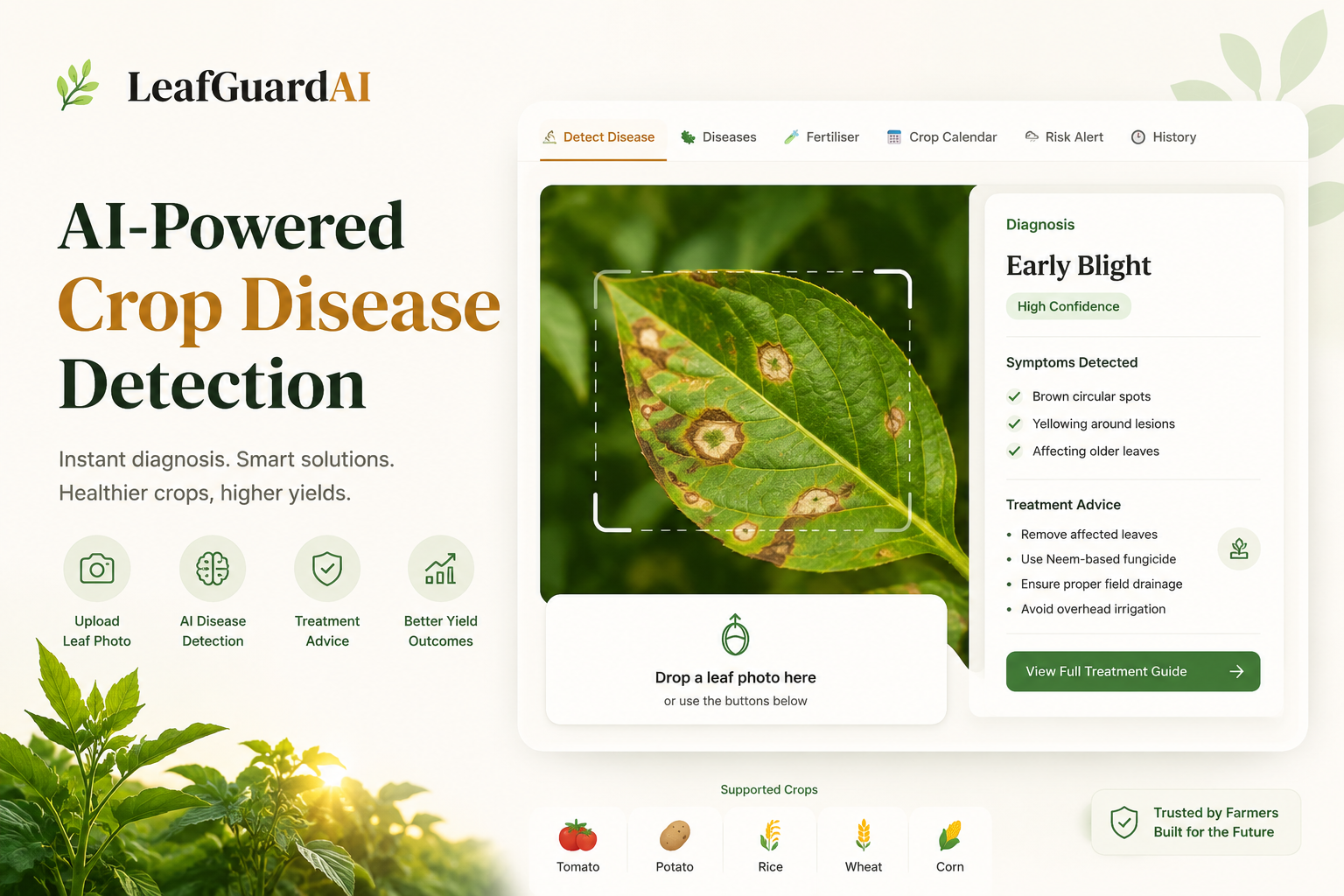
Leaf Disease Detection Web App
An AI-powered web application using a custom CNN built with TensorFlow and React to instantly classify and detect crop leaf diseases.