Student Management and Attendance Tracking System
A web-based student management system to manage student profiles, attendance, academic records, examination results and administrative activities.
Preview Gallery
6 media


Technologies & Skills
Limited time offer
What's Included
Support & Customization
Resource Links
Purchase this project to unlock source and premium resources. Document/report remain secure preview-based on this page.
Student Management and Attendance Tracking System
Project Overview
The Student Management and Attendance Tracking System is a web-based application designed to simplify and automate student-related academic activities. It provides a centralized platform for educational institutions to manage student information, attendance records, examination marks and academic performance.
The application provides administrative and student functionalities to make academic record management easier, more organized and efficient.
Project Modules
1. Admin Module
- Admin login and authentication
- Manage student information
- Add, update and delete student records
- Manage courses and subjects
- View student attendance
- Generate academic reports
2. Student Module
- Student registration and login
- View personal profile
- View attendance records
- Check examination marks
- View academic performance===
3. Attendance Management
- Record daily student attendance
- Update attendance information
- Calculate attendance percentage
- Generate attendance reports
4. Examination Management
- Add examination details
- Enter student marks
- Calculate examination results
- Display academic performance
Technologies Used
- Programming Language: Java
- Backend: Java, JDBC
- Database: MySQL
- Frontend: HTML, CSS, JavaScript, Bootstrap
- Development Tools: Eclipse / IntelliJ IDEA
- Database Tool: MySQL Workbench
Key Benefits
- Reduces manual paperwork.
- Organizes student information in one place.
- Simplifies attendance tracking.
- Makes academic record management easier.
- Improves access to student performance information.
Project Deliverables
- Complete project source code
- MySQL database and SQL scripts
- Project documentation
- ER diagram
- UML diagrams
- Installation and setup instructions
- Project presentation (PPT)
Conclusion
This project provides practical experience in Java application development, database management, JDBC connectivity and web application development.
It is suitable for students who want to understand how real-world educational management applications are designed and developed.
Suitable For
BCA, BSc Computer Science, MCA, MSc Computer Science, BE, BTech and Diploma students.
Academic Purpose: This project is intended for learning, reference, practical demonstrations and independent customization.
Future Enhancements
Known Issues
Installation
Step 1: Verify Prerequisites
Ensure you have the following installed on your machine:
- Java JDK 21 (or JDK 17+):
Check in terminal:  powershell
java -version
- Current path on your system:
C:\Program Files\Java\jdk-21.0.12
- MySQL Server 8.0+:
- Check if MySQL service is running on default port
3306. - Your configured credentials:
- Username:
root - Password:
8500
Step 2: Set Up the MySQL Database
- Open PowerShell or Command Prompt (or MySQL Workbench).
Connect to MySQL and import the database script:  powershell
mysql -u root -p8500 -e "CREATE DATABASE IF NOT EXISTS student_management_db;"
Import the initial tables and sample records from database.sql:  powershell
mysql -u root -p8500 student_management_db < d:\student-management-system\database.sql
Verify the database tables were created:  powershell
mysql -u root -p8500 -e "USE student_management_db; SHOW TABLES;"
- You should see 7 tables:
admins,attendance,courses,exam_marks,exams,students,subjects.
Step 3: Verify Database Configuration
Check d:\student-management-system\src\main\resources\db.properties:
properties
db.driver=com.mysql.cj.jdbc.Driver
db.url=jdbc:mysql://localhost:3306/student_management_db?useSSL=false&allowPublicKeyRetrieval=true&serverTimezone=UTC
db.username=root
db.password=8500
# HikariCP Connection Pool Settings
hikari.maximumPoolSize=10
hikari.minimumIdle=2
hikari.idleTimeout=30000
hikari.connectionTimeout=30000
hikari.maxLifetime=1800000
Step 4: Compile the Application
From the project root folder D:\student-management-system:
Option A (Using JDK directly):
powershell
cd D:\student-management-system
& 'C:\Program Files\Java\jdk-21.0.12\bin\javac.exe' -cp "target\classes;target\lib\*" -d "target\classes" (Get-ChildItem -Recurse src\main\java\*.java | ForEach-Object { $_.FullName })
Option B (Using Maven):
powershell
$env:JAVA_HOME = 'C:\Program Files\Java\jdk-21.0.12'
mvn compile
Step 5: Start the Server
You can start the server using either of the following methods:
Method A: Double-Click the Launcher (Easiest)
- Double-click the file start.bat inside
D:\student-management-system\.
Method B: Run from PowerShell / Command Prompt
powershell
cd D:\student-management-system
java -cp "target\classes;target\lib\*" com.sms.server.AppServer
When started, you will see:
text
==================================================================
   METROPOLITAN INSTITUTE OF TECHNOLOGY - ERP SYSTEM
   Embedded REST API & High-Performance Web Server
==================================================================
[INFO] Web root directory: D:\student-management-system\src\main\webapp
[READY] Application running at: http://localhost:8080/
[READY] Admin Portal:           http://localhost:8080/admin/dashboard.html
[READY] Student Portal:         http://localhost:8080/student/dashboard.html
==================================================================
Step 6: Access the Application in Your Browser
Open any web browser (Chrome, Edge, Firefox) and navigate to:
Target PageURLDefault Login CredentialsInstitutional Homepagehttp://localhost:8080/Public Landing with portal linksAdmin Consolehttp://localhost:8080/admin/dashboard.htmlUsername: admin
Password: admin123Student Portalhttp://localhost:8080/student/dashboard.htmlEnrollment No: STU2026001
Password: student123Project Documentation (PDF)http://localhost:8080/docs/project-report.htmlClick Print / Save as PDFProject Documentation (Word)http://localhost:8080/PROJECT_DOCUMENTATION.docDirect download for Word
Step 7: Troubleshooting Common Issues
- Port 8080 already in use?
Check what process is listening on 8080:  powershell
netstat -ano | findstr :8080
Kill the existing process:  powershell
taskkill /F /PID <PID_NUMBER>
- Access denied for user 'root'@'localhost'?
- Verify that your MySQL password in
src/main/resources/db.propertiesmatches your MySQL root password (8500).
- Page not refreshing after code edits?
- Press
Ctrl + F5in your browser to clear cached HTML/CSS/JS files.
Usage
The Student Management & Attendance Tracking System features two independent, role-tailored portals:
- Administrator & Faculty Console (
/admin/*) - Student Self-Service Portal (
/student/*)
A copy of this guide has also been saved to your project at: USAGE_GUIDE.md.
Part 1: Administrator & Faculty Console Walkthrough
Access URL: http://localhost:8080/admin/dashboard.html
Login: Username: admin | Password: admin123
+---------------------------------------------------------------------------------------+
|  TOP BAR:  [Sidebar Toggle]   AY 2025-2026   [Search Ctrl+K]   [Notifications]   Date |
+---------------------------------------------------------------------------------------+
|  SIDEBAR               |  MAIN WORKSPACE                                              |
|  - Dashboard           |  - 4 KPI Metric Cards (Students, Faculty, Attendance, Fees)  |
|  - Student Roster      |  - Performance Trends Line Chart (Chart.js)                  |
|  - Faculty & Staff     |  - Monthly Attendance Log Bar Chart                          |
|  - Courses/Curriculum  |  - Program Enrollment Donut Chart                            |
|  - Attendance Tracking |  - Faculty Messages & Campus Activity Feeds                  |
|  - Exams & Grading     |  - Recent Admissions Roster with Action Buttons              |
|  - Class Timetable     |                                                              |
|  - Fees & Billing      |                                                              |
|  - Transcripts         |                                                              |
+---------------------------------------------------------------------------------------+
1. Managing Students (/admin/students.html)
- Live Search & Filter:
- Type into the search input to filter students instantly by Name, Enrollment ID, or Email.
- Use the dropdown filters to narrow down by Degree Program, Semester (1–8), and Status (Active, Probation, Graduated).
- Click the Reset () button to clear filters.
- Enrolling a Student:
- Click "+ Add Student" in the top-right toolbar.
- Fill in Enrollment Number (
STU2026025), Course, First/Last Name, Email, Date of Birth, and Semester. - Click "Save Student Record" — the table updates in real time.
- Profile Inspection:
- Click the Eye Icon () on any row to open the Student Profile Slide-over Drawer (shows Information, Attendance history, and Exam marks).
- Exporting Data:
- Click "Export CSV" to download the student directory as an Excel-compatible spreadsheet.
2. Taking Daily Class Roll-Call (/admin/attendance.html)
- Select the Curriculum Subject (e.g.
CS201: Data Structures) and pick the Session Date. - Click "Load Roster" to fetch all enrolled students.
- For each student, select their radio status: Present (Green), Absent (Red), Late (Yellow), or Excused (Grey).
- Batch Shortcuts: Click "Mark All Present" or "Mark All Absent" in the header to fill the roster in one click.
- Review the real-time Present Count, Absent Count, and Session Attendance %.
- Click "Save Roll-Call" to commit the records into MySQL.
3. Examinations & Spreadsheet Grade Book (/admin/exams.html)
- Scheduling an Exam:
- Click "+ Schedule Exam", select the subject, enter exam name (e.g.
Mid-Term Examination 2026), date, max marks (100), and passing threshold (40). - Entering Grades (Spreadsheet Mode):
- Click "Enter Marks" next to any scheduled exam.
- Enter the marks scored by each student.
- The modal calculates Percentage, assigns Letter Grades (
A+,A,B+,B,C,F), and toggles PASS / FAIL badges automatically. - Click "Save All Marks" to batch-submit to the database.
4. Official Academic Transcripts (/admin/reports.html)
- Select any student from the dropdown.
- The system renders a formal A4 Academic Transcript of Record complete with the institutional watermark, semester credits, marks scored, CGPA, and signature blocks.
- Click "Print Formal Transcript (A4)" (or press
Ctrl + P) to print or save as a PDF.
Part 2: Student Self-Service Portal Walkthrough
Access URL: http://localhost:8080/student/dashboard.html
Login: Enrollment No: STU2026001 | Password: student123
+---------------------------------------------------------------------------------------+
|  GREETING BANNER:  Good Morning, Alex Morgan 👋  •  B.Tech CS  •  Semester 6          |
+---------------------------------------------------------------------------------------+
|  SPARKLINE CARDS:  [6 Courses]     [18 Hrs/Wk]     [2 Pending]     [0 Conflicts]      |
+---------------------------------------------------------------------------------------+
|  UPCOMING CLASSES (Weekly Schedule)          |  SEMESTER PROGRESS & ACADEMIC STANDING |
|  - Mon: Data Structures (09:00 - Room A-204) |  - Semester Completion (68%)           |
|  - Tue: Database Systems (10:30 - Lab B-101) |  - Credits Earned (84/160)             |
|  - Wed: AI & Machine Learning (13:00)        |  - Attendance Rate (87% - Eligible)    |
|  - Thu: Computer Networks (14:30)            |  - Current CGPA: 8.74 ⭐⭐⭐⭐          |
+---------------------------------------------------------------------------------------+
1. Checking Attendance & 75% Rule (/student/attendance.html)
- View aggregate attendance percentage across all subjects.
- Inspect individual colored progress meters for every curriculum subject.
- Eligibility Indicator:
- ≥ 75%: Displays green badge "Eligible for Exam Hall Ticket".
- < 75%: Displays red warning alert indicating attendance remediation is needed.
2. Viewing Grades & Marksheets (/student/marks.html)
- View cumulative CGPA (
8.74 / 10.0) and academic standing (Distinction). - Review semester marks breakdown (Exam Name, Max Marks, Passing Marks, Scored Marks, Grade, and Result).
- Click "Print Grade Sheet" to generate a clean PDF or printout.
3. Class Schedule & Fees (/student/timetable.html & /student/fees.html)
- Class Schedule: Weekly view of lectures, timings, rooms, and faculty professors.
- Fees & Receipts: Check tuition clearance status, view past payments, and print official electronic fee receipts.
4. Account Profile & Password (/student/profile.html)
- Review registered personal and academic details.
- Use the Change Password form to update your student portal credentials.
Quick Keyboard Shortcuts
ShortcutActionCtrl + K / Cmd + KOpen Global Search modal from any admin screenCtrl + PPrint or Save as PDF (formatted for transcripts, receipts, and reports)Ctrl + F5Hard-refresh page to clear cached browser assets
System Requirements
System Requirements Specification (SRS)
Here are the complete system, software, hardware, and functional requirements for the Student Management & Attendance Tracking System. A permanent copy has also been saved to your project at: REQUIREMENTS.md.
1. Software Requirements
ComponentMinimum SpecificationRecommended Specification (Current Setup)Operating SystemWindows 10 (64-bit), macOS 12+, Ubuntu 20.04+Windows 11 / Linux ServerJava Development KitJava SE 17 LTSJava SE 21 LTS (C:\Program Files\Java\jdk-21.0.12)Database ServerMySQL Server 8.0+MySQL Server 8.0.33+ (Port 3306)Build ToolApache Maven 3.8+Apache Maven 3.9.6Embedded Web ServerJDK built-in com.sun.net.httpserver.HttpServerMulti-threaded Pool (24 active workers)Web BrowserChrome, Edge, Firefox, or SafariLatest Evergreen Web Browser
2. Hardware Requirements
ResourceHost / Server MachineClient User MachineProcessor (CPU)Intel Core i3 / AMD Ryzen 3 (2.0 GHz+)Any standard Dual-Core processorRAM (Memory)Minimum 4 GB (8 GB recommended)Minimum 2 GB RAMStorage (Disk)Minimum 1 GB free disk space (SSD preferred)200 MB free spaceDisplay Resolution1280 × 720 minimum1920 × 1080 recommended for data tablesNetwork10/100 Mbps Ethernet / LocalhostWi-Fi or LAN connection
3. Backend Runtime Libraries (Pre-Packaged in target/lib/)
Library / JARVersionRole in Applicationmysql-connector-j8.0.33JDBC driver handling low-level communication with MySQLHikariCP4.0.3High-performance, zero-overhead JDBC connection poolgson2.10.1JSON serialization with custom ISO java.sql.Date type adaptersslf4j-simple1.7.36Logging facade for connection pool diagnostics
4. Functional Requirements (Module Breakdown)
A. Authentication & Session Control
- Independent login interfaces for Administrators (
admin/login.html) and Students (student/login.html). - Credential validation against relational
adminsandstudentstables. - In-memory/local storage token session handling with automatic route protection (
api.requireAuth()). - Student password modification with existing password verification.
B. Student Information Management
- High-density data grid inspired by Robbit SuperAdmin with live name/ID/email search.
- Multi-parameter filtering by Degree Program, Semester (1–8), and Academic Status.
- Interactive student enrollment modal wizard with automatic field validation.
- Interactive 5-tab student profile slide-over drawer (Overview, Attendance history, Exam marksheet).
- One-click roster export to Excel-compatible CSV.
C. Attendance Tracking & 75% Rule Engine
- Class roll-call roster loaded by curriculum subject and session date.
- Radio status selectors: Present, Absent, Late, and Excused.
- One-click bulk shortcuts: Mark All Present and Mark All Absent.
- Real-time present/absent counters and session attendance percentage calculation.
- 75% Mandatory Policy Enforcement:
≥ 75%: Green badge (Eligible for Examination Hall Ticket).< 75%: Red alert (Ineligible / Remedial Action Required).
D. Examination & Grade Book Management
- Session scheduling with subject association, date, Max Marks (
100), and Passing Marks (40). - Spreadsheet-style marks entry grid for all enrolled students.
- Automatic percentage calculation as grades are typed.
- Automated Letter Grade assignment: A+ (90%+), A (80%+), B+ (70%+), B (60%+), C (50%+), D (40%+), F (<40%).
- Batch submission via REST API (
/api/exams/marks/batch).
E. Academic Reports & Official A4 Transcripts
- Formal printable A4 Academic Transcript of Record with university seal, watermark, semester course credits, marks scored, SGPA/CGPA, and signature blocks.
- Tuition fee ledger tracking with printable electronic receipt modal.
5. Non-Functional Requirements
- Sub-Second Latency: REST API endpoints respond in under 100ms via HikariCP connection pooling.
- ACID Compliance: Atomic, consistent transactions for all student enrollment, roll-call, and marks writes.
- Zero External Container Overhead: Runs entirely standalone on standard JDK without needing heavy Tomcat or GlassFish installations.
- Responsive Commercial SaaS Design: Clean white/slate backgrounds (
#F8FAFC,#FFFFFF), deep navy (#172554), royal blue accents (#2563EB), and Inter typography.
Slides Open in New Tab
For better readability, slides are opened directly. Documents remain preview-only with secure backend rendering.
Showing preview pages only. Purchase for full access to all pages and complete source package.
Login for Full AccessNo Q&A available yet
Be the first to ask a question!
Ask a Question
Customer Reviews
Write Your Review
No reviews yet
Be the first to review this project!
Similar Projects
You might also be interested in these projects
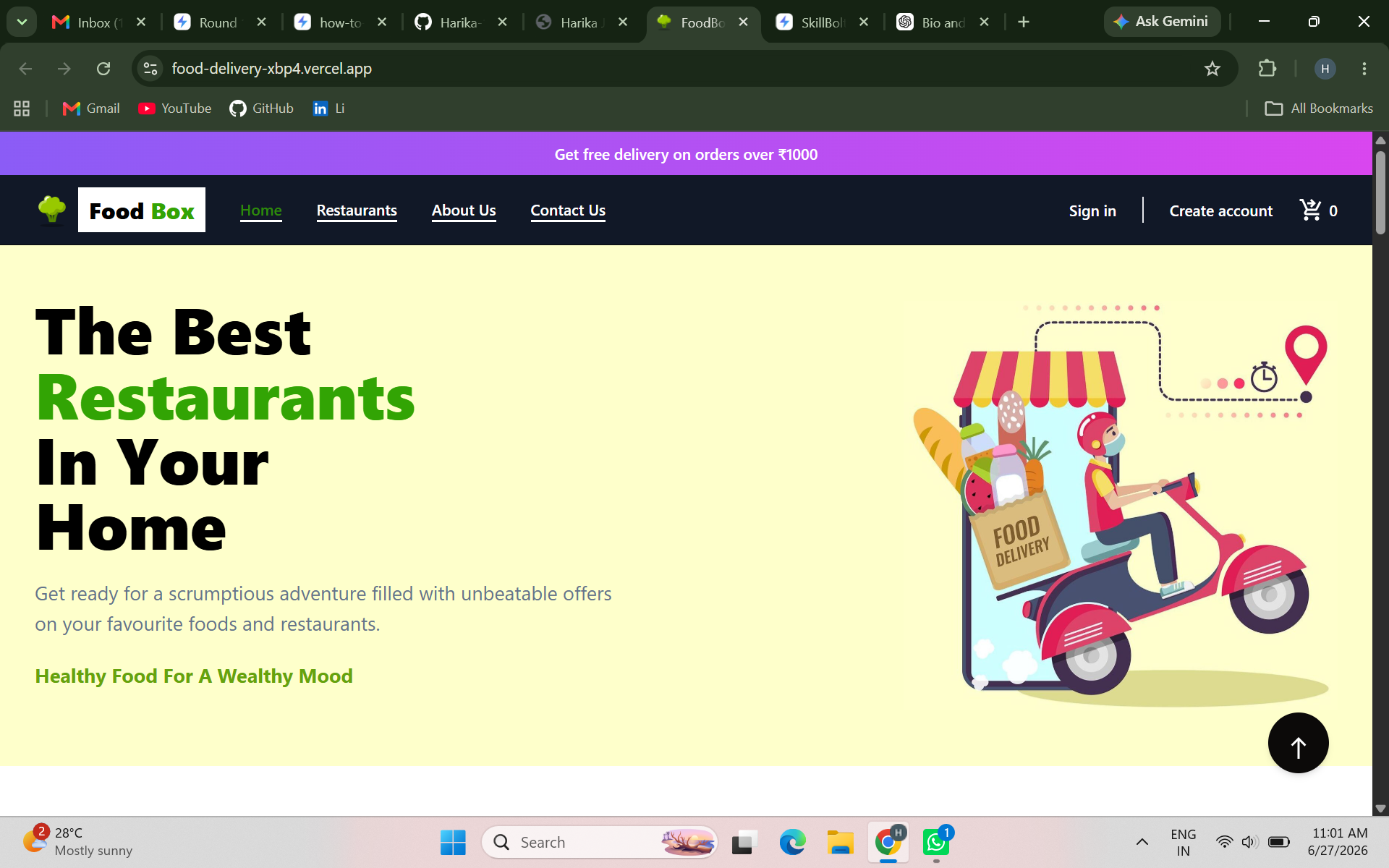 website Development
Food Delivery App
A full-stack food delivery web application that allows users to browse restaurants, explore menus, add items to cart, place orders, and track deliveri
 website Development
Full-Stack Ecommerce website using React
Deal-O-City is a full-stack, trend-driven fashion e-commerce platform built using the MERN stack (MongoDB, Express.js, React.js, Node.js).
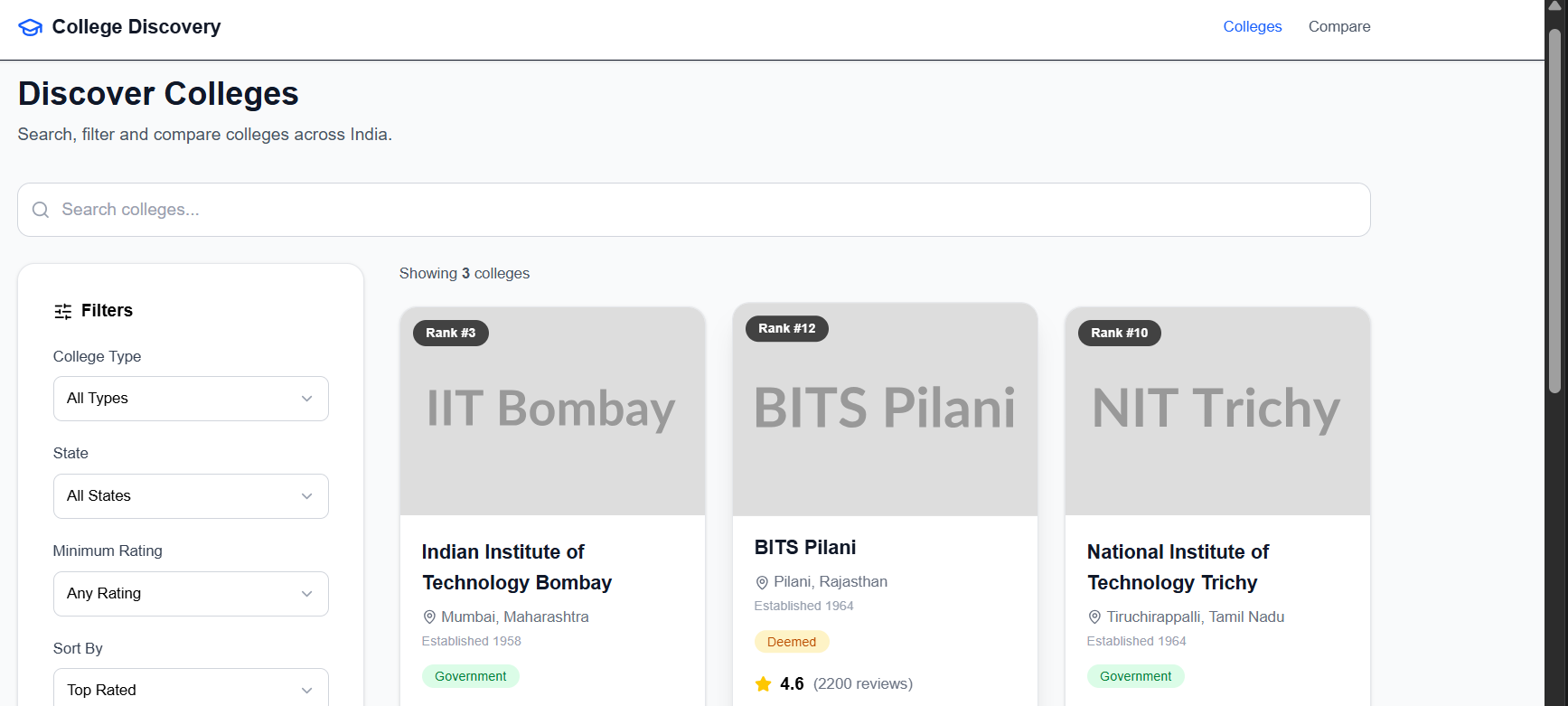 website Development
College Discovery Platform
A modern college discovery platform that helps students search, filter, explore, and compare colleges through an intuitive and responsive interface.
 website Development
Modern Developer Portfolio Website
A modern developer portfolio website built with React, TypeScript, and Vite to showcase projects, technical skills, education, and experience.