Food Delivery App
A full-stack food delivery web application that allows users to browse restaurants, explore menus, add items to cart, place orders, and track deliveri
Preview Gallery
1 media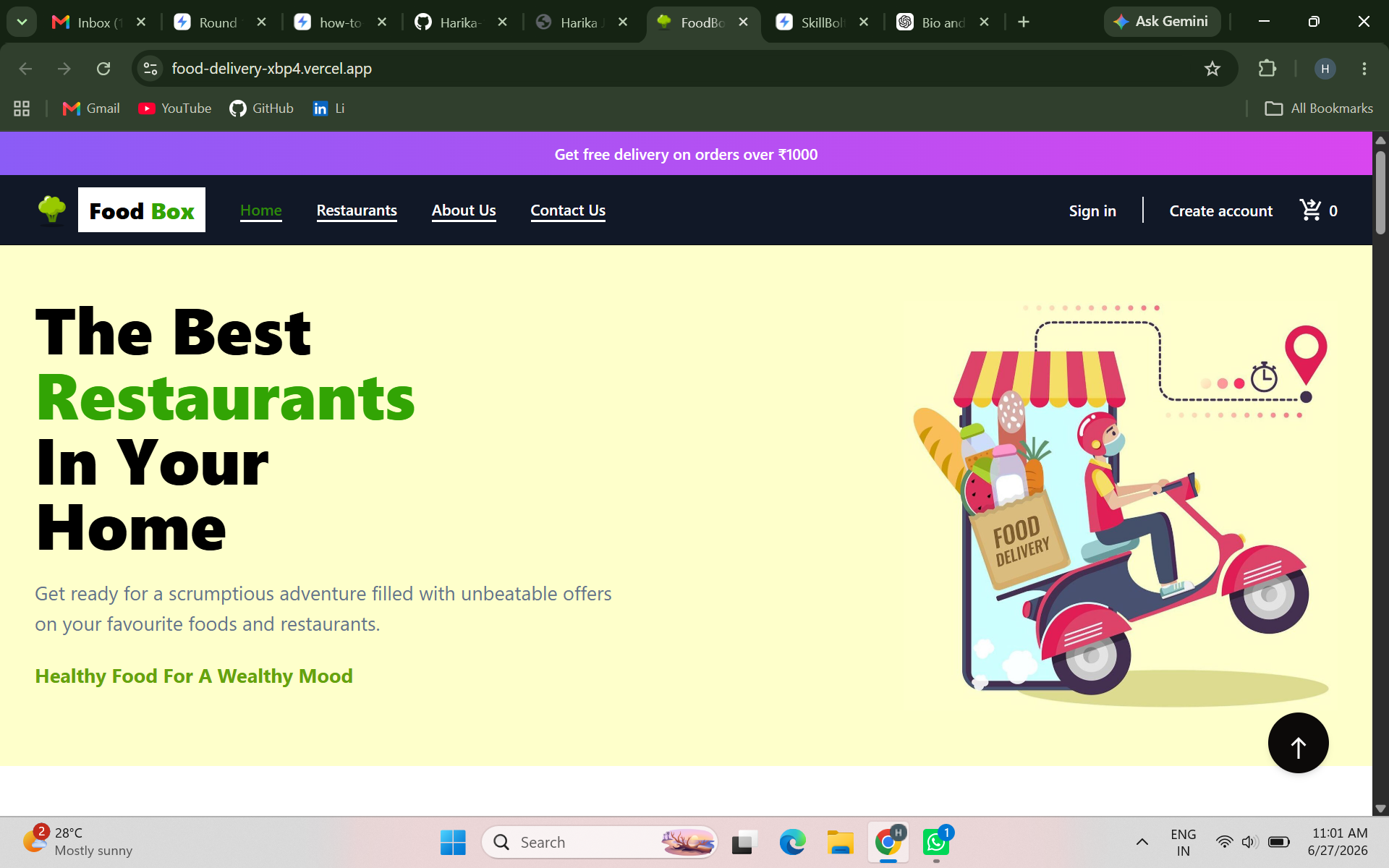
Technologies & Skills
Limited time offer
What's Included
Support & Customization
Resource Links
Purchase this project to unlock source and premium resources. Document/report remain secure preview-based on this page.
Food Delivery App is a full-stack web application developed to provide a seamless online food ordering experience for users. The platform allows customers to browse food items, explore menus, add products to their cart, place orders, and manage deliveries through an intuitive and responsive interface.
This application was built to solve real-world problems in online food ordering by offering a simple, fast, and user-friendly system for both customers and administrators. Users can easily search for their favorite dishes, view detailed product information, adjust item quantities, and complete the ordering process smoothly.
The application includes essential features such as user authentication, restaurant/food listing, menu browsing, cart management, order placement, and responsive design for different screen sizes. The admin side supports food item management, price updates, and order monitoring, making the platform efficient for business operations.
Key Features
- User Registration & Login
- Browse Food Categories and Menus
- Add to Cart / Remove from Cart
- Quantity Management
- Order Placement
- Responsive UI for Mobile and Desktop
- Admin Dashboard for Product & Order Management
Technologies Used
- Frontend: HTML, CSS, JavaScript
- Backend: Flask
Live Demo
https://food-delivery-xbp4.vercel.app/
Future Enhancements
Known Issues
Installation
- Clone the project repository or download the source code.
- Install Python (version 3.8 or above) and ensure Flask is installed.
- Install required Python packages:
pip install flask
- Navigate to the project directory:
cd food-delivery-app
- Run the Flask server:
python app.py
- Open your browser and visit:
http://127.0.0.1:5000/
- Ensure all frontend files (HTML, CSS, JavaScript) are properly linked inside the templates/static folders.
Usage
- Open the application in a web browser.
- Browse available food categories and menu items.
- Select desired food items and add them to the cart.
- Increase or decrease item quantity as needed.
- Review cart details before placing an order.
- Proceed to checkout and confirm the order.
- Admin users can manage food items, update prices, and track customer orders.
System Requirements
Hardware Requirements:
- Minimum 4 GB RAM
- 500 MB free disk space
- Dual-core processor or above
Software Requirements:
- Operating System: Windows / Linux / macOS
- Python 3.8+
- Flask Framework
- Web Browser (Chrome, Edge, Firefox)
- Code Editor (VS Code / PyCharm)
Slides Open in New Tab
For better readability, slides are opened directly. Documents remain preview-only with secure backend rendering.
Showing preview pages only. Purchase for full access to all pages and complete source package.
Login for Full AccessNo Q&A available yet
Be the first to ask a question!
Ask a Question
Customer Reviews
Write Your Review
No reviews yet
Be the first to review this project!
Similar Projects
You might also be interested in these projects
 website Development
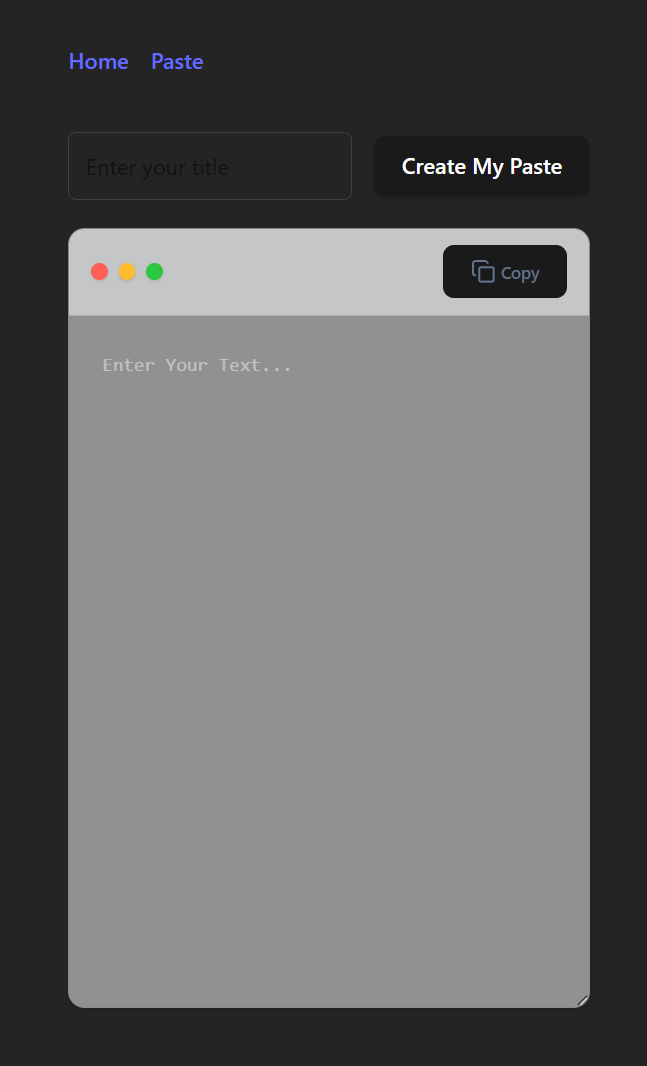
Paste Snippet
Developed a secure full-stack application for managing code snippets in real-time.
 website Development
Quiz Web based application
It contains a application where children and adults also everyone can play games and build their confidence.
 website Development
ExploreSphere - Full-Stack Travel & Heritage Discovery Platform
A full-stack MERN platform featuring 100+ campgrounds, interactive maps, secure authentication, and immersive heritage exploration.
 website Development
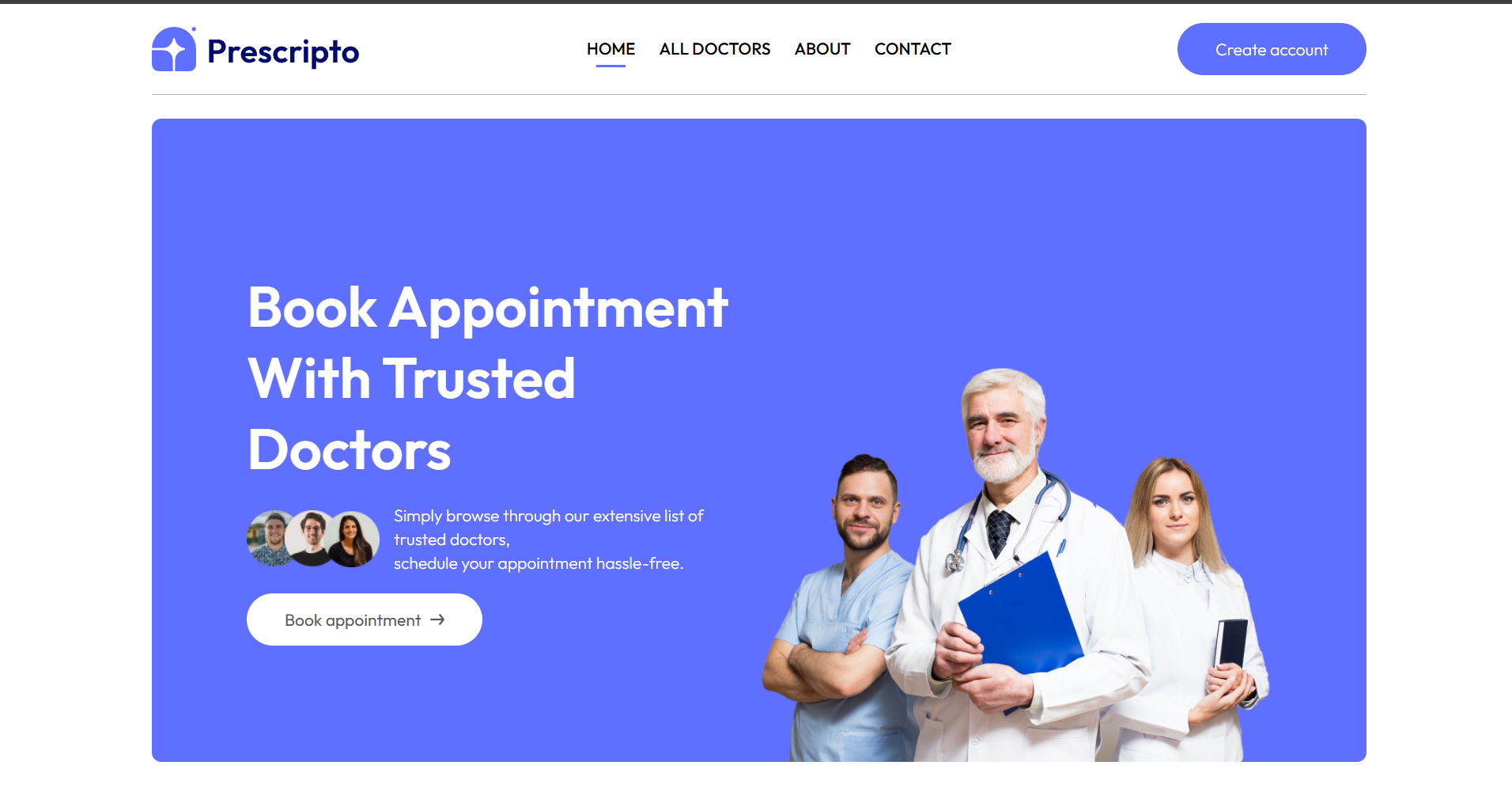
Prescripto – Full-Stack Doctor Appointment System
Full-stack MERN doctor appointment platform with patient, doctor and admin dashboards, JWT authentication, online booking and responsive UI.