Patel Eats
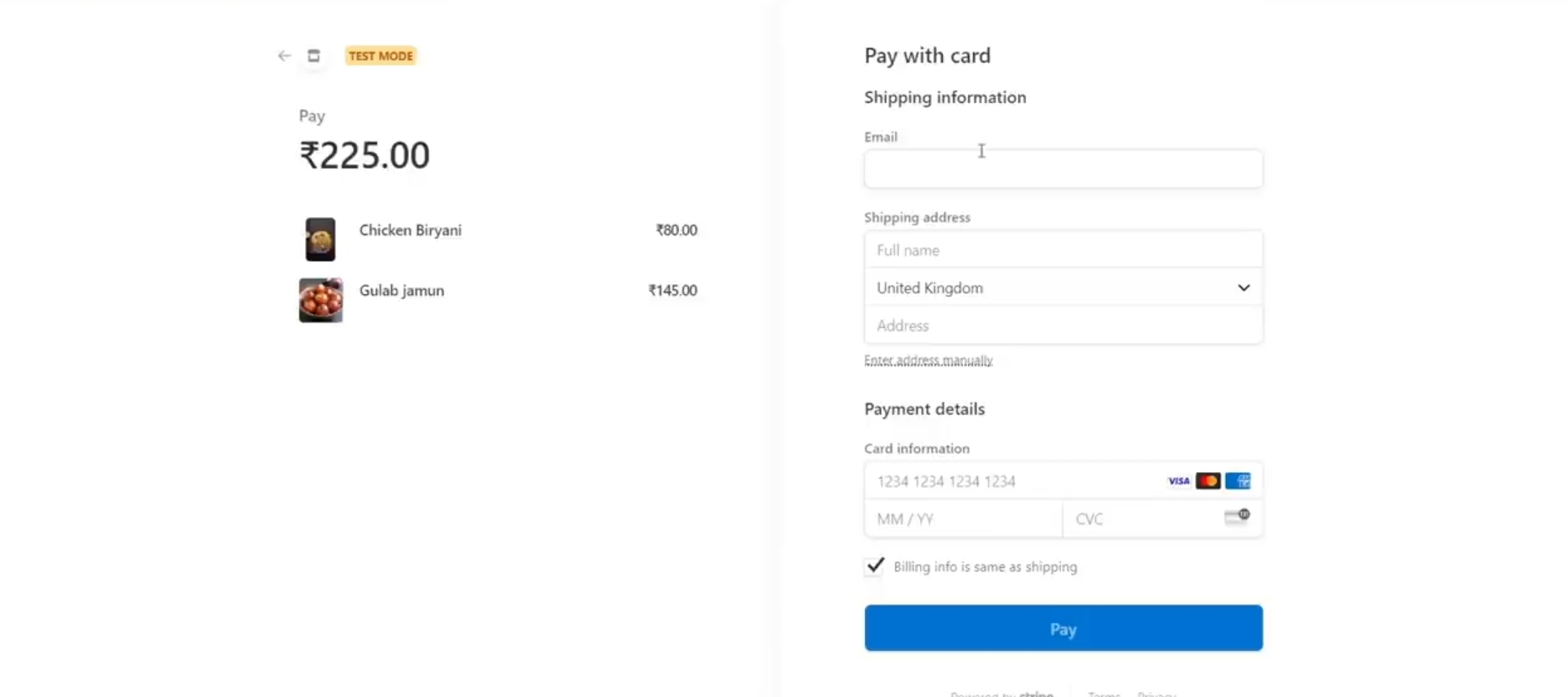
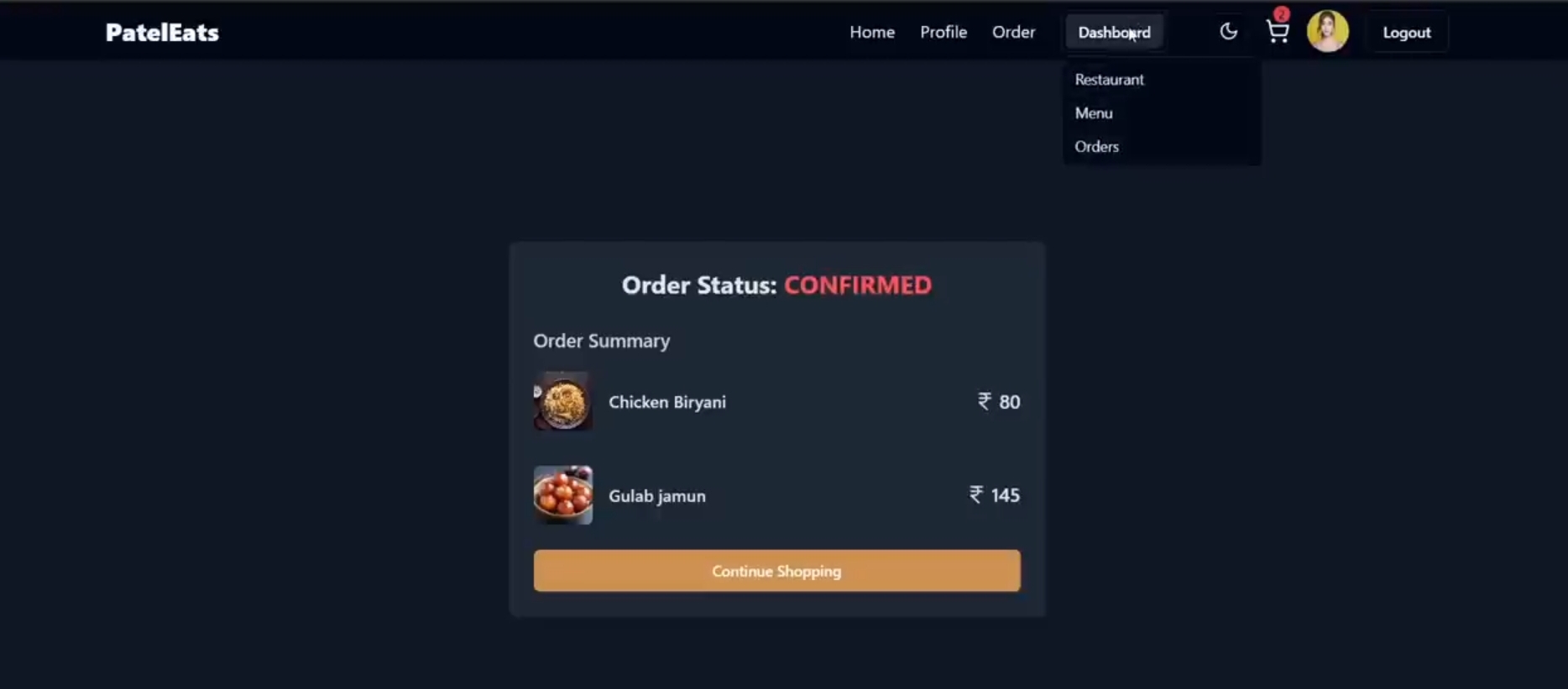
Developed a full-stack web application inspired by Zomato that allows users to discover restaurants, browse menus,and order food online. Implemented
Preview Gallery
6 media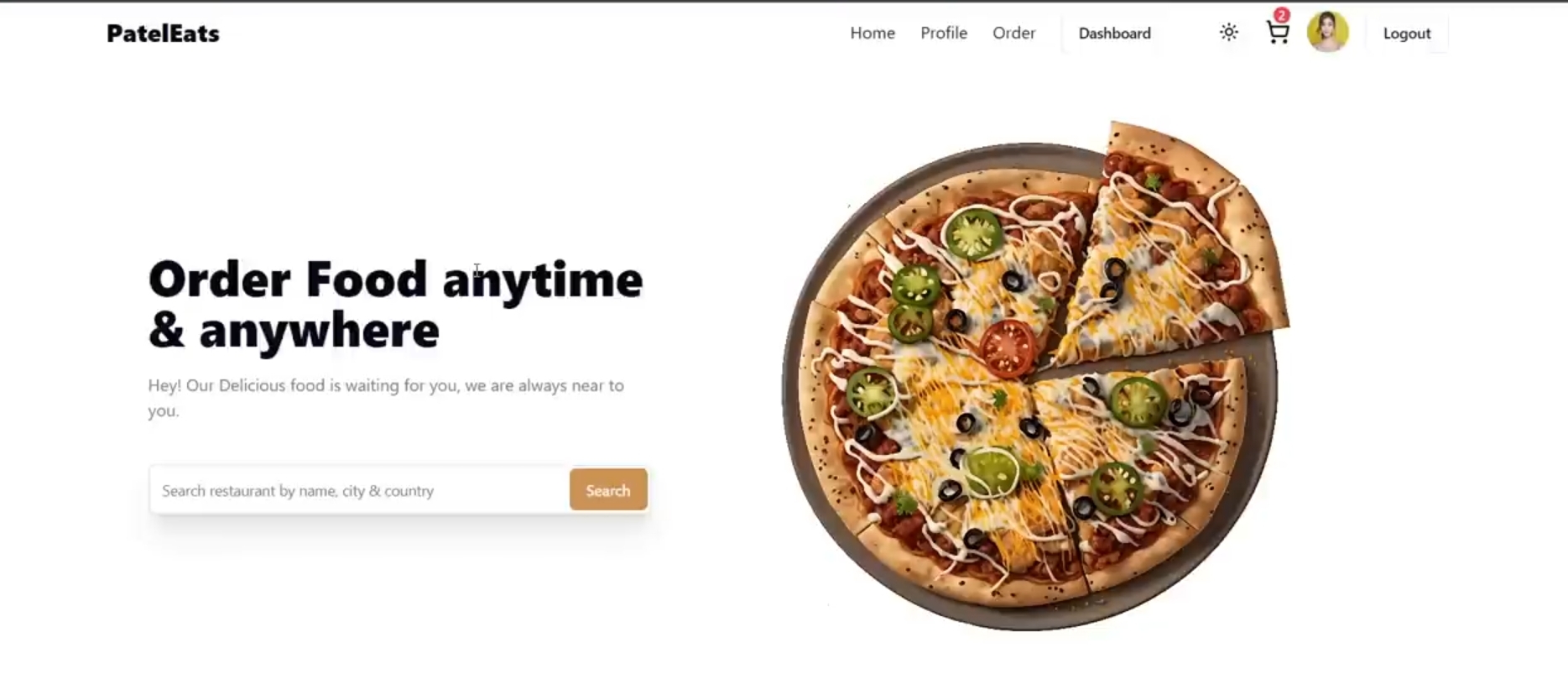
Technologies & Skills
One-time purchase
What's Included
Support & Customization
Resource Links
Purchase this project to unlock source and premium resources. Document/report remain secure preview-based on this page.
Food Delivery & Restaurant Discovery Website:
Developed a full-stack web application inspired by Zomato that allows users to discover restaurants, browse menus, and order food online. Implemented features such as restaurant search and filtering, location-based recommendations, menu browsing, user authentication, and responsive UI for seamless usage across devices. Integrated Google Maps for location services and designed an intuitive interface to enhance user experience.
Key Features:
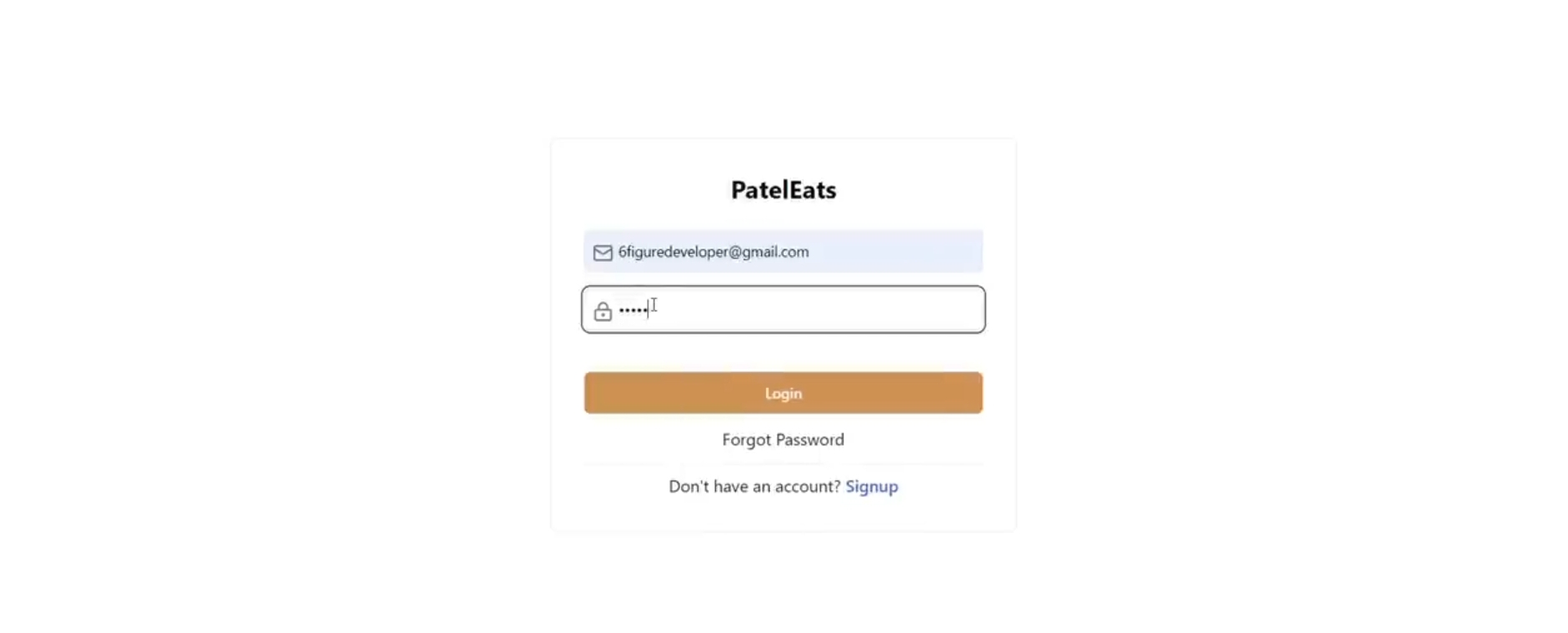
User registration and login authentication.
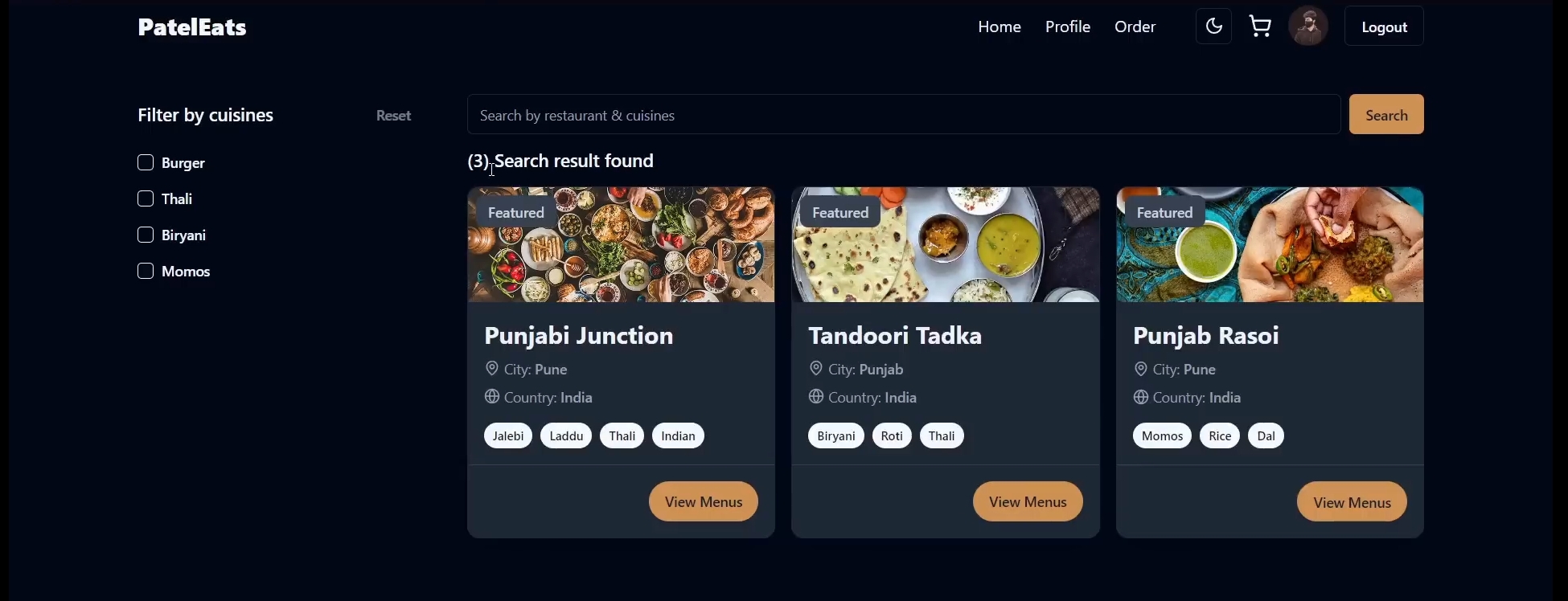
Restaurant listing with search, filter, and sorting options.
Detailed restaurant pages with menus, ratings, and reviews.
Location-based restaurant recommendations using Google Maps API.
Responsive and mobile-friendly design.
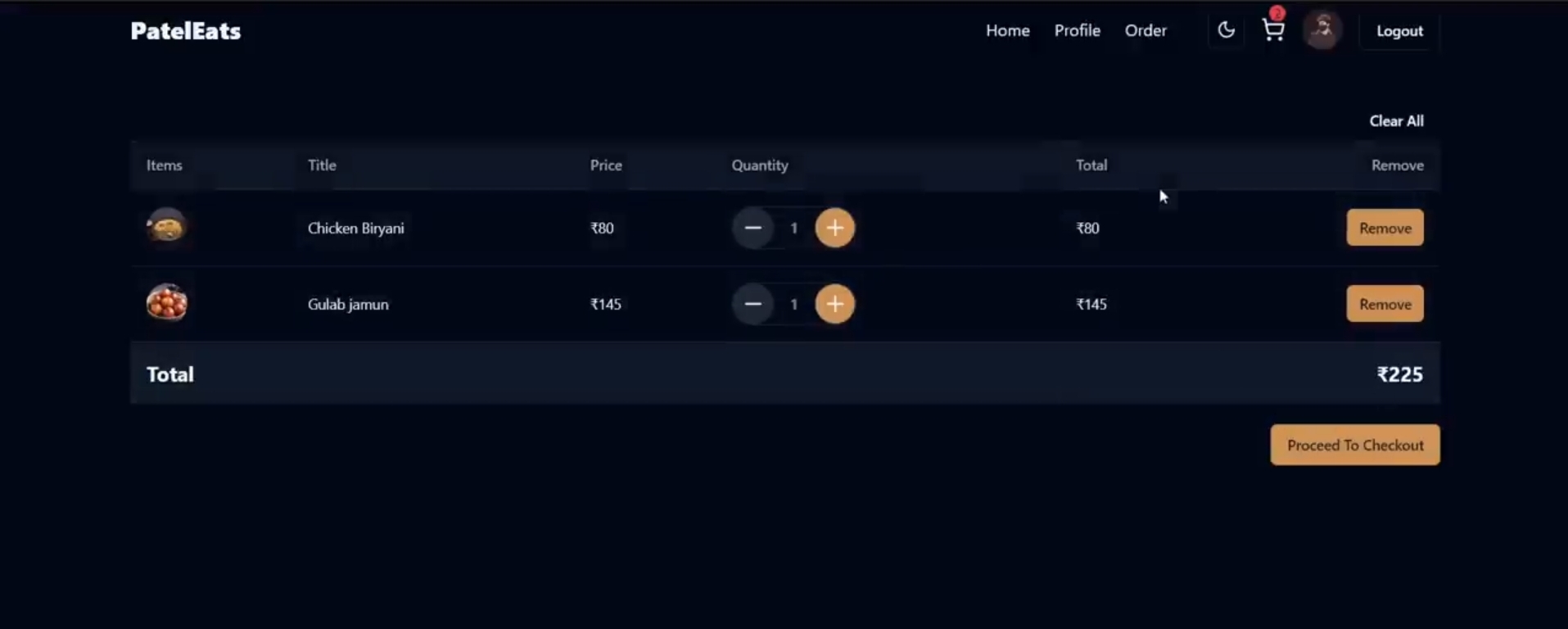
Add-to-cart and food ordering functionality.
User profile and order history management.
Technologies Used:
React.js, Node.js, Express.js, MongoDB, HTML, CSS, JavaScript, Google Maps API.
Future Enhancements
Future Enhancement:
- AI-based restaurant recommendation system.
- Real-time order tracking.
- Push notifications and email alerts.
- Admin dashboard and analytics.
- Mobile application using React Native.
Known Issues
Known Issues:
- No real-time order tracking.
- Payment gateway integration is limited.
- Performance may decrease with very large datasets.
Installation
Installation Instructions:
Prerequisites:
- Node.js v18 or above
- npm v9 or above
- MongoDB Community Server
- Git
Steps to Run the Project:
1. Clone the repository:
Download the zip file
2. Navigate to the project directory:
Unzip the file
3. Install dependencies:
npm install
4. Configure environment variables:
Create a ".env" file and add:
MONGO_URI=your_mongodb_connection_string
JWT_SECRET=your_secret_key
GOOGLE_MAPS_API_KEY=your_api_key
5. Start the backend server:
npm run server
6. Start the frontend:
npm start
7. Open the application:
http://localhost:3000
Usage
Usage Instructions:
1. Register or log in to the application.
2. Browse or search for restaurants.
3. Apply filters based on cuisine, ratings, or location.
4. View restaurant details and menu items.
5. Add food items to the cart.
6. Place orders and track order history.
7. Update user profile and preferences.
System Requirements
System Requirements:
Hardware:
- Processor: Intel Core i3 or above
- RAM: 4 GB minimum (8 GB recommended)
- Storage: 500 MB free disk space
Software:
- Operating System: Windows 10/11, Linux, or macOS
- Node.js: v18+
- npm: v9+
- MongoDB: v6+
- Modern Web Browser: Chrome, Edge, Firefox
Slides Open in New Tab
For better readability, slides are opened directly. Documents remain preview-only with secure backend rendering.
Showing preview pages only. Purchase for full access to all pages and complete source package.
Login for Full AccessNo Q&A available yet
Be the first to ask a question!
Ask a Question
Customer Reviews
Write Your Review
No reviews yet
Be the first to review this project!
Similar Projects
You might also be interested in these projects
 website Development
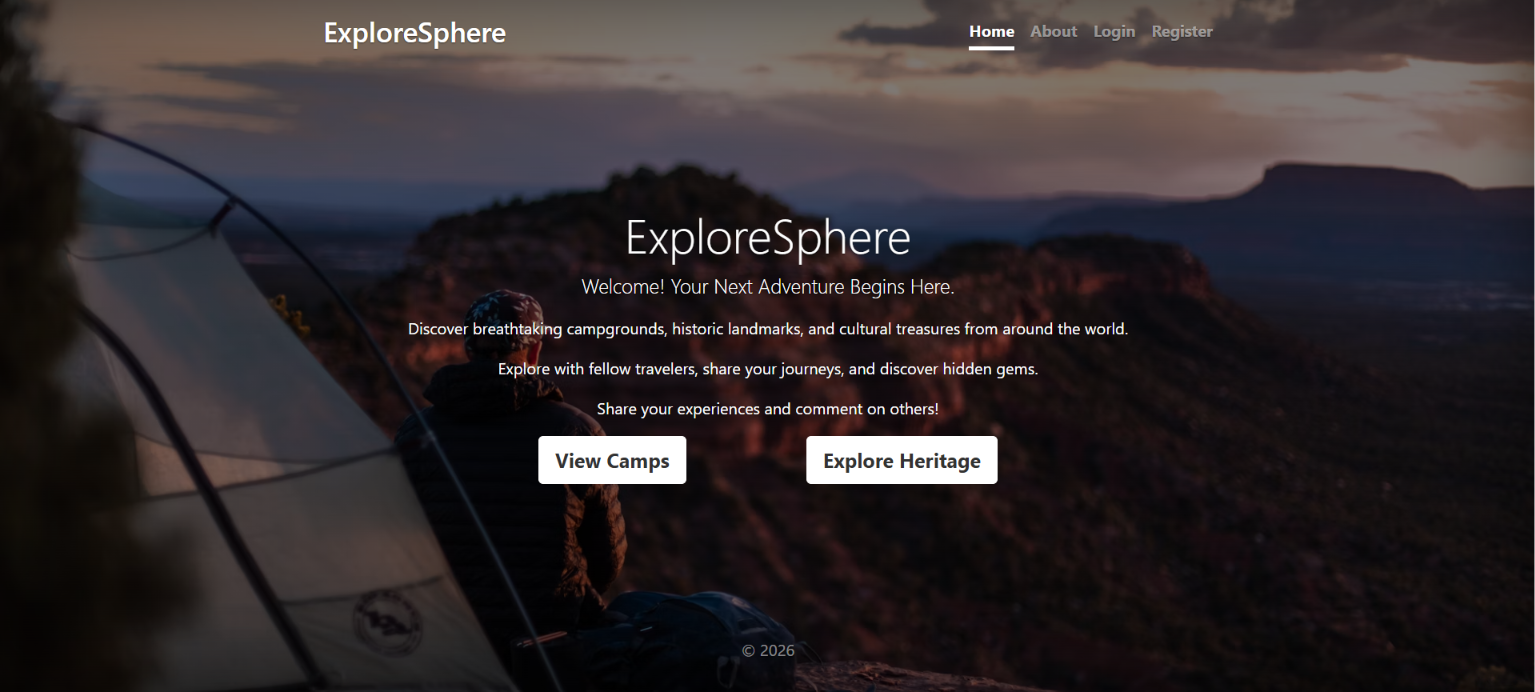
ExploreSphere - Full-Stack Travel & Heritage Discovery Platform
A full-stack MERN platform featuring 100+ campgrounds, interactive maps, secure authentication, and immersive heritage exploration.
 website Development
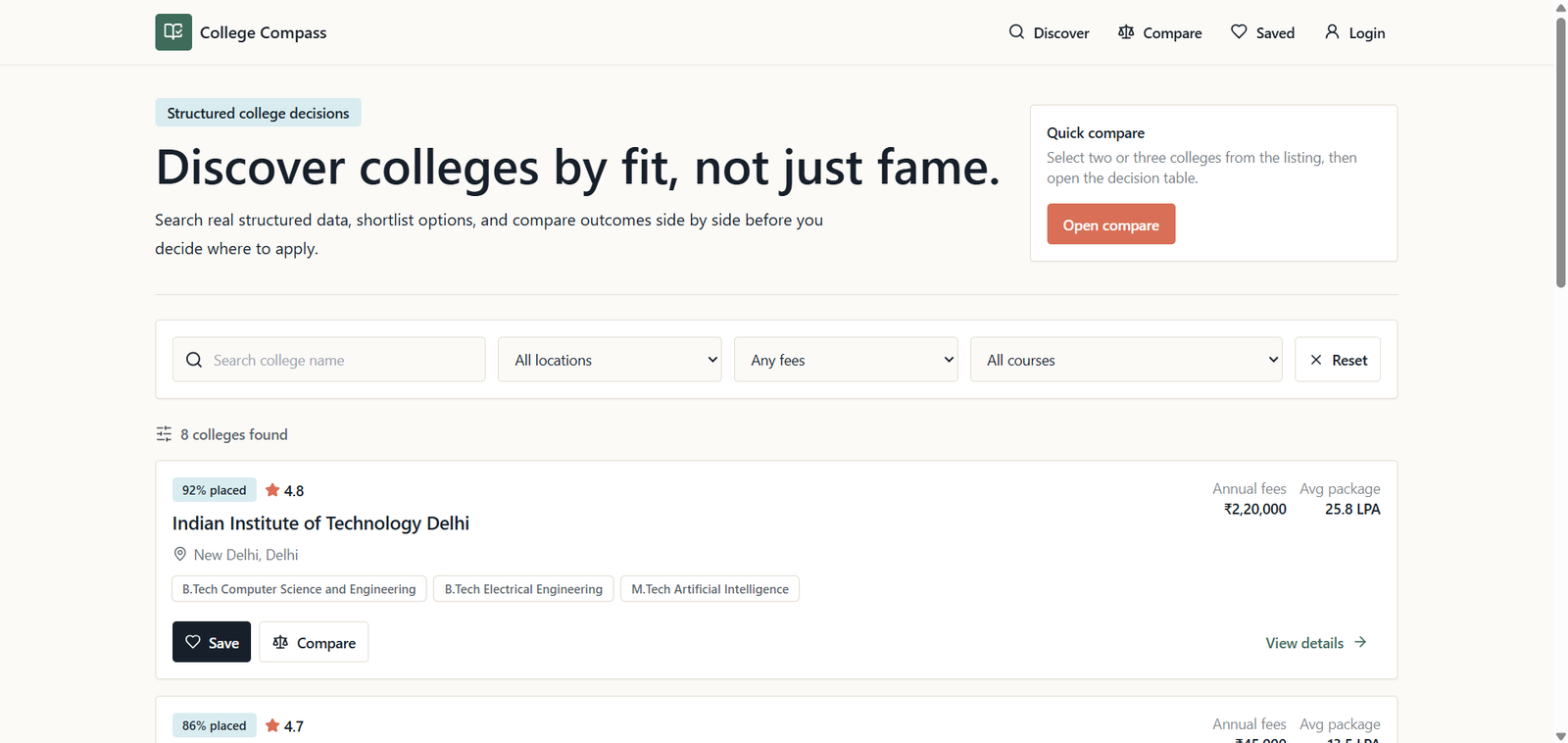
College compass
College search and comparison platform built with React, Express.js, Node.js, and PostgreSQL for informed student decisions.
 website Development
WEB DEVELOPMENT
Vadhuvara Wedding Films is a modern, fully responsive wedding photography website built using HTML, CSS, and JavaScript.
 website Development
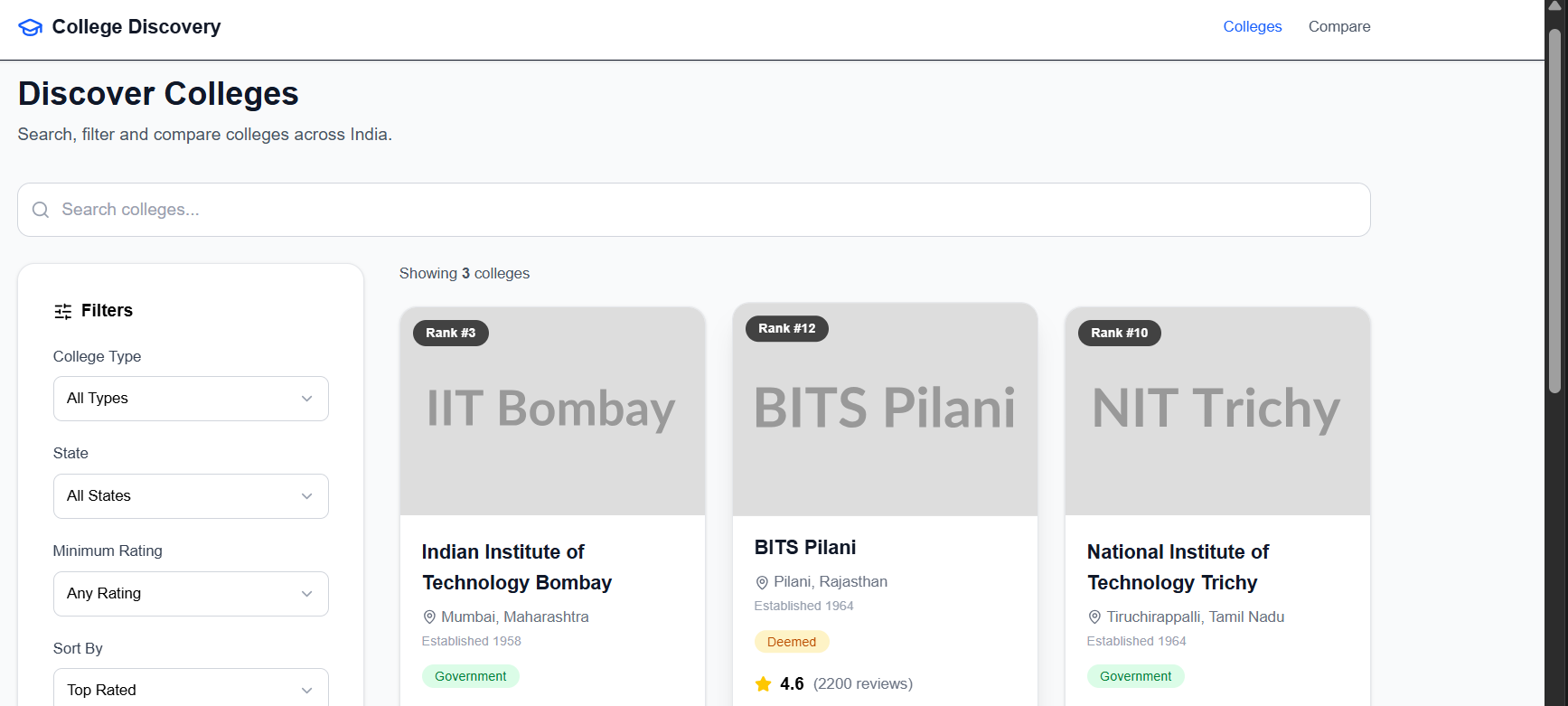
College Discovery Platform
A modern college discovery platform that helps students search, filter, explore, and compare colleges through an intuitive and responsive interface.