College compass
College search and comparison platform built with React, Express.js, Node.js, and PostgreSQL for informed student decisions.
Preview Gallery
6 media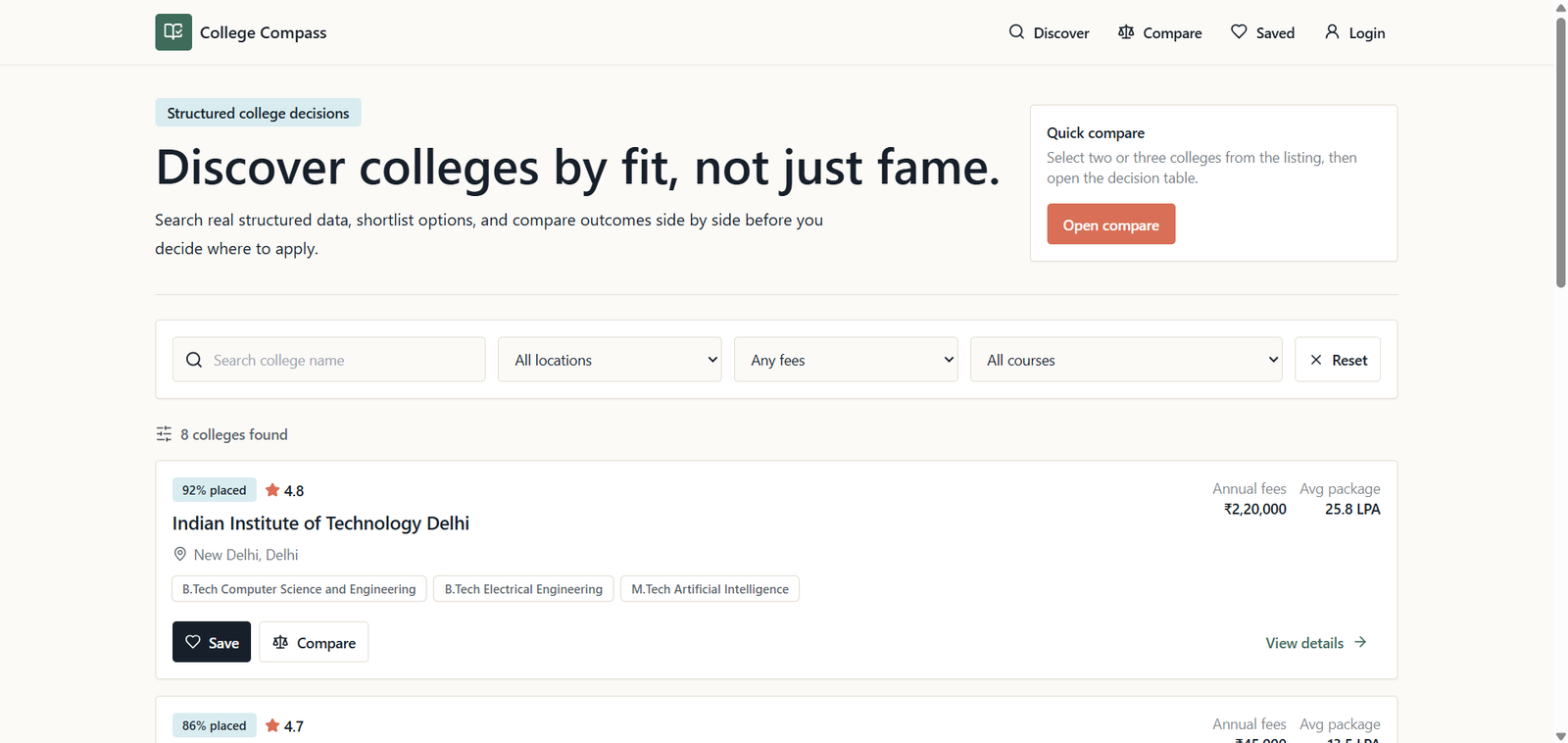
Technologies & Skills
Tags
Limited time offer
The price reflects the effort involved in designing, developing, testing, and deploying a complete full-stack web application. The project includes a responsive frontend, RESTful backend APIs, PostgreSQL database integration, cloud deployment, source code, and documentation. It demonstrates practical software engineering skills and can serve as a learning resource, portfolio project, or foundation for further development. The discounted price offers excellent value while making the project affordable for students and developers.
What's Included
Support & Customization
Resource Links
Purchase this project to unlock source and premium resources. Document/report remain secure preview-based on this page.
College Compass – Detailed Project Description
College Compass is a full-stack web application designed to simplify the college search and decision-making process for students. Choosing the right college often requires browsing multiple websites and comparing scattered information, making the process time-consuming and confusing. College Compass addresses this challenge by providing a centralized platform where students can search, explore, and compare colleges based on key parameters such as courses offered, location, fees, rankings, admission details, and other essential information.
The application is built using React.js for the frontend, providing a responsive, interactive, and user-friendly interface that works seamlessly across desktop and mobile devices. The backend is developed with Node.js and Express.js, exposing RESTful APIs that efficiently handle client requests, business logic, and communication with the database. PostgreSQL (Neon) serves as the cloud-hosted relational database, ensuring secure, structured, and reliable storage of college information.
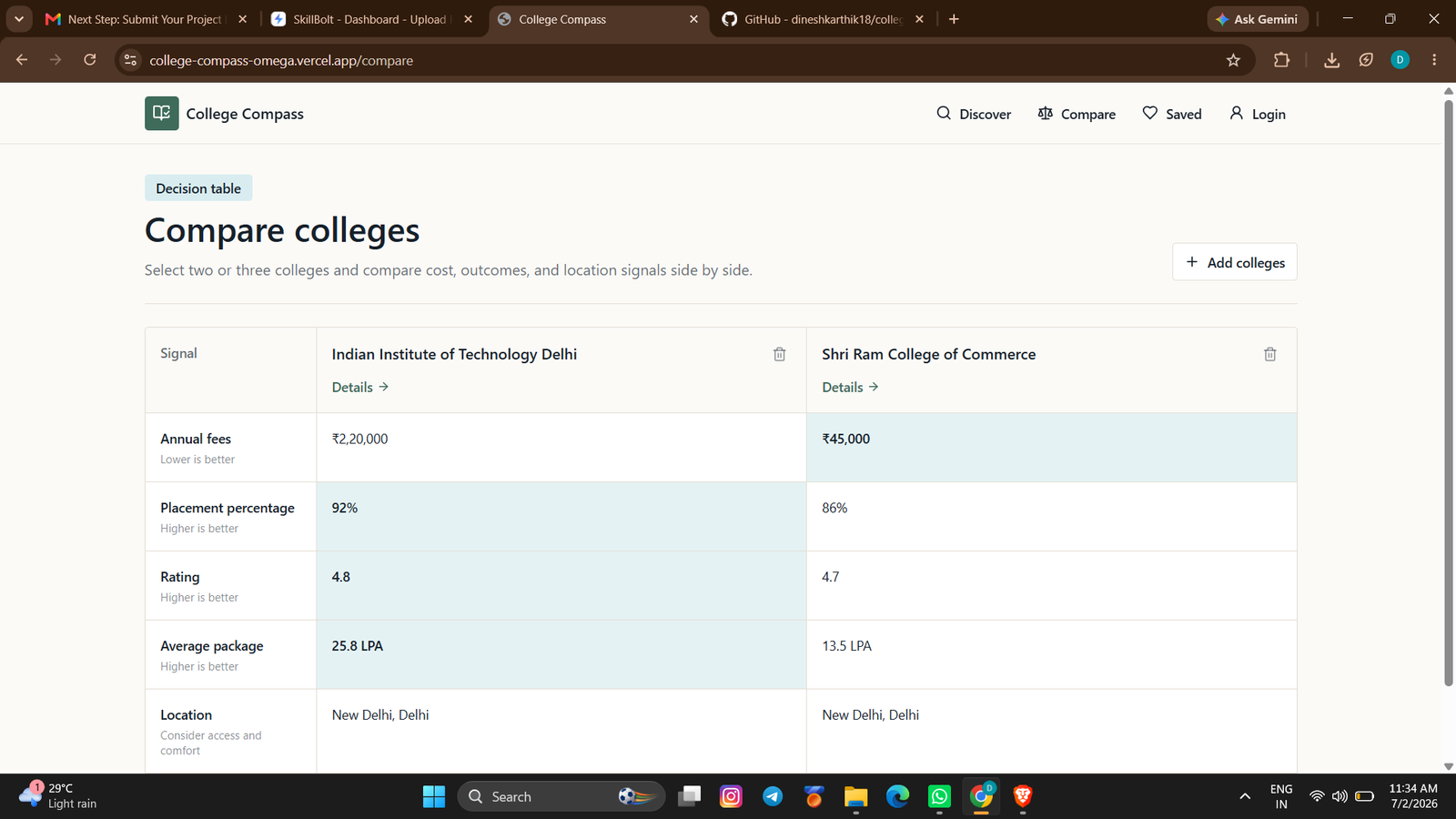
The platform enables users to quickly search for colleges, filter results, and view comprehensive college profiles. It also includes a comparison feature that allows students to evaluate multiple colleges side by side, helping them make informed decisions based on their preferences. The application follows a modular architecture, making it scalable and easy to maintain while allowing new features to be integrated with minimal changes.
Throughout this project, I implemented frontend development, backend API development, database design, CRUD operations, and cloud deployment. I also used Git and GitHub for version control and deployed the application on Vercel, ensuring accessibility and smooth performance. This project strengthened my understanding of full-stack development, REST API design, database management, debugging, deployment, and writing clean, maintainable code.
Tech Stack: React.js, JavaScript, HTML5, CSS3, Tailwind CSS, Node.js, Express.js, PostgreSQL (Neon), REST APIs, Git, GitHub, Vercel.
This project demonstrates my ability to build scalable, production-ready web applications that solve real-world problems while delivering an intuitive user experience.
Future Enhancements
Implement user authentication and role-based access control.
Add college recommendation based on student preferences and eligibility.
Integrate AI-powered chatbot to answer admission-related queries.
Introduce advanced filters such as placement statistics, accreditation, hostel facilities, and cutoff ranks.
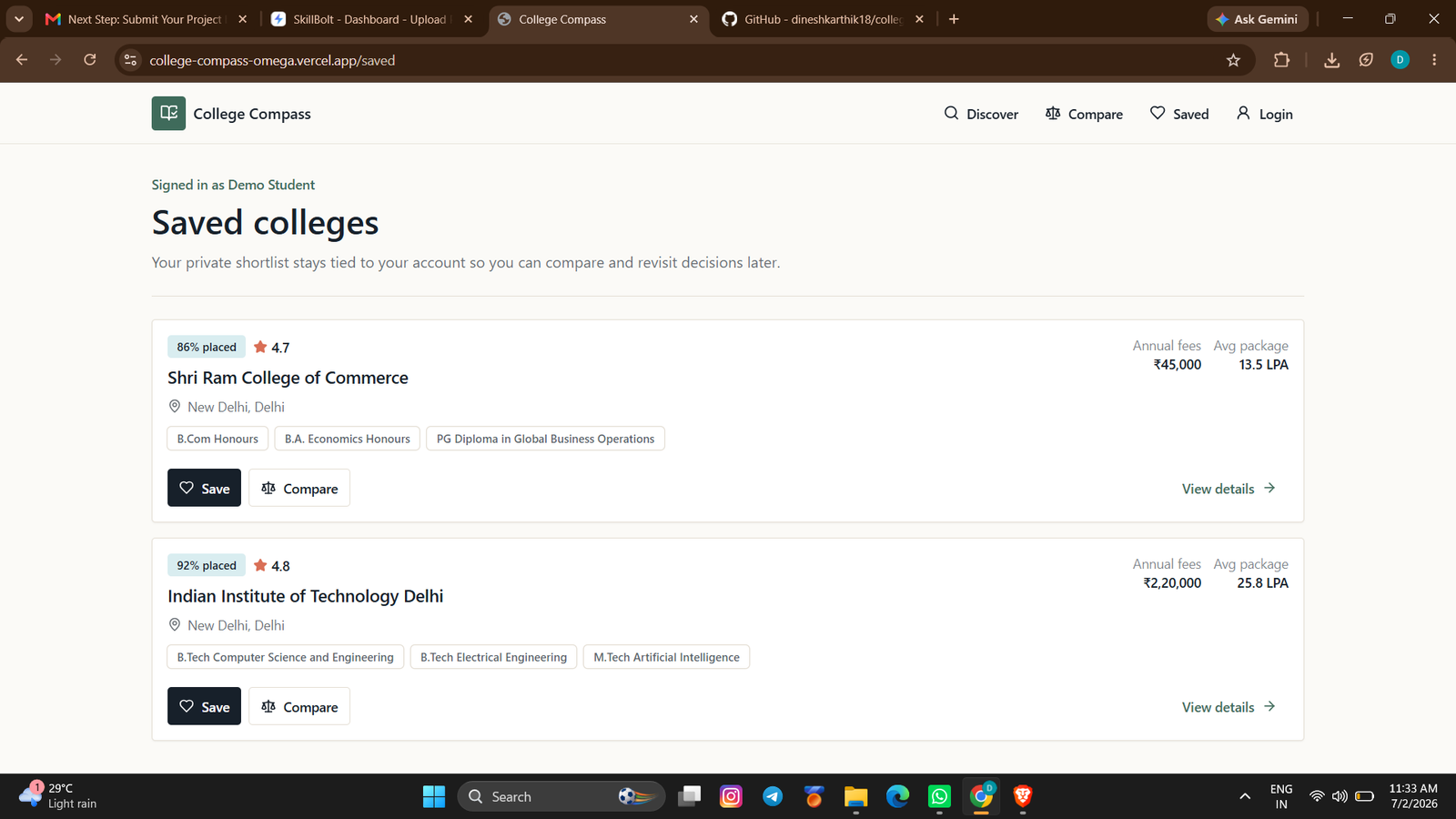
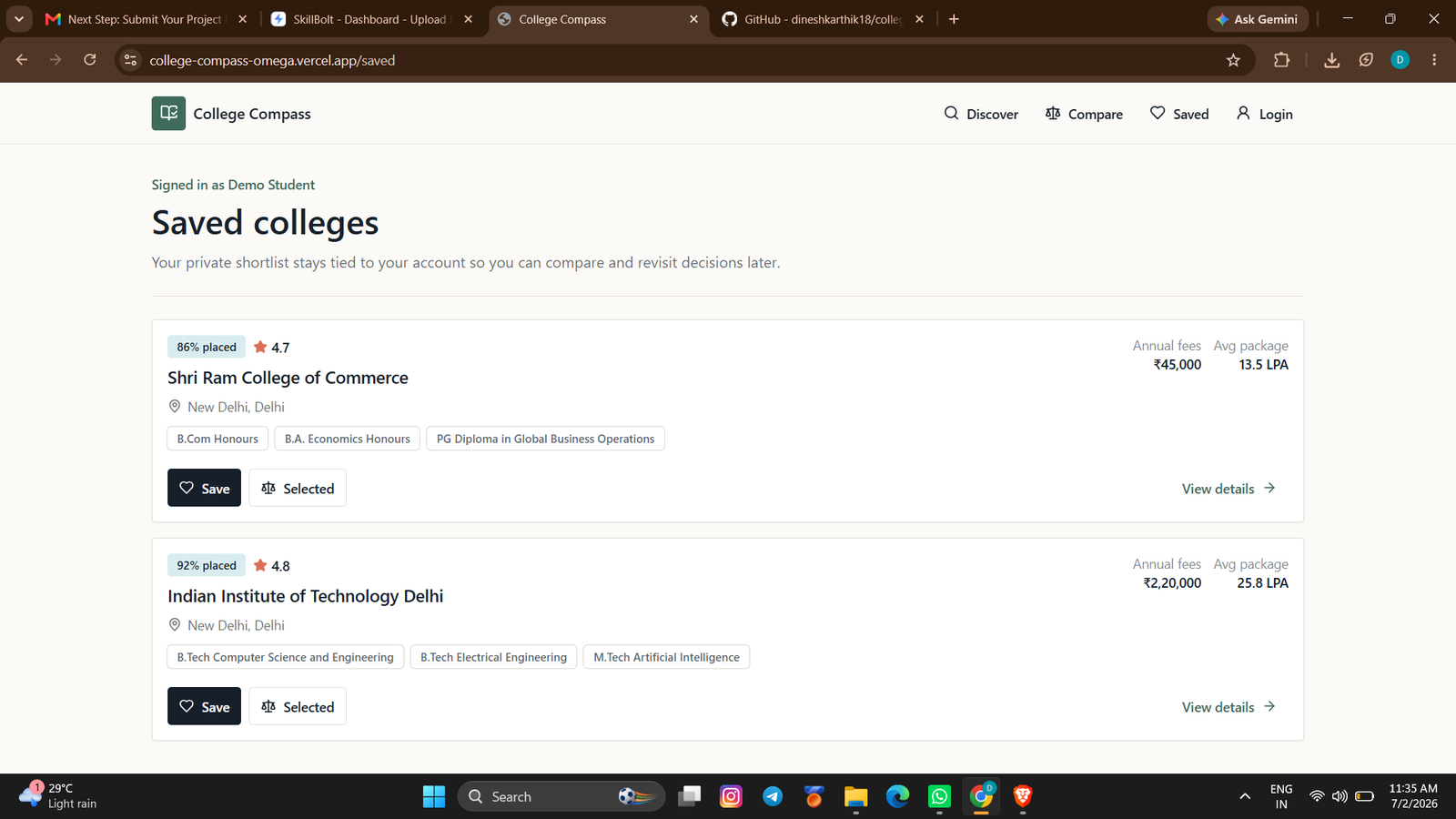
Allow users to bookmark and save favorite colleges.
Add student reviews and ratings for colleges.
Integrate interactive maps to display college locations.
Provide application deadline notifications and important admission updates.
Build an admin dashboard for managing college data.
Develop a mobile application for Android and iOS.
Known Issues
Known Issues
- Limited college dataset; expanding the database will improve coverage.
- Search functionality can be enhanced with fuzzy search and autocomplete.
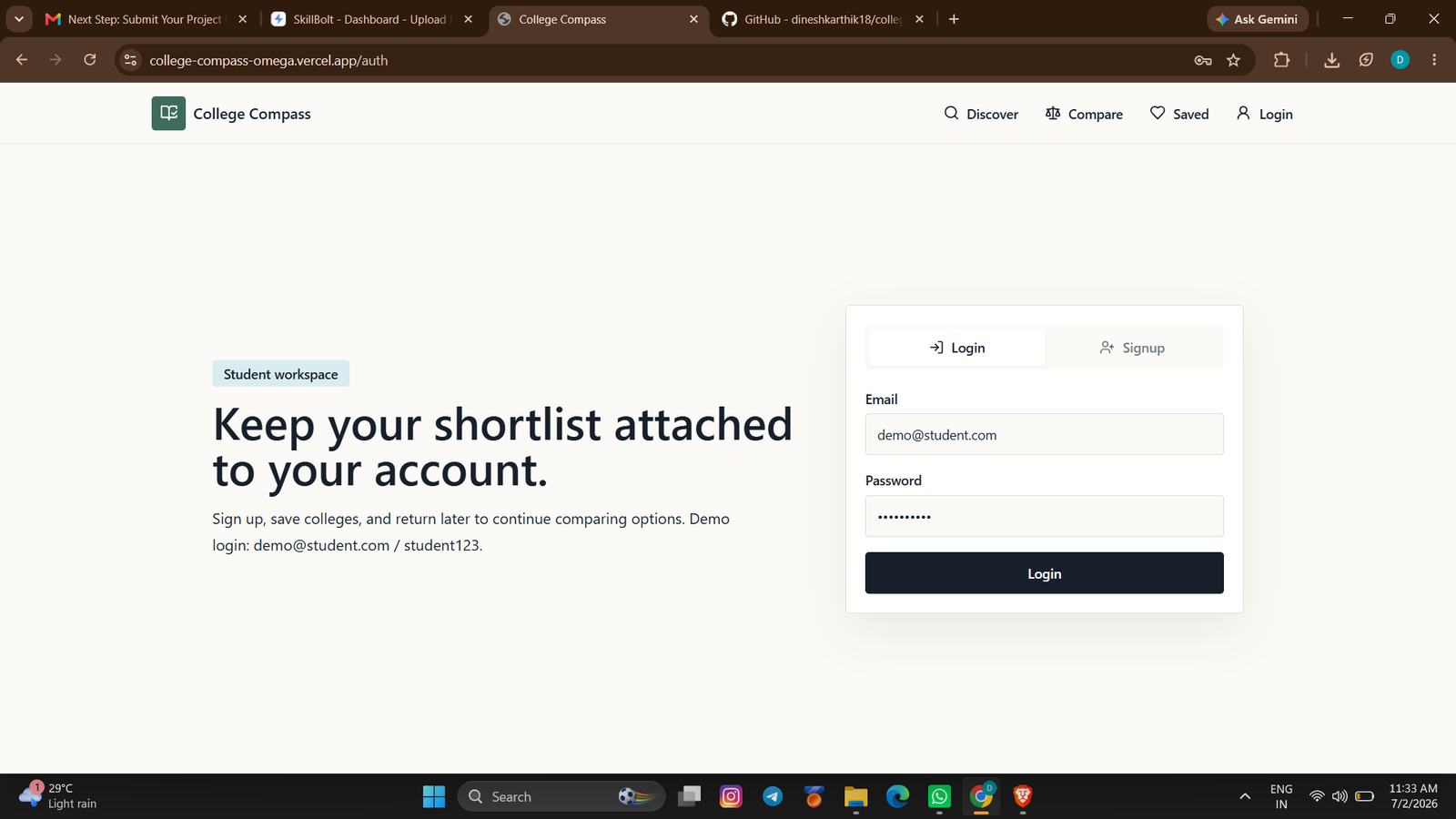
- No user login or personalized dashboard in the current version.
- Comparison is limited to available stored attributes.
- Performance may decrease if handling very large datasets without caching or pagination.
Planned Future Enhancements
- AI-based personalized college recommendations.
- OAuth login using Google or GitHub.
- Real-time admission notifications and alerts.
- Export comparison results as PDF.
- College image gallery and virtual campus tours.
- Predict admission chances based on academic profile.
- Enhanced analytics and visualization dashboard.
- Multi-language support.
- Dark mode and accessibility improvements.
- Performance optimization through caching, lazy loading, and database indexing.
Installation
Prerequisites
- Node.js (v18 or later)
- npm or yarn
- PostgreSQL database (or Neon PostgreSQL account)
- Git
Steps
- Clone the repository:
git clone https://github.com/dineshkarthik18/college-compass.git
- Navigate to the project directory:
cd college-compass
- Install dependencies:
npm install
- Create a
.envfile and configure the required environment variables:
DATABASE_URL=your_postgresql_connection_string
PORT=5000
- Start the development server:
npm run dev
- Open your browser and visit:
http://localhost:3000
Usage
Open the application in your web browser.
Browse the homepage to explore available colleges.
Use the Search feature to find colleges by name or keywords.
View detailed information for individual colleges.
Compare multiple colleges to evaluate important factors such as courses, fees, location, and rankings.
Navigate through the responsive interface on desktop or mobile devices.
If deployed, access the live application at:
https://college-compass-omega.vercel.app
System Requirements
Hardware Requirements
- Processor: Intel Core i3 / AMD Ryzen 3 or higher
- RAM: Minimum 4 GB (8 GB recommended)
- Storage: At least 500 MB of free disk space
- Internet: Stable internet connection for database access and deployment
Software Requirements
- Operating System: Windows 10/11, macOS, or Linux
- Node.js: v18 or later
- npm: v9 or later
- Database: PostgreSQL (Neon or local PostgreSQL)
- Code Editor: Visual Studio Code (recommended)
- Version Control: Git
- Web Browser: Google Chrome, Microsoft Edge, Firefox, or Safari
Slides Open in New Tab
For better readability, slides are opened directly. Documents remain preview-only with secure backend rendering.
Showing preview pages only. Purchase for full access to all pages and complete source package.
Login for Full AccessNo Q&A available yet
Be the first to ask a question!
Ask a Question
Customer Reviews
Write Your Review
No reviews yet
Be the first to review this project!
Similar Projects
You might also be interested in these projects
 website Development
Video Conferencing Platform
Built a MERN-based video conferencing platform with secure login, WebRTC video/audio calls, Socket.IO chat, and responsive UI.
 website Development
Tutor Link
Tutor Link is a platform that connects students with tutors, offering an easy way to browse, connect, and manage learning.
 website Development
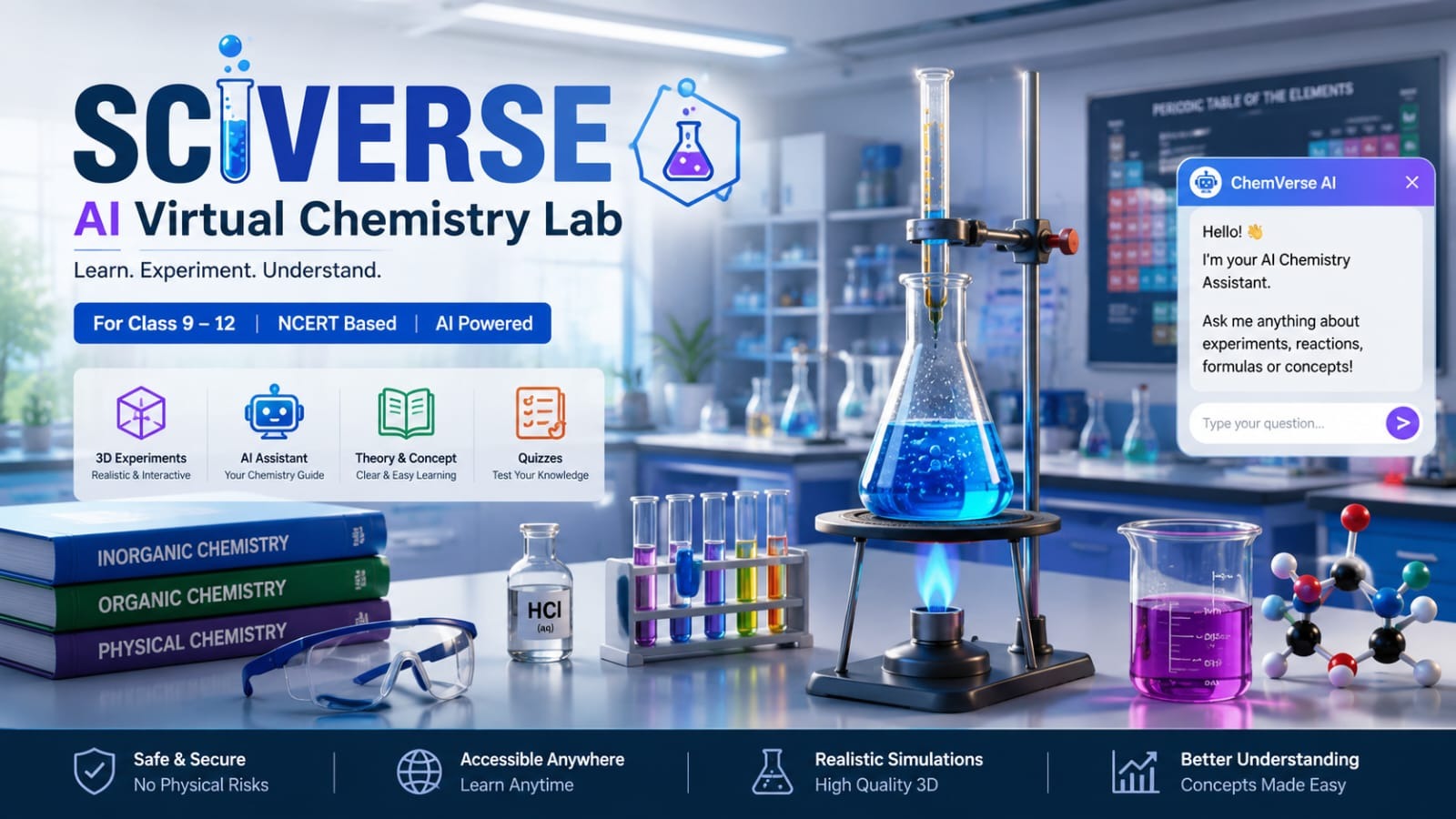
Sciverse : AI-powered virtual chemistry laboratory
An AI-powered virtual chemistry laboratory that helps Class 9–12 students perform realistic science experiments safely in a 3D environment.
 website Development
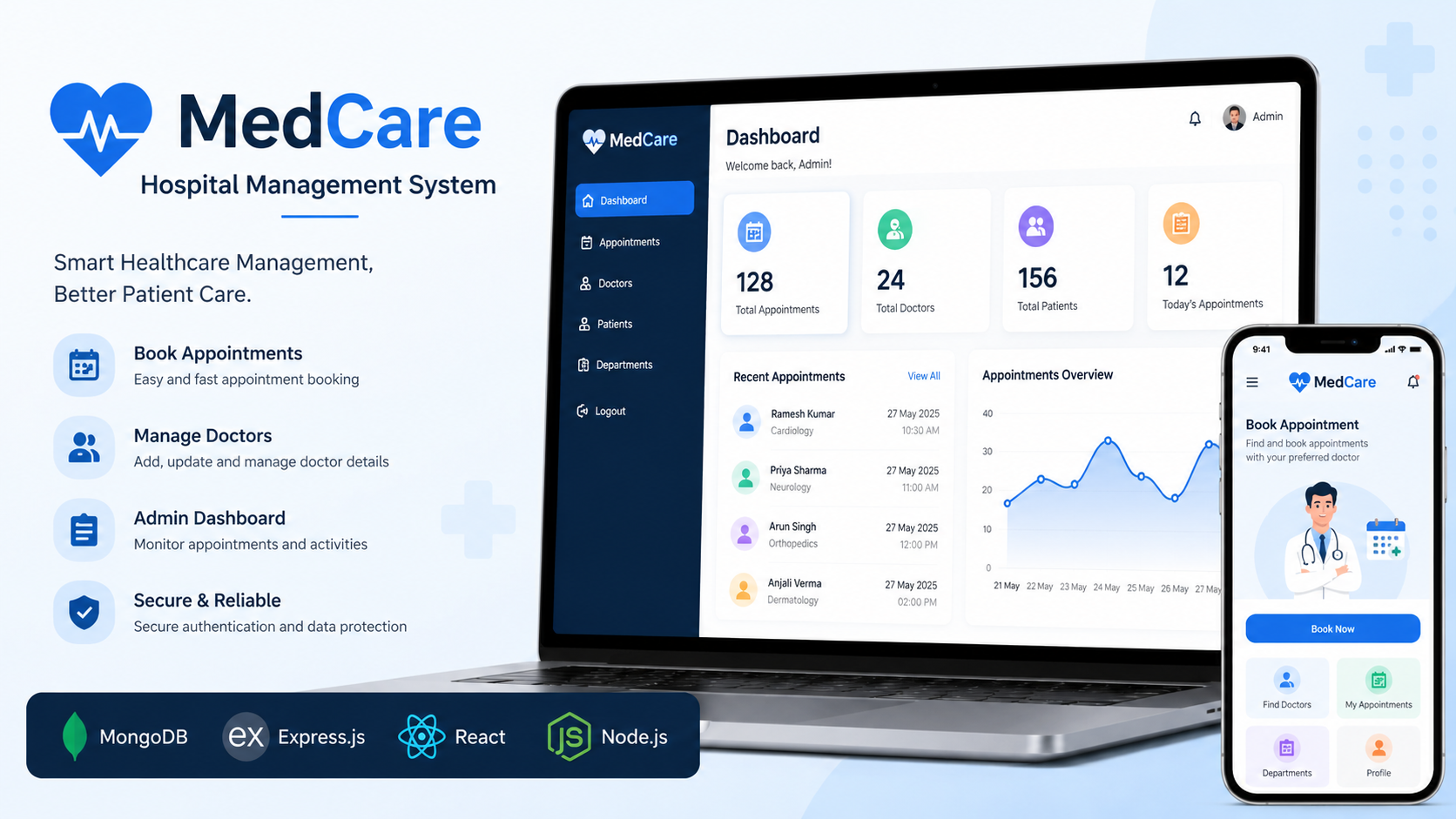
MedCare System
MedCare is a MERN Stack hospital management system that enables patients to book appointments and admins to manage doctors.