Video Conferencing Platform
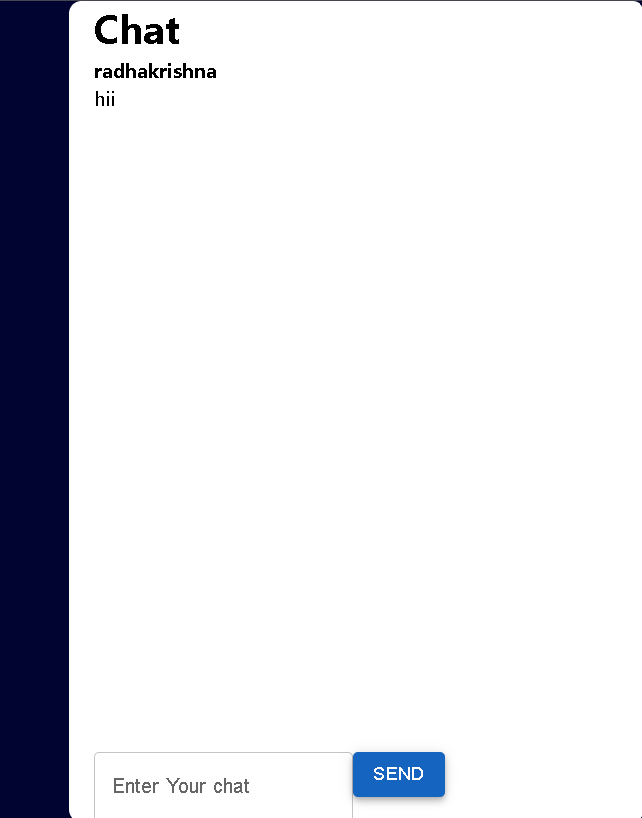
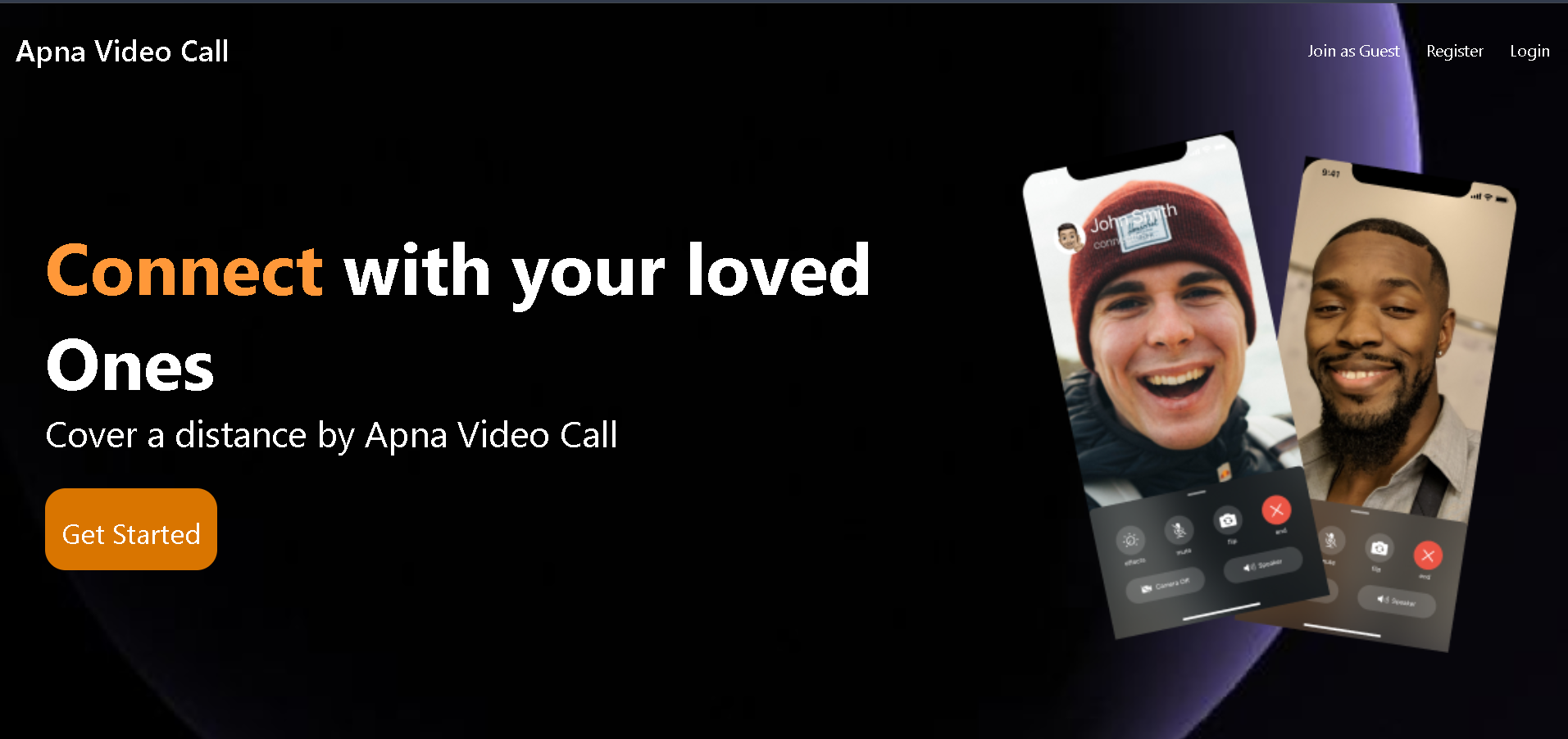
Built a MERN-based video conferencing platform with secure login, WebRTC video/audio calls, Socket.IO chat, and responsive UI.
Preview Gallery
6 media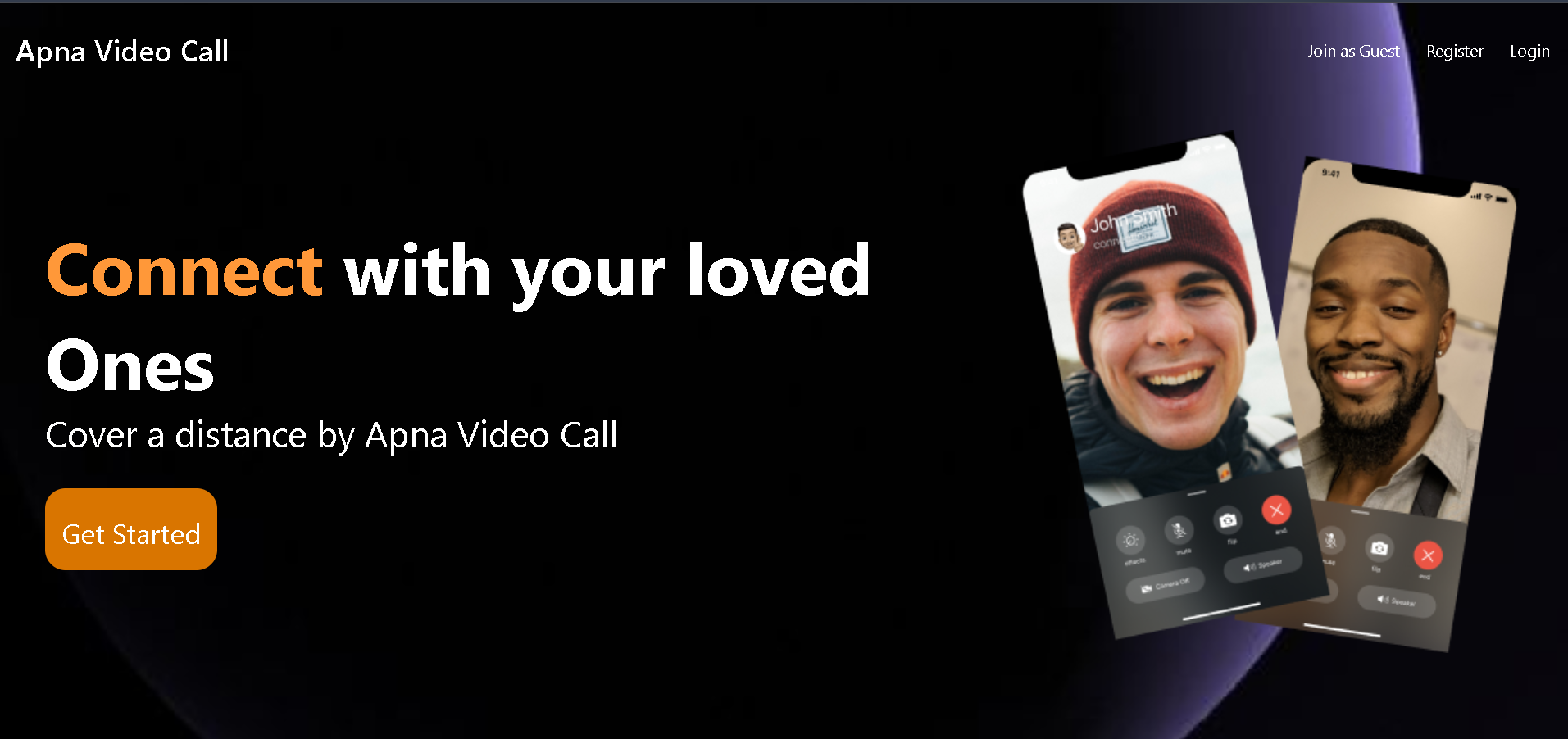
Technologies & Skills
One-time purchase
What's Included
Support & Customization
Resource Links
Purchase this project to unlock source and premium resources. Document/report remain secure preview-based on this page.
Video Conferencing Platform (MERN Stack)
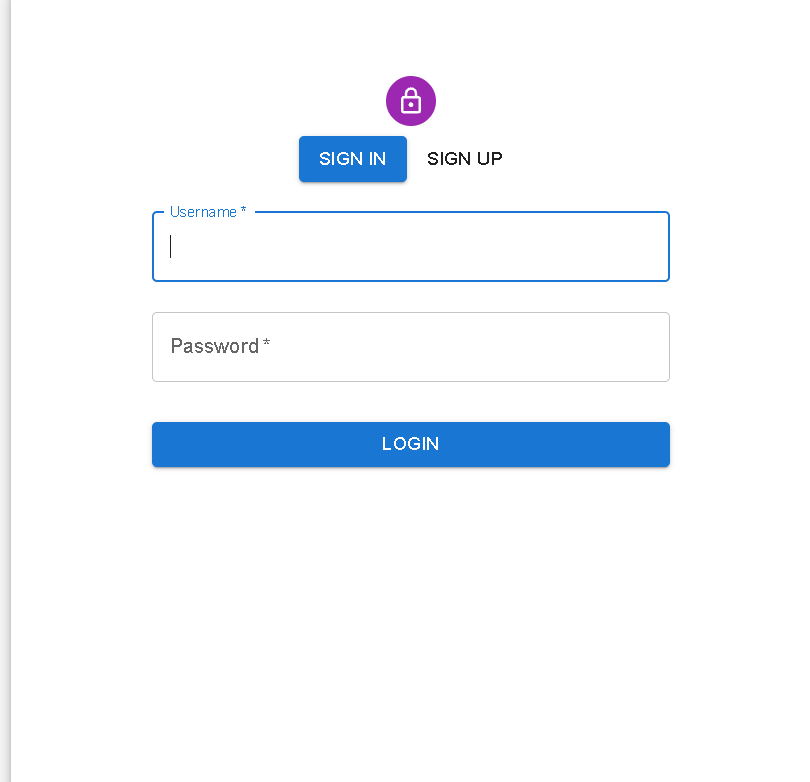
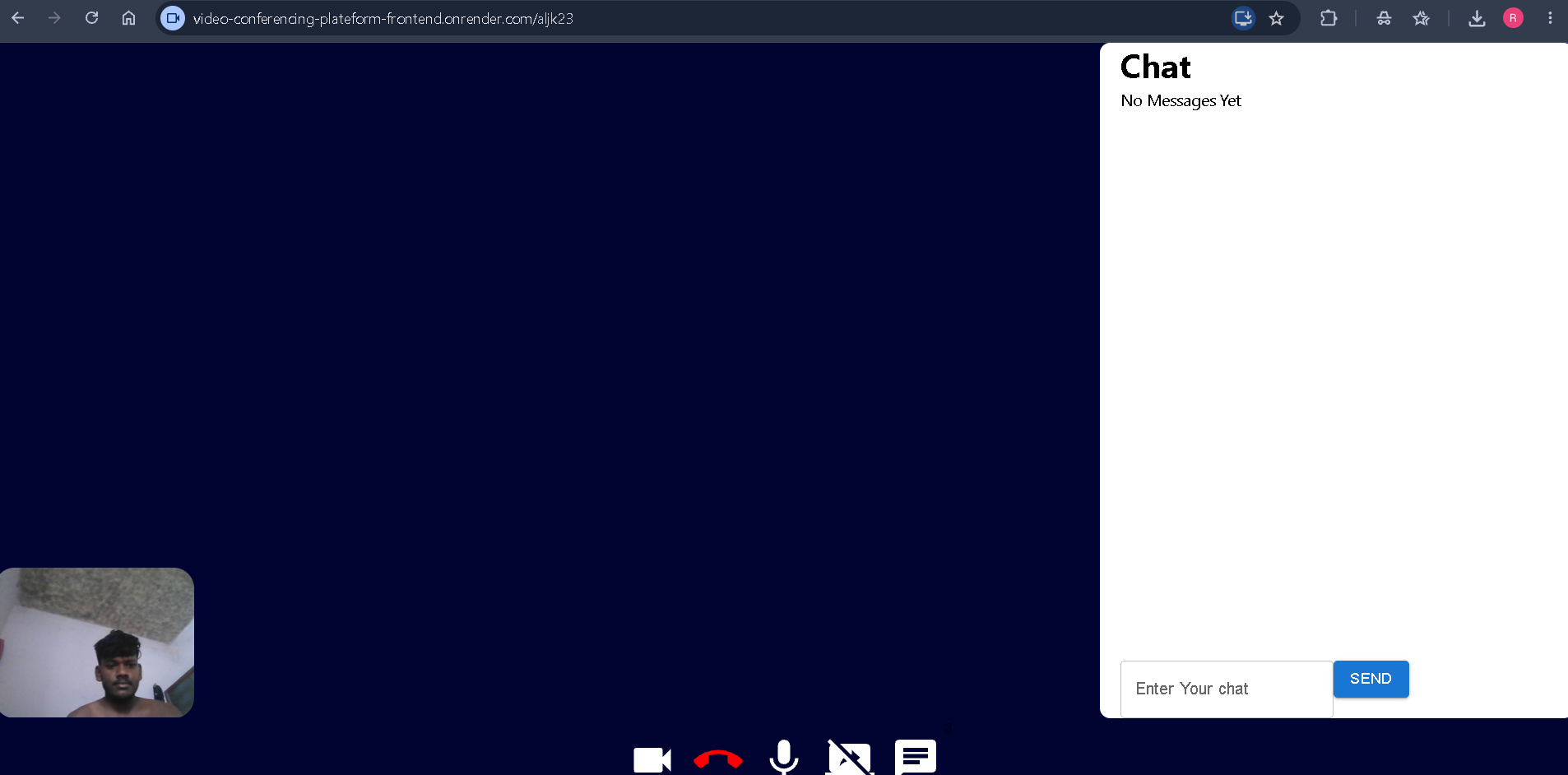
Developed a Video Conferencing Platform using the MERN Stack (MongoDB, Express.js, React.js, and Node.js). The application allows users to create or join meeting rooms and communicate through live video and audio calls. WebRTC is used for real-time video communication, while Socket.IO enables instant messaging and signaling between users. The platform includes secure user authentication using JWT and provides a clean, responsive interface that works on both desktop and mobile devices. The backend manages users, meetings, and APIs, while MongoDB stores user and meeting information.
Future Enhancements
Known Issues
Installation
Step 1: Clone the Repository
Step 2: Install Dependencies
Step 3: Configure Environment Variables
Step 4: Start the Backend Server
Step 5: Start the Frontend
Step 6: Use the Application
Usage
After installing and running the project, follow these steps to use the Video Conferencing Platform:
- Open the Application Open your web browser and visit.
- Register or Log In Create a new account if you are a new user.
- Existing users can log in using their registered email and password.
- Create a Meeting Click on Create Meeting to generate a new meeting room.
- Share the meeting ID or link with other participants.
- Join a Meeting Enter the meeting ID in the Join Meeting section.
- Click Join to enter the meeting room.
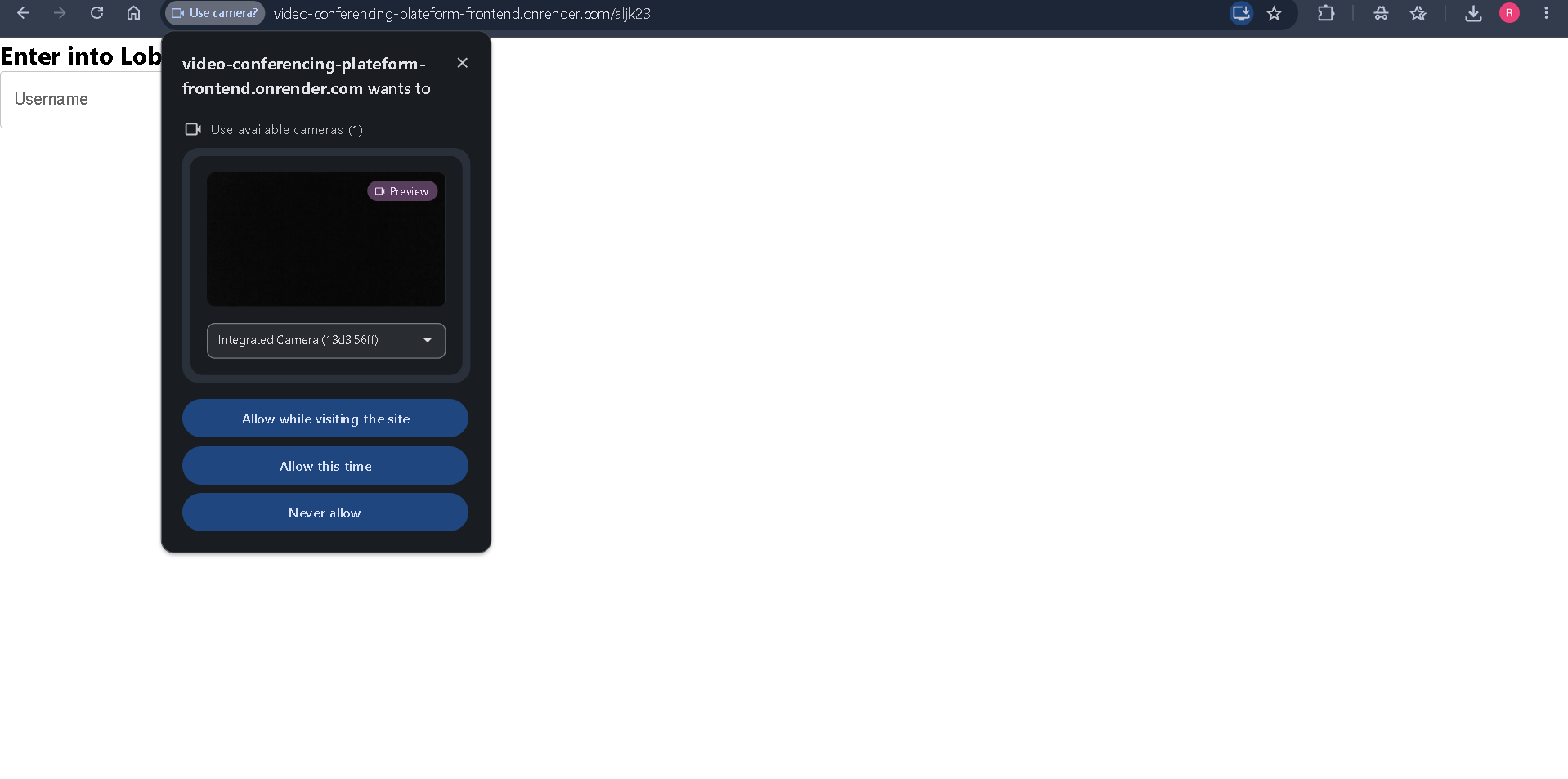
- Allow Permissions When prompted, allow access to your camera and microphone.
- Start Communication Talk with other participants through real-time video and audio.
- Use the chat feature to send and receive messages during the meeting.
- Leave the Meeting Click the Leave Meeting button to exit the conference.
System Requirements
Windows/Linux/macOS, Node.js, MongoDB, a modern web browser (Chrome/Edge/Firefox), internet connection, webcam, microphone, and at least 4 GB RAM.
Slides Open in New Tab
For better readability, slides are opened directly. Documents remain preview-only with secure backend rendering.
Showing preview pages only. Purchase for full access to all pages and complete source package.
Login for Full AccessNo Q&A available yet
Be the first to ask a question!
Ask a Question
Customer Reviews
Write Your Review
No reviews yet
Be the first to review this project!
Similar Projects
You might also be interested in these projects
 website Development
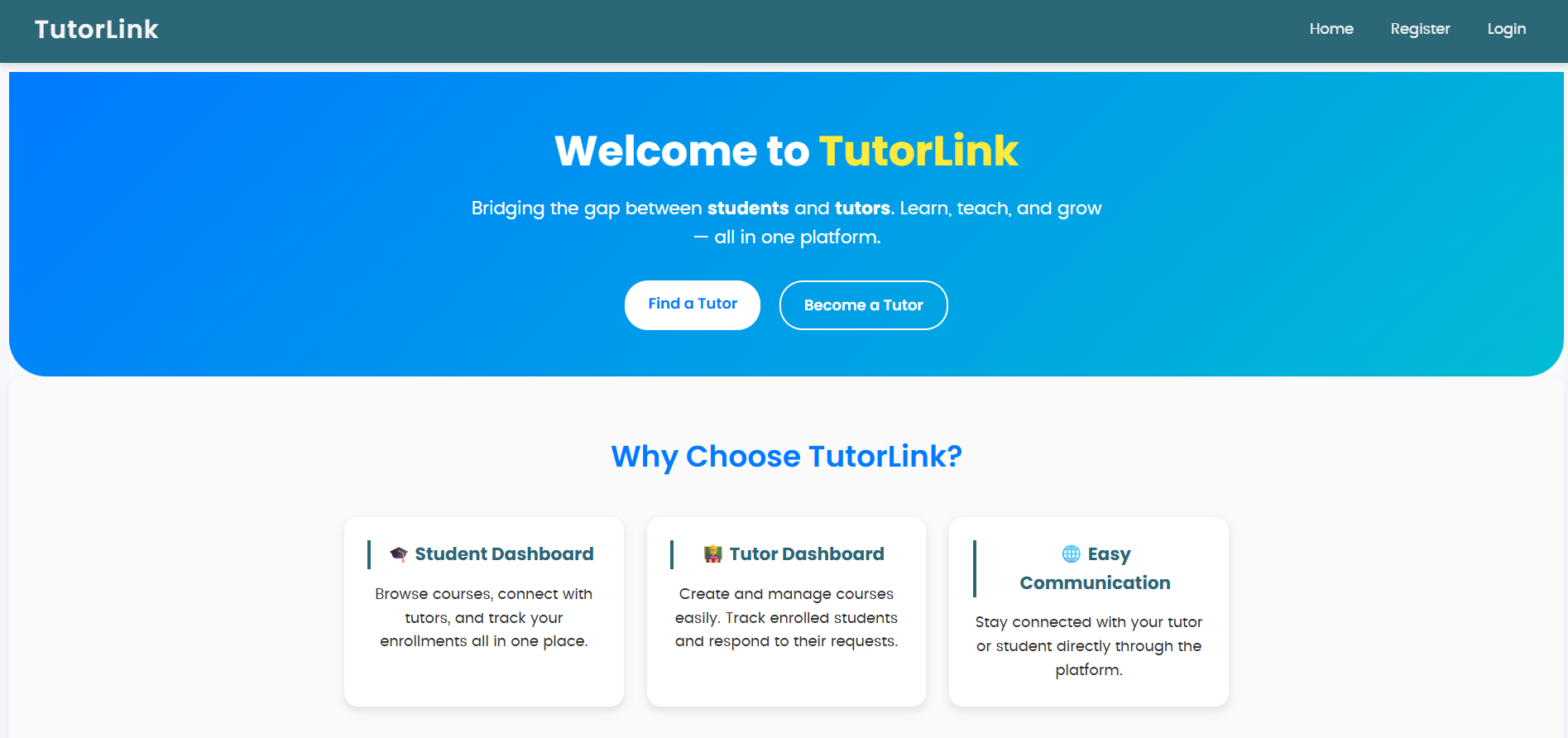
Tutor Link
Tutor Link is a platform that connects students with tutors, offering an easy way to browse, connect, and manage learning.
 website Development
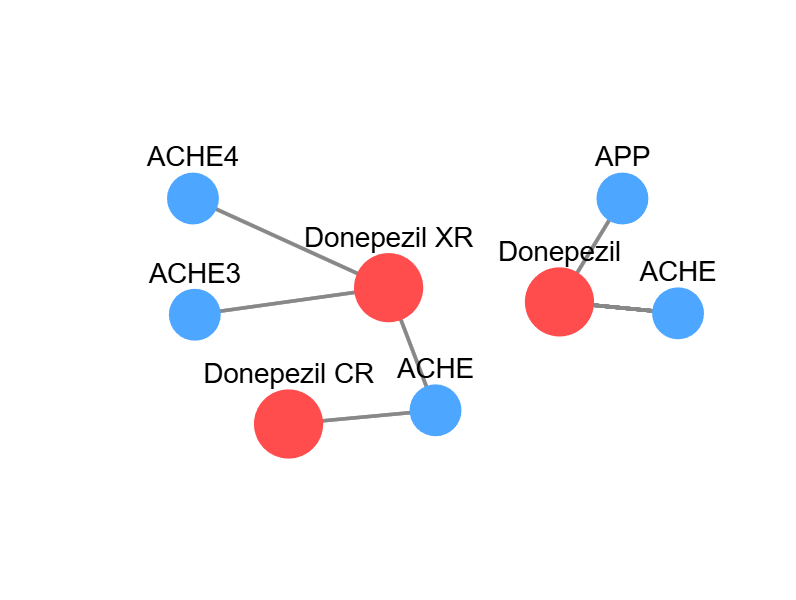
Database For Drug-Target Interaction
My Project tells the drug-target interactions for the specific disease i.e. Neurological Diseases. It clearly describes the information data.
 website Development
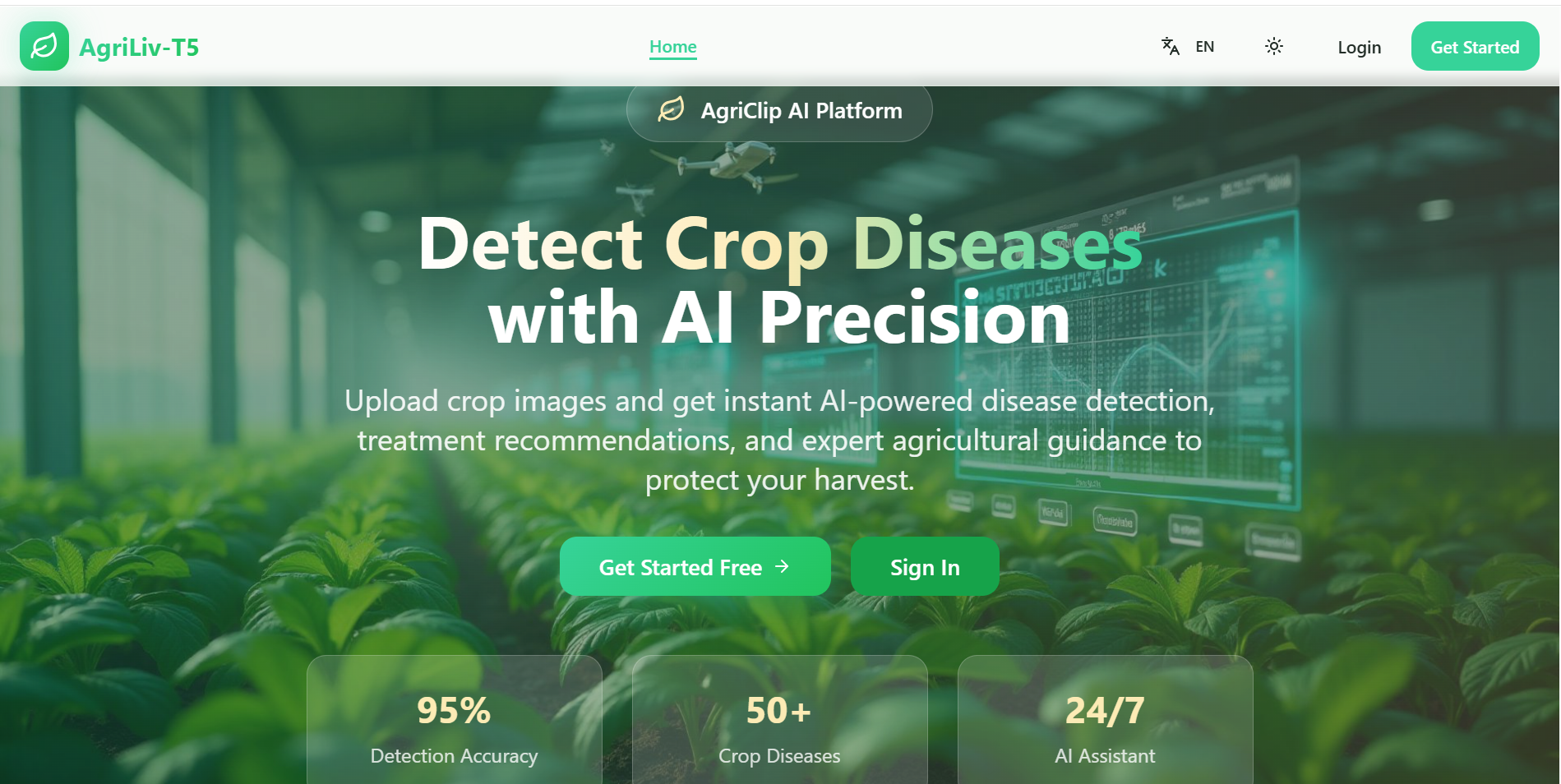
AgriCLIP – Multilingual AI System
AI-powered agriculture platform that identifies crop diseases from images and provides instant diagnosis, treatments, and farming guidance.
 website Development
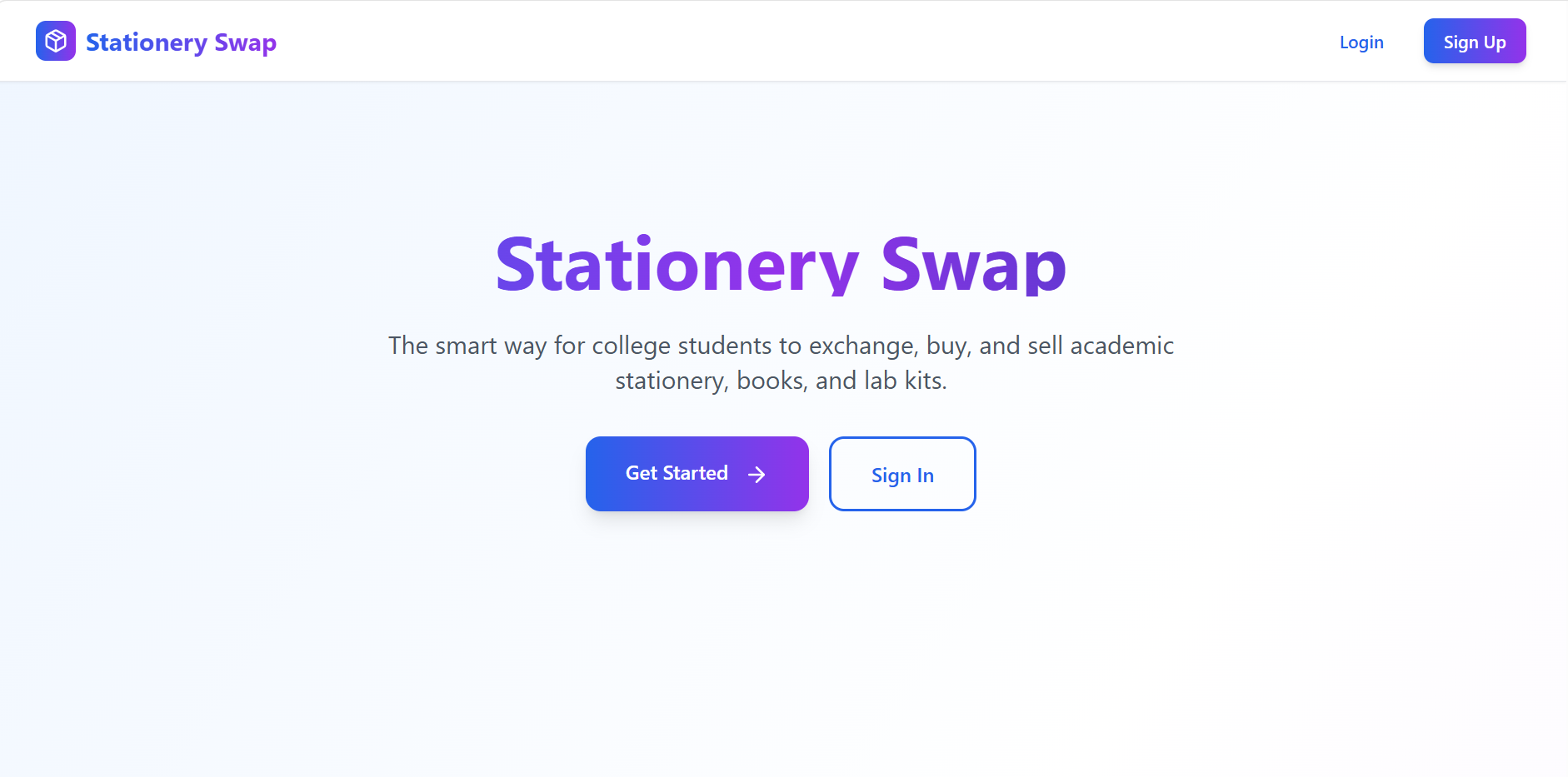
Stationery Swap – Student Marketplace for Buying & Selling Stationery
A MERN-based marketplace that enables students to buy, sell, and exchange stationery securely with authentication, image uploads, and smart search.