HireGenie AI Career Prep Platform with Django & React
AI career platform for freshers to build ATS resumes, practice interviews, solve coding tasks, and track job-readiness.
Preview Gallery
6 media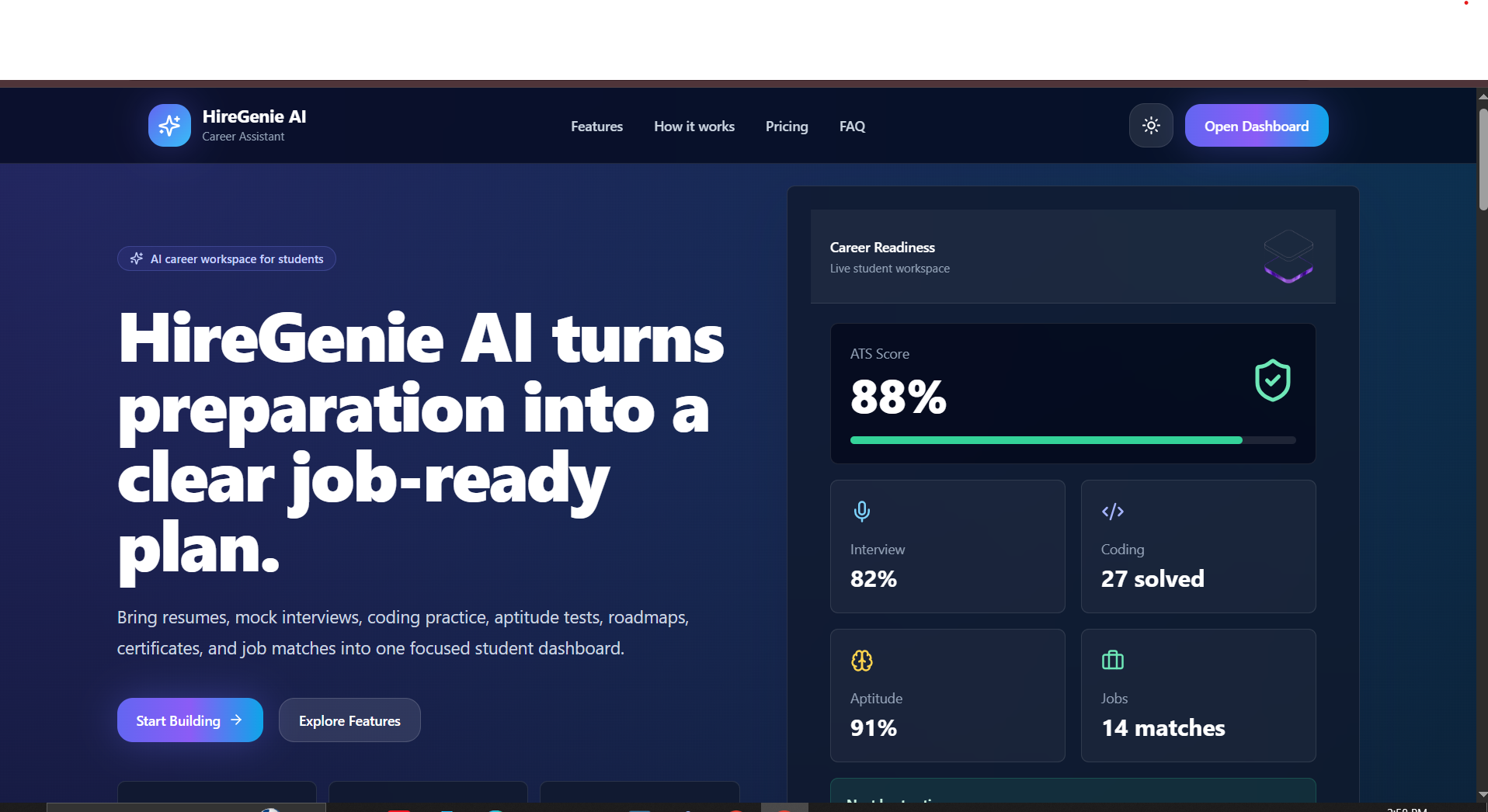
Technologies & Skills
Tags
Limited time offer
This project includes complete full-stack source code, Django REST Framework backend, React frontend, JWT authentication, career preparation modules, resume analysis workflow, dashboard UI, setup instructions, documentation, and project report. Buyers can use it for learning, portfolio building, academic submission, and full-stack development practice.
What's Included
Support & Customization
Custom modifications are available for UI changes, branding, new pages, extra modules, API updates, database changes, bug fixes, setup support, and deployment g...
Resource Links
Purchase this project to unlock source and premium resources. Document/report remain secure preview-based on this page.
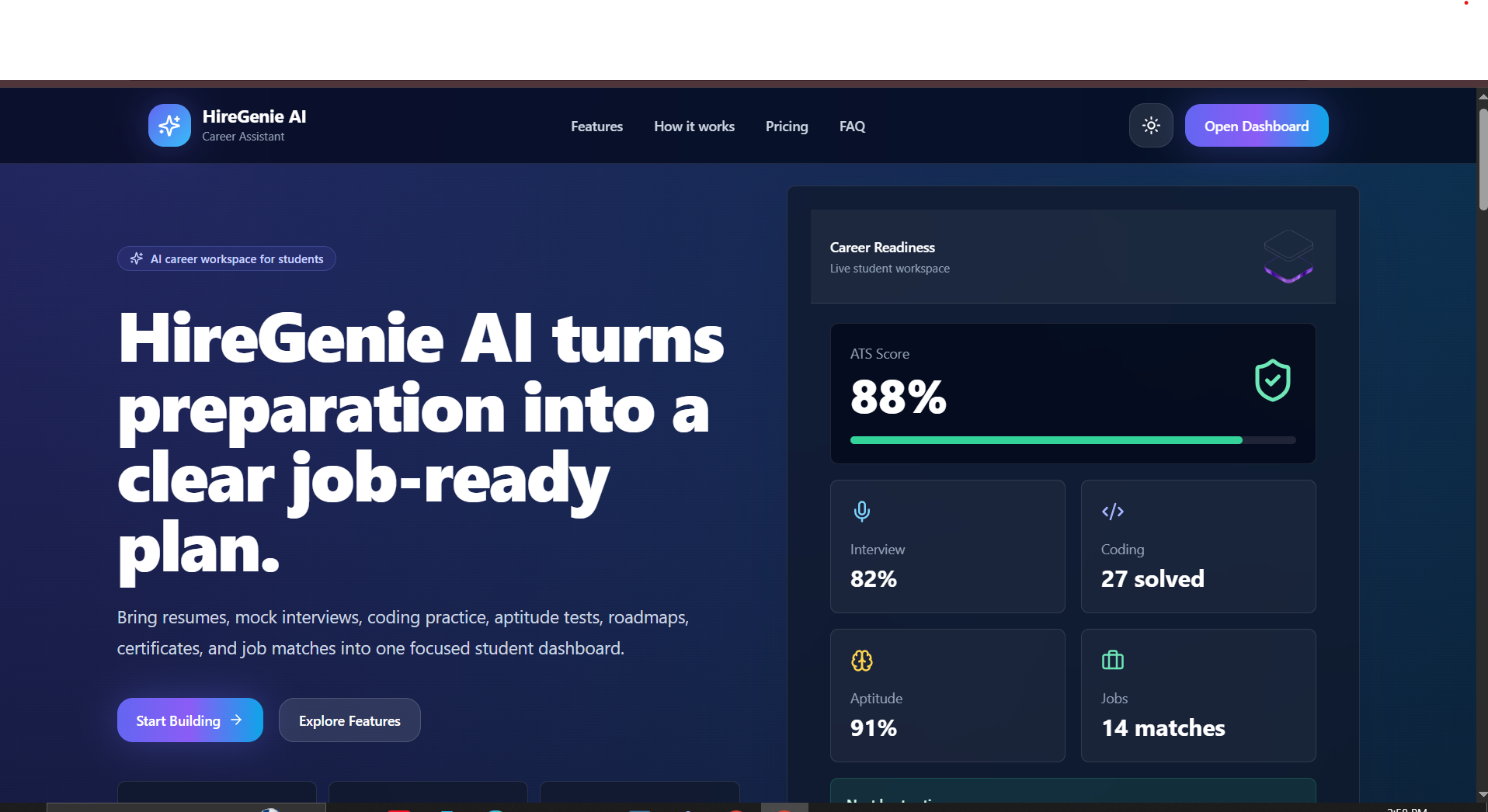
HireGenie AI is a full-stack AI-powered career preparation platform built for students, freshers, and job seekers who want to become job-ready faster. The platform helps users improve their resume, prepare for interviews, practice coding questions, take aptitude tests, track progress, and get personalized career guidance in one place.
The project solves a common problem faced by freshers: they use separate tools for resumes, interview preparation, coding practice, aptitude tests, and job tracking. HireGenie AI combines these important career preparation features into a single platform with a clean dashboard and structured learning flow.
The backend is developed using Python, Django, and Django REST Framework. It manages authentication, user profiles, resume data, interview history, coding practice, aptitude results, job recommendations, and dashboard analytics through REST APIs. JWT authentication is used to secure user login and protected routes.
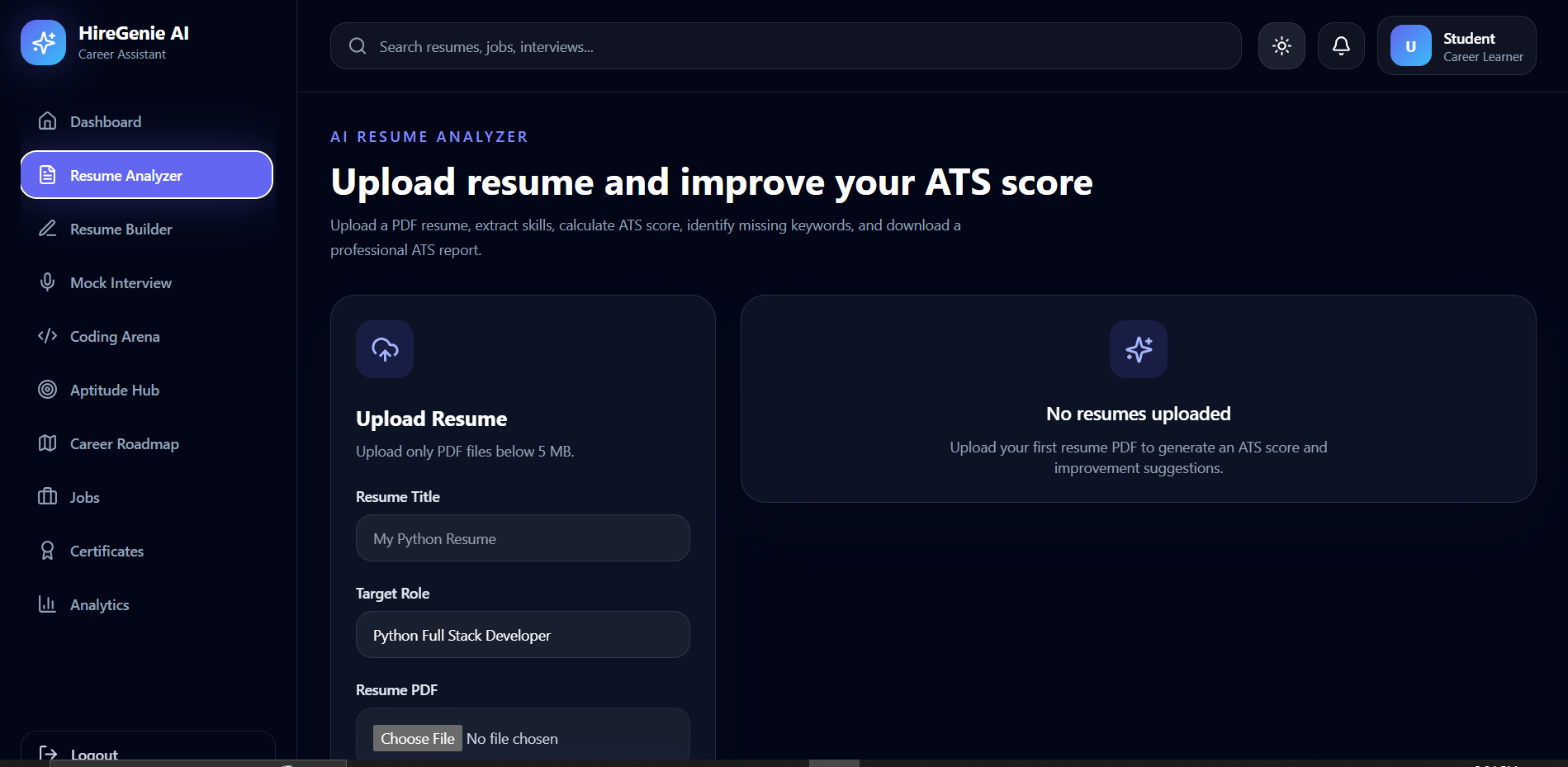
The frontend is built using React.js and Tailwind CSS, providing a modern and responsive user interface. Users can register, log in, access their dashboard, analyze resumes, practice interviews, view preparation progress, and manage career-related activities easily.
This project is useful for students, colleges, training institutes, placement preparation platforms, and freshers preparing for internships or entry-level software jobs. It demonstrates practical full-stack development, API integration, database design, authentication, AI-based features, and real-world project structuring.
Future Enhancements
Known Issues
Installation
Installation Steps
- Download and extract the project ZIP file.
- Open the project folder in VS Code.
- Set up the backend:
cd backend
python -m venv venv
venv\Scripts\activate
pip install -r requirements.txt
- Create a
.envfile inside the backend folder and add required environment variables:
SECRET_KEY=your_django_secret_key
DEBUG=True
DATABASE_URL=your_database_url
AI_API_KEY=your_ai_api_key
- Run database migrations:
python manage.py makemigrations
python manage.py migrate
- Create an admin user:
python manage.py createsuperuser
- Start the Django backend server:
python manage.py runserver
Backend will run at:
http://127.0.0.1:8000/
- Open a new terminal and set up the frontend:
cd frontend
npm install
npm run dev
Frontend will run at:
http://localhost:5173/
- Open the frontend URL in your browser and start using the project.
Usage
Usage Guide
HireGenie AI is designed to help students, freshers, and job seekers prepare for internships and entry-level jobs.
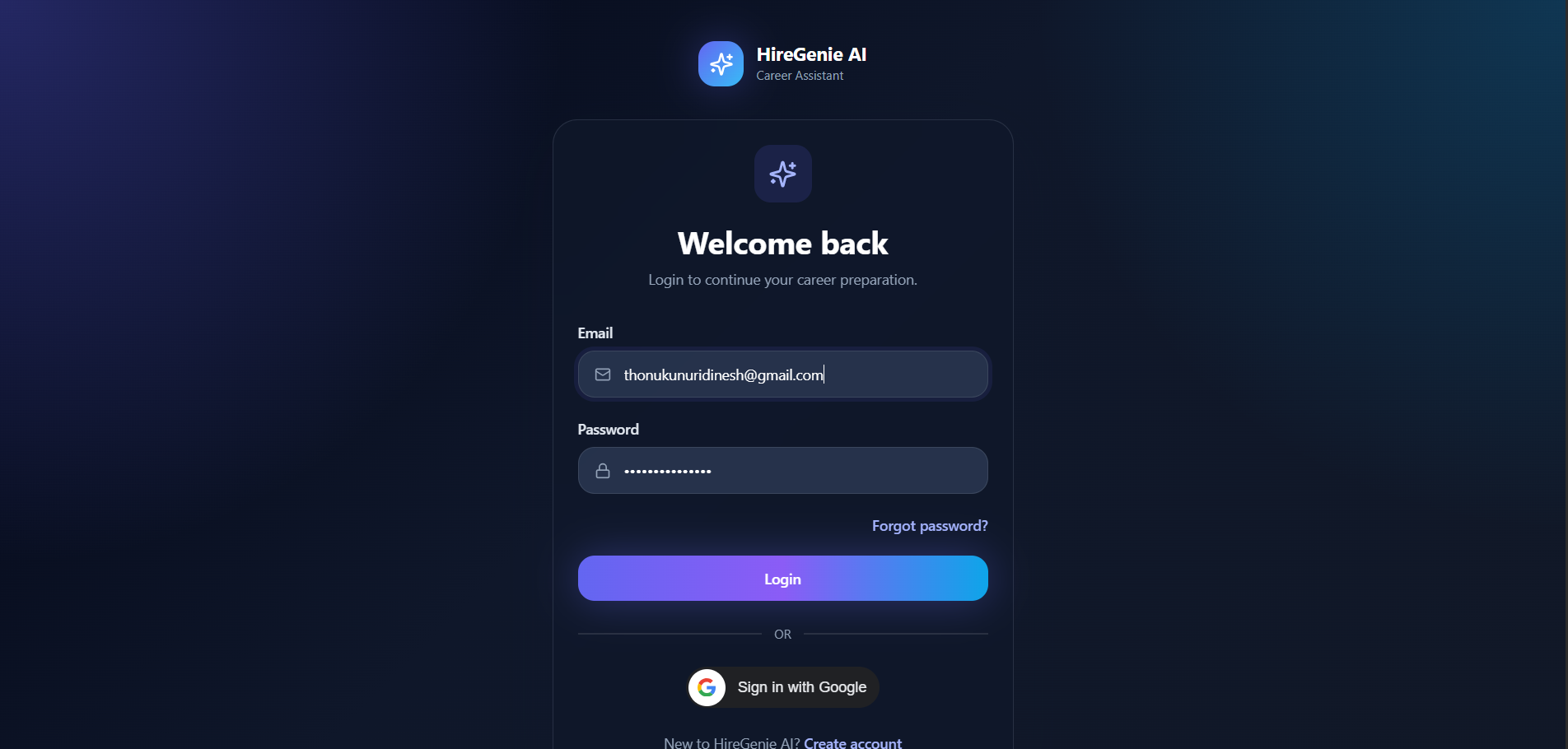
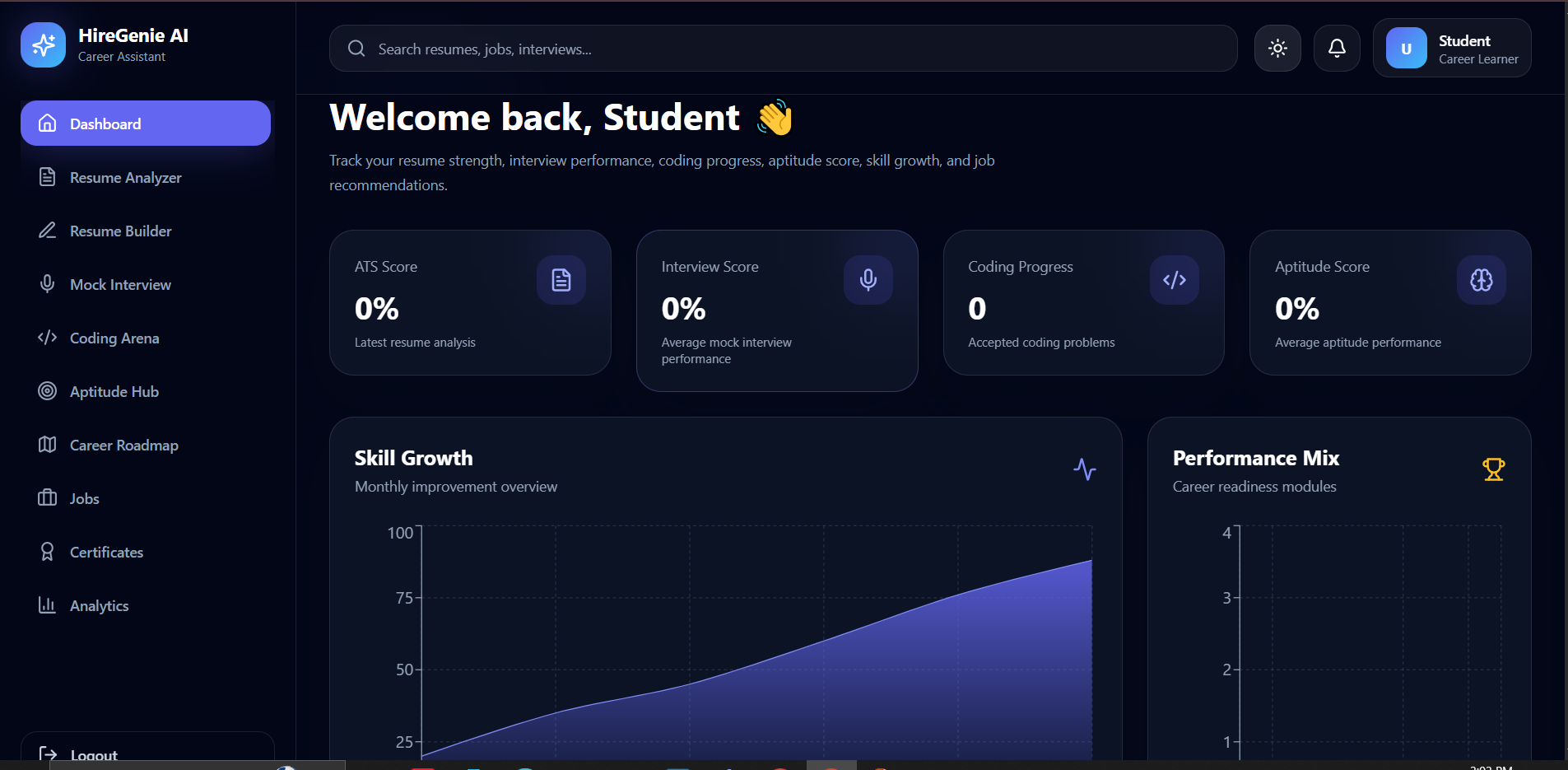
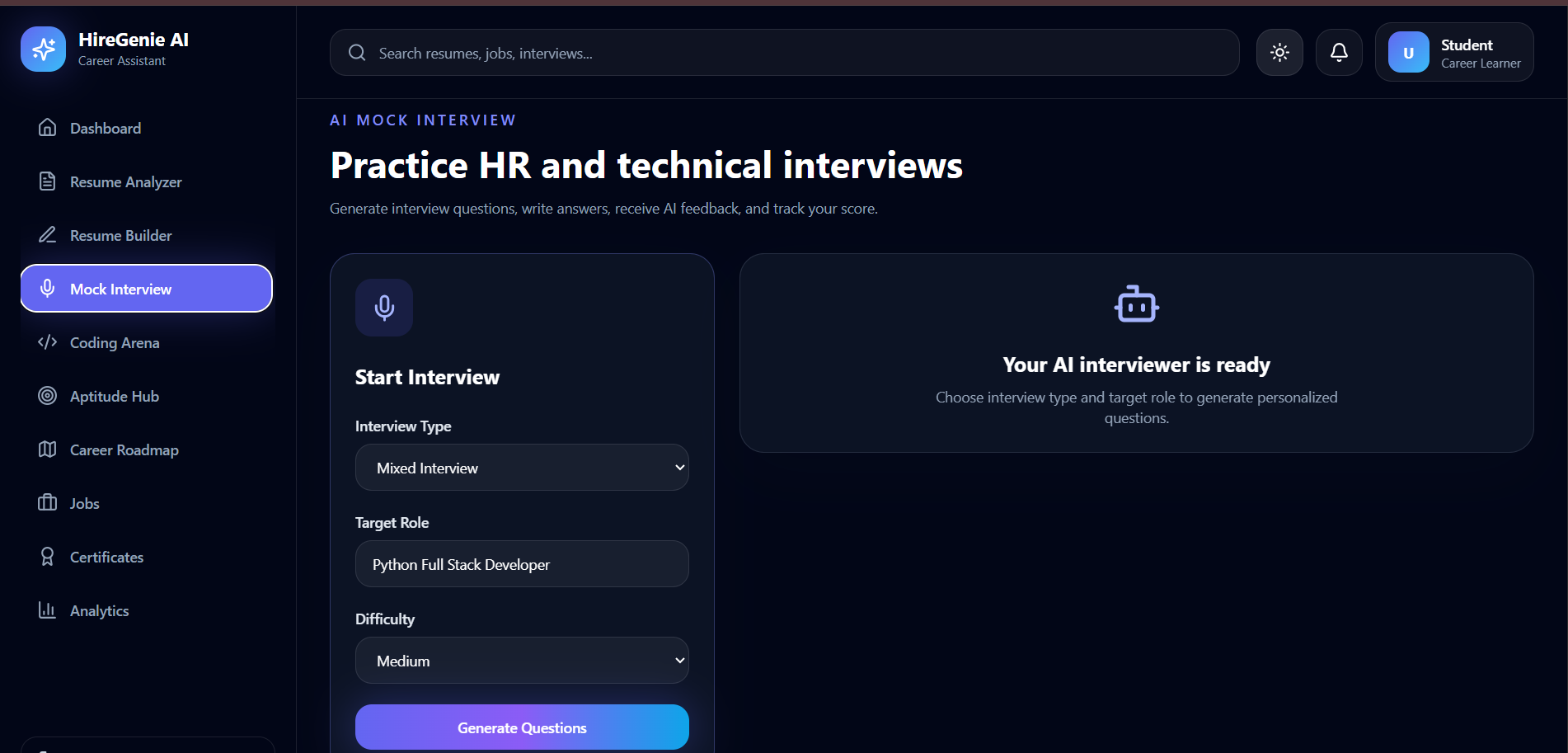
After installation, users can register and log in to access the career preparation dashboard. From the dashboard, users can manage their profile, upload or build resumes, analyze resumes for ATS improvement, practice mock interview questions, solve coding tasks, attempt aptitude tests, view job recommendations, and track their preparation progress.
Main usage flow:
- Register a new user account.
- Log in using email and password.
- Access the protected student dashboard.
- Upload or create a resume.
- Use the ATS resume analyzer to get improvement suggestions.
- Practice HR and technical interview questions.
- Solve coding practice questions.
- Take aptitude preparation tests.
- View job recommendations and save relevant jobs.
- Track progress through dashboard analytics.
Admin users can manage users, resumes, job-related data, practice modules, and platform content from the Django admin panel.
Expected output:
- Secure login and registration
- User dashboard
- Resume analysis feedback
- Interview practice questions
- Coding and aptitude preparation modules
- Job-readiness tracking
- Clean full-stack project structure
System Requirements
System Requirements
Software Requirements:
- Operating System: Windows, macOS, or Linux
- Python: 3.10 or above
- Node.js: 18 or above
- npm: 9 or above
- Database: PostgreSQL recommended, SQLite can be used for local testing
- Code Editor: VS Code recommended
- Browser: Chrome, Edge, or Firefox
- Git: Latest version recommended
Backend Requirements:
- Django
- Django REST Framework
- JWT Authentication
- Python virtual environment
- Required Python packages from
requirements.txt
Frontend Requirements:
- React.js
- Vite
- Tailwind CSS
- Axios
- React Router
Hardware Requirements:
- RAM: Minimum 4 GB, recommended 8 GB
- Storage: Minimum 1 GB free space
- Processor: Dual-core or higher
- Internet connection for package installation and AI API usage
Known Issues
- AI-based features require a valid API key.
- Live resume analysis quality depends on the input resume content.
- PostgreSQL setup may require updating database credentials in the environment file.
- Some features may need internet access when using external APIs.
- For production deployment, DEBUG should be set to False and secure environment variables should be configured.
Future Enhancements
- Add Google OAuth login
- Add payment/subscription plans
- Add advanced AI mock interview scoring
- Add resume PDF builder with multiple templates
- Add recruiter dashboard
- Add real-time chat support
- Add email notifications
- Add advanced analytics for student progress
- Add college placement cell admin module
- Deploy backend and frontend with production-ready CI/CD pipeline
Slides Open in New Tab
For better readability, slides are opened directly. Documents remain preview-only with secure backend rendering.
Showing preview pages only. Purchase for full access to all pages and complete source package.
Login for Full AccessNo Q&A available yet
Be the first to ask a question!
Ask a Question
Customer Reviews
Write Your Review
No reviews yet
Be the first to review this project!
Similar Projects
You might also be interested in these projects
 website Development
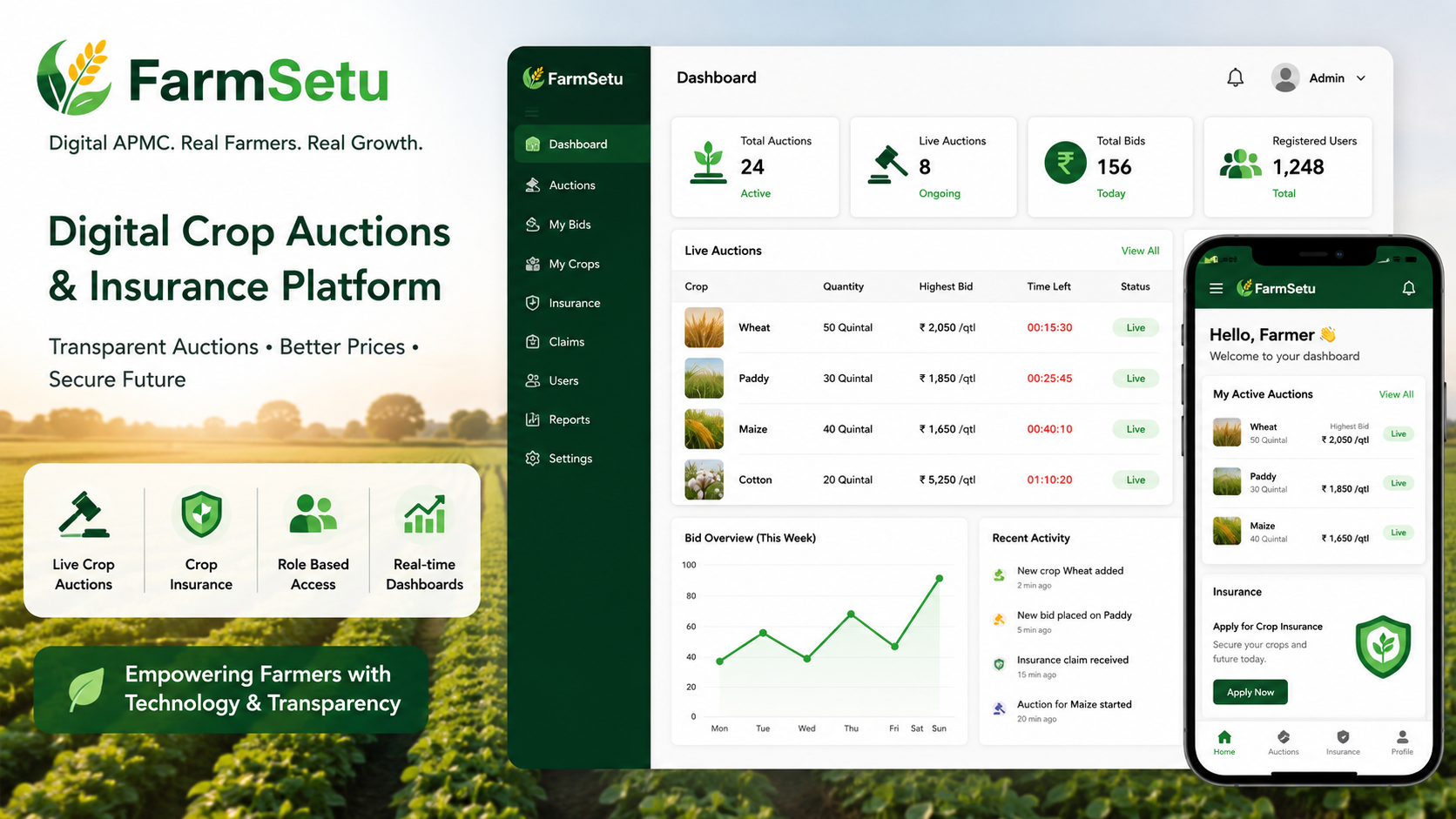
FarmSetu – Microservices Digital Agri Marketplace
A microservices-based platform enabling real-time crop auctions, farmer insurance, and transparent agricultural trading with role-based access
 website Development
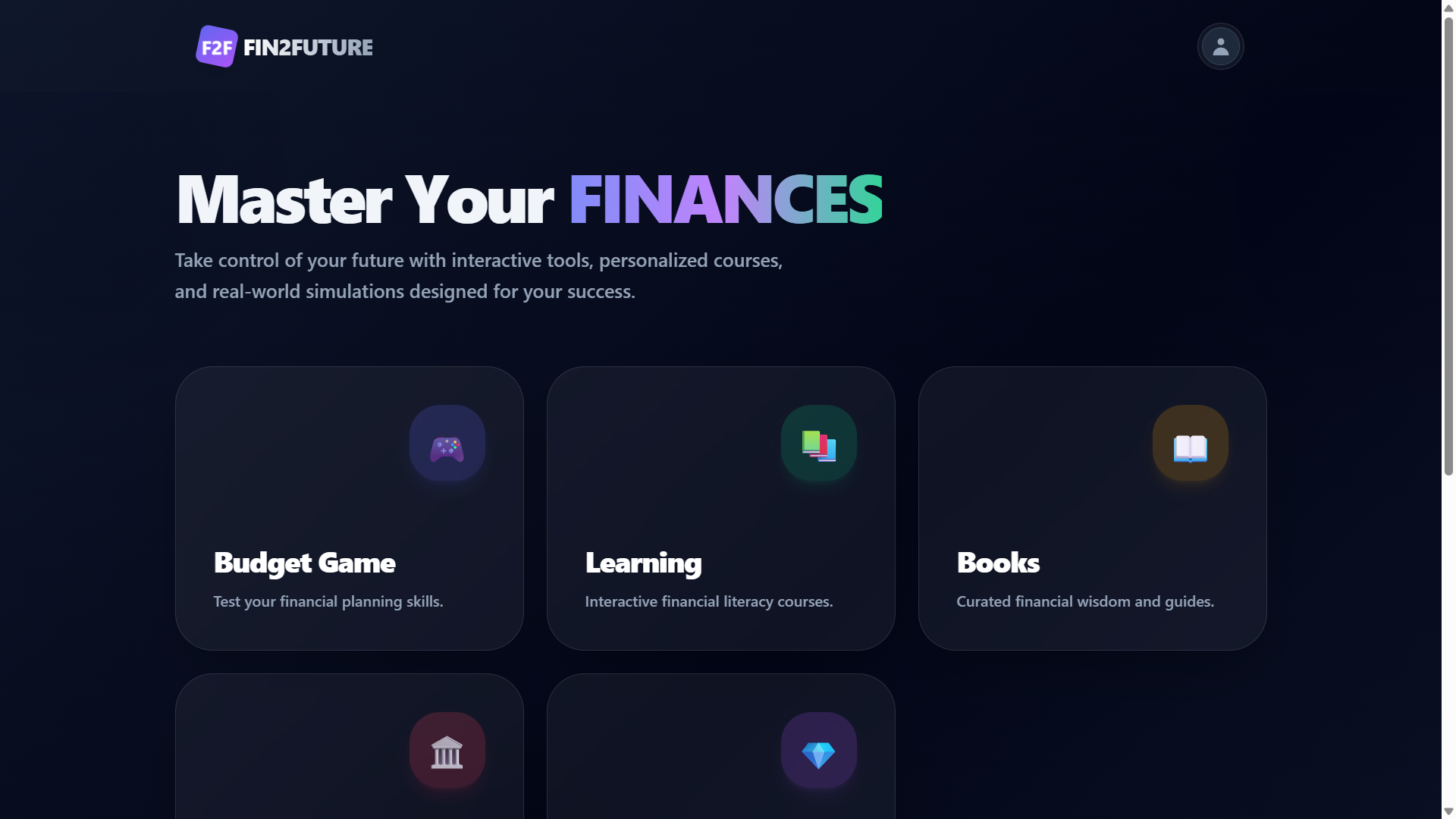
Fin2Future – Gamified Financial Literacy Web Application
A financial literacy platform with secure authentication, interactive learning, quizzes, budgeting, and expense tracking.
 website Development
Full-Stack Ecommerce website using React
Deal-O-City is a full-stack, trend-driven fashion e-commerce platform built using the MERN stack (MongoDB, Express.js, React.js, Node.js).
 website Development
full satck
dog studio a threejs project