FarmSetu – Microservices Digital Agri Marketplace
A microservices-based platform enabling real-time crop auctions, farmer insurance, and transparent agricultural trading with role-based access
Preview Gallery
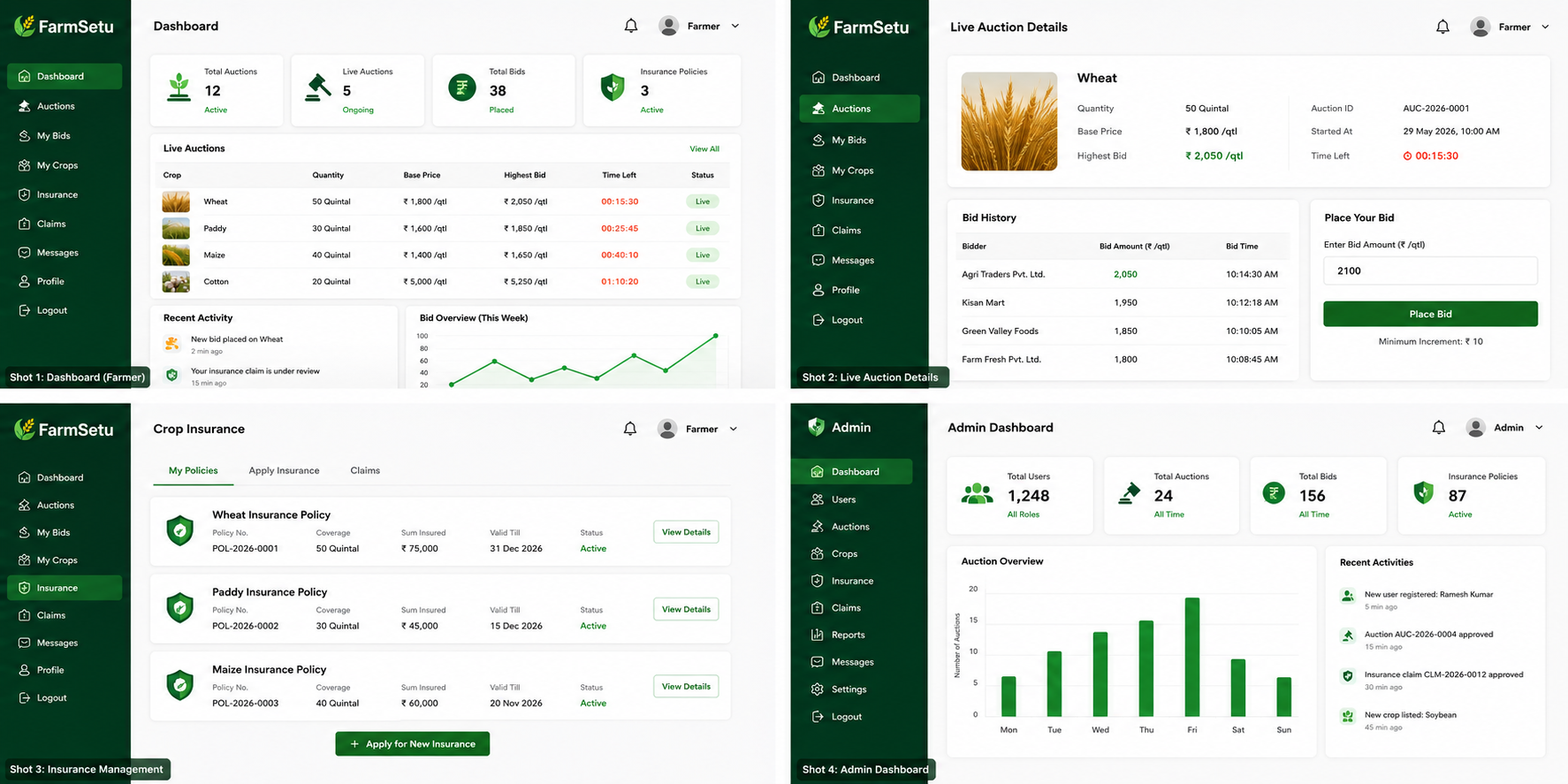
2 media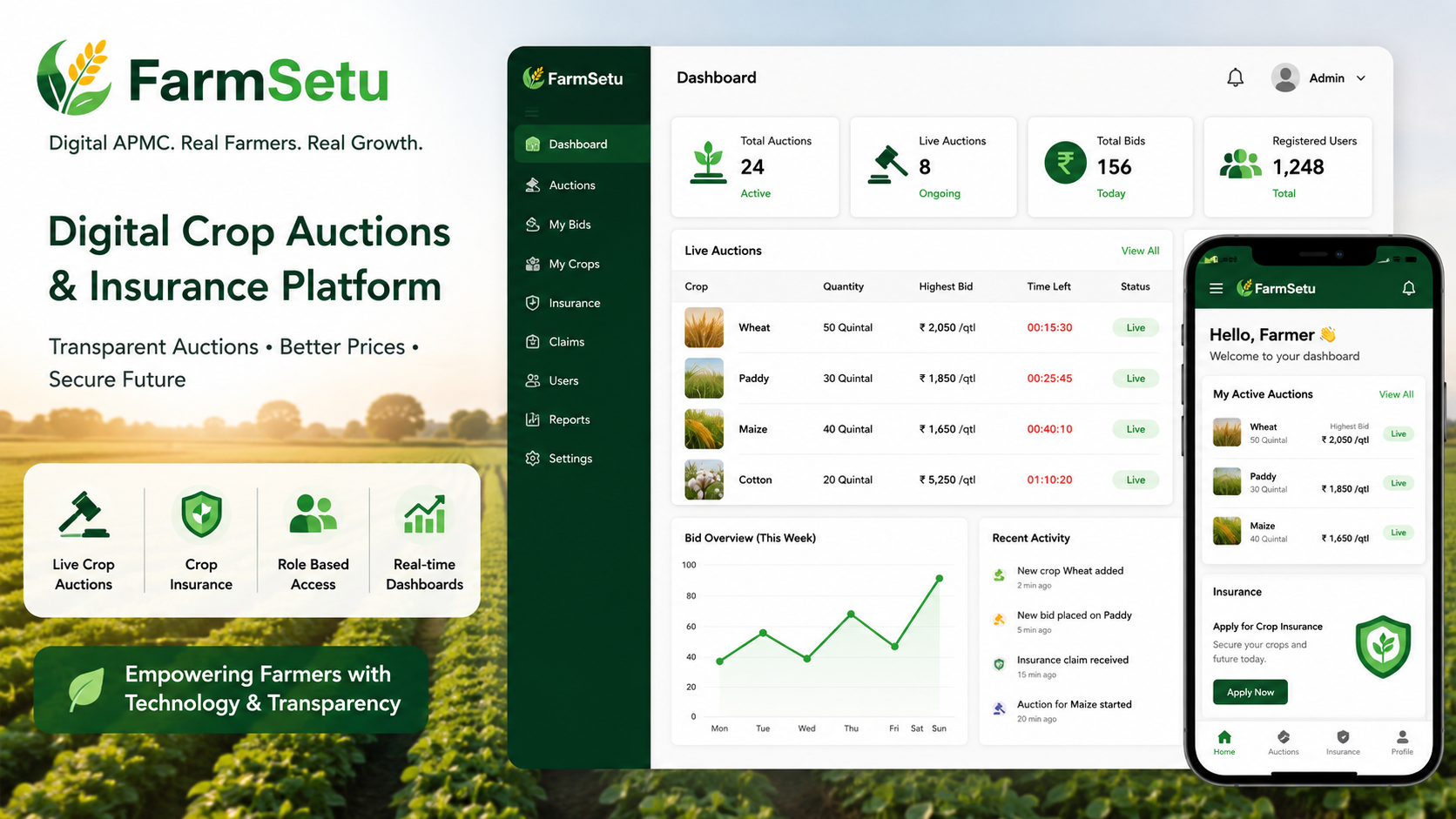
Technologies & Skills
Limited time offer
What's Included
Support & Customization
Resource Links
Purchase this project to unlock source and premium resources. Document/report remain secure preview-based on this page.
FarmSetu is a full-stack, microservices-based agricultural marketplace designed to digitize crop trading and insurance management. The platform connects farmers, bidders, and administrators through a secure web application, making agricultural transactions more transparent, efficient, and accessible.
Farmers can register, list crops for auction, apply for crop insurance, and submit insurance claims. Buyers participate in live auctions by placing competitive bids, while administrators verify users, approve crop listings, monitor auctions, and process insurance claims. The platform reduces dependency on intermediaries and promotes fair price discovery through transparent bidding workflows.
The application follows a distributed microservices architecture using Spring Boot, with Spring Cloud Gateway for centralized request routing and Eureka Service Registry for dynamic service discovery. Communication between services is handled through REST APIs, while Angular provides a responsive frontend and MySQL stores application data securely. The modular architecture improves scalability, maintainability, and fault isolation, making the system suitable for future enterprise-scale deployment.
Future Enhancements
- AI-based crop quality detection using computer vision.
- Machine learning-based crop price prediction.
- Real-time notifications using WebSockets.
Known Issues
- AI-powered crop quality verification is not yet available.
- The application is optimized for small and medium-scale deployments.
Installation
FarmSetu Installation Guide
Prerequisites
- Java 17 or later
- Maven 3.8+
- Node.js 18+ and npm
- Angular CLI
- MySQL 8.0+
- Git
- IDE (IntelliJ IDEA or VS Code)
1. Clone the Repository
git clone https://github.com/your-username/FarmSetu.git
cd FarmSetu
2. Configure MySQL
- Create a MySQL database.
- Update the database URL, username, and password in each microservice's
application.propertiesfile.
Example:
spring.datasource.url=jdbc:mysql://localhost:3306/farmsetu
spring.datasource.username=root
spring.datasource.password=your_password
3. Build Backend Services
From each microservice directory:
mvn clean install
4. Start Backend Services
Start the services in the following order:
- Eureka Service Registry
- API Gateway
- Authentication Service
- Marketplace Service
- Bidding Service
- Insurance Service
5. Install Frontend Dependencies
cd frontend
npm install
6. Run Angular Frontend
ng serve
or
npm start
The application will be available at:
http://localhost:4200
7. Login
Use the appropriate credentials to access the platform as:
- Farmer
- Bidder
- Administrator
Features
- Secure JWT Authentication
- Role-Based Access Control
- Real-Time Crop Auctions
- Crop Insurance Management
- Live Bid Tracking
- Admin Dashboard
- API Gateway
- Eureka Service Discovery
- REST API Communication
- MySQL Database Integration
Technology Stack
- Angular
- Spring Boot
- Spring Cloud Gateway
- Eureka Server
- Java
- REST APIs
- MySQL
- Maven
- JWT Authentication
- Microservices Architecture
Usage
- Launch the Angular frontend and ensure all Spring Boot microservices are running.
- Open the application in your browser (
http://localhost:4200). - Register as a Farmer, Bidder, or Administrator.
- Log in using your credentials.
- Farmers can create crop listings by entering crop details and submitting them for approval.
- Administrators verify users and approve crop listings before they appear in the marketplace.
- Bidders browse available crops, participate in live auctions, and place bids in real time.
- After the auction ends, the system automatically declares the highest bidder as the winner.
- Farmers can apply for crop insurance, calculate premiums, and submit insurance claims through the insurance module.
- Administrators review and process insurance claims using the admin dashboard.
- Users can monitor auction status, bidding history, insurance requests, and account activities through role-based dashboards.
- Log out securely after completing your tasks.
System Requirements
Hardware
- Dual-Core Processor (Intel i3/Ryzen 3 or higher)
- 4 GB RAM (8 GB Recommended)
- 2 GB Free Disk Space
- Stable Internet Connection
Software
- Windows 10/11, Linux, or macOS
- Java JDK 17+
- Node.js 18+
- Angular CLI
- Maven 3.8+
- MySQL 8.0+
- Git
- IntelliJ IDEA / Eclipse / VS Code
- Google Chrome, Microsoft Edge, or Firefox
Backend
- Spring Boot
- Spring Cloud Gateway
- Eureka Service Registry
- REST APIs
- JWT Authentication
Frontend
- Angular
- HTML5
- CSS3
- TypeScript
Database
- MySQL 8.0+
Slides Open in New Tab
For better readability, slides are opened directly. Documents remain preview-only with secure backend rendering.
Showing preview pages only. Purchase for full access to all pages and complete source package.
Login for Full AccessNo Q&A available yet
Be the first to ask a question!
Ask a Question
Customer Reviews
Write Your Review
No reviews yet
Be the first to review this project!
Similar Projects
You might also be interested in these projects
 website Development
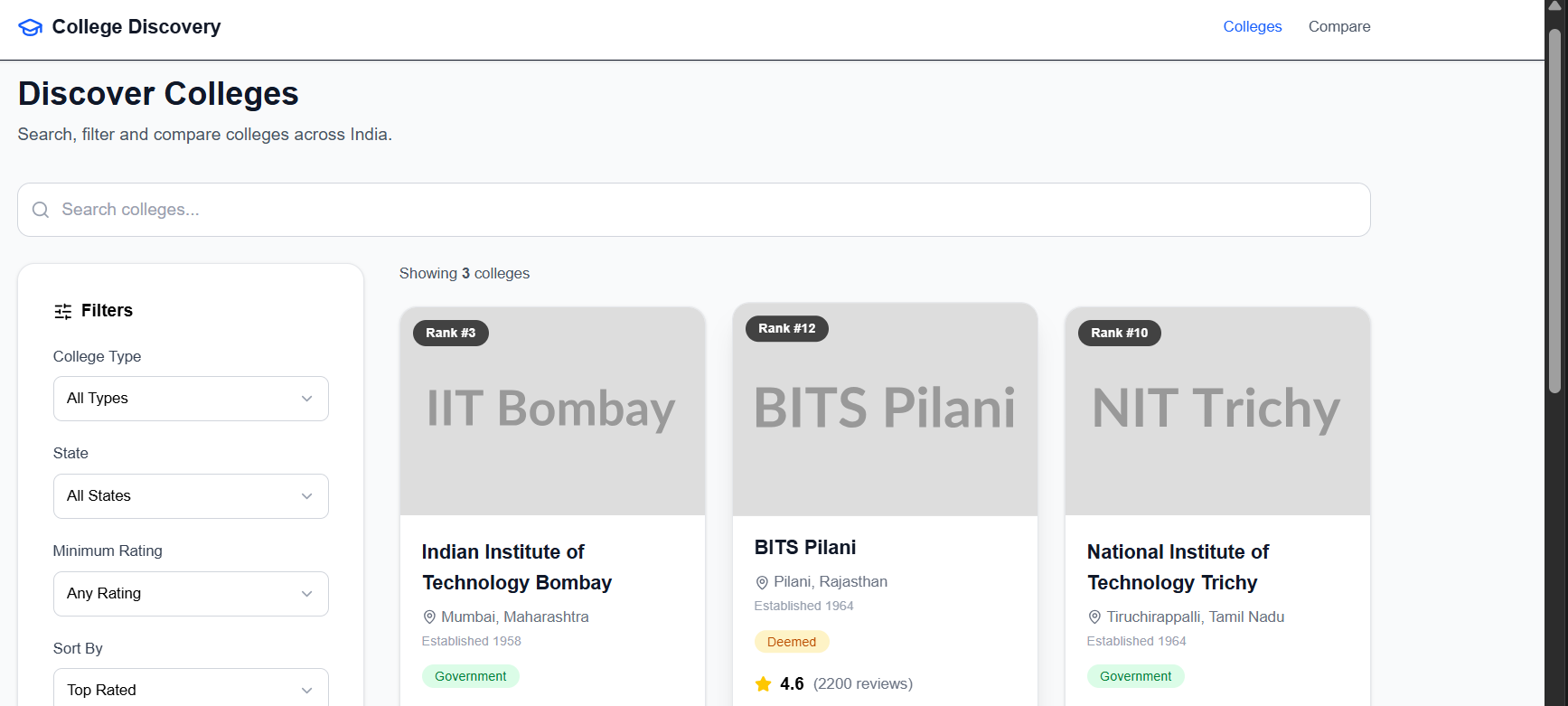
College Discovery Platform
A modern college discovery platform that helps students search, filter, explore, and compare colleges through an intuitive and responsive interface.
 website Development
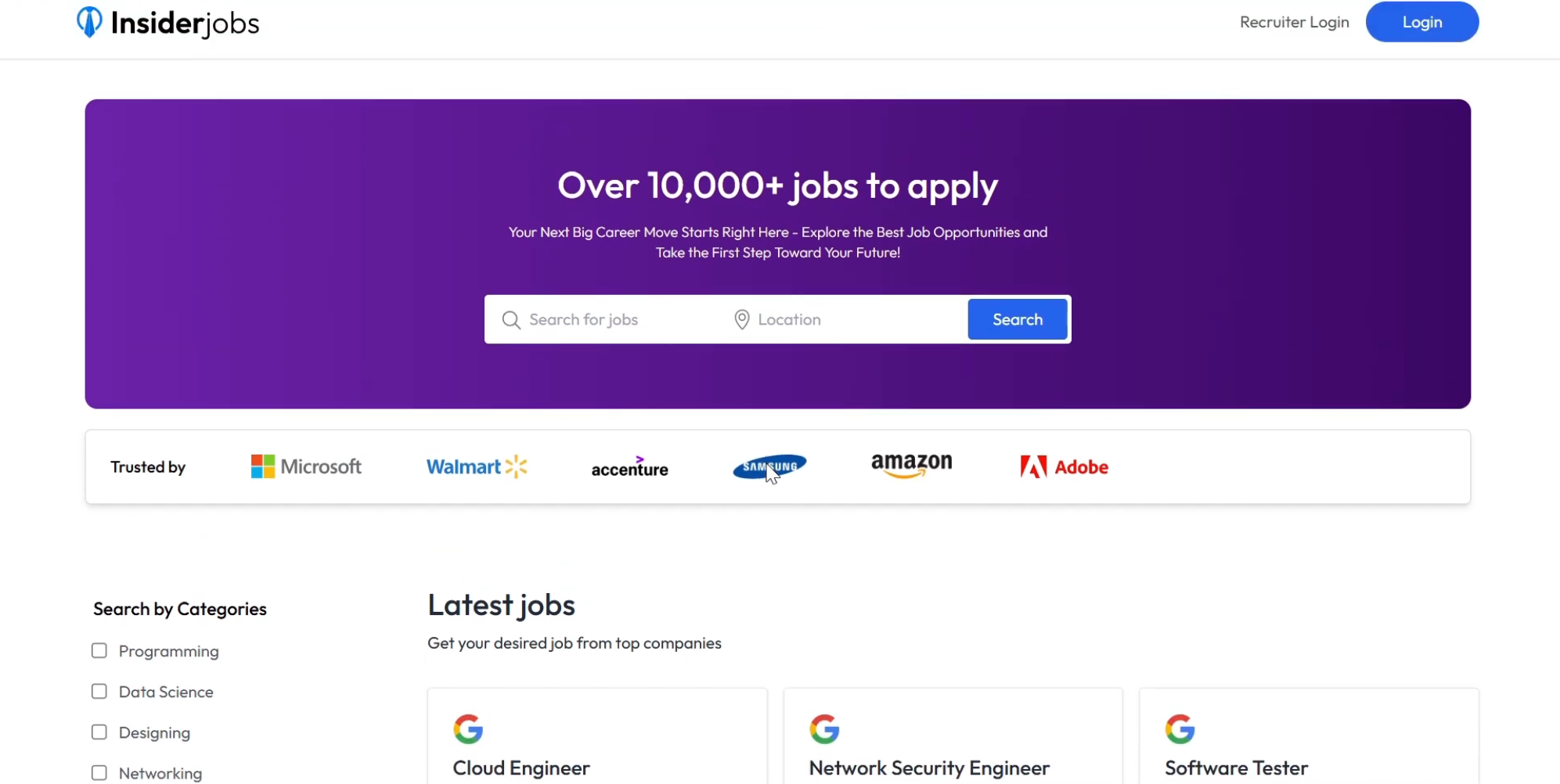
InsiderJobs – Full-Stack MERN Job Portal Platform
Production-ready MERN job portal with recruiter and candidate dashboards, Google authentication, job management and application tracking.
 website Development
Social Platform
AI-powered social platform for language learning with chat, video calls, gamification, partner matching, and Stripe subscriptions.
 website Development
Civix:Civic Issue Reporting and Tracking App
A full-stack platform for reporting, tracking, and managing civic issues with maps, real-time updates, and community participation.