Fin2Future – Gamified Financial Literacy Web Application
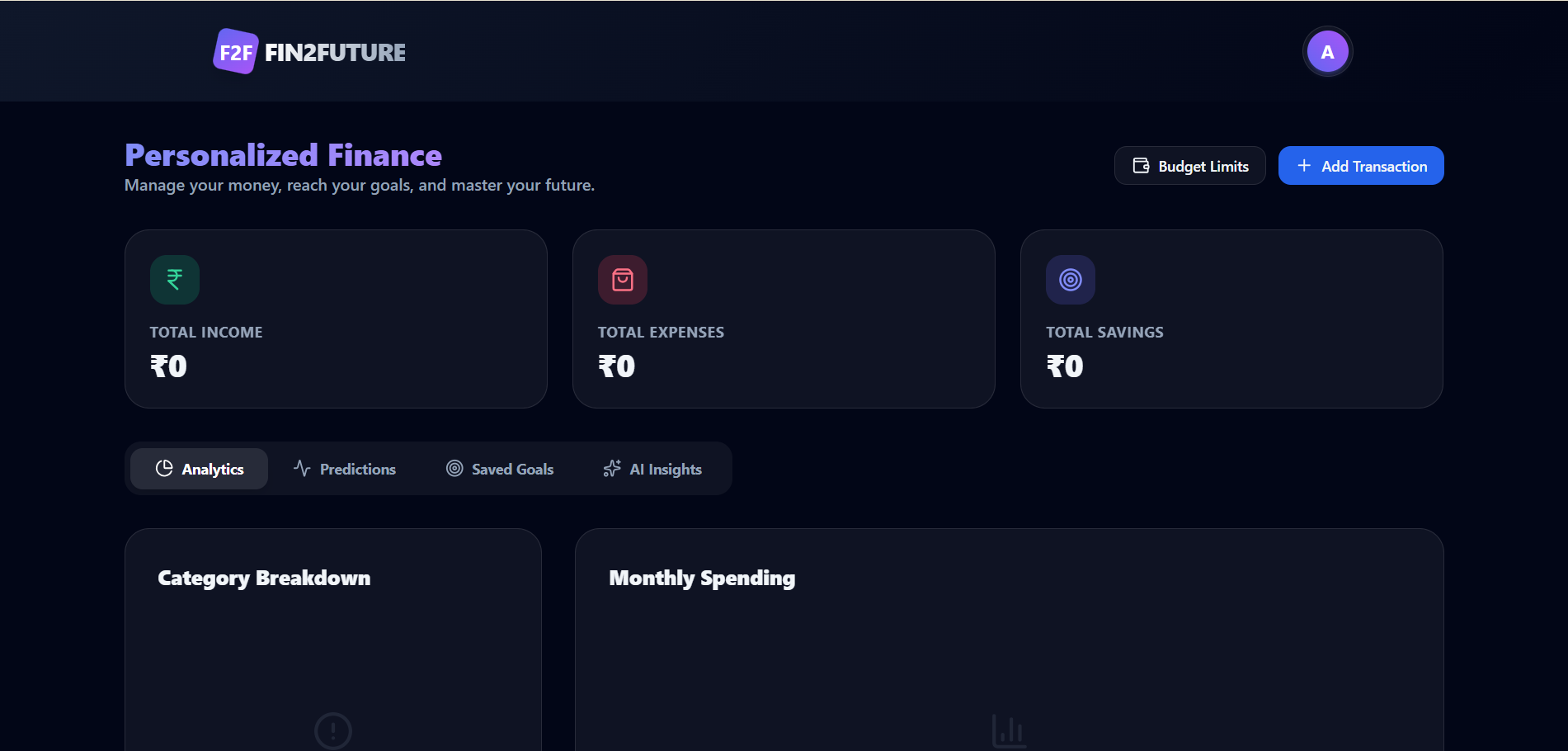
A financial literacy platform with secure authentication, interactive learning, quizzes, budgeting, and expense tracking.
Preview Gallery
5 media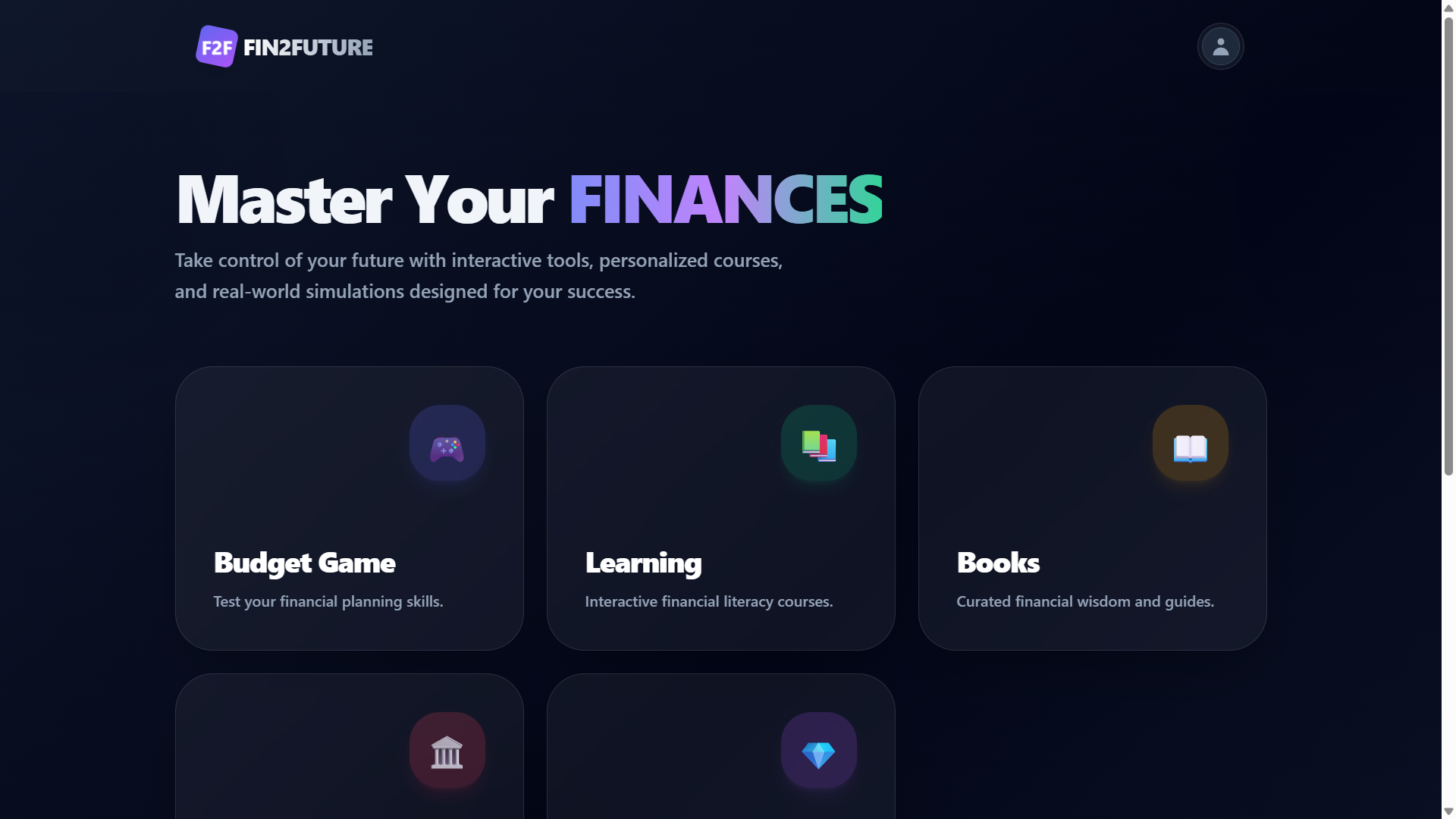
Technologies & Skills
Download at no cost
What's Included
Support & Customization
Resource Links
FIN2FUTURE is a financial literacy platform designed to help users develop better financial knowledge and money management skills through an engaging and interactive learning experience. The application combines educational content with practical financial tools, enabling users to learn essential financial concepts while tracking their personal finances.
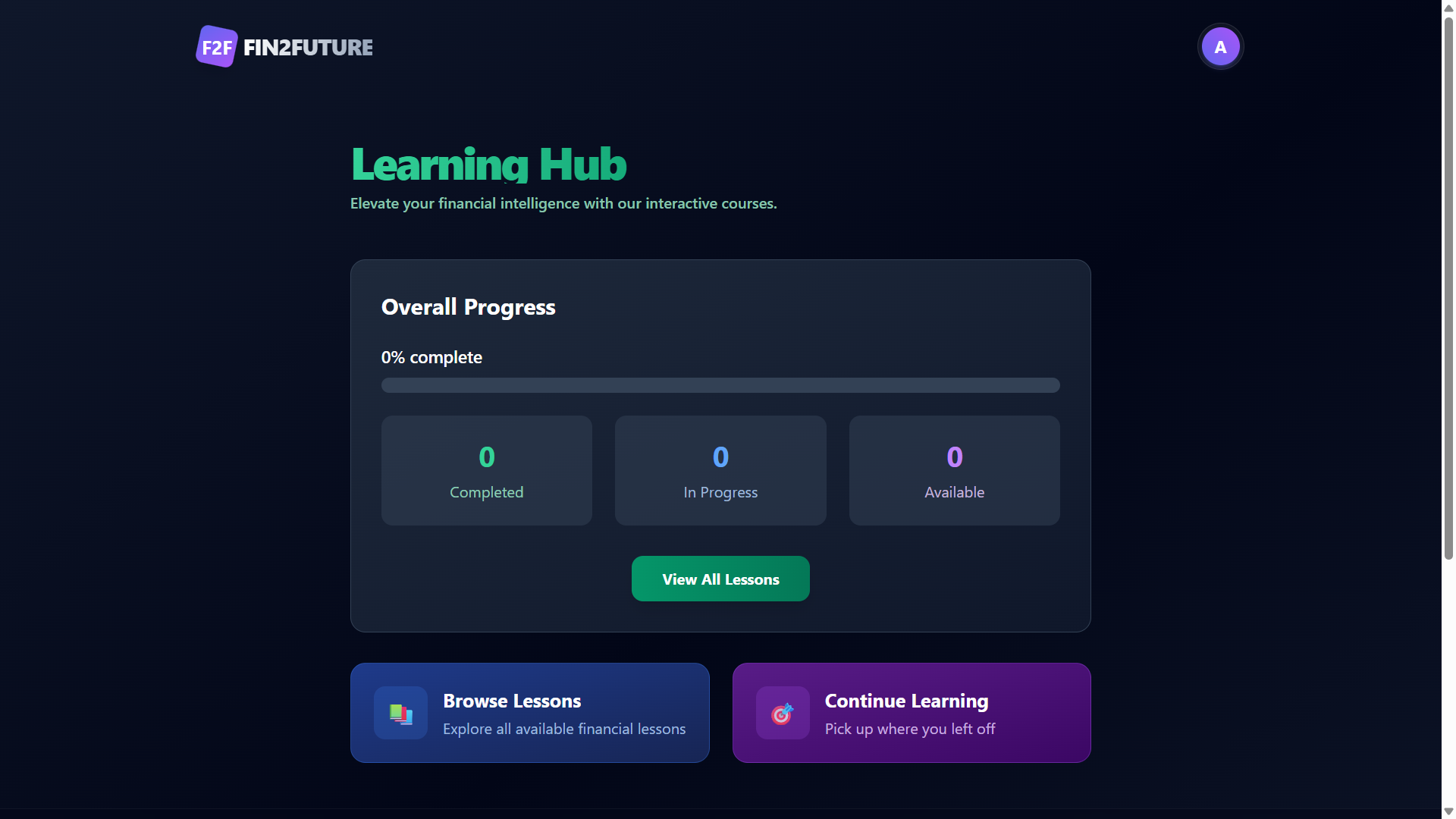
The platform includes secure user authentication, interactive learning modules, quizzes with progress tracking, budgeting and expense management, savings analysis, AI-powered financial insights, and a personalized dashboard. Users can monitor their learning progress, gain experience points through quizzes, and improve their financial decision-making using visual analytics and budgeting features.
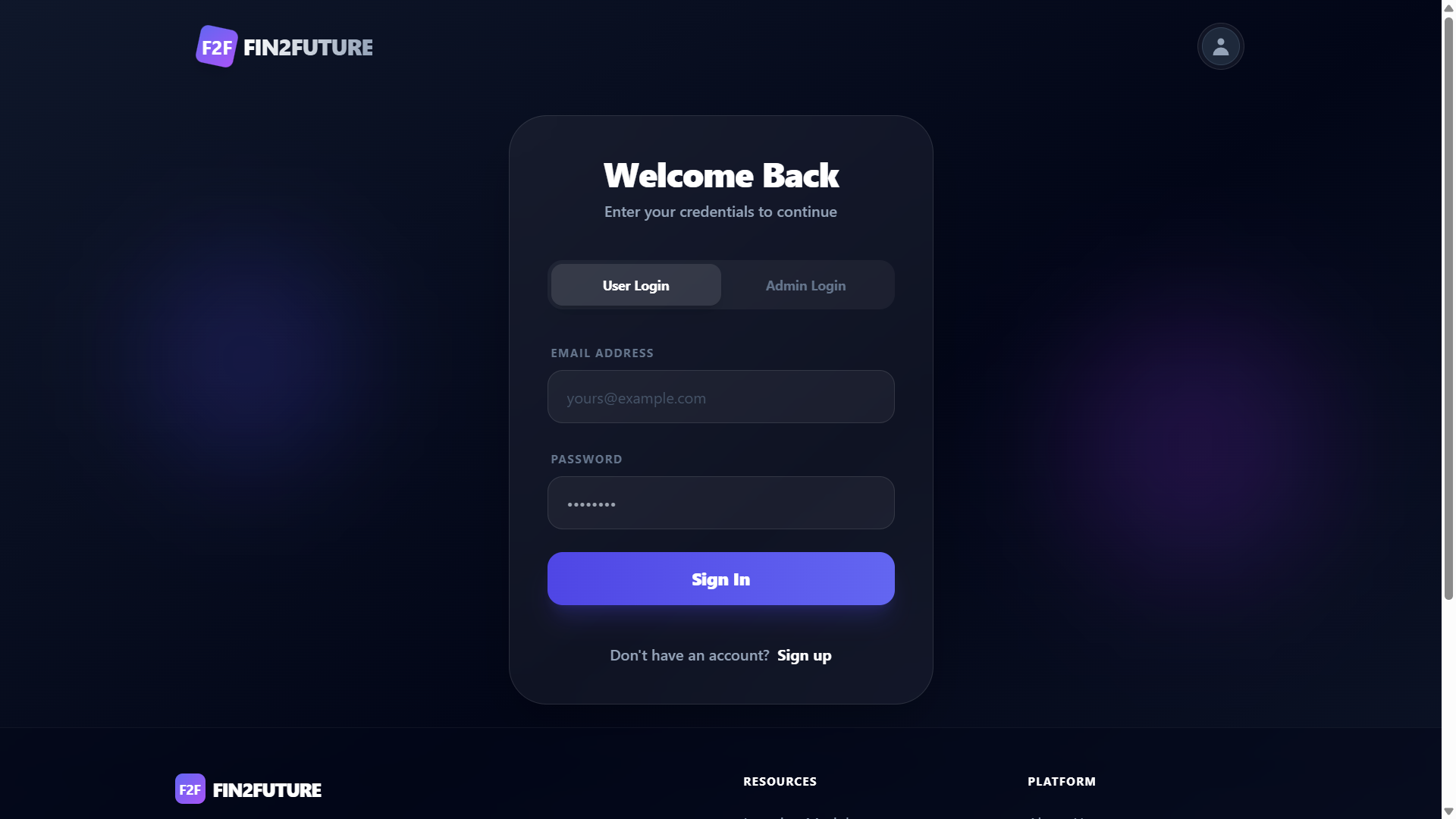
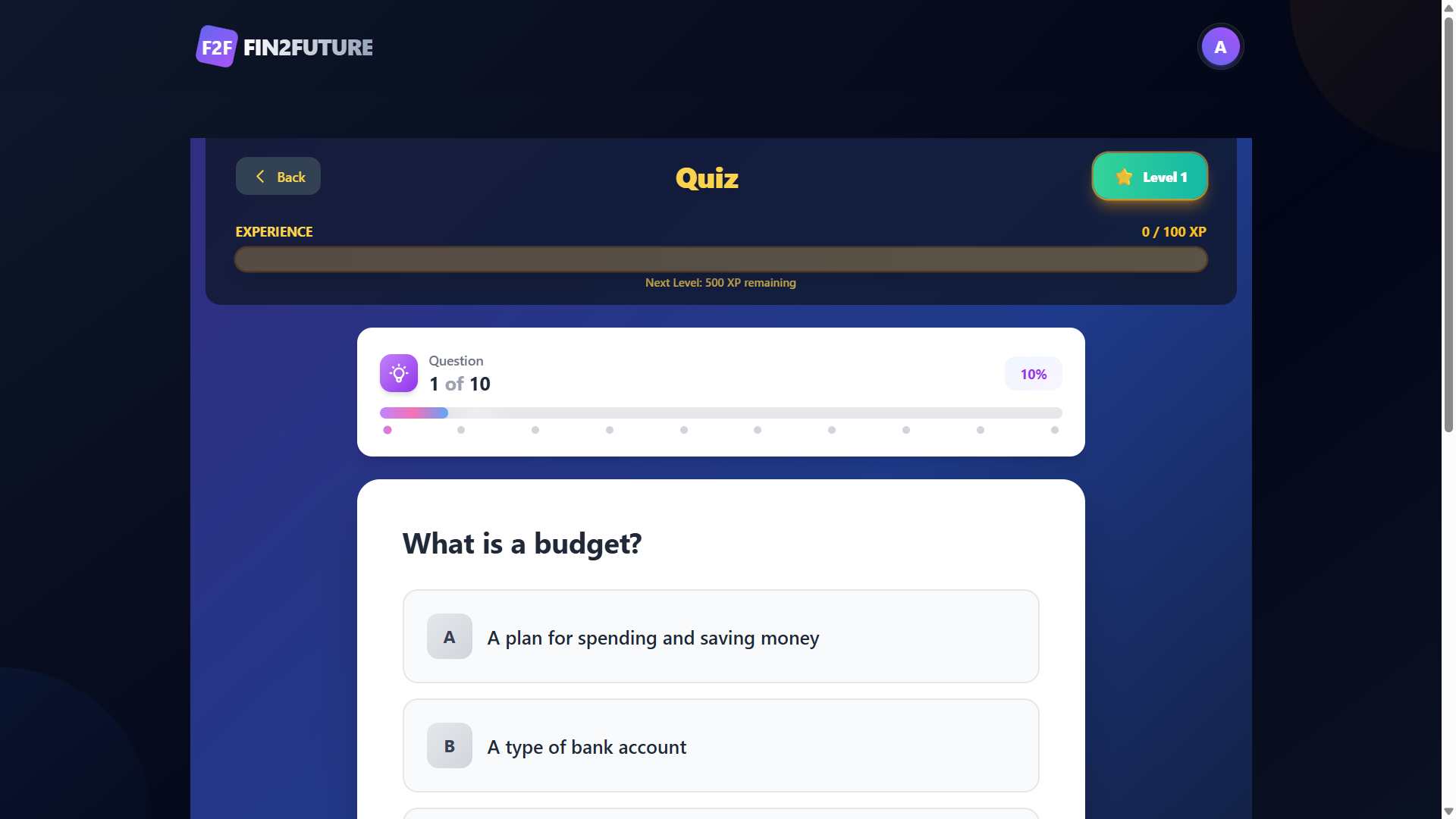
The application follows a client-server architecture with a responsive frontend and RESTful backend APIs. My primary contribution was developing the Authentication module, including secure user registration, login, JWT-based authentication, password encryption, and protected routes. I also developed the Learning Module, which includes lesson navigation, quiz functionality, progress tracking, XP and level progression, and frontend-backend API integration. This project strengthened my skills in full-stack web development, REST API integration, authentication, database management, and collaborative software development using Git and GitHub.
Future Enhancements
Known Issues
Installation
Installation Steps
Prerequisites
- Node.js (v18 or above)
- npm
- MongoDB (Local or MongoDB Atlas)
- Git
Clone the Repository
git clone <repository-url>
cd Fin2Future
Install Backend Dependencies
cd server
npm install
Install Frontend Dependencies
cd ../client
npm install
Configure Environment Variables
Create a .env file inside the server directory and add the required environment variables:
- PORT
- MONGODB_URI
- JWT_SECRET
- CLOUDINARY_CLOUD_NAME
- CLOUDINARY_API_KEY
- CLOUDINARY_API_SECRET
Start the Backend
cd server
npm run dev
Start the Frontend
cd client
npm run dev
Access the Application
Frontend:
http://localhost:5173
Backend:
http://localhost:5000
Usage
Usage Guide
- Launch the frontend and backend servers.
- Open the application in your web browser.
- Register a new account or log in using existing credentials.
- Access the personalized dashboard after successful authentication.
- Explore the Learning Hub to study financial literacy topics.
- Attempt quizzes to assess your understanding and track your progress.
- Use the budgeting and expense management features to record financial transactions.
- View financial analytics and personalized insights on the dashboard.
- Continue learning by accessing completed and ongoing lessons.
- Log out securely after completing your session.
System Requirements
System Requirements
Hardware Requirements
- Processor: Intel Core i3 (or equivalent) or higher
- RAM: Minimum 4 GB (8 GB recommended)
- Storage: At least 1 GB of free disk space
- Internet Connection: Required for package installation and cloud services
Software Requirements
- Operating System: Windows 10/11, macOS, or Linux
- Node.js: Version 18 or above
- npm: Version 9 or above
- MongoDB: Local installation or MongoDB Atlas
- Git: Latest version
- Web Browser: Google Chrome, Microsoft Edge, Firefox, or Safari
- Code Editor: Visual Studio Code (recommended)
Slides Open in New Tab
For better readability, slides are opened directly. Documents remain preview-only with secure backend rendering.
Showing preview pages only. Purchase for full access to all pages and complete source package.
Login for Full AccessNo Q&A available yet
Be the first to ask a question!
Ask a Question
Customer Reviews
Write Your Review
No reviews yet
Be the first to review this project!
Similar Projects
You might also be interested in these projects
 website Development
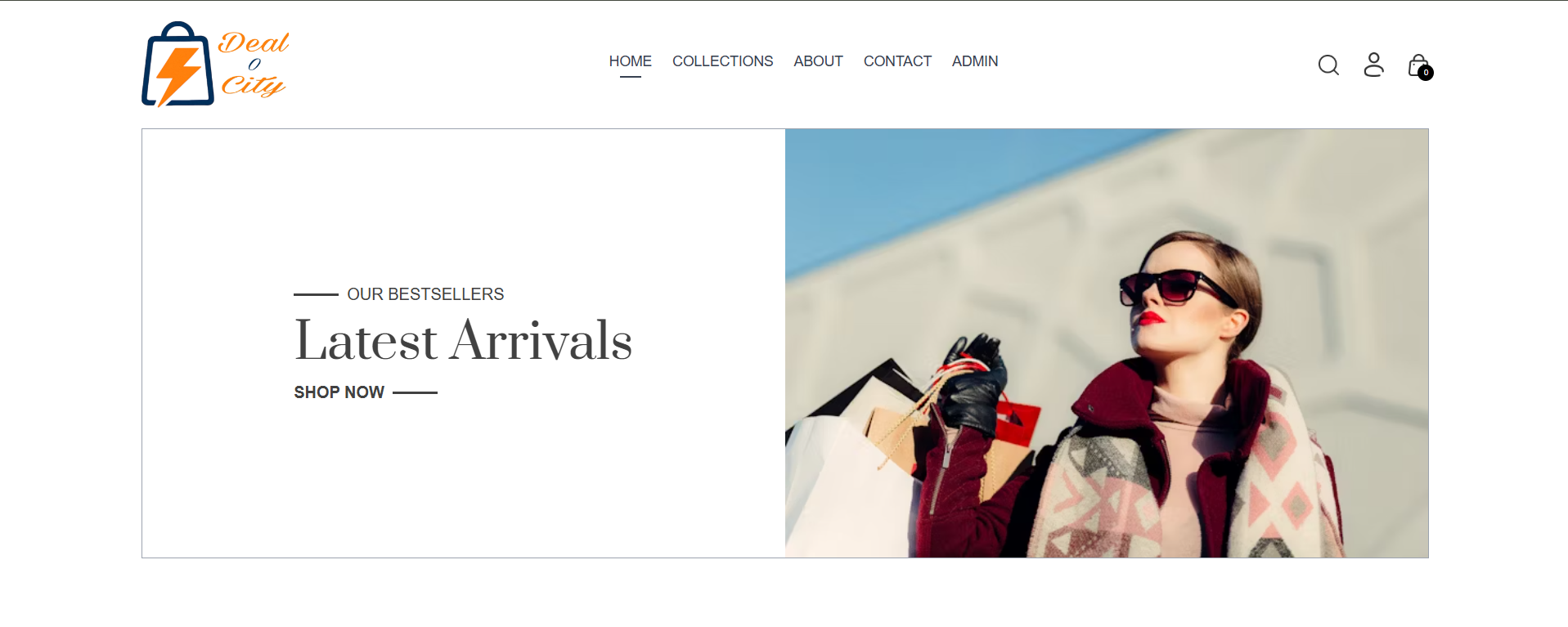
Full-Stack Ecommerce website using React
Deal-O-City is a full-stack, trend-driven fashion e-commerce platform built using the MERN stack (MongoDB, Express.js, React.js, Node.js).
 website Development
Full-Stack Food Delivery webapp
A modern full-stack delivery application where users can order items from nearby shops, shop owners can manage orders, and delivery partners can track
 website Development
EduManage - Laravel Student Management System
Complete Laravel-based student management system for academic administration, attendance, exams, fees, assignments and more.
 website Development
Quiz Web based application
It contains a application where children and adults also everyone can play games and build their confidence.