FurLink
A MERN Stack-based pet adoption and pet care platform that connects users with pets for adoption while providing pet products, secure authentication.
Preview Gallery
6 media
Technologies & Skills
Download at no cost
What's Included
Support & Customization
Resource Links
FurLink is a full-stack MERN (MongoDB, Express.js, React.js, Node.js) web application developed to simplify pet adoption and pet care by bringing essential services together on a single platform. It is designed for pet lovers, adopters, pet owners, shelters, and administrators, providing an easy, secure, and user-friendly experience.
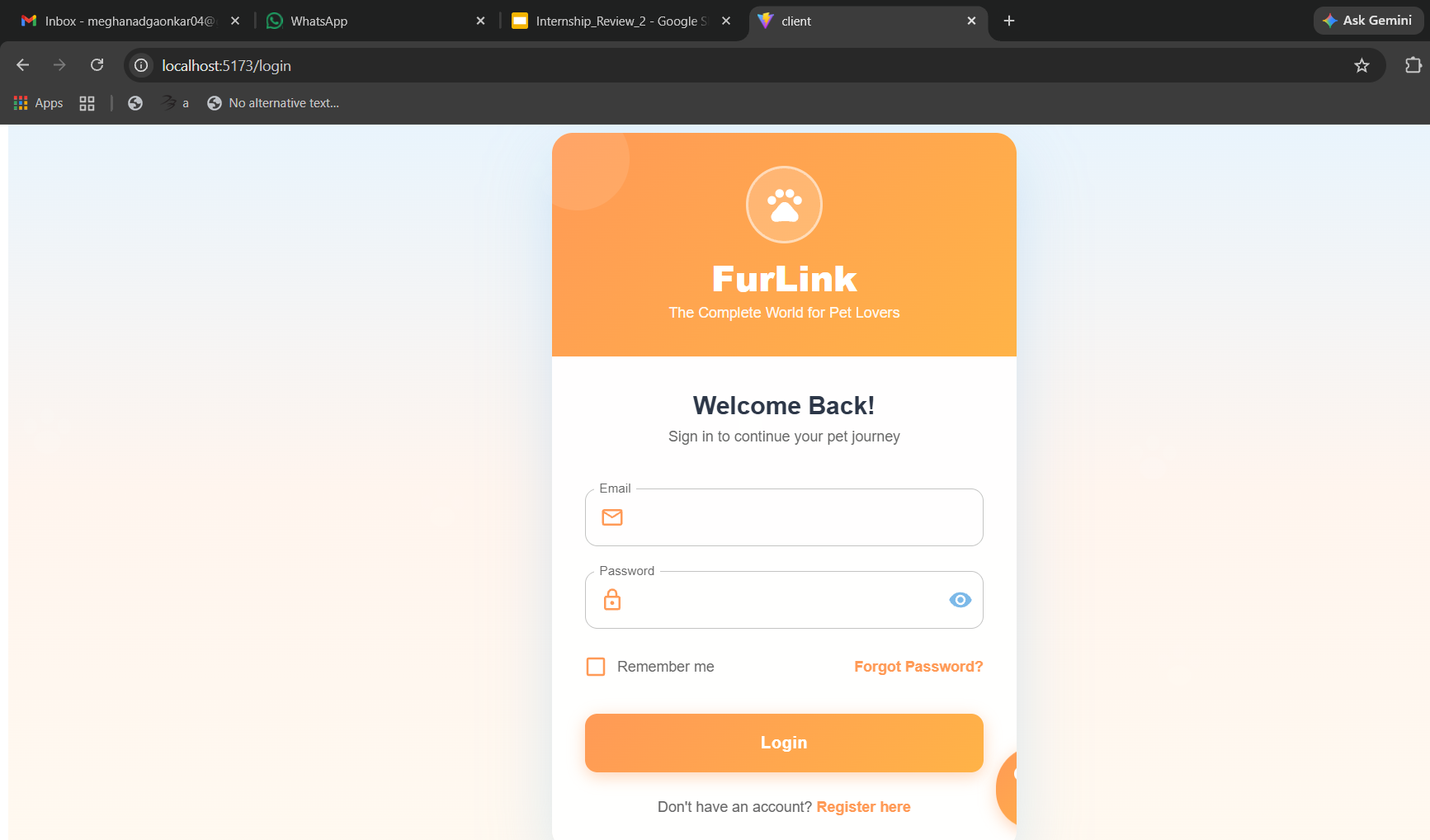
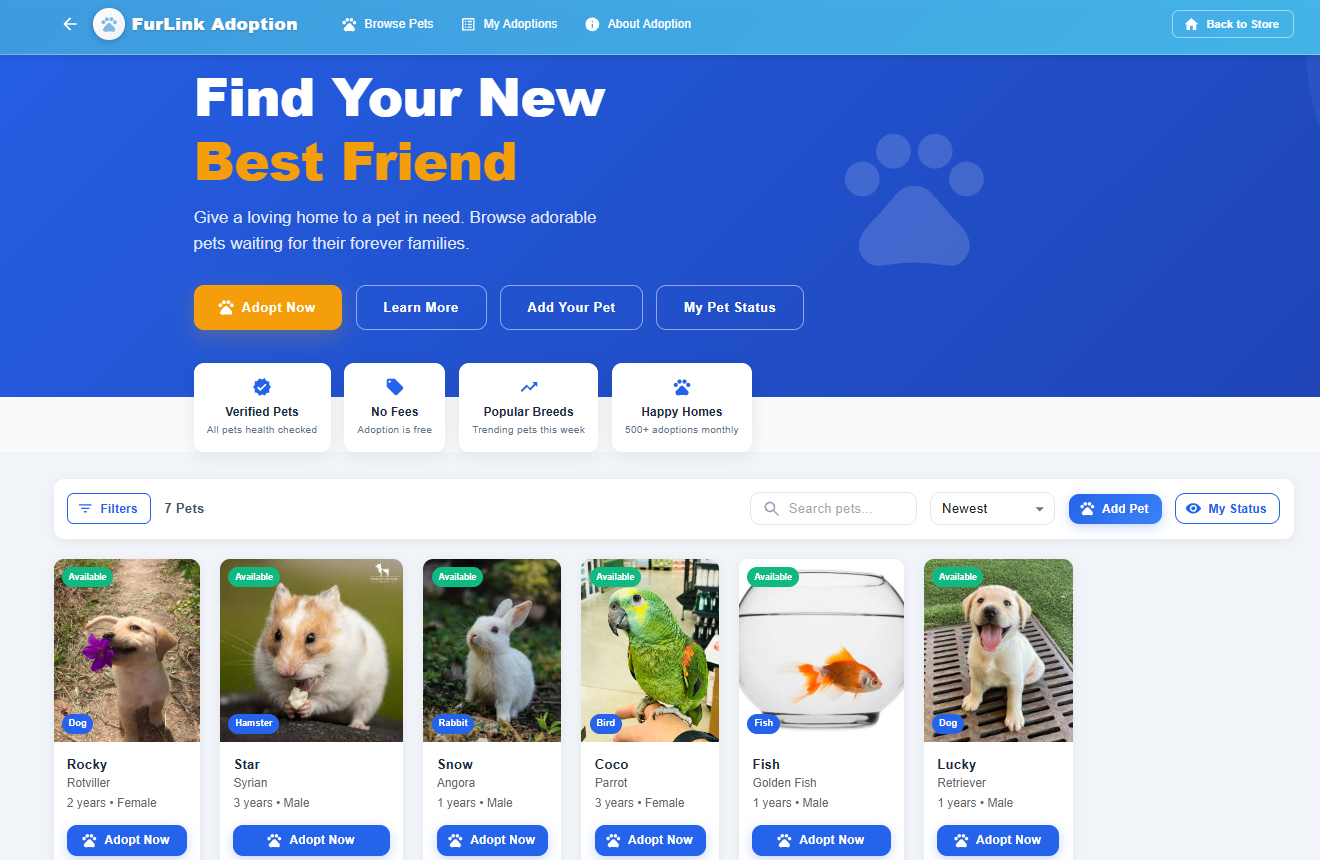
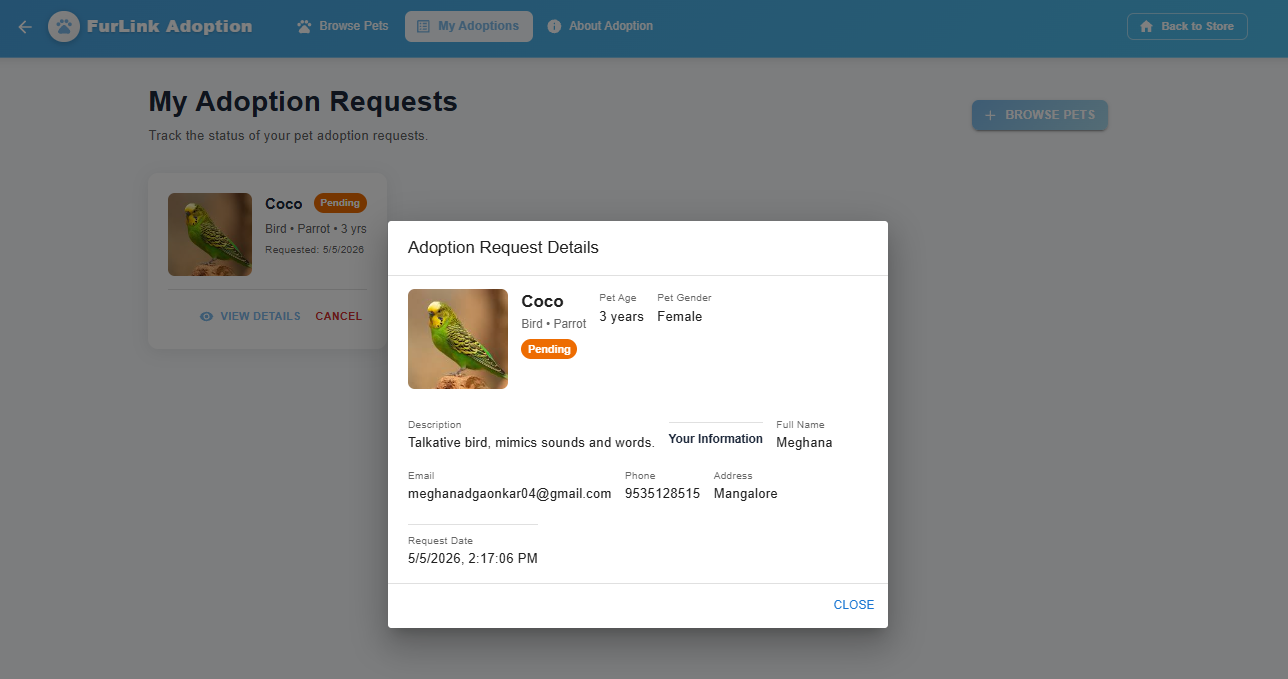
The platform allows users to create an account, securely log in, and browse pets available for adoption with detailed information such as breed, age, gender, health status, and adoption availability. Users can search and filter pets based on their preferences, submit adoption requests, and track the status of their applications. This helps make the adoption process transparent and efficient for both adopters and administrators.
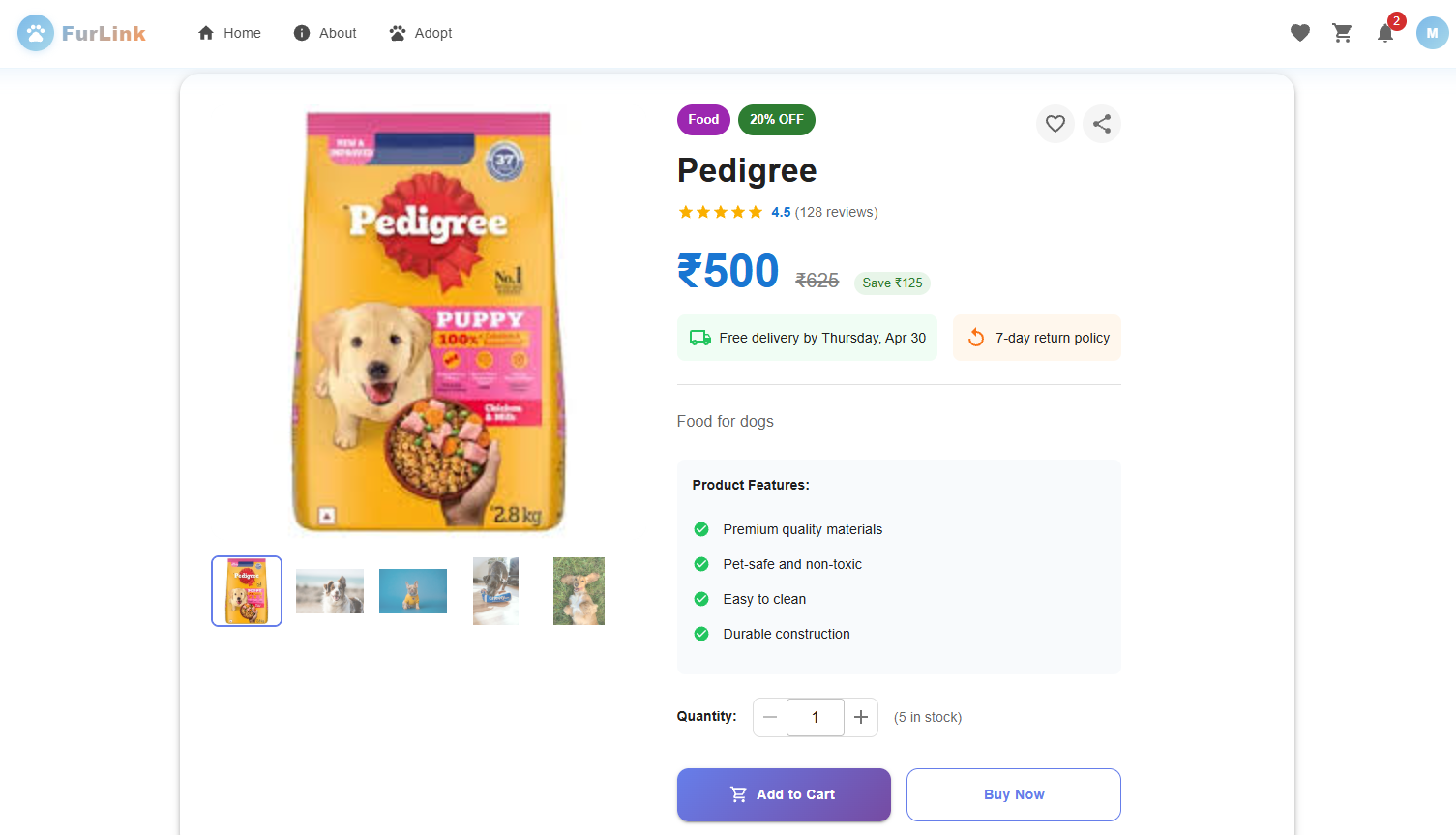
In addition to pet adoption, FurLink includes an integrated pet care marketplace where users can explore and purchase pet products such as food, toys, grooming accessories, and healthcare items. The platform provides shopping cart functionality, secure online payments, order placement, and order tracking, offering a complete e-commerce experience for pet owners.
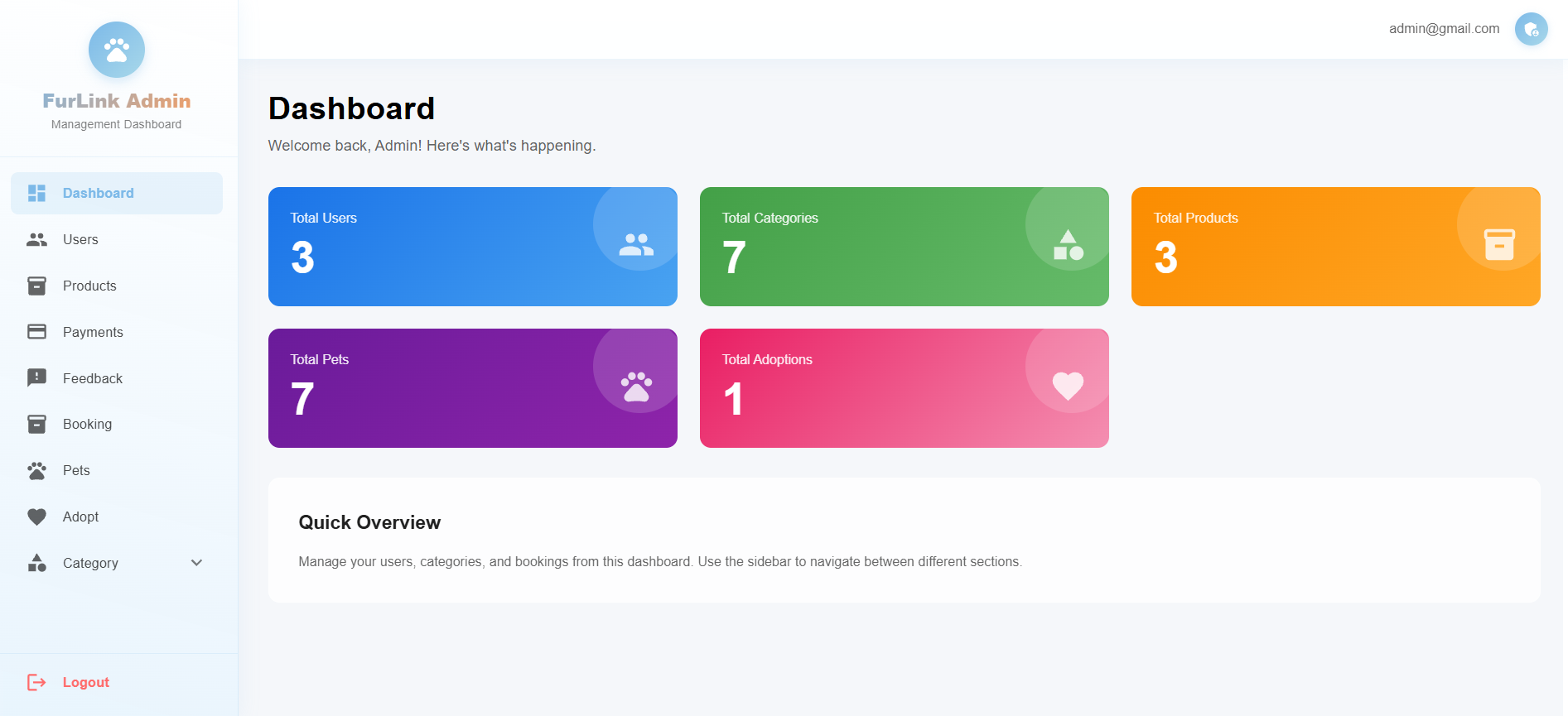
The application features a powerful Admin Dashboard that enables administrators to manage pets, products, users, adoption requests, and customer orders. Admins can add, edit, or remove pet listings and products, approve or reject adoption requests, monitor user activity, and efficiently manage the overall platform through a centralized interface.
The backend is built using Node.js and Express.js, providing secure RESTful APIs for communication between the client and server. MongoDB is used as the database to store user information, pet records, product details, orders, and adoption requests. The frontend is developed using React.js, creating a responsive and interactive user interface that works seamlessly across desktops, tablets, and mobile devices.
Key Features
- Secure user registration and authentication.
- Browse, search, and filter pets for adoption.
- Submit and track adoption requests.
- Pet products marketplace with categories.
- Shopping cart and secure checkout.
- Order history and order tracking.
- Admin dashboard for managing users, pets, products, orders, and adoption requests.
- Responsive design for multiple devices.
- RESTful API architecture with MongoDB database integration.
FurLink aims to encourage responsible pet adoption, simplify pet care management, and provide a reliable digital platform that connects adopters, pet owners, and pet care services in one place. It combines the features of an adoption portal and an e-commerce platform, making pet adoption and pet care more accessible, organized, and efficient.
Future Enhancements
- Add payment gateway (Razorpay/Stripe)
- AI-based pet recommendation system
- Chat system between adopters and owners
- Mobile app version
Known Issues
- Limited payment options.
- No real-time messaging feature.
- Basic adoption verification process.
- Can be further optimized for scalability and performance.
Installation
Installation Steps
Clone the repository
git clone https://github.com/MeghanaDG04/FurLink.git
Navigate to the project directory
cd FurLink
- Create the BackendCreate a folder named server.
- Inside the
serverfolder, create anindex.jsfile.
Initialize the Node.js project
npm init
Install Backend Dependencies
npm i express cors mongoose multer jsonwebtoken
Install Nodemon (Development Dependency)
install globally:
npm install -g nodemon
- Install MongoDBInstall MongoDB locally or create a MongoDB Atlas database.
- Update your MongoDB connection string in the
.envfile.
Create Environment Variables
Create a .env file inside the server folder and add:
MONGO_URI=your_mongodb_connection_string
JWT_SECRET=your_secret_key
PORT=7000
Create the Frontend
- Navigate to the client folder (or create one if needed).
- Install dependencies:
npm install
Install Material UI (MUI)
Visit the Material UI website and install the required packages:
npm install @mui/material @emotion/react @emotion/styled
Run the Backend
nodemon index.js
Nodemon automatically restarts the server whenever file changes are detected.
Run the Frontend
npm run dev
Open the Application
http://localhost:5173
Usage
Usage Instructions
- Start the backend server: nodemon index.js
- Start the frontend: npm run dev
- Open the application in your browser (typically http://localhost:5173).
- Admin Login Credentials
- Email:
admin@gmail.com - Password:
Admin@123 - Log in as Admin and add pet details to the local MongoDB database through the Admin Dashboard (if no pets are available initially).
- Register a new user account or log in as a user.
- Browse pets, submit adoption requests, explore pet products, add items to the cart, and place orders.
- Administrators can manage pets, users, products, adoption requests, and orders from the Admin Dashboard.
System Requirements
Hardware Requirements
- Processor: Intel Core i3 or above
- RAM: 4 GB minimum (8 GB recommended)
- Storage: 2 GB free disk space
- Internet connection
Software Requirements
- Operating System: Windows 10/11, Linux, or macOS
- Node.js (v18+)
- MongoDB
- Visual Studio Code
- Git
- Web Browser (Google Chrome, Microsoft Edge, or Firefox)
Technologies Used
- React.js
- Node.js
- Express.js
- MongoDB
- HTML, CSS, JavaScript
- REST API
Slides Open in New Tab
For better readability, slides are opened directly. Documents remain preview-only with secure backend rendering.
Showing preview pages only. Purchase for full access to all pages and complete source package.
Login for Full AccessNo Q&A available yet
Be the first to ask a question!
Ask a Question
Customer Reviews
Write Your Review
No reviews yet
Be the first to review this project!
Similar Projects
You might also be interested in these projects
 website Development
Codnite
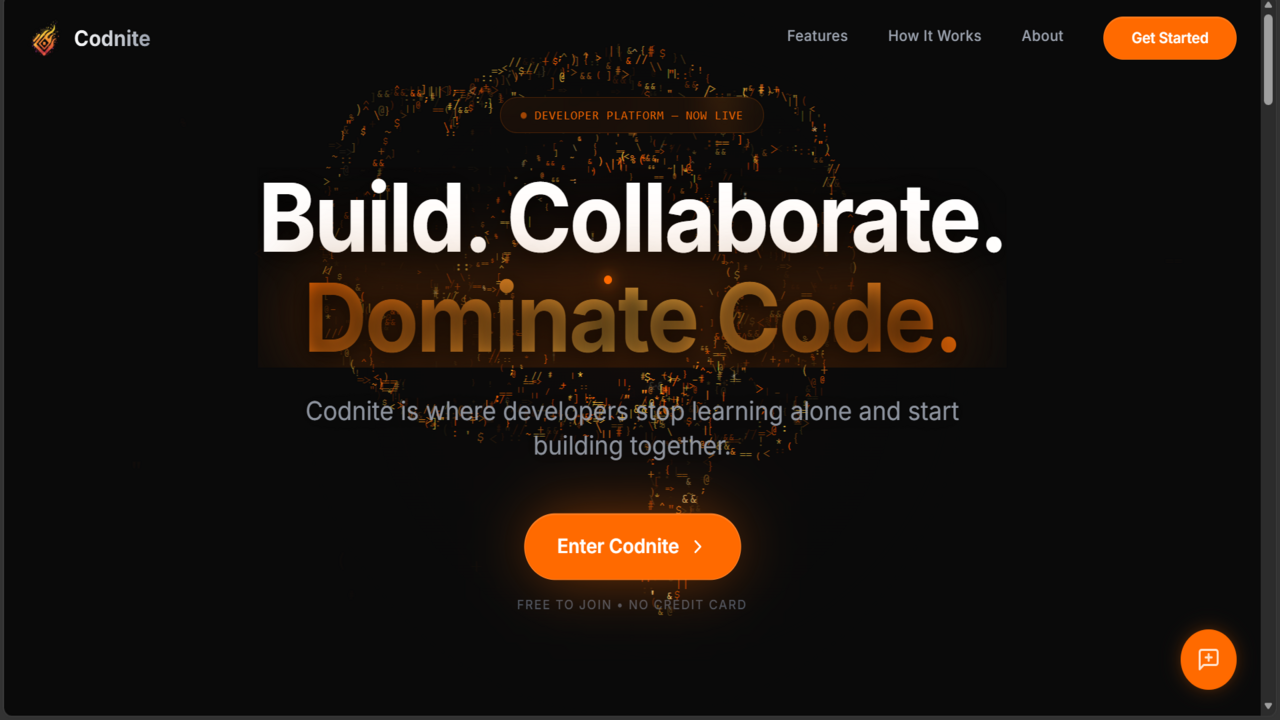
Codnite is a real-time collaborative coding platform featuring live programming battles, secure code execution, and interactive technical blogging.
 website Development
DevLaunch – Full Stack MERN Job Portal
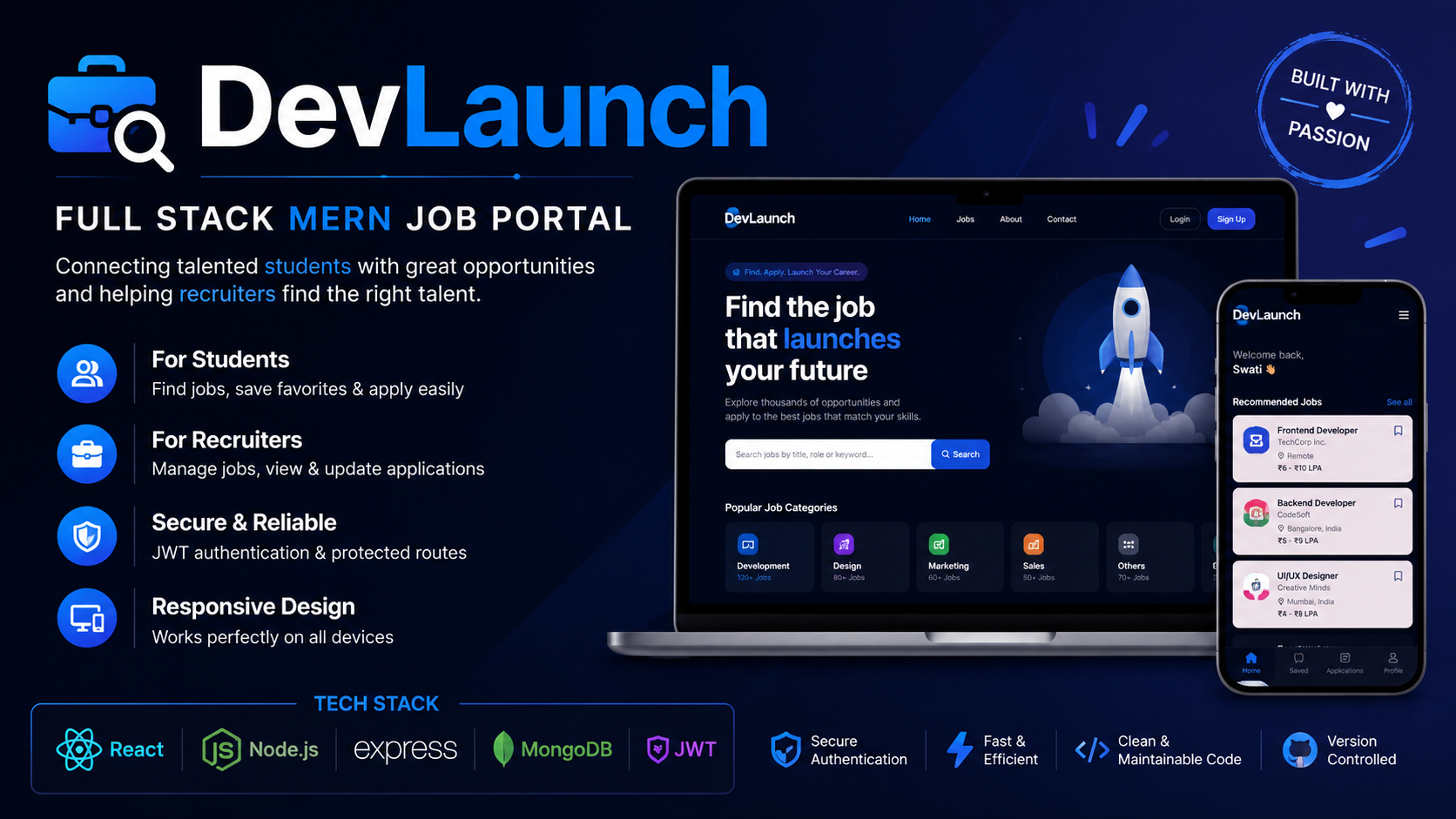
A full-stack MERN job portal where students find jobs, apply online, and recruiters manage applications efficiently.
 website Development
Apartment Billing and Management Portal
Apartment Billing and Maintenance Portal for residents and admins with user authentication, bill management, maintenance requests, announcements.
 website Development
OrderSetu – AI-powered smart restaurant ordering and management system
Full-stack MERN restaurant ordering system with role-based access, real-time updates, and AI menu assistance.