OrderSetu – AI-powered smart restaurant ordering and management system
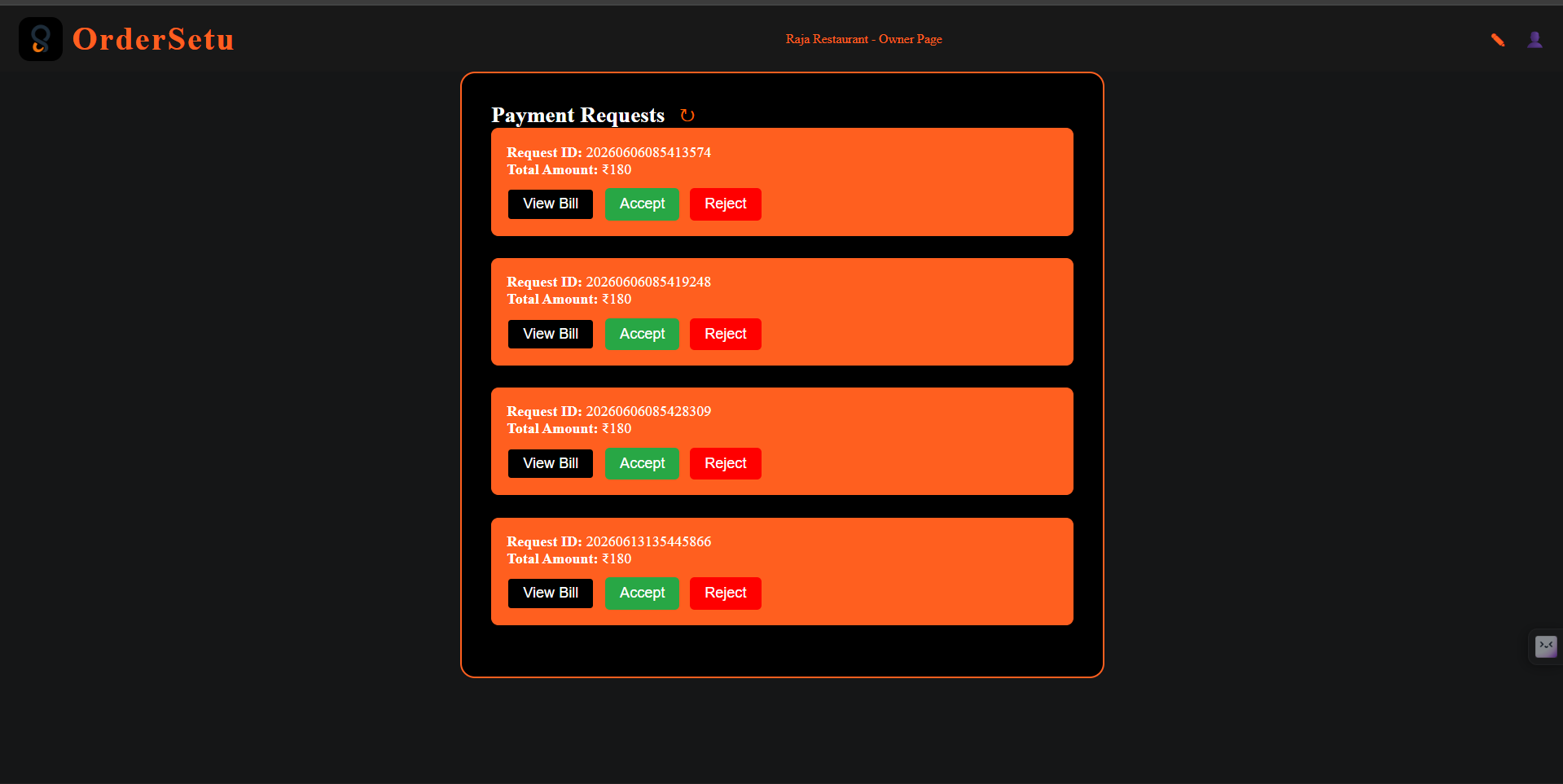
Full-stack MERN restaurant ordering system with role-based access, real-time updates, and AI menu assistance.
Preview Gallery
6 media
Technologies & Skills
Download at no cost
What's Included
Support & Customization
Resource Links
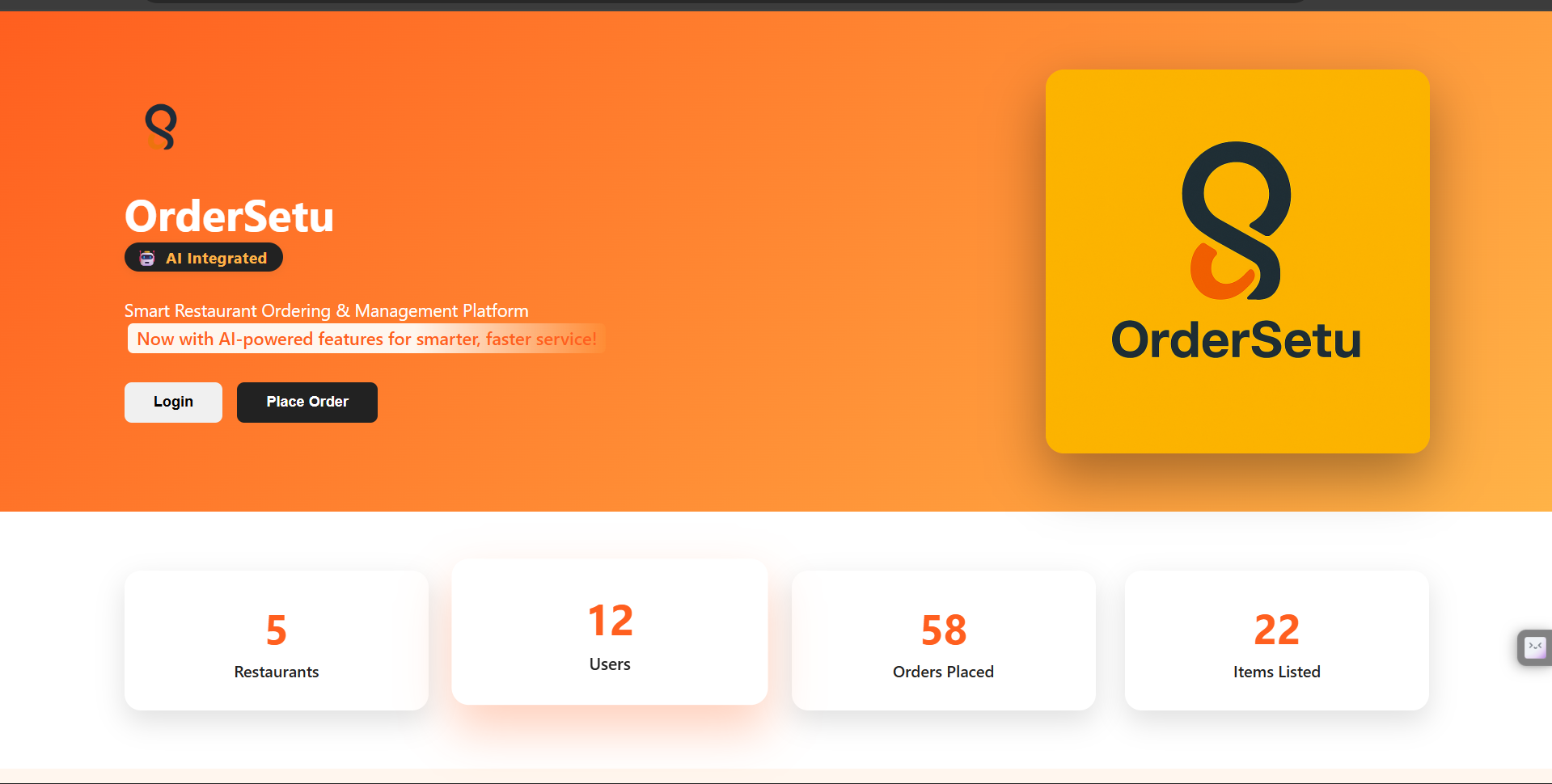
OrderSetu is a full-stack MERN web application built for restaurant ordering and management. It provides a single platform where restaurant owners, chefs, waiters, and customers can work together efficiently to handle menus, orders, and daily restaurant operations. The project is designed to streamline communication and improve workflow across different restaurant roles through a clean, role-based system.
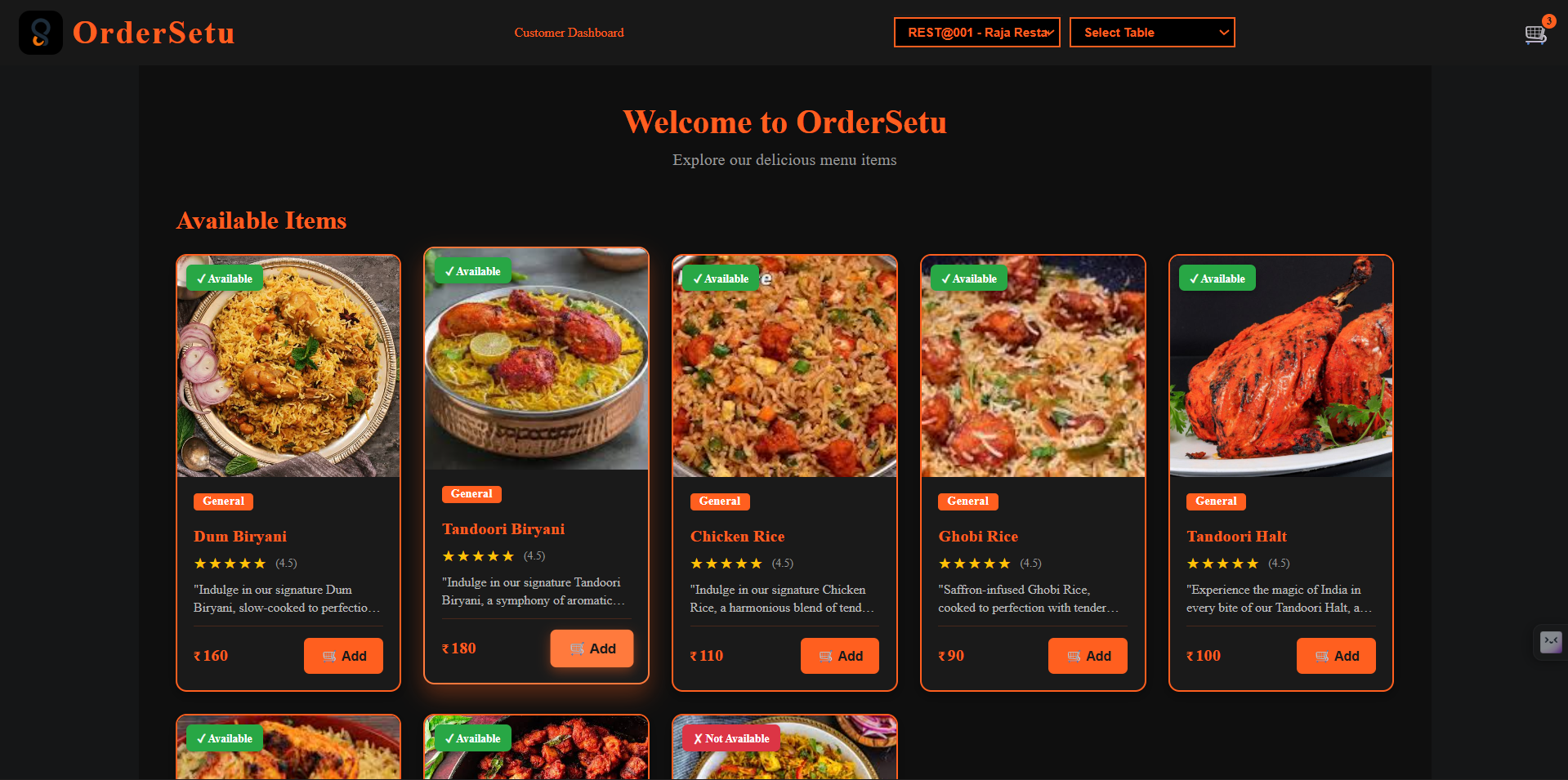
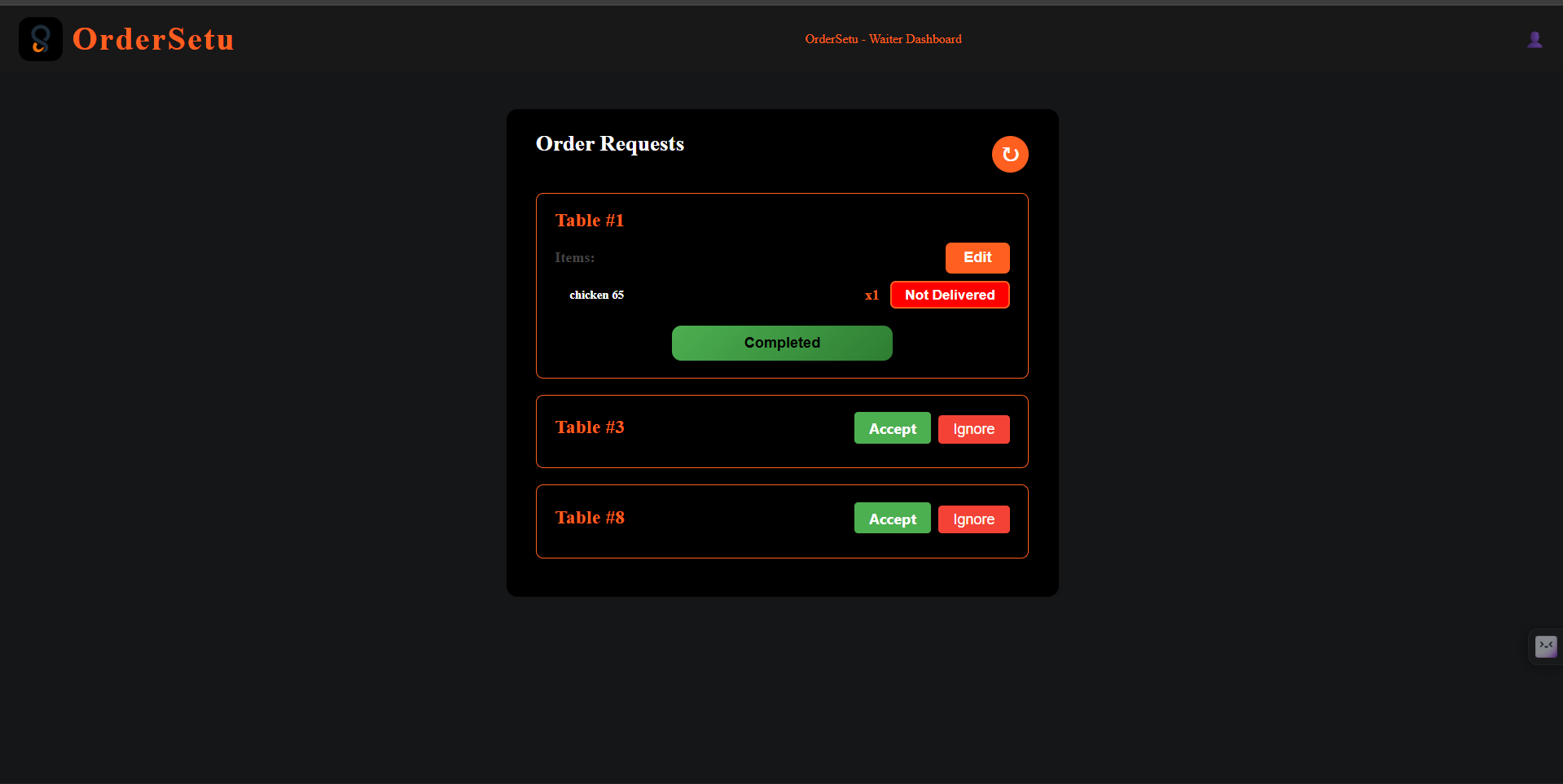
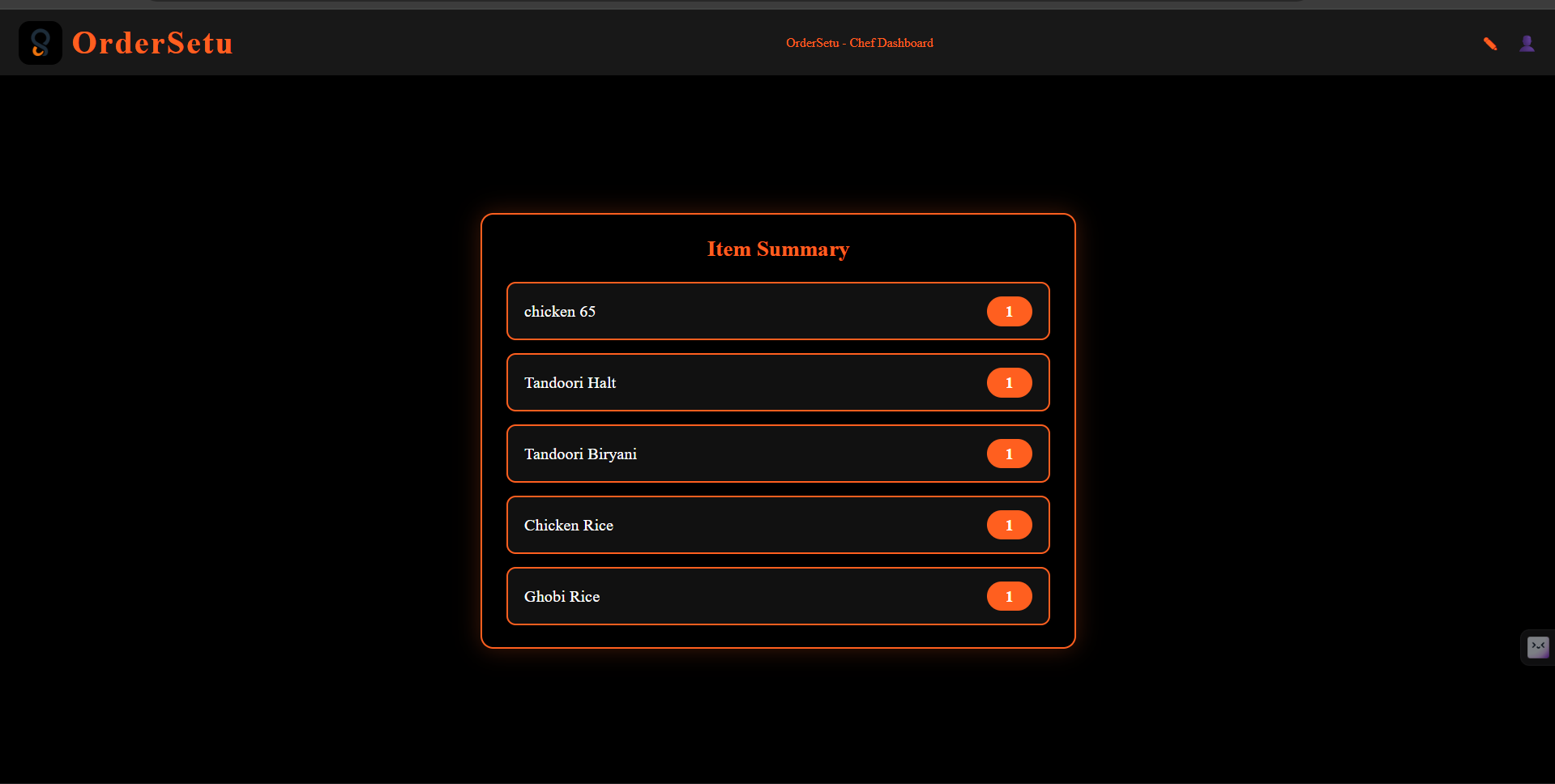
The application includes user authentication with secure JWT-based login and registration, ensuring that only authorized users can access the right features. It supports multiple roles — Owner, Chef, Waiter, and Customer — each with a dedicated dashboard and responsibilities. Owners can manage the restaurant setup and monitor operations, chefs can track and update orders in real time, waiters can assist with order handling, and customers can place requests smoothly through the platform.
One of the key strengths of OrderSetu is its real-time order management. Using WebSockets, the app keeps orders updated instantly across the system, reducing delays and improving coordination between staff members. This helps restaurants handle live order flow more effectively and ensures that updates are reflected without manual refreshes.
OrderSetu also includes AI-powered features to enhance the user experience. With Groq API integration, the application can generate helpful menu descriptions, making the platform smarter and more useful for restaurant operations. Along with this, the frontend is built using React and Vite, offering a fast, responsive, and modern user interface that works smoothly across devices.
On the backend, the project uses Node.js, Express.js, and MongoDB Atlas to manage server logic, APIs, and data storage. The system is deployed with the frontend on Vercel and the backend on Render, making it production-ready and accessible online. The repository also includes a well-structured project layout, environment configuration, and deployment notes, showing that the project is organized and fully maintained.
Overall, OrderSetu is a practical and scalable restaurant management solution that combines modern web development, role-based access, real-time communication, and AI assistance to improve restaurant operations and user experience/
Future Enhancements
- Google Authenticated Mail Id
- Horizontal Scaling
- Improve UI/UX
Known Issues
- JWT Token was stored in Local Storage
- Fake mail Id can be used to register not Google Authenticated
- High Latency to retrive information from the Database
Installation
For OrderSetu, the local setup is straightforward: go into backend, run npm install, then npm start; for the frontend, go into frontend, run npm install, then npm run dev.github
Required environment values
Backend needs PORT, MONGO_URI, JWT_SECRET, JWT_EXPIRES_IN, FRONTEND_URL, and GROQ_API_KEY.github
Frontend needs VITE_BACKEND_URL, VITE_LINKEDIN_URL, VITE_MAIL, and VITE_GITHUB_URL.github
Quick run steps
- Clone the repository.
- Set the backend
.envvalues. - In one terminal, run the backend from
backend. - In another terminal, run the frontend from
frontend.github
Usage
After installation, run the backend first, then the frontend, and open the app in your browser. The README says the project is already deployed too, so you can also use the live frontend directly.github
Local usage
- Open a terminal in
backend. - Run
npm installif you have not already. - Start the backend with
npm start. - Open a second terminal in
frontend. - Run
npm install. - Start the frontend with
npm run dev.github
What you can do in the app
OrderSetu supports restaurant login and registration with role-based access for Owner, Chef, Waiter, and Customer.github
You can place and manage orders, use role-specific dashboards, and see real-time order updates.github
It also includes AI menu description generation using the Groq API.github
Deployed usage
The project README lists a live frontend and backend, so after installation you can also compare your local setup against the deployed version.github
For testing, the README provides sample credentials for Owner, Chef, and Waiter, plus the restaurant to select for customer testing.
System Requirements
The project runs on a fairly standard web-app setup: a machine with Node.js and npm, plus MongoDB Atlas access for the backend database, and a browser to use the frontend. The README does not list exact minimum CPU/RAM specs, so those are the practical software requirements it explicitly confirms.
Software requirements
- Node.js and npm for both backend and frontend.
- MongoDB Atlas connection string for the database.
- A valid
JWT_SECRETand Groq API key for authentication and AI features. - Browser access for the React/Vite frontend.
Environment setup
- Backend
.env:PORT,MONGO_URI,JWT_SECRET,JWT_EXPIRES_IN,FRONTEND_URL,GROQ_API_KEY. - Frontend
.env:VITE_BACKEND_URL,VITE_LINKEDIN_URL,VITE_MAIL,VITE_GITHUB_URL.
Hardware requirements
The repository does not specify a minimum hardware configuration such as RAM, CPU, or disk space. In practice, any modern development laptop or desktop that can run Node.js, a browser, and connect to MongoDB Atlas should be sufficient.
Slides Open in New Tab
For better readability, slides are opened directly. Documents remain preview-only with secure backend rendering.
Showing preview pages only. Purchase for full access to all pages and complete source package.
Login for Full AccessNo Q&A available yet
Be the first to ask a question!
Ask a Question
Customer Reviews
Write Your Review
No reviews yet
Be the first to review this project!
Similar Projects
You might also be interested in these projects
 website Development
FurLink
A MERN Stack-based pet adoption and pet care platform that connects users with pets for adoption while providing pet products, secure authentication.
 website Development
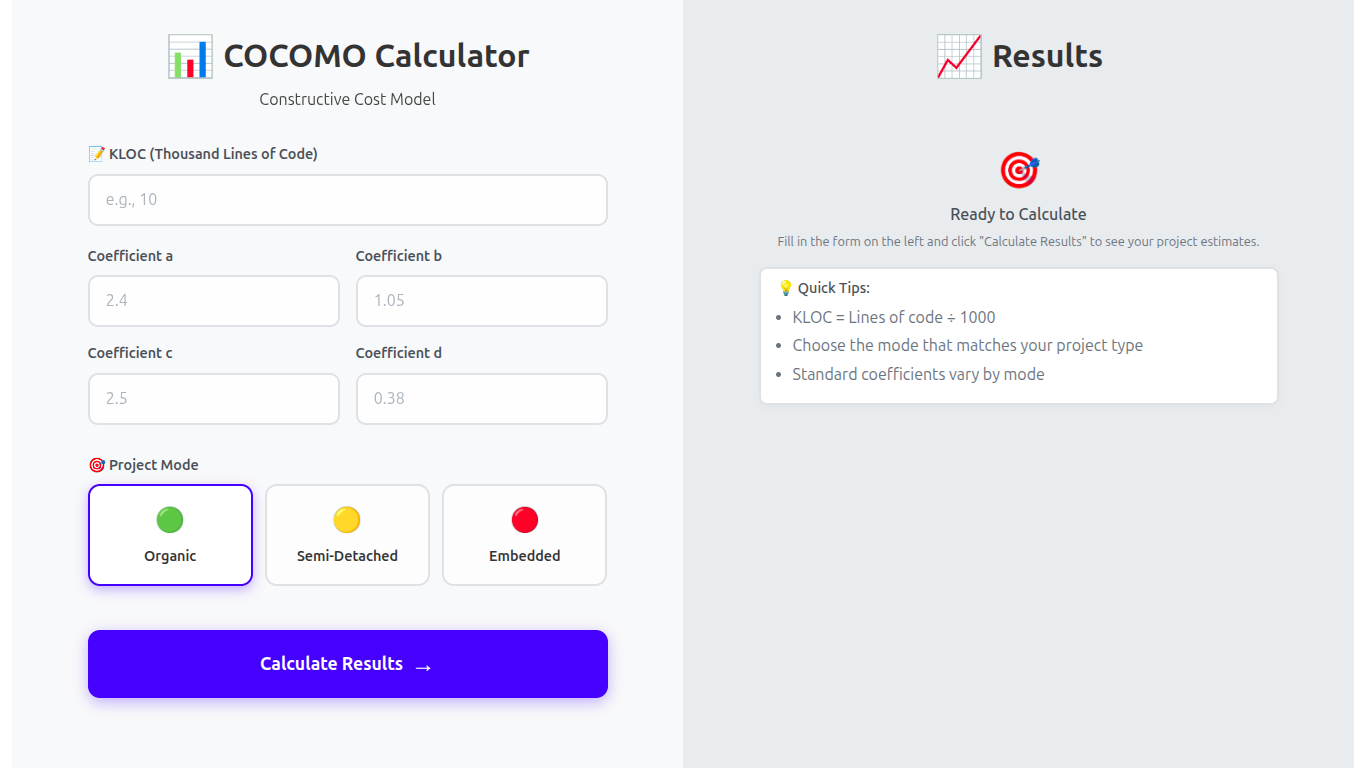
COCOMO Estimation Tool - using React JS and Flask Framework
Calculate the effort, time, and cost of software projects using the COCOMO model
 website Development
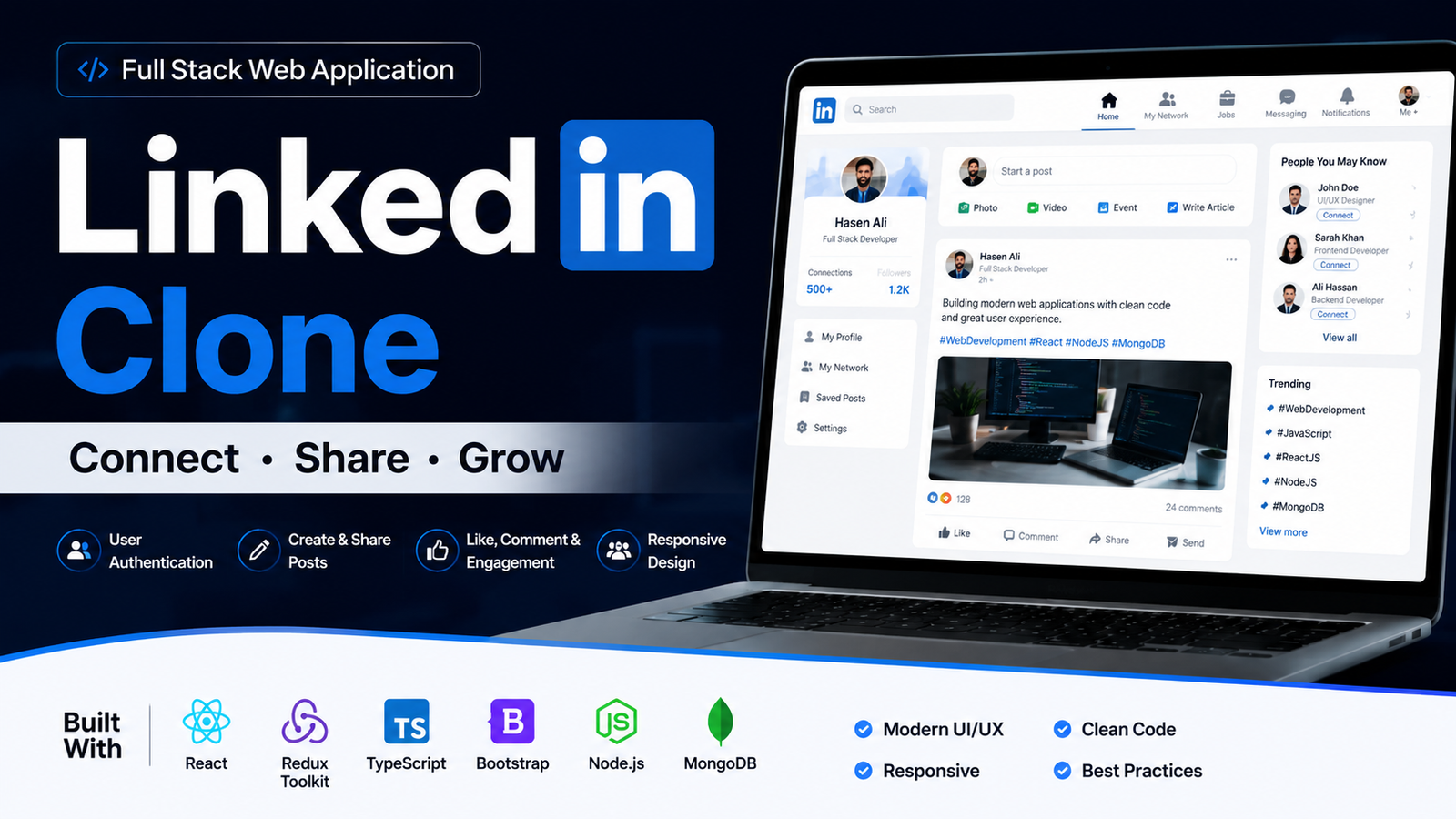
LinkedIn Clone – Professional Social Networking Web Application
A modern LinkedIn-inspired web application built using React.js, Redux Toolkit, Vite, SCSS, Bootstrap, React Router, and responsive UI design.
 website Development
WEB DEVELOPMENT
Vadhuvara Wedding Films is a modern, fully responsive wedding photography website built using HTML, CSS, and JavaScript.