Codnite
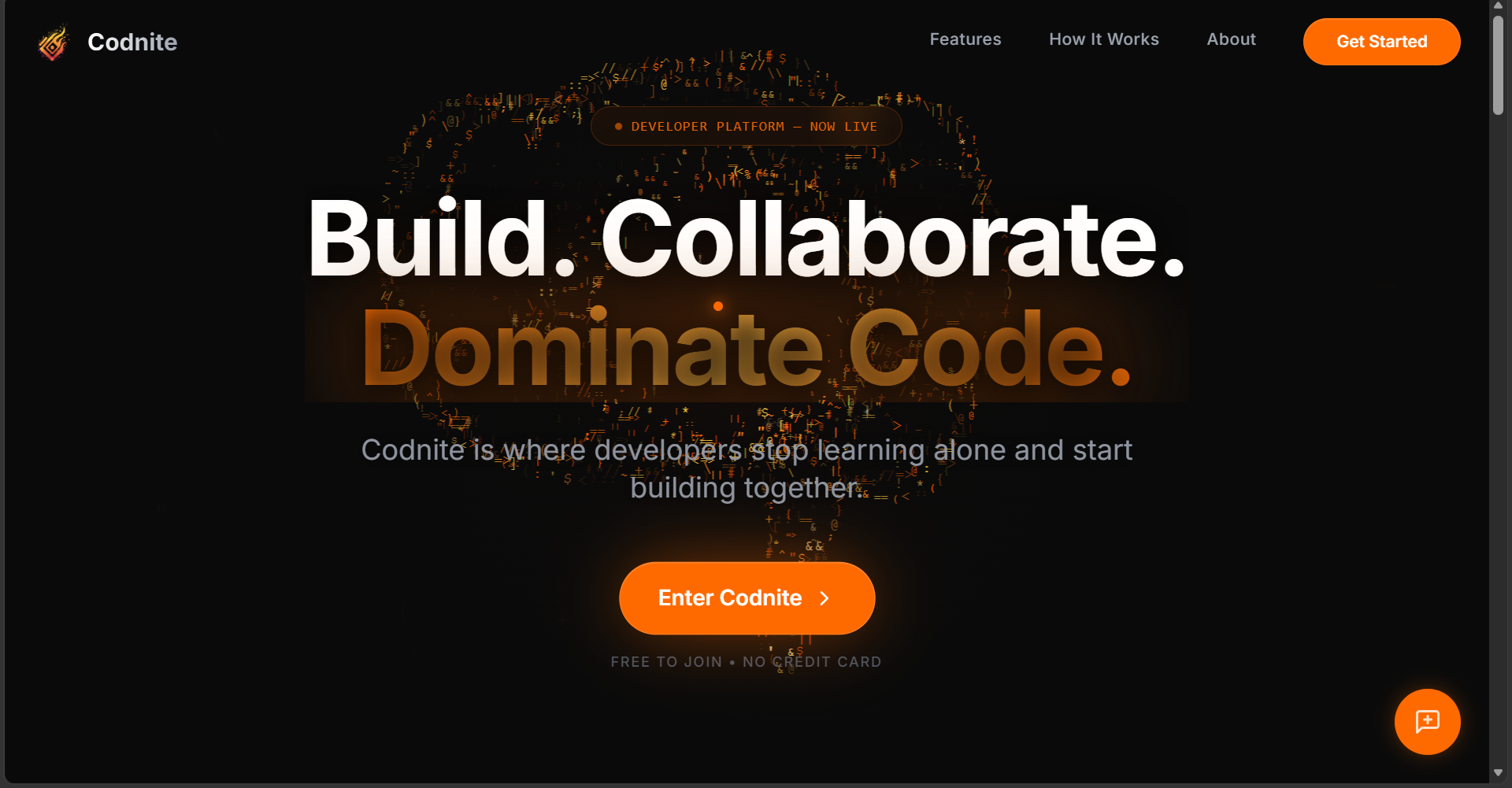
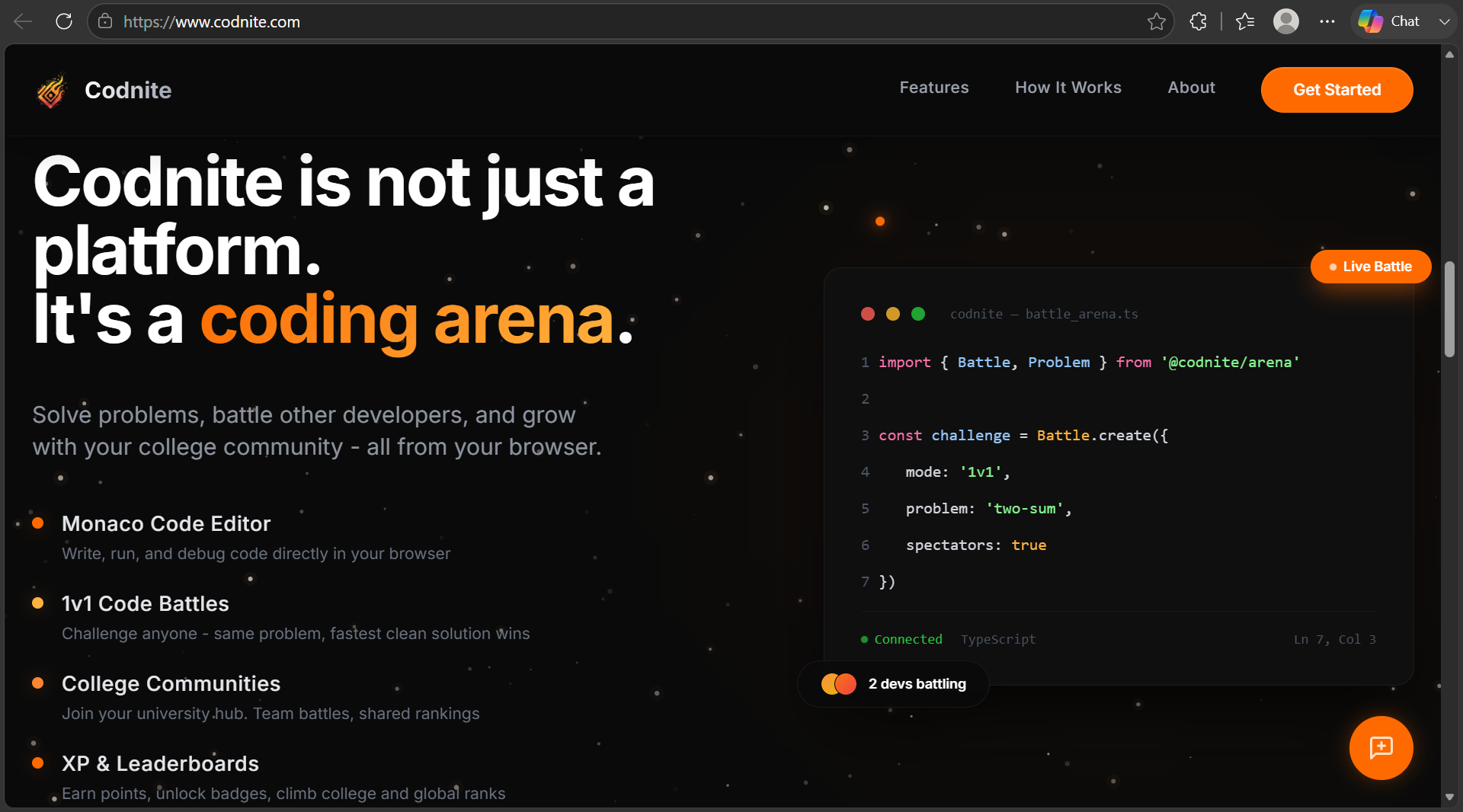
Codnite is a real-time collaborative coding platform featuring live programming battles, secure code execution, and interactive technical blogging.
Preview Gallery
6 media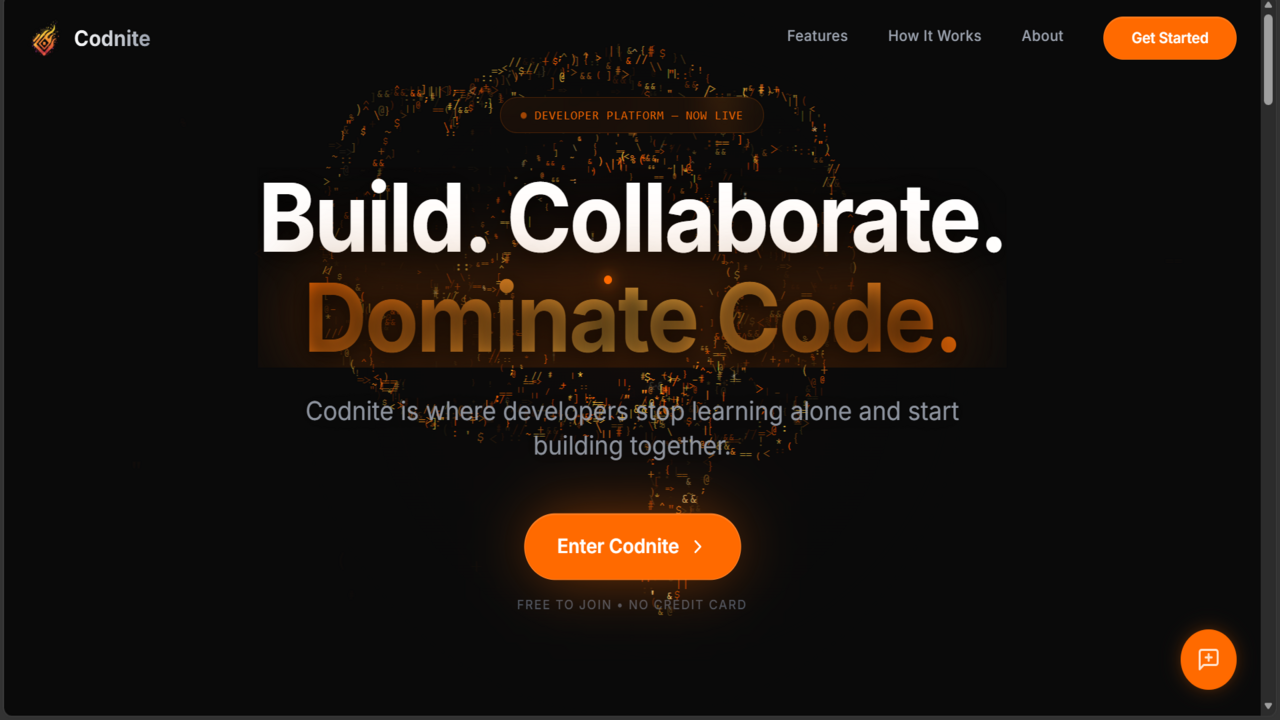
Technologies & Skills
Limited time offer
What's Included
Support & Customization
Resource Links
Purchase this project to unlock source and premium resources. Document/report remain secure preview-based on this page.
Codnite is an enterprise-grade, highly scalable developer ecosystem engineered to deliver an integrated environment for real-time competitive programming, automated code evaluation, and collaborative technical publishing. Built on a strict type-safe architecture, the platform features robust multi-tier separation, processing live user interactions with sub-millisecond data synchronization.
Core Architectural Subsystems
1. Real-Time Synchronization & Matchmaking Engine
- High-Throughput WebSockets: Utilizes full-duplex Socket.IO connections mapped across a distributed Upstash Redis adapter to handle cluster-wide room broadcasting.
- Live Battle Mechanics: Powers competitive coding matches with state-driven event propagation, rendering active typing indicators, instant leaderboard updates, and structural matching algorithms with zero-lag overhead.
2. Isolated Remote Code Execution Subsystem
- Secure Script Parsing: Features a secure code evaluation layer designed to isolate runtime tasks, running multi-language user submissions against predefined algorithmic test cases.
- Benchmarking Optimization: Records memory footprints and execution runtimes while enforcing system protection boundaries to prevent malicious runtime injections.
3. Advanced Auth & Zero-Trust Security Pipeline
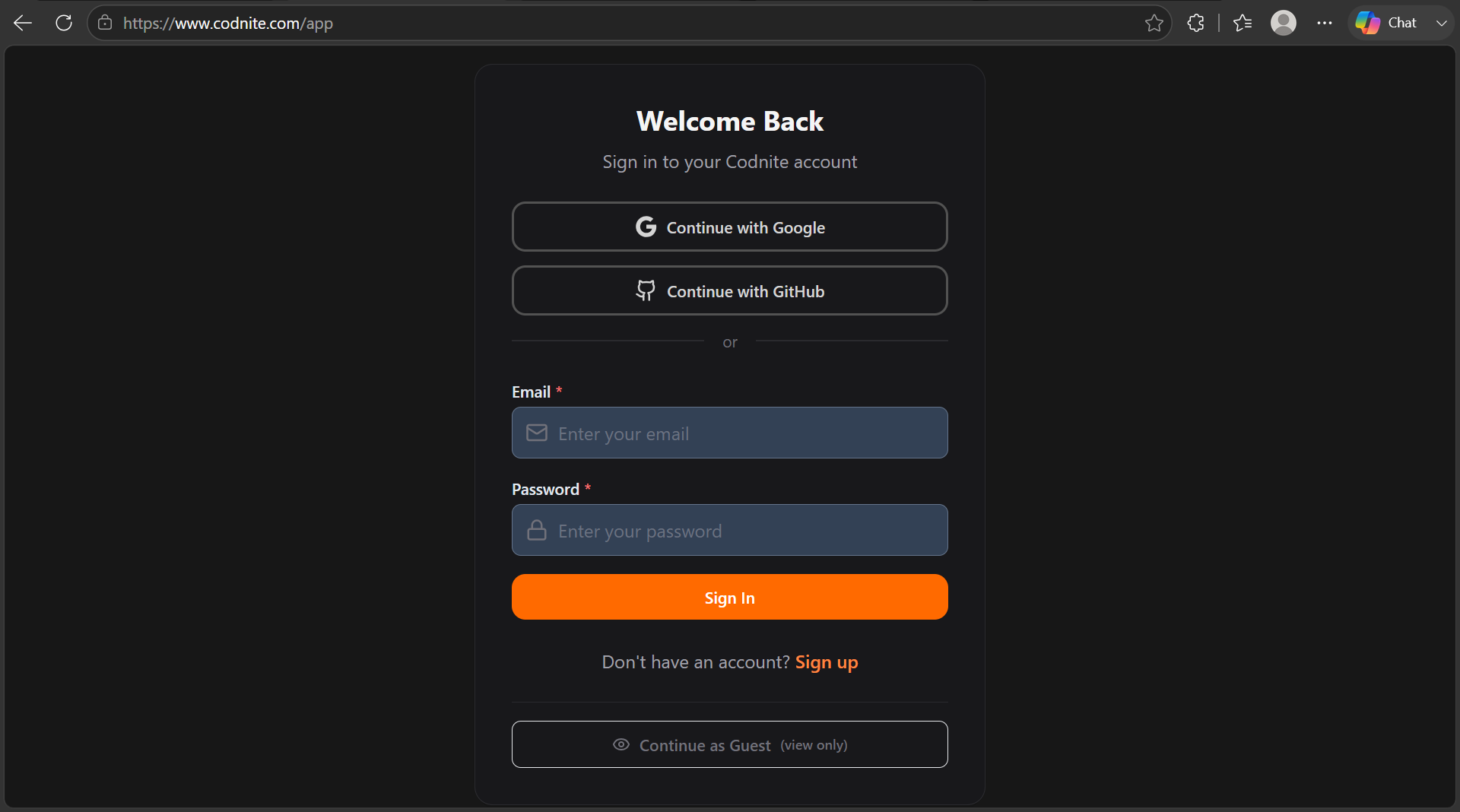
- Identity Access Management: Implements stateless JSON Web Token (JWT) mechanics operating over a multi-strategy login matrix (Google & GitHub OAuth 2.0 via Passport.js).
- Structural Input Guardrails: Secures all 150+ REST endpoints by funneling HTTP requests through strict runtime Zod schema layers, eliminating unauthorized state manipulation.
4. High-Performance Content & Asset Pipeline
- Syntax-Enriched Text Engine: Couples a modular TipTap core with Lowlight, allowing users to write complex blogs with native, server-rendered syntax highlighting.
- Asset Compression & Streaming: Maximizes edge-delivery speeds by routing image payloads through Sharp for inline server compression before offloading to a globally distributed Cloudinary CDN.
5. Automated CI/CD & Infrastructure Matrix
- DevOps Best Practices: Orchestrates automated testing and deployment stages through GitHub Actions.
- Distributed Topologies: Runs decoupled layers, hosting the client bundle on Vercel Edge Networks, executing API modules on Render, and persistence matching over auto-failing MongoDB Atlas clusters.
Future Enhancements
Streamlined OAuth Flows: Enhancing Google and GitHub authentication handling to completely prevent sparse indexing errors during user onboarding.
Known Issues
Code Execution Disabled in Production: Due to security constraints and sandbox isolation rules, code execution is currently turned off (ENABLE_CODE_EXECUTION=false) on the production server.
Username Change Limit: Users are restricted to a maximum of 3 username updates due to database indexing constraints
Installation
1. **Start the app:** `npm run dev` (starts both frontend and backend)
2. **Register a user** → Show onboarding flow with college selection
3. **Create a post** with code snippet → Show TipTap editor + syntax highlighting
4. **Solve a problem** → Show the coding IDE + test case validation
5. **View Leaderboard** → Show multi-tab rankings (All India, State, Battle)
6. **Check Profile** → Show stats, badges, achievements, activity
7. **Real-time notifications** → Follow a user, see bell notification appear
8. **Community page** → Show college feed, members, sidebar
9. **Battle system** → Show battle creation modal + room UI
10. **Settings** → Show dark mode toggle, notification preferences
Usage
Step-by-Step Usage Instructions
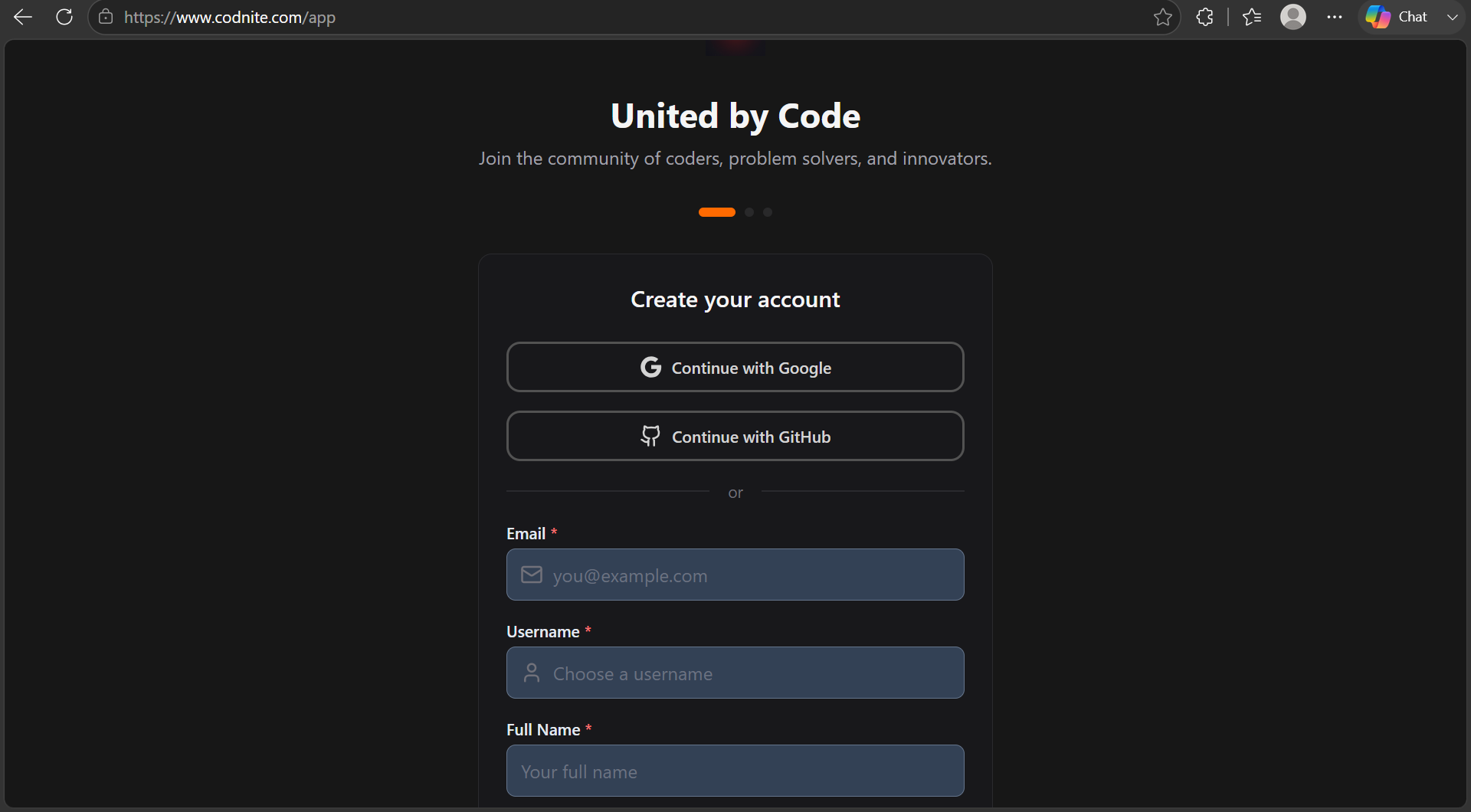
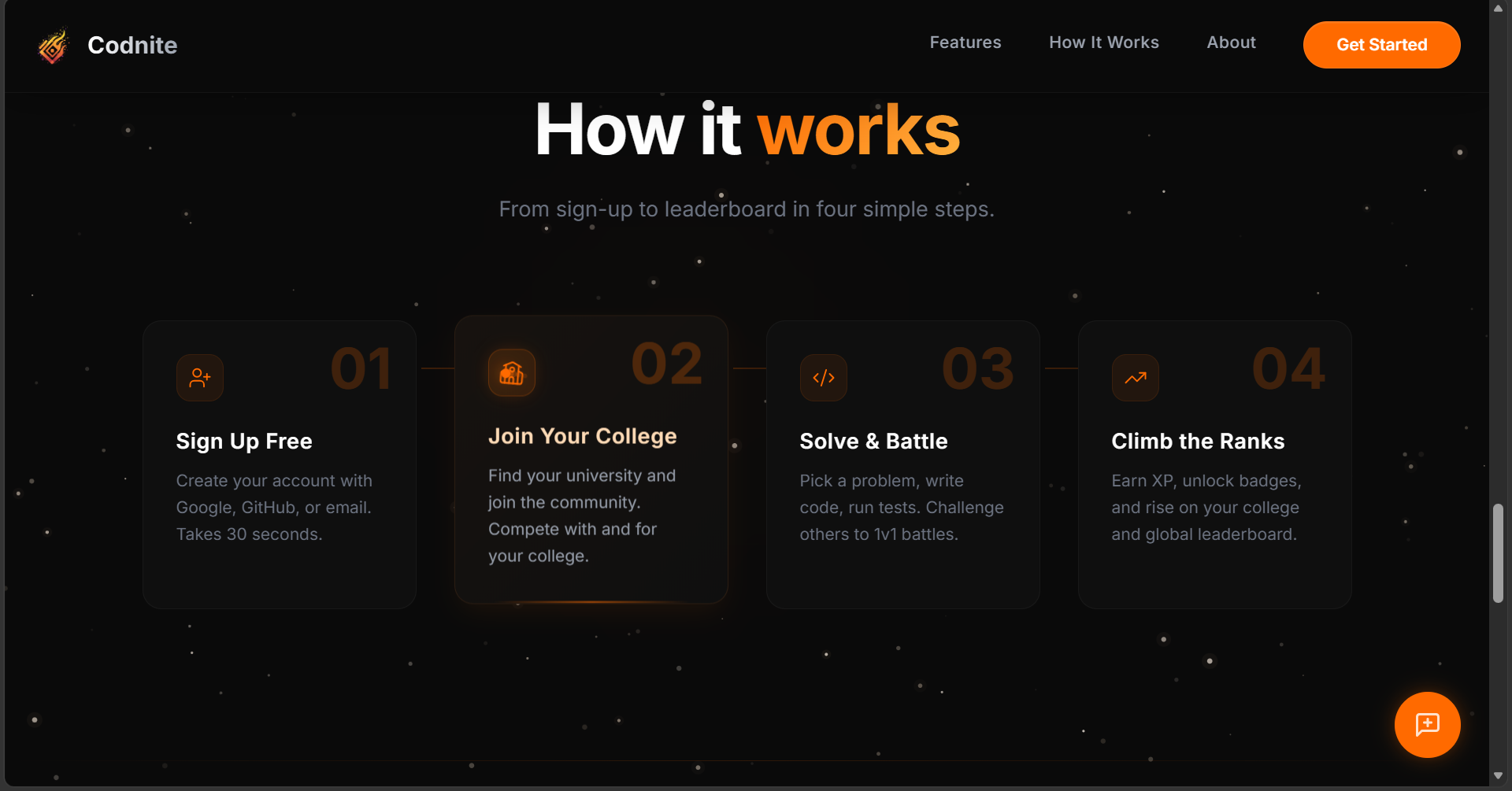
1. Launching and Registering
- Interaction: Open your browser and navigate to the local development port (usually
http://localhost:5173). Click on Get Started or Register. - Workflow: Enter a unique username, email, and password. The system hashes your password via
bcrypt, creates your database entry, and generates a session JWT token.
2. Onboarding Flow (Mandatory Setup)
- Interaction: Right after registration, you will see a clean onboarding screen.
- Workflow: You must select your State, City, and College from the dynamic dropdown lists. This links your profile to a specific campus community hub (
collegeId), unlocking your regional feed and local leaderboard standing.
3. Community Page & Feed Interaction
- Interaction: Head to the Community page from the sidebar navigation.
- Workflow:
- View Feed: Here you will see a tailored timeline showing posts only from your college campus or public developer spaces.
- Creating a Post: Click on "Create Post". The platform opens a rich-text TipTap Editor. You can write descriptions and insert custom code snippets. The app uses built-in markdown decorators to instantly apply syntax highlighting to your code.
- Social Interactions: You can Like, Comment, or Bookmark any post.
4. Problem Solving Arena (Coding IDE)
- Interaction: Click on Problems in the main sidebar and select any coding challenge.
- Workflow:
- You will enter a split-screen layout containing a powerful Monaco Code Editor on one side and the problem description on the other.
- Choose your preferred programming language (Python, JavaScript, Java, C++).
- Write your code and click Submit. Your code is evaluated safely against backend-defined hidden test cases, returning metrics like execution time, memory utilization, and a final status pass/fail flag.
5. Competitive Battle System (1v1 or College Matches)
- Interaction: Open the Battle Arena panel.
- Workflow:
- Creation: Click "Create Battle", select your match tier (1v1 vs a rival or a group College Battle), choose target problem sets, and set a strict duration countdown timer.
- The Room UI: Once your opponent accepts, both players enter a synchronous real-time BattleRoom.
- Live Tracking: As you type and submit code, the backend pushes telemetry over live WebSockets, updating the visual micro-leaderboard inside the room instantly as scores fluctuate.
6. Gamification, Leveling & Profiles
- Interaction: Click on your avatar to view your User Profile.
- Workflow: Every action you perform feeds points into the system. The platform runs a live progression script:
- $$\text{Level} = \lfloor\sqrt{\frac{\text{Points}}{100}}\rfloor + 1$$
- Reaching distinct score goals triggers the
AchievementService, unlocking specialized collectible badges, visual tier banners, and personal activity log cards on your grid dashboard.
7. Real-Time Systems & Notifications
- Interaction: Notice the Bell Icon on the global navigation header.
- Workflow: Thanks to integrated Socket.IO user rooms (
user_${userId}), whenever someone follows you, comments on your code posts, or invites you to an arena battle, a reactive notification toast and counter indicator popup appear instantly without requiring a page reload.
8. System Settings & Customization
- Interaction: Click on the Settings Gear at the bottom of the sidebar navigation menu.
- Workflow: Toggle the Dark Mode switcher to alter the UI layout globally. Here, you can also modify system alerts, adjust email flags, or update your personal account bios and external profile links.
System Requirements
Operating Systems: Windows 10, Windows 11, macOS Monterey (v12), macOS Ventura (v13), macOS Sonoma (v14), Ubuntu 20.04 LTS, Ubuntu 22.04 LTS, Ubuntu 24.04 LTS, Debian 11, Debian 12
Runtime Versions & Tools: Node.js v18.x.x, Node.js v20.x.x, npm v9.x.x+, Yarn v1.22.x+, MongoDB v6.0+, Redis v7.0+, Docker Engine v24.0+
RAM & Hardware: Dual-Core CPU (Minimum), Quad-Core CPU (Recommended), Intel i5, AMD Ryzen 5, Apple M-Series, 8 GB DDR4 RAM (Minimum), 16 GB DDR4/DDR5 RAM (Recommended)
Disk Space & Storage: 2 GB Free Disk Space (Minimum), 10 GB Free Disk Space (Recommended), HDD Storage Type, SSD Storage Type
Network Ports: 5173, 10000, 27017, 6379
Docker Sandbox Images: sandbox-python, sandbox-javascript, sandbox-java, sandbox-cpp
Web Browsers: Google Chrome v100+, Mozilla Firefox v100+, Microsoft Edge v100+, Apple Safari v15+
Slides Open in New Tab
For better readability, slides are opened directly. Documents remain preview-only with secure backend rendering.
Showing preview pages only. Purchase for full access to all pages and complete source package.
Login for Full AccessNo Q&A available yet
Be the first to ask a question!
Ask a Question
Customer Reviews
Write Your Review
No reviews yet
Be the first to review this project!
Similar Projects
You might also be interested in these projects
 website Development
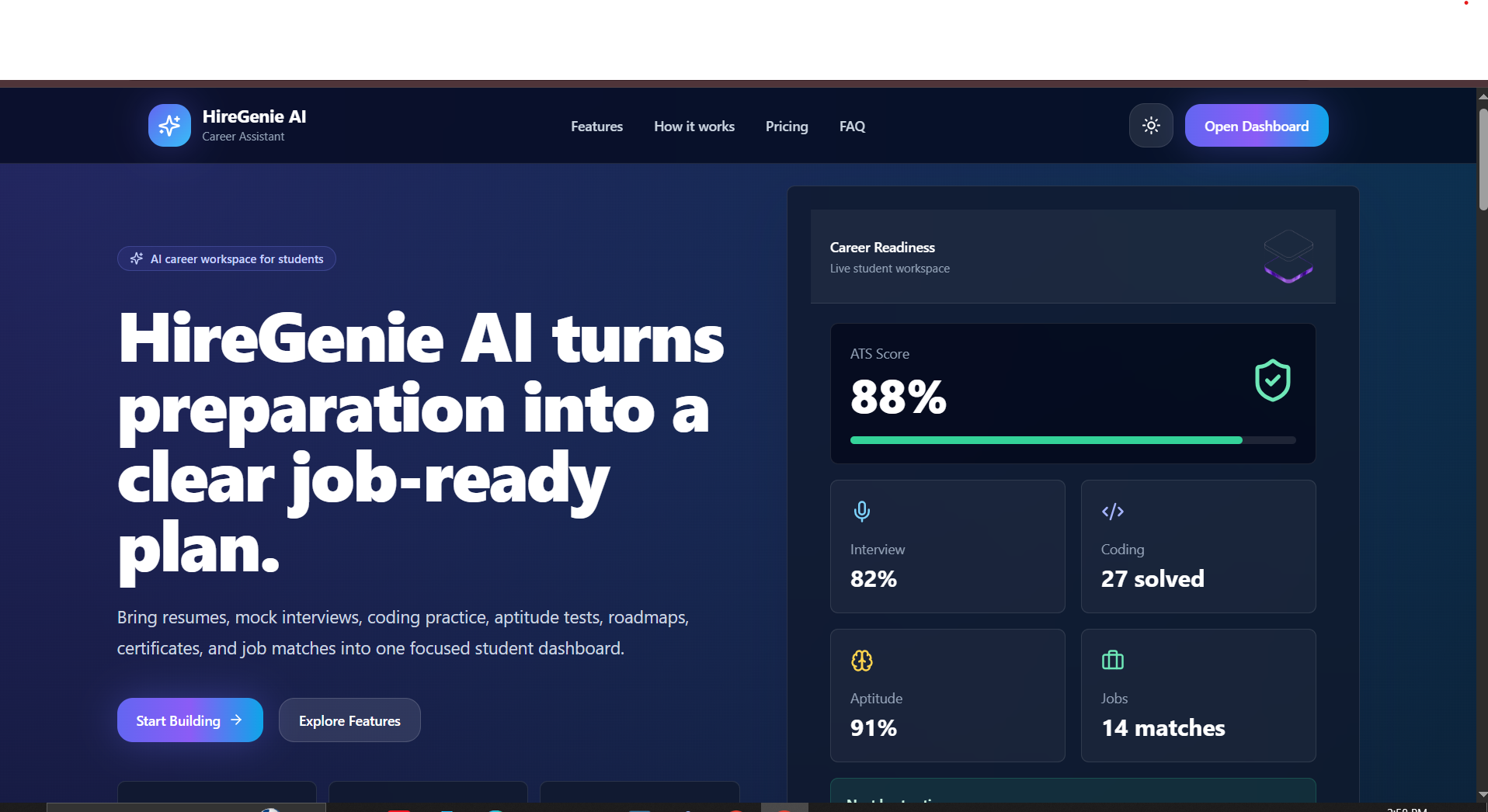
HireGenie AI Career Prep Platform with Django & React
AI career platform for freshers to build ATS resumes, practice interviews, solve coding tasks, and track job-readiness.
 website Development
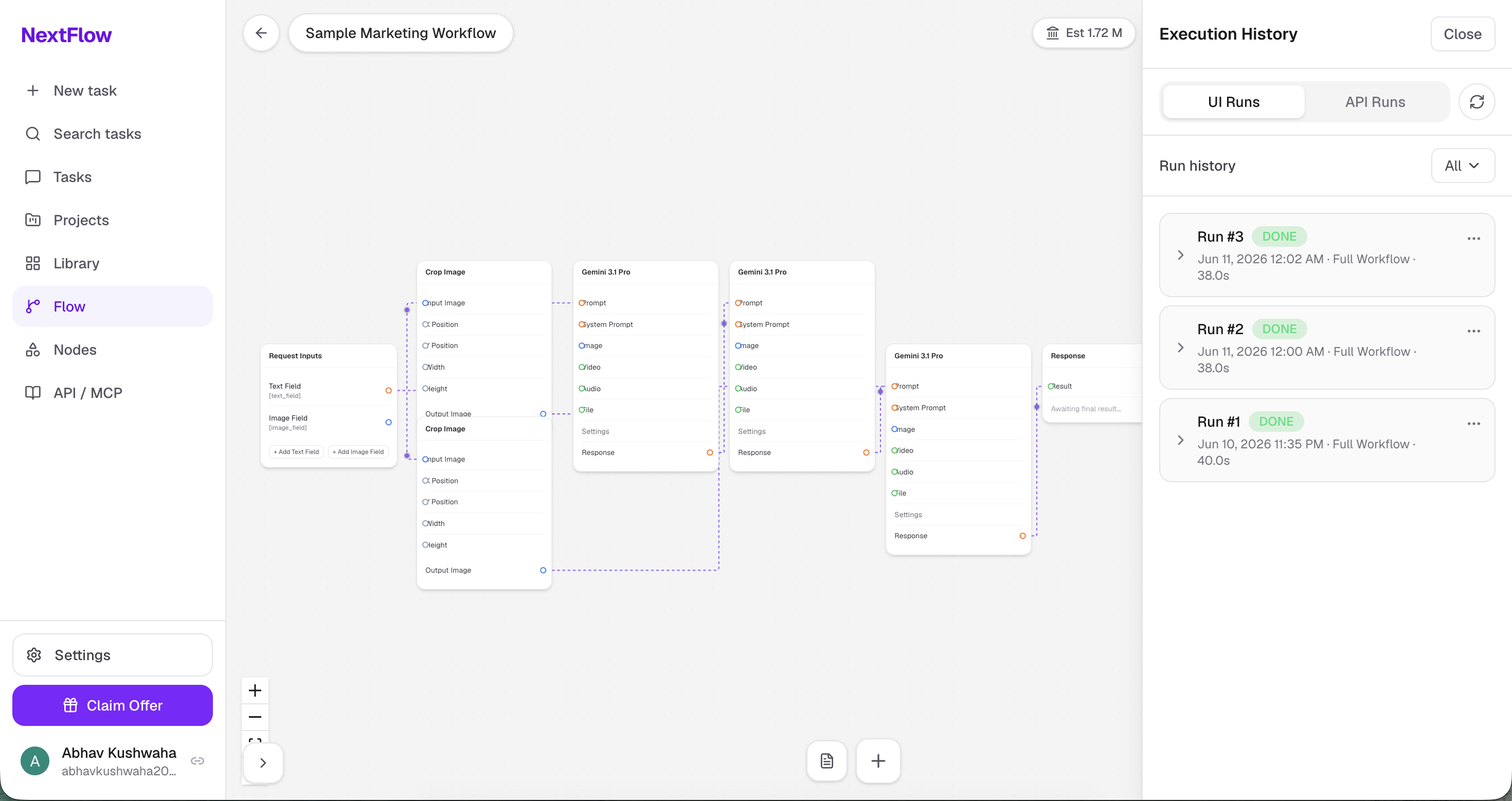
Nextflow
NextFlow is a visual AI workflow automation platform that lets users build, execute, and monitor AI-powered workflows using a drag-and-drop node edito
 website Development
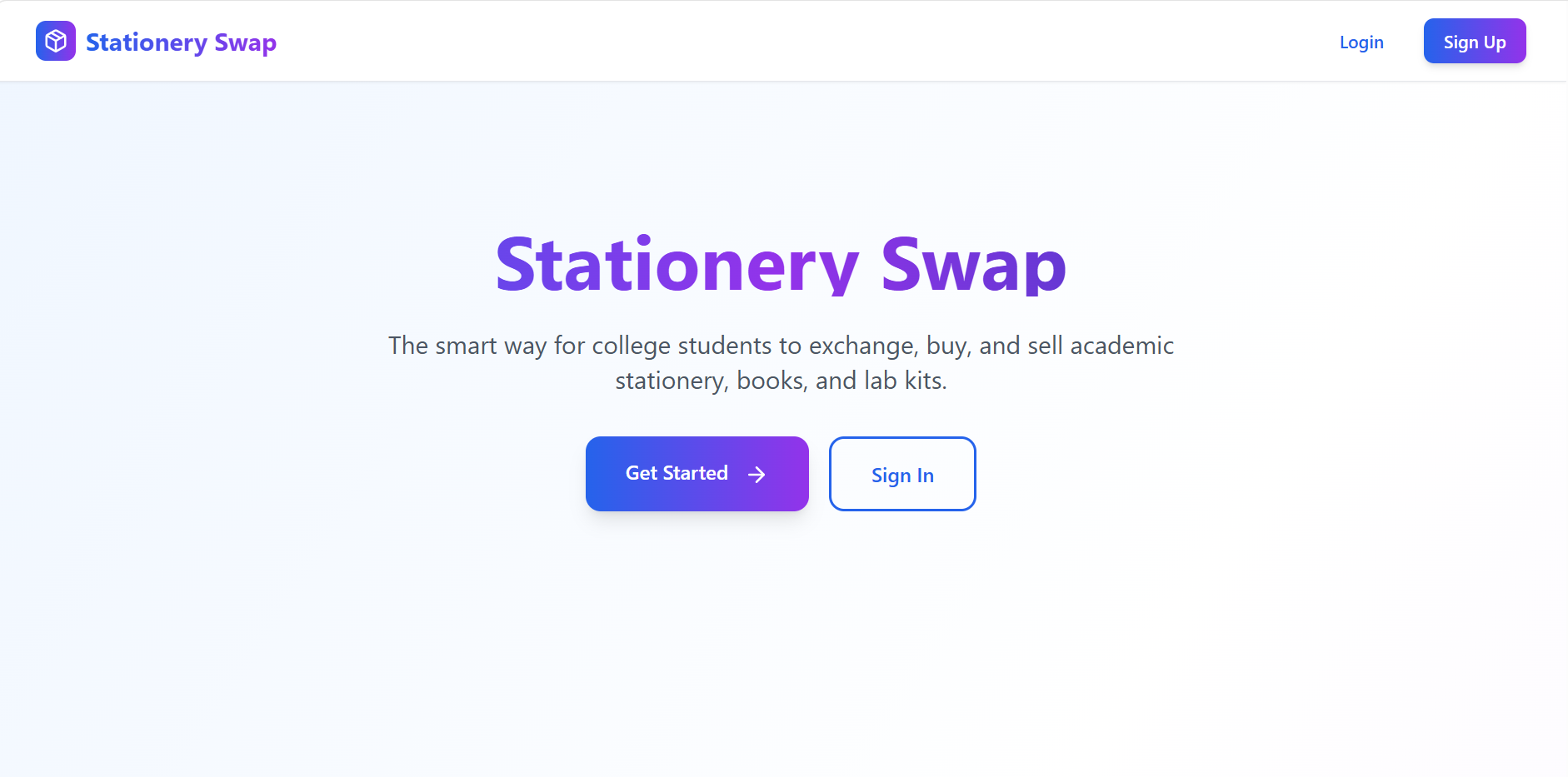
Stationery Swap – Student Marketplace for Buying & Selling Stationery
A MERN-based marketplace that enables students to buy, sell, and exchange stationery securely with authentication, image uploads, and smart search.
 website Development
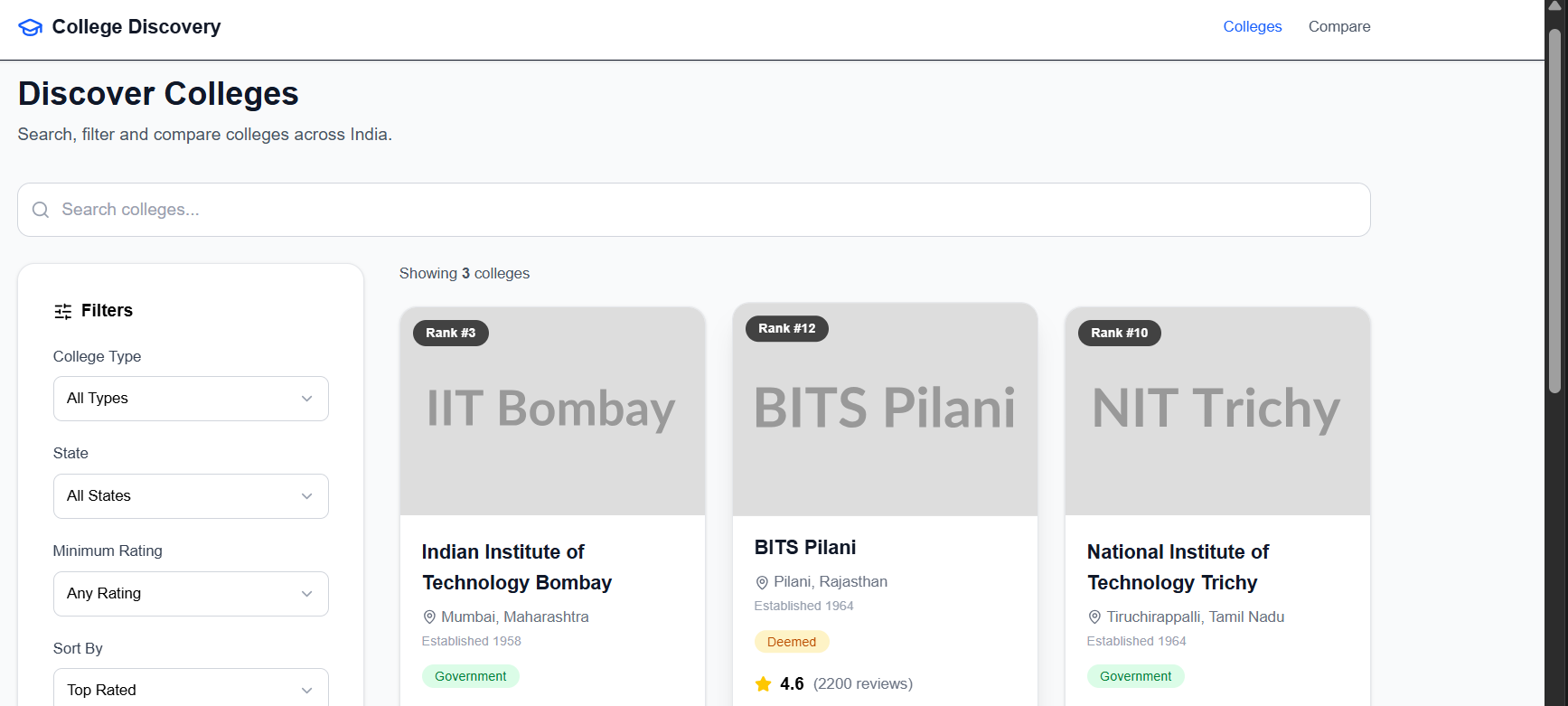
College Discovery Platform
A modern college discovery platform that helps students search, filter, explore, and compare colleges through an intuitive and responsive interface.