Team-Task-Manager
A full-stack team task management app with secure authentication, role-based access, task tracking, and team collaboration.
Preview Gallery
6 media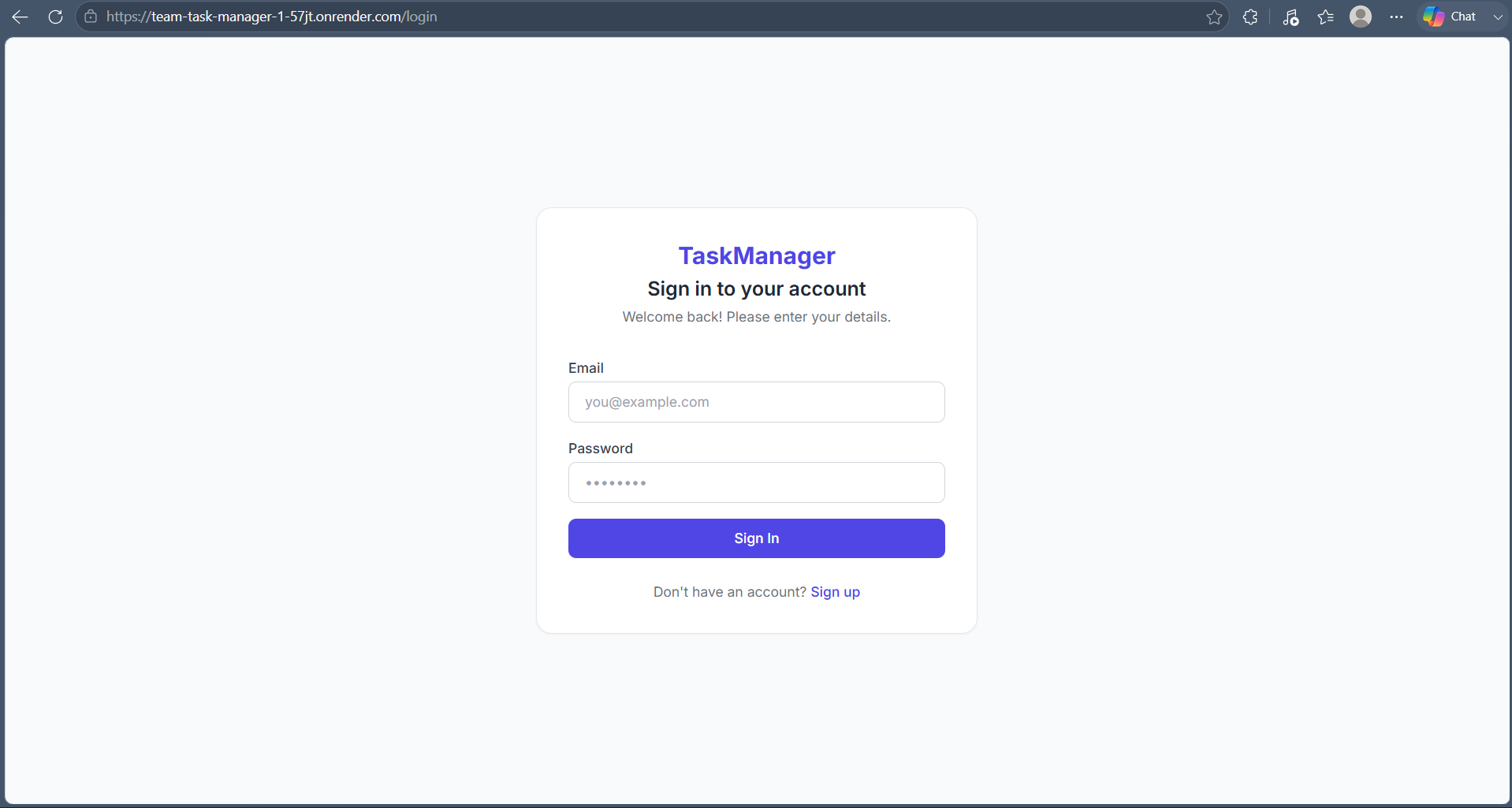
Technologies & Skills
Download at no cost
What's Included
Support & Customization
Resource Links
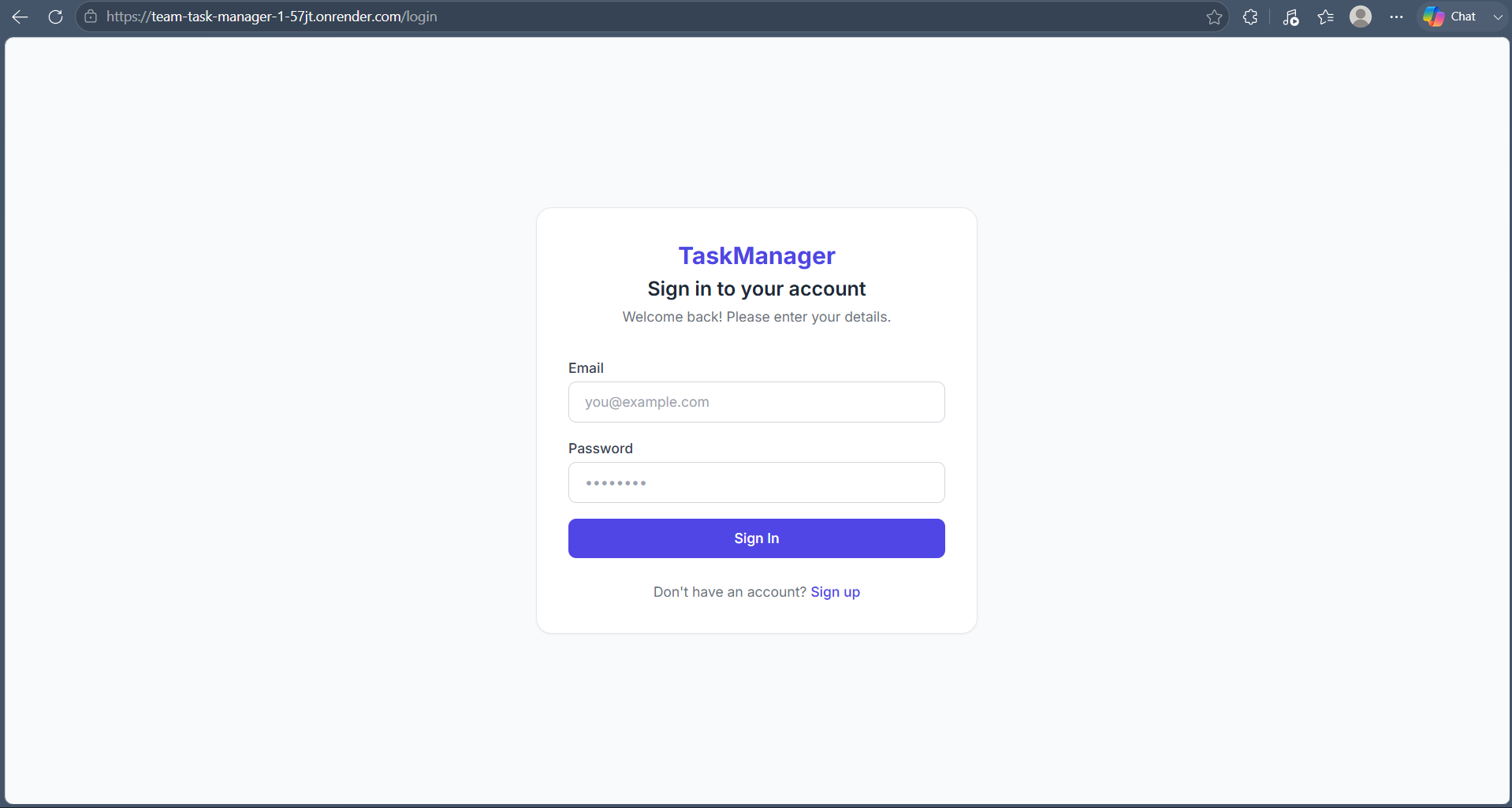
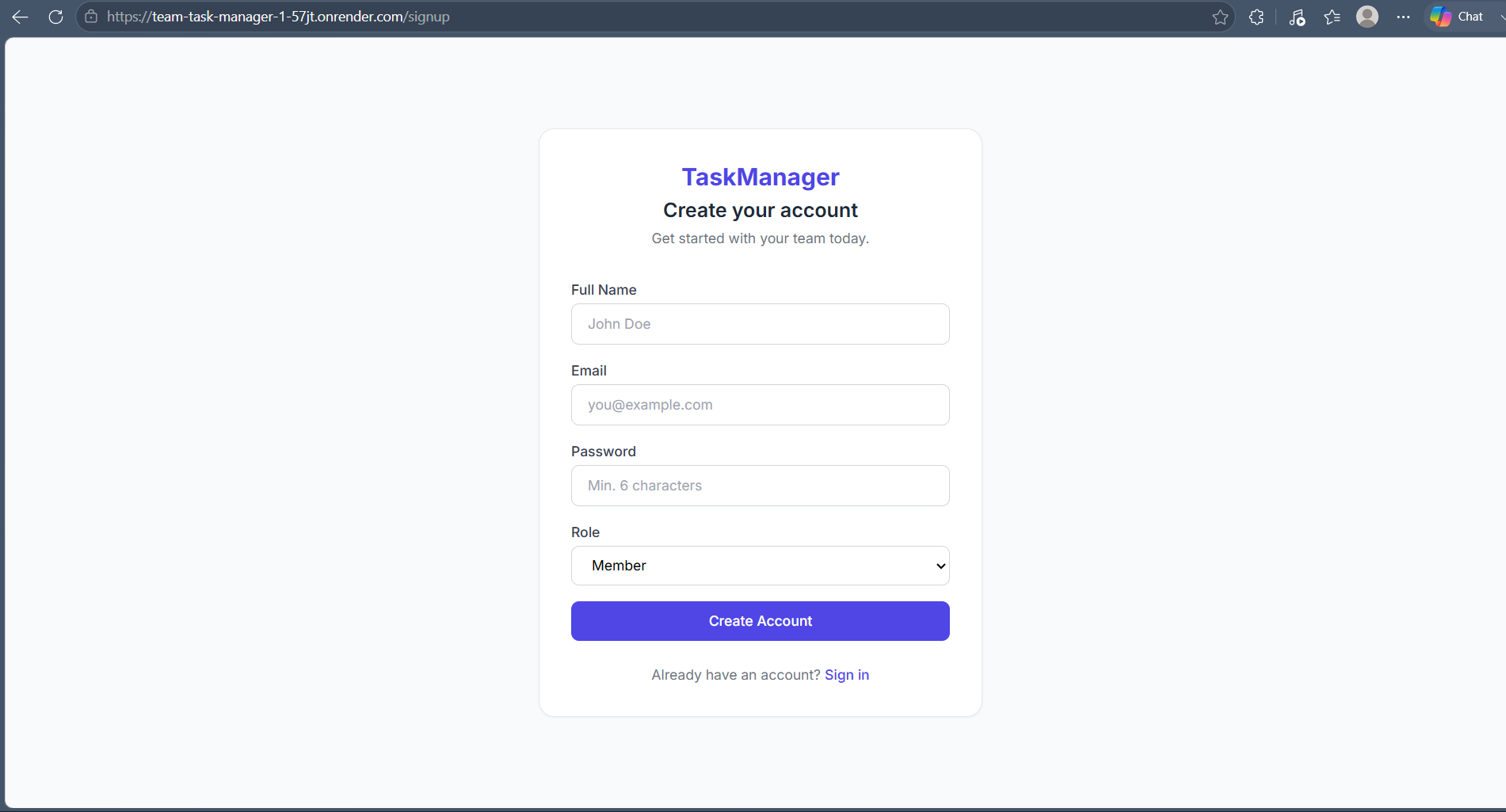
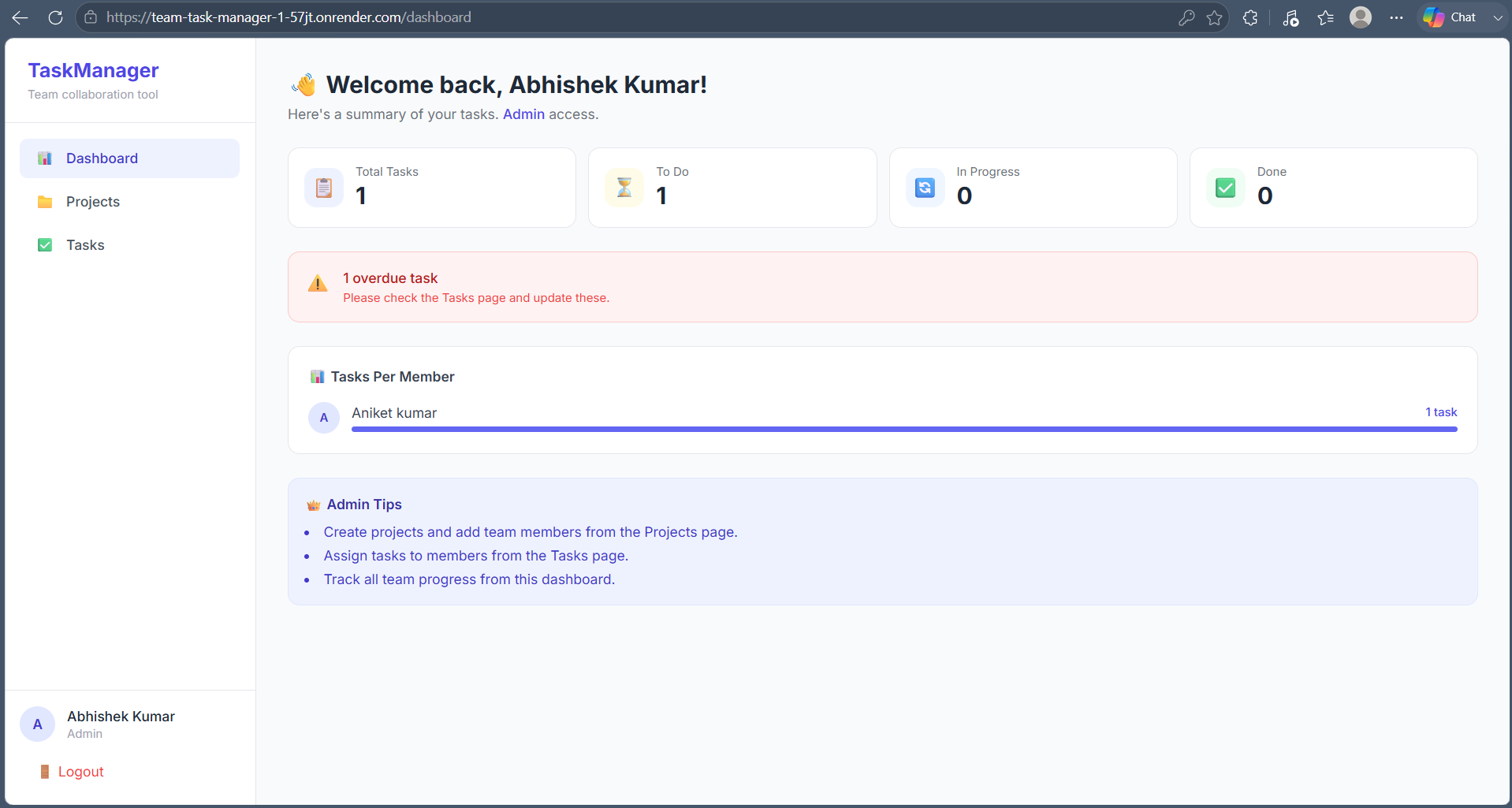
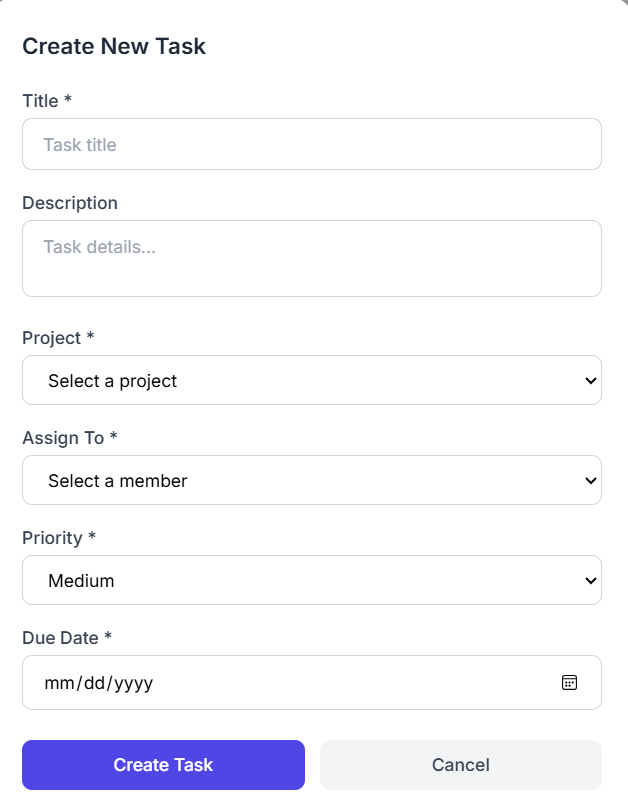
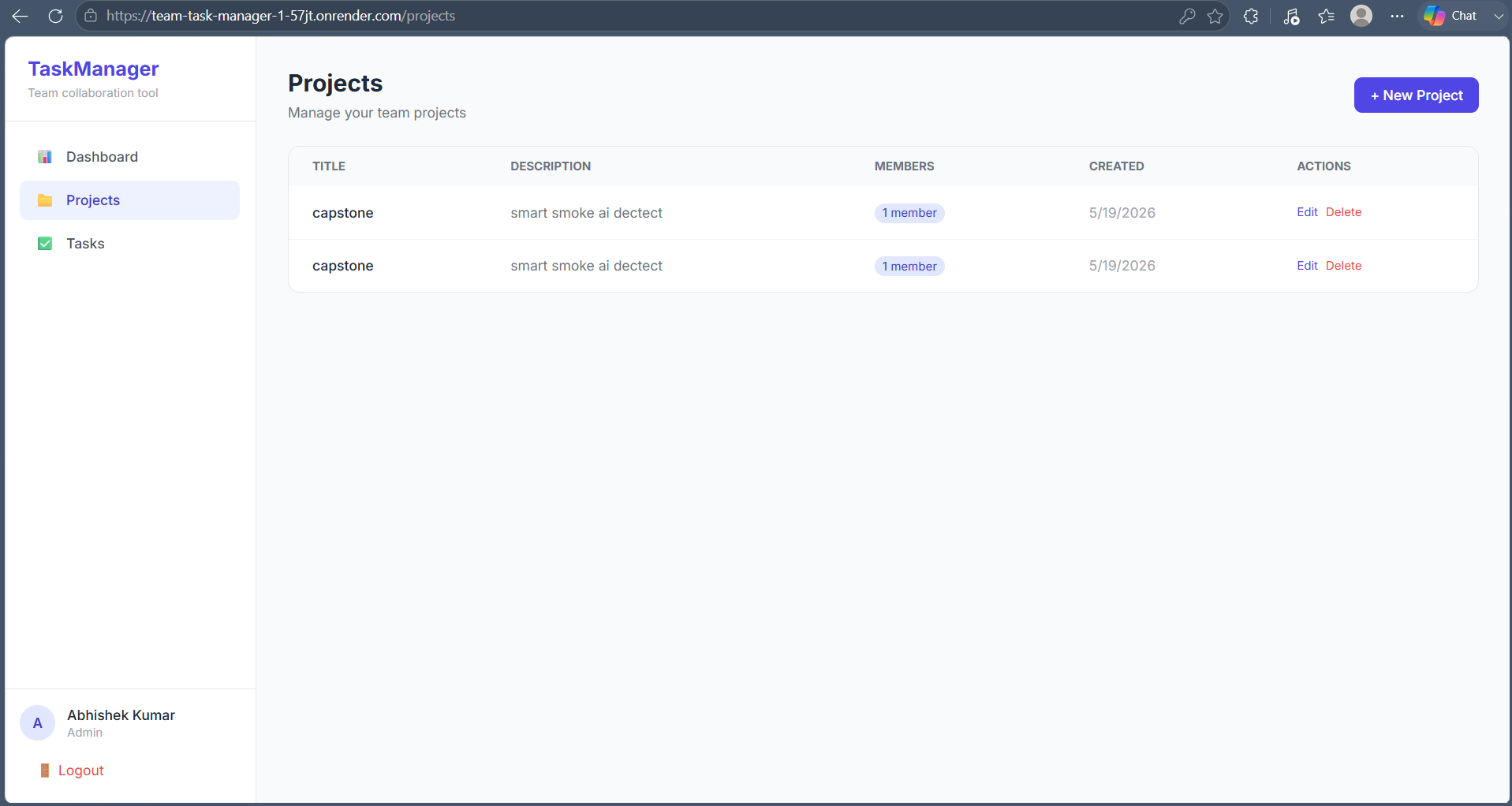
Team Task Manager is a full-stack web application designed to help teams manage projects and tasks efficiently. Users can securely sign up and log in using JWT authentication, create projects, assign tasks to team members, set priorities, update task status, and monitor progress through an interactive dashboard.
The application includes role-based access control to ensure secure project management. It features responsive UI, real-time task updates, project organization, and dashboard statistics for better productivity. The frontend is built with React.js, while the backend uses Node.js, Express.js, and MongoDB. The project is deployed on Render and version-controlled using Git and GitHub.
Key Features:
• Secure JWT Authentication
• Role-Based Access Control
• Project & Task Management
• Task Assignment & Status Tracking
• Priority Management
• Dashboard with Task Statistics
• Responsive User Interface
• RESTful API Architecture
• Cloud Deployment on Render
Future Enhancements
• Real-time notifications using Socket.io
• Team chat functionality
• File and document attachments
• Calendar and reminder integration
• Email notifications
• Dark mode support
• Activity logs
• Advanced analytics dashboard
• Drag-and-drop task management
• Mobile application
Known Issues
• Email notifications are not implemented.
• Real-time task updates require page refresh.
• No file attachment support.
• Mobile UI can be improved on smaller devices.
• Limited admin analytics.
Installation
1. Clone the repository
git clone https://github.com/abhi7044-eng/team-task-manager.git
2. Navigate to the project folder
cd team-task-manager
3. Install frontend dependencies
cd frontend
npm install
4. Install backend dependencies
cd ../backend
npm install
5. Create a .env file inside backend
MONGO_URI=your_mongodb_connection
JWT_SECRET=your_secret_key
PORT=5000
6. Start backend
npm run dev
7. Start frontend
cd ../frontend
npm start
8. Open
http://localhost:3000
Usage
• Register a new account or log in.
• Create a new project.
• Add team members.
• Create tasks.
• Assign tasks to team members.
• Set task priority and due dates.
• Update task status (Pending, In Progress, Completed).
• View dashboard statistics to monitor project progress.
• Manage projects and tasks securely using role-based access.
System Requirements
Operating System:
Windows 10/11, Linux or macOS
Runtime:
Node.js v18+
Database:
MongoDB Atlas or MongoDB Community Server
Package Manager:
npm
Browser:
Google Chrome, Microsoft Edge or Firefox
RAM:
Minimum 4 GB
Recommended 8 GB
Storage:
At least 500 MB free space
Internet Connection:
Required for MongoDB Atlas and deployment
Slides Open in New Tab
For better readability, slides are opened directly. Documents remain preview-only with secure backend rendering.
Showing preview pages only. Purchase for full access to all pages and complete source package.
Login for Full AccessNo Q&A available yet
Be the first to ask a question!
Ask a Question
Customer Reviews
Write Your Review
No reviews yet
Be the first to review this project!
Similar Projects
You might also be interested in these projects
 Software Development
ScholarBridge - Where Every Scholarship Finds You
Full-stack web platform designed to connect students with scholarship opportunities and help trusts/NGOs manage and approve applicacations efficiently
 Software Development
Social Media Clone - Linkedin
"LinkedIn Lite" a scalable social networking web application featuring secure Authentication, Profile management, Post creation, NewsFeed rendering.
 Software Development
E-Commerce Web Application Testing
A complete Manual Testing project for an E-Commerce website including Test Cases, Bug Reports, RTM, API Testing using Postman, SQL Validation, and QA
 Software Development
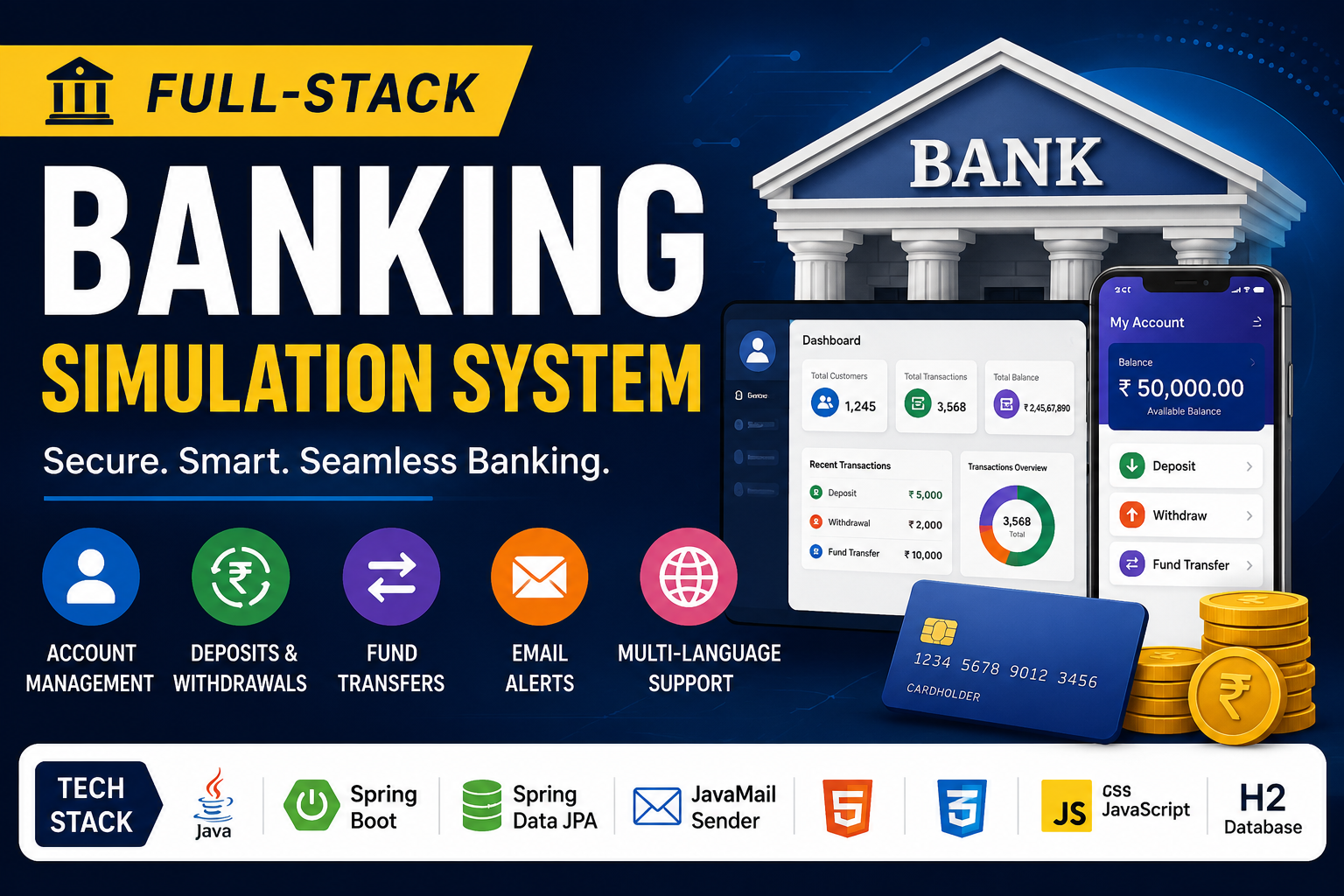
Banking-transaction-simulation-system
Full-Stack Banking Simulation System is a secure web application that simulates real-world banking operations, transactions, and account management.