Banking-transaction-simulation-system
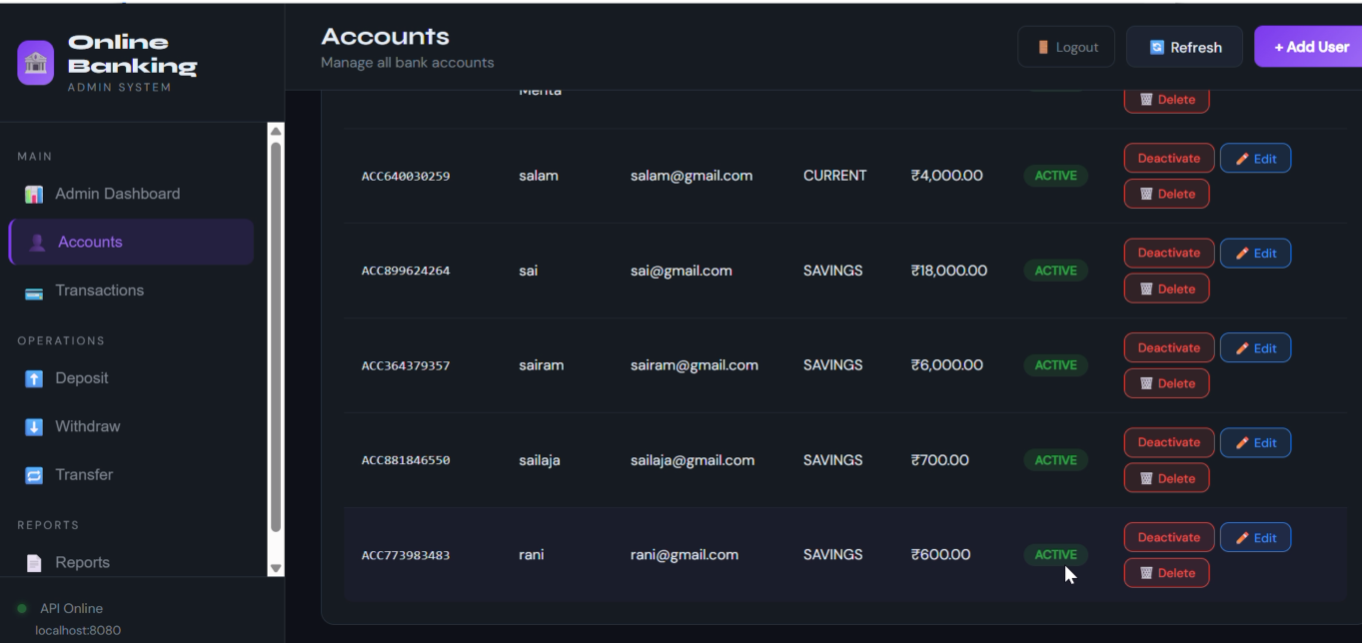
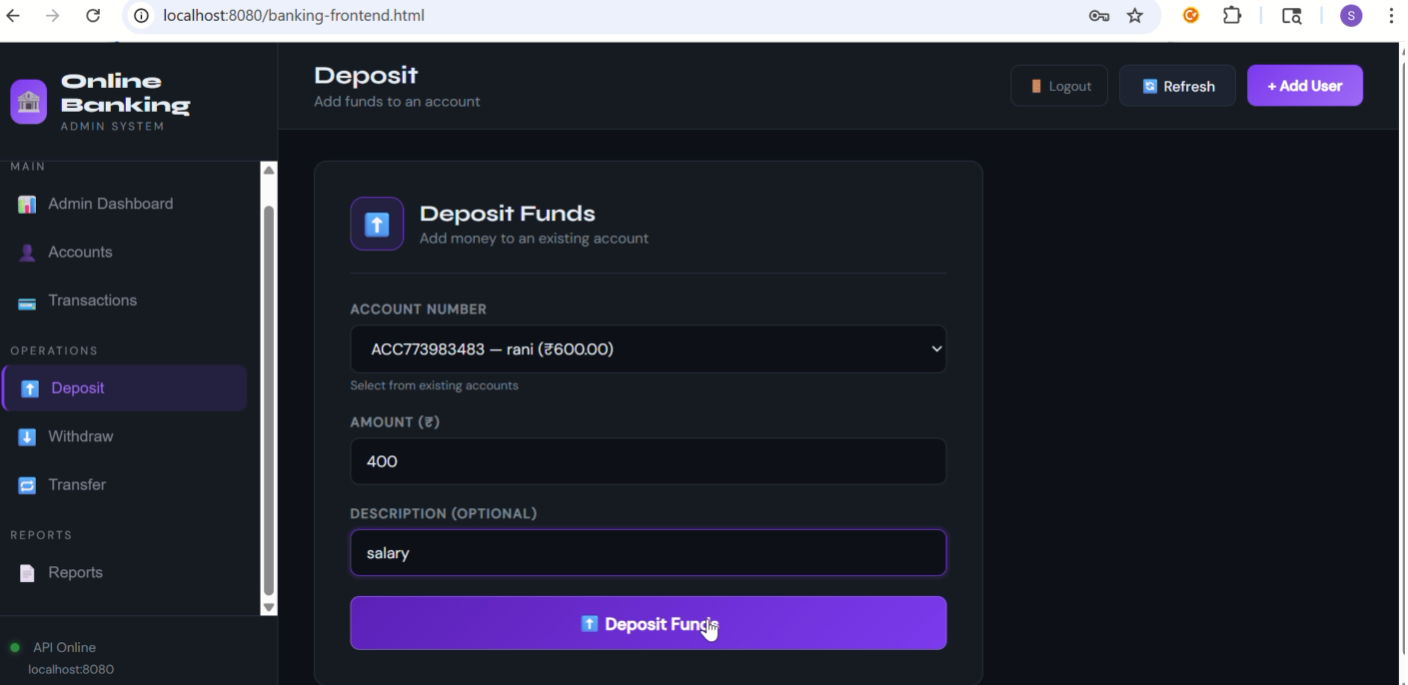
Full-Stack Banking Simulation System is a secure web application that simulates real-world banking operations, transactions, and account management.
Preview Gallery
6 media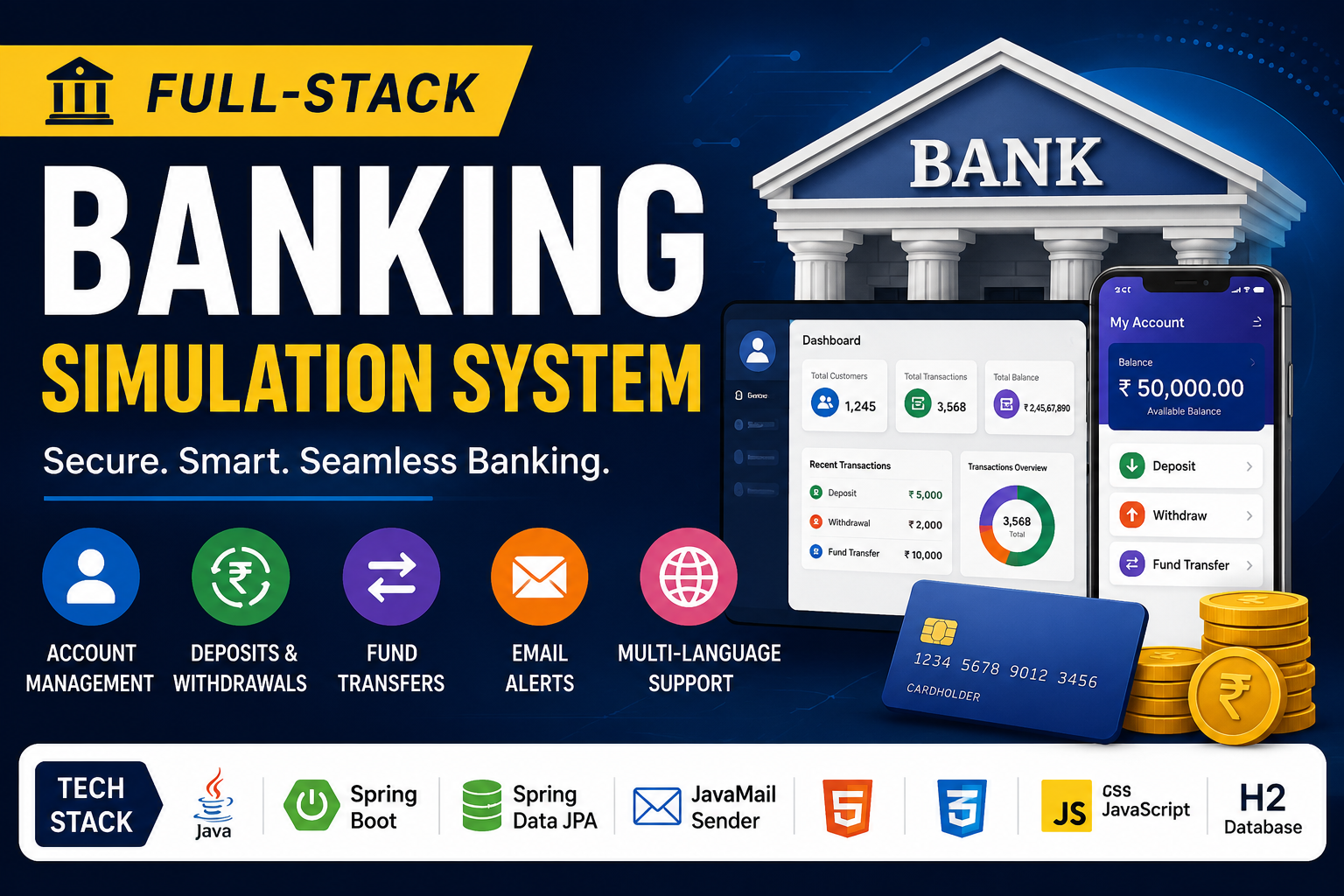
Technologies & Skills
Limited time offer
What's Included
Support & Customization
Resource Links
Purchase this project to unlock source and premium resources. Document/report remain secure preview-based on this page.
A comprehensive full-stack banking simulation system designed to mimic real-world banking operations. This system provides a secure environment for managing accounts, performing financial transactions, and monitoring activity through an intuitive dashboard.
🌟 Key Features
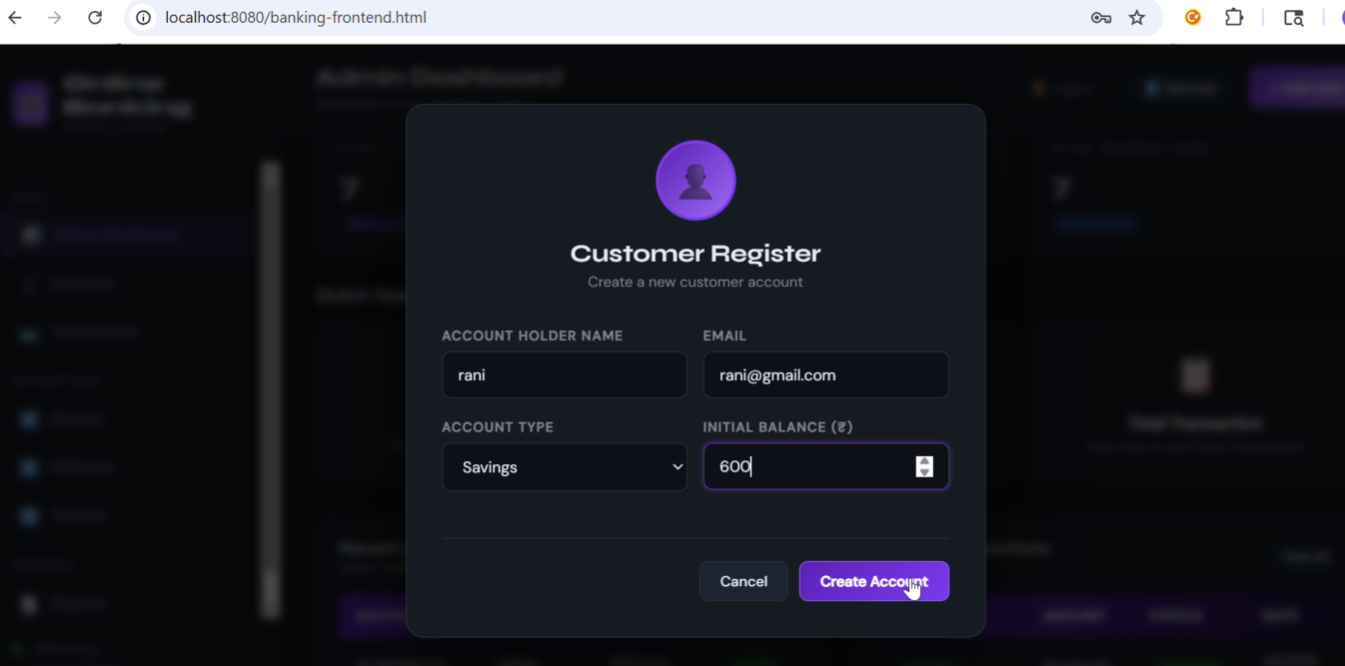
- Account Management: Create, deactivate, and reactivate customer accounts.
- Financial Operations: Seamless and secure Deposit, Withdrawal, and Fund Transfers.
- 📧 Automated Email Notifications:
- Real-time alerts for account creation and deposit success.
- Double notification (Sender & Receiver) for fund transfers.
- Low Balance Alert: Automatic warning when the balance drops below ₹500.
- 🌍 Multi-Language Support: Instantly toggle the entire dashboard between English, Hindi (हिन्दी), and Telugu (తెలుగు).
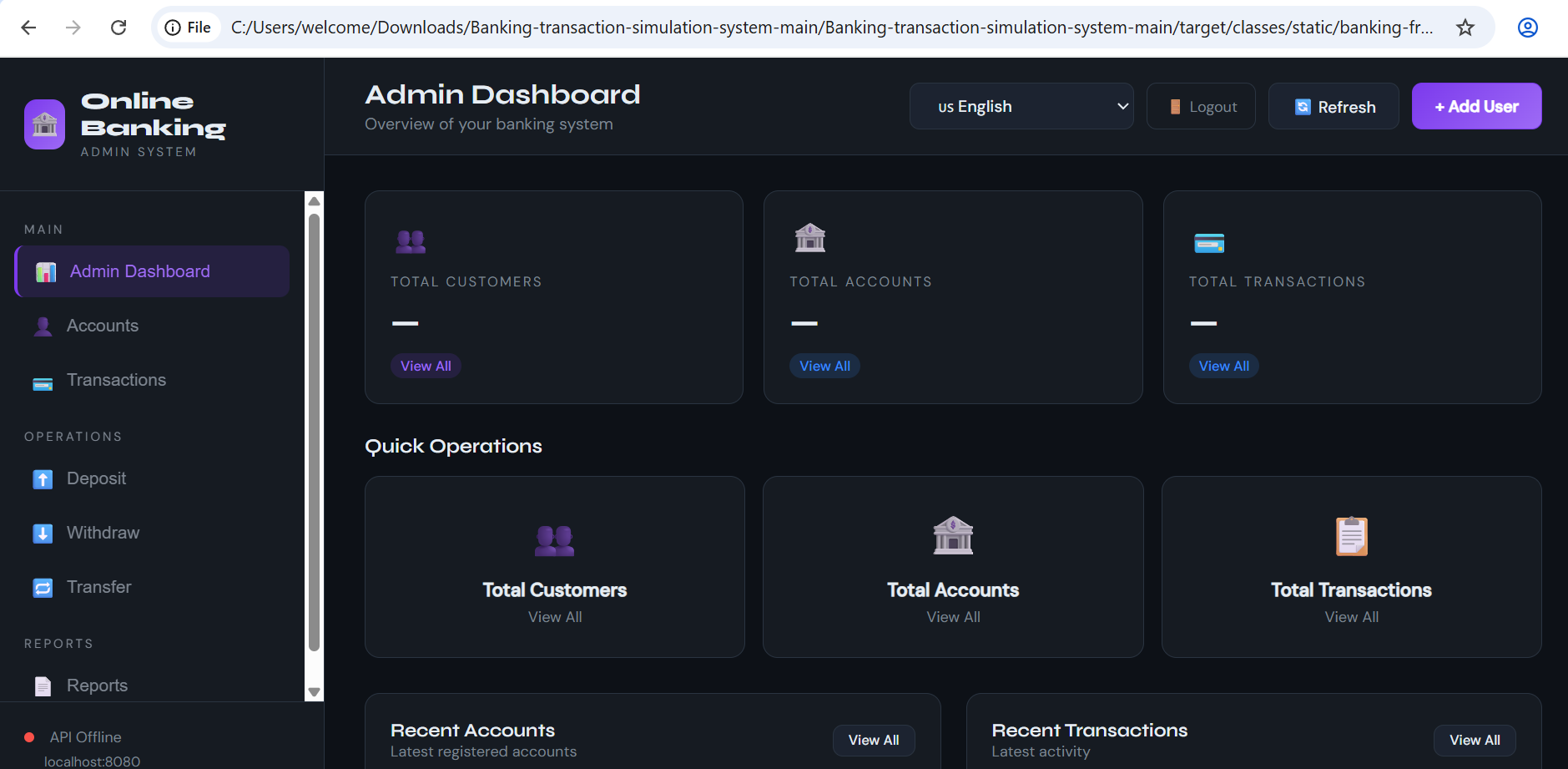
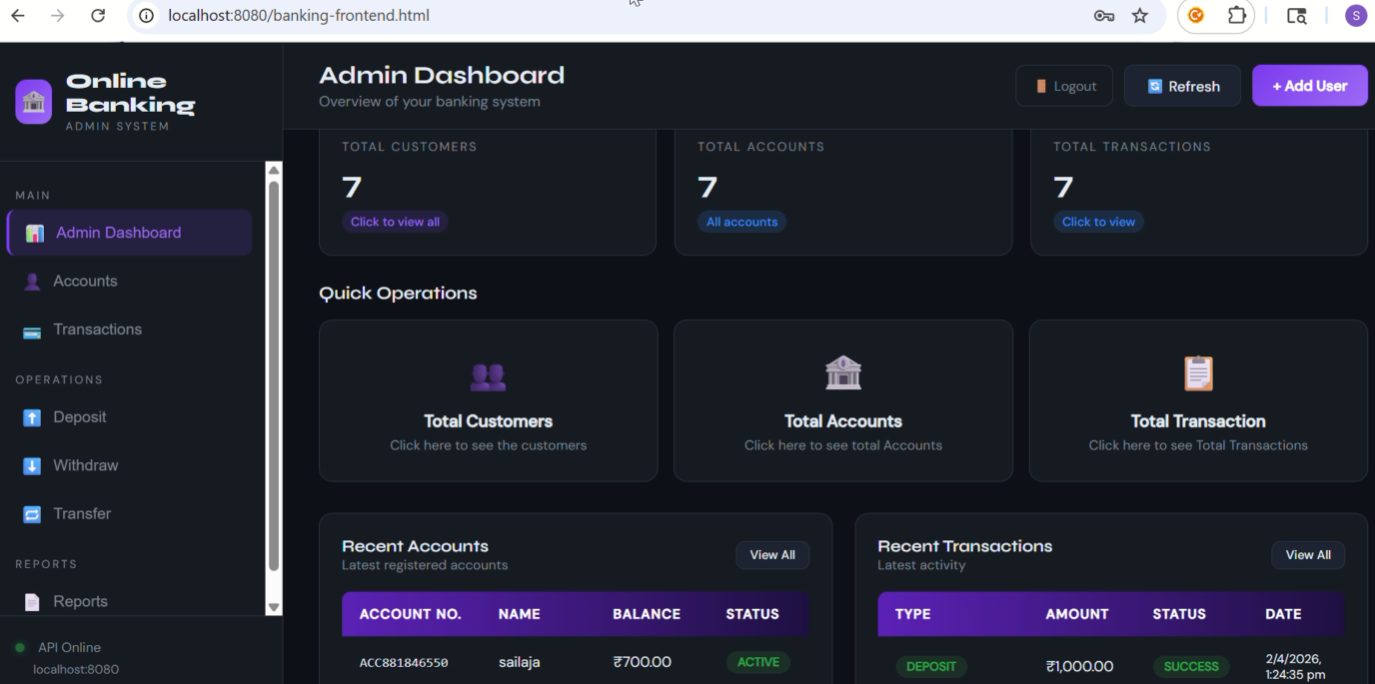
- Analytics Dashboard: Monitor total customers, transactions, and breakdown of banking activity.
🛠️ Technology Stack
- Backend: Java, Spring Boot, Spring Data JPA, JavaMail Sender
- Frontend: HTML5, Modern CSS, JavaScript (Vanilla)
- Database: H2 In-Memory Database (for easy testing)
🚀 Getting Started
Prerequisites
- Java 17 or higher
- Maven 3.6+
Configuration
- Rename
src/main/resources/application.properties.exampletoapplication.properties. - To enable email notifications, generate a Gmail App Password and update:
spring.mail.usernamespring.mail.password
Inside src/main/resources/application.properties, update these lines with your own info:
spring.mail.username=your-gmail-address@gmail.com
spring.mail.password=your-16-character-app-password


### Running the Application
1. Open terminal in the project root.
2. Run the following command:
   ```bash
   ./mvnw spring-boot:run
- Access the dashboard at: http://localhost:8080/banking-frontend.html
Default Credentials
- Username:
admin - Password:
bank@123
Future Enhancements
Integration with MySQL/PostgreSQL for persistent data storage
Add JWT-based authentication & role-based access control (Admin/User)
Improve UI using React.js or Angular for better responsiveness
Implement transaction pagination and filtering system
Add PDF statement generation and download feature
Introduce real-time notifications using WebSockets
Enhance multilingual support with full dynamic content translation
Add audit logs for all banking activities
Known Issues
Known Issues
- Email notifications may fail if Gmail App Password is not configured correctly.
- H2 in-memory database resets data on every application restart.
- Frontend UI is not fully responsive on all mobile screen sizes.
- Large number of transactions may slightly slow down dashboard rendering (no pagination implemented).
- Multi-language translations are currently limited to key UI labels only.
Installation
Follow these steps to set up and run the Banking Transaction Simulator on your local machine.
Prerequisites
Before starting, ensure you have the following installed:
- Java JDK 17 or higher
- Apache Maven 3.6+
- Git (optional)
- Visual Studio Code or IntelliJ IDEA
Step 1: Clone or Download the Project
Clone the repository using Git:
git clone https://github.com/your-username/banking-transaction-simulation-system.git
Or download and extract the ZIP file from GitHub.
Step 2: Open the Project
Open the project folder in your preferred IDE (VS Code or IntelliJ IDEA
Usage
After successfully installing and running the project, follow these steps to use the Banking Transaction Simulator:
- Start the Spring Boot application using:
mvn spring-boot:run
- Open your web browser and navigate to:
http://localhost:8080/banking-frontend.html
- Log in using the default credentials:
- Username:
admin - Password:
bank@123
- Use the dashboard to perform banking operations:
- Create, deactivate, or reactivate customer accounts.
- Perform deposits, withdrawals, and fund transfers.
- View transaction history and account details.
- Monitor banking activities through the analytics dashboard.
- Test email notifications by performing transactions such as account creation, deposits, and fund transfers.
- Switch between English, Hindi, and Telugu using the multi-language option available on the dashboard.
- Access the H2 database console (if enabled) at:
http://localhost:8080/h2-console
- JDBC URL:
jdbc:h2:mem:bankingdb - Username:
sa
System Requirements
System Requirements
The following hardware and software requirements are recommended to run the Banking Transaction Simulator project successfully.
Hardware Requirements
- Processor: Intel Core i3 or higher
- RAM: Minimum 4 GB (8 GB recommended)
- Storage: At least 500 MB of free disk space
- Internet Connection: Required for downloading dependencies and email notifications
Software Requirements
- Operating System: Windows 10/11, Linux, or macOS
- Java Development Kit (JDK): Version 17 or higher
- Apache Maven: Version 3.6 or higher
- IDE: Visual Studio Code, IntelliJ IDEA, or Eclipse
- Web Browser: Google Chrome, Mozilla Firefox, Microsoft Edge, or any modern browser
- Database: H2 In-Memory Database (included with the project)
- Version Control (Optional): Git
Additional Requirements
- Gmail Account with 2-Step Verification enabled (for email notifications)
- Gmail App Password configured in
application.properties - Stable Internet Connection for Maven dependency downloads and email services.
Slides Open in New Tab
For better readability, slides are opened directly. Documents remain preview-only with secure backend rendering.
Showing preview pages only. Purchase for full access to all pages and complete source package.
Login for Full AccessNo Q&A available yet
Be the first to ask a question!
Ask a Question
Customer Reviews
Write Your Review
No reviews yet
Be the first to review this project!
Similar Projects
You might also be interested in these projects
 Software Development
ScholarBridge - Where Every Scholarship Finds You
Full-stack web platform designed to connect students with scholarship opportunities and help trusts/NGOs manage and approve applicacations efficiently
 Software Development
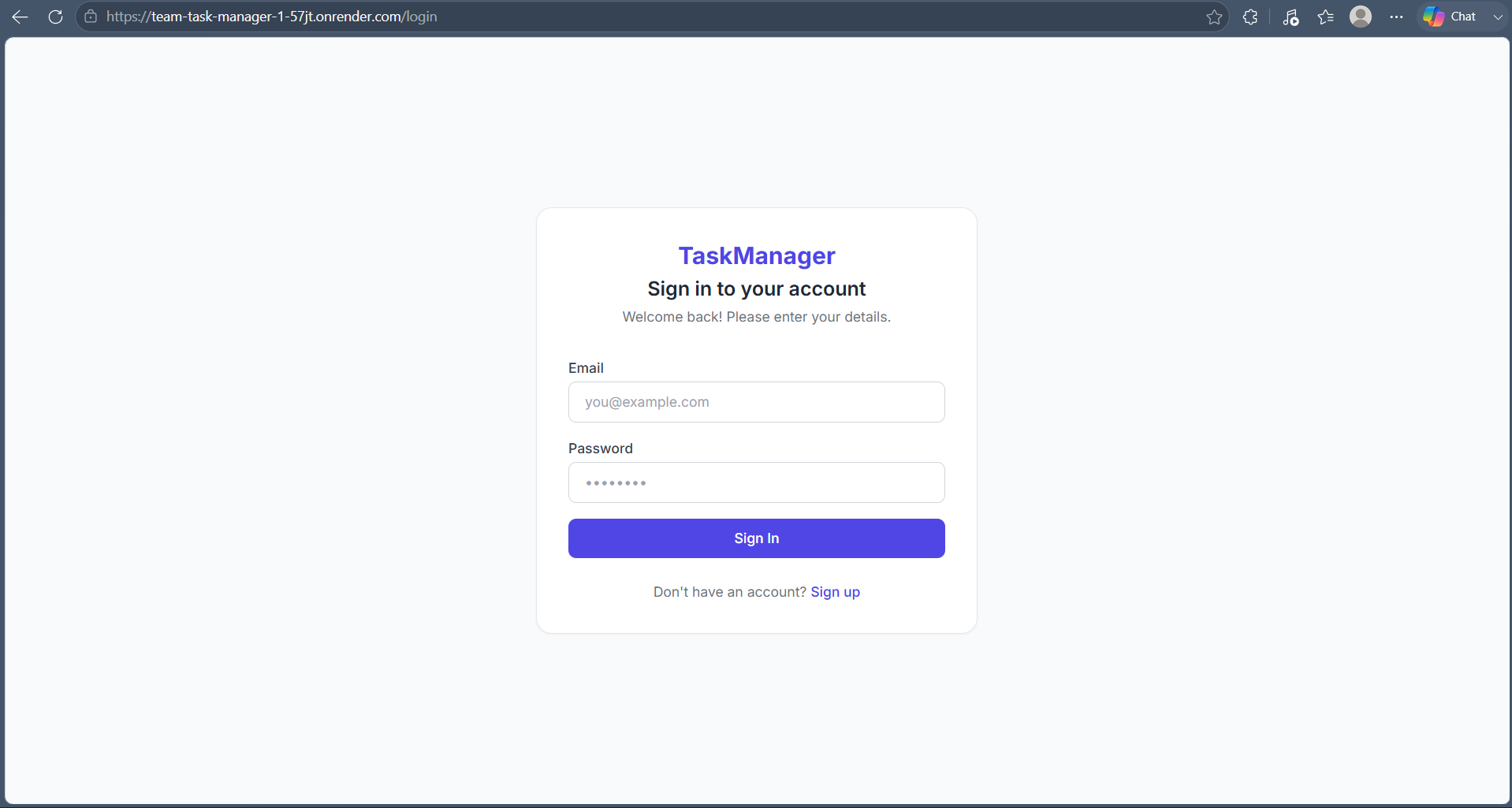
Team-Task-Manager
A full-stack team task management app with secure authentication, role-based access, task tracking, and team collaboration.
 Software Development
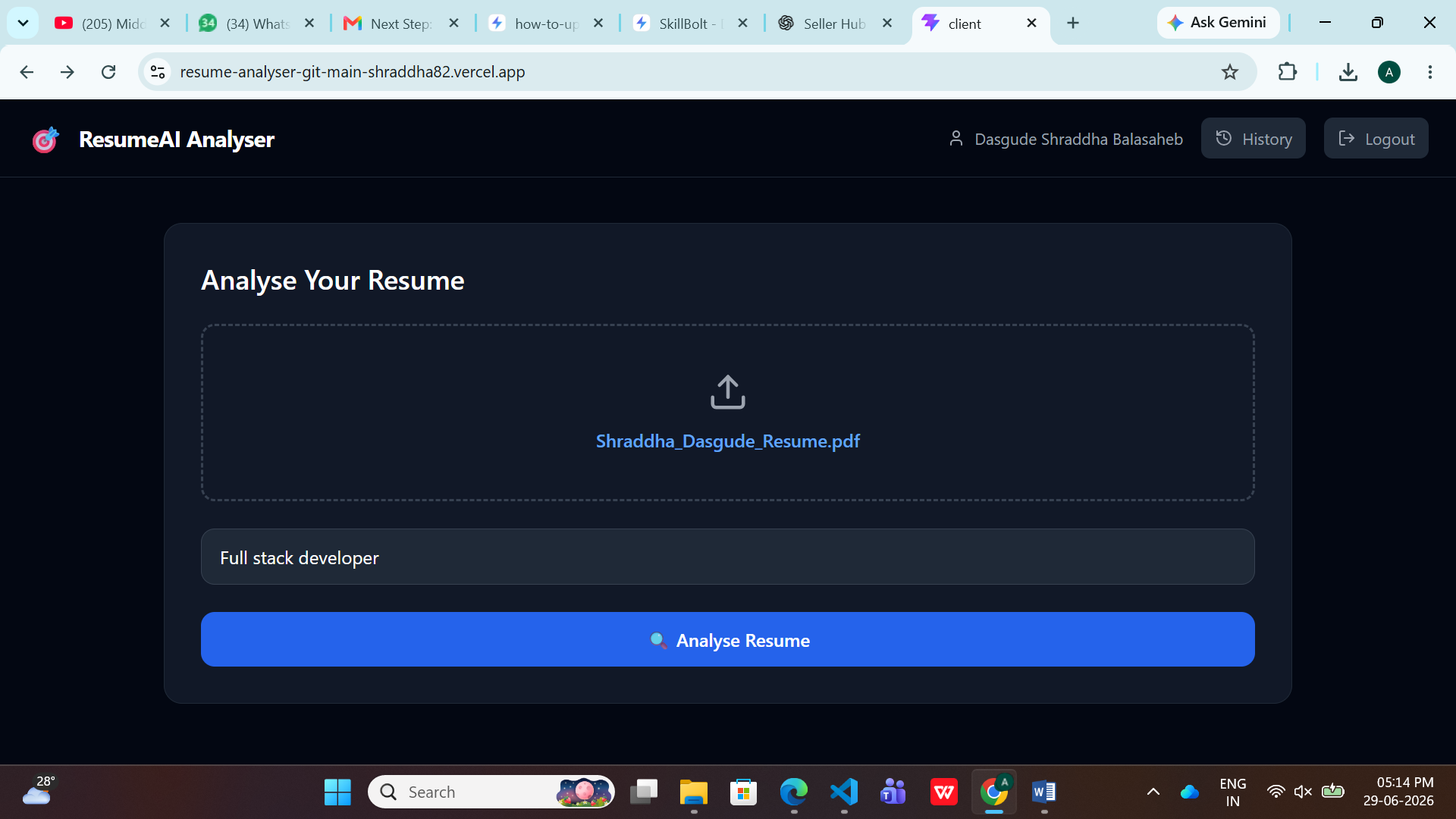
AI Resume Analyzer
AI-powered Resume Analyzer that evaluates ATS scores, suggests improvements, generates interview questions, and rebuilds resumes using AI.
 Software Development
E-Commerce Web Application Testing
A complete Manual Testing project for an E-Commerce website including Test Cases, Bug Reports, RTM, API Testing using Postman, SQL Validation, and QA