Quick.ai – All-in-One AI Content Creation Platform
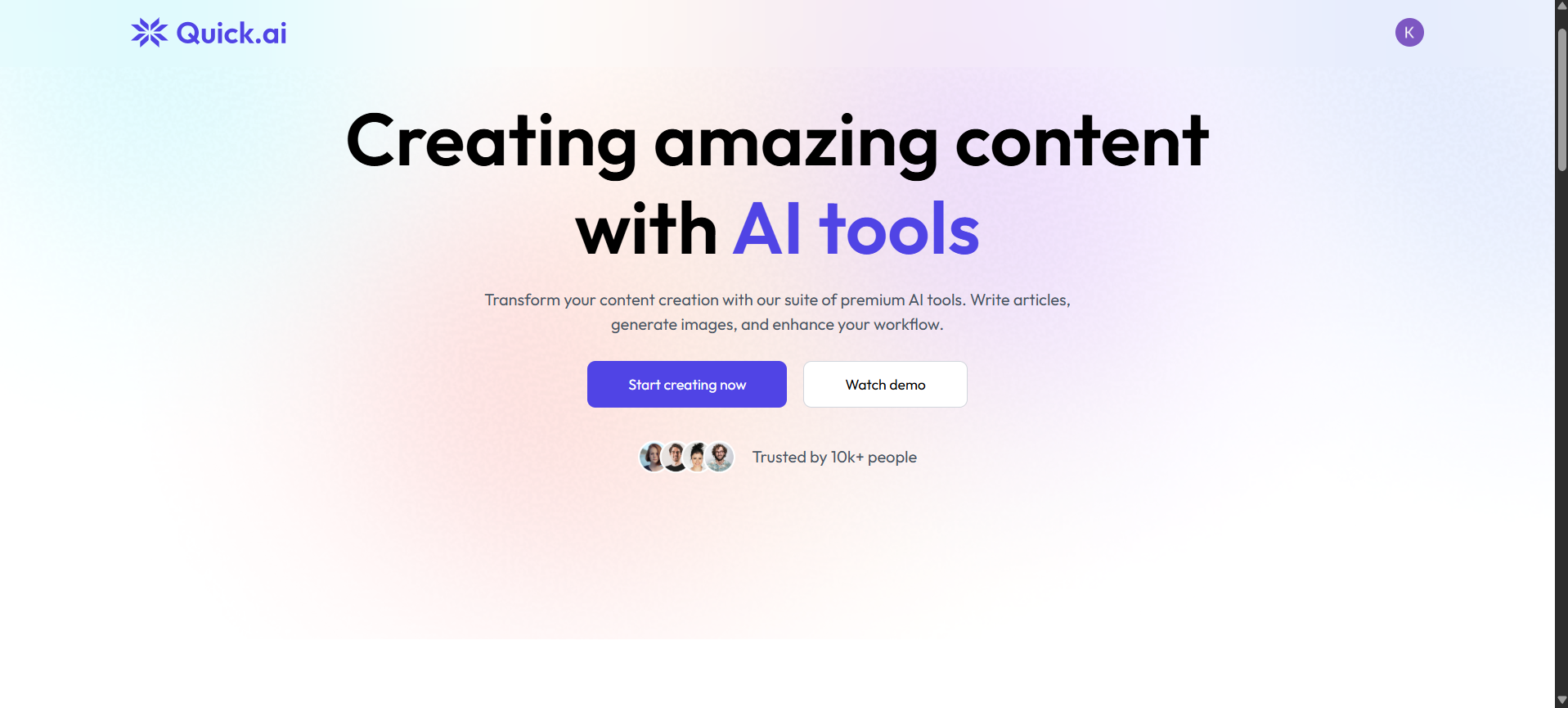
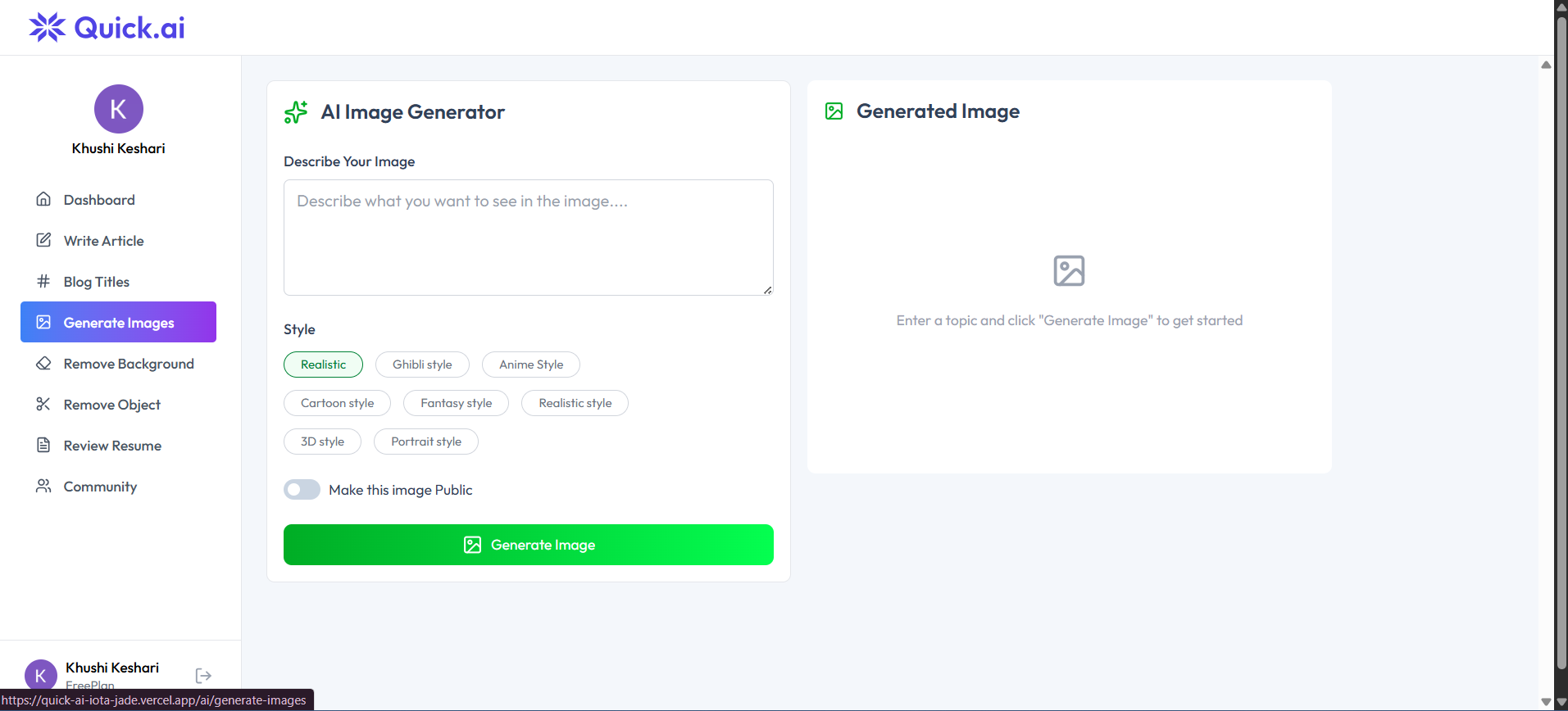
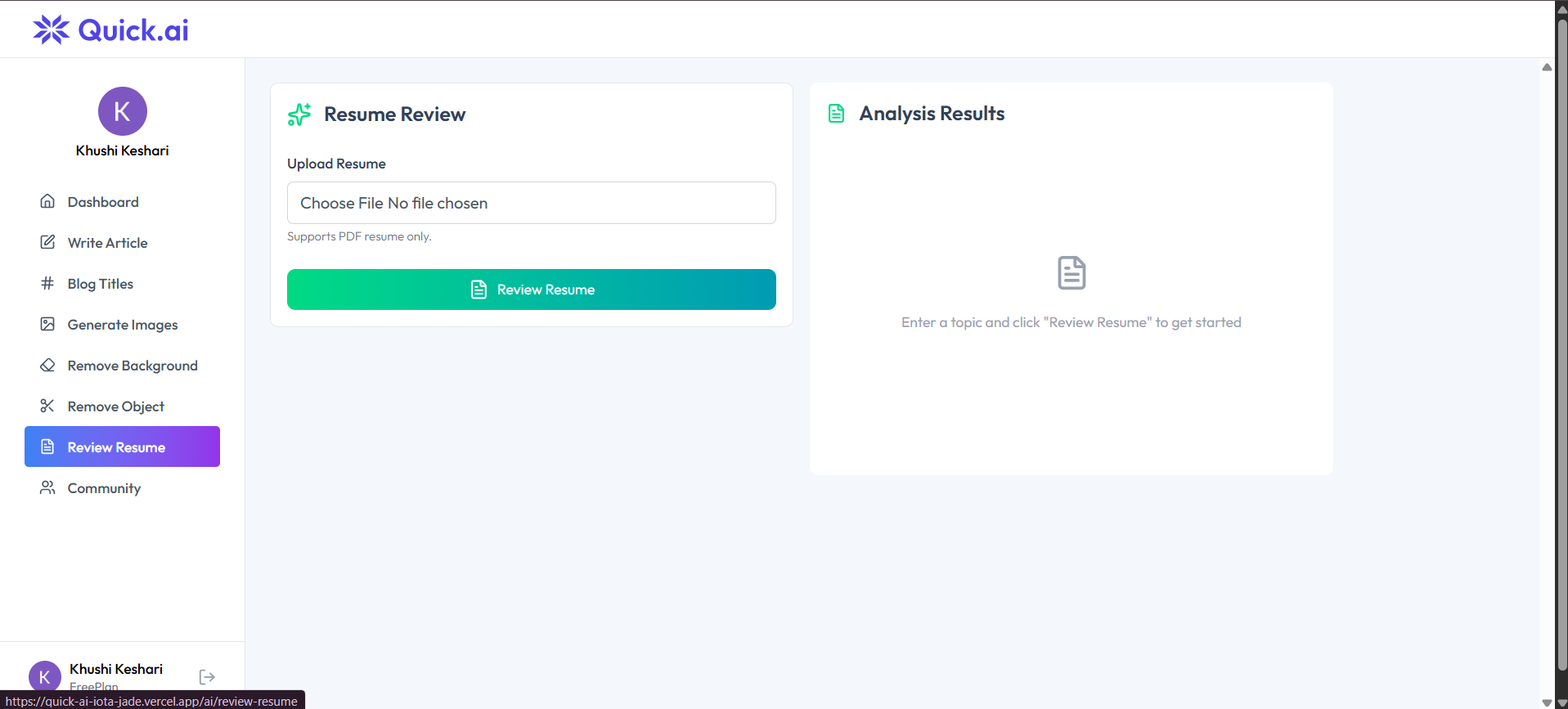
Quick.ai is a full-stack AI web app that helps users generate content, summarize documents, review resumes, and create AI images.
Preview Gallery
6 media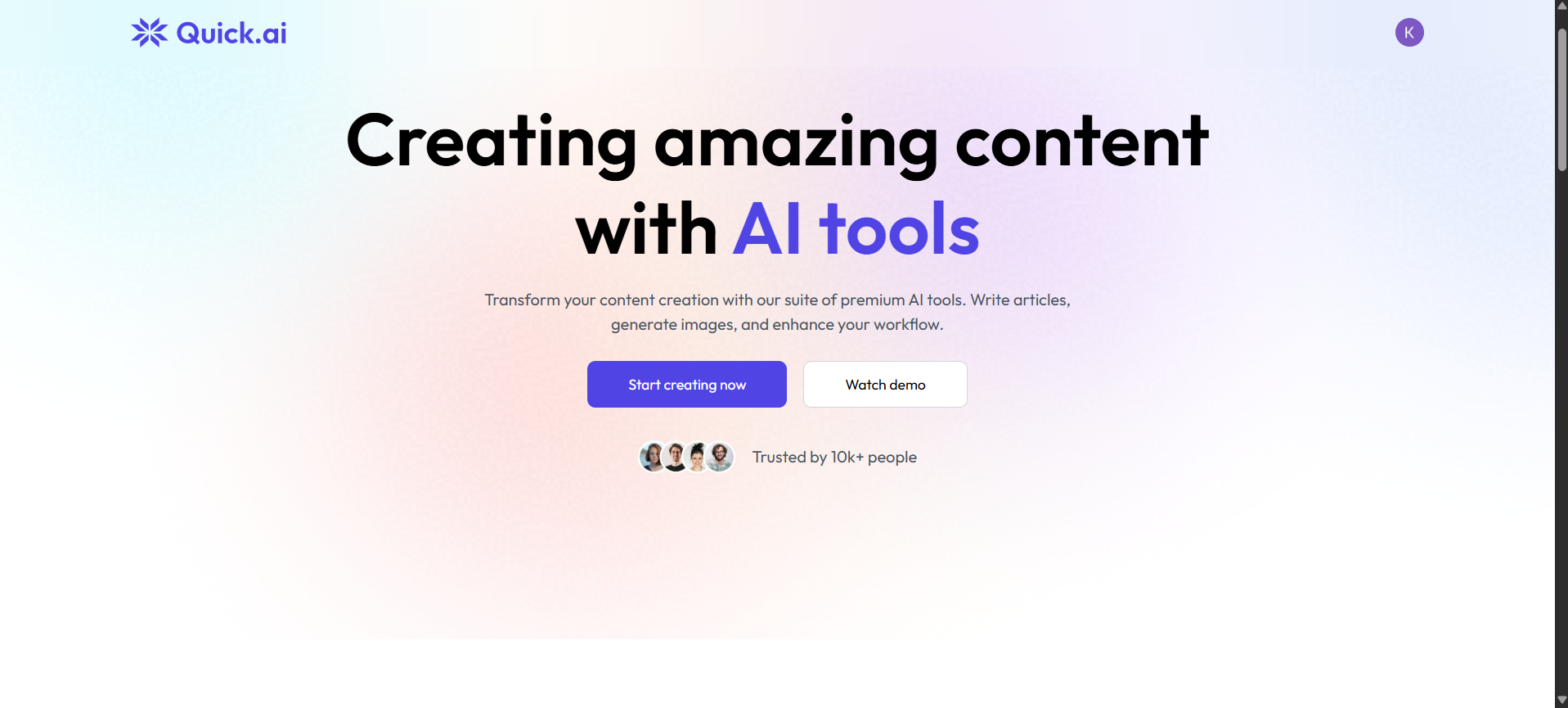
Technologies & Skills
Limited time offer
What's Included
Support & Customization
Resource Links
Purchase this project to unlock source and premium resources. Document/report remain secure preview-based on this page.
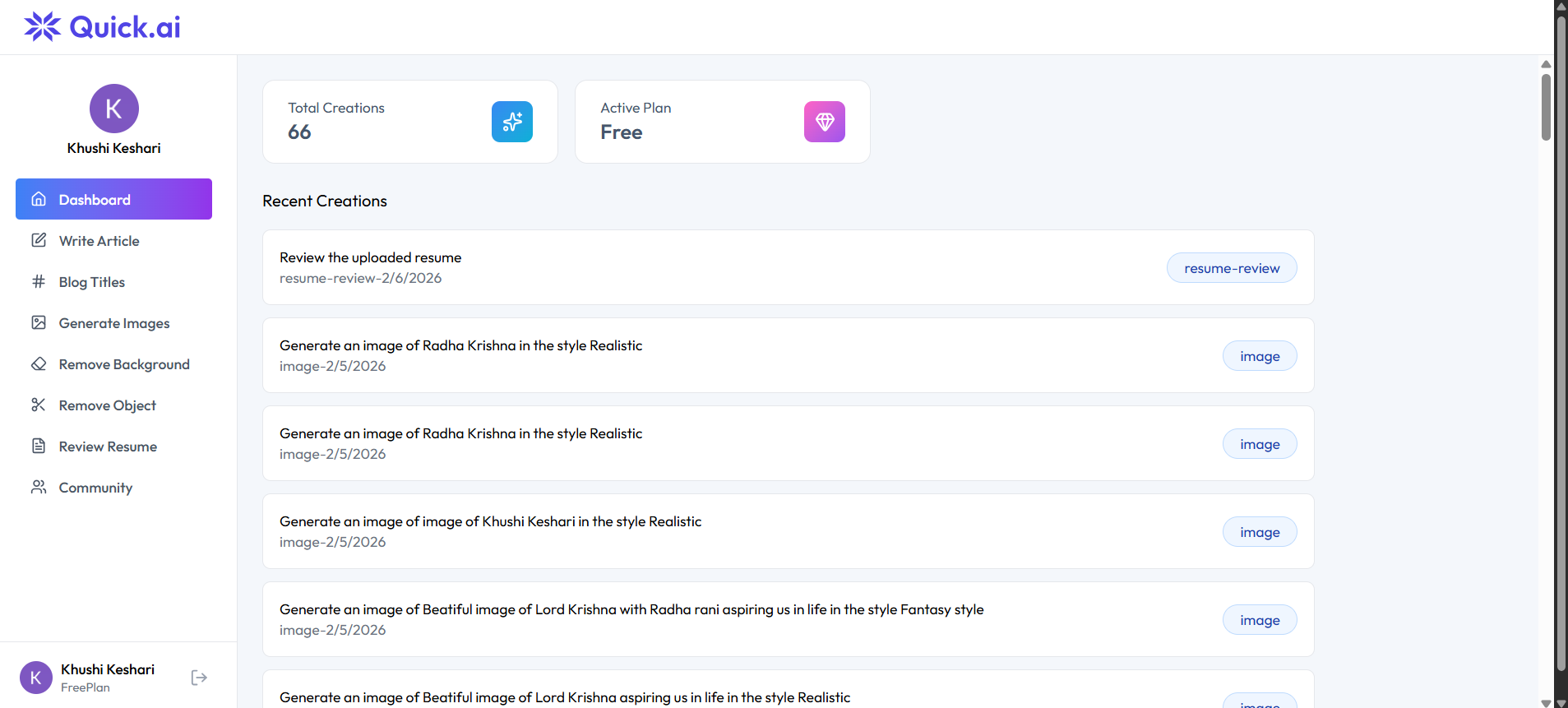
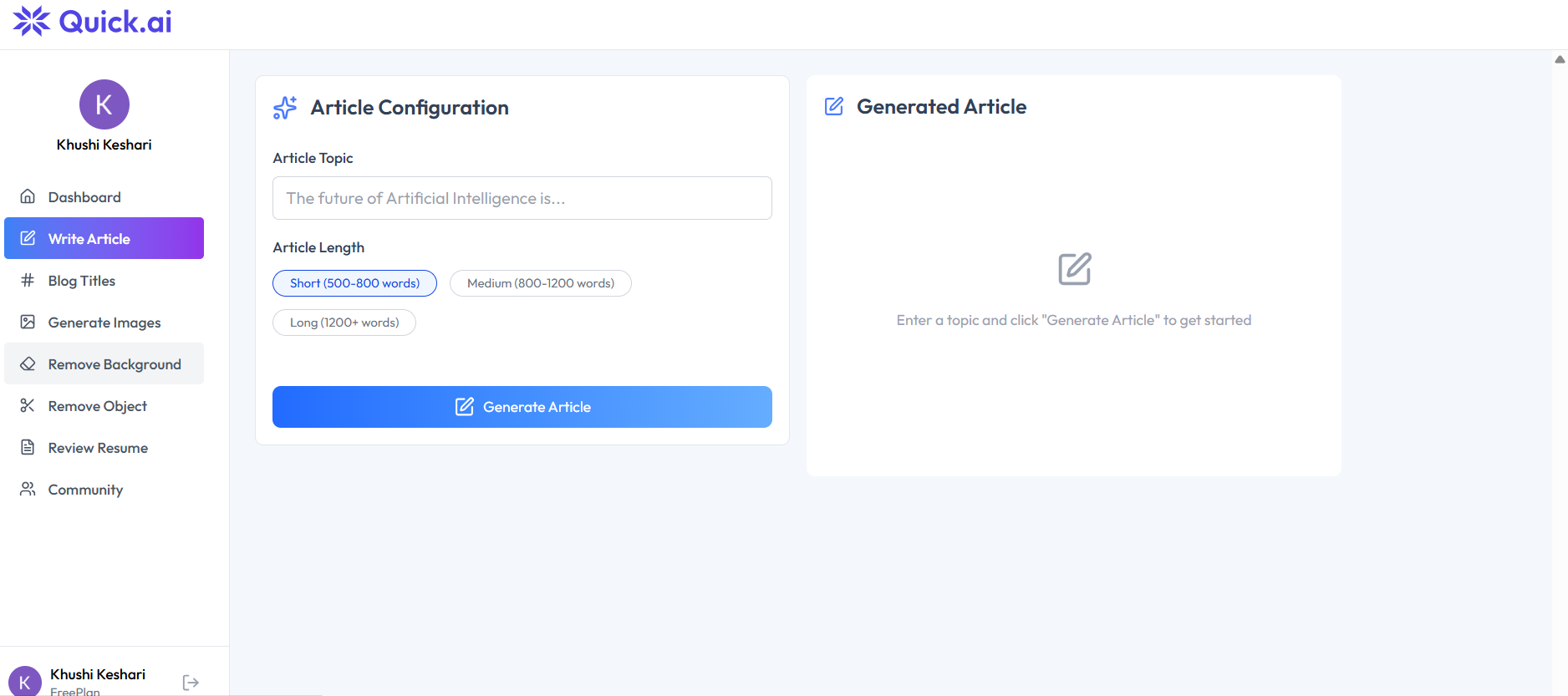
Quick.ai is a full-stack AI-powered productivity platform designed to simplify content creation and automate everyday tasks through intelligent AI tools. The application enables users to generate high-quality blogs, summarize lengthy documents, review and improve resumes, create AI-generated images, and access multiple AI-powered utilities from a single, intuitive dashboard. Instead of relying on different websites for each task, users can complete everything in one secure and seamless platform.
The application is built using React.js for a responsive and interactive user interface, Node.js and Express.js for scalable backend services, PostgreSQL for efficient data management, and Clerk Authentication for secure user login and access control. It integrates advanced AI APIs to deliver fast, accurate, and context-aware responses while maintaining a smooth user experience across devices.
Quick.ai is designed for students, professionals, job seekers, developers, freelancers, content creators, educators, and businesses who want to improve productivity and save time using AI. Its modular architecture, clean design, secure authentication, and scalable backend make it suitable for real-world deployment and future feature expansion.
This project demonstrates expertise in full-stack web development, REST API integration, authentication, database management, responsive UI design, and AI integration, showcasing the ability to build modern, production-ready applications that solve real-world problems.
Future Enhancements
Known Issues
Installation
Installation Steps
- Clone the project repository.
git clone https://github.com/yourusername/QuickAI.git
cd QuickAI
- Install frontend dependencies.
cd client
npm install
- Install backend dependencies.
cd ../server
npm install
- Configure the
.envfiles with the required credentials:
- Clerk API Keys
- Neon PostgreSQL Database URL
- Cloudinary Credentials
- AI API Key
- Start the backend server.
npm run server
- Start the frontend application.
cd ../client
npm run dev
- Open the application in your browser at:
http://localhost:5173
- Register or log in using Clerk Authentication and start using the AI tools
Usage
To use QuickAI, first launch the application and sign in using the secure Clerk Authentication system. After successful login, the user is redirected to the dashboard, where all AI-powered tools are available. Users can select any module, such as the AI Article Generator, Blog Title Generator, AI Image Generator, Resume Review, Background Removal, or Object Removal, based on their requirements. Depending on the selected module, users can either enter a text prompt or upload an image or document for processing. Once the required input is provided, clicking the Generate or Process button sends the request to the backend, where AI services process the data and return the results. The generated content is displayed on the screen and can be viewed, copied, downloaded, or used for further editing. After completing their tasks, users can safely log out of the application to ensure account security.
System Requirements
QuickAI is a web-based AI content creation platform that requires a computer with a minimum of an Intel Core i3 (or equivalent) processor, 4 GB RAM, and at least 2 GB of free storage space. A stable internet connection is essential for accessing AI services and cloud resources. The application supports Windows 10/11, Linux, and macOS operating systems. To run the project locally, Node.js (version 18 or later), npm, and a modern web browser such as Google Chrome or Microsoft Edge should be installed. Visual Studio Code is recommended as the development environment.
Slides Open in New Tab
For better readability, slides are opened directly. Documents remain preview-only with secure backend rendering.
Showing preview pages only. Purchase for full access to all pages and complete source package.
Login for Full AccessNo Q&A available yet
Be the first to ask a question!
Ask a Question
Customer Reviews
Write Your Review
No reviews yet
Be the first to review this project!
Similar Projects
You might also be interested in these projects
 Web Apps
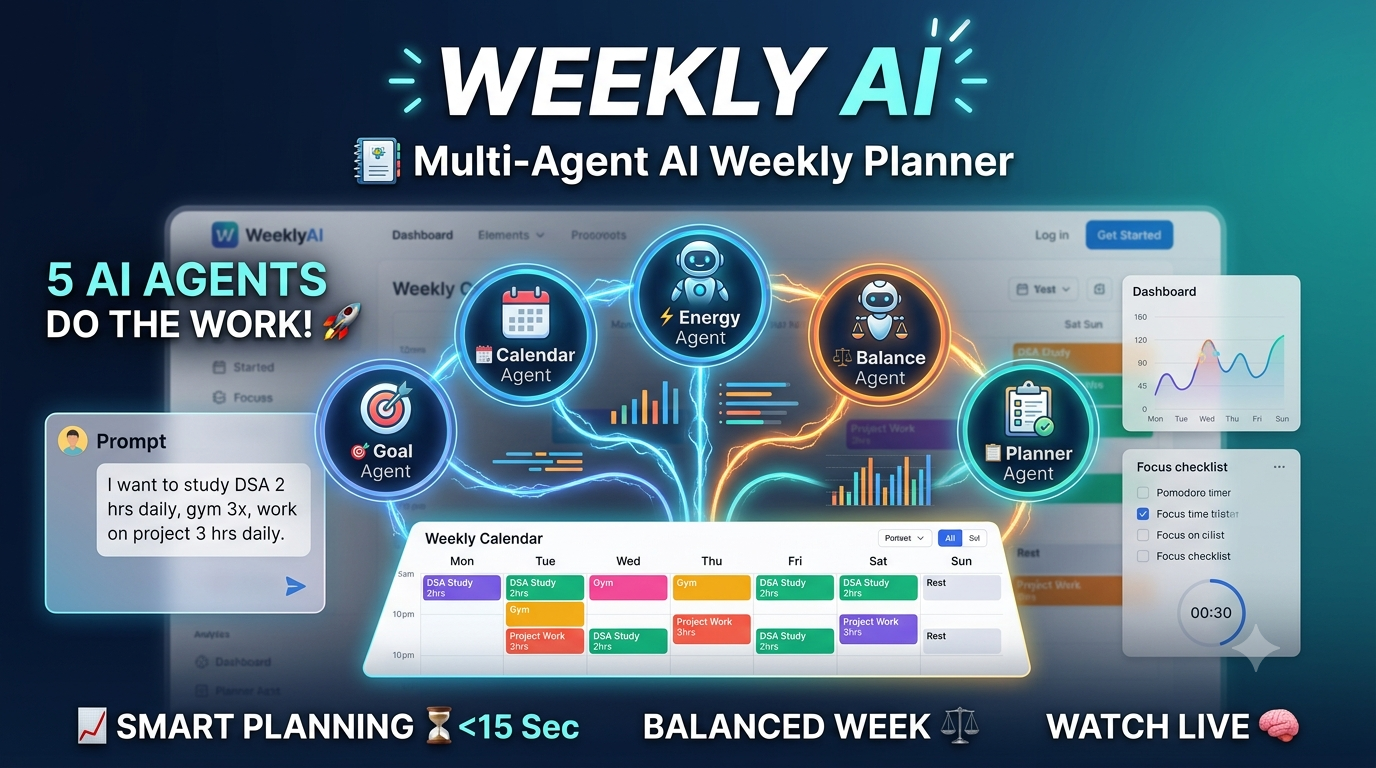
Multi-agent-AI-weekly-planner
WeeklyAI 5 AI agents collaborate in real-time to auto-generate personalized weekly schedules from plain-English goals. Built with LangGraph, FastAPI
 Web Apps
SafeNav: AI-Powered Travel Safety Platform
AI-powered travel safety platform that combines live traffic, weather, AQI, and health-aware routing with a secure encrypted document vault.
 Web Apps
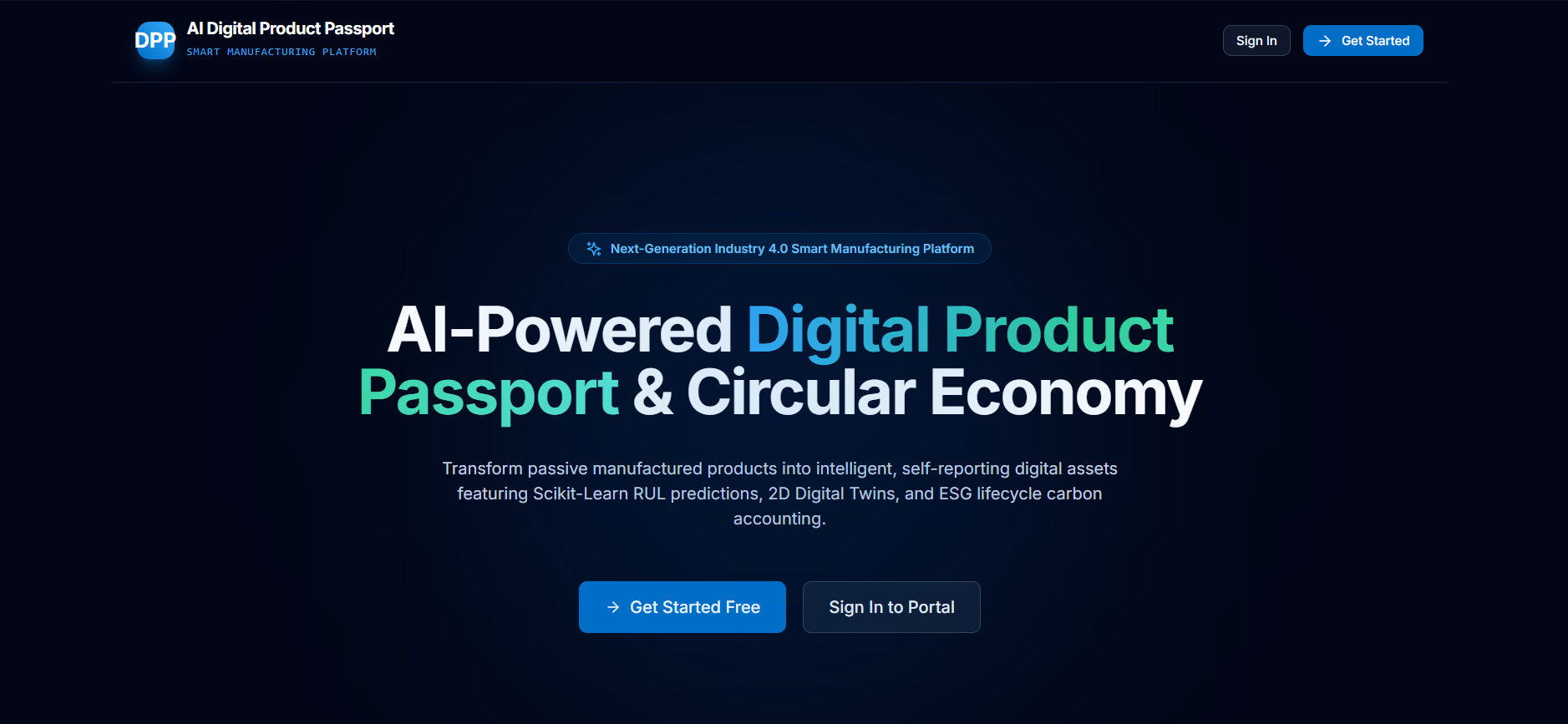
AI-Digital-Product-Passport
AI-powered Digital Product Passport platform for intelligent product lifecycle management, predictive maintenance, and sustainability.
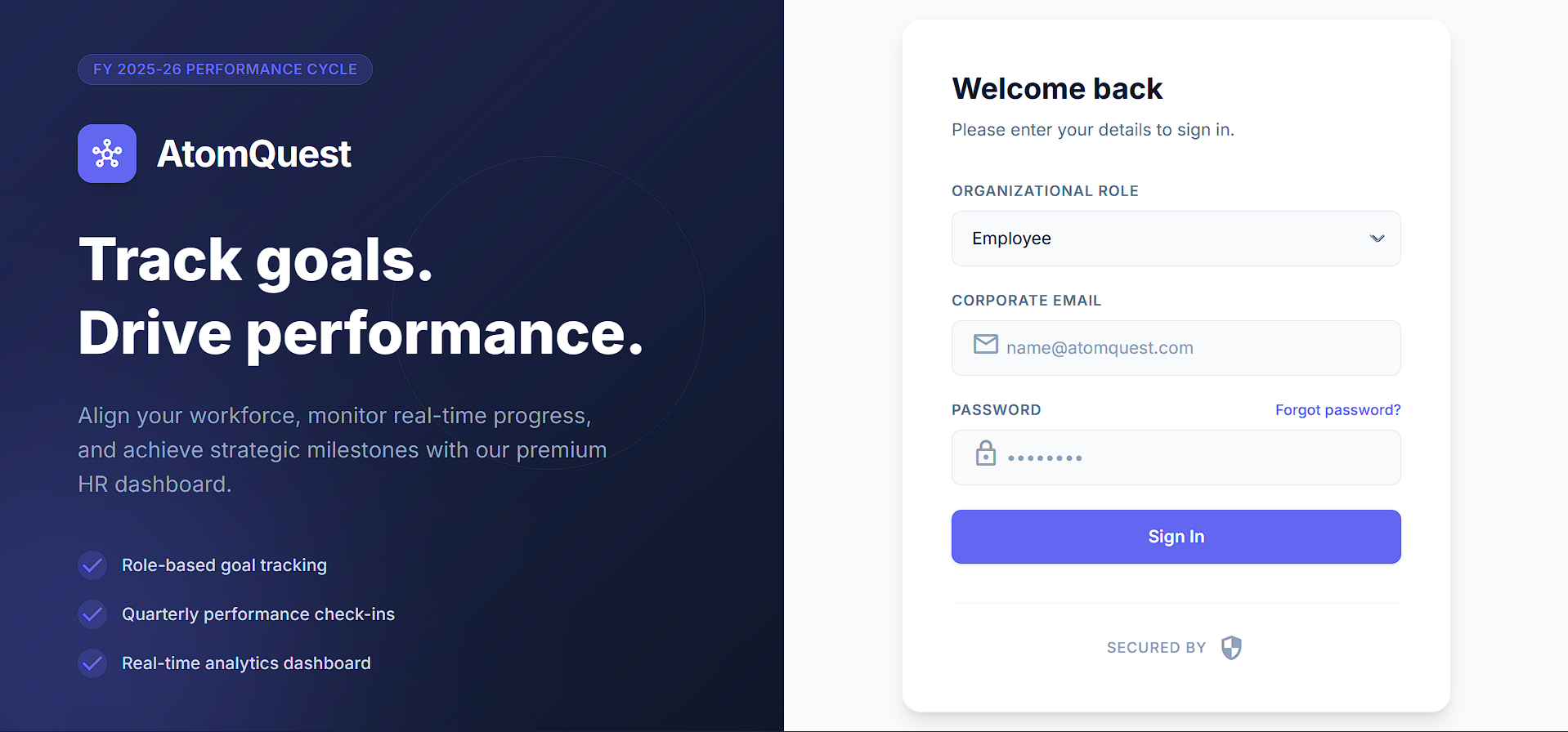 Web Apps
Full-Stack Performance Tracking Portal with Next.js & Supabase
Full-stack goal-tracking portal with role-based access, quarterly check-ins, auto-scoring, audit logs & CSV export. Built with Next.js & Supabase.