Nexus.ai
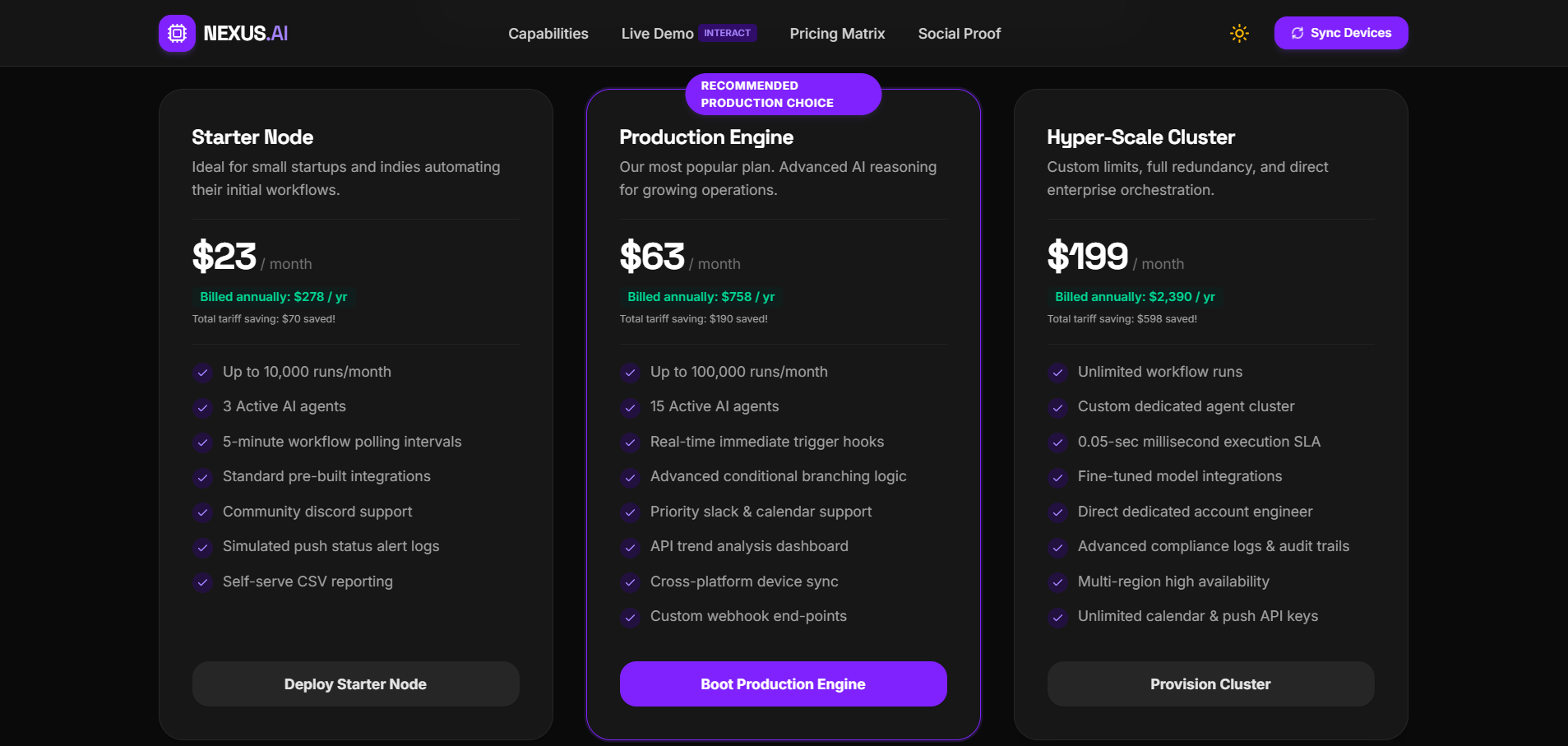
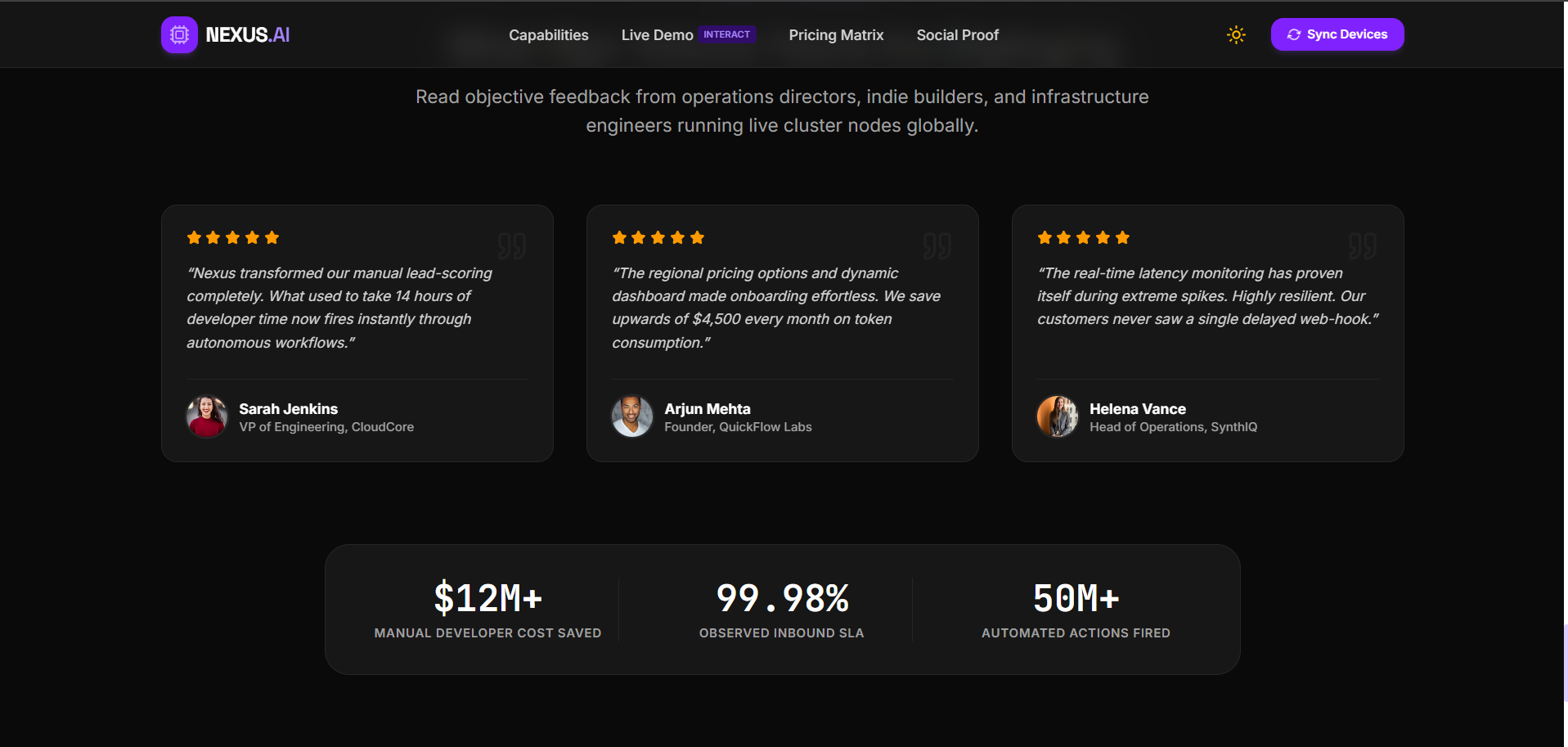
Nexus.ai — A React/TypeScript + Gemini AI-powered SaaS dashboard demo with analytics visualization, built using Vite and Tailwind CSS.
Preview Gallery
6 media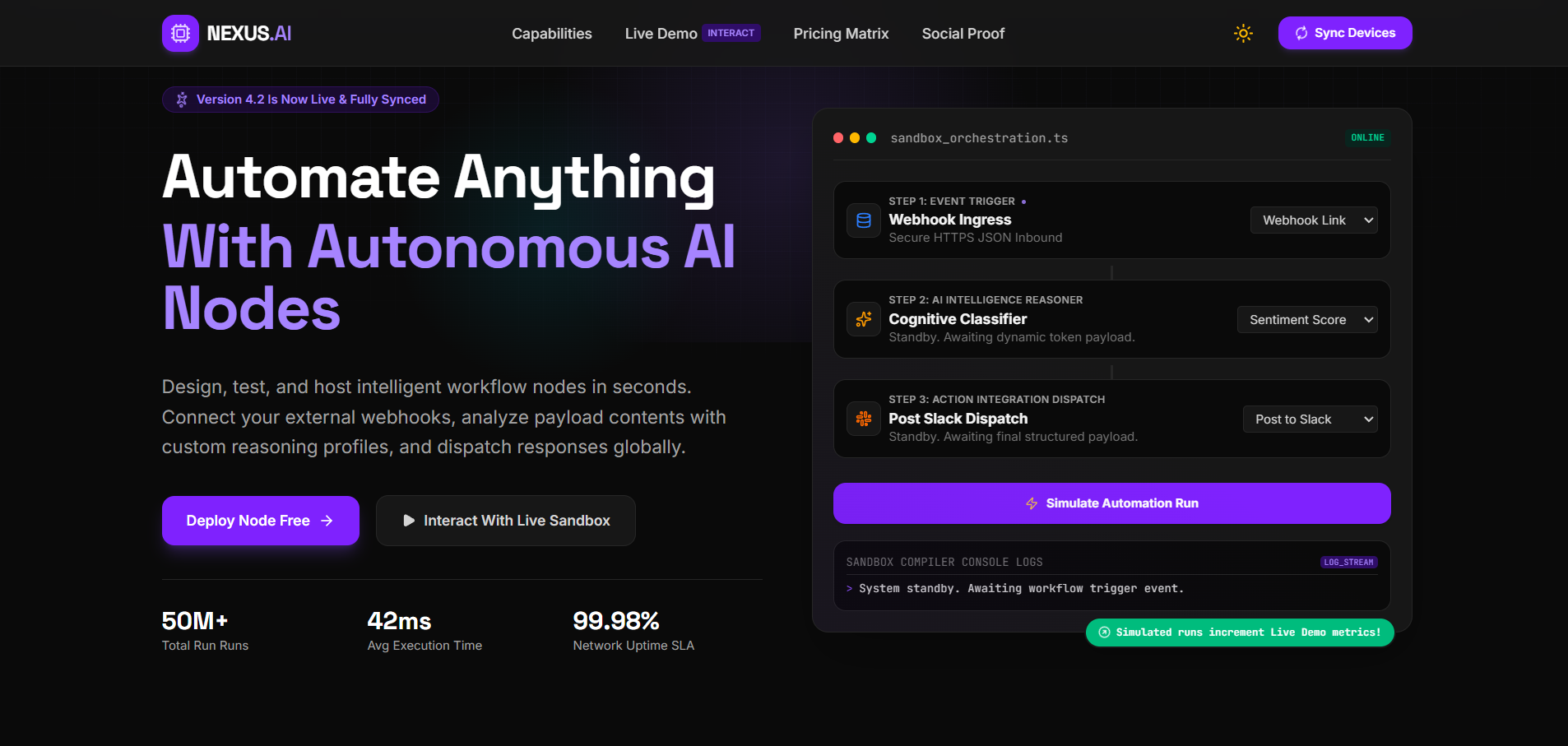
Technologies & Skills
Limited time offer
1. Source Code & Codebase Full React 19 + TypeScript frontend source code Vite build configuration (vite.config.ts) Tailwind CSS styling setup Express.js backend scaffold (minimal, not a full backend) Complete src/ folder with components and application logic Configuration files: package.json, tsconfig.json, metadata.json, .env.example 2. AI Integration (Already Wired In) Working Google Gemini AI SDK integration Environment-based API key configuration (buyer just needs to plug in their own Gemini API key) Foundation for AI-assisted responses and automation-style features 3. Working UI/UX A responsive SaaS landing page (desktop, tablet, mobile) An interactive dashboard with chart-based visualizations (via Recharts) Icon set (Lucide React) and animation/motion effects already integrated Component-based architecture that's reasonably easy to extend 4. Live Deployment Reference An existing live demo (nexus-ai-ruby-eta.vercel.app) showing the product in its current state A proven deployment path (Vite build → Vercel), which the buyer can replicate or redeploy under their own account 5. Documentation Package (if bundled with what we built) Technical Documentation (.docx) — architecture, tech stack, setup, configuration reference Project Report (.docx) — objectives, methodology, results, limitations, future scope Presentation Deck (.pptx) — 10-slide overview suitable for pitching or onboarding stakeholders Installation instructions, usage instructions, and system requirements (as covered earlier)
What's Included
Support & Customization
Resource Links
Purchase this project to unlock source and premium resources. Document/report remain secure preview-based on this page.
Project Overview
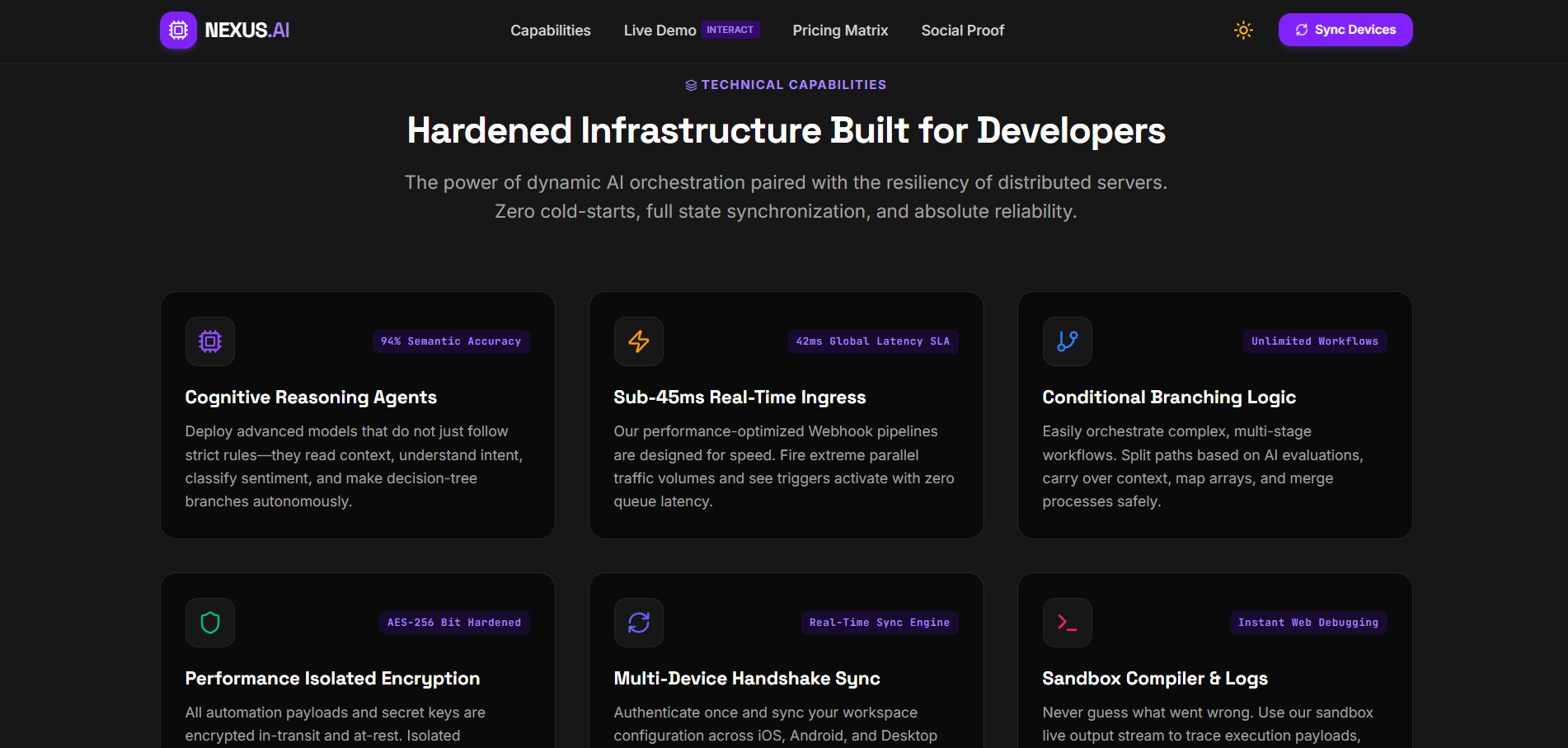
Nexus.ai (titled "AI Automation Platform" in its README) is a SaaS-style web application built by GitHub user Kartik-coder753. It's a premium-looking landing page paired with a performance dashboard, designed to showcase AI-driven automation workflows. It's live-deployed at nexus-ai-ruby-eta.vercel.app.
Core Purpose
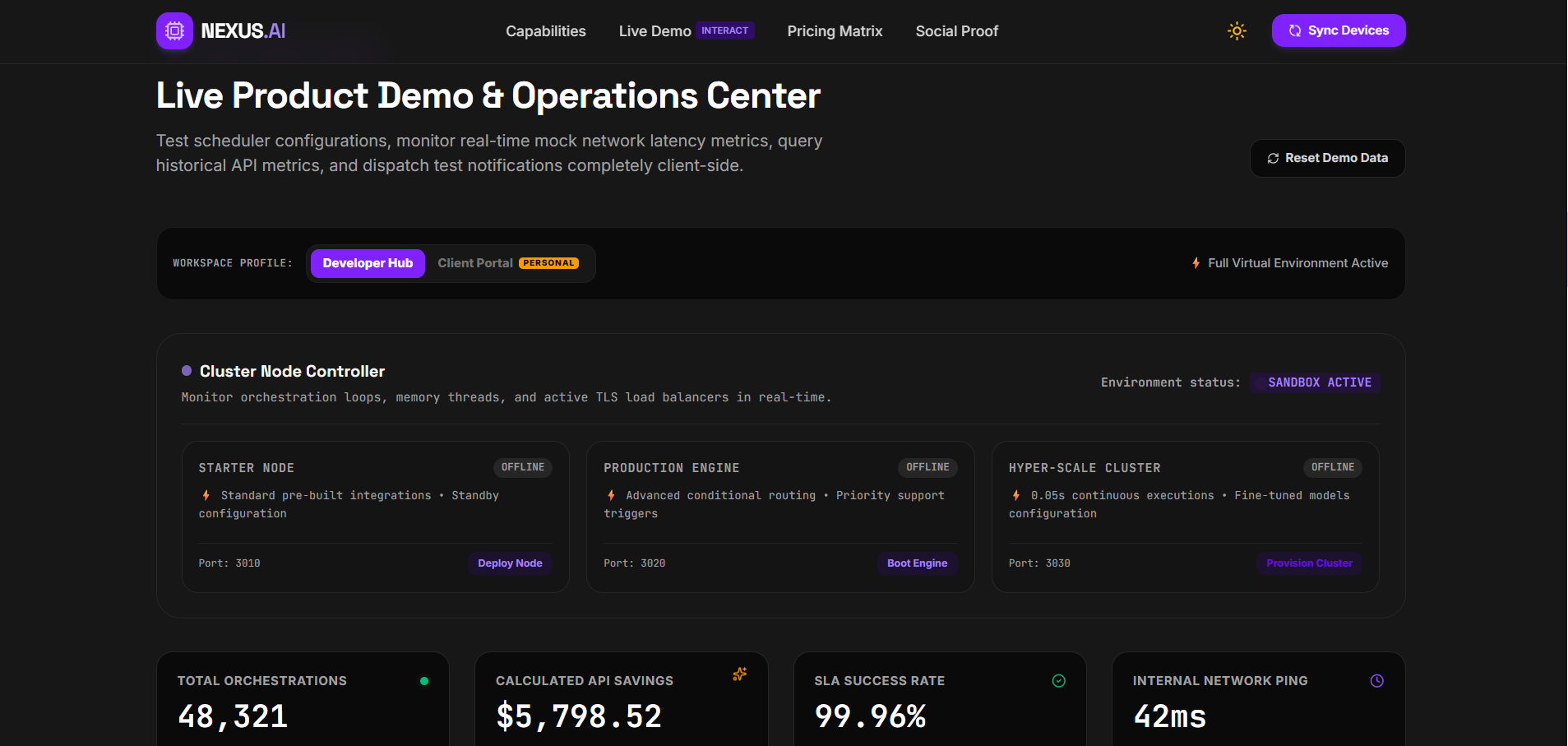
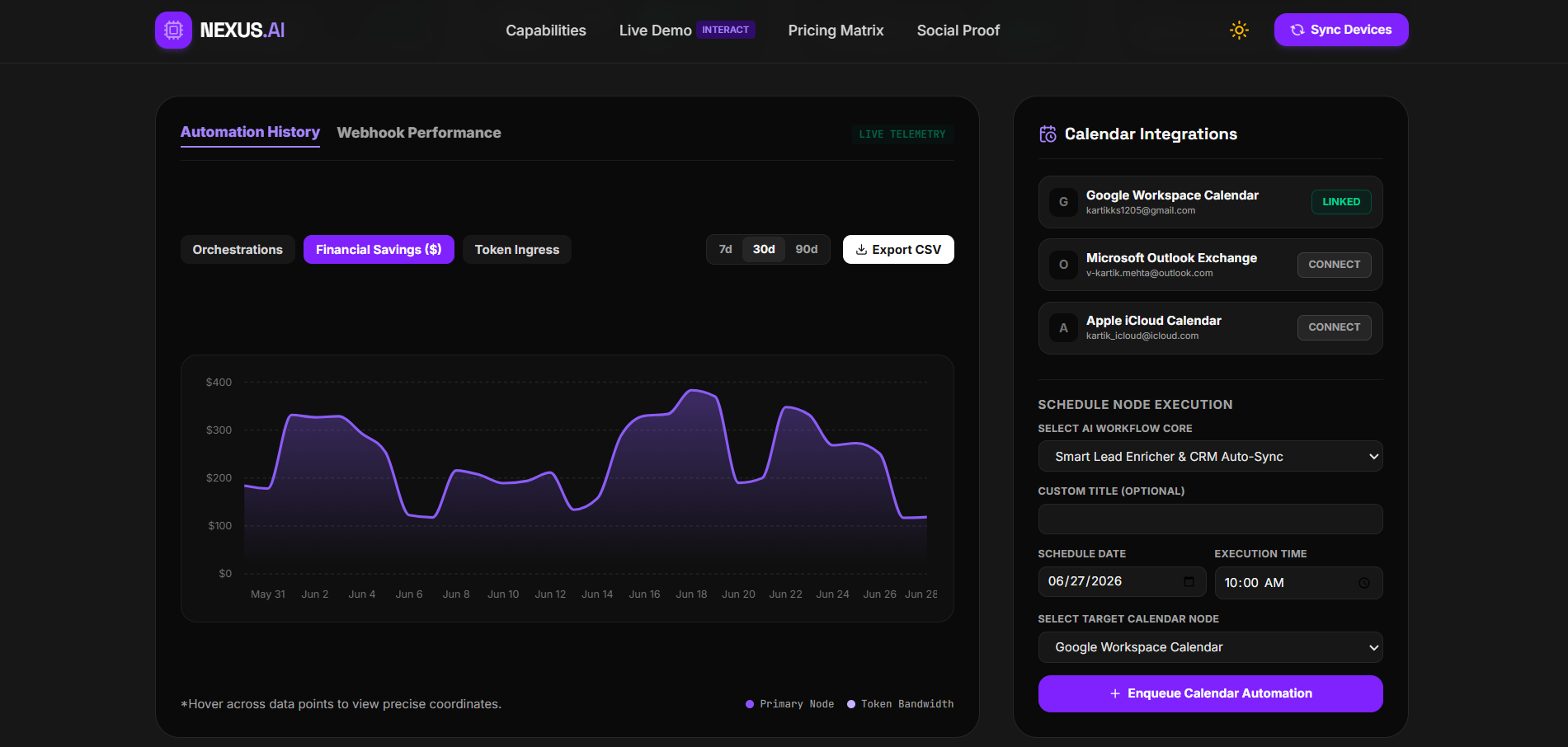
The app combines a marketing/landing page with an interactive dashboard, demonstrating how an AI automation product could look and function — including data visualization and Google Gemini AI integration for intelligent features.
Tech Stack
LayerTechnologiesFrontendReact 19, TypeScript, Vite, Tailwind CSSAIGoogle Gemini AI SDKUI/VisualizationLucide React (icons), Motion (animations), Recharts (charts)Backend supportExpress.js, environment-based config
The repo is ~99% TypeScript, indicating a fully typed, modern frontend codebase.
Key Features
- 🤖 Gemini AI API integration for AI-assisted functionality
- 📊 Interactive performance dashboard with data visualization
- ⚡ Fast dev experience via Vite + Hot Module Reloading
- 🎨 Tailwind-based responsive UI
- 🧩 Modular, component-based React architecture
Project Structure
Nexus.ai/
├── src/                  # main.tsx, components, app logic
├── index.html
├── vite.config.ts
├── metadata.json
├── package.json / package-lock.json
├── .env.example
└── README.md
Setup
- Clone the repo,
npm install - Add a
.env.localwithGEMINI_API_KEY=your_key npm run dev→ runs athttp://localhost:5173npm run build/npm run previewfor production
Current State & Limitations
- Very early-stage: only 2 commits, 0 stars/forks/watchers, no releases or packages published
- No license file beyond a note saying it's for "learning, development, and experimentation"
- No tests, CI/CD, authentication, or database mentioned
- The author lists planned future work: user auth, database integration, a visual AI workflow builder, real-time analytics, multi-agent automation, and cloud deployment pipelines
Takeaway
This looks like a portfolio/demo project — a polished frontend shell for an "AI automation SaaS" concept, currently functioning mainly as a landing page + dashboard UI with Gemini API hooks, rather than a production-ready automation platform. It's a good showcase of modern React/TypeScript/Vite/Tailwind skills plus AI API integration, but the substantive "automation engine" itself appears to be aspirational (listed under future enhancements) rather than built yet.
Future Enhancements
. Core Platform Gaps (High Priority)
AreaCurrent StateRecommended AdvancementWhy It Matters for the ClientUser AuthenticationNone — app is fully open accessAdd login/signup (email, OAuth, or SSO)Without this, there's no way to have multiple clients/users with private data — essential before any real-world rolloutDatabase IntegrationNo persistent storage; all data is session-basedIntegrate PostgreSQL, MongoDB, or FirebaseCurrently, refreshing the browser wipes all data — a real product needs data to survive sessionsBackend Automation EngineAI calls Gemini directly from the frontend; no real "automation" logic exists yetBuild an actual workflow/automation engine (trigger → action pipelines)The product is named an "automation platform" but doesn't yet automate anything — this is the biggest gap between branding and functionalitySecurity LayerAPI key handling is environment-based but calls happen client-sideMove Gemini API calls to a backend proxy (Express.js is already scaffolded for this)Prevents API key exposure in the browser and protects against abuse/cost overruns
2. Feature-Level Advancements (Medium Priority)
- Visual AI Workflow Builder — a drag-and-drop interface so non-technical users can design automations (similar to Zapier/Make), instead of automation being hardcoded
- Multi-Agent Automation — allow multiple AI agents to collaborate on a task (e.g., one agent gathers data, another summarizes, another triggers an action)
- Real-Time Analytics — replace static/sample dashboard data with live data streams (via WebSockets or polling) so the dashboard reflects actual usage in real time
- Notifications System — email/in-app alerts when automations run, fail, or complete
- Role-Based Access Control (RBAC) — different permission levels (admin, editor, viewer) once authentication is added
3. Technical & Operational Improvements (Important but Lower Visibility)
ImprovementBenefitAutomated Testing (unit + integration)Reduces bugs before they reach production; critical once the product handles real client dataCI/CD PipelineEnables safe, automatic deployments instead of manual builds — faster updates with fewer errorsError Monitoring (e.g., Sentry)Lets the team catch and fix issues proactively instead of relying on user reportsRate Limiting & Cost Controls on Gemini CallsProtects against unexpected AI API billing spikes as usage growsFormal Open-Source or Commercial LicenseClarifies legal usage rights — currently undefined beyond "for learning/experimentation"
4. Suggested Phased Roadmap
Phase 1 — Foundation (Make it production-safe)
- Backend proxy for Gemini API calls
- Basic authentication system
- Database integration for persistence
Phase 2 — Core Product Value (Make it actually "automate")
- Workflow/automation engine (trigger-action logic)
- Visual workflow builder (basic version)
- Real-time dashboard data
Phase 3 — Scale & Polish (Make it client-ready at scale)
- Multi-agent automation support
- RBAC and team/multi-user support
- CI/CD pipeline + automated testing
- Monitoring, logging, and cost controls
Phase 4 — Differentiation (Make it competitive)
- Notification system
- Integrations with third-party tools (Slack, email, calendars, CRMs)
- Usage-based analytics and billing tiers (if commercializing)
Key Takeaway for the Client
Right now, Nexus.ai is best described as a polished UI shell and AI integration proof-of-concept — strong on frontend design and demonstrating Gemini AI connectivity, but not yet a functioning automation product. The most important next investment isn't visual polish (which is already solid) — it's building the actual automation engine and backend infrastructure that the product's name promises. Everything else (multi-agent support, real-time analytics, RBAC) builds on top of that foundation.
Known Issues
Installation
Step 1 — Clone the Repository
bash
git clone https://github.com/Kartik-coder753/Nexus.ai
cd Nexus.ai
Step 2 — Install Dependencies
bash
npm install
Step 3 — Configure Environment Variables
Create a .env.local file in the project root (you can copy .env.example as a starting point):
bash
GEMINI_API_KEY=your_google_gemini_api_key
⚠️ This key is required for all AI-powered features to work. Without it, the Gemini integration will fail silently or throw errors.
Step 4 — Start the Development Server
bash
npm run dev
The app will be available at:
http://localhost:5173
Step 5 — Build for Production (Client Deployment)
To generate an optimized build that can be shared with or deployed for a client:
bash
npm run build
This creates a production-ready bundle (typically in a dist/ folder).
To preview that production build locally before handing it off:
bash
npm run preview
Step 6 — Deploy for Client Access
Since the project is already live-deployed on Vercel, the simplest path for client access is:
- Push the repo to your own GitHub account (or fork it)
- Connect it to Vercel, Netlify, or similar
- Add
GEMINI_API_KEYas an environment variable in the hosting platform's dashboard (not in code) - Deploy — the client gets a live URL (similar to
nexus-ai-ruby-eta.vercel.app)
Usage
Accessing the Application
- Local development: open
http://localhost:5173in your browser after runningnpm run dev - Production/deployed: visit the hosted URL (e.g.,
nexus-ai-ruby-eta.vercel.app)
Navigating the Platform
AreaWhat you'll findHow to use itLanding PageMarketing-style overview of the AI automation platformScroll through to view feature highlights, value proposition, and call-to-action sectionsDashboardPerformance dashboard with charts and visual analyticsView KPIs and visualizations rendered via Recharts; data updates reflect whatever is wired into the dashboard componentsAI-Powered FeaturesGemini AI-driven responses/automation promptsInteract with AI-enabled UI elements (e.g., input fields or buttons) to trigger calls to the Gemini API and view AI-generated output
Step-by-Step Usage Flow
- Load the app in your browser (local or deployed URL).
- Browse the landing page to understand the platform's positioning and features.
- Navigate to the dashboard section to view analytics and visualizations.
- Trigger an AI interaction (e.g., type a prompt or click an AI-enabled action) — this calls the Gemini API using your configured
GEMINI_API_KEY. - Review the AI response rendered back into the dashboard or relevant component.
- Resize the browser window or open on mobile to confirm responsive behavior across breakpoints.
Things to Keep in Mind While Using It
- AI features will not work without a valid
GEMINI_API_KEYset in.env.local(or in your hosting platform's environment variables). - There's no login system — anyone with the URL can access the app; treat it as a demo/staging tool, not a secured multi-user product.
- Data shown in the dashboard is not persisted — refreshing or closing the browser resets any session-based state.
- If the Gemini API key is invalid, expired, or rate-limited, AI-powered sections may fail or show errors — check your Google AI Studio account if this happens.
Stopping the Application
- Local dev server: press
Ctrl + Cin the terminal runningnpm run dev - Deployed version: no action needed on your end; it stays live until you remove the deployment from Vercel/Netlify
System Requirements
For Development (Running/Building the Project)
RequirementMinimumRecommendedNode.jsv18+v20+npmv9+Latest (bundled with Node 20)RAM4 GB8 GB+Disk Space~500 MB (node_modules + build)1 GB+ freeOSWindows 10+, macOS 11+, or any modern Linux distroSameInternet ConnectionRequired (for Gemini API calls, npm install)Stable broadbandGoogle Gemini API KeyRequired—
For End Users (Just Using the Deployed App)
RequirementMinimumRecommendedBrowserChrome 90+, Firefox 88+, Edge 90+, Safari 14+Latest version of any modern browserJavaScriptMust be enabled—Internet ConnectionRequired (for loading the app and AI API calls)Stable broadbandScreen SizeAny (responsive design)Desktop or tablet for best dashboard viewing experienceDeviceDesktop, laptop, tablet, or smartphoneDesktop for full dashboard/analytics view
Development Tooling Versions (from the project's config)
ToolVersion Used in ProjectReact19.xTypeScriptLatest stableViteLatest stableTailwind CSSLatest stableExpress.jsLatest stable (optional backend support)
Slides Open in New Tab
For better readability, slides are opened directly. Documents remain preview-only with secure backend rendering.
Showing preview pages only. Purchase for full access to all pages and complete source package.
Login for Full AccessNo Q&A available yet
Be the first to ask a question!
Ask a Question
Customer Reviews
Write Your Review
No reviews yet
Be the first to review this project!
Similar Projects
You might also be interested in these projects
 website Development
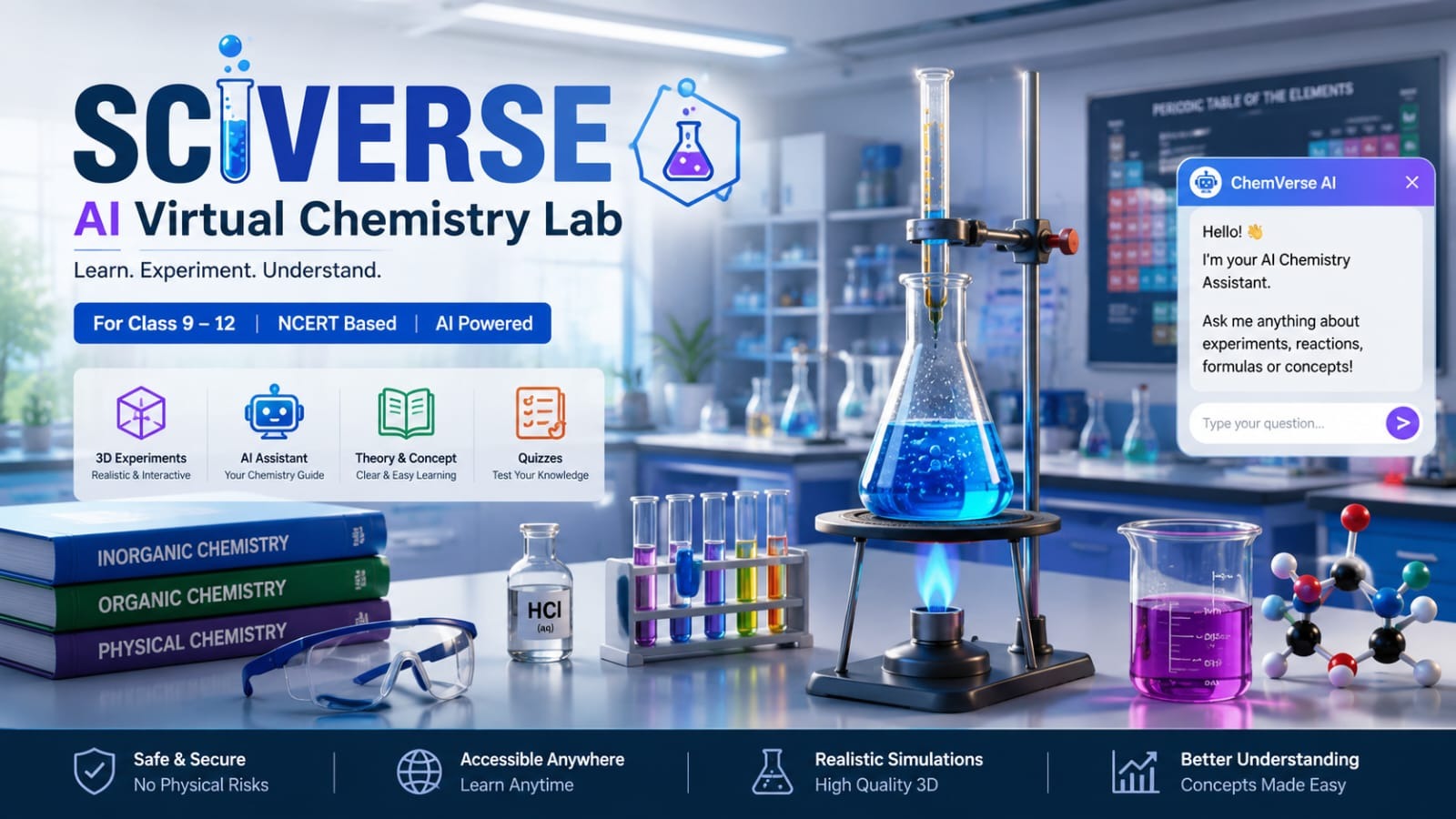
Sciverse : AI-powered virtual chemistry laboratory
An AI-powered virtual chemistry laboratory that helps Class 9–12 students perform realistic science experiments safely in a 3D environment.
 website Development
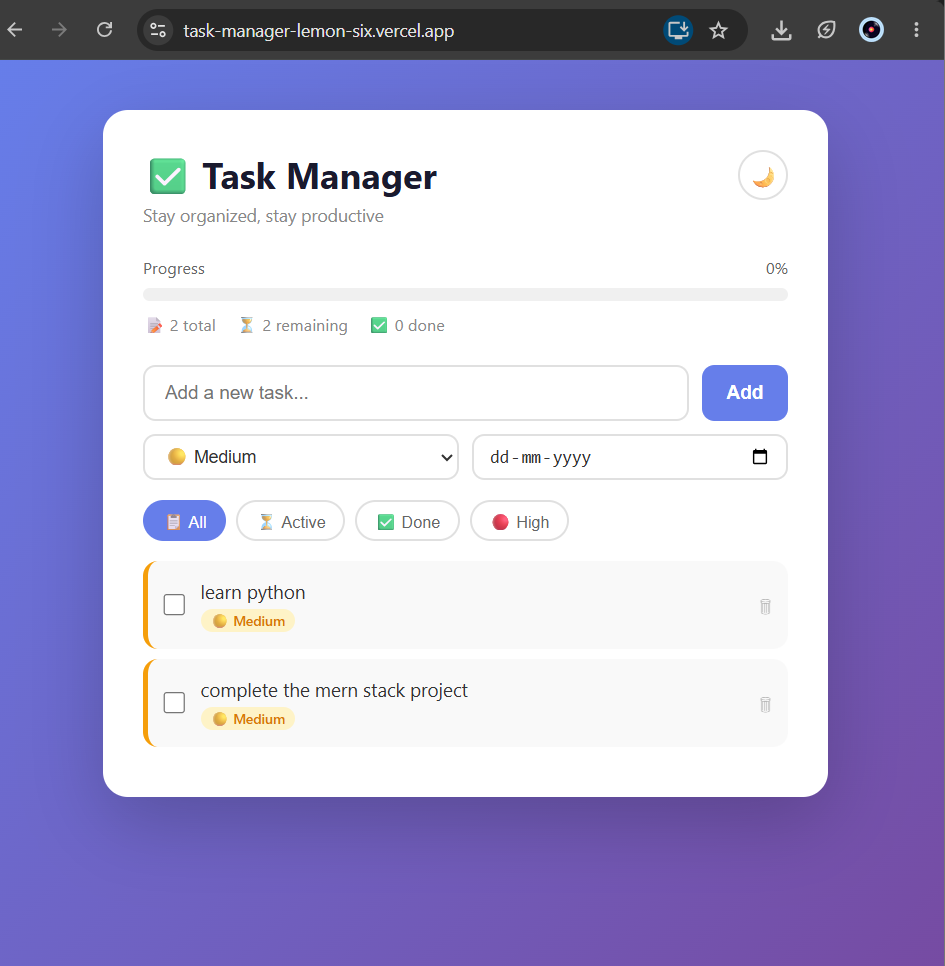
Task Manager App – MERN Stack
A full-stack Task Manager app built with MERN stack featuring priority levels, due dates, dark mode, and live deployment.
 website Development
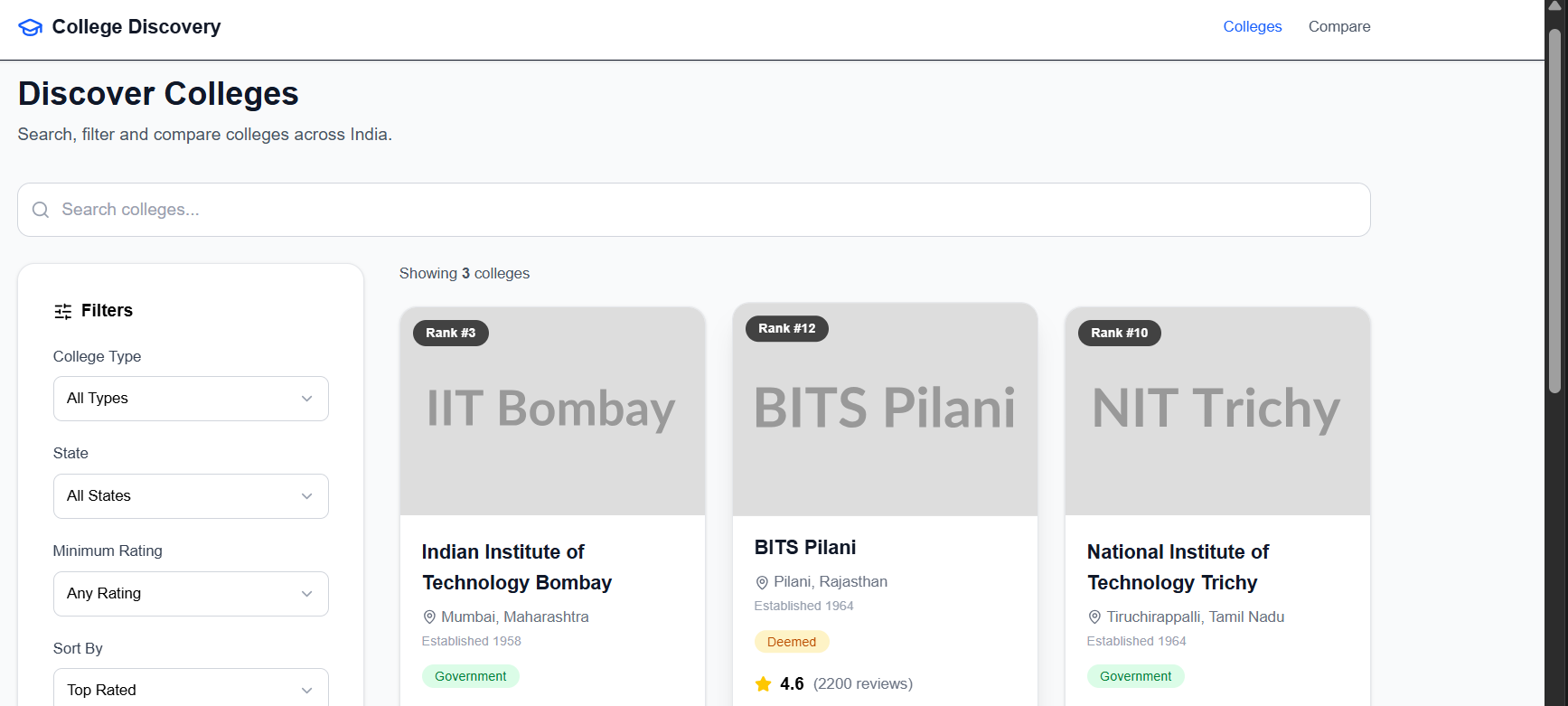
College Discovery Platform
A modern college discovery platform that helps students search, filter, explore, and compare colleges through an intuitive and responsive interface.
 website Development
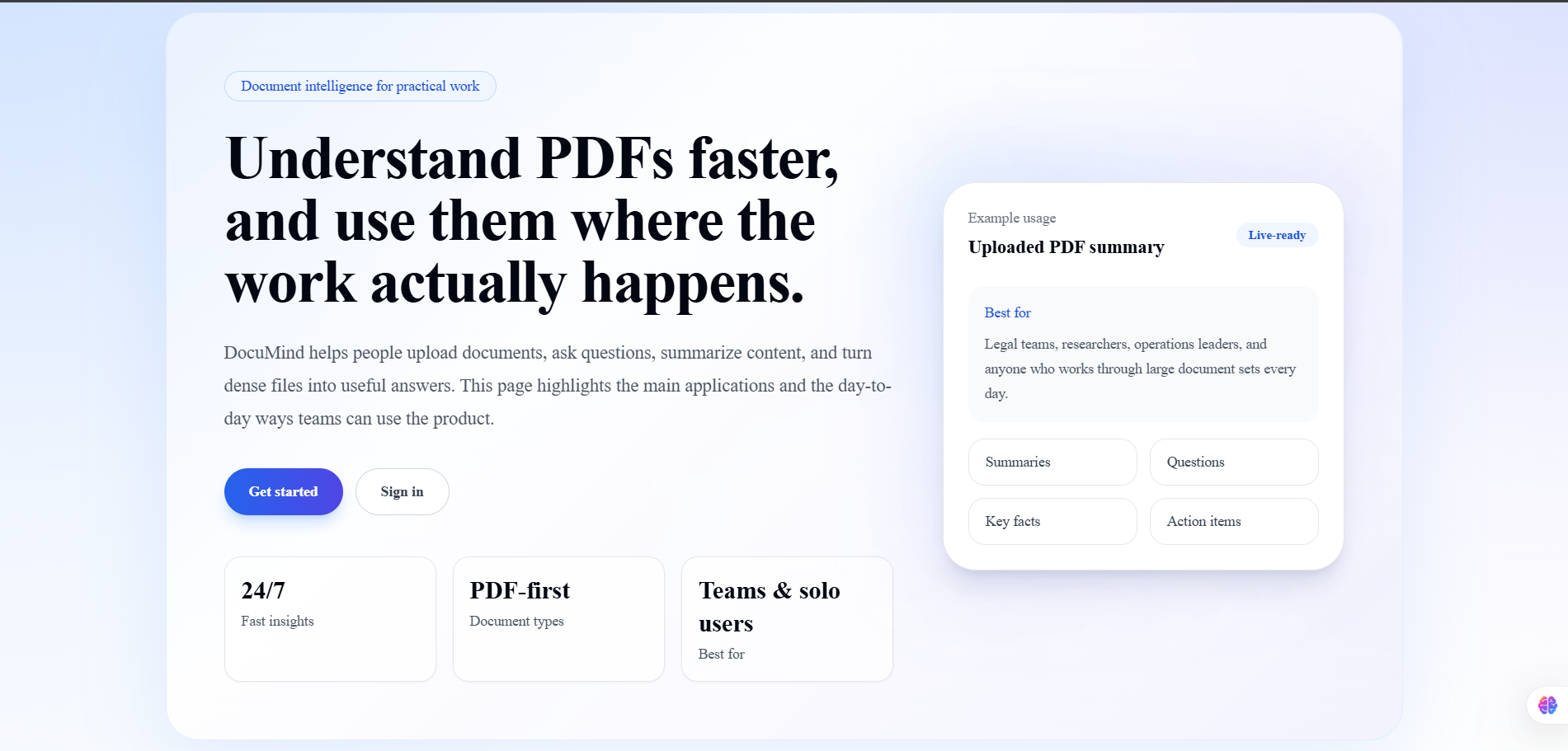
DocuMind AI
DocuMind AI is a production-ready multi-tenant SaaS platform that enables users to have intelligent conversations with their PDF documents.