Finance Dashboard
Northwind is a single-page, frontend-only finance dashboard built entirely with vanilla HTML, CSS, and JavaScript — no frameworks, libraries, or backe
Preview Gallery
4 media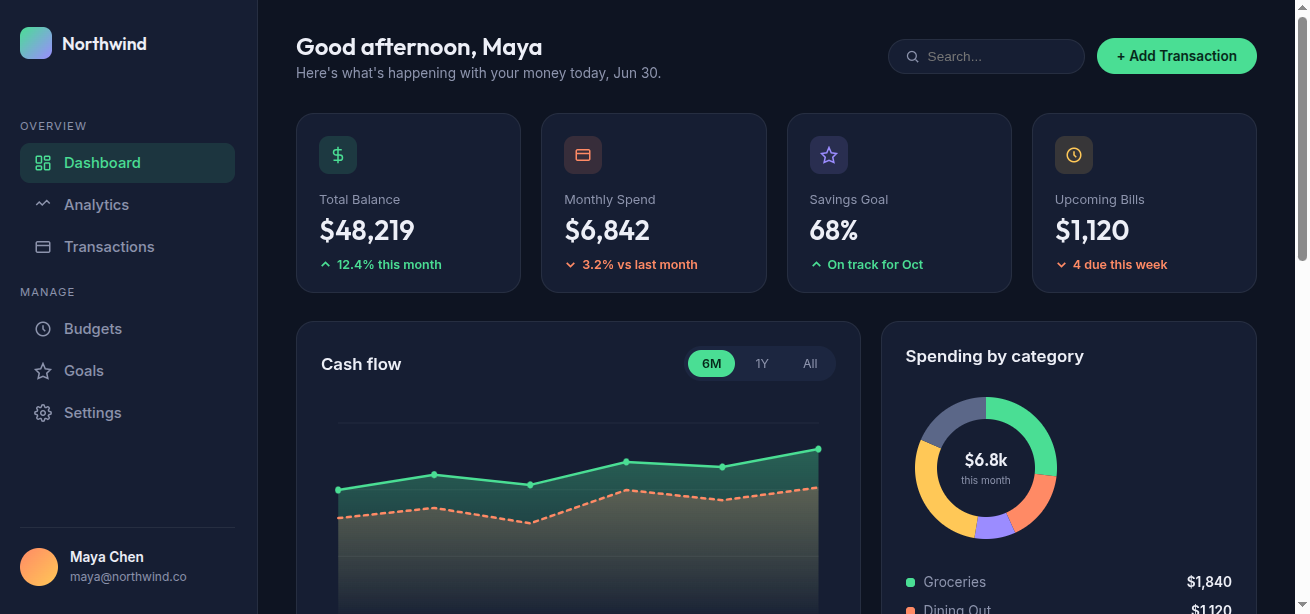

Technologies & Skills
One-time purchase
What's Included
Support & Customization
Resource Links
Purchase this project to unlock source and premium resources. Document/report remain secure preview-based on this page.
Northwind is a responsive, frontend-only personal finance dashboard that visualizes a user's financial activity — account balance, monthly spending, savings goals, and upcoming bills — through a clean, modern interface inspired by SaaS analytics tools but with a distinctive, hand-designed visual identity rather than a generic admin-template look.
The dashboard is built entirely with HTML, CSS, and vanilla JavaScript in a single self-contained file, with no external frameworks, charting libraries, or backend dependencies. All data visualizations (a cash-flow line chart and a spending-by-category donut chart) are rendered natively using SVG and computed at runtime from sample data arrays, making the charts easy to restyle or rewire to real data sources later.
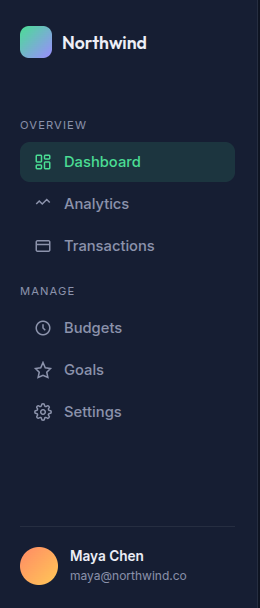
The layout adapts across breakpoints: a fixed sidebar with grouped navigation on desktop transforms into a bottom tab bar on mobile, and the stat cards, charts, and tables reflow from a multi-column grid down to a single column as the viewport narrows. Visual polish comes from scroll-triggered reveal animations, animated progress bars, hover states, and a custom navy-based color palette (mint, coral, violet, amber accents) paired with the Outfit and Inter typefaces.
The project also demonstrates a practical debugging pass — an escaped-apostrophe syntax error that silently broke the page's JavaScript was located and corrected, with the fix verified using Node's syntax checker before final delivery.
Want this written shorter (one paragraph, for a portfolio card) or more technical (stack details, file structure) instead?
Future Enhancements
Known Issues
Installation
System Requirements
- Operating System: Windows, macOS, or Linux
- Modern Web Browser:
- Google Chrome (recommended)
- Mozilla Firefox
- Microsoft Edge
- Safari
- Code Editor (optional):
- Visual Studio Code
- Sublime Text
- Notepad++
Usage
Launching the Application
- Open the project in a web browser by:
- Opening the
index.htmlfile directly, or - Running the project using Live Server in Visual Studio Code.
- Wait for the dashboard to load completely.
Navigating the Dashboard
After the application loads, users can access the following sections:
Dashboard Overview
- View the current financial summary.
- Check the total balance, monthly spending, savings, and upcoming bills through animated statistic cards.
Cash Flow Chart
- Analyze income and expense trends using the interactive SVG line chart.
- Identify financial patterns over time.
Spending by Category
- Review how expenses are distributed across different categories using the donut chart.
- Understand which categories contribute the most to overall spending.
Recent Transactions
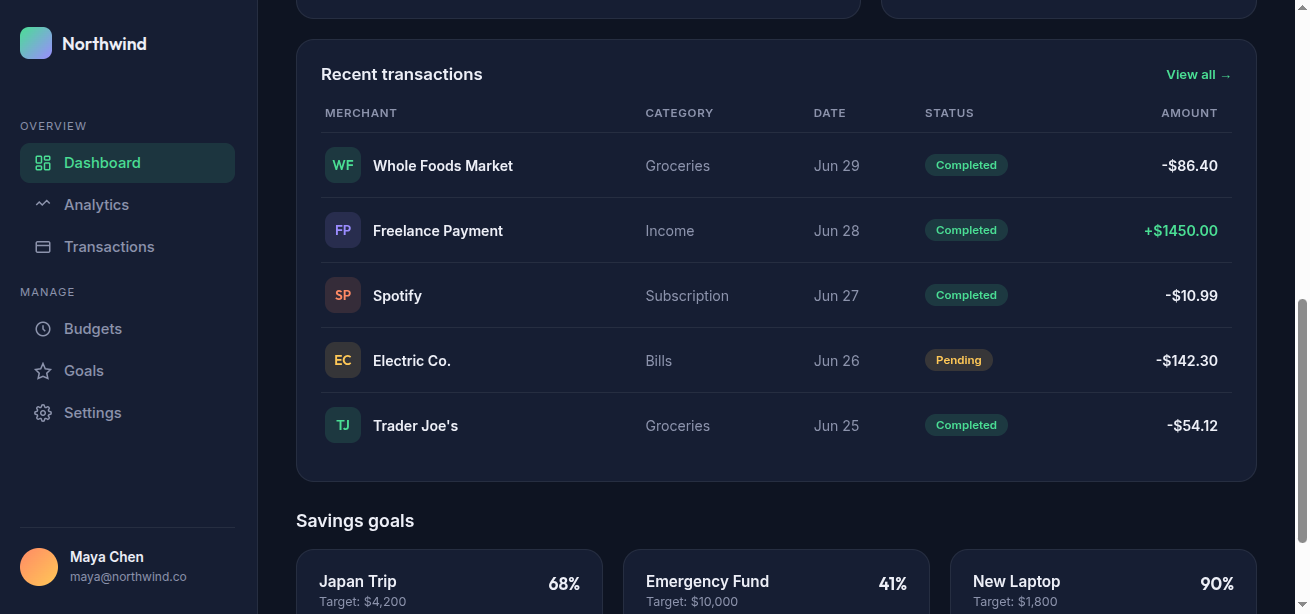
- Browse the latest financial transactions.
- View transaction details such as date, description, category, and amount.
Savings Goals
- Monitor progress toward savings targets using visual progress bars.
- Track completion percentages for each goal.
Responsive Experience
The dashboard automatically adjusts to different screen sizes:
- Desktop: Displays the full sidebar navigation and multi-column layout.
- Tablet: Reorganizes content into fewer columns for better readability.
- Mobile: Replaces the sidebar with a bottom navigation bar and stacks content vertically for easier interaction.
User Interaction
Users can:
- Navigate between dashboard sections.
- View animated statistics and charts.
- Examine transaction records.
- Monitor savings progress.
- Resize the browser window to experience the responsive layout.
- Use keyboard navigation with visible focus indicators for improved accessibility.
Accessibility Features
The application includes:
- Keyboard-accessible navigation.
- Visible focus states for interactive elements.
- Responsive layouts for various devices.
- Reduced-motion support for users who prefer minimal animations.
- High-contrast color combinations for improved readability.
Browser Compatibility
Northwind works with modern web browsers, including:
- Google Chrome
- Mozilla Firefox
- Microsoft Edge
- Safari
Notes
- This is a frontend-only application.
- No login or user authentication is required.
- No internet connection is needed after the project files have been downloaded.
- All data displayed on the dashboard is static and intended for demonstration purposes unless connected to a backend service in future enhancements.
System Requirements
ComponentRecommended RequirementProcessorIntel Core i5 / AMD Ryzen 5 or higherRAM4 GB or moreStorage500 MB free disk spaceDisplay Resolution1920 × 1080 pixels (Full HD)Internet ConnectionRequired only for downloading fonts or project updates
Slides Open in New Tab
For better readability, slides are opened directly. Documents remain preview-only with secure backend rendering.
Showing preview pages only. Purchase for full access to all pages and complete source package.
Login for Full AccessNo Q&A available yet
Be the first to ask a question!
Ask a Question
Customer Reviews
Write Your Review
No reviews yet
Be the first to review this project!
Similar Projects
You might also be interested in these projects
 website Development
Video Conferencing Platform
Built a MERN-based video conferencing platform with secure login, WebRTC video/audio calls, Socket.IO chat, and responsive UI.
 website Development
DocuMind AI
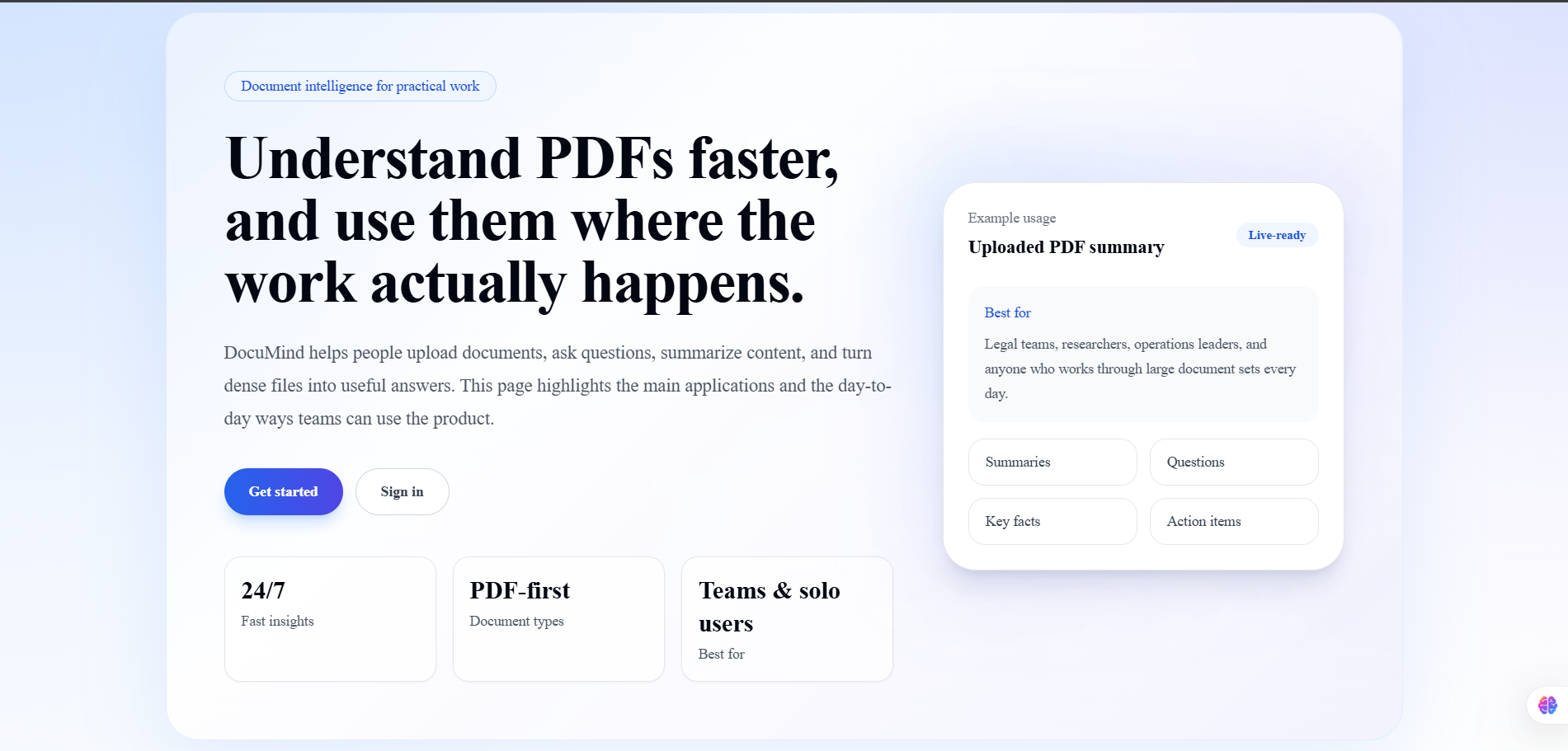
DocuMind AI is a production-ready multi-tenant SaaS platform that enables users to have intelligent conversations with their PDF documents.
 website Development
WARD MANAGMENT COMPLAINT SYSTEM
The Ward Management Portal is a centralized digital platform bringing 100% transparency to local governance. It features live complaint tracking,publi
 website Development
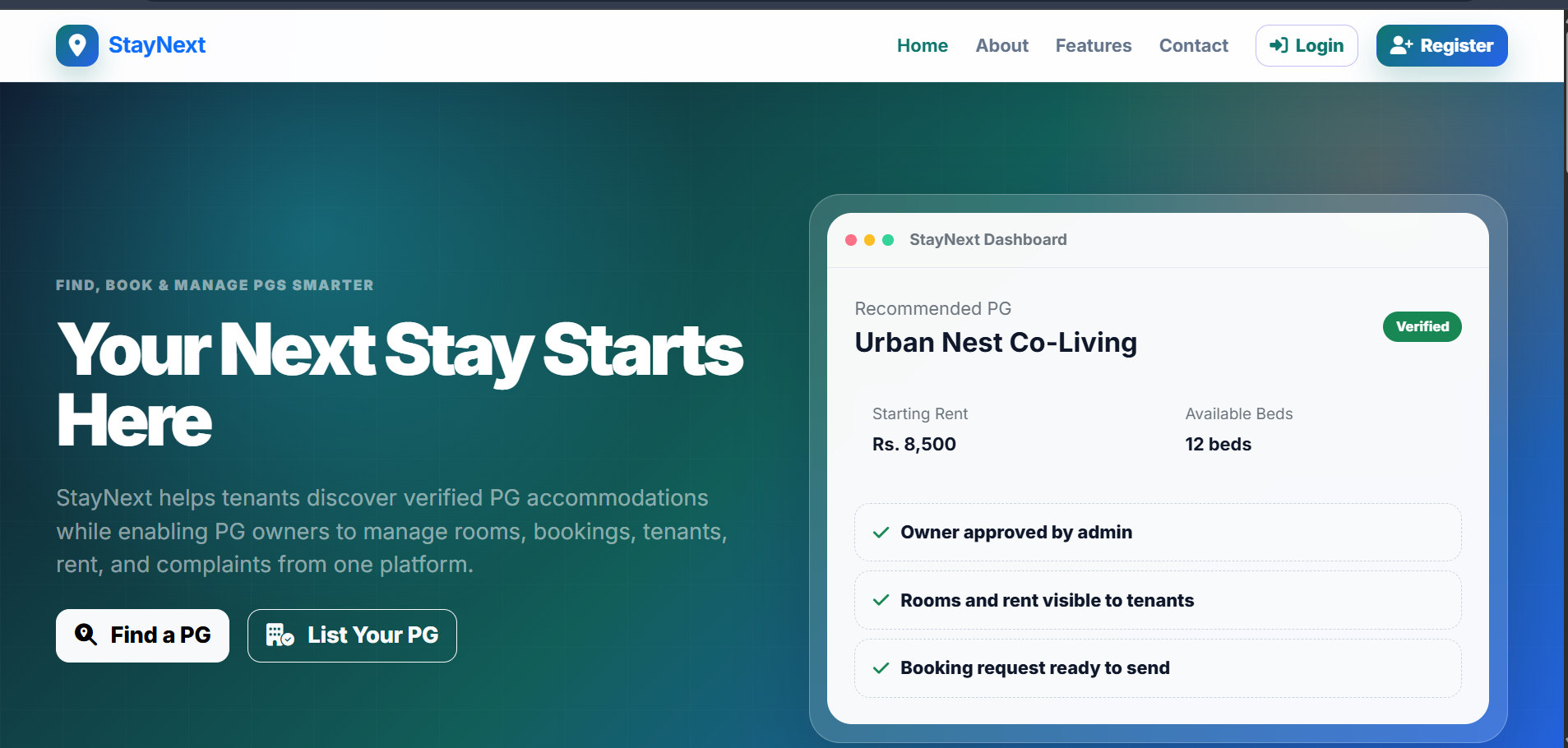
StayNext - Pg Discovery Platform
Built a full-stack PG platform where users discover PGs and owners manage listings, rooms, and tenant details.