Chanakya Shield - Network Anomaly Detection
network packet sniffer that detects anomalous traffic in real time using machine learning and visualizes network activity.
Preview Gallery
6 media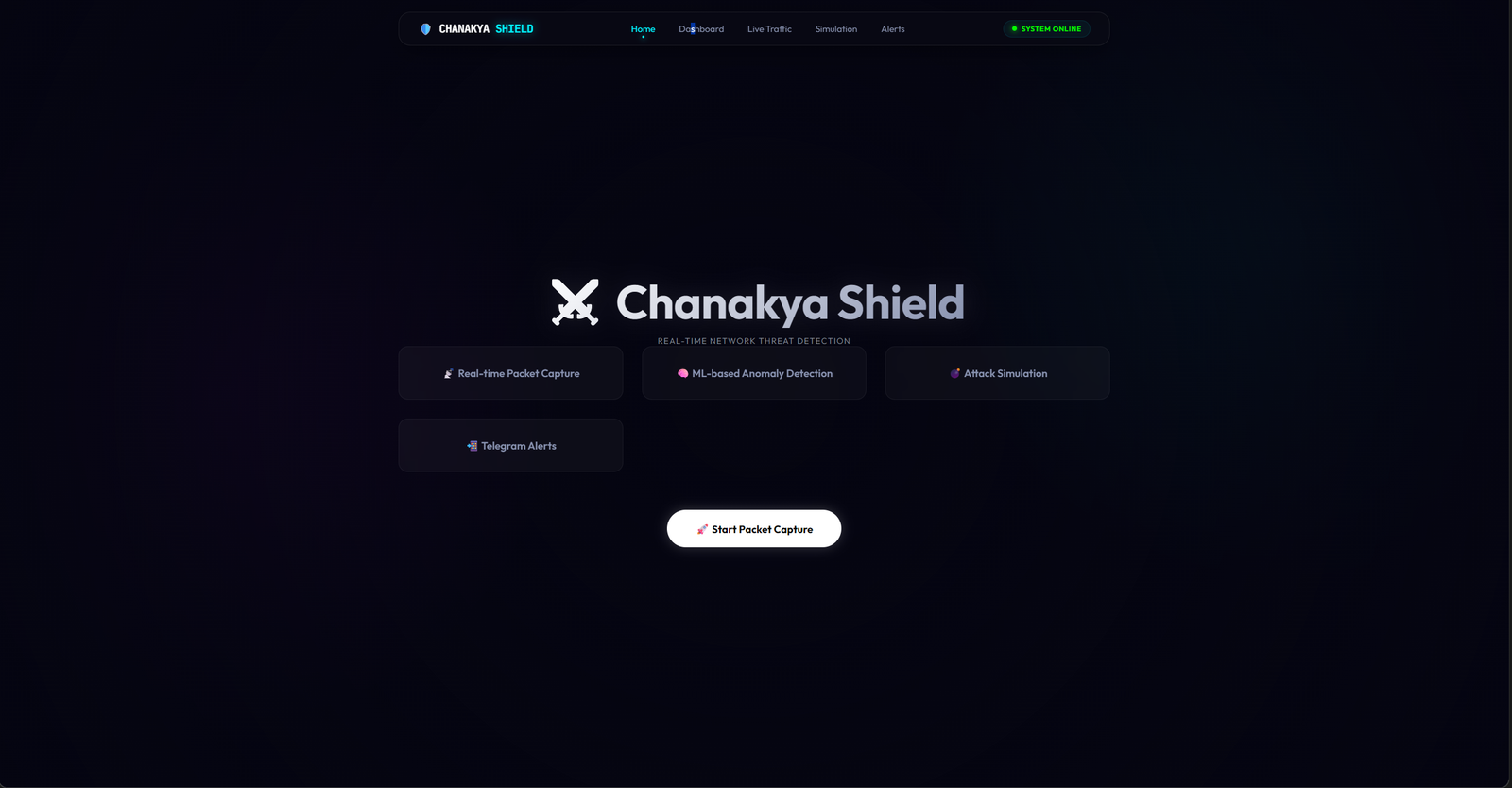
Technologies & Skills
Tags
Download at no cost
What's Included
Support & Customization
Resource Links
Chanakya Shield is an cybersecurity project that captures and analyzes live network traffic to identify suspicious activities using machine learning. Built with Python, Scapy, and Scikit-learn, it monitors packets in real time, extracts network features, detects anomalies, stores logs in SQLite, and provides an interactive dashboard for visualization. The project demonstrates how artificial intelligence can enhance network security by identifying unusual traffic patterns and supporting proactive threat detection. It is suitable for students, cybersecurity enthusiasts, and researchers who want practical experience in packet analysis, anomaly detection, and AI-driven security monitoring.
Future Enhancements
- **True Quantum Hardware Execution:** Transitioning the simulated QUBO feature selection to run natively on actual D-Wave quantum annealers.
- **Extended Protocol Support:** Expanding the deep packet inspection capabilities to handle encrypted HTTPS traffic analysis via TLS fingerprinting (JA3).
- **Cloud-Native Kubernetes Deployment:** Providing Helm charts for seamless microservice orchestration and auto-scaling the ML evaluation pods based on traffic load.
- **Automated Mitigation:** Integrating automated firewall rule generation to block malicious IPs dynamically upon detection.
Known Issues
- **Initial ML Cold Start:** The first few packet evaluations may experience slightly higher latency (~100ms) as the hybrid models (Isolation Forest + RF) load into active memory.
- **Dataset Dependency:** The attack simulation relies on the provided CICIDS2017 payload CSV. Ensure the dataset paths in the configuration are correctly mapped if moved.
- **Windows Npcap:** Live local packet sniffing requires Npcap to be installed on Windows hosts for Scapy to intercept raw sockets correctly.
Installation
## 1. Prerequisites
- Python 3.10+
- Java 17 (JDK)
- Node.js 18+ and npm
- MySQL Server 8.0+
## 2. Database Setup
1. Create a MySQL database named `packeteye`
2. Update the credentials in `.env`:
DB_HOST=localhost
DB_USER=root
DB_PASSWORD=your_password
DB_NAME=packeteye
## 3. Backend (Spring Boot)
1. Navigate to the `backend` directory.
2. Run `mvn clean install` to resolve dependencies.
3. Start the server: `mvn spring-boot:run` (Runs on port 8080)
## 4. ML Engine (Python/FastAPI)
1. Navigate to the `mlmodel` directory.
2. Install requirements: `pip install -r requirements.txt`
3. Start the FastAPI server: `python evaluation_server.py` (Runs on port 8001)
## 5. Frontend (React)
1. Navigate to the `frontend` directory.
2. Install dependencies: `npm install`
3. Start the React app: `npm start` (Runs on port 3000)
Usage
Overview
Once all three services (Backend, ML Engine, and Frontend) are running, navigate to `http://localhost:3000` in your web browser to access the Chanakya Shield dashboard.
Key Features & Operations
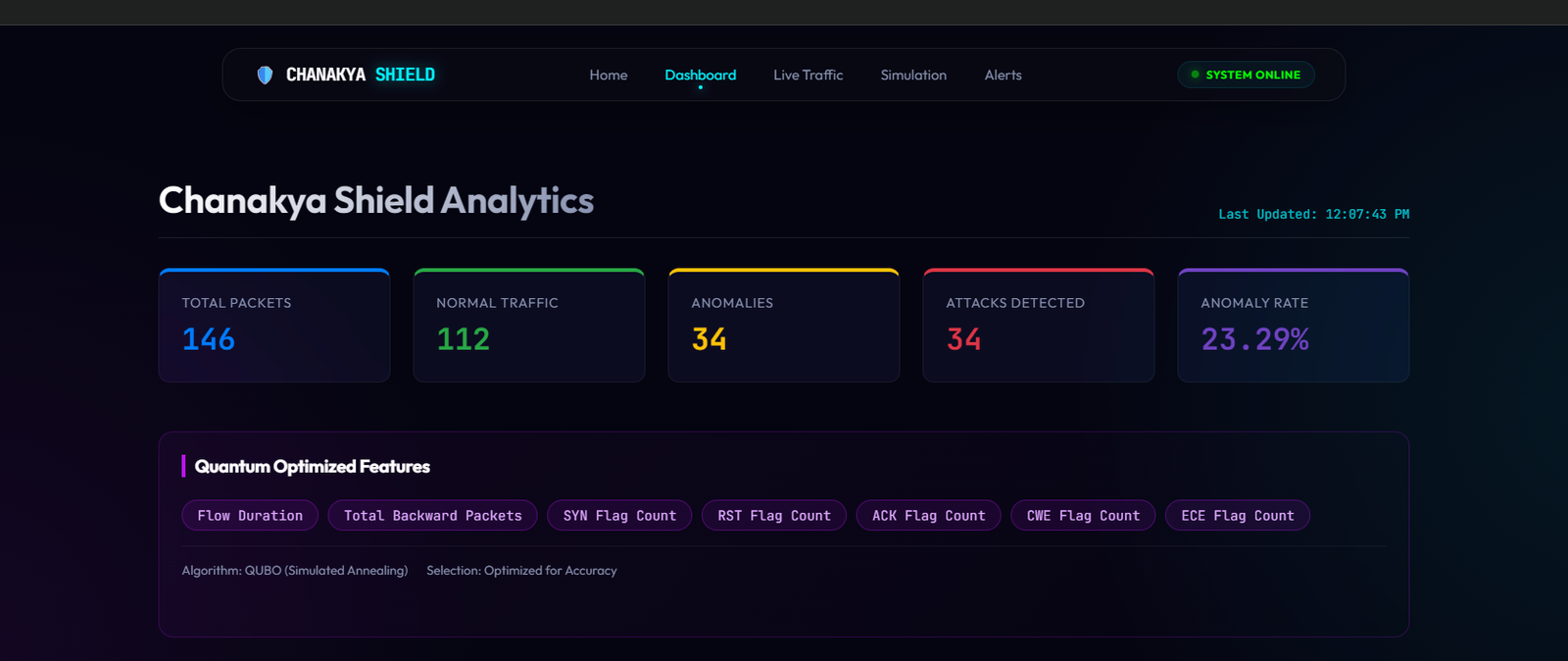
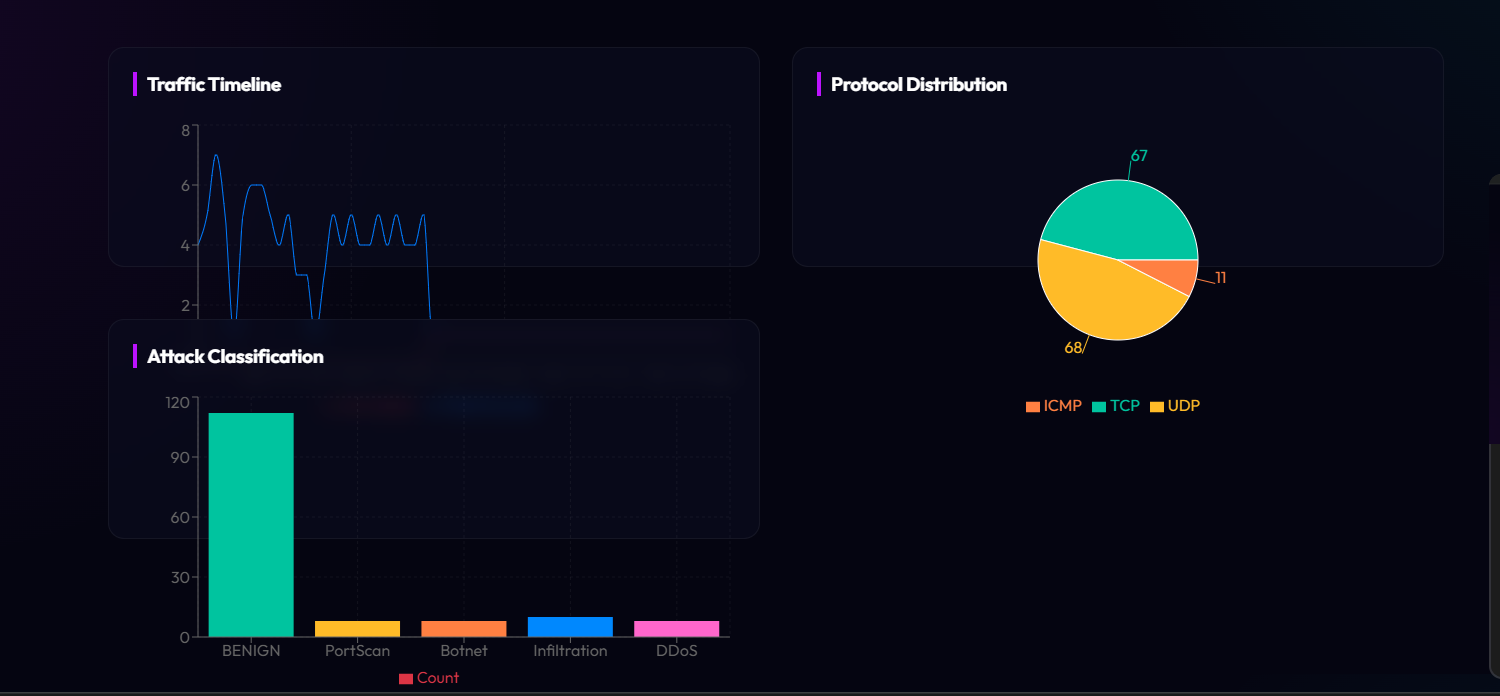
1. Live Dashboard: Monitor real-time traffic, view the traffic timeline, protocol distribution, and attack classifications natively rendered with Recharts.
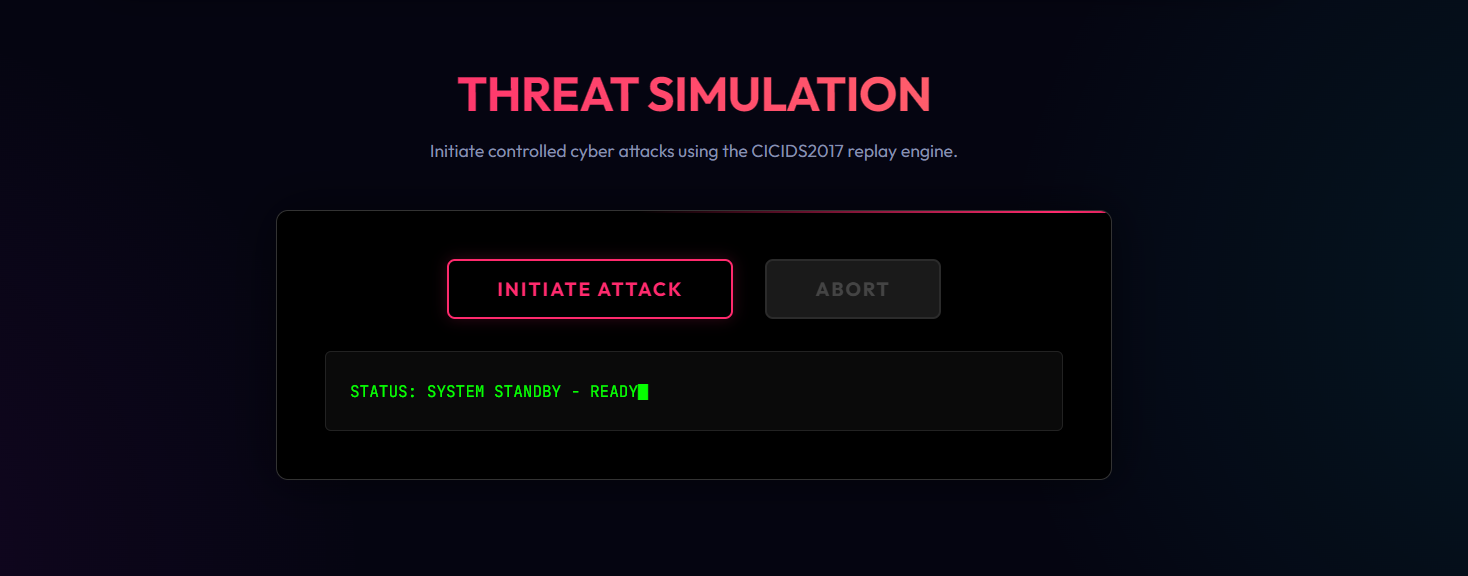
2. Threat Simulation: Navigate to the 'Simulate Attack' tab. Click 'Initiate Attack' to inject controlled malicious packets (from the CICIDS2017 dataset) and observe the ML engine detect and flag anomalies in real-time.
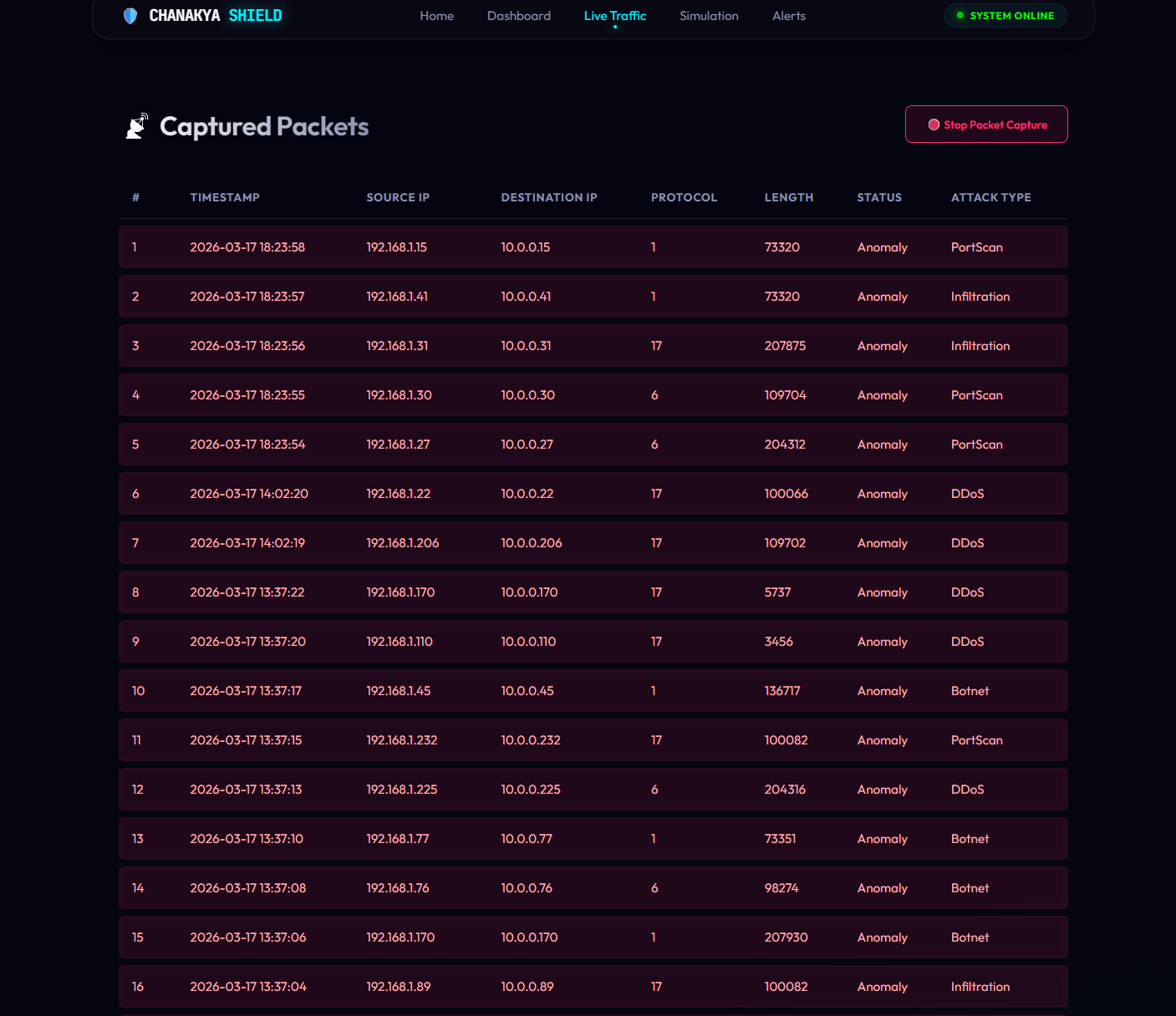
3. Packet Capture & Analysis: The ML engine automatically analyzes traffic flows, scoring them via a hybrid Quantum-Inspired Isolation Forest + Random Forest pipeline. Anomalies are highlighted in the 'Captured Packets' table.
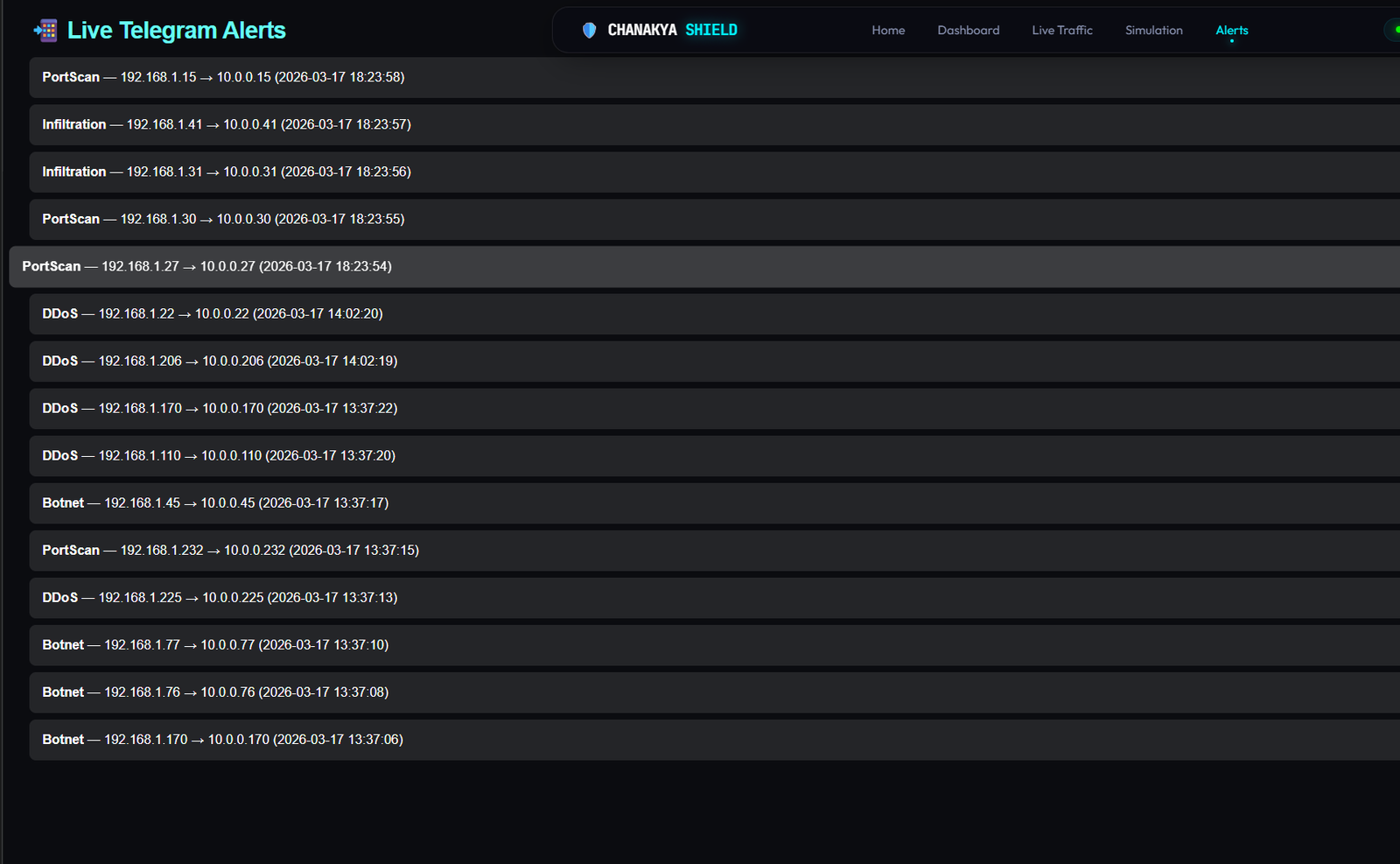
4. Telegram Alerts: Real-time threat notifications are broadcast to configured Telegram channels when high-confidence attacks are identified.
System Requirements
- Operating System: Windows 10/11, Linux (Ubuntu 20.04+), or macOS.
- Processor: Dual-core CPU (Intel i5/Ryzen 5 or better recommended for ML evaluation).
- RAM: Minimum 8GB (16GB recommended for running ML models alongside the JVM).
- Disk Space: Minimum 2GB free space.
- Software Dependencies: Python 3.10+, Java 17, Node.js 18+, MySQL 8.0+.
Slides Open in New Tab
For better readability, slides are opened directly. Documents remain preview-only with secure backend rendering.
Showing preview pages only. Purchase for full access to all pages and complete source package.
Login for Full AccessNo Q&A available yet
Be the first to ask a question!
Ask a Question
Customer Reviews
Write Your Review
No reviews yet
Be the first to review this project!
Similar Projects
You might also be interested in these projects
 Cybersecurity
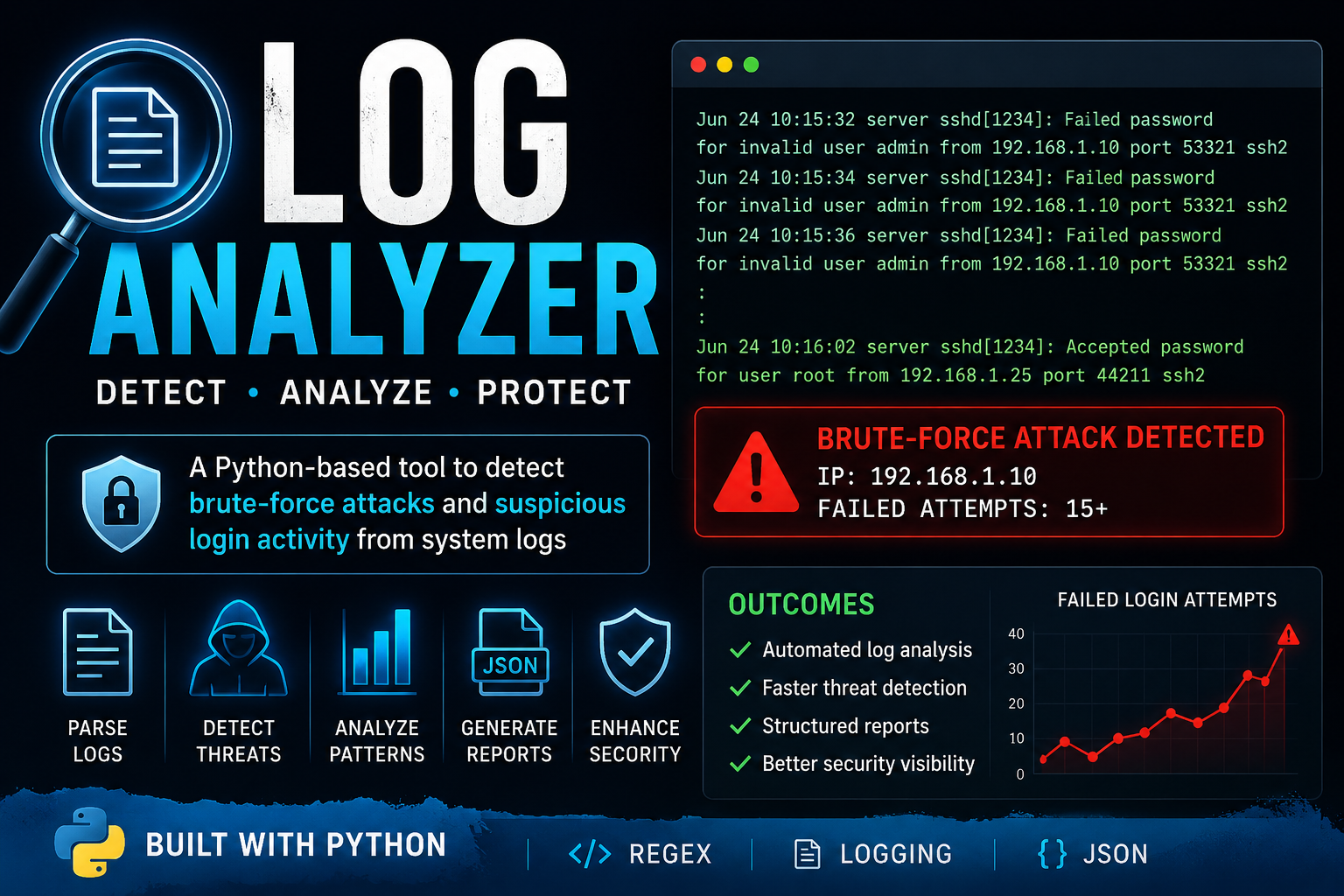
Log analyzer
Built a Python-based security log analyzer to monitor authentication logs, detect brute-force attacks and suspicious login attempts.