Log analyzer
Built a Python-based security log analyzer to monitor authentication logs, detect brute-force attacks and suspicious login attempts.
Preview Gallery
3 media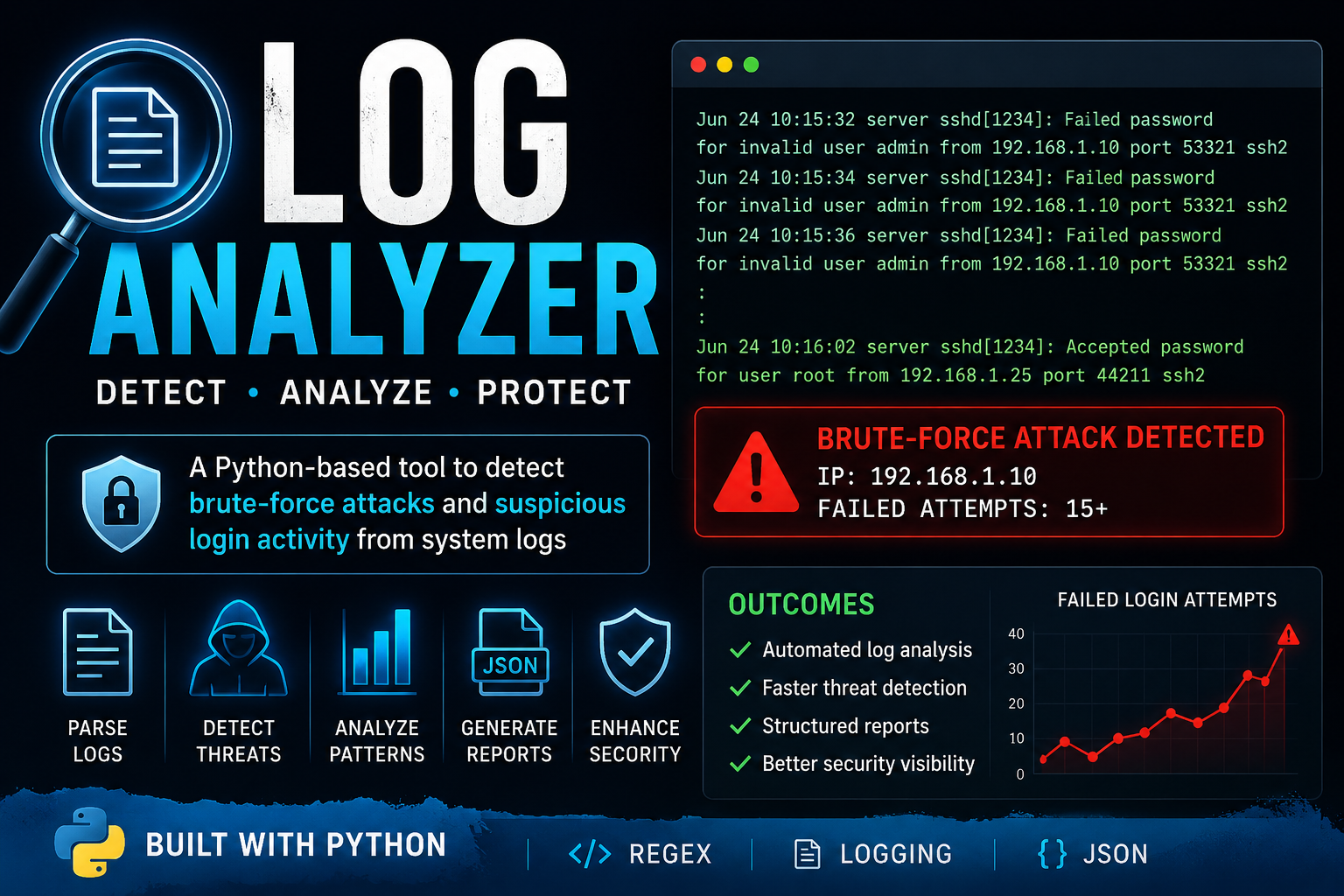
Technologies & Skills
Limited time offer
What's Included
Support & Customization
Resource Links
Purchase this project to unlock source and premium resources. Document/report remain secure preview-based on this page.
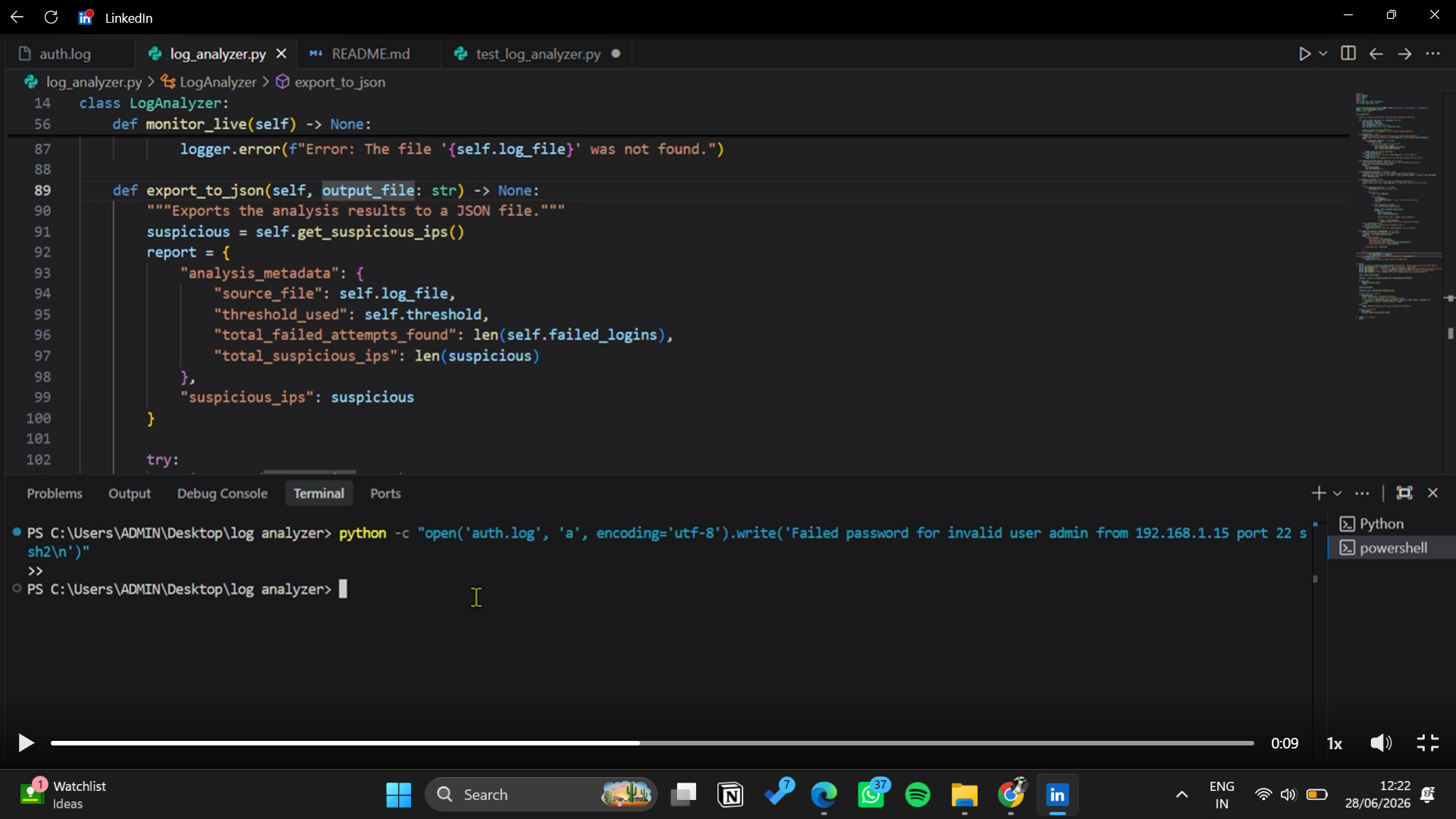
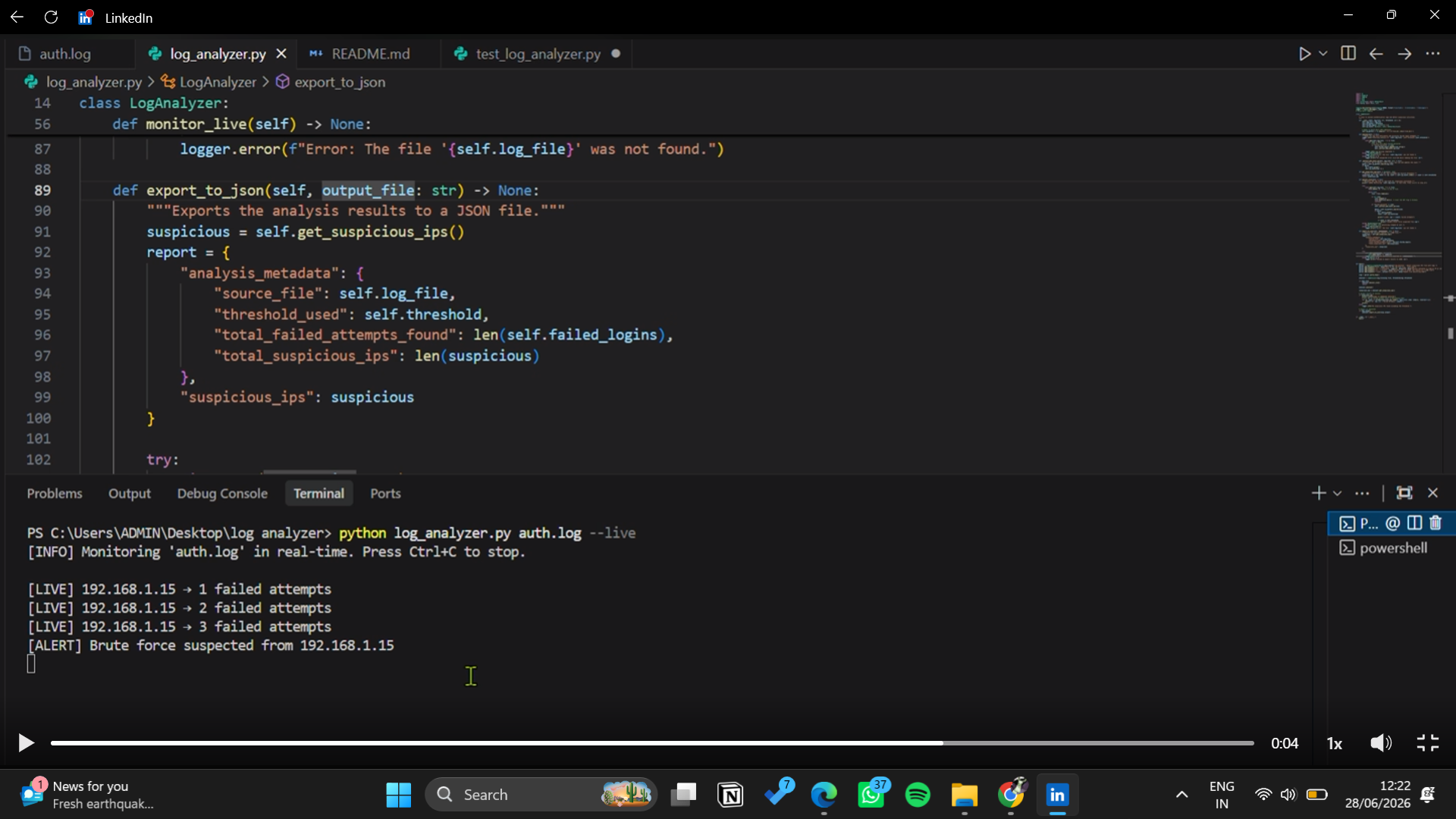
Security Log Analyzer is a Python-based cybersecurity tool designed to automate the analysis of system authentication logs and identify potential security threats. It parses log files to detect suspicious activities such as brute-force attacks, repeated failed login attempts, and unusual authentication patterns using regular expressions and configurable detection thresholds. The application generates structured JSON reports, supports detailed logging for debugging, and provides actionable security insights to assist in incident response. The project demonstrates practical knowledge of Python, file handling, regular expressions, logging, JSON processing, error handling, and basic security monitoring techniques commonly used in Security Operations Center (SOC) environments.
Future Enhancements
Real-time log monitoring using file system event listeners.
Email, Slack, or Discord alerts for detected threats.
Interactive web dashboard with charts and attack statistics.
Machine learning–based anomaly detection to identify unknown attack patterns.
Support for multiple log sources (Apache, Nginx, Windows Event Logs, SSH, etc.).
Database integration for storing historical security events.
SIEM integration with platforms like Splunk, Elastic Stack, or Wazuh.
GeoIP lookup to identify the geographical location of suspicious IP addresses.
Threat intelligence integration to check IPs against known malicious IP databases.
Containerization with Docker for easier deployment across environments.
Automated scheduled scans using cron jobs or Windows Task Scheduler.
Role-based web interface for security analysts and administrators.
Known Issues
Supports only standard Linux authentication log formats.
Cannot monitor logs in real time; analyzes existing log files only.
Detection is threshold-based and may generate false positives or false negatives.
Very large log files may increase processing time and memory usage.
Does not currently integrate with SIEM platforms such as Splunk or Elastic.
IPv6 and some uncommon log formats may not be fully supported.
Installation
Install Python 3.8 or above on your system.
Download or clone the project files.
Open the project folder in Visual Studio Code or any code editor.
Open a terminal in the project directory.
Install the required Python libraries
Place the authentication log file (e.g., auth.log) inside the project folder.
Usage
Run the Python script, provide the authentication log file, and review the generated JSON report to identify suspicious login attempts and potential brute-force attacks.
System Requirements
Python 3.8 or later
Windows, Linux, or macOS
Minimum 4 GB RAM
Any modern code editor (VS Code recommended)
Slides Open in New Tab
For better readability, slides are opened directly. Documents remain preview-only with secure backend rendering.
Showing preview pages only. Purchase for full access to all pages and complete source package.
Login for Full AccessNo Q&A available yet
Be the first to ask a question!
Ask a Question
Customer Reviews
Write Your Review
No reviews yet
Be the first to review this project!
Similar Projects
You might also be interested in these projects
 Cybersecurity
Chanakya Shield - Network Anomaly Detection
network packet sniffer that detects anomalous traffic in real time using machine learning and visualizes network activity.