AssetPulse – Integrated Asset & Equipment Management System
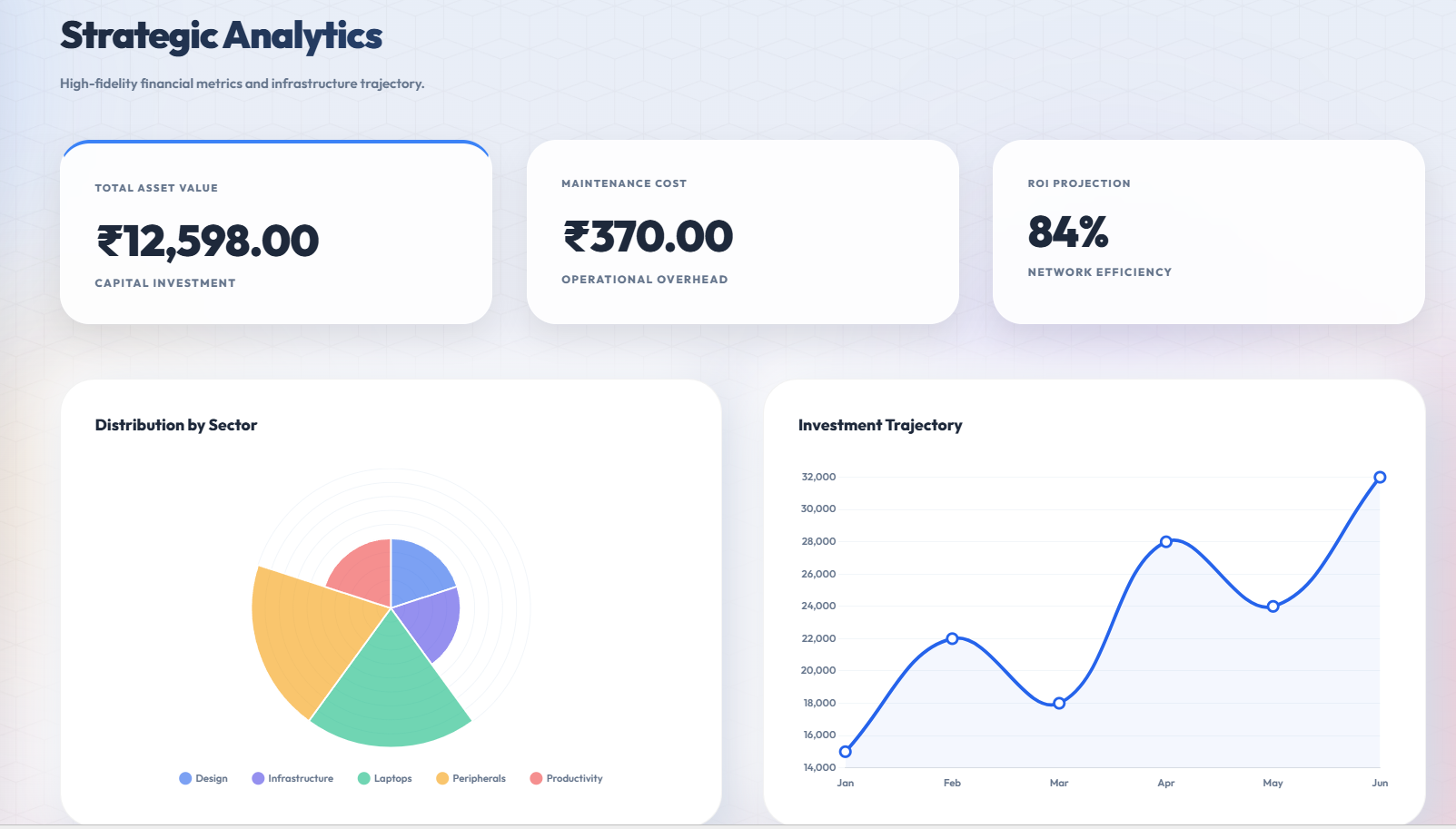
AssetPulse is an asset system using QR codes, maintenance logs, warranty alerts, role-based security, and depreciation tracking with dashboard.
Preview Gallery
6 media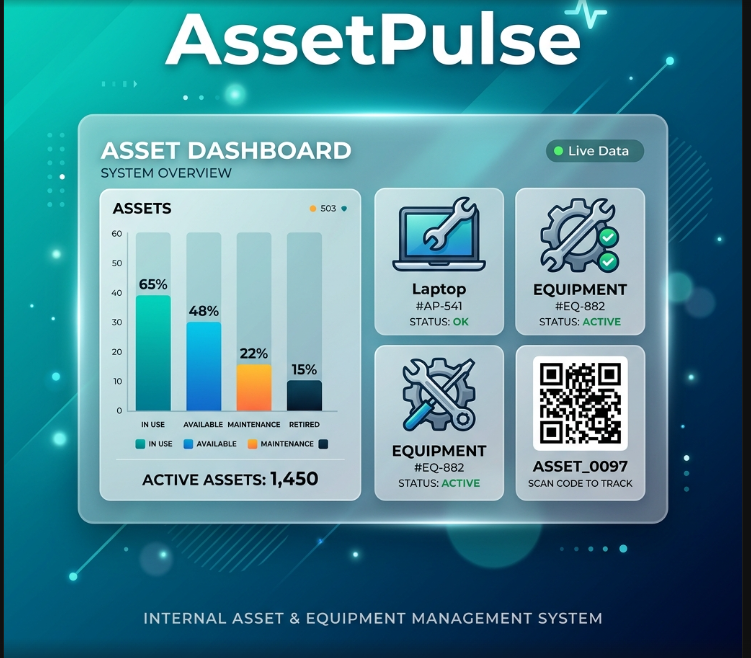
Technologies & Skills
Limited time offer
All‑in‑one solution – Covers inventory, assignments, maintenance, QR‑code lookup, warranty alerts, reporting and CSV import/export in a single web app. Time saved – Replaces dozens of manual processes; roughly 120 hours of development effort, which at market rates (~₹350/hr) equals > ₹40,000. Zero‑monthly fees – Off‑the‑shelf SaaS tools with similar features charge ₹10 k–₹25 k per month; one‑time ₹4,999 eliminates recurring costs. Secure & role‑based – Built‑in authentication, hashed passwords and RBAC protect sensitive asset data. Ready to deploy – Includes installation guide, demo data, and a polished UI; the client can start using it immediately.
What's Included
Support & Customization
PostgreSQL database migration, SSO (OAuth2) integration, mobile‑responsive redesign
Resource Links
Purchase this project to unlock source and premium resources. Document/report remain secure preview-based on this page.
Project: AssetPulse – Integrated Asset & Equipment Management System
- Purpose – A web‑based system for managing an organization’s assets and equipment, handling everything from inventory tracking to assignment, maintenance, warranties, and reporting.
- Technology stack – Built with Python 3 and Flask, using SQLite as the default database via SQLAlchemy ORM. The UI is rendered with Jinja2 templates and styled with Bootstrap; background tasks (e‑mail alerts) run on APScheduler.
- Core components
app.py– Initializes the Flask app, configures extensions (SQLAlchemy, Flask‑Login, Flask‑Mail, APScheduler), defines all route handlers and helper functions such as QR‑code generation and notification aggregation.models.py– Declares the data schema:- User (authentication, role‑based access control)
- Vendor (suppliers of assets)
- Employee (people who can be assigned assets)
- Asset (the main inventory item, with fields for name, type, category, serial number, purchase info, warranty, location, status, image, vendor, depreciation, disposal details)
- AssetAssignment (links assets to employees, tracking assign/return dates)
- Maintenance (service records, cost, description, status)
- AssetRequest (employees can request new assets)
- AuditLog (records every user action for compliance)
- SystemSetting (global configuration such as company name and logo)
extensions.py– Instantiates the SQLAlchemy object and any other Flask extensions.seed_data.py– Optional script to populate the database with demo data.setup_db.py– Helper that creates the SQLite file and runs the migrations.- Key features
- User authentication – Secure login with hashed passwords; the first registered user automatically becomes an Admin.
- Role‑based access control – Admins have full access, Managers can add/edit assets and vendors, Employees can view their own assigned assets.
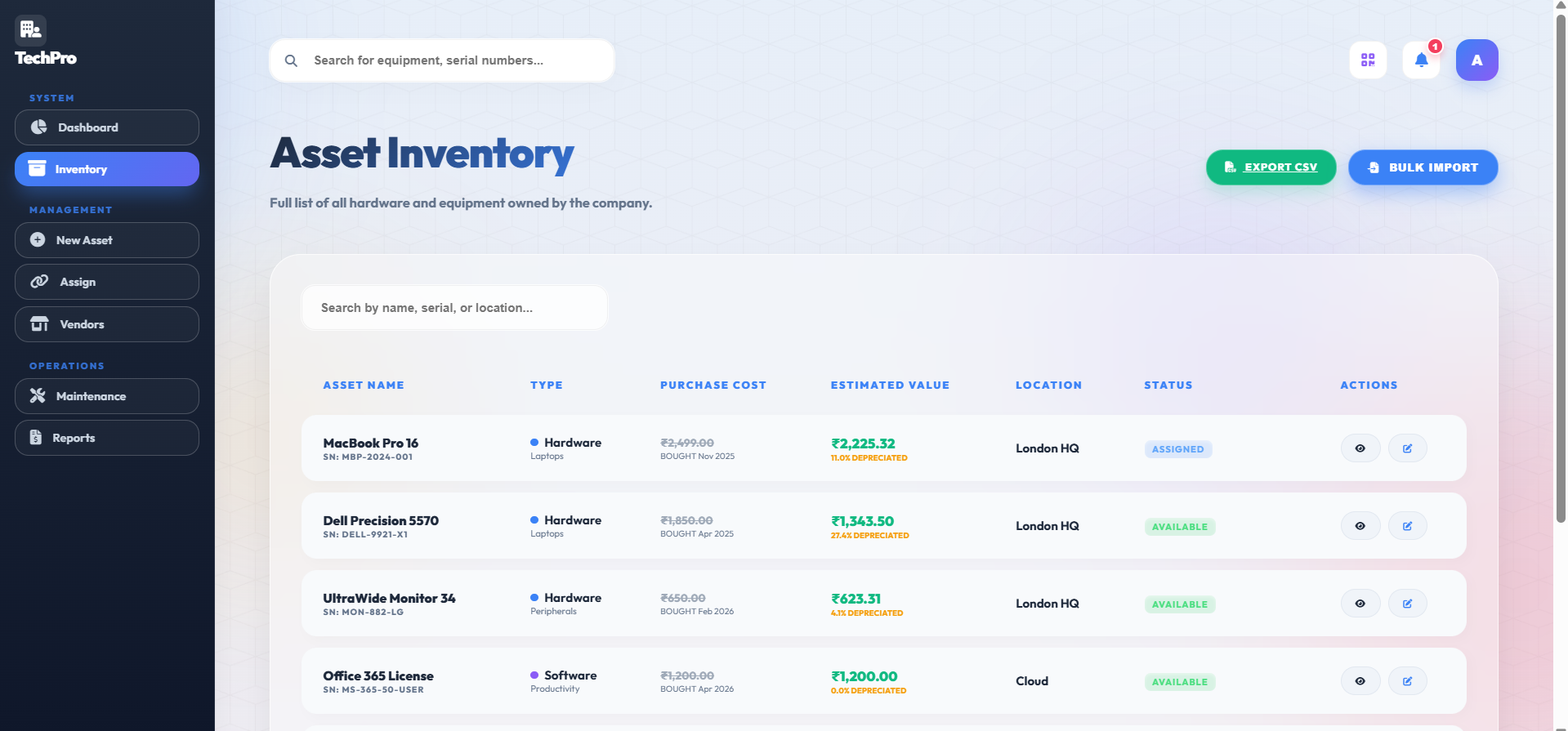
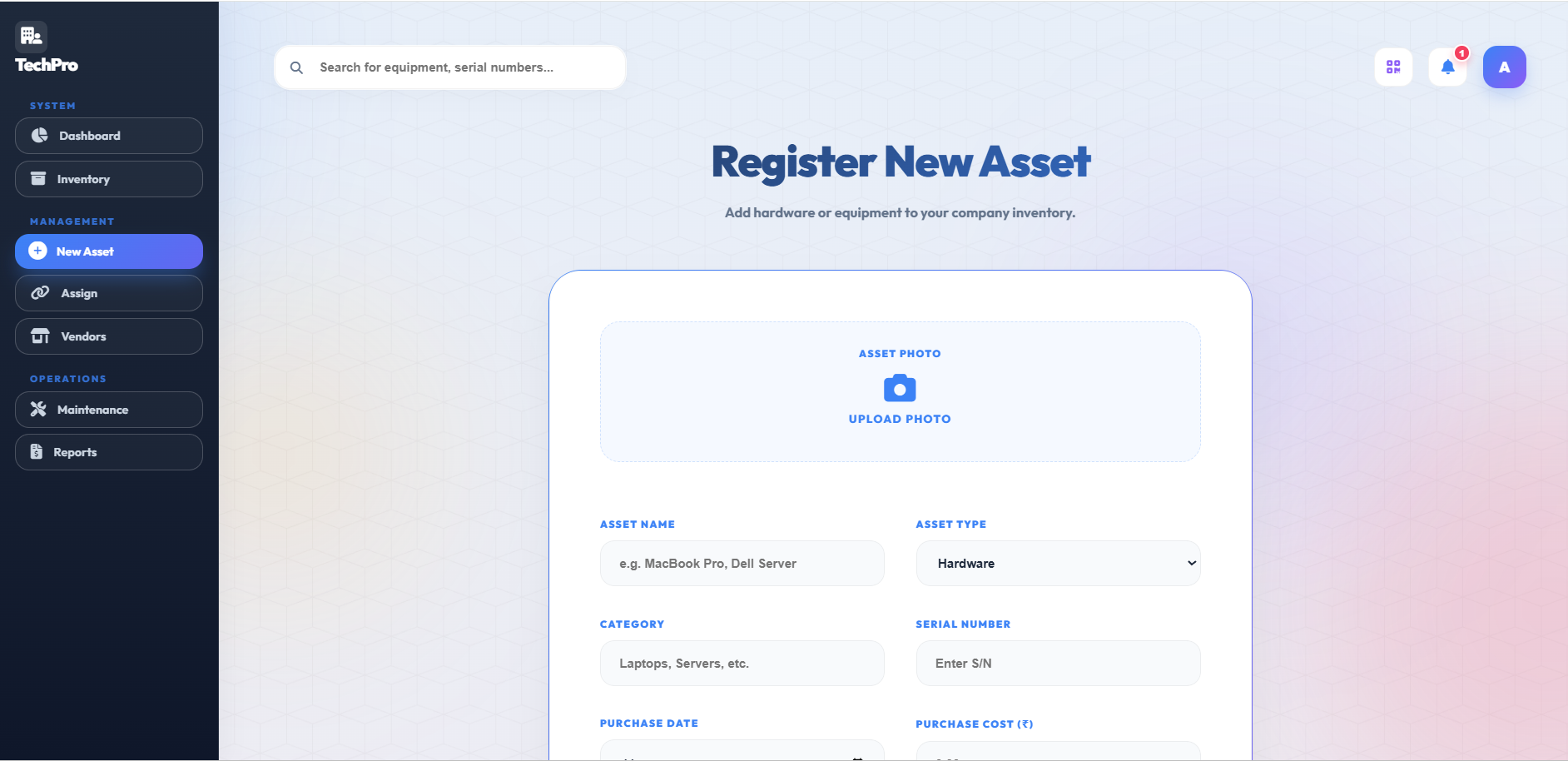
- Asset management – Add, view, edit, and delete assets; upload an image for each asset; status tracking (Available, Assigned, Under Maintenance, Disposed).
- Assignment workflow – Managers assign assets to employees; employees can see “My Assets”; assignments can be returned, automatically resetting the asset status.
- Maintenance logging – Record service events, change asset status to “Under Maintenance”, and calculate total maintenance spend.
- Warranty & alert system – Daily background job checks for assets whose warranty expires within 30 days, overdue assignments, and assets under maintenance; sends a formatted e‑mail to the configured admin address.
- QR‑code integration – Each asset detail page includes a QR code that encodes a direct URL to that asset, allowing quick scanning for on‑site lookup.
- CSV export / import – Users can download the entire asset list as a CSV file and upload a CSV to bulk create assets (basic validation applied).
- Reporting dashboard – Shows total asset value, total maintenance cost, and asset counts by category; visualised with Chart.js bar charts.
- Audit logging – Every significant action (sign‑up, login, asset creation, assignment, deletion, etc.) is stored with timestamp, user ID, action type, target entity, and optional details. Admins can view the audit log page.
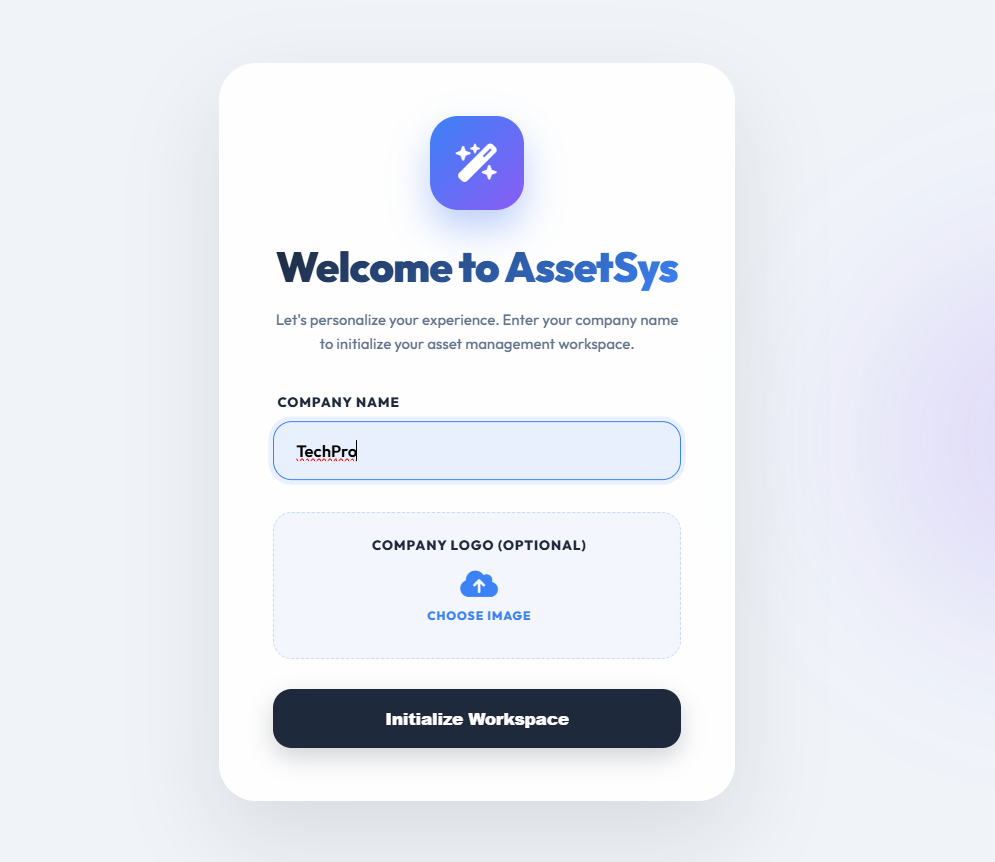
- System settings – Admins can set the company name and upload a logo, which are displayed across the UI via a global context processor.
- Security considerations
- Passwords are hashed using Werkzeug’s utilities.
- All routes that modify data are protected with
@login_requiredand the appropriate role decorator. - Email credentials are currently hard‑coded in
app.py; for production they should be moved to environment variables or a secret manager. - Potential enhancements
- Apply a modern visual design (custom colour palette, dark mode, subtle animations) to meet premium UI expectations.
- Containerise the application with Docker and switch to PostgreSQL for scalability.
- Add unit and integration tests using
pytestand Flask’s test client. - Implement finer‑grained permissions or a more sophisticated RBAC system.
- Replace static tables with interactive DataTables for sorting, searching, and pagination.
- Running the project (development)
- Create and activate a virtual environment.
- Install required packages from
requirements.txt. - Execute
python setup_db.pyto generate the SQLite database. - Run the Flask development server (
flask run) and open the browser athttp://127.0.0.1:5000. - Register the first user; this account becomes the Admin.
The tracker provides a comprehensive, end‑to‑end solution for internal asset lifecycle management, combining inventory control, user assignment, maintenance tracking, warranty monitoring, and auditability within a single, extensible Flask application.
Future Enhancements
Known Issues
Installation
- Prerequisites
- Windows (or any OS with Python)
- Python 3.9 or newer (added to
PATH)
- Get the source code
- Clone the repo or unzip the archive into a folder, e.g.
C:\Projects\AssetPulse.
- Open a terminal and go to the project folder
powershell


cd C:\Projects\AssetPulse
- Create a virtual environment (keeps packages isolated)
powershell


python -m venv venv
.\venv\Scripts\activate   # PowerShell
# (or venv\Scripts\activate.bat for cmd.exe)
- Install required Python packages
powershell


pip install -r requirements.txt
- If
requirements.txtis missing, install the core set manually:
powershell


pip install Flask Flask-Login Flask-Mail APScheduler SQLAlchemy Werkzeug qrcode
- Configure e‑mail (optional, needed for alerts)
- Open
app.pyand replace the placeholder values forMAIL_SERVER,MAIL_PORT,MAIL_USERNAME,MAIL_PASSWORD. - Or set them as environment variables before starting the app:
powershell


$env:MAIL_SERVER="smtp.yourmail.com"
$env:MAIL_PORT="587"
$env:MAIL_USERNAME="you@domain.com"
$env:MAIL_PASSWORD="yourpassword"
- Create the SQLite database
powershell


python setup_db.py
- (Optional) Load demo data – helps you see the UI populated instantly
powershell


python seed_data.py
- Tell Flask which app to run
powershell


$env:FLASK_APP="app.py"
$env:FLASK_ENV="development"   # enables debug mode
- Start the development server
powershell


flask run
- You’ll see a line like:
Running on http://127.0.0.1:5000/. - Open the application in any browser and go to
http://127.0.0.1:5000/. - (Optional) Production mode – use a WSGI server such as Waitress:
powershell


pip install waitress
waitress-serve --listen=0.0.0.0:8000 app:app
- Then visit
http://<your‑ip>:8000/.
Usage
- Create the first account
- Click Sign‑up on the landing page.
- The first registered user automatically becomes Admin.
- Log in with your credentials.
- Set company branding (Admin only)
- Go to Settings → enter the company name and upload a logo.
- The branding appears on all pages.
- Dashboard
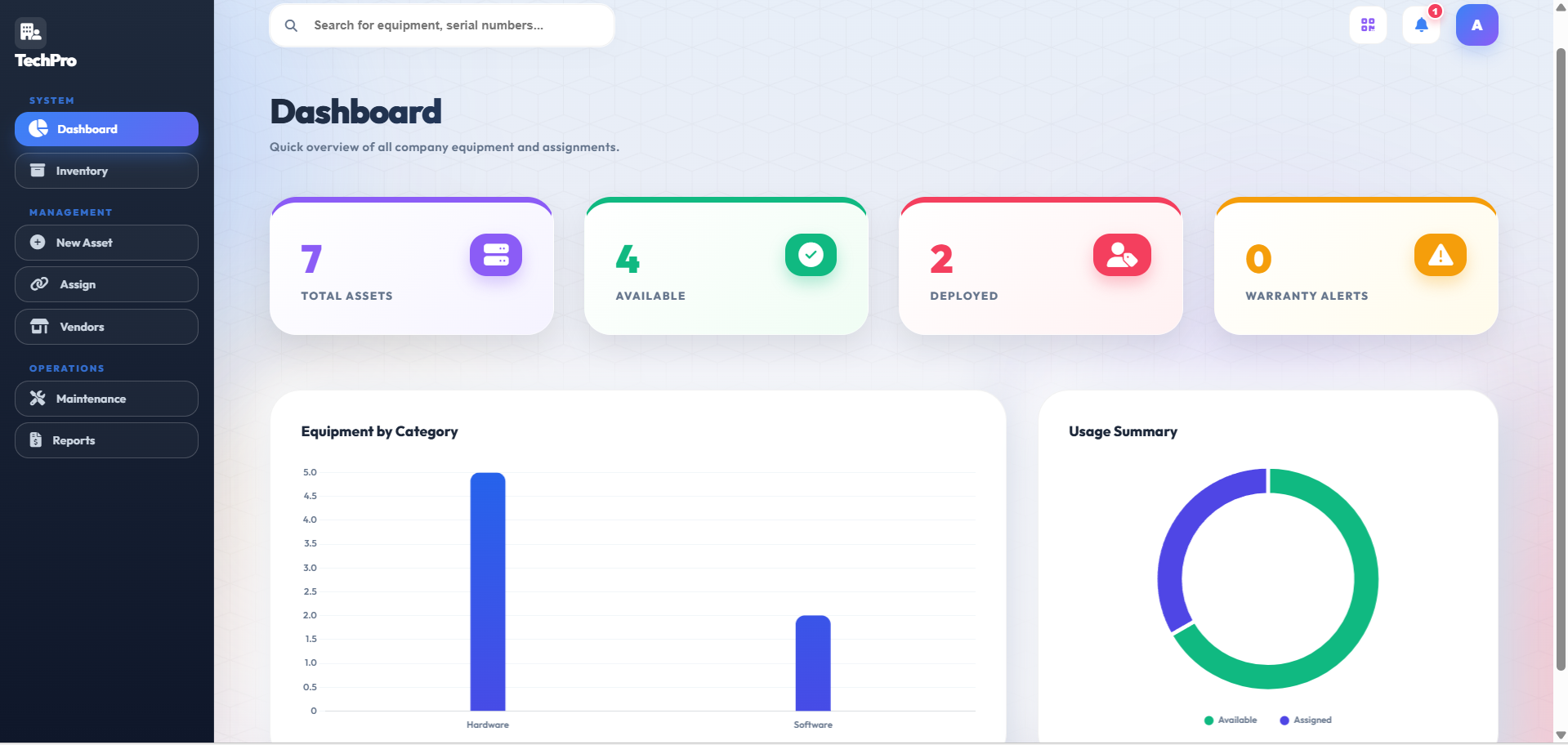
- See quick stats: total assets, available vs. assigned, upcoming warranty expiries, and a bar chart of assets by type.
- Manage Vendors
- Add Vendor → fill name and contact details.
- Vendors can be linked to assets when you create or edit an asset.
- Manage Assets
- Add Asset → fill name, type, category, serial number, purchase info, warranty date, location, status, optional image.
- On the asset detail page a QR code is displayed; scanning it opens the same detail view.
- Assign an Asset (Manager role)
- Choose an employee and an available asset, set the assignment date, and click Assign.
- The employee receives an email notification (if e‑mail is configured).
- My Assets (Employee view)
- Employees can see a list of assets currently assigned to them.
- Return an Asset
- Go to Return Asset, select the assignment, set the return date, and submit.
- The asset’s status switches back to Available.
- Log Maintenance
- Choose an asset, enter the maintenance date, cost, description, and set status (e.g., “In Progress”).
- The asset’s status becomes Under Maintenance automatically.
- Reports
- Visit Reports to see total purchase value, total maintenance spend, and a chart of assets by category.
- CSV Export / Import
- Export Assets → downloads a CSV file with all asset data.
- Import Assets → upload a correctly‑formatted CSV to bulk create assets.
- Audit Log (Admin only)
- View a chronological list of all significant actions (sign‑ups, logins, asset CRUD, assignments, etc.).
- Logout when you’re done.
System Requirements
AssetPulse – System Requirements
Operating System
- Windows 10/11 (or any OS that can run Python 3)
- macOS 12+ or Linux (Ubuntu 20.04+, Debian, Fedora, etc.) – all supported if Python is installed
Hardware
- CPU: 1 GHz + dual‑core (any modern x86‑64 processor)
- RAM: 2 GB minimum, 4 GB recommended for smooth operation while the scheduler runs
- Disk space: 200 MB for the code base + ≈ 5 MB per 1 000 assets (SQLite DB grows with data). Allocate at least 100 MB free for logs, uploads, and backups.
- Network: Internet access needed only for sending e‑mail alerts (SMTP). No external ports required for the local development server.
Software / Runtime
- Python 3.9 or newer (latest stable version recommended)
- pip (Python package manager) – comes with Python ≥ 3.4
- Git (optional, for cloning the repo)
Python Packages (installed via requirements.txt)
- Flask 2.x
- Flask‑Login
- Flask‑Mail
- APScheduler
- SQLAlchemy
- Werkzeug
- qrcode (Pillow dependency)
Optional Production Server (if you don’t want to use the built‑in dev server)
- Waitress (Windows) or Gunicorn (Linux/macOS)
External Services
- SMTP server for e‑mail alerts (any provider that allows TLS on port 587, e.g., Gmail, Outlook, your corporate mail server).
Permissions
- Write permission to the project directory (to create the SQLite file, log files, uploaded asset images, and generated QR‑code images).
- Read permission for the
static/andtemplates/folders (served by Flask).
Browser
- Any modern browser that supports HTML5, CSS3, and JavaScript (Chrome, Edge, Firefox, Safari).
Meeting the above minimum specs will let you run AssetPulse locally; the recommended specs provide a smoother experience, especially when handling larger numbers of assets or concurrent users.
Slides Open in New Tab
For better readability, slides are opened directly. Documents remain preview-only with secure backend rendering.
Showing preview pages only. Purchase for full access to all pages and complete source package.
Login for Full AccessNo Q&A available yet
Be the first to ask a question!
Ask a Question
Customer Reviews
Write Your Review
No reviews yet
Be the first to review this project!
Similar Projects
You might also be interested in these projects
 website Development
Geo Face Attendance System
AI-powered attendance system using face recognition and geolocation with secure JWT authentication, admin dashboard, and MongoDB.
 website Development
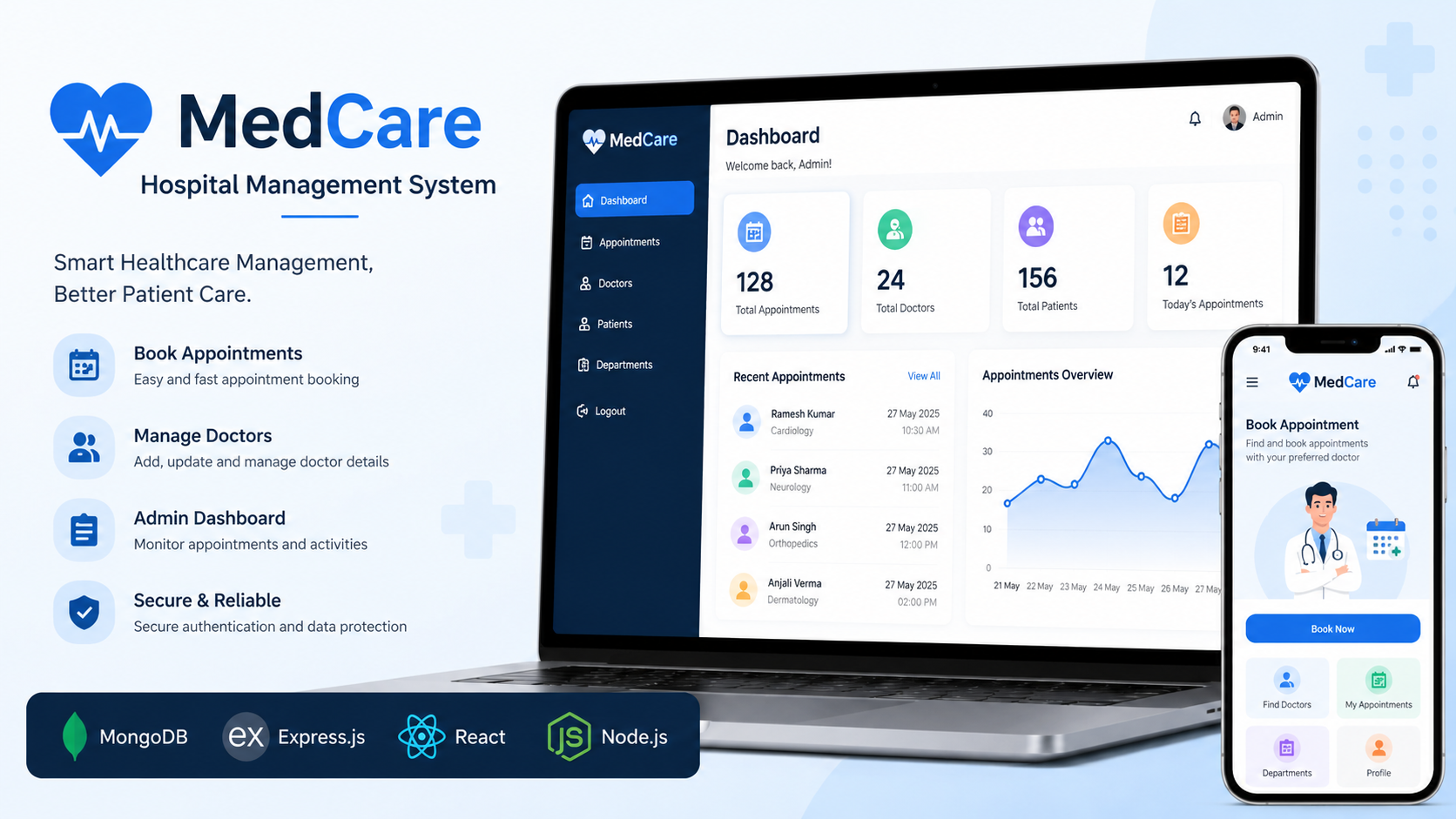
MedCare System
MedCare is a MERN Stack hospital management system that enables patients to book appointments and admins to manage doctors.
 website Development
Nexus.ai
Nexus.ai — A React/TypeScript + Gemini AI-powered SaaS dashboard demo with analytics visualization, built using Vite and Tailwind CSS.
 website Development
LinkedIn Clone – Professional Social Networking Web Application
A modern LinkedIn-inspired web application built using React.js, Redux Toolkit, Vite, SCSS, Bootstrap, React Router, and responsive UI design.