Appointment Booking System
Scalable MERN-based appointment booking system built with microservices, Docker, Redis, RabbitMQ, and secure JWT authentication.
Preview Gallery
6 media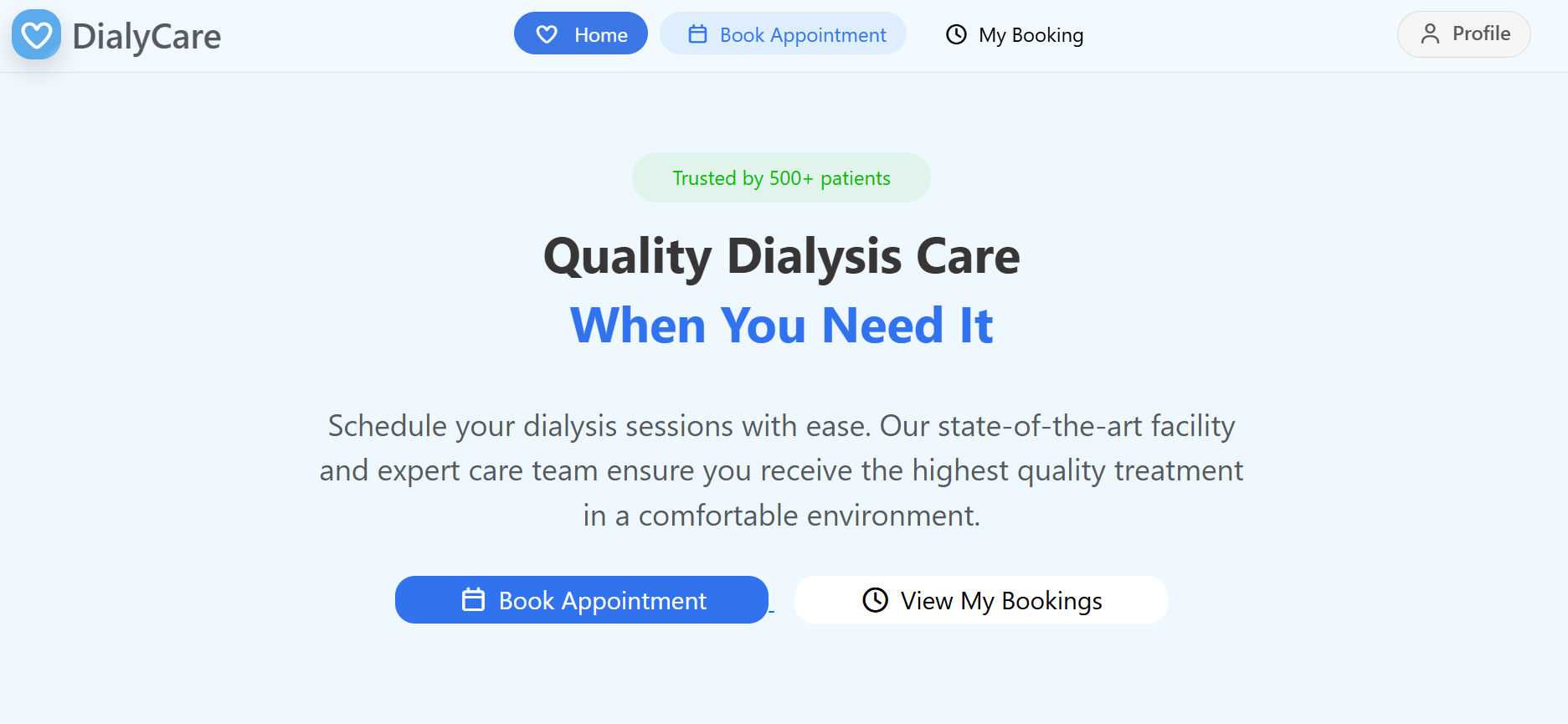
Technologies & Skills
Download at no cost
What's Included
Support & Customization
Resource Links
Appointment Booking System is a scalable full-stack web application built using the MERN stack with a microservices architecture. It is designed for clinics, hospitals, and healthcare providers to simplify appointment scheduling and management.
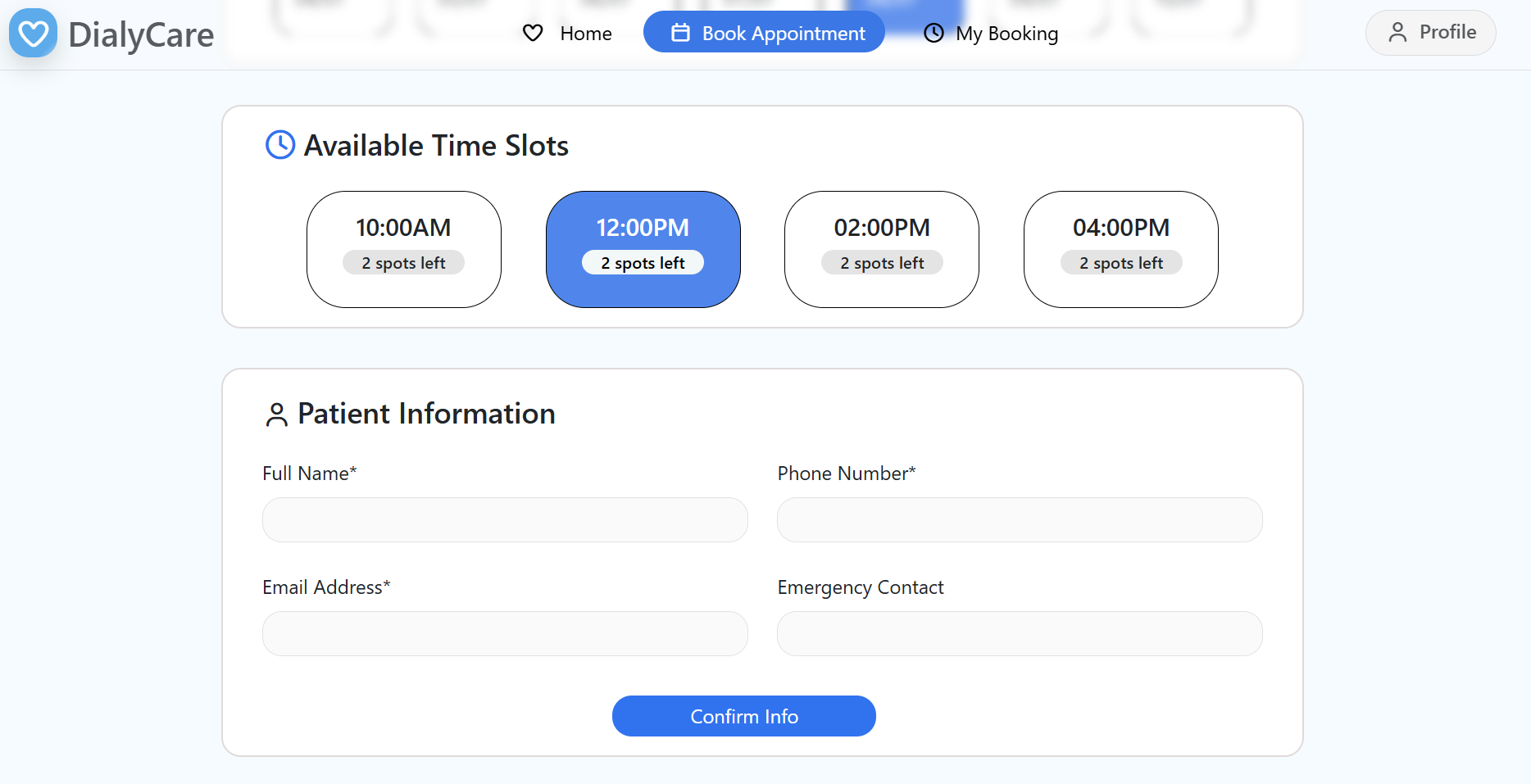
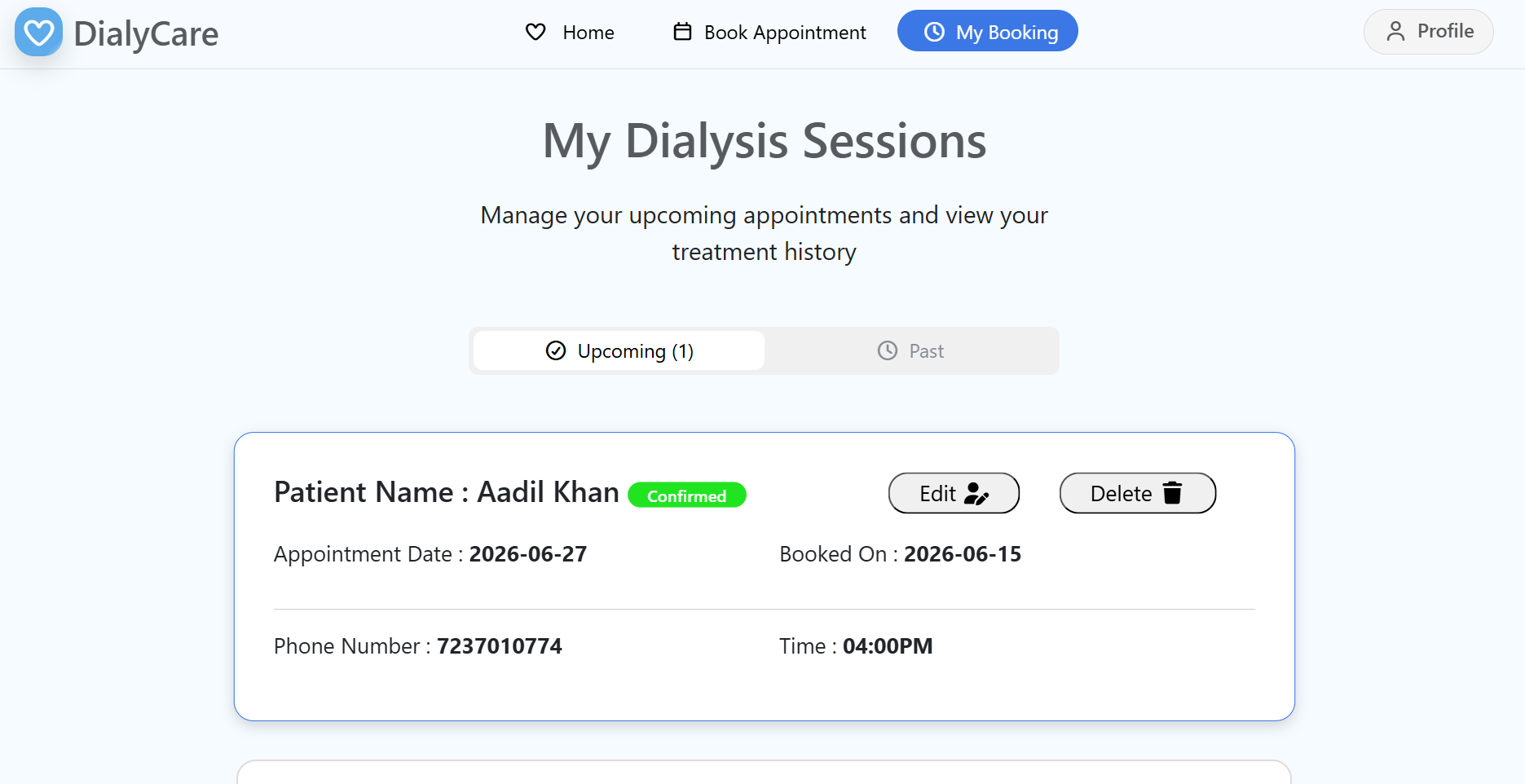
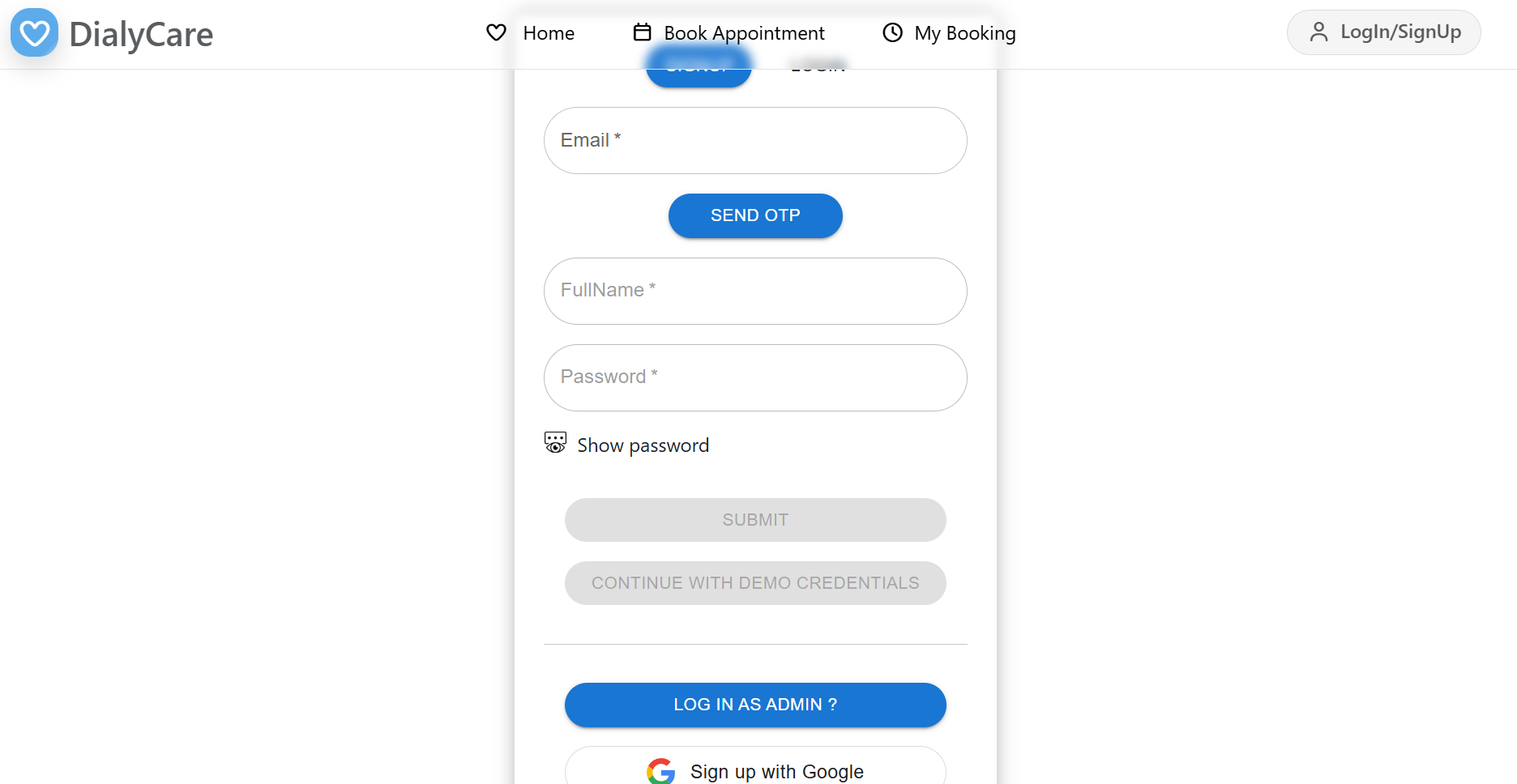
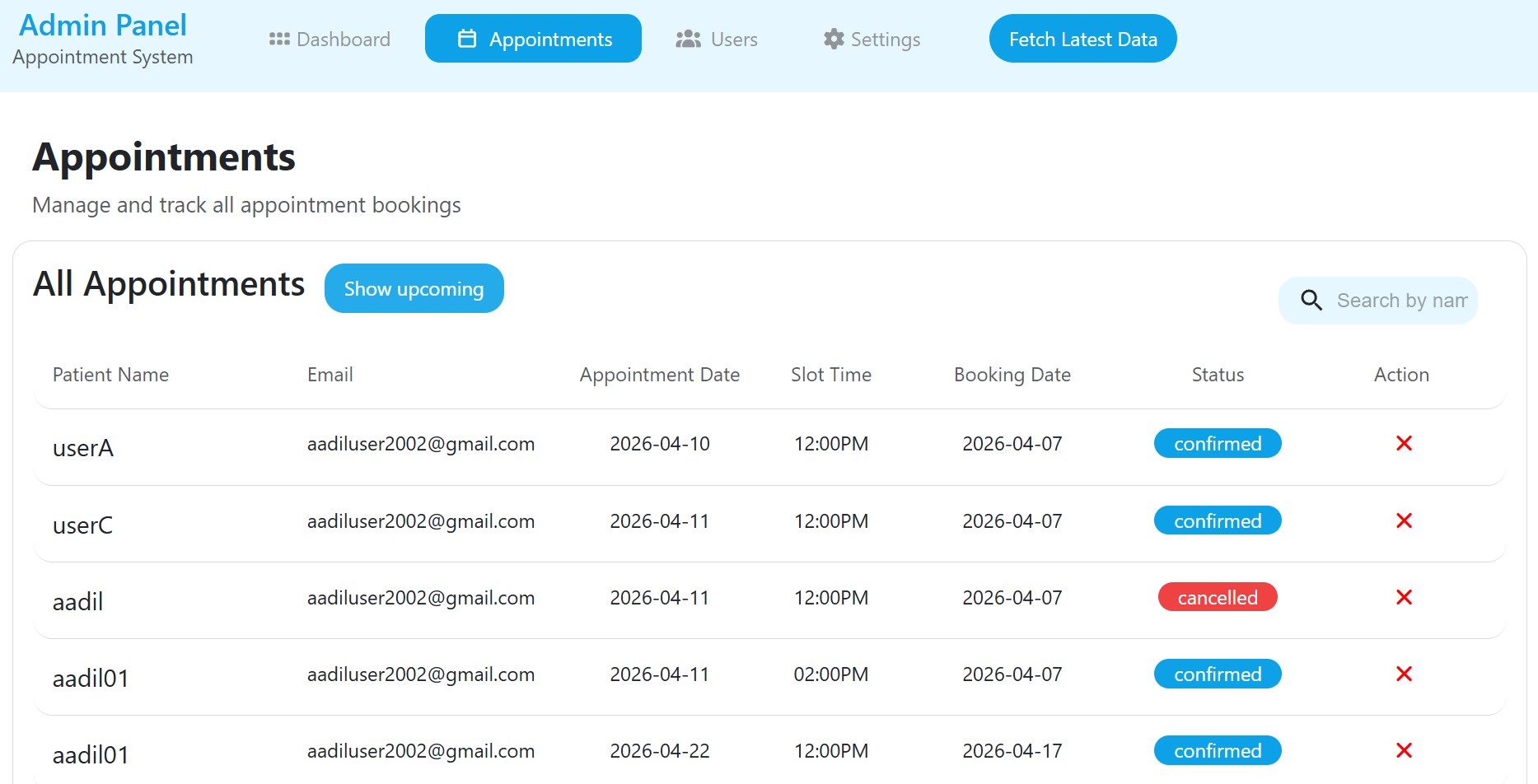
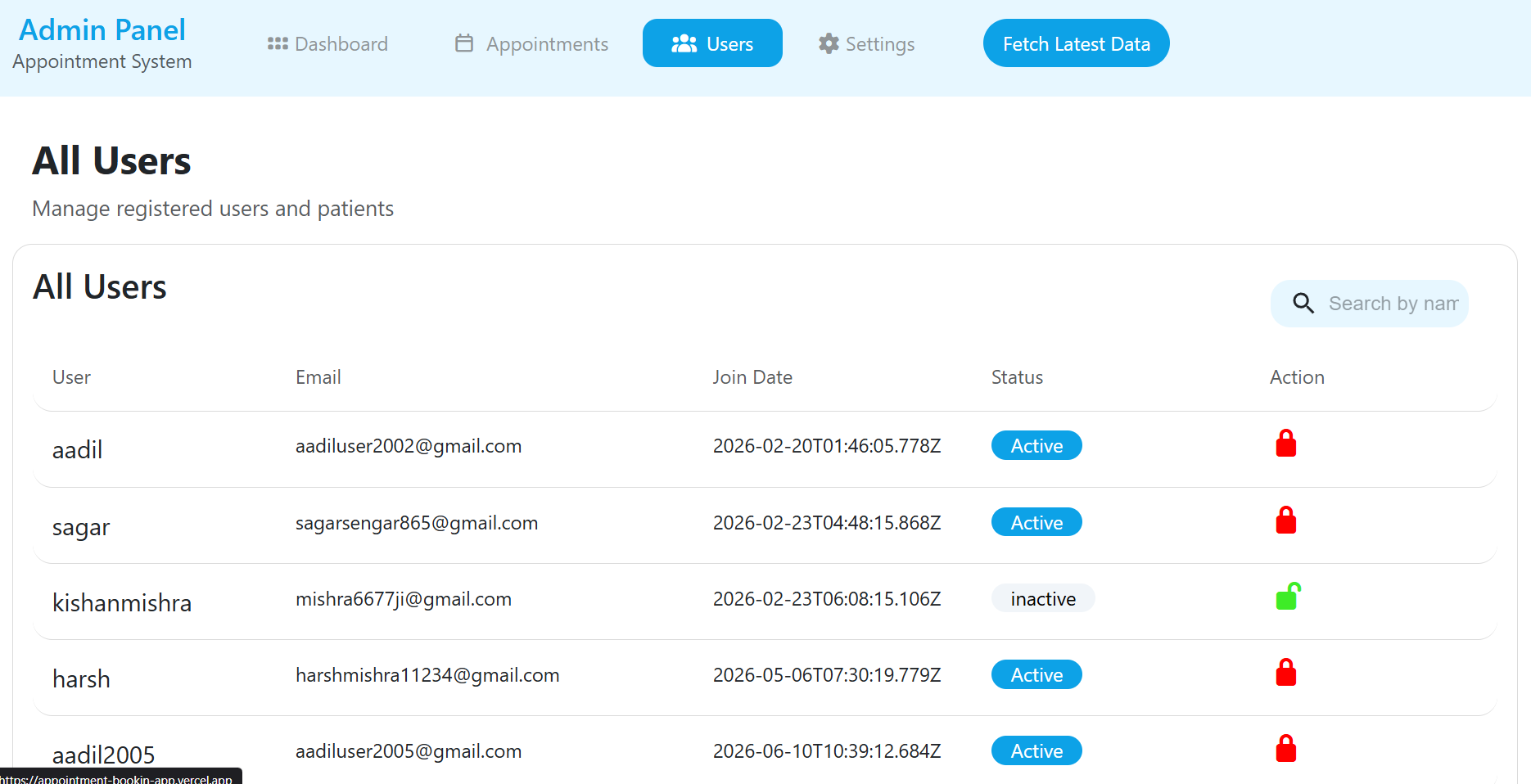
Patients can securely register, log in, book, view, reschedule, or cancel appointments through an intuitive interface. An admin dashboard enables administrators to manage users, monitor appointments, and oversee the entire system from a single place.
The backend is built with independent microservices for scalability and maintainability. It uses JWT authentication for secure access, RabbitMQ for asynchronous communication between services, Redis for caching and performance optimization, and Docker for containerized deployment.
This project demonstrates modern backend engineering practices, including microservices architecture, RESTful API development, inter-service communication, and building production-ready, scalable applications.
Future Enhancements
Known Issues
Installation
Installation Instructions
Follow these steps to set up and run the Appointment Booking System locally.
1. Clone the Repository
git clone https://github.com/yourusername/appointment-booking-system.git
cd AppointmentBooking
2. Install Dependencies
Install dependencies for each backend service:
cd BACKEND/MainGateway && npm install
cd ../userService && npm install
cd ../appointmentService && npm install
cd ../adminService && npm install
cd ../notificationService && npm install
Install frontend dependencies:
cd ../../FRONTEND
npm install
Install admin dashboard dependencies:
cd ../DASHBOARD
npm install
3. Configure Environment Variables
Create a .env file for each backend service and add the required configuration, including:
- MongoDB connection string
- JWT secret
- Redis configuration
- RabbitMQ configuration
- Email service credentials
- Service ports
4. Start Backend Services
Open separate terminal windows and start each service:
cd BACKEND/MainGateway
npm start
cd BACKEND/userService
npm start
cd BACKEND/appointmentService
npm start
cd BACKEND/adminService
npm start
cd BACKEND/notificationService
npm start
5. Start the Frontend Applications
User Frontend:
cd FRONTEND
npm run dev
Admin Dashboard:
cd DASHBOARD
npm run dev
6. (Optional) Run with Docker
Start all services using Docker Compose:
docker-compose up --build
Stop all containers:
docker-compose down
Application URLs
ApplicationURLUser Frontendhttp://localhost:5173Admin Dashboardhttp://localhost:5174API Gatewayhttp://localhost:5000
Usage
Usage Instructions
After successfully installing and running all services, open the application in your web browser.
User Application
- Open the User Frontend at http://localhost:5173.
- Register a new account or log in with existing credentials.
- Browse available appointment slots.
- Book, view, or manage your appointments.
- Receive confirmation emails after successful bookings.
Admin Dashboard
- Open the Admin Dashboard at http://localhost:5174.
- Log in as an administrator.
- View and manage all appointments.
- Monitor users and update appointment-related information.
- Perform administrative operations through the dashboard.
System Workflow
- Users interact with the User Frontend or Admin Dashboard.
- Requests are sent to the API Gateway.
- The gateway routes requests to the appropriate microservice.
- Services process the request and communicate with MongoDB, Redis, and RabbitMQ as required.
- The Notification Service sends email confirmations asynchronously, while Redis improves response time by caching frequently accessed data.
System Requirements
System Requirements
Hardware Requirements
ComponentMinimum RequirementProcessorDual-Core CPU (Intel Core i3/AMD Ryzen 3 or equivalent)RAM4 GB (8 GB Recommended)Storage2 GB free disk spaceInternetRequired for package installation and email services
Software Requirements
SoftwareVersionOperating SystemWindows, Linux, or macOSNode.jsv18 or laternpmv9 or laterMongoDBv6.0 or laterRedisLatest stable versionRabbitMQLatest stable versionDocker & Docker ComposeOptional (for containerized deployment)GitLatest stable versionCode EditorVisual Studio Code (Recommended)Web BrowserGoogle Chrome, Microsoft Edge, Firefox, or any modern browser
Slides Open in New Tab
For better readability, slides are opened directly. Documents remain preview-only with secure backend rendering.
Showing preview pages only. Purchase for full access to all pages and complete source package.
Login for Full AccessNo Q&A available yet
Be the first to ask a question!
Ask a Question
Customer Reviews
Write Your Review
No reviews yet
Be the first to review this project!
Similar Projects
You might also be interested in these projects
 Web Apps
AI-Digital-Product-Passport
AI-powered Digital Product Passport platform for intelligent product lifecycle management, predictive maintenance, and sustainability.
 Web Apps
Remote File Server
Self-hostable cloud file server built with React & FastAPI for secure file storage, browsing, uploads, downloads, and remote access.
 Web Apps
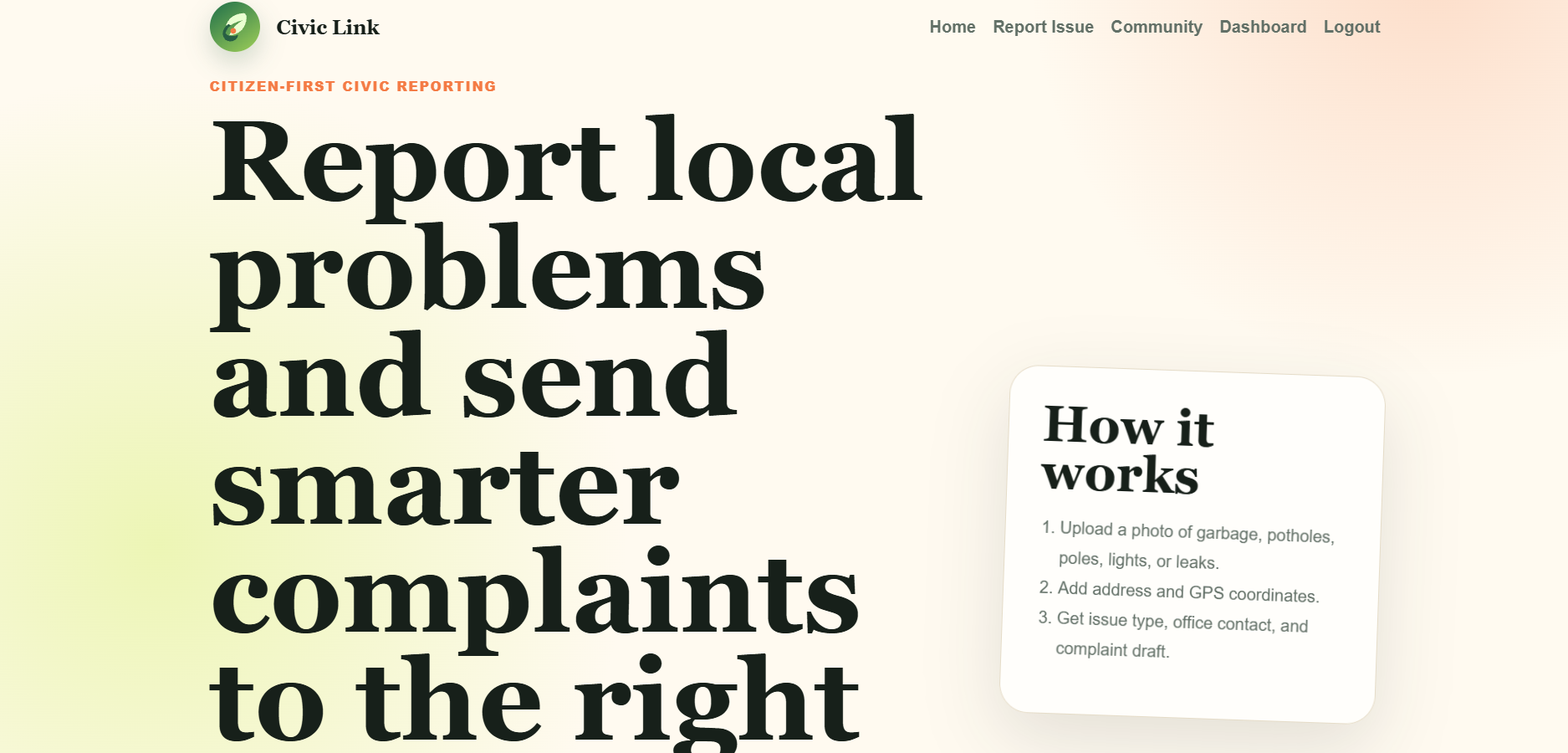
CIVIC LINK a Django Platform for reporting civic issues.
Civic Link is a Django platform where citizens can report civic problems such as spilled garbage, potholes, damaged electric poles and much more.
 Web Apps
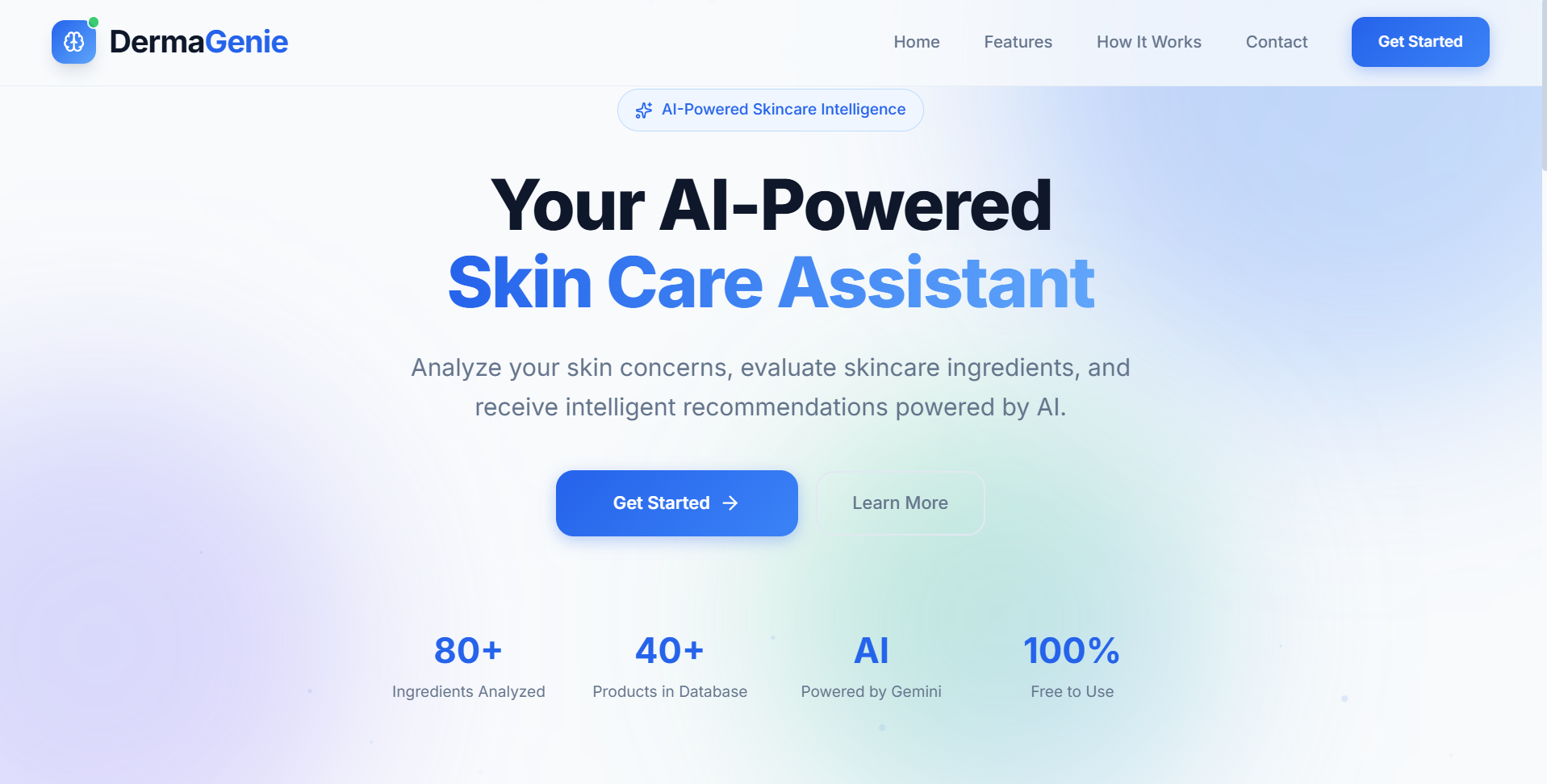
DermaGenie– AI-Powered Skincare Intelligence Platform
AI-powered skincare platform that extracts ingredients using OCR, analyzes product suitability, and provides personalized skincare recommendations.