Remote File Server
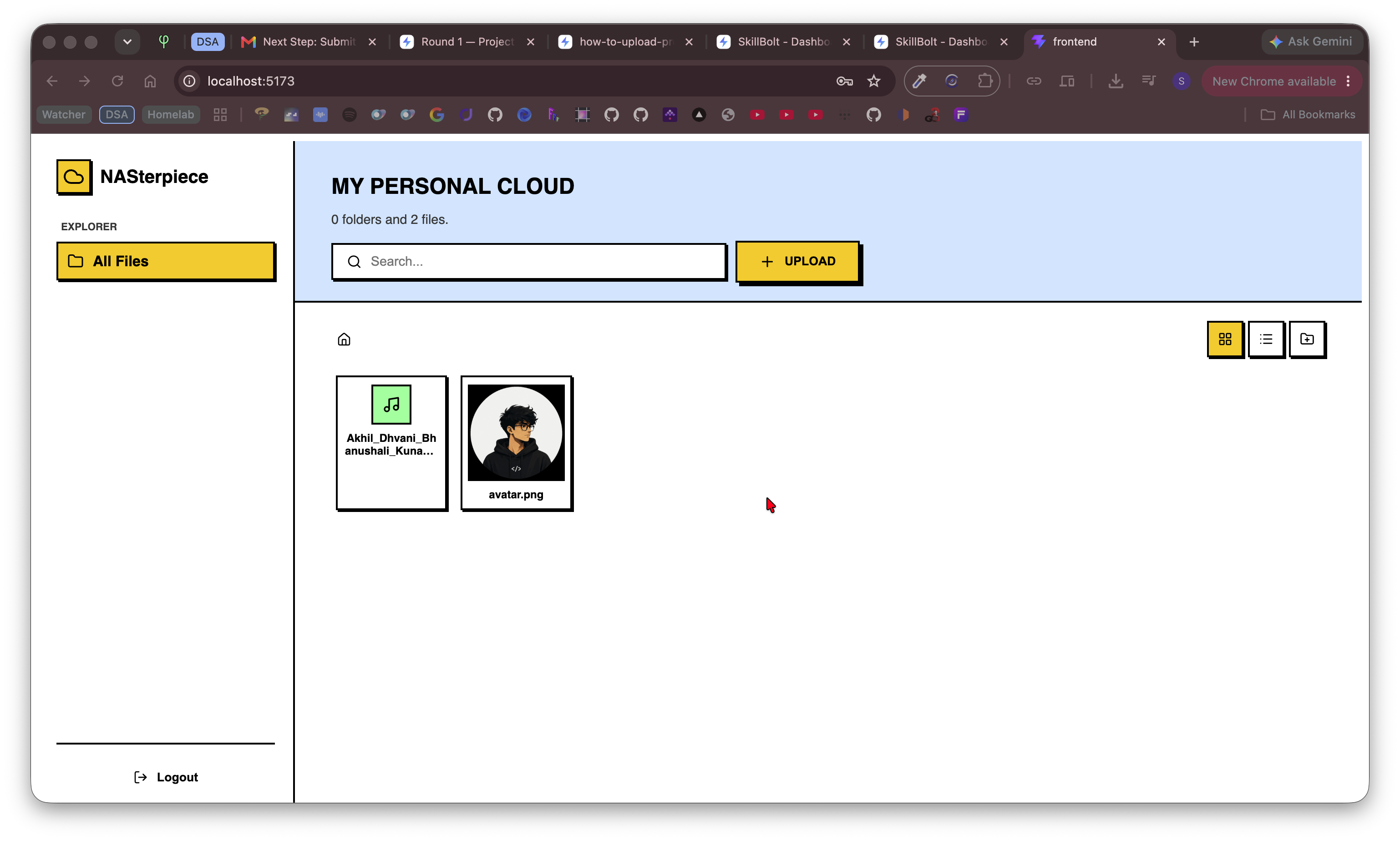
Self-hostable cloud file server built with React & FastAPI for secure file storage, browsing, uploads, downloads, and remote access.
Preview Gallery
6 media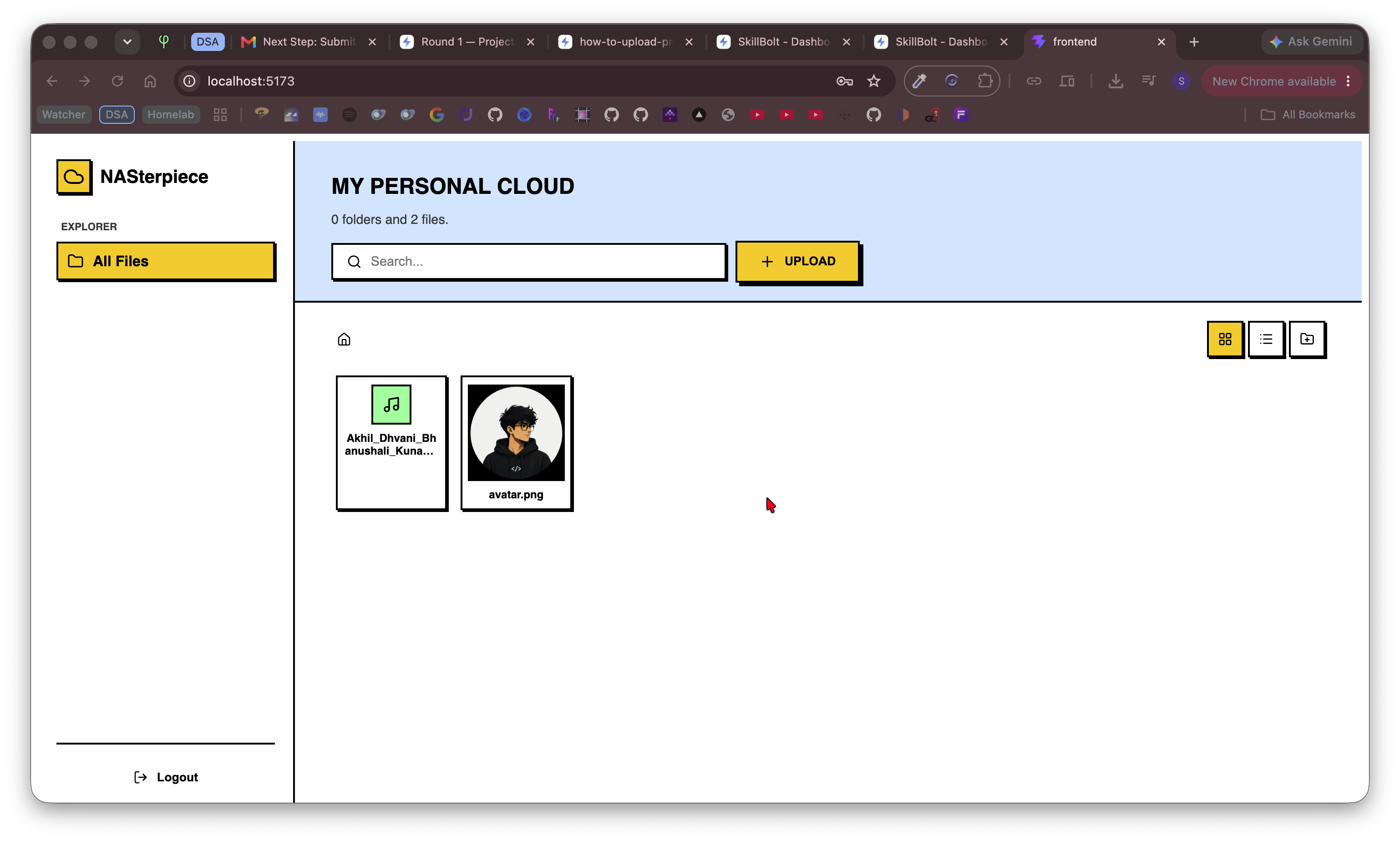
Technologies & Skills
Tags
One-time purchase
The price is highly justified by the quality of project, code, and impressiveness of robustness handling, system-thinking and self-hosting.
What's Included
Support & Customization
Resource Links
Purchase this project to unlock source and premium resources. Document/report remain secure preview-based on this page.
Self-Hostable File Server (React + FastAPI)
A modern, self-hosted file server designed for homelabs, personal cloud storage, and remote file management. This project combines a responsive React frontend with a FastAPI backend to provide a fast and intuitive interface for accessing files from anywhere on your local network or through secure remote access.
Whether you’re looking to replace traditional cloud storage or build your own private file management system, this project offers a clean, lightweight, and extensible solution.
Features
- Modern React-based responsive interface
- FastAPI backend with high-performance APIs
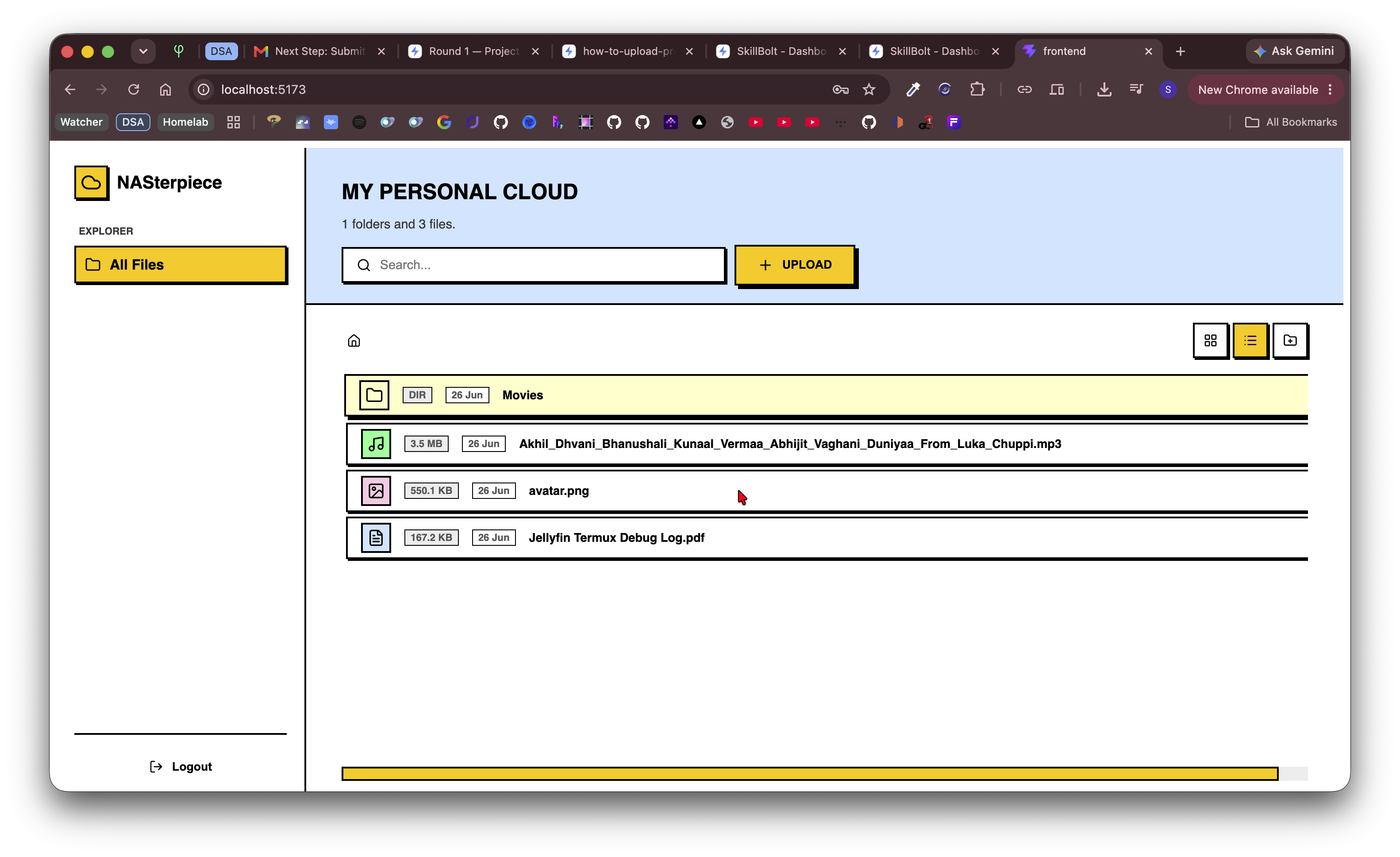
- Browse folders and files seamlessly
- Upload and download files
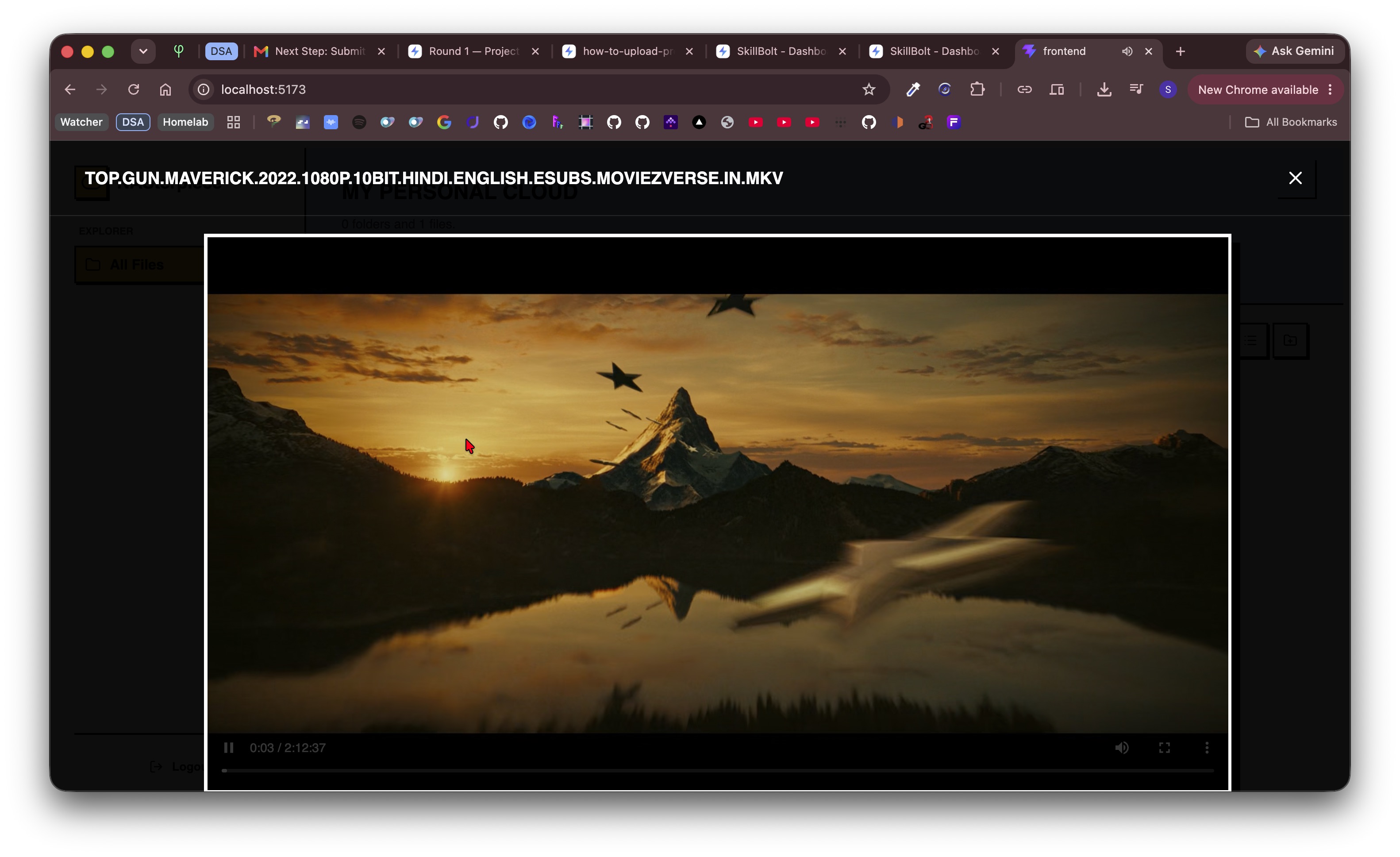
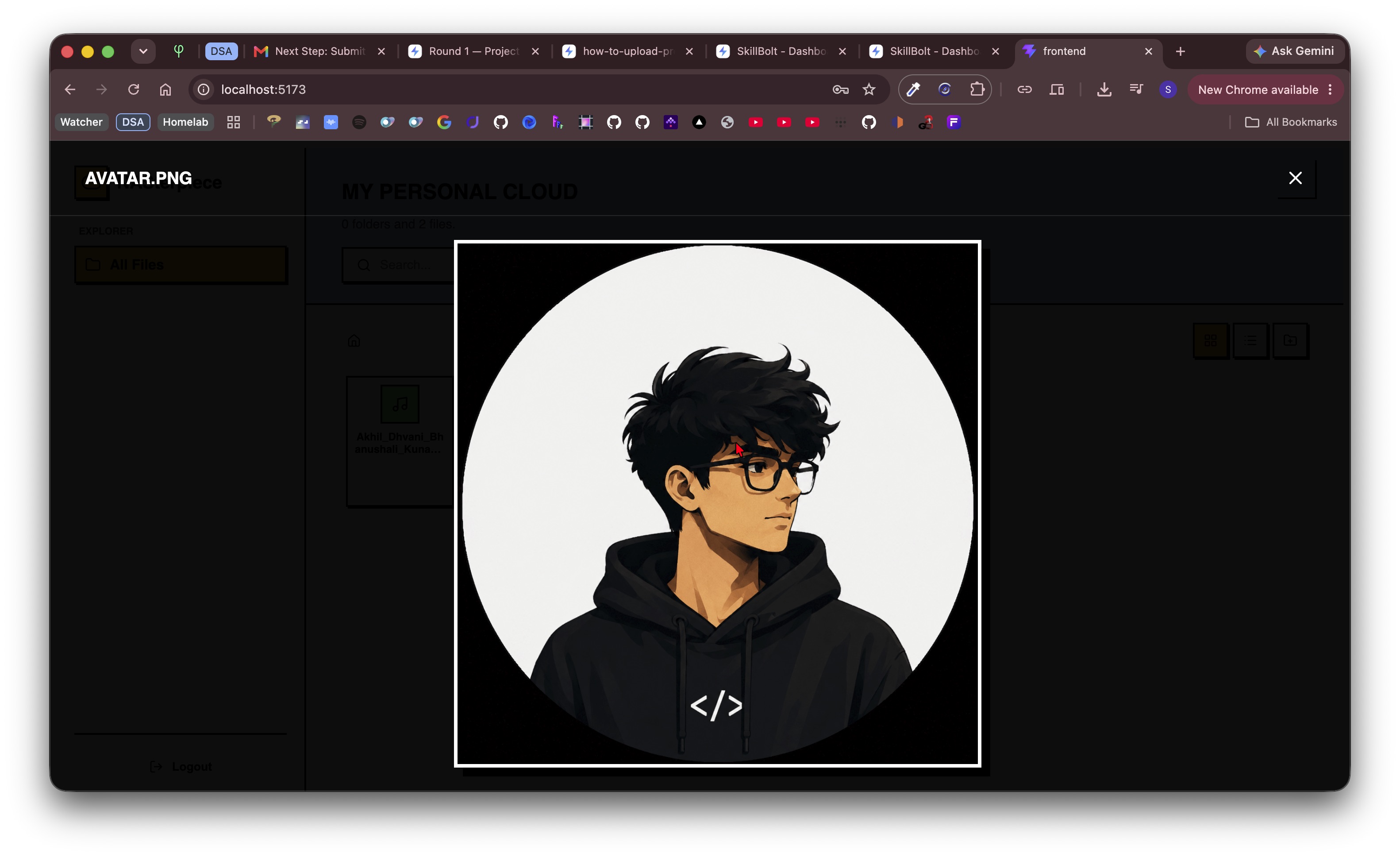
- Image preview support
- Video streaming support
- Built-in file search
- Secure API-based communication
- Mobile and desktop friendly
- Easy deployment on Linux servers, Raspberry Pi, or homelab machines
- Lightweight architecture with minimal resource usage
- Clean, modular, and well-structured source code
Technologies Used
- React
- FastAPI
- Python
- JavaScript
- HTML5
- CSS3
- REST APIs
Ideal For
- College students
- Homelab enthusiasts
- Personal cloud storage
- NAS-style file management
- Learning React + FastAPI architecture
- Portfolio projects
- Backend API development practice
The project includes clean source code that is easy to understand, modify, and extend with additional features such as authentication, user management, file sharing, or cloud synchronization.
Future Enhancements
Known Issues
Installation
Extract zip
Open in IDE
Go to frontend folder:
- npm install
- npm run build
Frontend starts
Go to backend folder:
- pip install -r requirements.txt
- uvicorn main:app —host 0.0.0.0 —port 8000
Usage
After starting backend and frontend, you can start managing your files in the web apps, it is preferable to run this app in a obsolete device you dont use anymore, like an old android phone, laptop etc to use its storage device as your remote cloud.
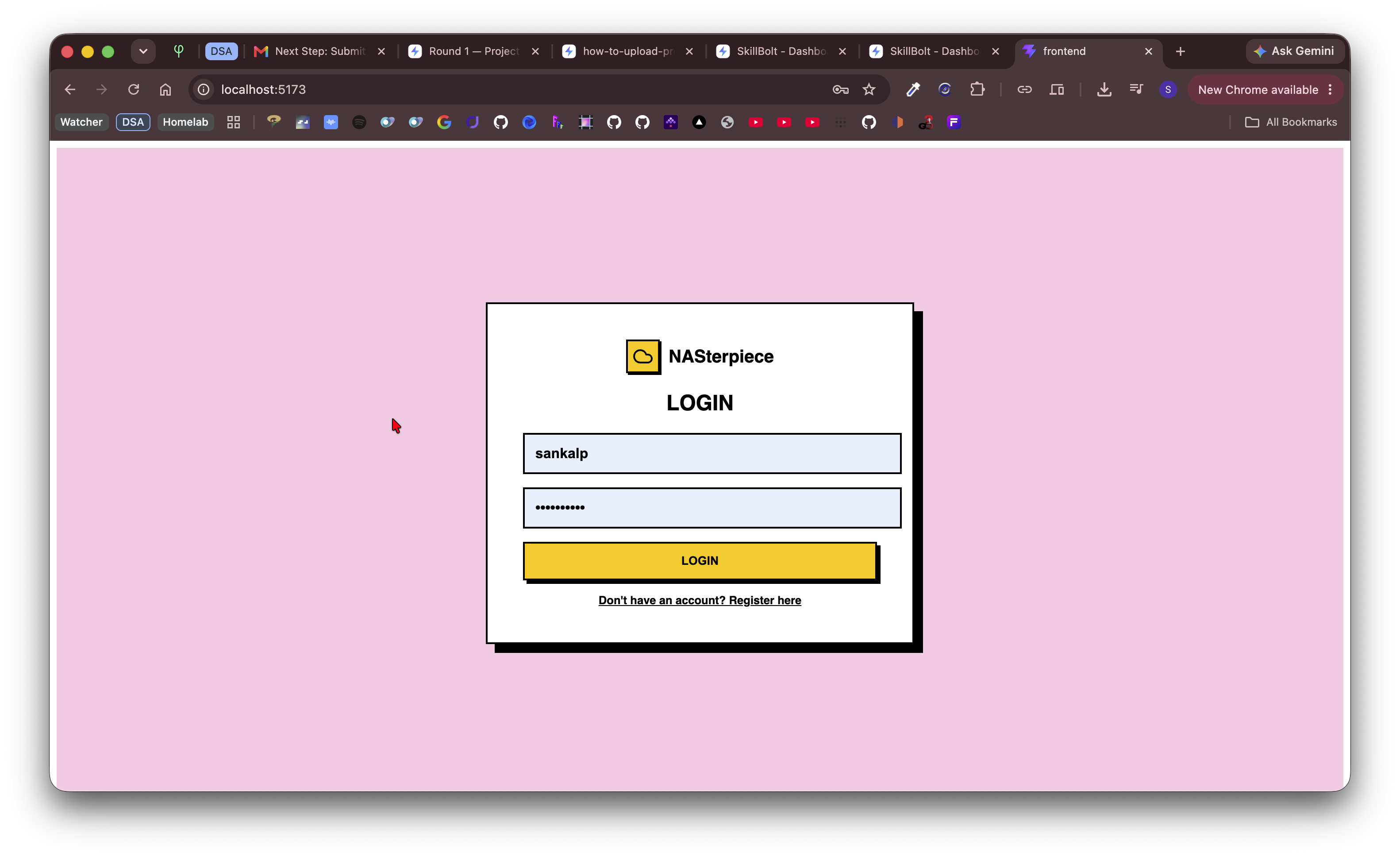
Go to localhost:8000 or <laptop-ip>:8000 , here you can register using a name and password and then login, then you can start uploading, modifying, deleting files and folders in this ui using upload or drag-n-drop.
Can also play music, movies, videos.
Images can also be opened.
System Requirements
Any os
React, Python, fastapi, node
Slides Open in New Tab
For better readability, slides are opened directly. Documents remain preview-only with secure backend rendering.
Showing preview pages only. Purchase for full access to all pages and complete source package.
Login for Full AccessNo Q&A available yet
Be the first to ask a question!
Ask a Question
Customer Reviews
Write Your Review
No reviews yet
Be the first to review this project!
Similar Projects
You might also be interested in these projects
 Web Apps
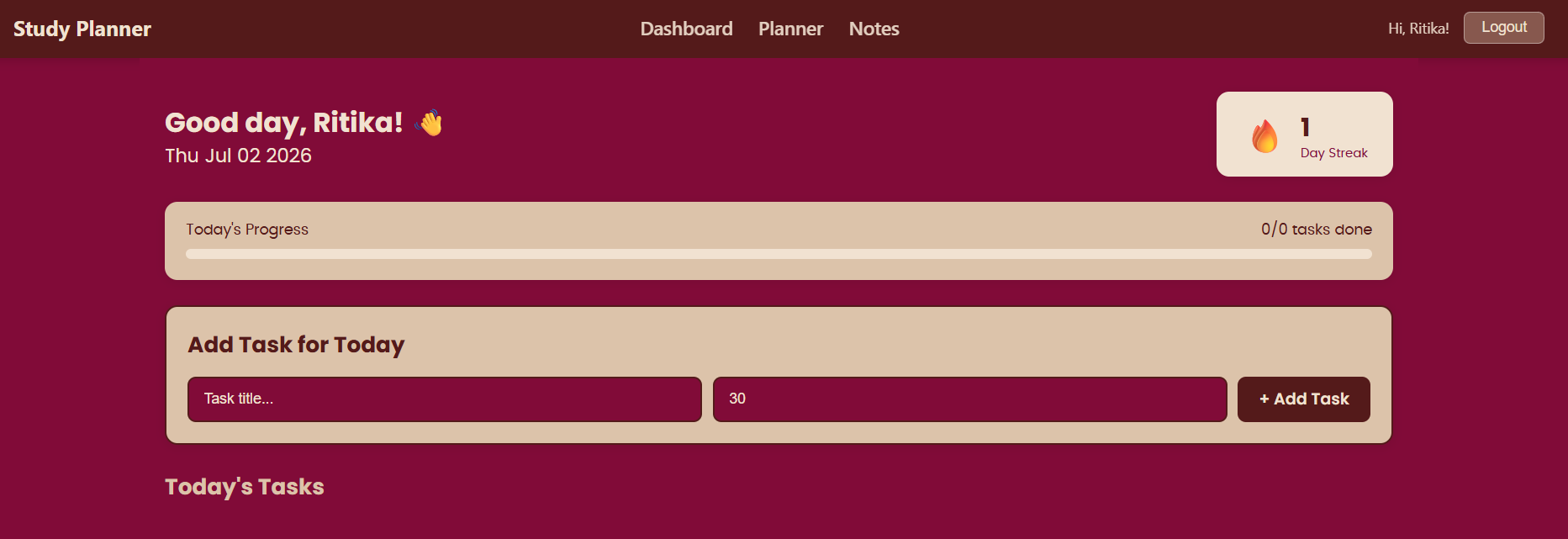
https://study-planner-ruddy-five.vercel.app/login
study planner is a planning tool useful for students to organize their tasks and plan their schedule.
 Web Apps
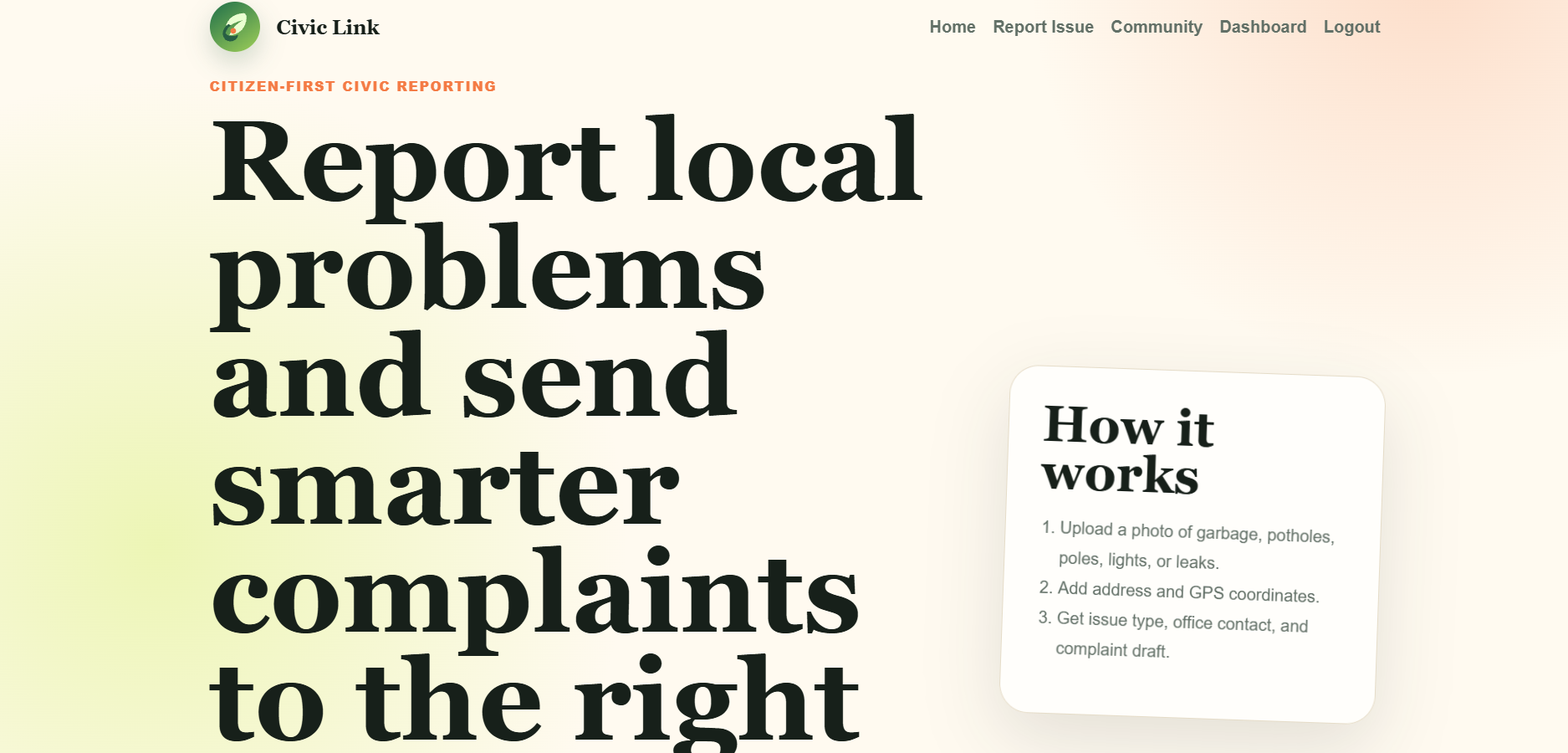
CIVIC LINK a Django Platform for reporting civic issues.
Civic Link is a Django platform where citizens can report civic problems such as spilled garbage, potholes, damaged electric poles and much more.
 Web Apps
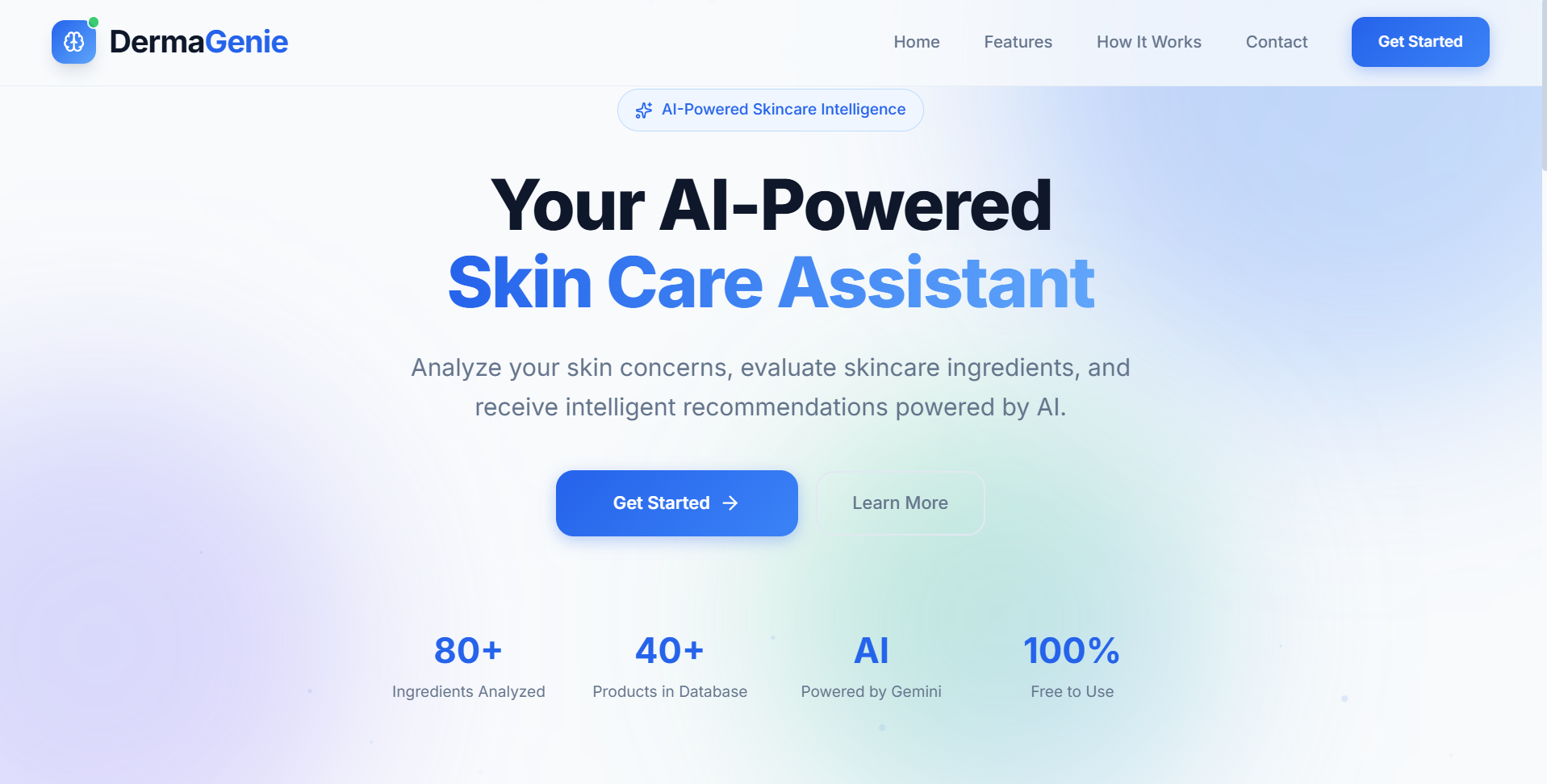
DermaGenie– AI-Powered Skincare Intelligence Platform
AI-powered skincare platform that extracts ingredients using OCR, analyzes product suitability, and provides personalized skincare recommendations.
 Web Apps
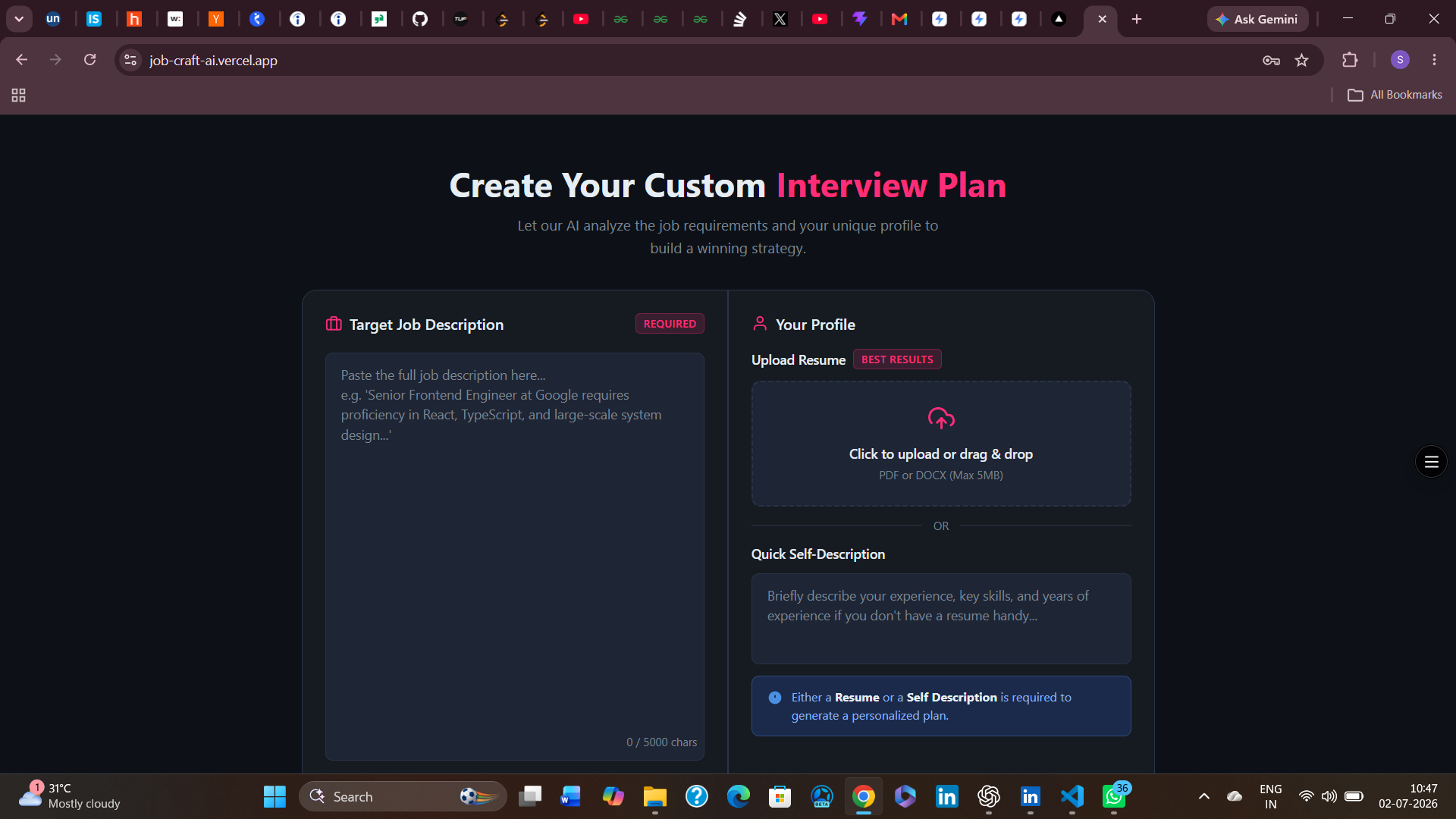
Job-craft-ai
JobCraftAI is an AI-powered resume optimization platform that analyzes uploaded resumes, provides ATS scores, identifies weaknesses.