Vehicle Tracking using YOLOv8 and OpenCV
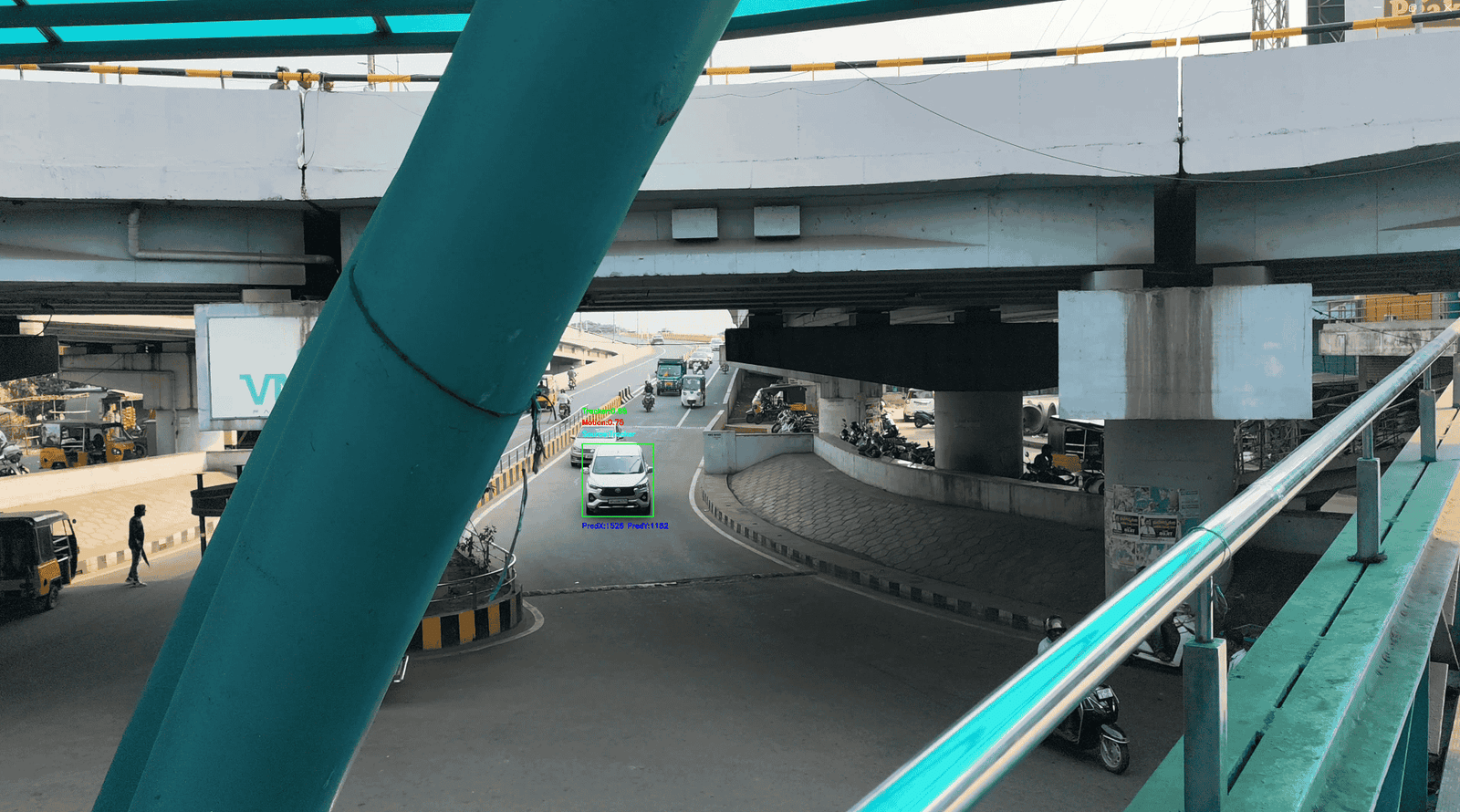
Real-time vehicle tracking using YOLOv8 and a Constant Velocity Motion Model for accurate multi-object tracking in traffic videos.
Preview Gallery
5 media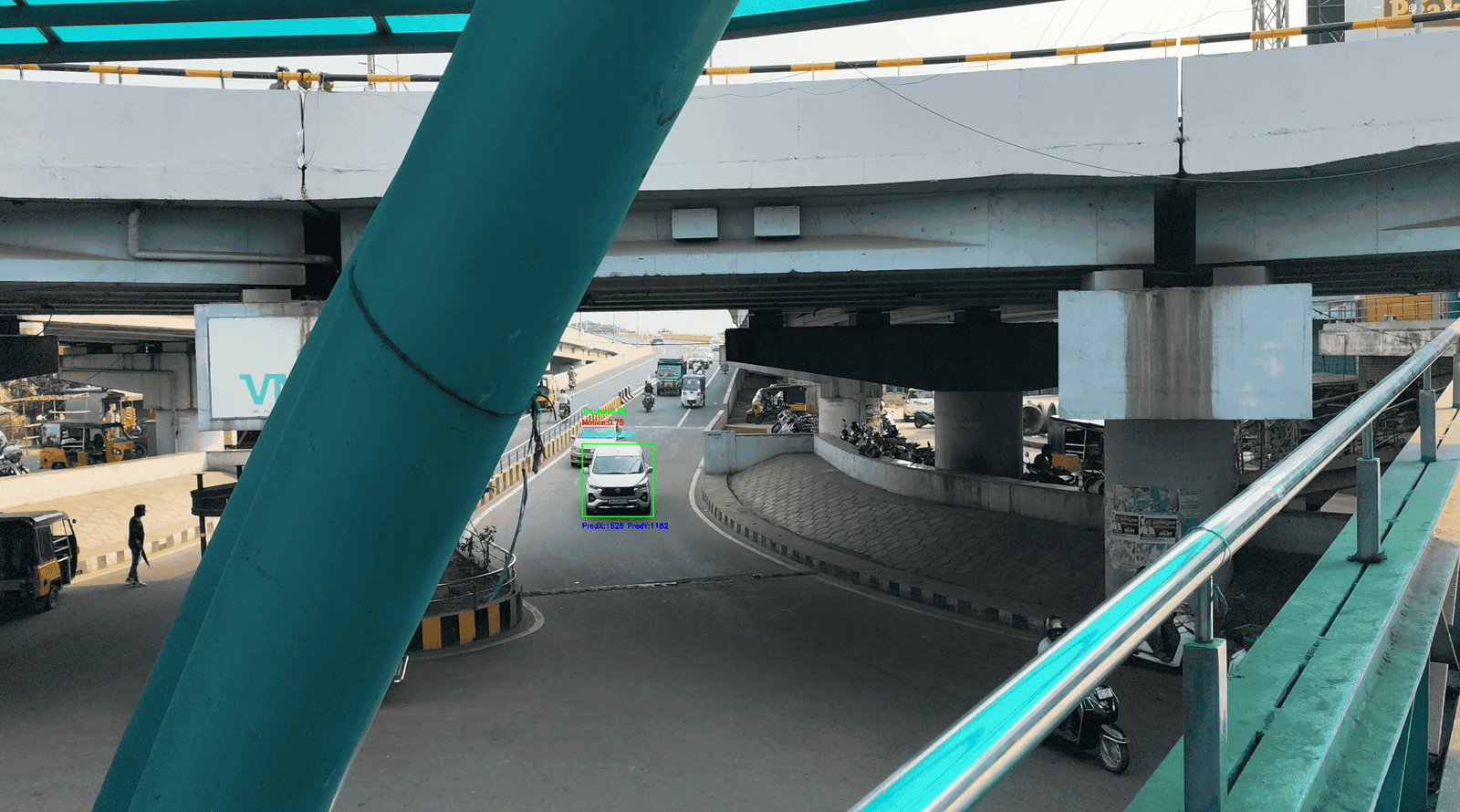
Technologies & Skills
Tags
Download at no cost
What's Included
Support & Customization
Resource Links
Real-Time Vehicle Tracking Using YOLOv8 and Constant Velocity Motion Model
Overview
The Real-Time Vehicle Tracking Using YOLOv8 and Constant Velocity Motion Model project is an advanced computer vision application developed to detect, identify, and track multiple vehicles in traffic videos. It combines the powerful object detection capabilities of YOLOv8 with a Constant Velocity Motion Model to provide accurate and reliable vehicle tracking across consecutive video frames.
The system first detects vehicles using the YOLOv8 deep learning model and then assigns unique tracking IDs to each detected vehicle. Using the Constant Velocity Motion Model, the tracker predicts the next position of every vehicle based on its previous movement, helping maintain continuous tracking even when vehicles move quickly or experience temporary occlusions.
The project is designed with a modular architecture, making it easy to understand, modify, and extend for research or real-world traffic monitoring applications. It demonstrates how deep learning and motion prediction techniques can be combined to build efficient intelligent transportation systems.
Features
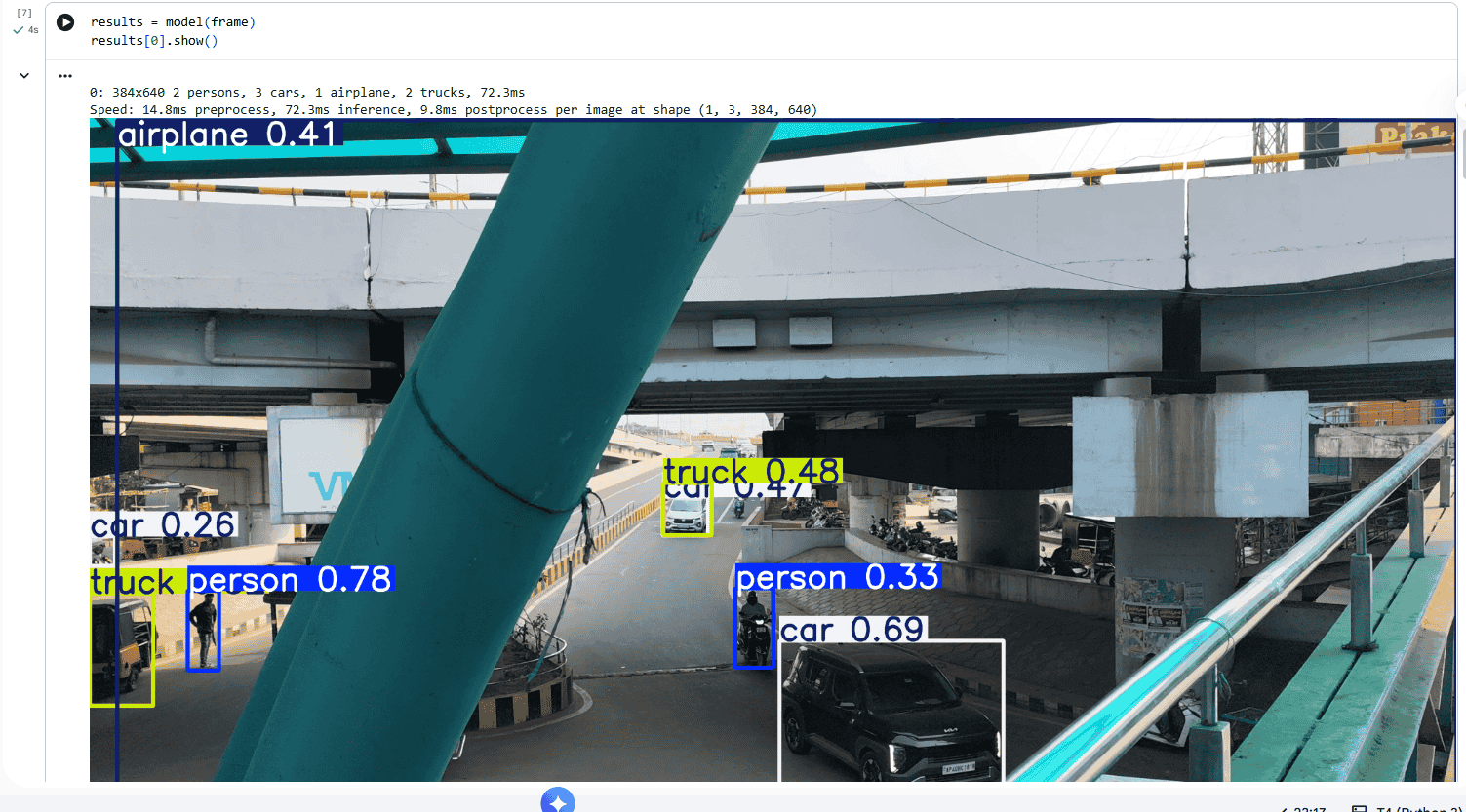
Real-time vehicle detection using the YOLOv8 object detection model.
Multi-object tracking with unique tracking IDs.
Constant Velocity Motion Model for predicting vehicle movement.
Accurate vehicle localization across consecutive frames.
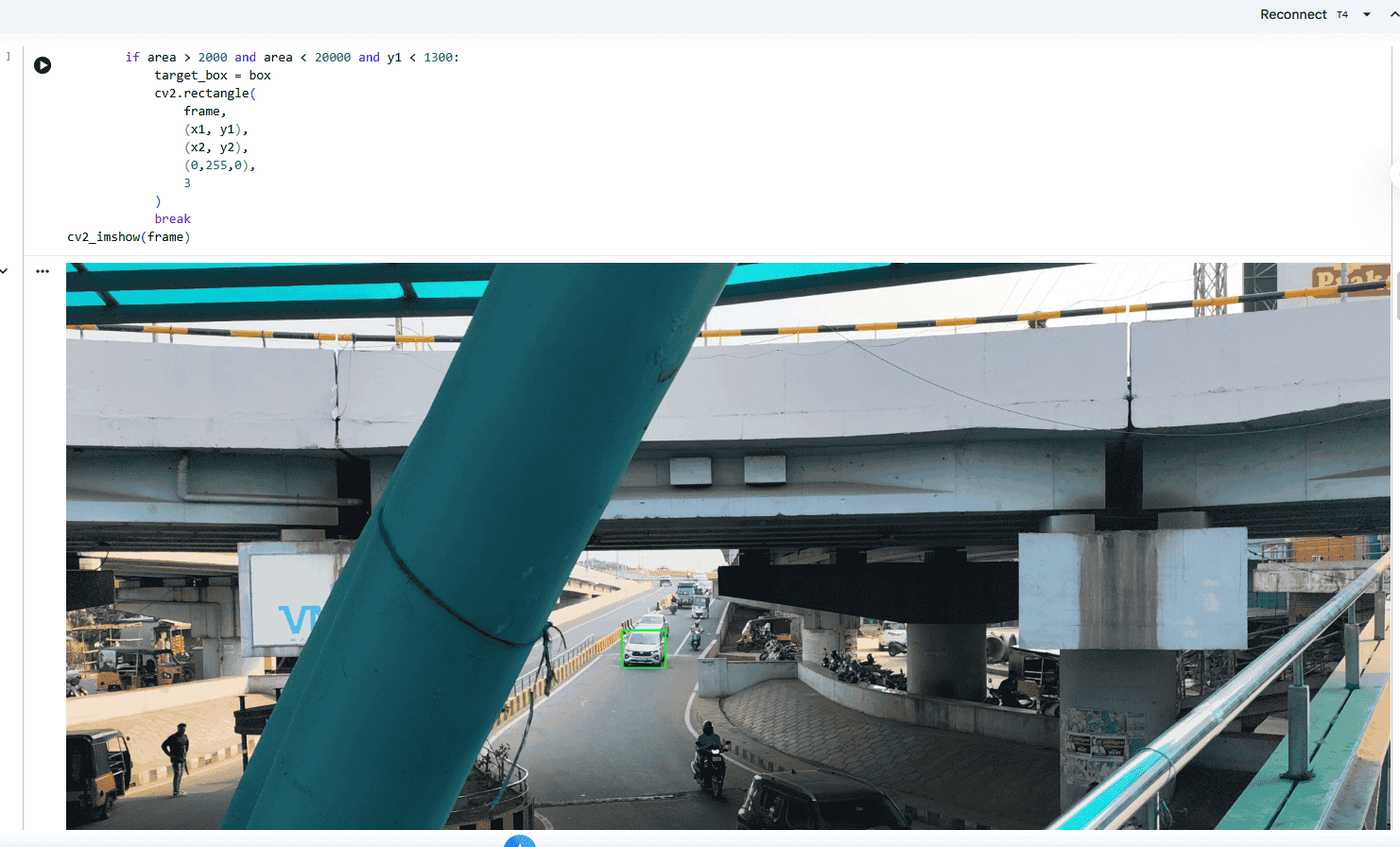
Bounding box and tracking ID visualization.
Smooth tracking performance during temporary occlusions.
Easy-to-understand and modular Python implementation.
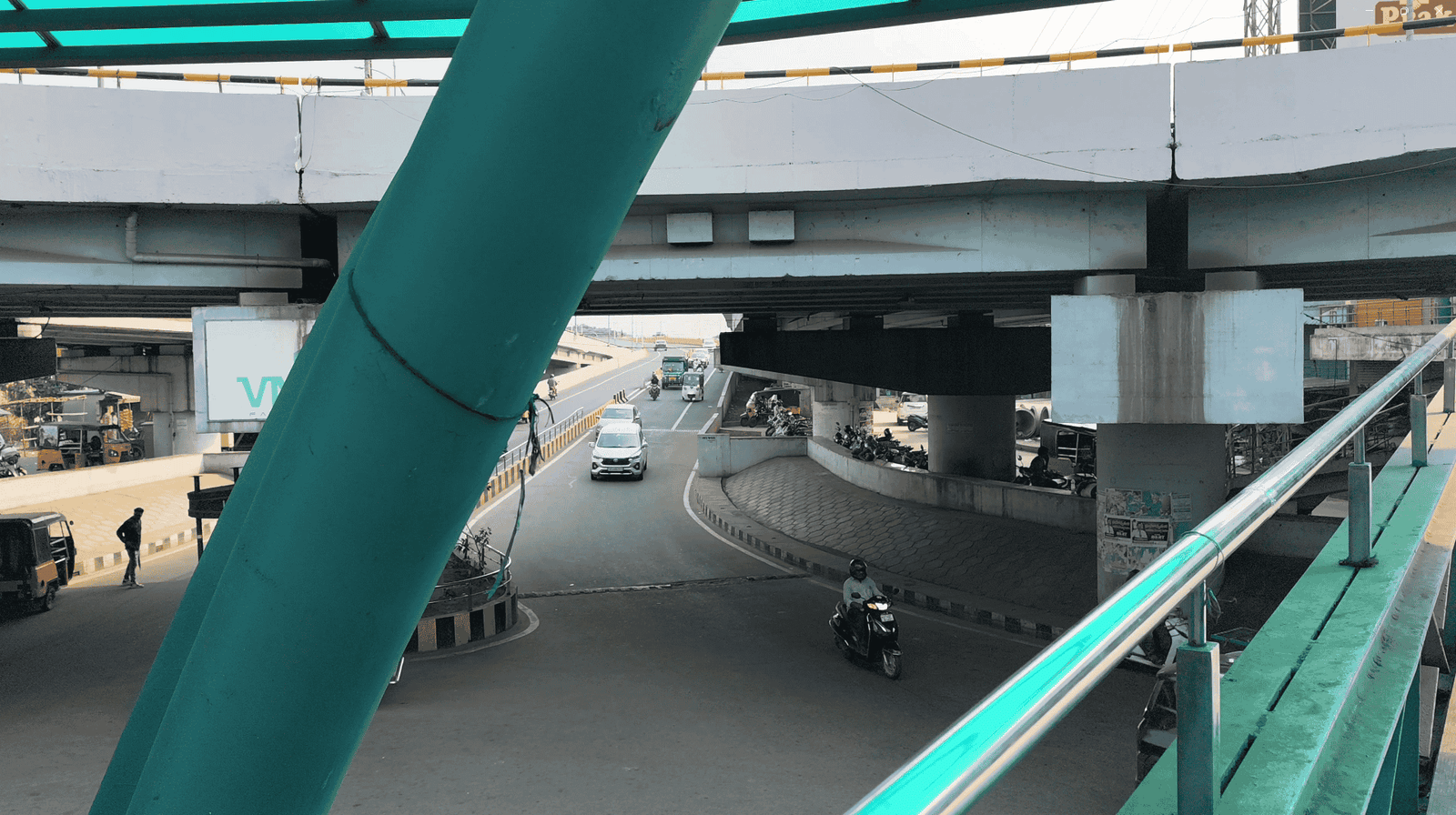
Supports traffic surveillance and recorded road videos.
Clean and well-organized project structure for learning and development.
Technologies Used
Python
YOLOv8 (Ultralytics)
OpenCV
PyTorch
NumPy
SciPy
Project Workflow
1. Load the input traffic video.
2. Detect vehicles in each frame using YOLOv8.
3. Assign unique IDs to detected vehicles.
4. Predict vehicle positions using the Constant Velocity Motion Model.
5. Match detections with existing tracked vehicles.
6. Update vehicle positions and tracking IDs.
7. Display the processed video with bounding boxes and tracking information.
8. Continue the process until the video ends.
Applications
Intelligent Traffic Management Systems
Smart City Surveillance
Vehicle Tracking and Monitoring
Traffic Flow Analysis
Transportation Research
Computer Vision Learning
AI and Deep Learning Projects
Academic Research and Final-Year Engineering Projects
Learning Outcomes
This project provides practical experience in deep learning, object detection, multi-object tracking, motion prediction, and computer vision. It helps learners understand how YOLOv8 can be integrated with motion models to build real-world AI applications for intelligent transportation and surveillance systems.
Why Choose This Project?
This project demonstrates the integration of state-of-the-art object detection with motion prediction techniques to solve real-world vehicle tracking problems. It is suitable for students, researchers, and developers who want to explore computer vision, intelligent transportation systems, and AI-based tracking solutions. The modular codebase makes it easy to customize, extend, and integrate into larger machine learning or smart city applications.
Future Enhancements
Known Issues
Installation
Open the project in Google Colab.
Upload the project files and the input video to the Colab environment (or mount Google Drive if the files are stored there).
Install the required Python libraries:
*!pip install ultralytics
opencv-python numpy scipy*
Download the required YOLO model weights (if they are not already available).
Update the input video path if necessary.
Run the notebook cells sequentially to start vehicle detection and tracking.
Usage
Open the project notebook in Google Colab.
Upload the input video or access it from Google Drive.
Execute all notebook cells in order.
The model detects vehicles in each frame using YOLO.
The Constant Velocity Motion Model tracks detected vehicles across frames.
The processed video with bounding boxes and tracking IDs is displayed and can be saved for later use.
System Requirements
Hardware
- Minimum 4 GB RAM (8 GB recommended)
- Stable internet connection
- Google account for accessing Google Colab
Software
- Google Colab
- Python 3.x (provided by Colab)
Required Python Libraries
- ultralytics
- opencv-python
- numpy
- scipy
Slides Open in New Tab
For better readability, slides are opened directly. Documents remain preview-only with secure backend rendering.
Showing preview pages only. Purchase for full access to all pages and complete source package.
Login for Full AccessNo Q&A available yet
Be the first to ask a question!
Ask a Question
Customer Reviews
Write Your Review
No reviews yet
Be the first to review this project!
Similar Projects
You might also be interested in these projects
 AI & Machine Learning
AI Landmark Lens - Smart Image Recognition System
AI travel assistant that identifies landmarks from images and provides history, hotels, food, attractions, and travel recommendations.
 AI & Machine Learning
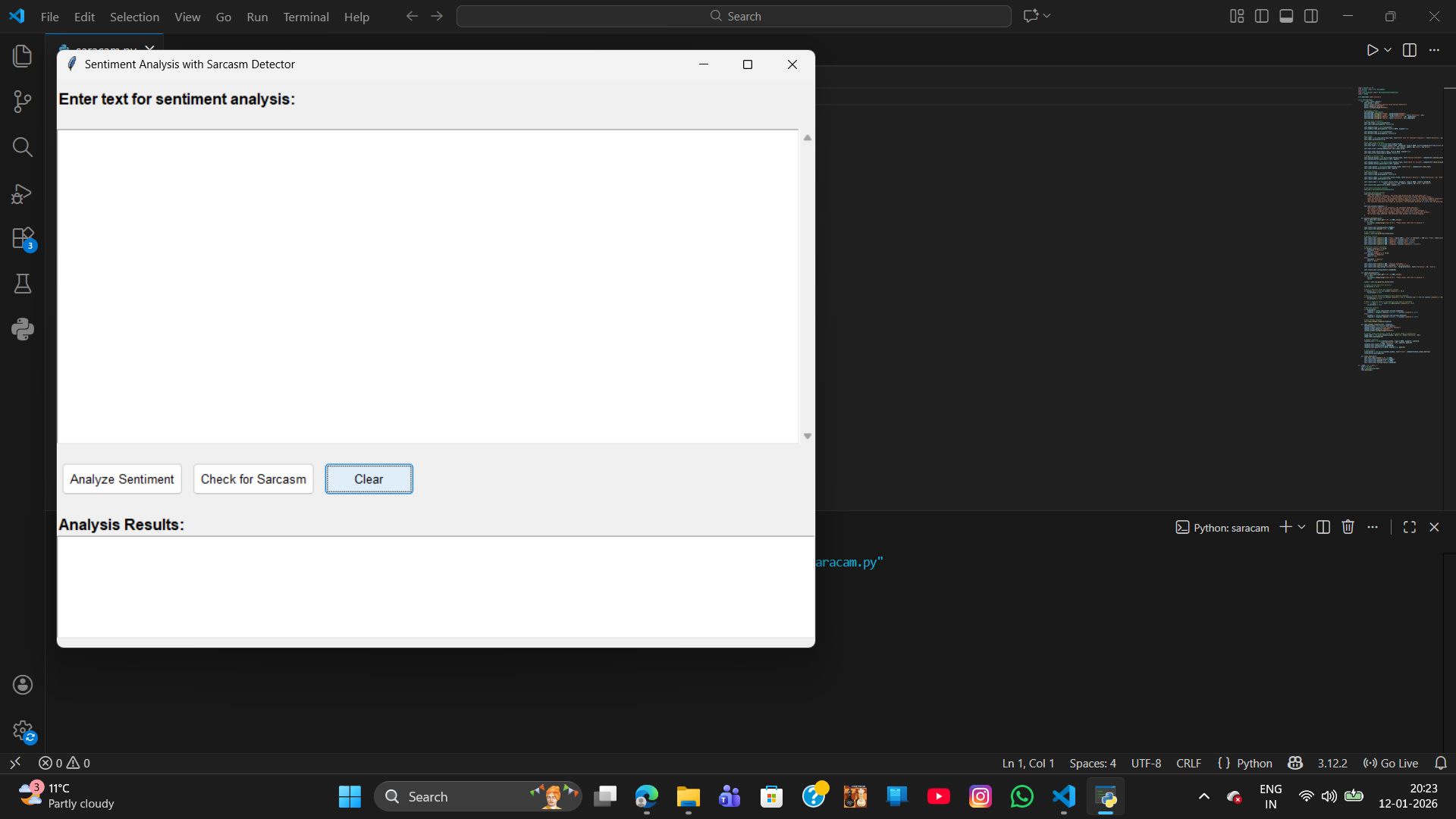
sentiment analysis with sarcasm
sarcasm detection ia a advanced NLP task that typically requires building a custom machine learning and deep learning model
 AI & Machine Learning
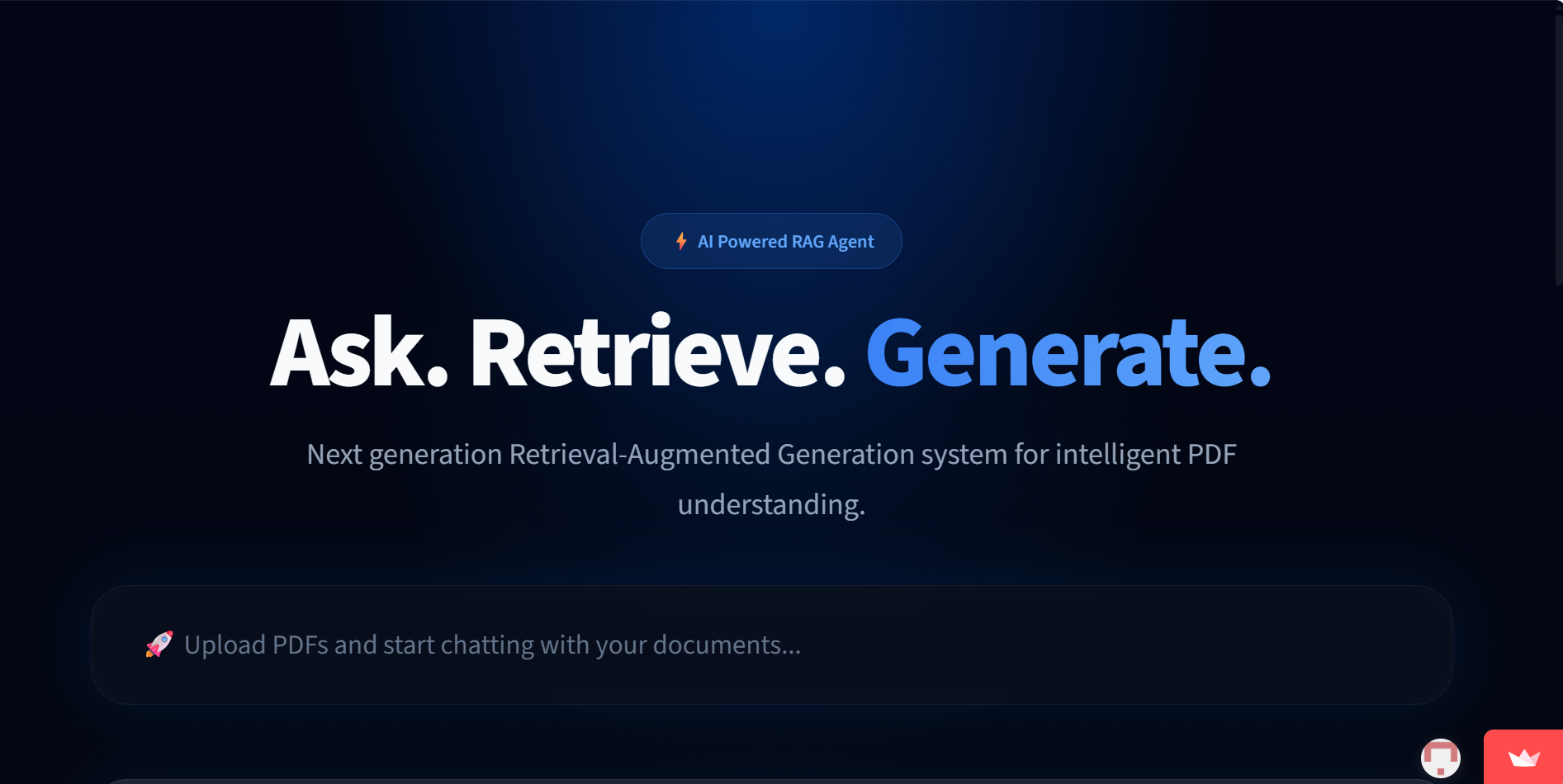
AI PDF Assistant – RAG Chatbot using LlamaIndex & Qdrant
An AI-powered RAG chatbot that answers questions from uploaded PDF documents using vector search and LLMs.
 AI & Machine Learning
Algo portal
cool app ig