SAMEER.IN
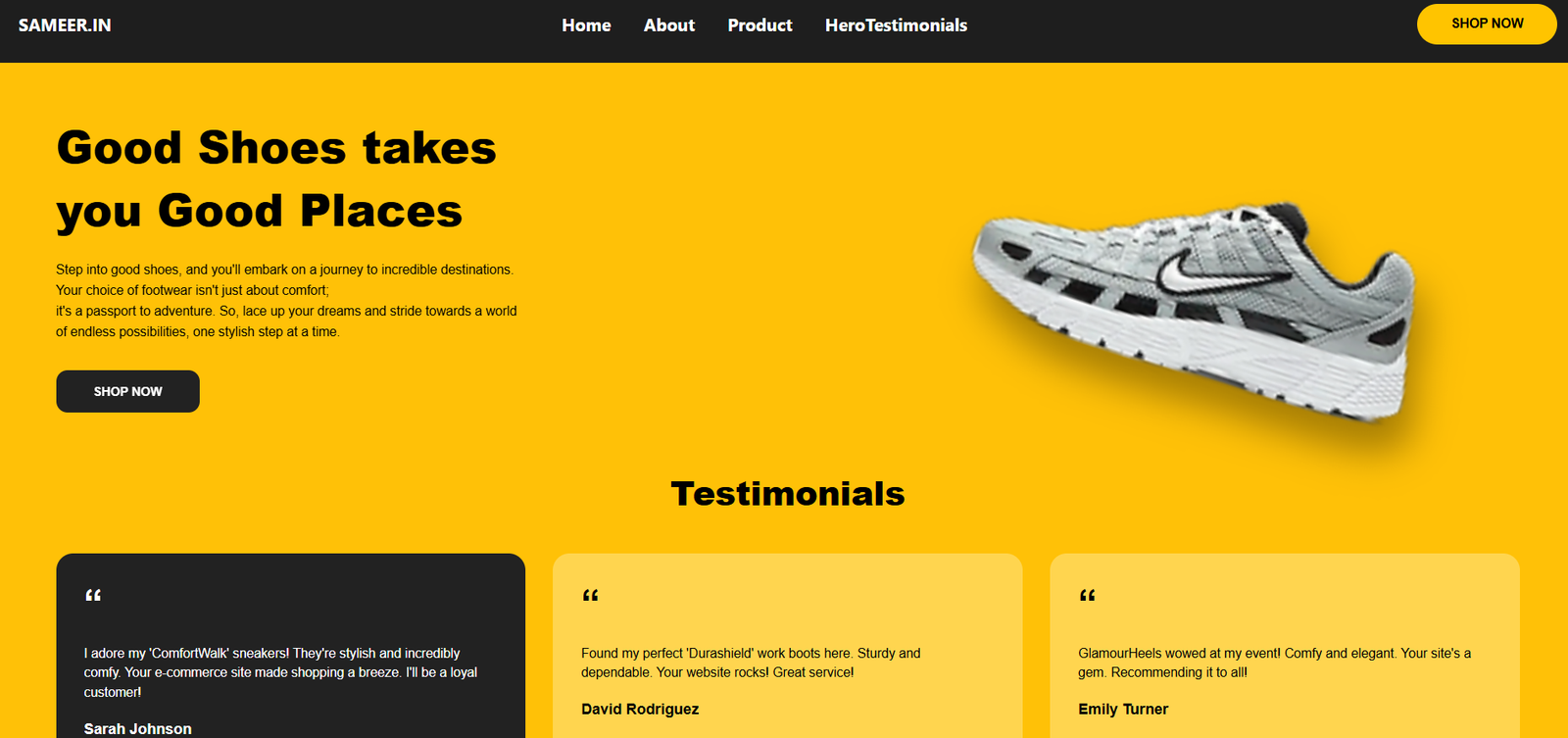
A responsive shoe e-commerce platform featuring product browsing, category filtering, and a seamless shopping experience built with React.
Preview Gallery
6 media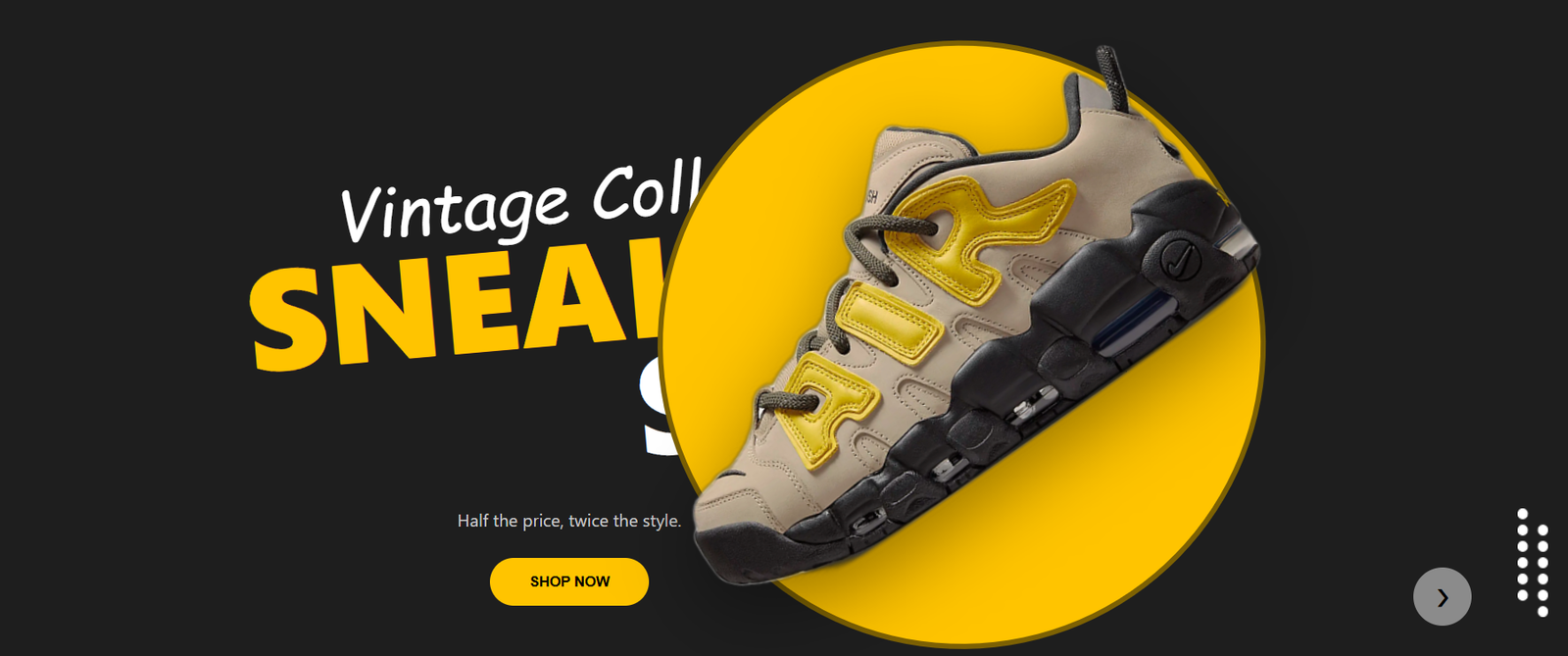
Technologies & Skills
Tags
Limited time offer
What's Included
Support & Customization
Resource Links
Purchase this project to unlock source and premium resources. Document/report remain secure preview-based on this page.
SAMEER.IN – Find Your Perfect Wear is a modern e-commerce web application designed for discovering and shopping premium footwear. The platform allows users to browse a wide collection of shoes, filter products by gender, category, collection, and price, and explore featured collections through an intuitive and responsive interface. Built with React.js, the application focuses on delivering a smooth user experience with reusable components, responsive layouts, interactive product cards, and engaging UI animations. It is ideal for customers looking for an easy and visually appealing online shopping experience while showcasing modern frontend development practices and clean user interface design.
Future Enhancements
Known Issues
Installation
### Prerequisites
- Node.js (v16.x or higher) installed on your system.
- Git (optional, for cloning) or zip file extractors.

---

### Step-by-step Installation Guide

#### Step 1: Clone or Download the Repository
Open your terminal/command prompt and clone the project:
```bash
git clone https://github.com/EGAAJITH-G/Interview-Task.git
(Or download and extract the ZIP file containing the source code).
Step 2: Navigate to Project Folder
Change directory to the project workspace:
bash
cd Interview-Task
Step 3: Install Dependencies
Install all required Node modules and react-scripts packages listed in the package.json file:
bash
npm install
Step 4: Run the Application Locally
Launch the local React development server:
bash
npm start
The application will automatically start in your browser at http://localhost:3000.
Step 5: Build for Production (For Deployment)
To generate the optimized, production-ready static assets:
bash
npm run build
This will compile and optimize the files into a new build directory, which is ready to be uploaded to Netlify or any other static hosting platform.
Usage
### How to Use the E-Commerce Platform
Once the application is running locally (at `http://localhost:3000`) or deployed on Netlify, users can interact with the platform using the following steps:
#### 1. Navigating the Platform (Header & Navbar)
- Use the sticky navigation bar at the top to access different page sections.
- Clicking on **Home**, **About**, **Product**, or **Testimonials** will smoothly scroll you to that specific section.
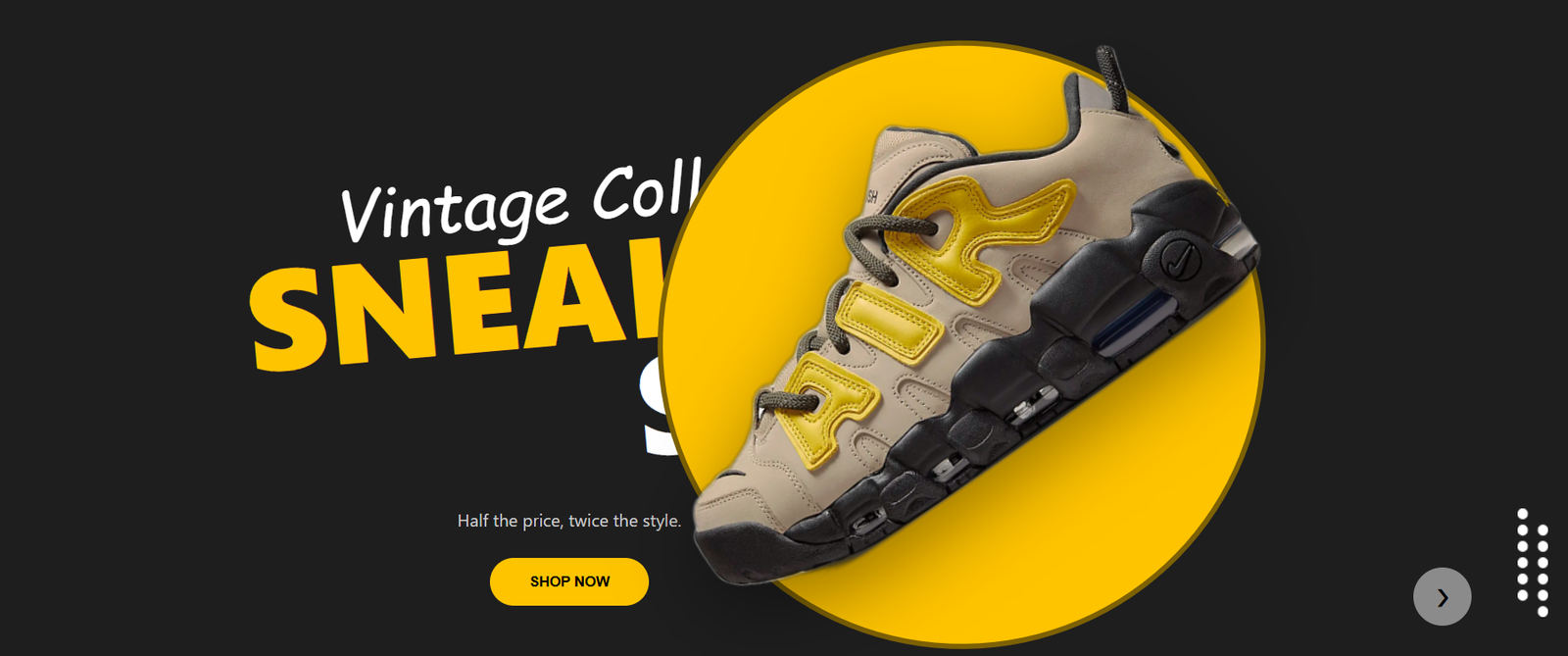
#### 2. Interacting with the Vintage Sneakers Hero Banner (Home)
- On the homepage, view the featured vintage sneakers.
- Click the **"❯" (Next Arrow)** button to transition between different sneaker model banners.
- Click the **"SHOP NOW"** CTA button to scroll directly to the main product catalog.
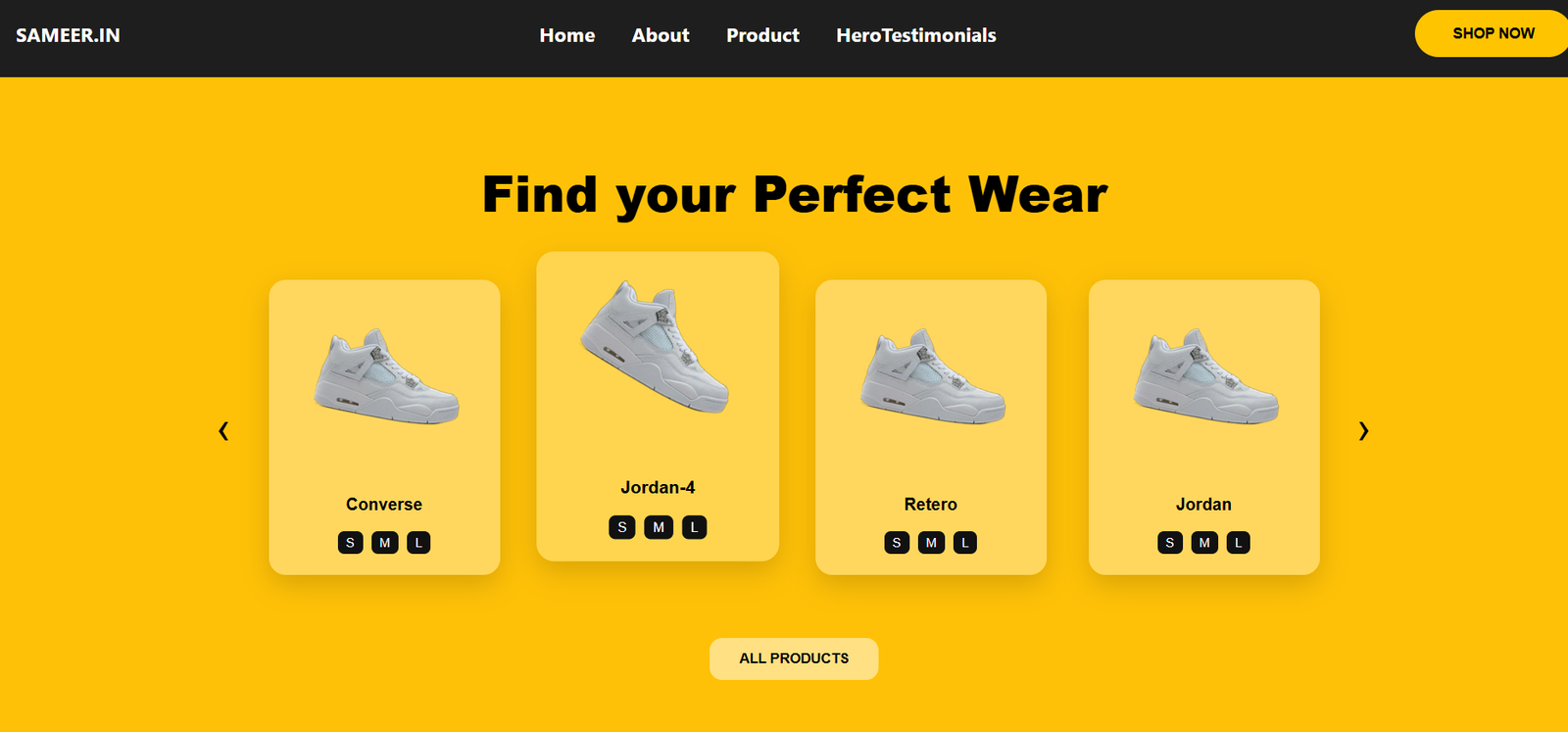
#### 3. Navigating the Perfect Wear Carousel (About Section)
- Go to the "Find your Perfect Wear" section.
- Use the **"‹" (Prev)** and **"›" (Next)** buttons on either side to slide between featured collections (Converse, Jordan-4, Retero, etc.).
- Inspect the size tags (S, M, L) displayed beneath each sneaker card.
- Click **"ALL PRODUCTS"** to show all footwear ranges.
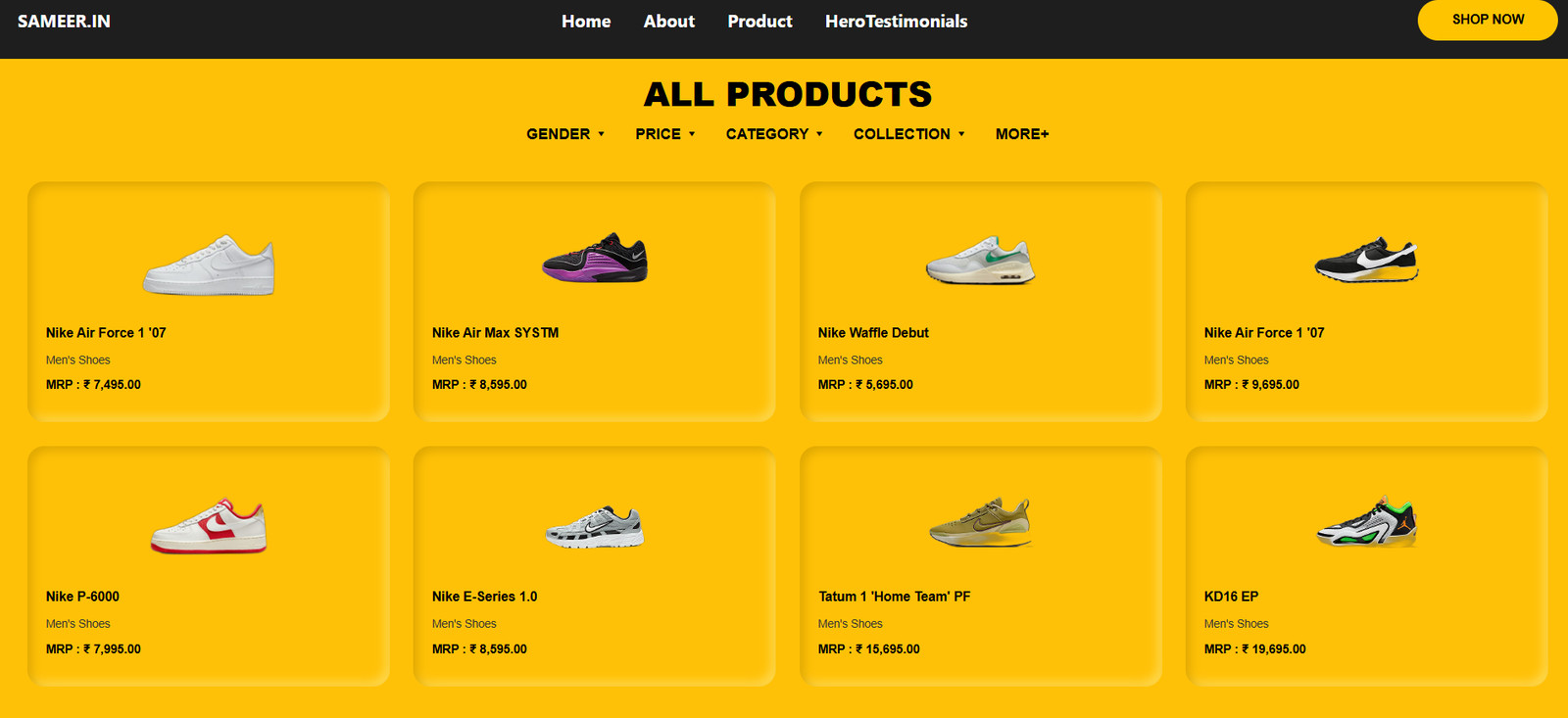
#### 4. Browsing and Filtering the Product Grid (Products Section)
- Scroll down to the **"ALL PRODUCTS"** section.
- Review the curated list of Nike footwear models including Nike Air Force 1, Nike Air Max SYSTM, Nike Waffle Debut, Nike P-6000, Tatum 1, and KD16 EP with prices (in INR).
- Click on the filter dropdowns (**GENDER ▾**, **PRICE ▾**, **CATEGORY ▾**, **COLLECTION ▾**) to sort or filter the catalog according to your preferences.
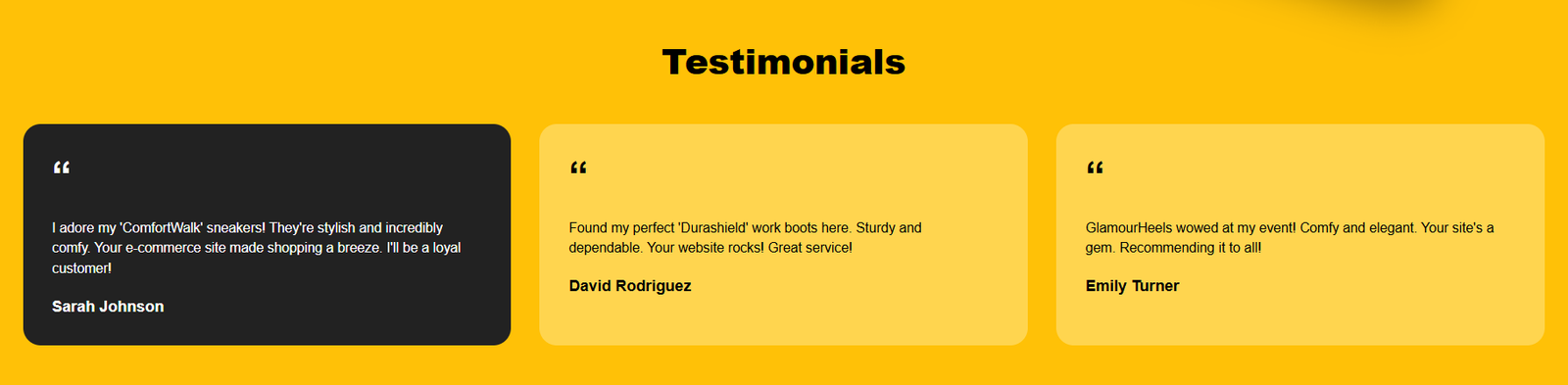
#### 5. Reading Customer Testimonials (Footer Section)
- Scroll to the bottom to read success stories and review feedback from verified customers (Sarah Johnson, David Rodriguez, Emily Turner).
- Use the footer call-to-actions to return to the catalog for a quick checkout mock process.
System Requirements
### System Requirements
To set up, run, and compile the project locally, your machine should meet the following hardware and software specifications:
#### 1. Software Requirements
- **Operating System:** Windows 10/11, macOS (10.15+), or Linux (Ubuntu 18.04+, Debian, Fedora, etc.).
- **Runtime Environment:** Node.js (Version `v16.x` or higher, `v18.x`/`v20.x` LTS recommended).
- **Package Manager:** npm (v8.x or higher, installed automatically with Node.js) or Yarn / pnpm.
- **Web Browser:** A modern web browser with JavaScript enabled (Google Chrome, Mozilla Firefox, Microsoft Edge, Apple Safari).
- **Code Editor (Optional):** Visual Studio Code (recommended), WebStorm, or any IDE of your choice for custom changes.
- **Git Version Control:** Git (v2.20 or higher) for repository management and version tracking.
#### 2. Hardware Requirements
- **Processor (CPU):** Dual-Core 1.6 GHz Processor (Intel Core i3 / AMD Ryzen 3 or equivalent) minimum. Quad-core is recommended.
- **Memory (RAM):**
- Minimum: 4 GB RAM.
- Recommended: 8 GB RAM (helps in running VS Code, local development servers, and multiple browser tabs concurrently).
- **Storage Space:**
- Minimum: 500 MB of free disk space (to house the source code, development environment, and the `node_modules` dependency folder).
- **Internet Connection:** Active broadband connection (required for downloading dependencies via `npm install` and for pushing files to GitHub/deploying to Netlify).
Slides Open in New Tab
For better readability, slides are opened directly. Documents remain preview-only with secure backend rendering.
Showing preview pages only. Purchase for full access to all pages and complete source package.
Login for Full AccessNo Q&A available yet
Be the first to ask a question!
Ask a Question
Customer Reviews
Write Your Review
No reviews yet
Be the first to review this project!
Similar Projects
You might also be interested in these projects
 E-Commerce & SaaS Tools
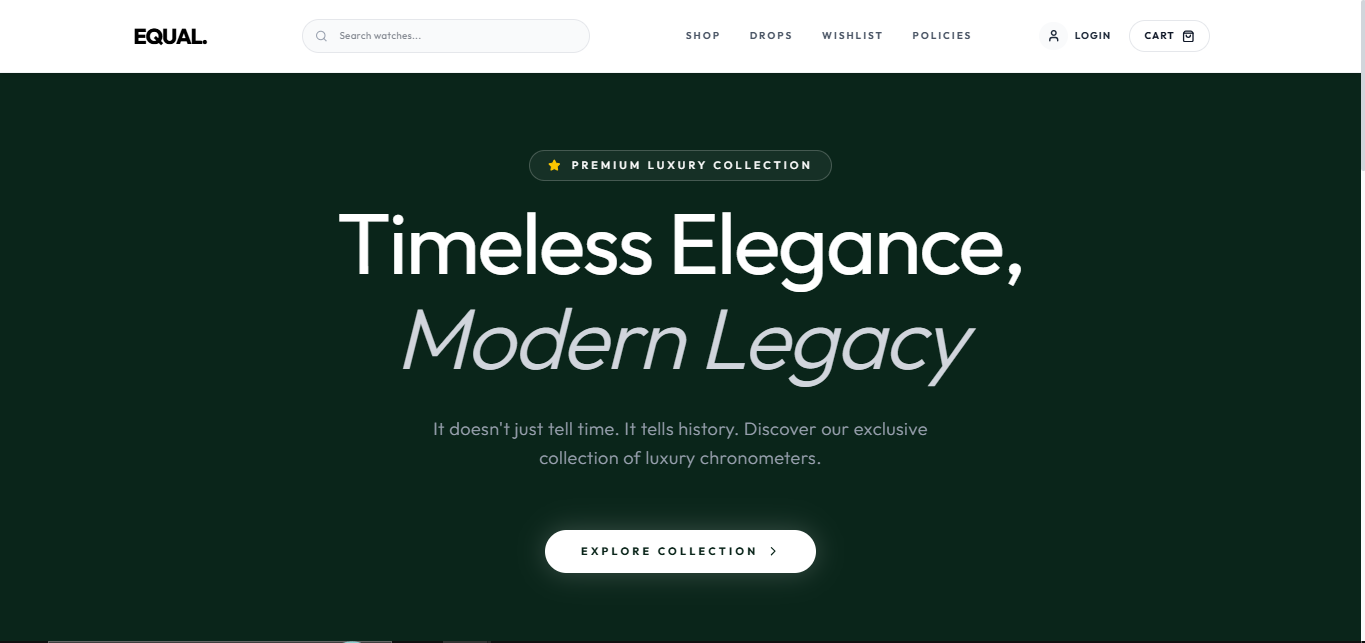
Watch Store ecommerce website
it's complete ecommerce website with all type of ecommerce requirement with payment getway