Full Stack Doctor appointment System
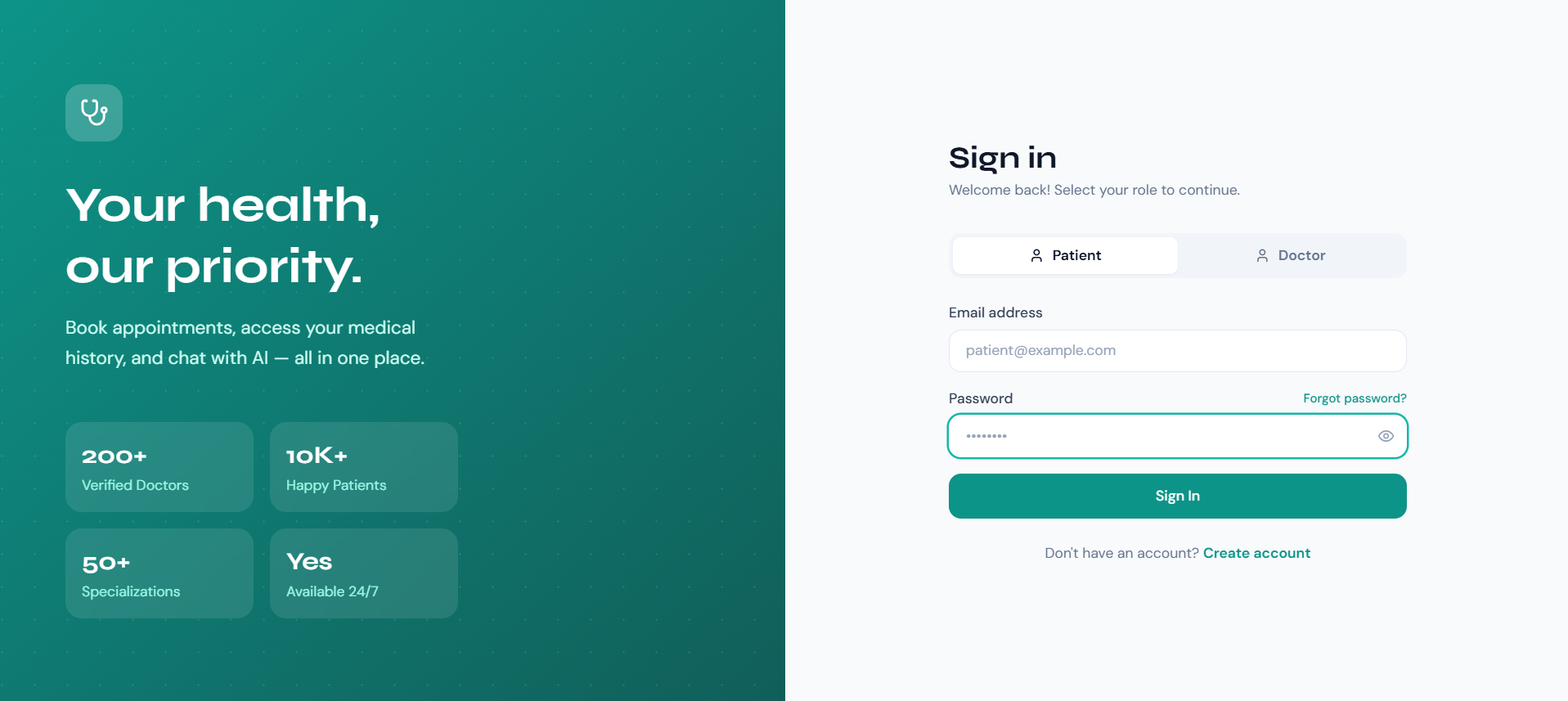
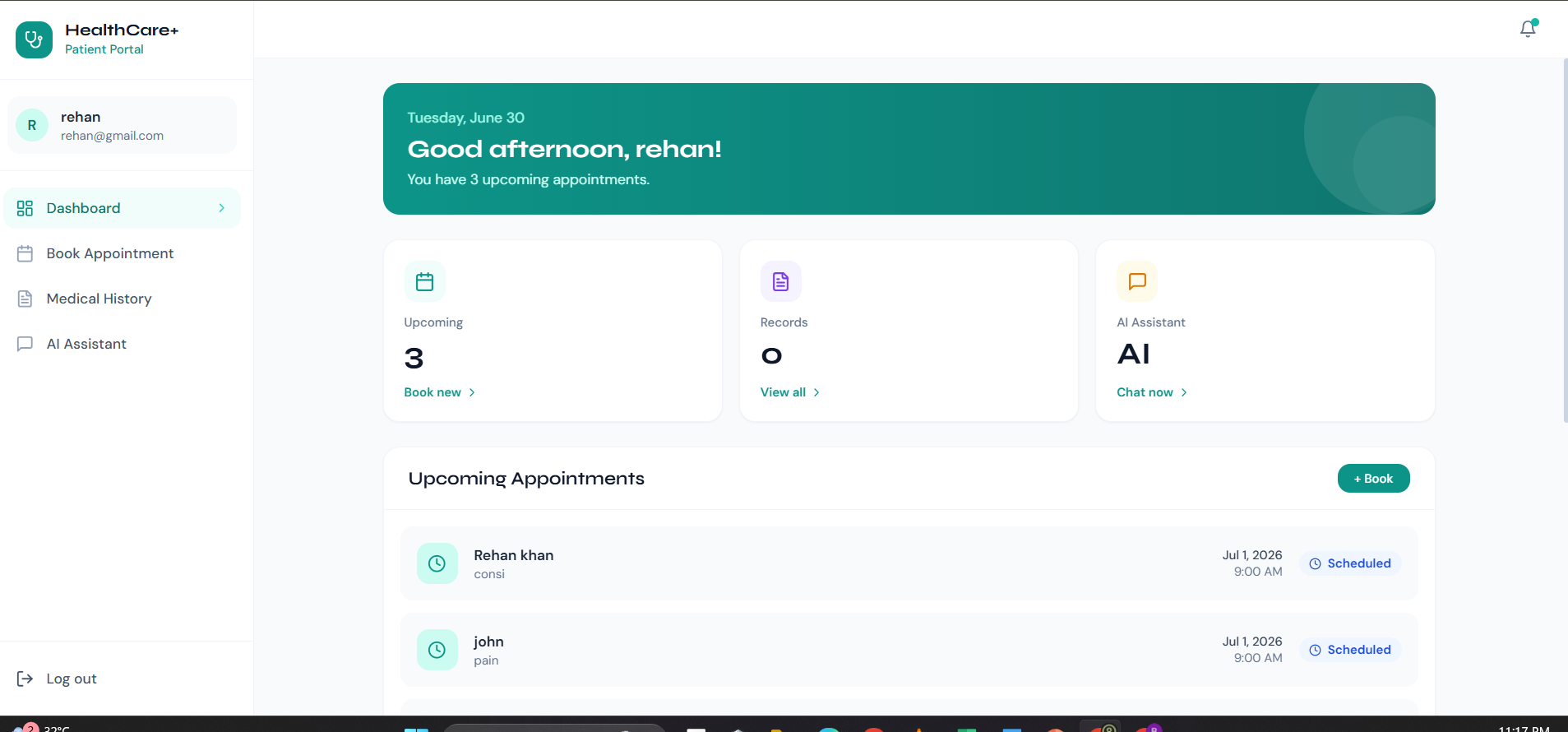
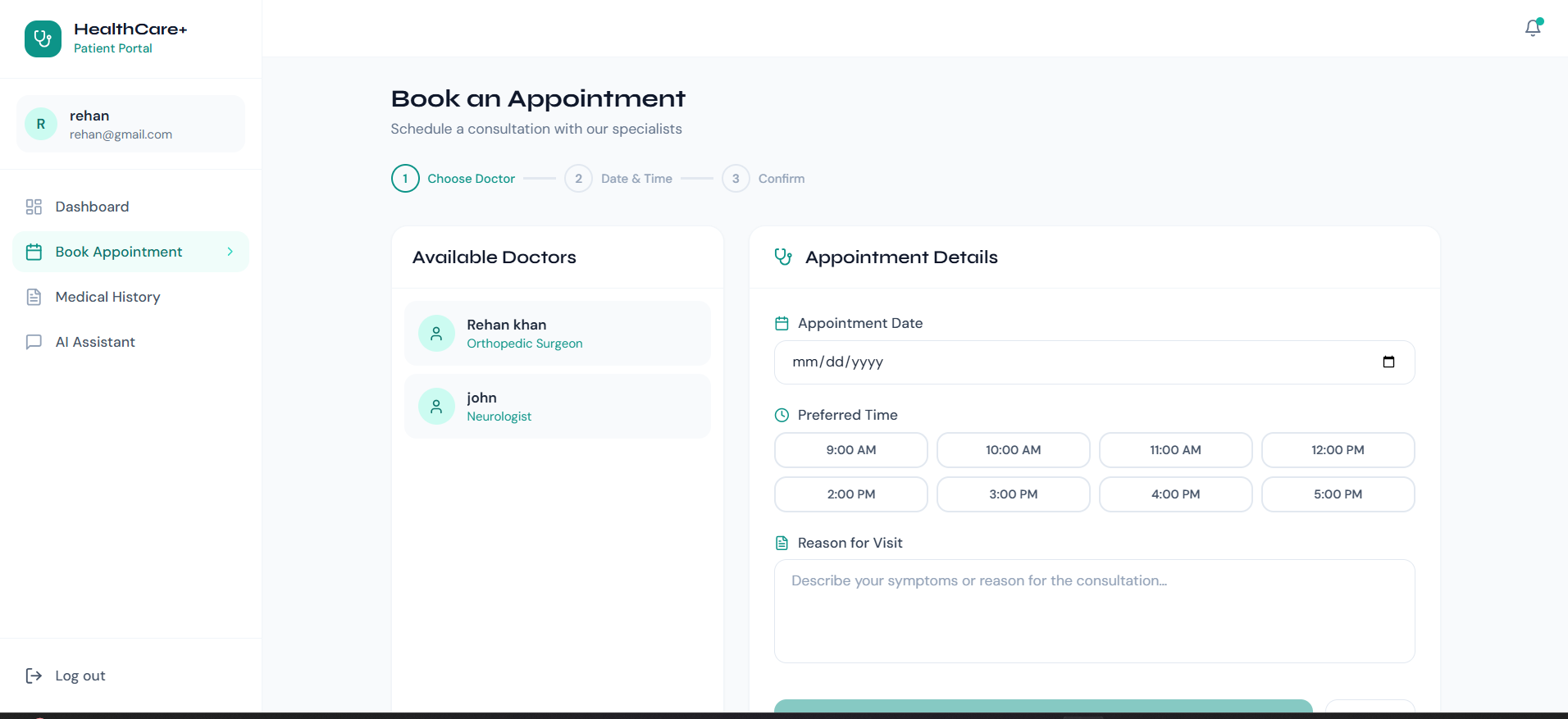
Shipped a full-stack MERN appointment platform with 2 role dashboards (patient and doctor) JWT auth and role-based middleware enforce access across 5
Preview Gallery
4 media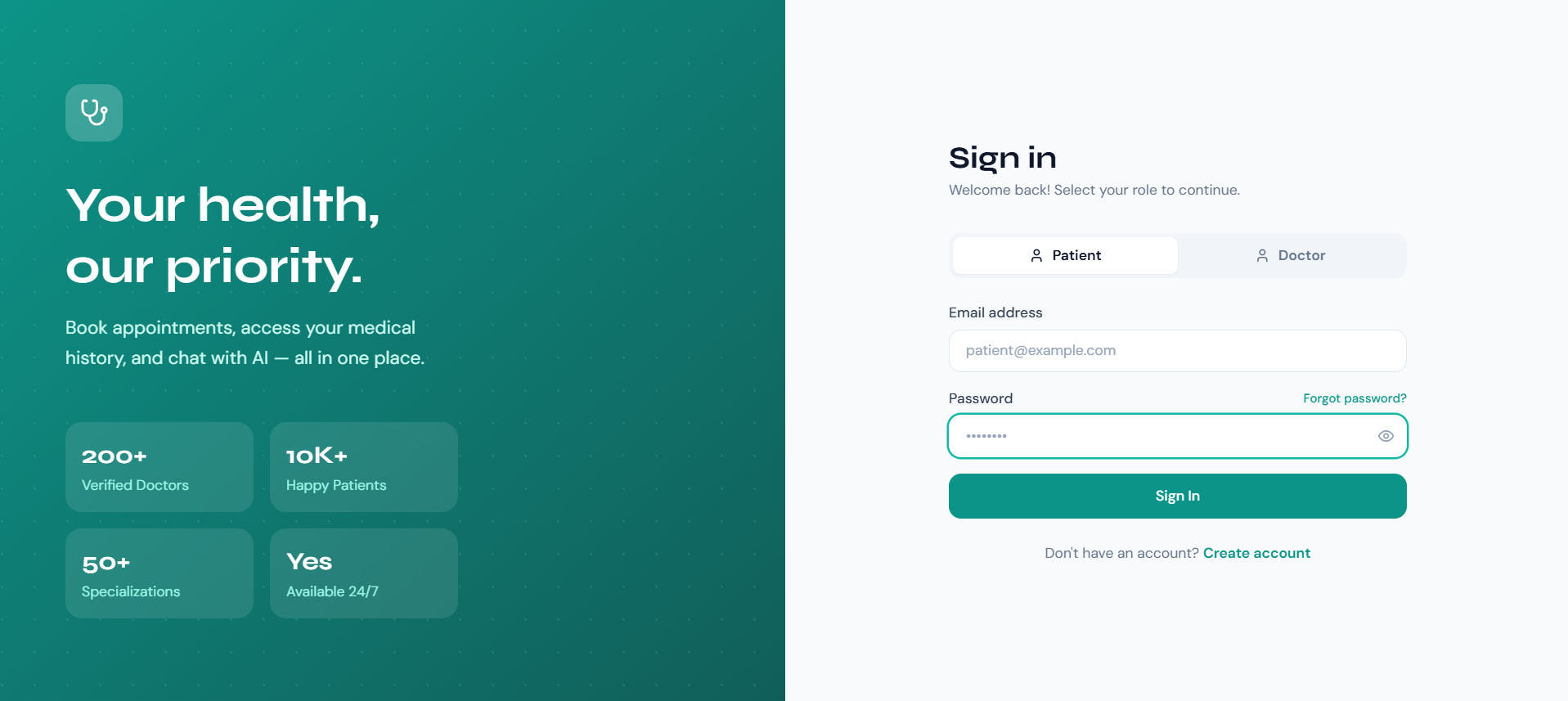
Technologies & Skills
One-time purchase
What's Included
Support & Customization
Resource Links
Purchase this project to unlock source and premium resources. Document/report remain secure preview-based on this page.
•Shipped a full-stack MERN appointment platform with 2 role dashboards (patient and doctor);
•JWT auth and role-based middleware enforce access across 5 route groups — patients book/cancel only, doctors update status only.
• Stored passwords with bcrypt hashing; all protected routes return 401 on missing or expired tokens with no data leakage in the error response.
• Wired an AI health chatbot (MediBot) via Gemini 1.5 Flash API, retaining the last 10 conversation turns in memory and capping each reply at 512 tokens.
• Deployed frontend on Vercel and REST API on Render; average API response time under 400ms for appointment fetch and booking routes in production.
Future Enhancements
Known Issues
Installation
🚀 Getting Started
1. Clone / extract project
cd mern-doctor-app
2. Set up the Backend
cd backend
npm install

# Copy env example and fill in your values
cp .env.example .env
# Edit .env:
#   MONGO_URI=mongodb://localhost:27017/doctor_appointment_db
#   JWT_SECRET=your_strong_random_secret
#   CLIENT_URL=http://localhost:5173

npm run dev        # starts on http://localhost:5000
3. Set up the Frontend
cd frontend
npm install
npm run dev        # starts on http://localhost:5173
Open http://localhost:5173 in your brows
Usage
🚀 Getting Started
1. Clone / extract project
cd mern-doctor-app
2. Set up the Backend
cd backend
npm install

# Copy env example and fill in your values
cp .env.example .env
# Edit .env:
#   MONGO_URI=mongodb://localhost:27017/doctor_appointment_db
#   JWT_SECRET=your_strong_random_secret
#   CLIENT_URL=http://localhost:5173

npm run dev        # starts on http://localhost:5000
3. Set up the Frontend
cd frontend
npm install
npm run dev        # starts on http://localhost:5173
Open http://localhost:5173 in your brows
System Requirements
🚀 Getting Started
1. Clone / extract project
cd mern-doctor-app
2. Set up the Backend
cd backend
npm install

# Copy env example and fill in your values
cp .env.example .env
# Edit .env:
#   MONGO_URI=mongodb://localhost:27017/doctor_appointment_db
#   JWT_SECRET=your_strong_random_secret
#   CLIENT_URL=http://localhost:5173

npm run dev        # starts on http://localhost:5000
3. Set up the Frontend
cd frontend
npm install
npm run dev        # starts on http://localhost:5173
Open http://localhost:5173 in your brows
Slides Open in New Tab
For better readability, slides are opened directly. Documents remain preview-only with secure backend rendering.
Showing preview pages only. Purchase for full access to all pages and complete source package.
Login for Full AccessNo Q&A available yet
Be the first to ask a question!
Ask a Question
Customer Reviews
Write Your Review
No reviews yet
Be the first to review this project!
Similar Projects
You might also be interested in these projects
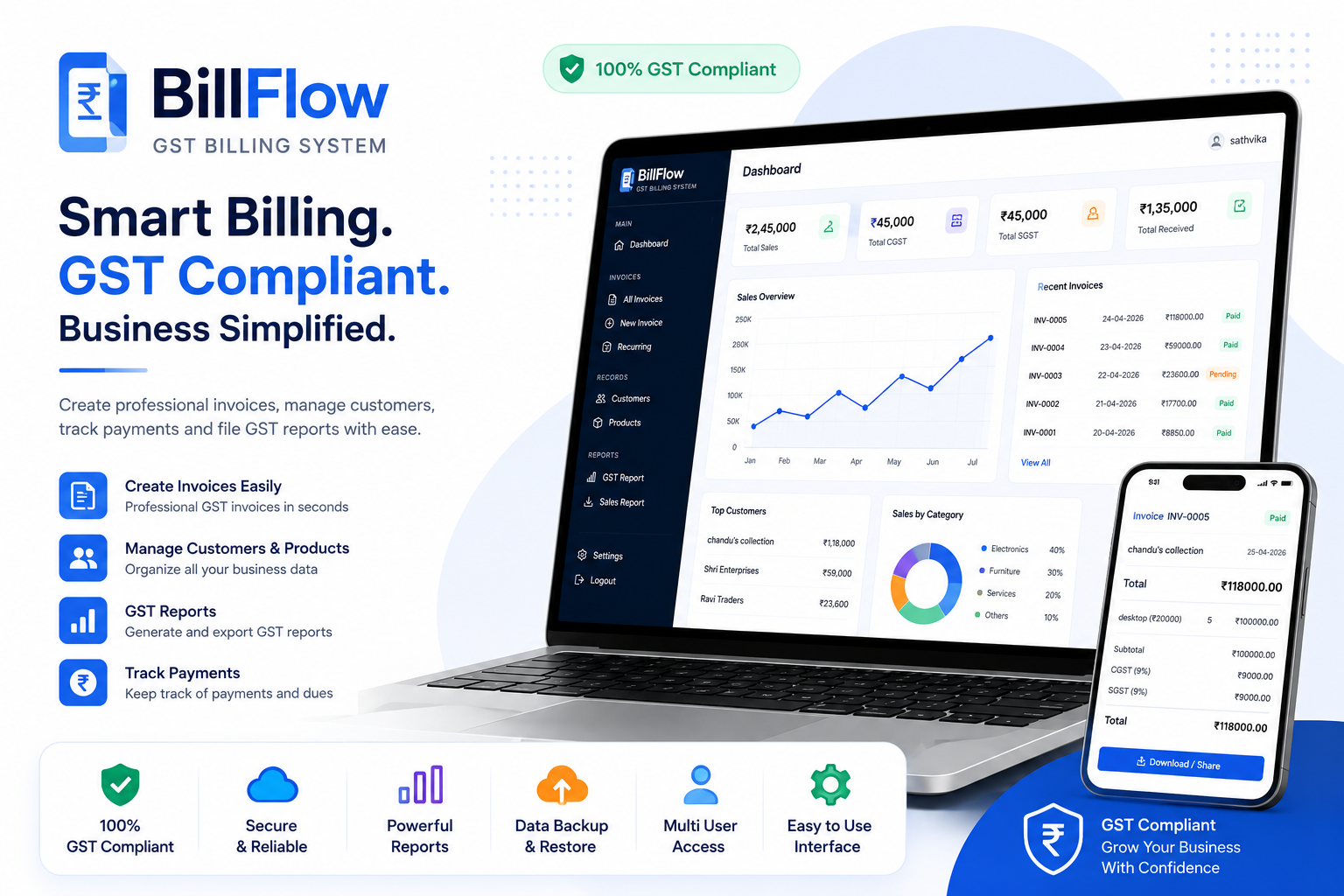 website Development
GST Billing System with PDF Invoice Generator
A Django-based GST billing web app that automates tax calculations and generates professional PDF invoices for Indian businesses.
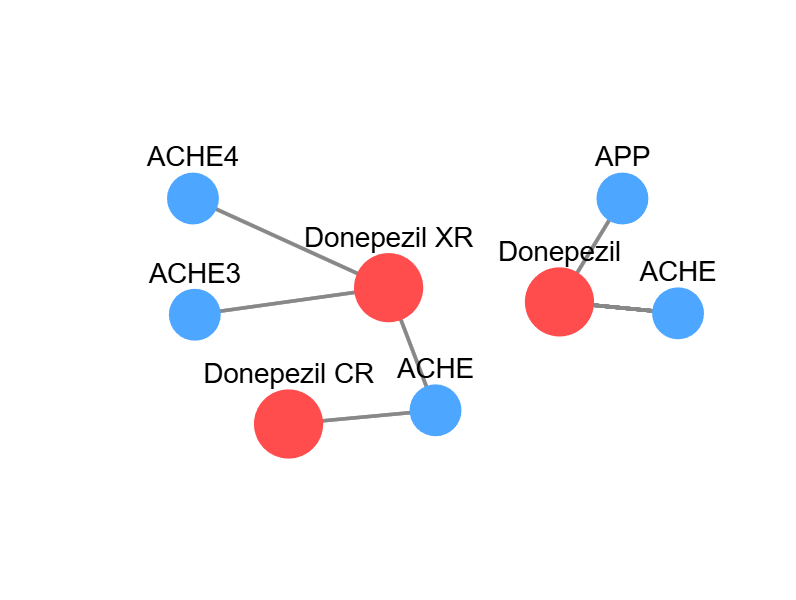 website Development
Database For Drug-Target Interaction
My Project tells the drug-target interactions for the specific disease i.e. Neurological Diseases. It clearly describes the information data.
 website Development
Social Platform
AI-powered social platform for language learning with chat, video calls, gamification, partner matching, and Stripe subscriptions.
 website Development
Stationery Swap – Student Marketplace for Buying & Selling Stationery
A MERN-based marketplace that enables students to buy, sell, and exchange stationery securely with authentication, image uploads, and smart search.