AI Resume Builder & Analyzer using NLP and ATS Optimization
An AI-powered resume builder and analyzer that evaluates ATS scores, extracts keywords, and helps create professional resumes.
Preview Gallery
1 media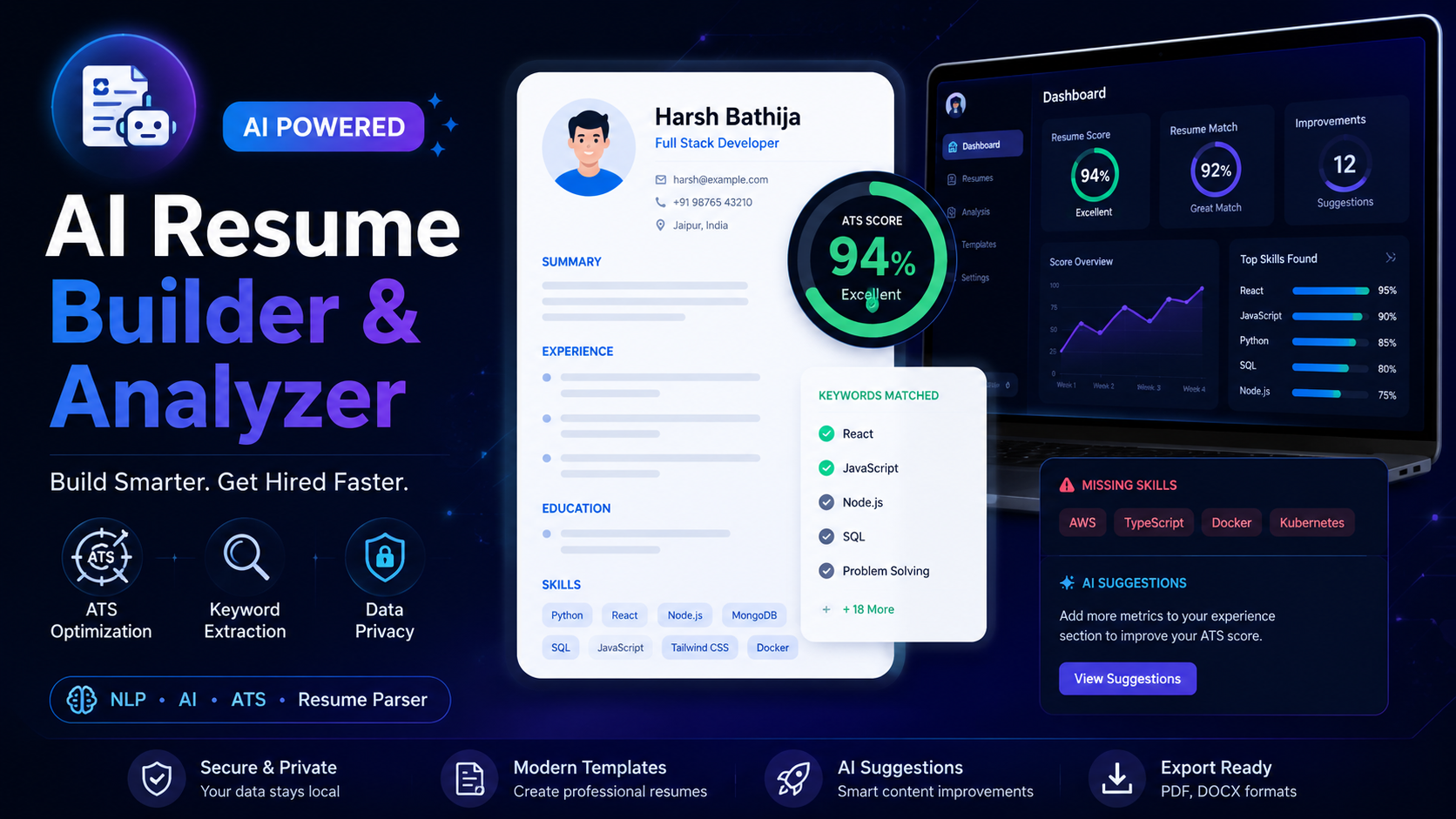
Technologies & Skills
Tags
Limited time offer
What's Included
Support & Customization
Customization services are available based on client requirements. Services Offered: • Custom UI/UX enhancements • Additional ATS scoring improvements • A...
Resource Links
Purchase this project to unlock source and premium resources. Document/report remain secure preview-based on this page.
Overview
AI Resume Builder & Analyzer is an intelligent web application that helps job seekers create, analyze, and optimize professional resumes using Artificial Intelligence and Natural Language Processing (NLP). The platform evaluates resumes against job descriptions, identifies missing keywords, estimates ATS compatibility, and provides actionable suggestions to improve hiring success.
Designed for students, fresh graduates, and professionals, the application streamlines resume creation while ensuring compatibility with modern Applicant Tracking Systems (ATS).
Features
- AI-based resume analysis
- ATS compatibility scoring
- Resume parsing using NLP
- Job description comparison
- Keyword extraction and optimization
- Missing skills identification
- Professional resume templates
- Resume export functionality
- Privacy-focused local document processing
- Clean and responsive user interface
How It Works
- Upload an existing resume.
- Enter or upload the target job description.
- The AI analyzes the resume content.
- Important keywords and skills are extracted.
- The ATS score is calculated.
- Missing skills and improvements are suggested.
- The user can edit and export an optimized resume.
Benefits
- Improves ATS compatibility.
- Increases interview selection chances.
- Saves time during resume preparation.
- Provides data-driven resume recommendations.
- Helps users tailor resumes for different job roles.
Project Highlights
- Artificial Intelligence integration
- Natural Language Processing (NLP)
- Resume parsing engine
- ATS optimization algorithms
- Modern responsive UI
- Secure document processing
- Professional resume generation
- Scalable application architecture
Future Enhancements
Known Issues
Installation
Prerequisites
Before running the project, ensure you have the following installed:
- Git
- Python 3.10 or later
- Node.js 18+ and npm
- Virtual Environment (recommended)
Installation Steps
1. Clone the Repository
git clone https://github.com/HarshBathija-04/AI-Resume-Shortlister.git
cd AI-Resume-Shortlister
2. Create a Virtual Environment
Windows
python -m venv venv
venv\Scripts\activate
Linux/macOS
python3 -m venv venv
source venv/bin/activate
3. Install Backend Dependencies
pip install -r requirements.txt
4. Install Frontend Dependencies (if applicable)
cd frontend
npm install
5. Configure Environment Variables
Create a .env file in the project root and add the required environment variables.
Example:
SECRET_KEY=your_secret_key
DATABASE_URL=your_database_url
API_KEY=your_api_key
6. Start the Backend Server
For Flask:
flask run
or
python app.py
For Django:
python manage.py runserver
7. Start the Frontend
npm run dev
8. Open the Application
Frontend:
http://localhost:5173
Backend:
http://localhost:5000
(or the port configured in your application)
Usage
Usage Guide
- Launch the application after completing the installation.
- Create an account or log in to access the dashboard.
- Upload your existing resume in PDF or DOCX format.
- Paste or upload the target Job Description (JD) for analysis.
- Click Analyze Resume to start the AI-powered evaluation.
- The system will calculate your ATS score, extract important keywords, identify missing skills, and provide personalized improvement suggestions.
- Review the recommendations and update your resume using the built-in resume builder or editor.
- Generate a professional, ATS-friendly resume and export it in your preferred format.
- Repeat the process for different job roles to maximize your chances of passing Applicant Tracking Systems (ATS).
Expected Output
- ATS Compatibility Score
- Keyword Match Analysis
- Missing Skills Report
- Resume Strengths & Weaknesses
- AI-Powered Improvement Suggestions
- Professionally Formatted Resume Ready for Job Applications
This workflow helps job seekers create optimized resumes, improve ATS rankings, and increase interview opportunities with AI-driven insights.
System Requirements
System Requirements
Operating System
- Windows 10/11 (64-bit)
- macOS 11 or later
- Ubuntu 20.04+ or any modern Linux distribution
Software Requirements
- Python 3.10 or later
- Node.js 18+ and npm
- Git
- Modern Web Browser (Google Chrome, Microsoft Edge, Firefox, or Safari)
Hardware Requirements
- Processor: Dual-Core 2.0 GHz or higher
- RAM: Minimum 4 GB (8 GB Recommended)
- Storage: At least 500 MB of free disk space
- Internet connection (required for installation, updates, and AI services if enabled)
Optional Requirements
- Visual Studio Code or any preferred code editor
- Virtual Environment (venv)
- Docker (optional for containerized deployment)
Supported File Formats
- Resume Upload: PDF, DOCX
- Job Description: TXT, DOCX, or plain text
These requirements ensure smooth installation, AI-powered resume analysis, ATS score generation, keyword extraction, and resume optimization across all supported platforms.
Slides Open in New Tab
For better readability, slides are opened directly. Documents remain preview-only with secure backend rendering.
Showing preview pages only. Purchase for full access to all pages and complete source package.
Login for Full AccessNo Q&A available yet
Be the first to ask a question!
Ask a Question
Customer Reviews
Write Your Review
No reviews yet
Be the first to review this project!
Similar Projects
You might also be interested in these projects
 AI & Machine Learning
Algo portal
cool app ig
 AI & Machine Learning
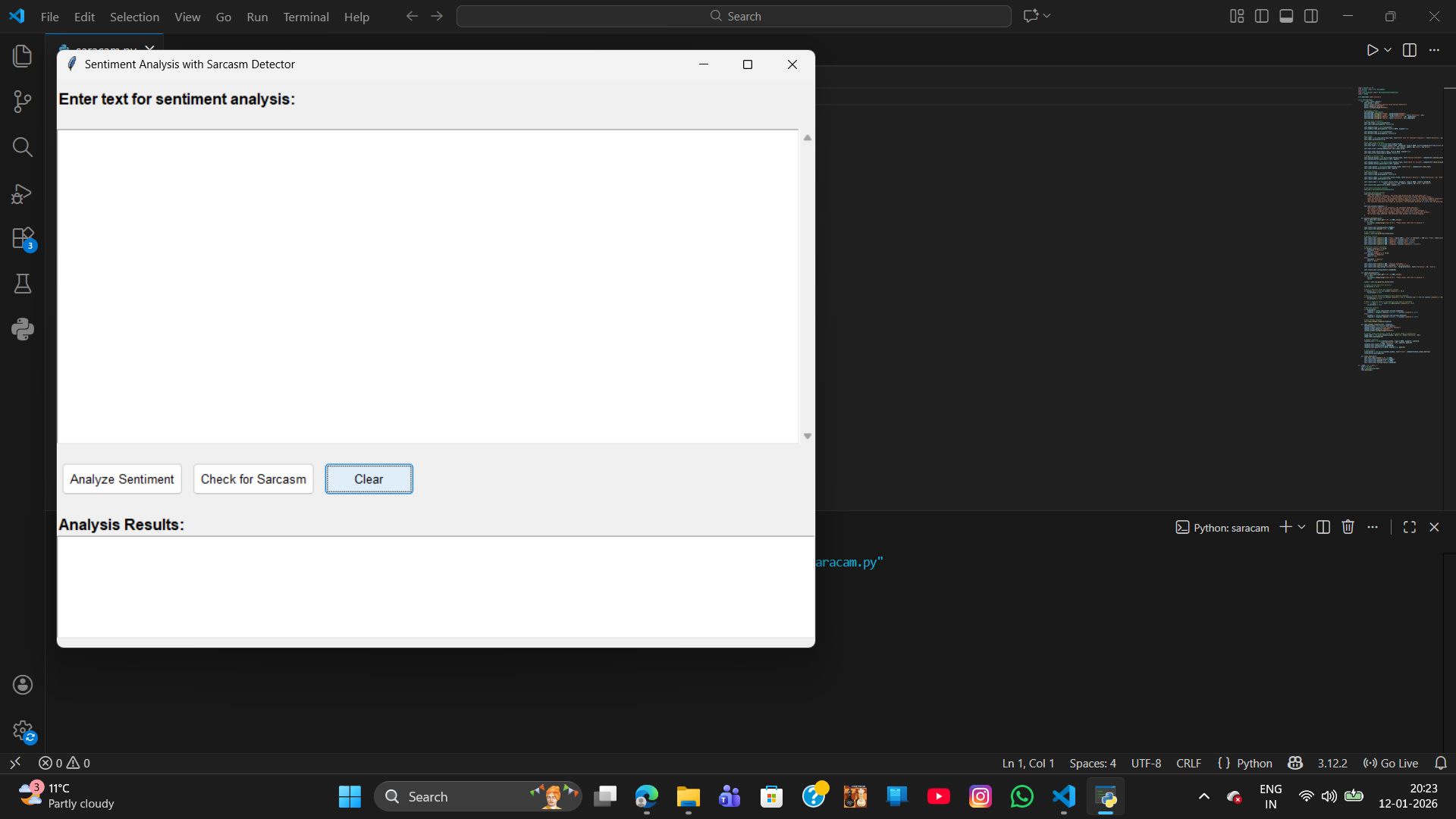
sentiment analysis with sarcasm
sarcasm detection ia a advanced NLP task that typically requires building a custom machine learning and deep learning model
 AI & Machine Learning
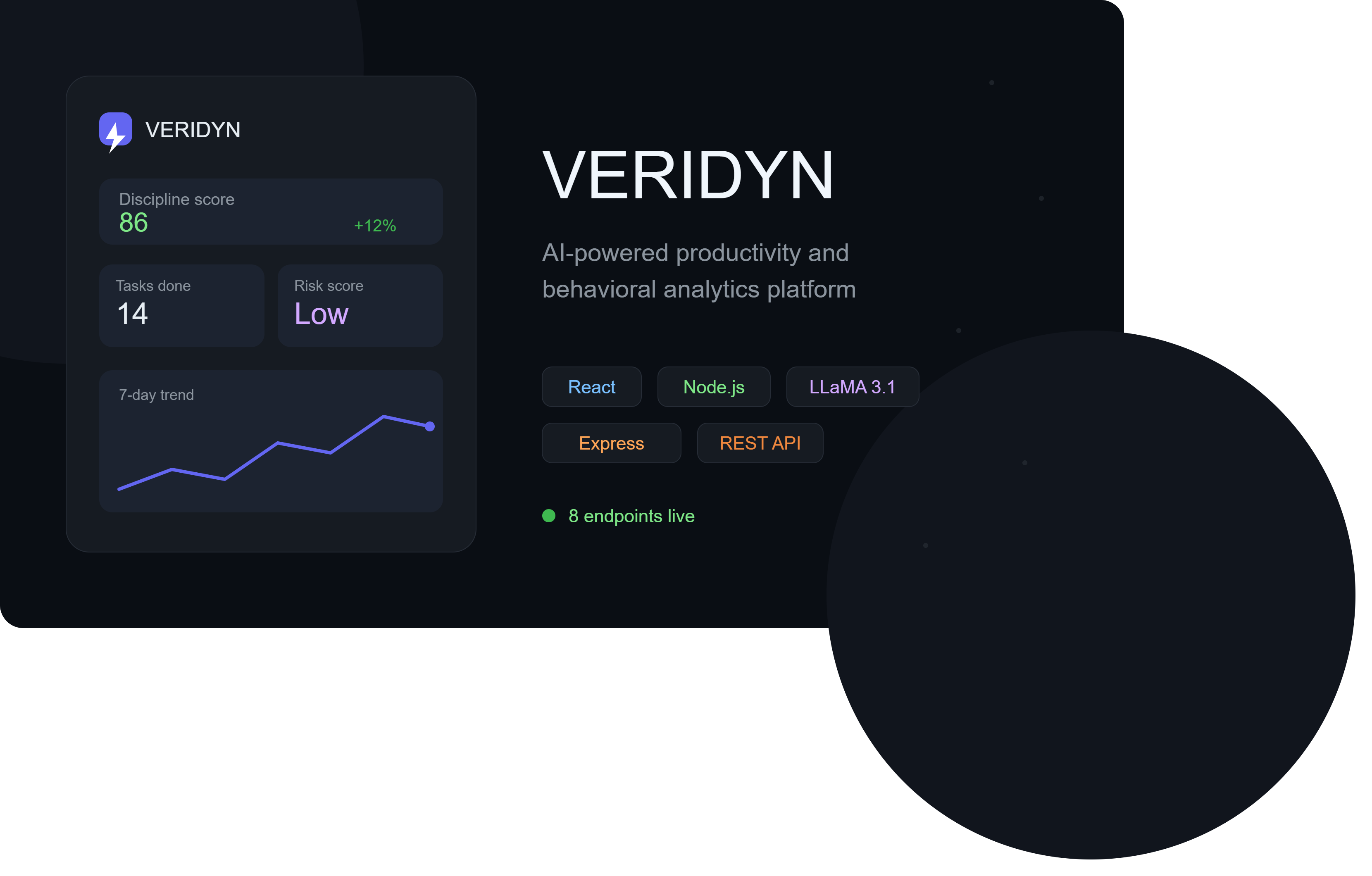
VERIDYN — AI-Powered Productivity & Behavioral Analytics Platform
AI-powered productivity platform with behavioral analytics, LLM-driven insights, and real-time statistical tracking across 8 REST endpoints
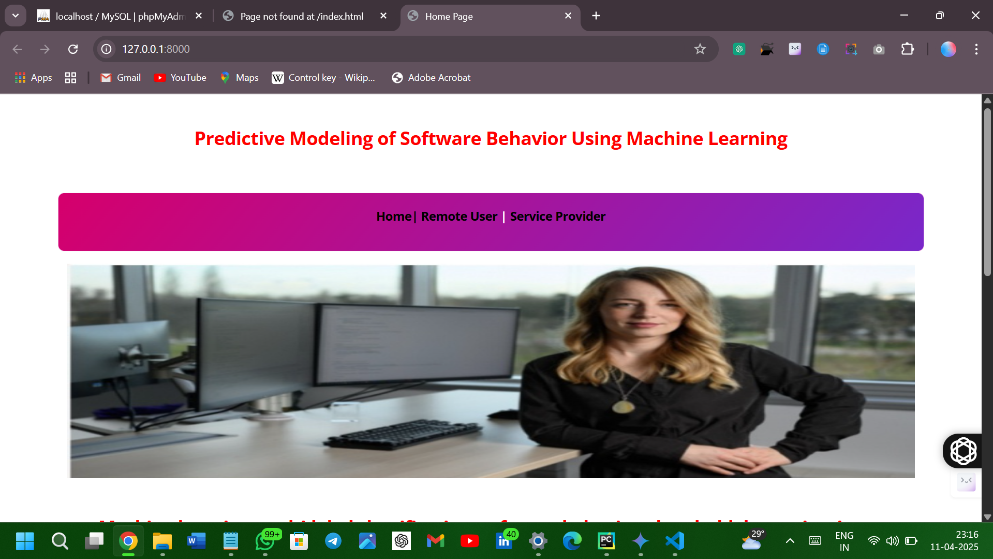 AI & Machine Learning
Software Behaviour Predictor
Software issue tracking systems collect large volumes of text-based bug reports and user complaints