AI-Powered Tender Intelligence System
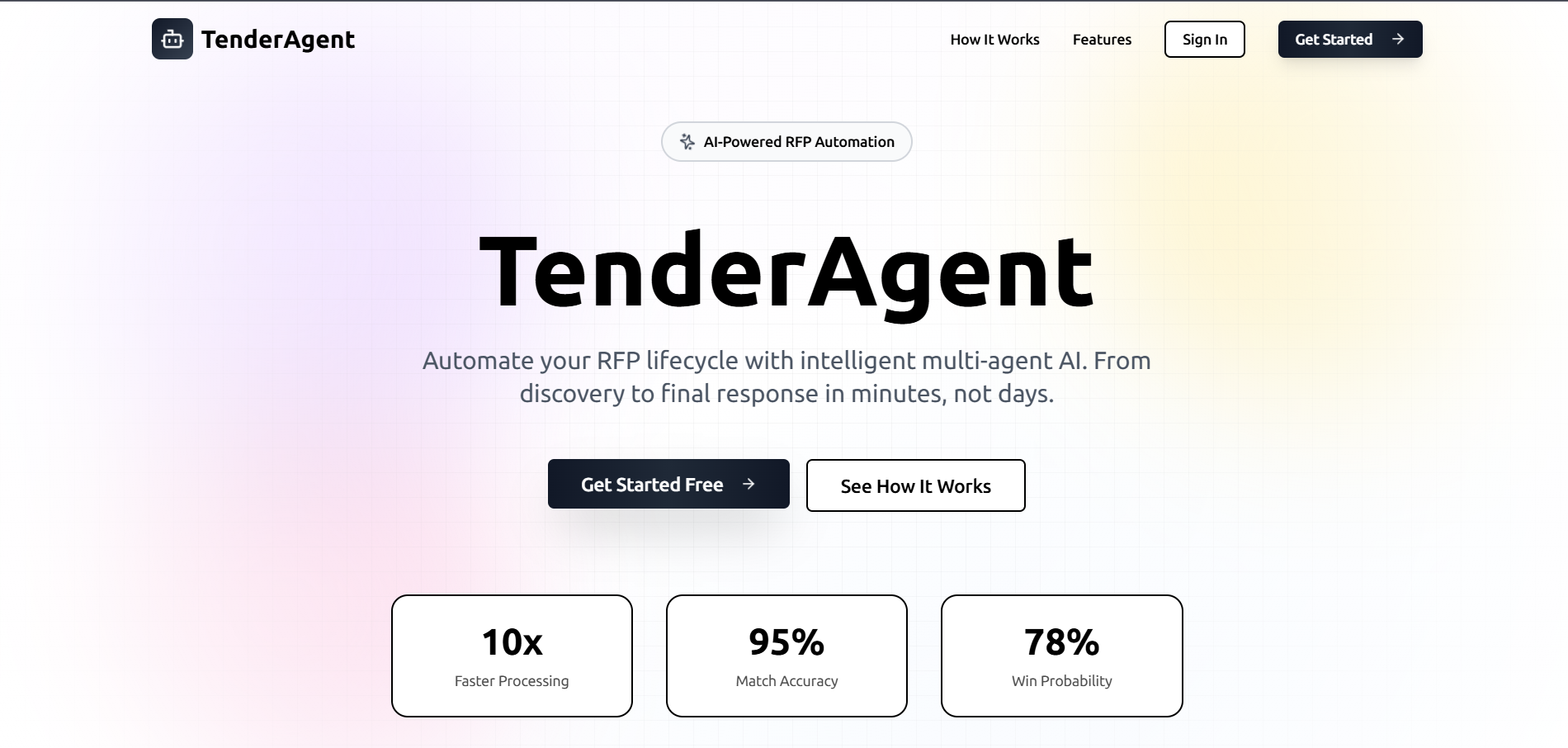
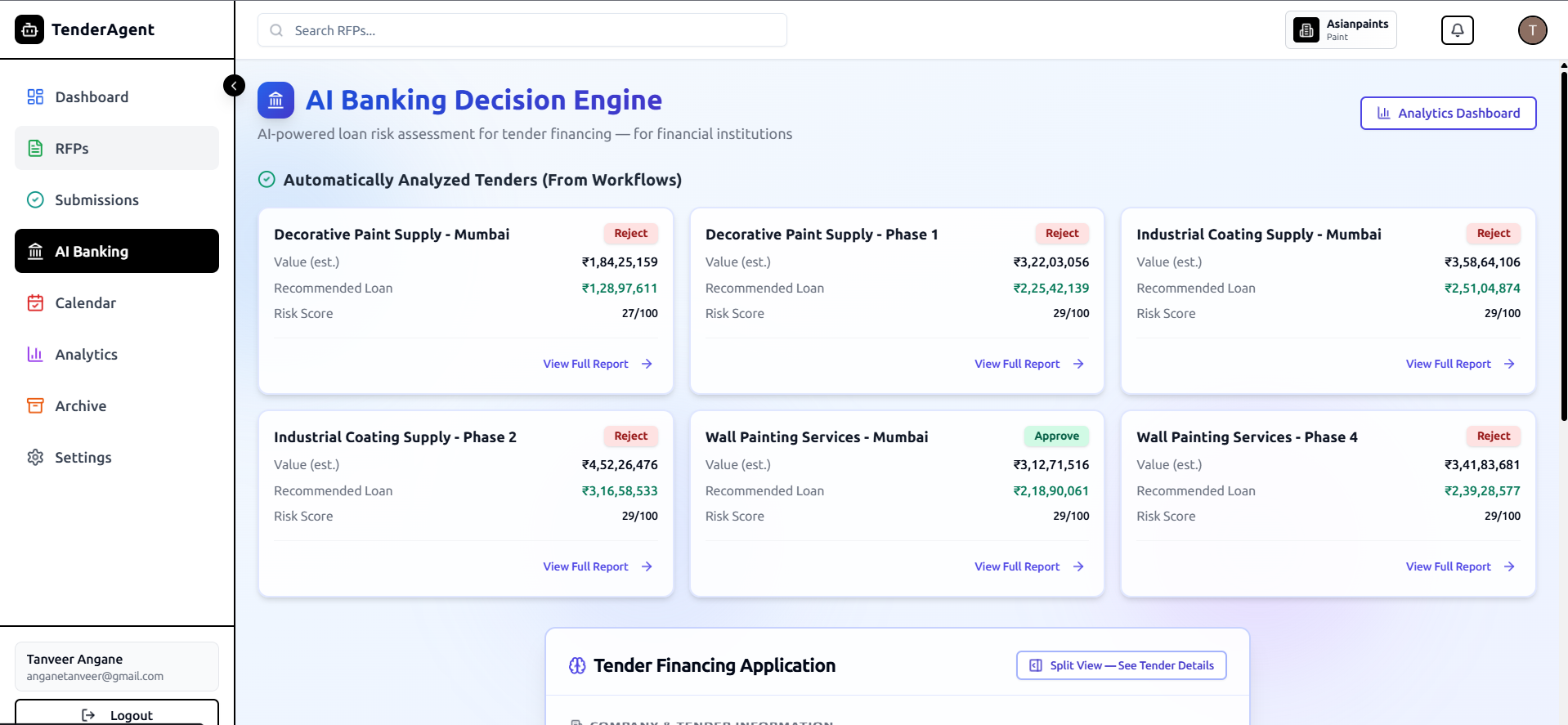
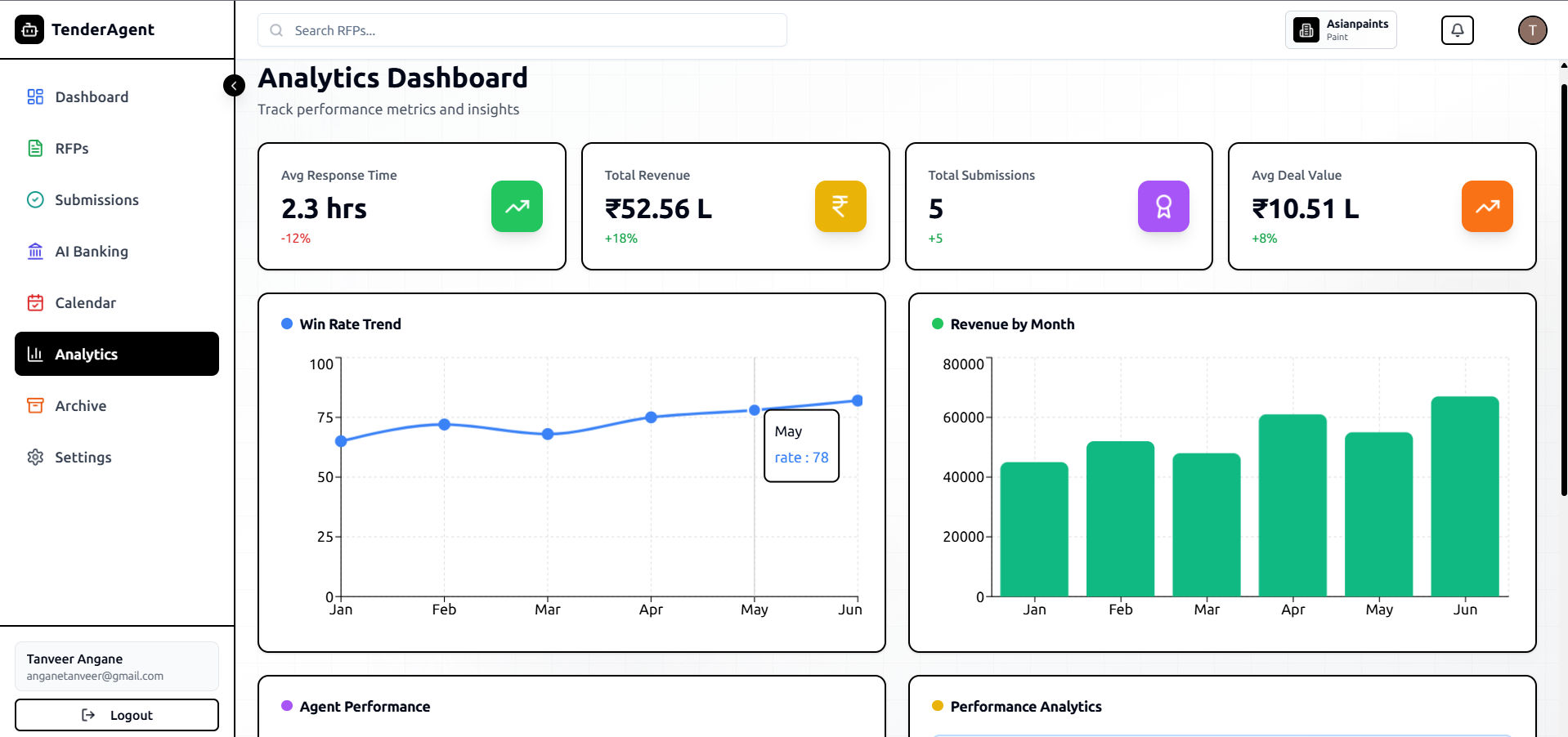
AI-powered tender intelligence platform that automates RFP analysis, bid matching, pricing insights, and proposal generation.
Preview Gallery
6 media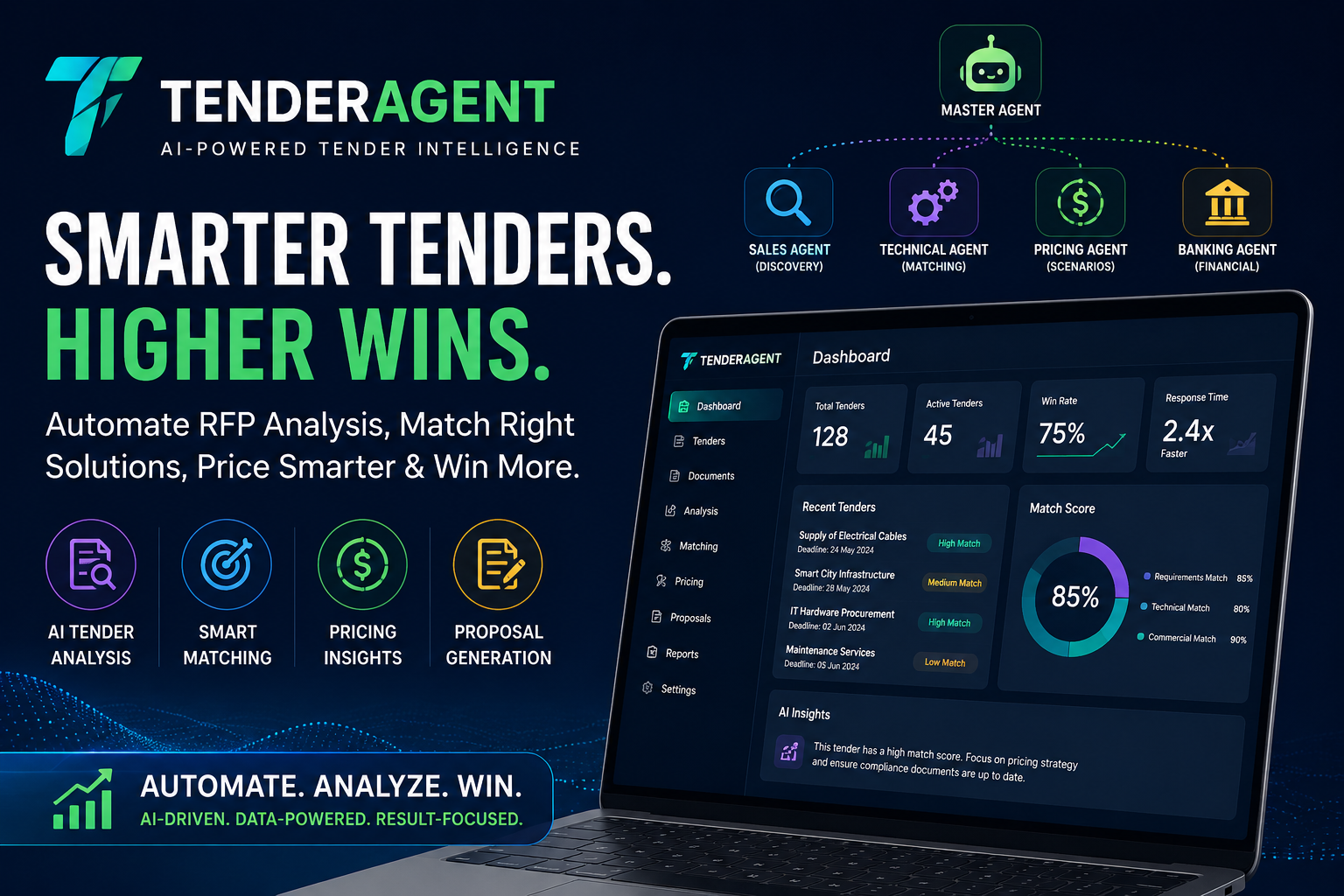
Technologies & Skills
Limited time offer
What's Included
Support & Customization
Resource Links
Purchase this project to unlock source and premium resources. Document/report remain secure preview-based on this page.
TenderAgent is an AI-powered Tender Intelligence System designed to simplify and automate the tender and Request for Proposal (RFP) lifecycle for businesses, procurement teams, and sales organizations. The platform reduces the time and effort required to review complex tender documents by using AI to analyze requirements, identify key eligibility criteria, extract technical specifications, and organize critical information into actionable insights.
The system works by processing uploaded tender documents through an AI-driven workflow. Specialized AI agents collaborate to interpret requirements, match products or services with tender specifications, recommend pricing strategies, identify potential risks, and assist in generating well-structured bid proposals. This intelligent workflow minimizes manual work, improves accuracy, and helps teams respond to tenders more efficiently and confidently.
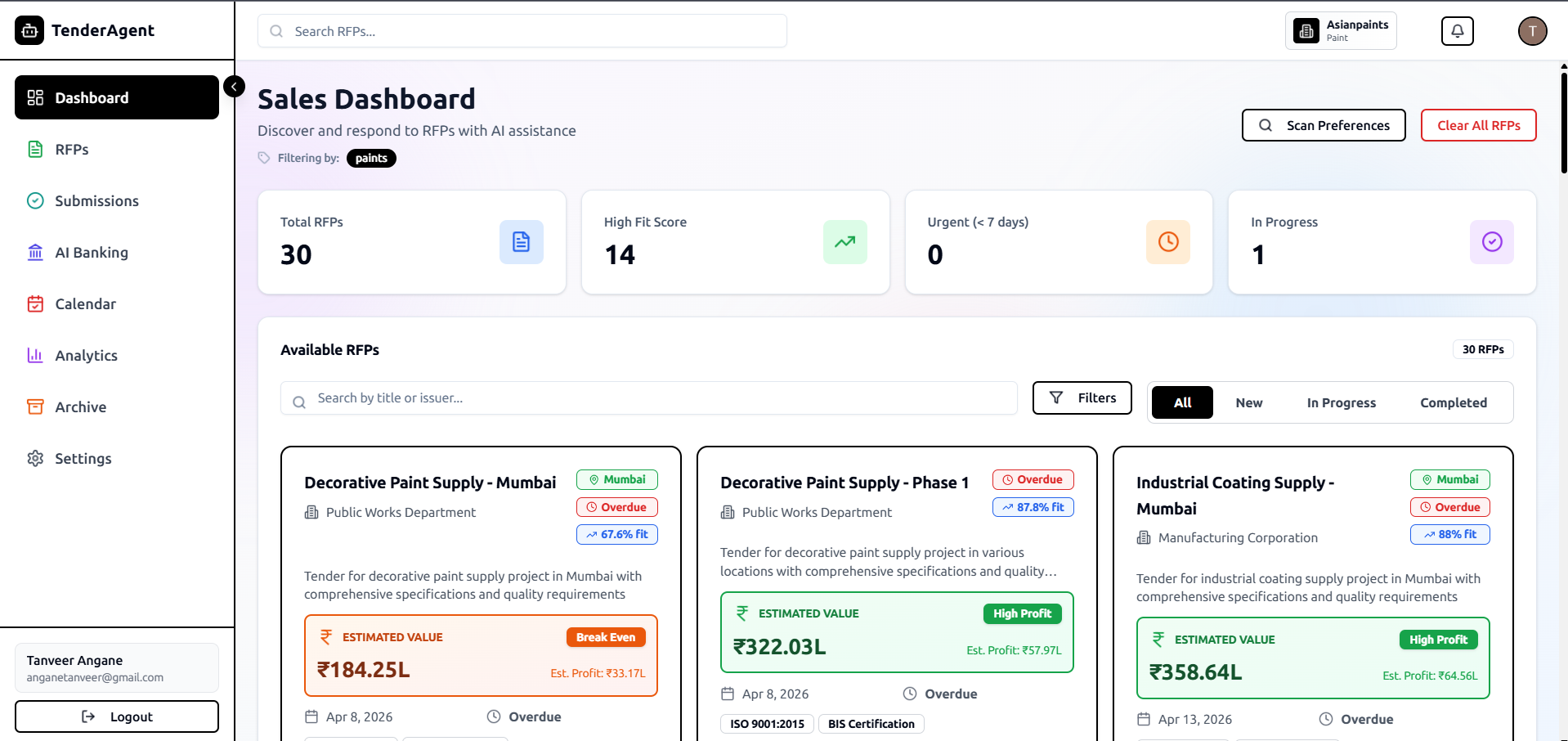
Built with TypeScript, React, Next.js, and Tailwind CSS, TenderAgent provides a fast, responsive, and user-friendly interface that enables users to manage tenders from a single platform. Whether reviewing new opportunities, comparing requirements, or preparing competitive proposals, the application streamlines every stage of the bidding process while supporting better decision-making through AI-powered insights.
TenderAgent is ideal for procurement professionals, sales teams, business development executives, government contractors, manufacturers, and enterprises that regularly participate in public or private tenders. By automating repetitive tasks and delivering intelligent recommendations, the platform helps organizations save time, reduce errors, improve bid quality, and increase their chances of winning contracts.
Future Enhancements
Known Issues
Installation
Installation Instructions
Prerequisites
Before getting started, ensure you have the following installed:
- Node.js (v18 or later)
- npm or Yarn
- Git
- A modern web browser (Chrome, Edge, Firefox)
Step 1: Clone the Repository
git clone https://github.com/Angane2004/TenderAgent.git
Step 2: Navigate to the Project Directory
cd TenderAgent
Step 3: Install Dependencies
Using npm:
npm install
Or using Yarn:
yarn install
Step 4: Configure Environment Variables
Create a .env.local file in the project root and add the required environment variables.
Example:
NEXT_PUBLIC_API_URL=your_api_url
NEXT_PUBLIC_AI_API_KEY=your_api_key
Replace the values with your own API URLs and keys if required.
Step 5: Start the Development Server
Using npm:
npm run dev
Or using Yarn:
yarn dev
Step 6: Open the Application
Open your browser and visit:
http://localhost:3000
The TenderAgent application should now be running locally.
Build for Production
npm run build
Start the Production Server
npm start
Project Structure
TenderAgent/
├── app/
├── components/
├── public/
├── styles/
├── utils/
├── hooks/
├── lib/
├── package.json
├── next.config.js
└── README.md
Troubleshooting
- Ensure Node.js v18+ is installed.
- Verify all dependencies are installed using
npm install. - Check that the
.env.localfile contains the required environment variables. - Restart the development server after making changes to environment variables.
- If you encounter dependency issues, remove
node_modulesand the lock file, then reinstall:
rm -rf node_modules package-lock.json
npm install
(On Windows PowerShell:)
Remove-Item -Recurse -Force node_modules
Remove-Item package-lock.json
npm install
Usage
Installation Instructions
Prerequisites
Ensure the following software is installed on your system:
- Node.js (v18 or later)
- npm (comes with Node.js)
- Git
- Visual Studio Code (recommended)
- Modern web browser (Chrome, Edge, Firefox)
Step 1: Clone the Repository
git clone https://github.com/Angane2004/TenderAgent.git
Step 2: Navigate to the Project Directory
cd TenderAgent
Step 3: Install Dependencies
npm install
Step 4: Configure Environment Variables (If Required)
Create a .env.local file in the project root and add your API keys or configuration values.
Example:
NEXT_PUBLIC_GEMINI_API_KEY=YOUR_API_KEY
NEXT_PUBLIC_APP_URL=http://localhost:3000
Replace the placeholder values with your actual credentials.
Step 5: Run the Development Server
npm run dev
Step 6: Access the Application
Open your browser and visit:
http://localhost:3000
The TenderAgent application will be available for local development.
Build for Production
npm run build
Start the Production Server
npm start
Recommended Project Structure
TenderAgent/
├── app/
├── components/
├── hooks/
├── lib/
├── public/
├── styles/
├── utils/
├── types/
├── package.json
├── next.config.js
├── tsconfig.json
├── tailwind.config.js
└── README.md
Troubleshooting
- Ensure Node.js version 18 or later is installed.
- Run
npm installif dependencies are missing. - Verify that all required environment variables are correctly configured.
- Restart the development server after modifying the
.env.localfile. - If build issues occur, delete the
node_modulesfolder and reinstall dependencies:
rm -rf node_modules package-lock.json
npm install
For Windows PowerShell:
Remove-Item -Recurse -Force node_modules
Remove-Item package-lock.json
npm install
System Requirements
System Requirements
Hardware Requirements
ComponentMinimum RequirementRecommendedProcessorIntel Core i3 / AMD Ryzen 3Intel Core i5 / AMD Ryzen 5 or higherRAM4 GB8 GB or moreStorage500 MB free disk space2 GB free disk spaceGraphicsIntegrated GraphicsDedicated GPU (Optional)InternetBroadband connectionHigh-speed broadbandSoftware Requirements
SoftwareVersionOperating SystemWindows 10/11, macOS, or LinuxNode.jsv18 or laternpmv9 or laterGitLatest VersionVisual Studio CodeLatest Version (Recommended)Web BrowserGoogle Chrome, Microsoft Edge, Mozilla FirefoxDevelopment Environment
- Frontend: Next.js, React.js, TypeScript, Tailwind CSS
- Package Manager: npm
- Version Control: Git & GitHub
- Deployment Platform: Netlify
- AI Integration: Large Language Model (LLM) APIs
- Code Editor: Visual Studio Code
Browser Compatibility
The application is fully compatible with:
- Google Chrome (Latest)
- Microsoft Edge (Latest)
- Mozilla Firefox (Latest)
- Safari (Latest)
Recommended Screen Resolution
- Desktop: 1920 × 1080 (Full HD)
- Laptop: 1366 × 768 or higher
- Tablet: 768 × 1024
- Mobile: 360 × 800 or higher
Network Requirements
- Stable internet connection for AI-powered features and API communication.
- Minimum speed: 5 Mbps
- Recommended speed: 20 Mbps or higher
Deployment Requirements
To deploy the project, ensure you have:
- Node.js v18+
- Git installed
- A GitHub account
- A Netlify account (or another compatible hosting platform)
- Required environment variables configured (API keys, application URL, etc.)
Slides Open in New Tab
For better readability, slides are opened directly. Documents remain preview-only with secure backend rendering.
Showing preview pages only. Purchase for full access to all pages and complete source package.
Login for Full AccessNo Q&A available yet
Be the first to ask a question!
Ask a Question
Customer Reviews
Write Your Review
No reviews yet
Be the first to review this project!
Similar Projects
You might also be interested in these projects
 Free Projects
Full stack stranger things
A Stranger Things-inspired movie website featuring responsive design, search functionality, and an attractive user interface